
CANON EF-S 55-250mm Lens Cap Repair
Print Profile(1)
Description
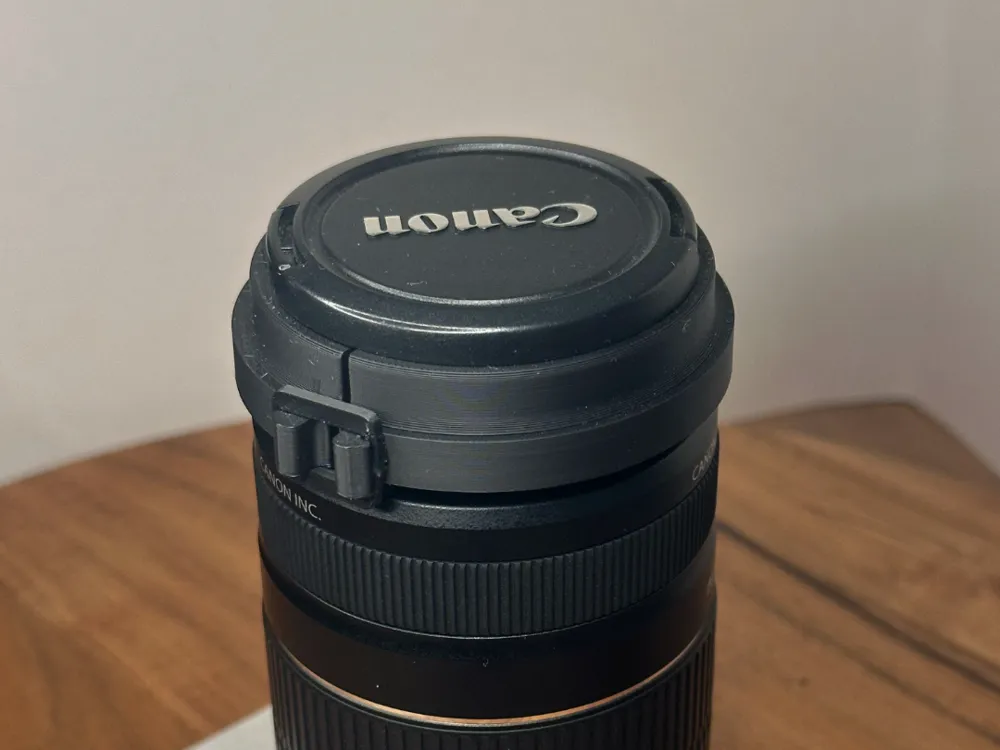
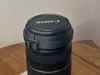
The mount for my CANON EF-S 55-250mm lens cap broke and the cap could no longer snap into place.

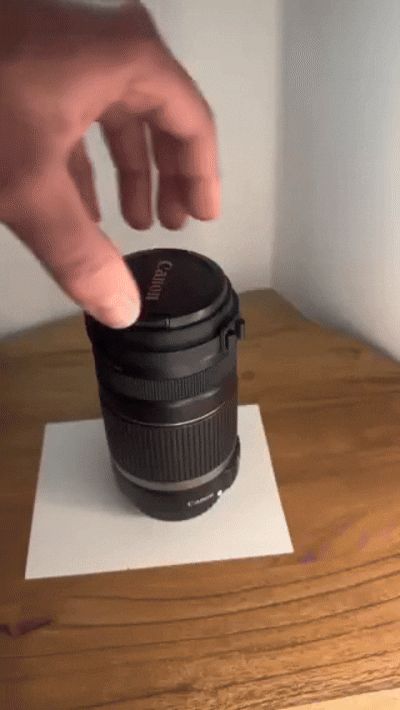
Therefore, I created this simple file that allows the cap to be placed back on the lens.
First, connect the two half-rings with one of the tabs that you place over the hooks. Then place them with the recess onto the protruding ring of the lens.
Connect the other two hooks with another tab.
Attention: If you have to apply too much force when connecting the second tab, cut it on one of the short sides, this makes it easier to pull over and the connection remains stable.
License

You shall not share, sub-license, sell, rent, host, transfer, or distribute in any way the digital or 3D printed versions of this object, nor any other derivative work of this object in its digital or physical format (including - but not limited to - remixes of this object, and hosting on other digital platforms). The objects may not be used without permission in any way whatsoever in which you charge money, or collect fees.


Comment & Rating (0)