Search models, users, collections, and posts

Customizable Parameterized TPU Gaskets / O-rings
IP Report
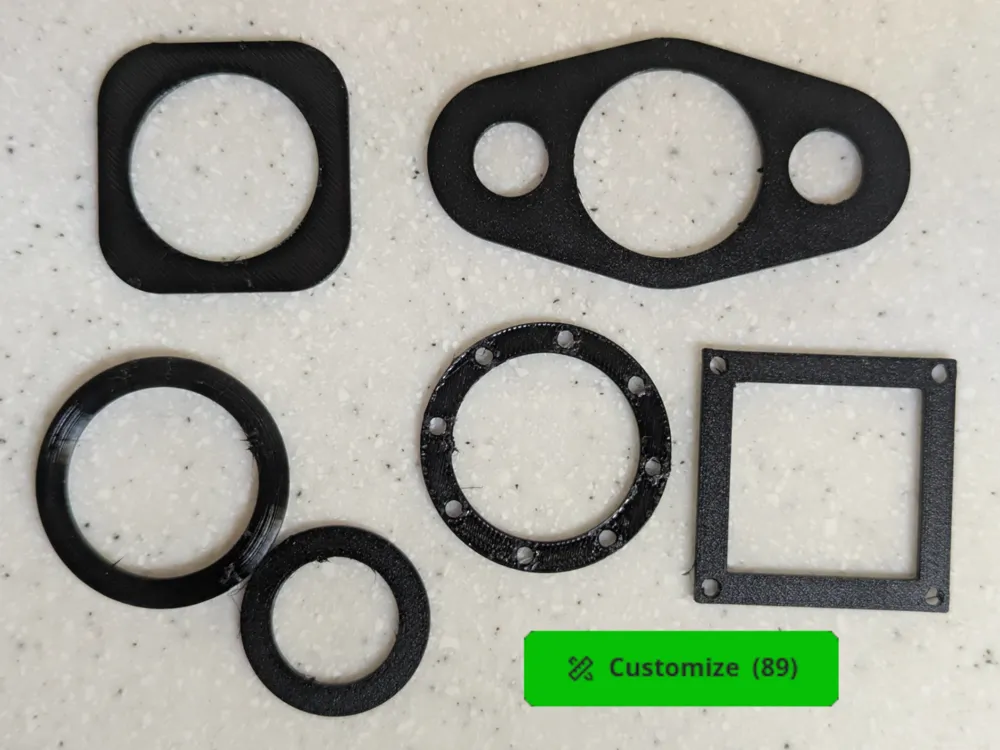
This model is created by Parametric Model Maker
Make Your Model
Print Profile(1)
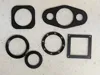
Highly Optimized TPU Profile with sample gasket
Designer
27 min
1 plate
Open in Bambu Studio
Boost
472
1782
2
9
300
126
Released
Bill of Materials
Bambu Filaments
Select all




Description
Boost Me (for free)
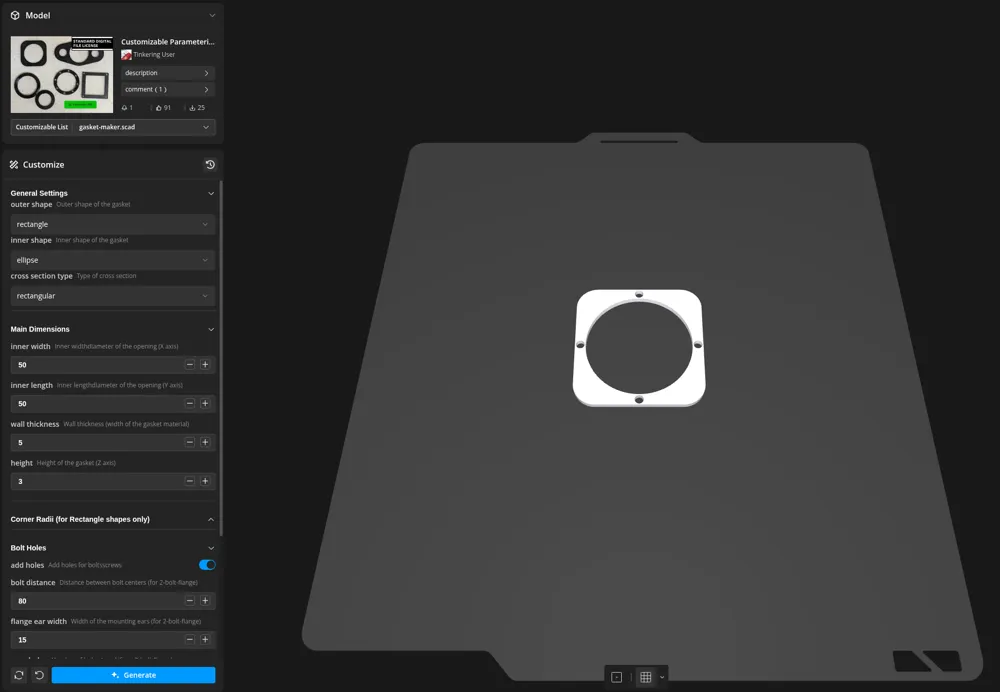
Press the Customize button to customize!
A fully parameterized OpenSCAD script to create custom gaskets for any application. Whether you need a simple O-ring, a rectangular seal for an enclosure, or a heavy-duty 2-bolt flange gasket for automotive/plumbing use, this tool handles it all.
🌟 Key Features
- Mixed Geometry Support: Mix and match inner and outer shapes! Want a rectangular outer frame with an elliptical/round inner opening? Just select them in the customizer.
- 3 Shape Modes:
- Rectangle: With independent inner and outer corner radii control.
- Ellipse/Round: Perfect for O-rings and circular seals.
- 2-Bolt Flange: Specialized mounting ears common in mechanical and automotive gaskets.
- Adjustable Cross-Sections:
- Rectangular: Standard flat gasket style.
- Round: O-ring style (circular cross-section).
- Intelligent Bolt Holes:
- Automatically distributes holes along the gasket path.
- Dedicated alignment for the 2-bolt flange mode.
- Adjustable hole diameter, count, rotation, and radial offset.
- Customizer Ready: No coding required. Use the OpenSCAD Customizer panel to dial in your exact dimensions.
🛠 How to Use
- Open the MakerWorld Customizer.
- Set your Outer and Inner shapes.
- Input your Inner Width and Inner Length (set them equal for perfectly circular openings).
- Adjust Wall Thickness and Height.
- (Optional) Enable Bolt Holes and configure their size and position.
- Export as STL.
- Download the optimized print profile from this page, delete the sample models off the plate, and import your STL into it.
🖨 Printing Tips
- Material: For functional gaskets, TPU (95A or softer) is highly recommended to ensure a proper seal.
- Walls/Infill: Use 100% infill or enough wall loops to make the gasket solid for maximum pressure resistance.
- Bed Adhesion: TPU sticks very well to PEI. Ensure your bed is level for a consistent first layer, as gaskets are often quite thin.
📐 Example Configurations
- Standard O-ring: Outer=Ellipse, Inner=Ellipse, Cross-Section=Round.
- Enclosure Seal: Outer=Rectangle, Inner=Rectangle, Cross-Section=Rectangular.
- Thermostat/Flange Gasket: Outer=2-bolt-flange, Inner=Ellipse, Add Holes=True.
License

This user content is licensed under a Standard Digital File License.
You shall not share, sub-license, sell, rent, host, transfer, or distribute in any way the digital or 3D printed versions of this object, nor any other derivative work of this object in its digital or physical format (including - but not limited to - remixes of this object, and hosting on other digital platforms). The objects may not be used without permission in any way whatsoever in which you charge money, or collect fees.


Comment & Rating (2)