
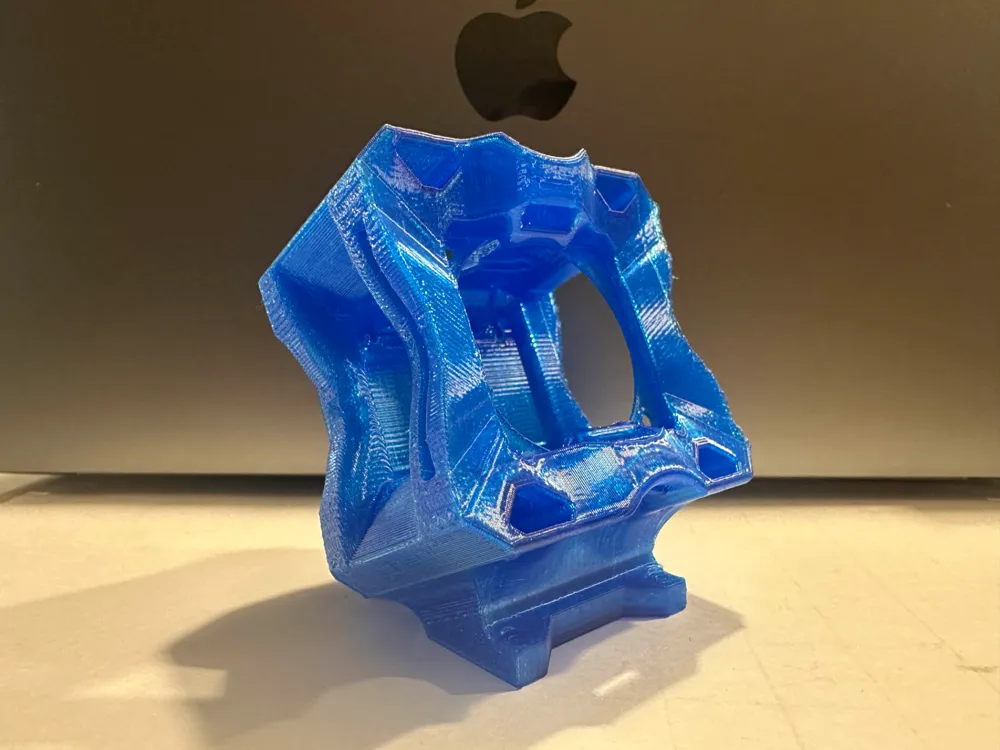
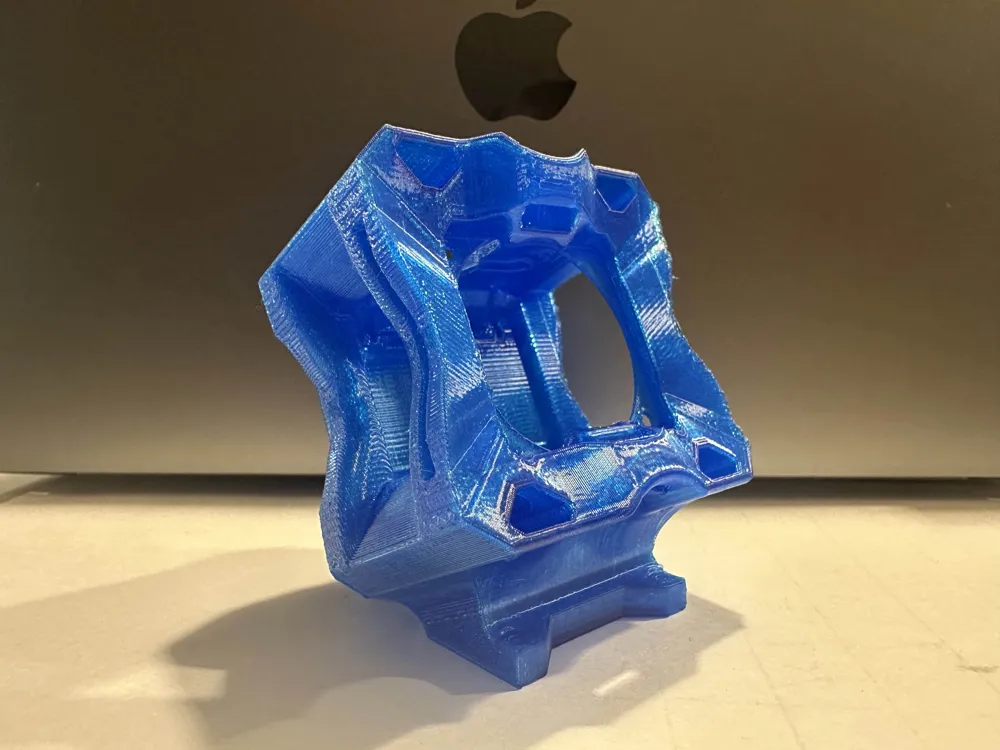
Omerta 5 Action 2 Mount
Print Profile(4)
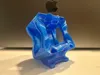
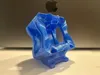
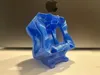
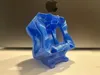
Description
PLEASE SEND PICTURES!!!
MakerWorld wants REAL model pictures and there is no way I can print 20+ different mounts… I release these for free and even include the raw .step file so please do me a small favor and take a good picture after you print it and post in the comments!
Designed by ScreaminFPV
After pushing the DJI Action 2 through countless freestyle sessions, I realized one thing: the mounts out there just weren’t cutting it. Some had great ideas, others fell short but none gave me everything I needed in a single, "bombproof" design. So I decided to build my own.
Countless prototypes later tuning airflow, dialing in the FOV for both 4:3 and 16:9 Ultra Wide… I ended up with something I’m proud to call mine: a mount that doesn’t just hold the Action 2, but protects it, keeps it secure and cools it.
This is the Diamond Mount. A form-fitted fusion of function and durability, built to send it hard and survive.
The Diamond Mount wasn’t rushed it was chipped, carved, and refined until it was the way I wanted it.
Give it a go. Your Action 2 will thank you for it.
===================================================
TBS/Camera Butter ND Filter REQUIRED
If you do not use an ND filter, the camera mount will be in view in the corners, top & bottom of the recording, the mount is designed this way to protect the ND Filter as much as physically possible. Please see examples below:
4:3 w/ ND Filter 4:3 w/ out ND Filter
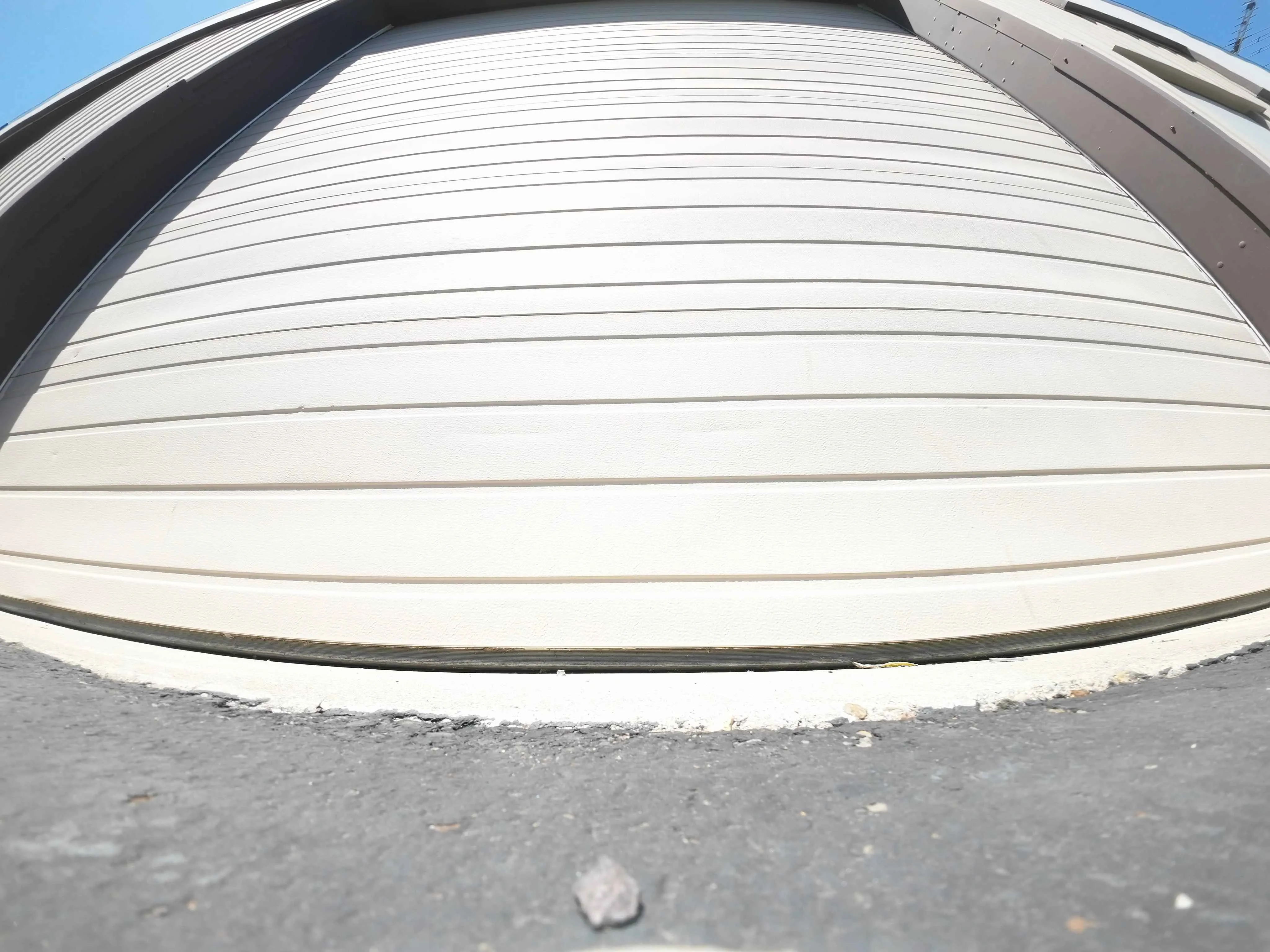 | 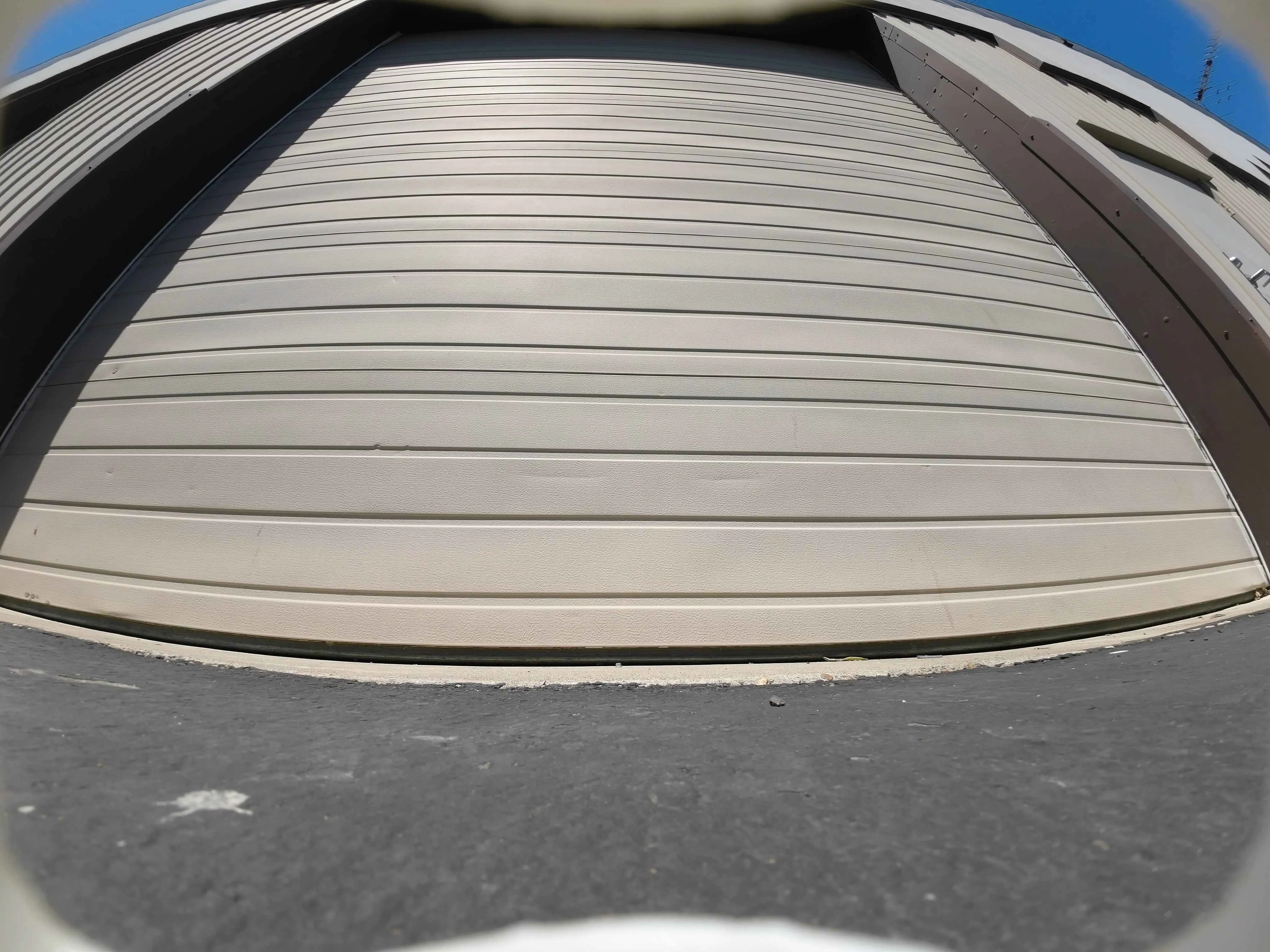 |
16:9 w/ ND Filter 16:9 w/ out ND Filter
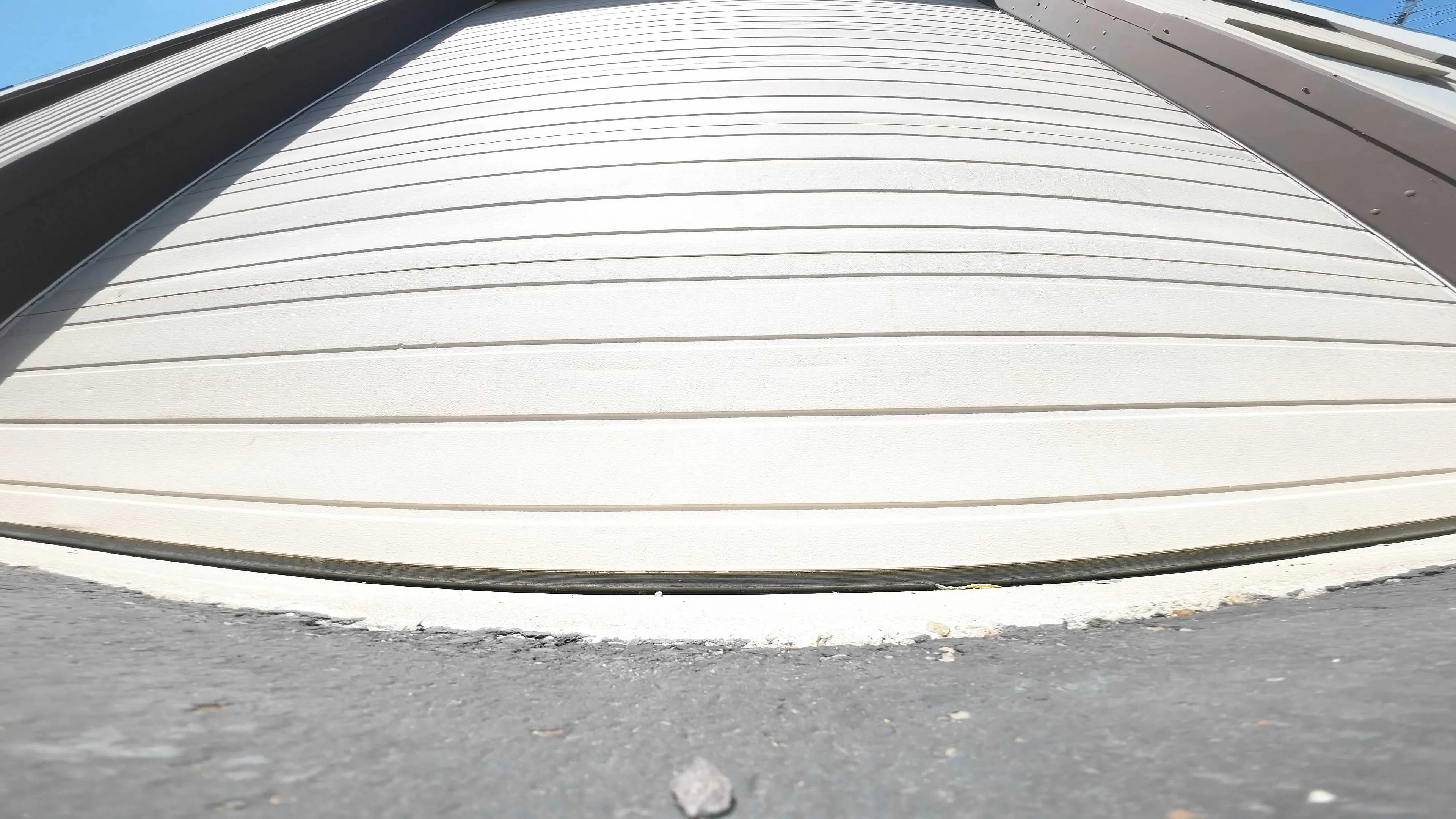 | 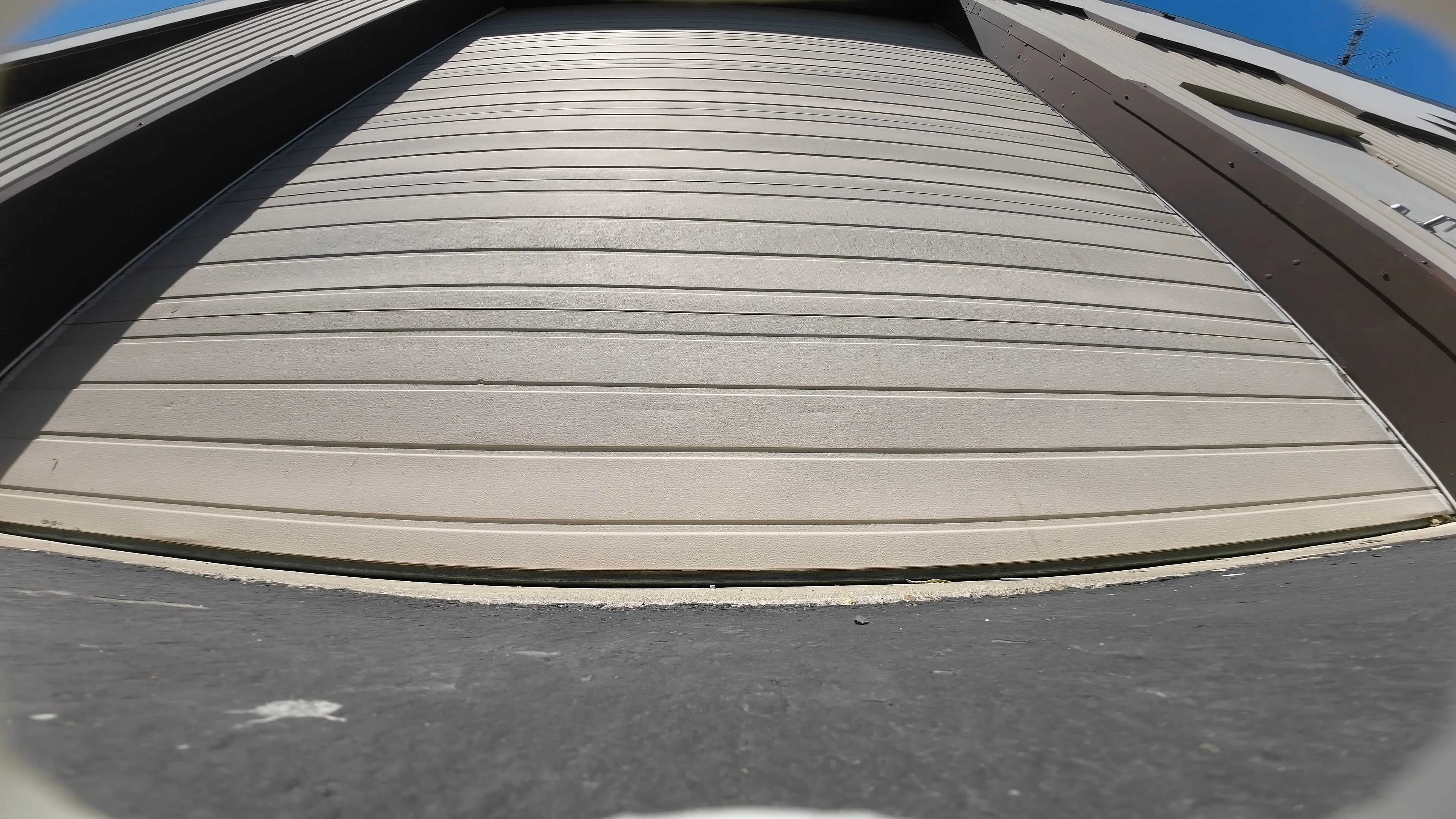 |
Key Features
ND Filter Slot
Compatible with TBS & Camera Butter filters, held securely and protected with a face airbag.
Airflow Chambers & Intakes
Designed to channel cooling air around the camera, no more shutting off mid-pack.
Recessed Screen Pocket
Adds breathing room behind the rear screen for air to flow through while helping prevent pressure damage on hard crashes.
Diamond-Cut Airbags
Four iconic corner buffers shaped like a cut diamond absorbing impact from all sides.
ND Filter Airbag Zone
Extra shielding around the ND filter area to help prevent shattering on those dives/smacks into concrete.
Rear Battery/Screen Cushioning
A dedicated rear air pocket absorbs direct impact and spreads force away from the back screen and battery, along with the iconic Diamond shape.
===================================================
Printing requirements/recommendations:
PRINT ON THE SIDE THAT THE CAMERA INSERTS INTO.
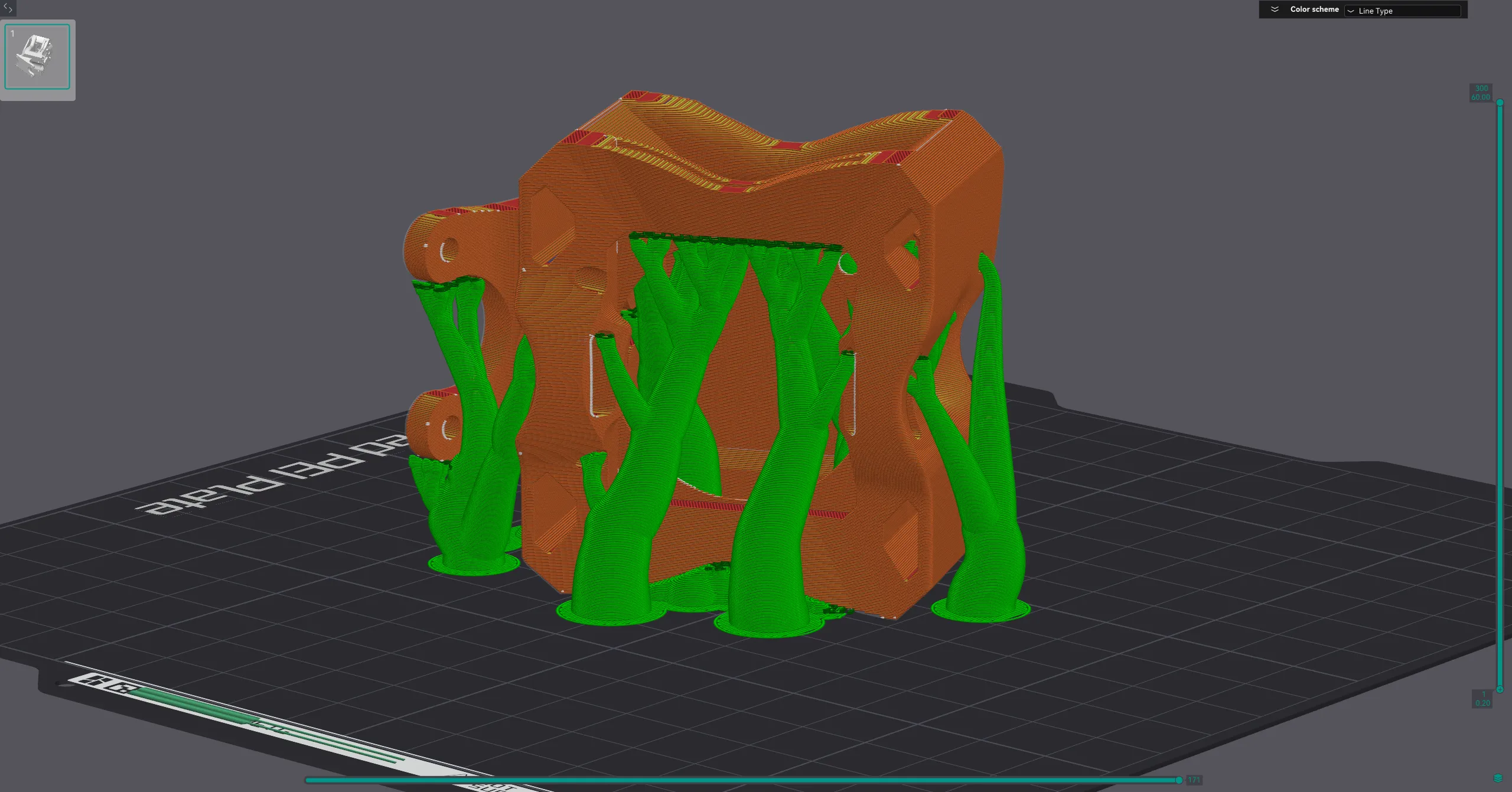
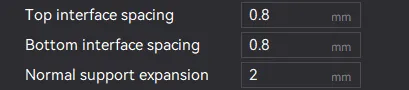
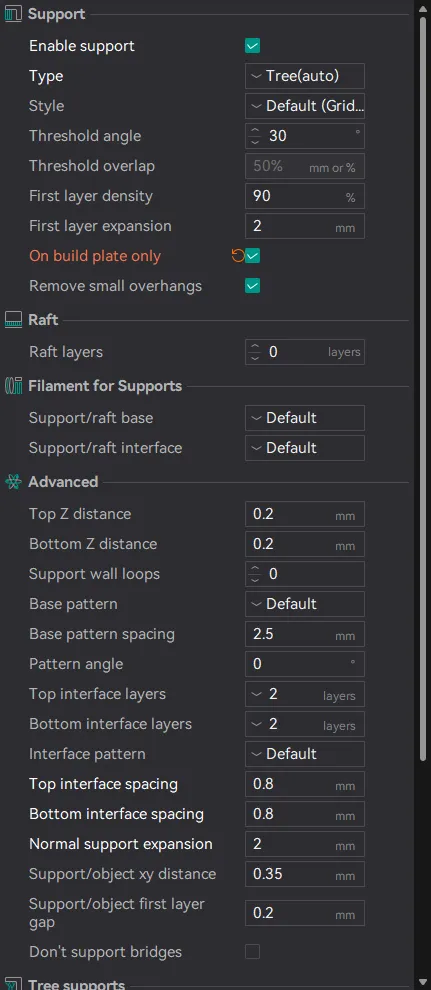
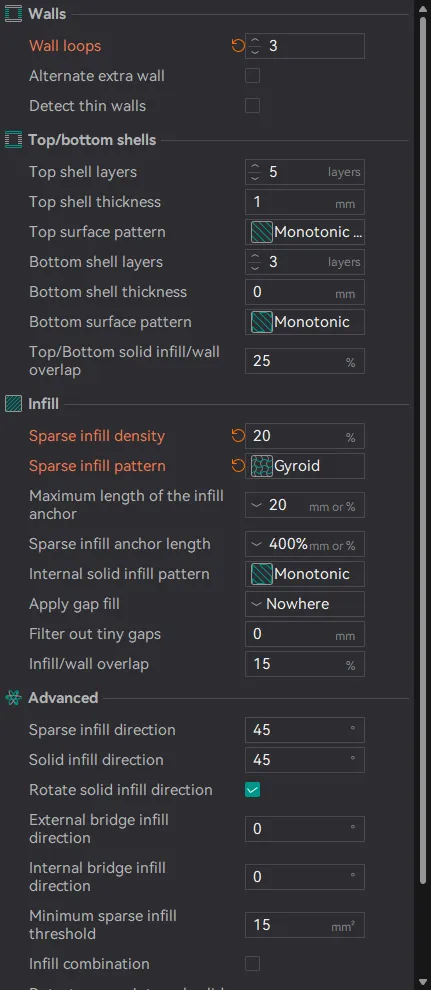
I strictly use Sainsmart TPU, I use the default 0.20MM Standard preset, infill will vary but I use 10-30% depending on the color of TPU as transparent tends to be harder than solid color. I did make two minor support setting changes as seen here:
 |  |
License



Comment & Rating (0)