
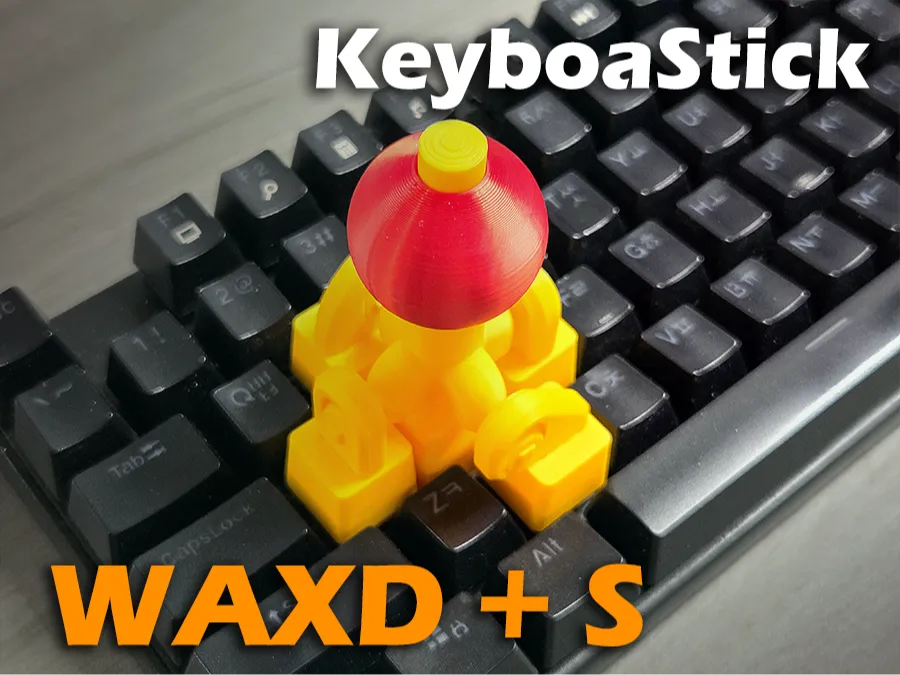
KeyboaStick WAXD+S (Joystick Keycap for WAXD+S)
Print Profile(3)
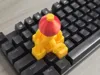
Description

Congratulations on finally discovering FunOrNothing :)
⌨️KeyboaStick Series🕹️
KeyboaStick is a new name for a joystick that can be easily attached to a keyboard.
Clicking on a character inside the table opens the page of the corresponding design.
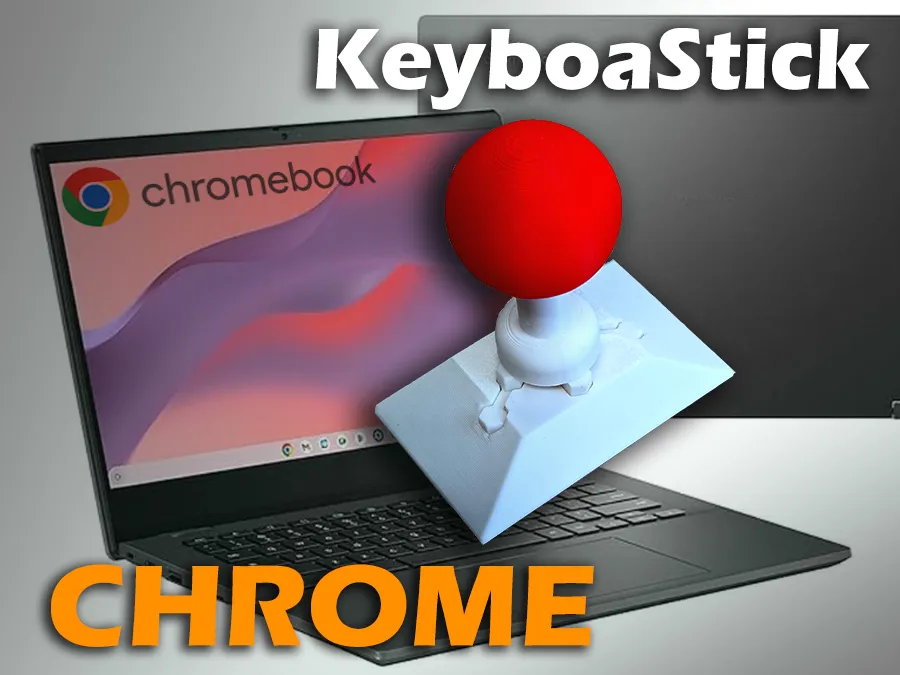
KeyboaStick Chrome is ready

KeybouStick Button is ready
⌨️🕹️KeyboaStick WAXD+S
Full functional Joystick Keycap : 4-Way Mechanical Keyboard Controller using Number pad.
After releasing the KeyboardStick NUM model, someone requested a model with the same concept using WAXD. Honestly, I don't think WAXD is used very often these days, but I thought it was worth creating if it would be of great value to someone.
Almost Real Joystick
This model has several advantages compared to WASD, which is mounted in nearly the same position. It offers a control feel much closer to a real joystick and provides additional buttons.
If you find the WASD position comfortable but prefer better control and additional buttons, this model will be very useful.
Do you have a Hall effect keyboard?
If you use a keyboard with Hall effect switches, it can be fully utilized for flight simulations and other purposes, just like other analog joysticks.
Key Features
- 4-Way Integrated Control: Navigate Up, Down, Left, and Right with a simple tilt of the knob.
- Additional Button : You can press the S key in the center using the button on the lever.
- Intuitive UX: Easy to install on standard WAXD key clusters for immediate use.
- Precision Engineering: Optimized pivot structure ensures accurate inputs without key interference.
Printing & Assembly Tips
- Recommended Filament: PLA or PETG. (I used PLA)
- No Hardware: You can make it without any Hardwares.
- No Support
The list below shows places where you can enjoy games for free using this model.
For someone with disability.
Someone who saw this model told me that it could also be helpful to people with disabilities. If my design helps those with physical limitations, it would be truly rewarding. :)
Please Read before printing.
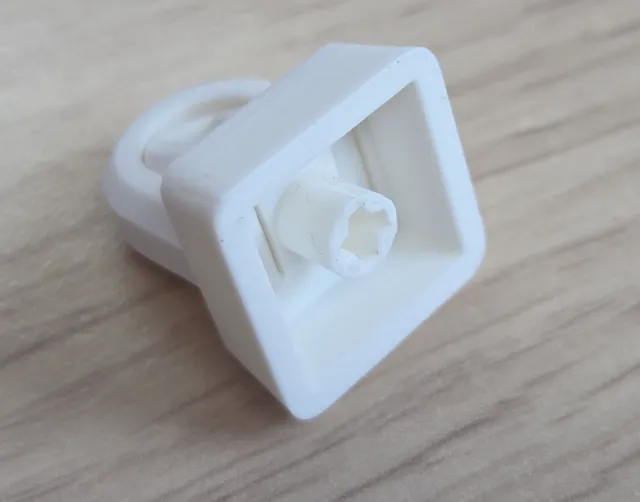
- This design is compatible with standard mechanical keycaps. It is not compatible with membrane rubber dome types. It can be installed on few membrane keyboards that follow the standard mechanical keycap design.
- This model is inserted using a standard keycap method, so it may detach from the keyboard if handled roughly. This design is not intended to completely replace a joystick; it is intended for simple attachment to the keyboard for use by people who don't have joystick or in locations where a joystick is unavailable.
General Licensing Statement
This model is copyrighted and its commercial use is strictly prohibited.
This falls under the Non-Commercial (NC) condition of the Creative Commons license.
If you would like to sell printed materials of this design, please sign up for a membership. Please do not become a thief.
Assemble Guide
Bond the joints to the floor plate. Be sure to use adhesive.
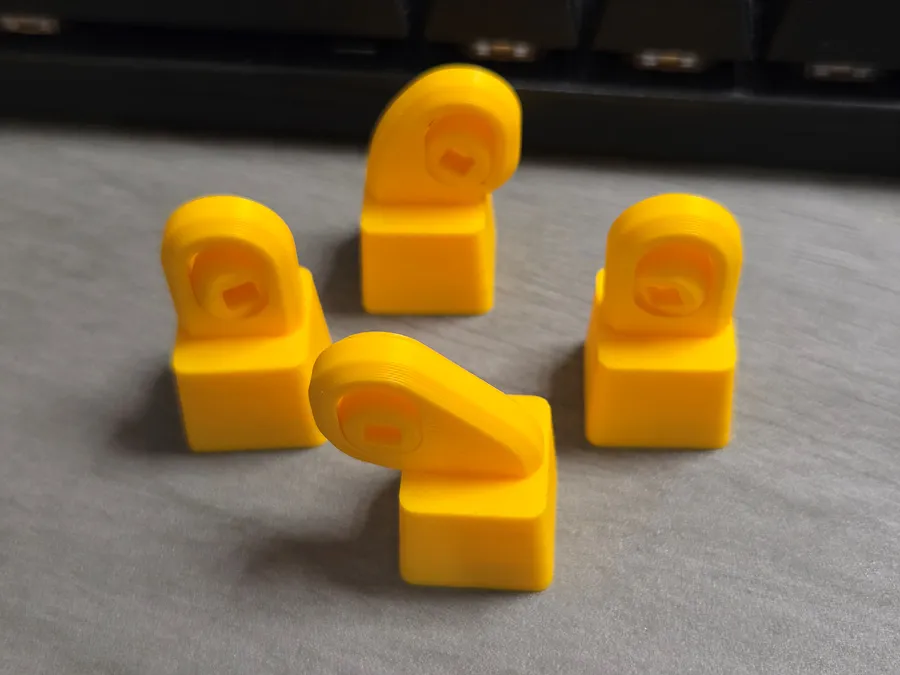
Combine the lever and the joint. Do not use adhesive.
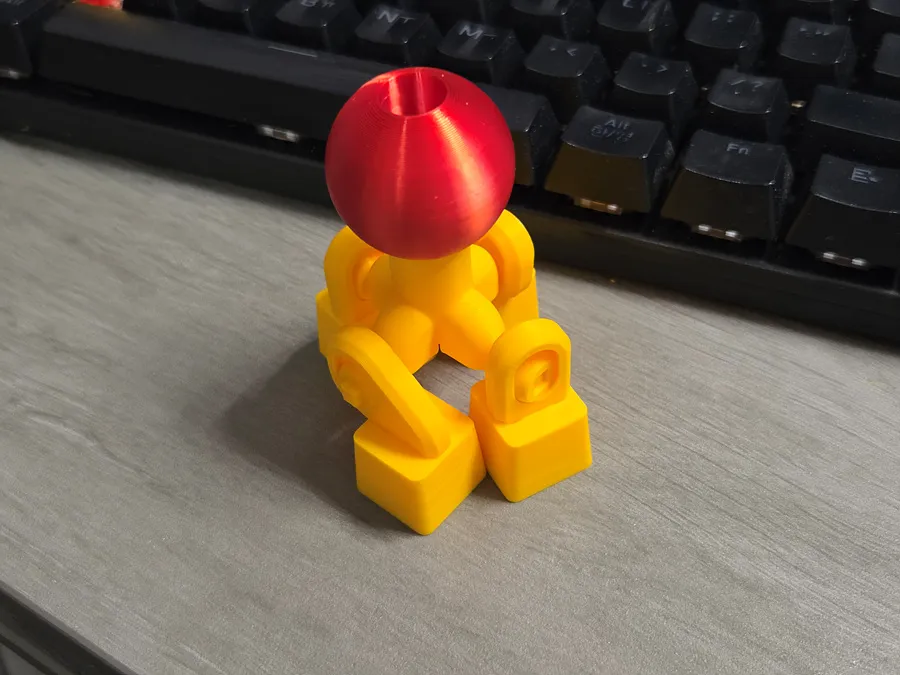
Insert the connecting post into the center switch (S key).
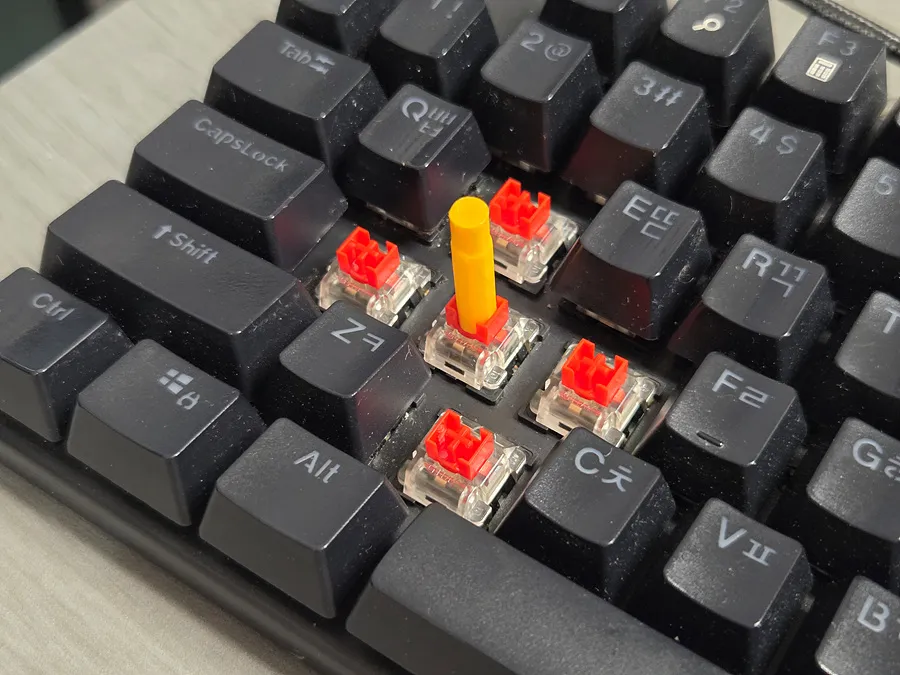
Insert the core support.
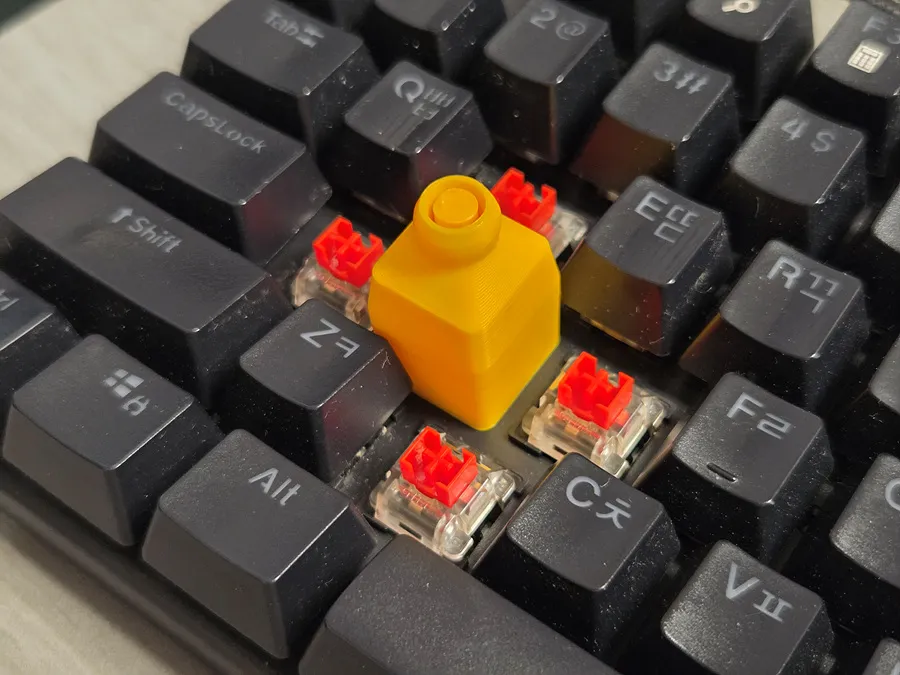
Insert the lever assembly assembled above into the correct position. Ensure that each switch connects properly.
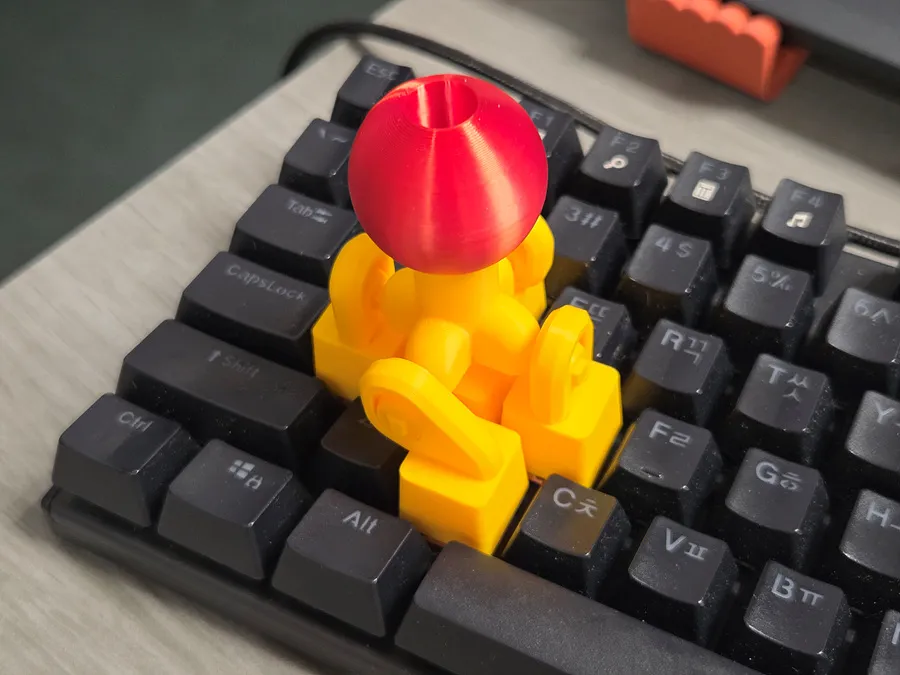
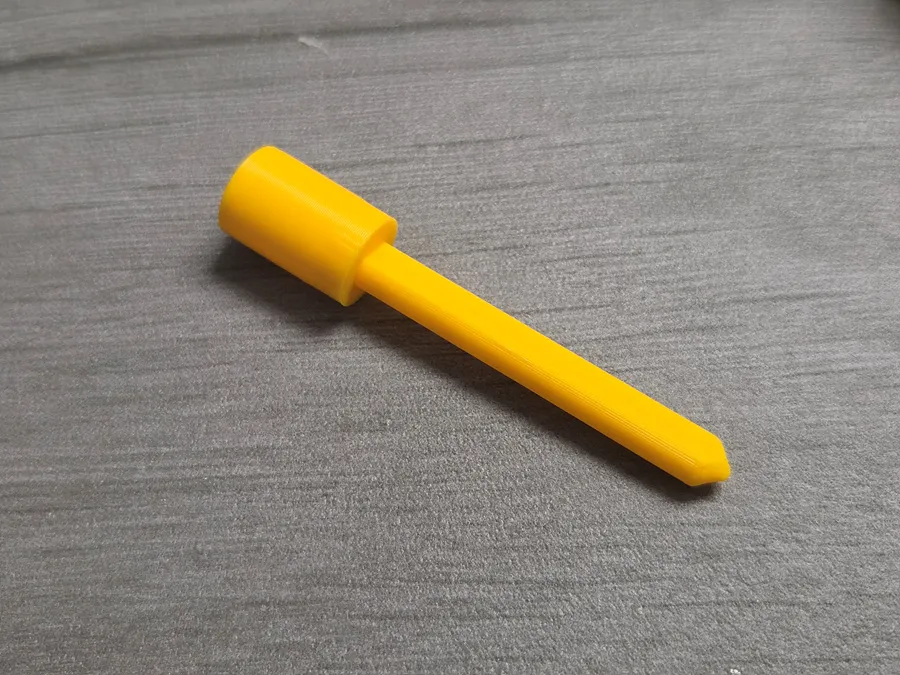
Connect two parts to make a button.
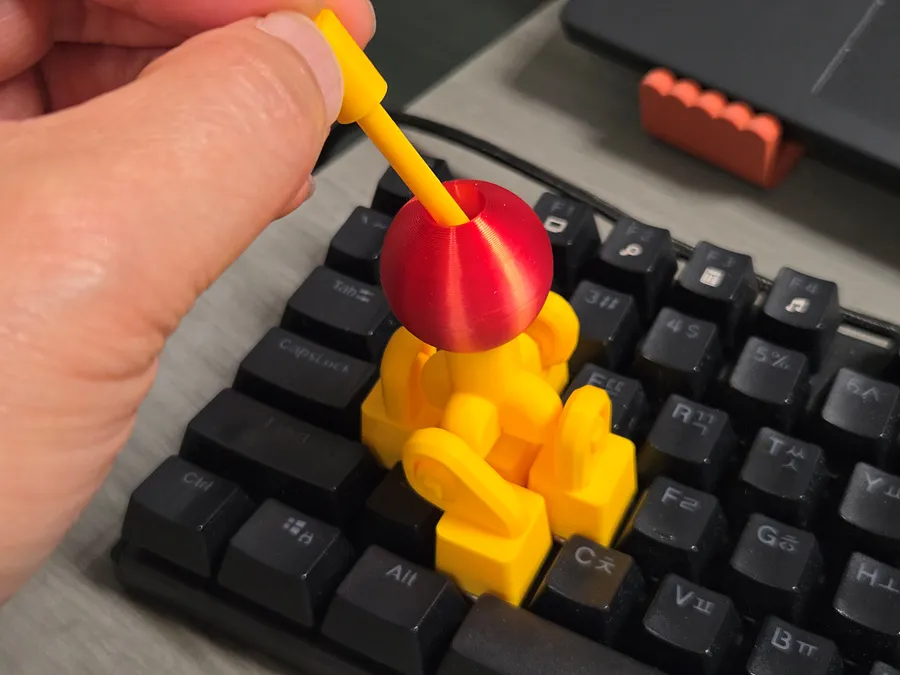
Insert the button at the top of the lever.
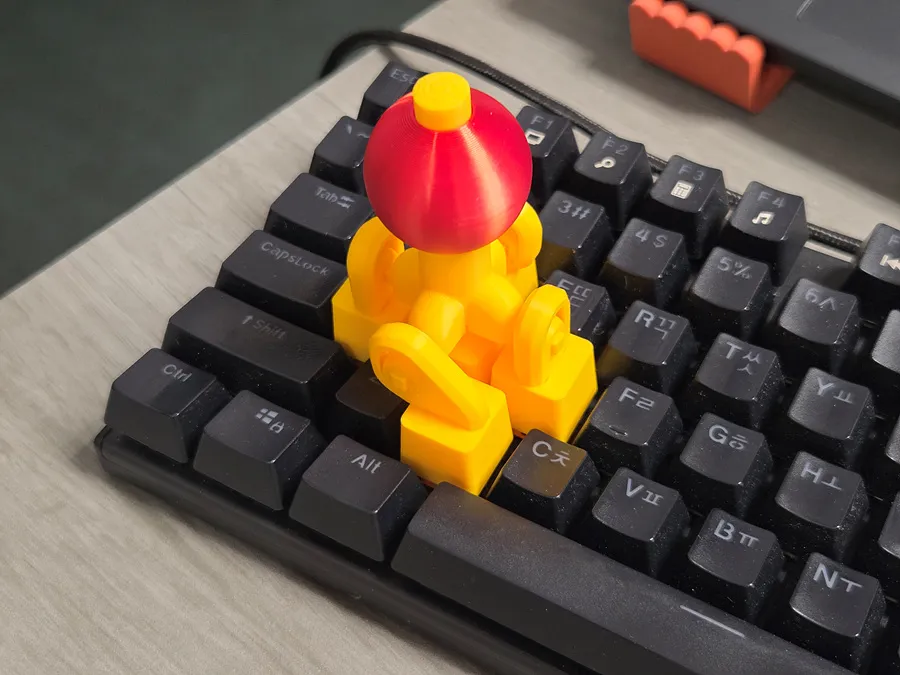
Congratulations. You now have the perfect joystick.
🛠️ For a Perfect Fit: Troubleshooting Guide
The KeyboaStick series is designed to fit standard MX-style switches perfectly. However, depending on your printer’s calibration or filament shrinkage, the fit may occasionally feel loose.
If you experience a loose connection, please try the following simple solutions:
1. Slicer Adjustment (Recommended)
You don't need to change your entire profile. Just adjust this single setting to tighten the fit:
- Setting: Hole Horizontal Expansion (in the Precision/Quality tab)
- Value: Input -0.05mm or -0.1mm
- Effect: This slightly shrinks the inner dimensions of the cross-stem hole, ensuring a tighter grip on the switch.
2. Fine-tune Flow Rate
Increasing the flow rate slightly can help bridge the gap:
- Adjustment: Increase your Flow Rate (Extrusion Multiplier) by 1–2% (e.g., from 0.98 to 1.0).
- Effect: This thickens the walls of the stem mount, making the connection more secure.
3. Quick Physical Fix (No Re-print Required)
If you've already printed the model and it feels a bit loose:
- The Plastic Wrap Trick: Place a tiny piece of thin plastic wrap (clinging film) or a small scrap of paper over the switch stem before pressing the KeyboaStick on. This instantly eliminates any wobble.
- Coating: Apply a tiny drop of superglue inside the cross-hole of the KeyboaStick. Let it dry completely before mounting it to create a thin, grippy internal layer. (Warning: Do not mount while wet!)
_______________
You may also like…
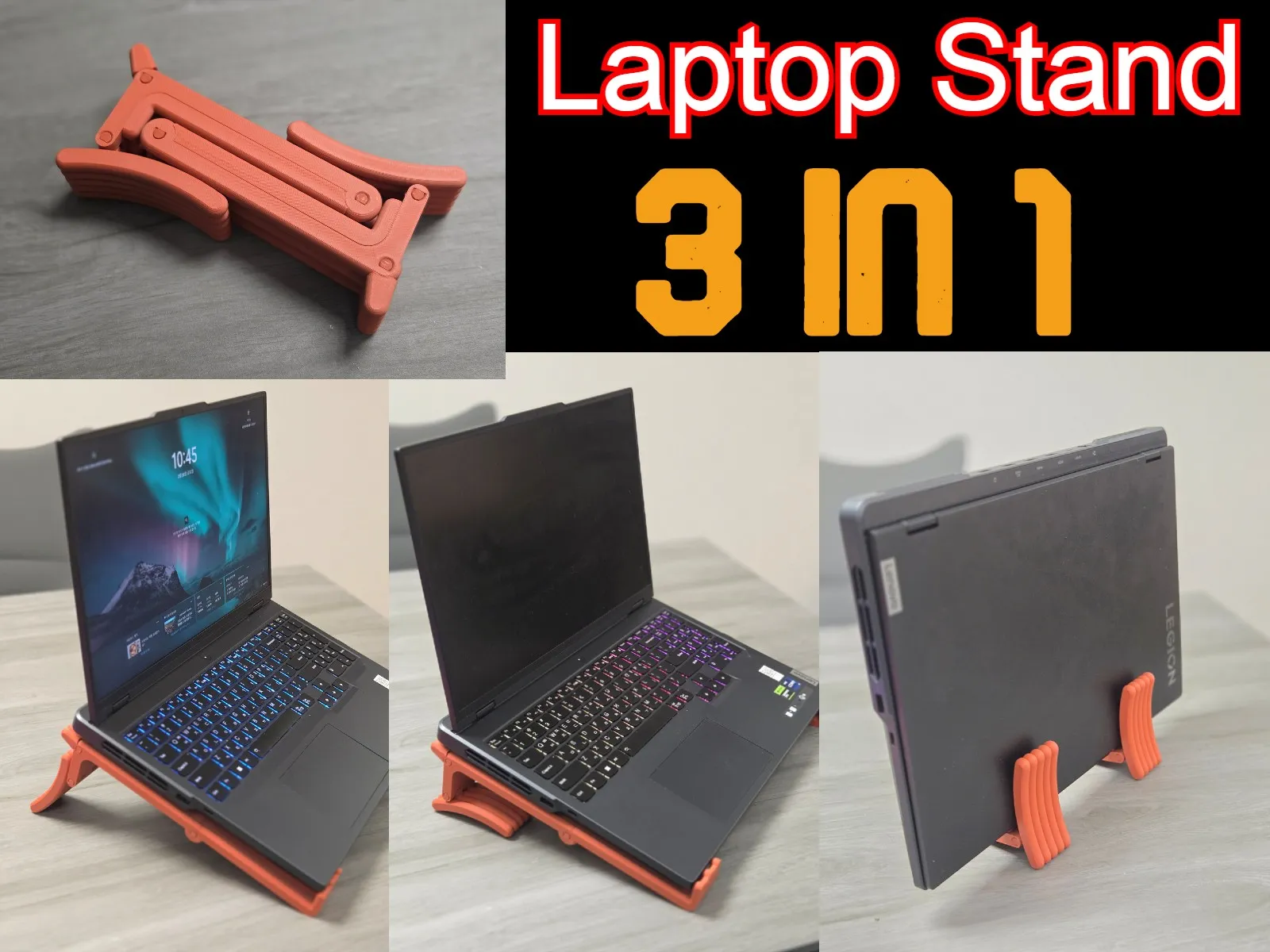
3 in 1 Laptop Stand
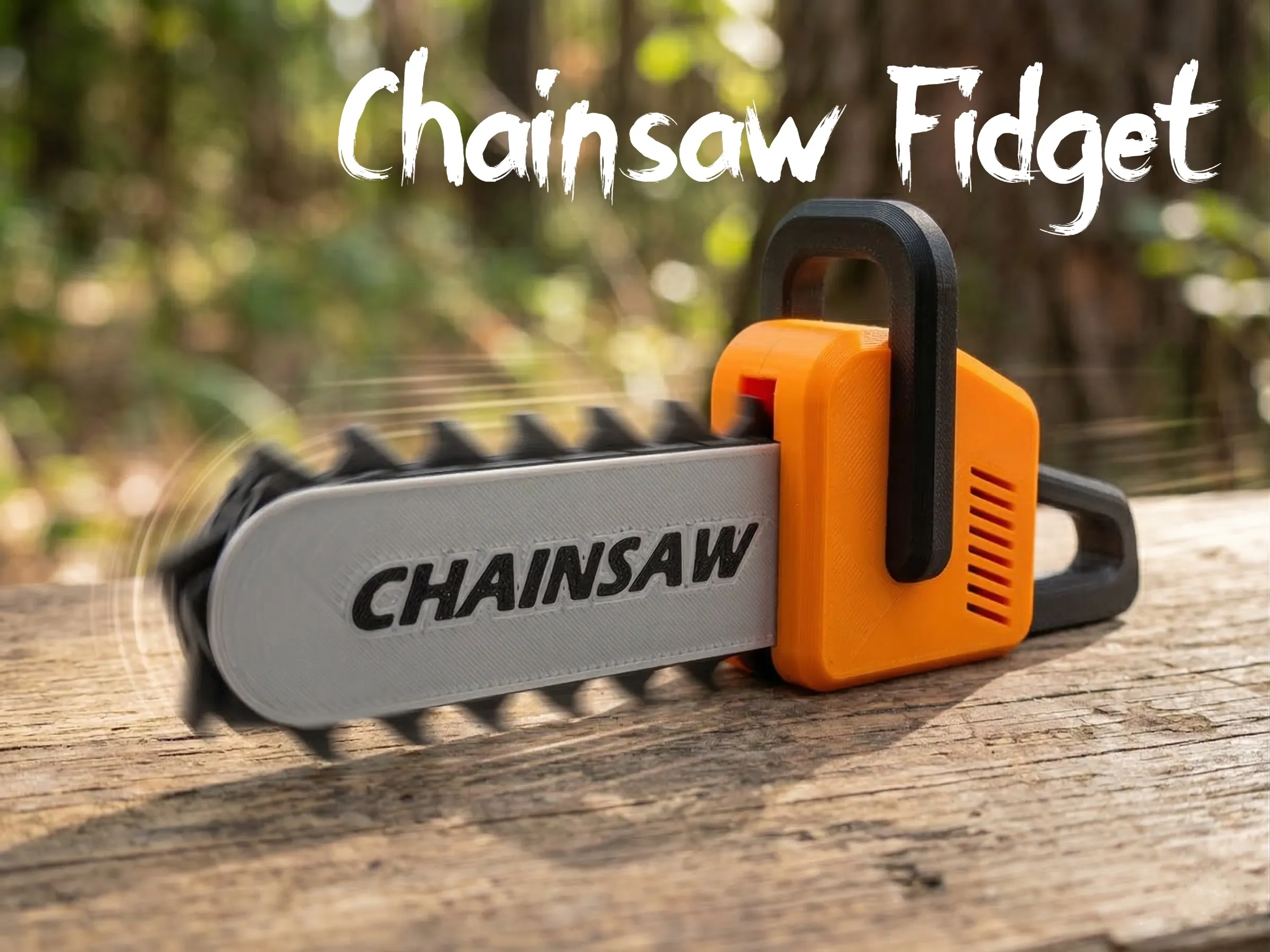
Chainsaw Fidget
Hope you Enjoy this model.
As always, I welcome your feedback.
Click to Check out FunOrNothing's interesting designs.
Boost Me (for free)
Your boost helps me spend more time creating better designs. And don’t forget to check my other models — you might discover something useful and fun! 😊
You can sell printed products of my models by joining FON Membership, please sign up for the membership below. Please do not become a thief.
Membership
The best way to support my work is to join the FON membership. You can be my Supporter, Seller, or Partner. If you join the membership, you can communicate more closely with me through Discord.
You can be a friend who encourages me by buying me a cup of coffee.
License

You shall not share, sub-license, sell, rent, host, transfer, or distribute in any way the digital or 3D printed versions of this object, nor any other derivative work of this object in its digital or physical format (including - but not limited to - remixes of this object, and hosting on other digital platforms). The objects may not be used without permission in any way whatsoever in which you charge money, or collect fees.


Comment & Rating (11)