
Toy iPhone - With Magnetic Swappable Screens!
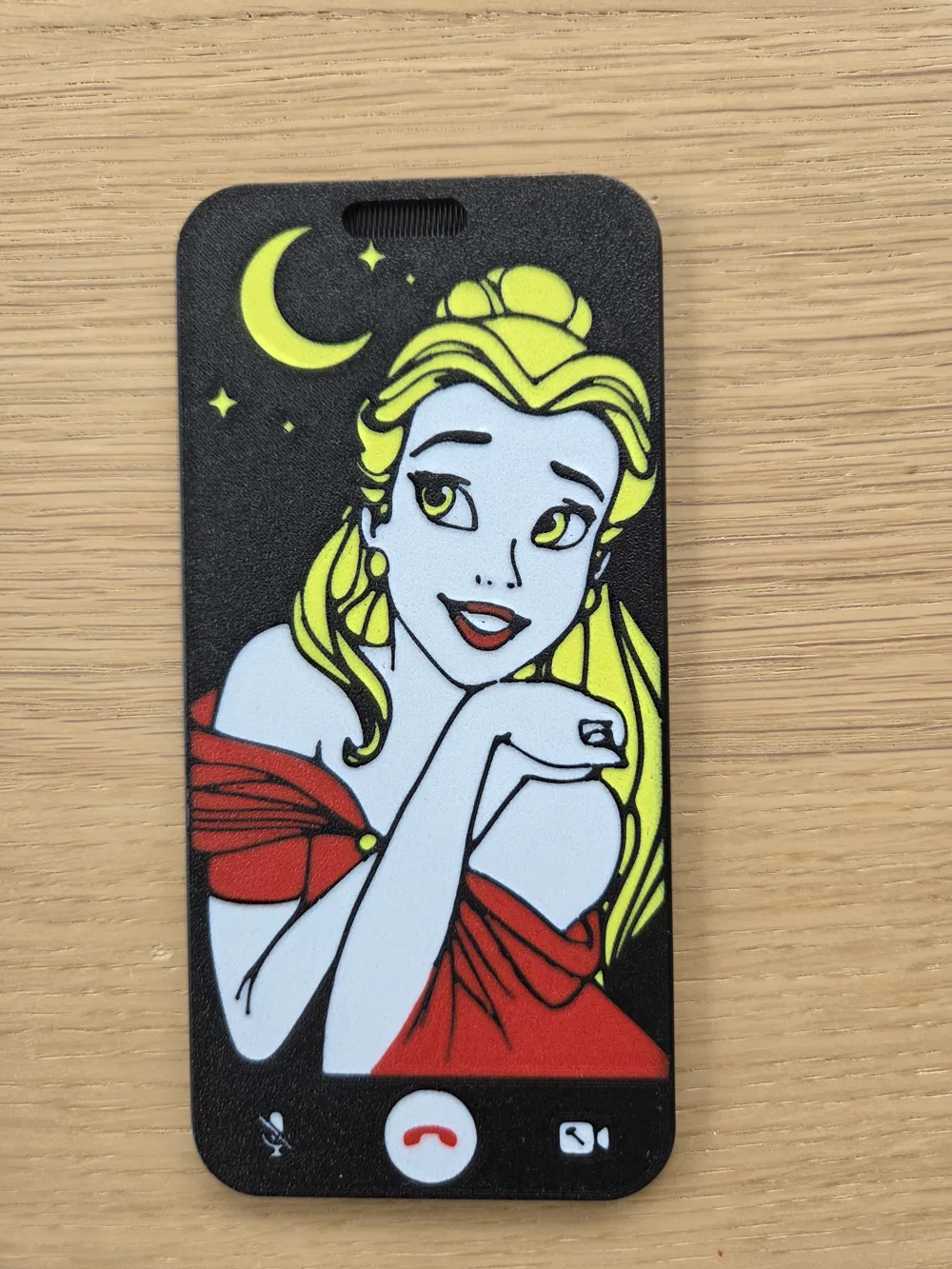
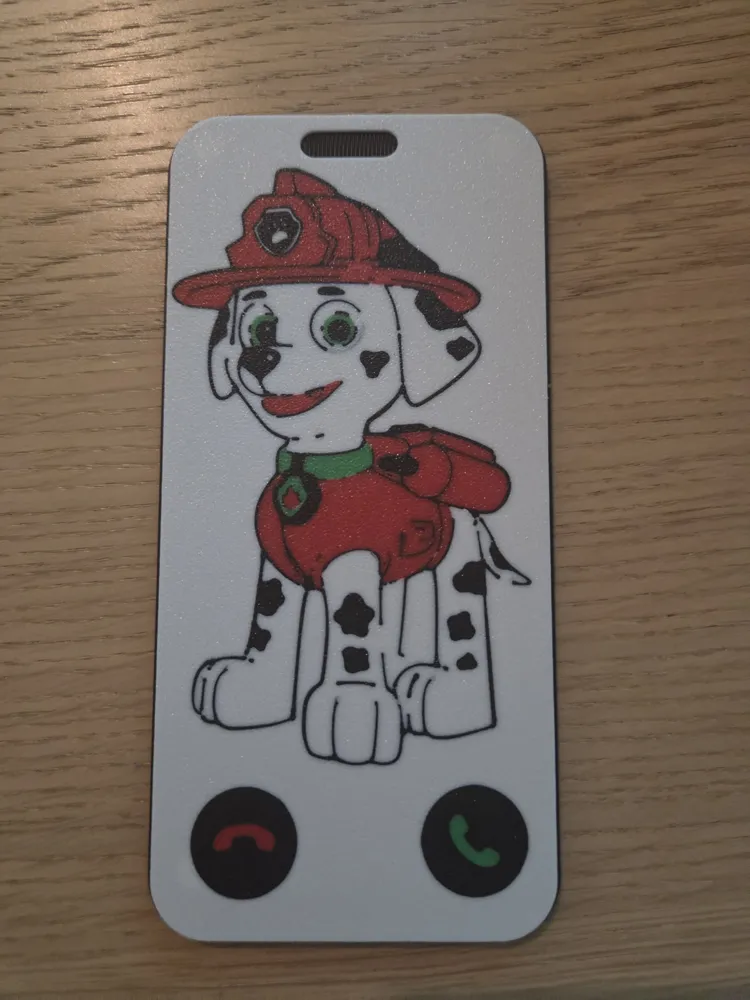
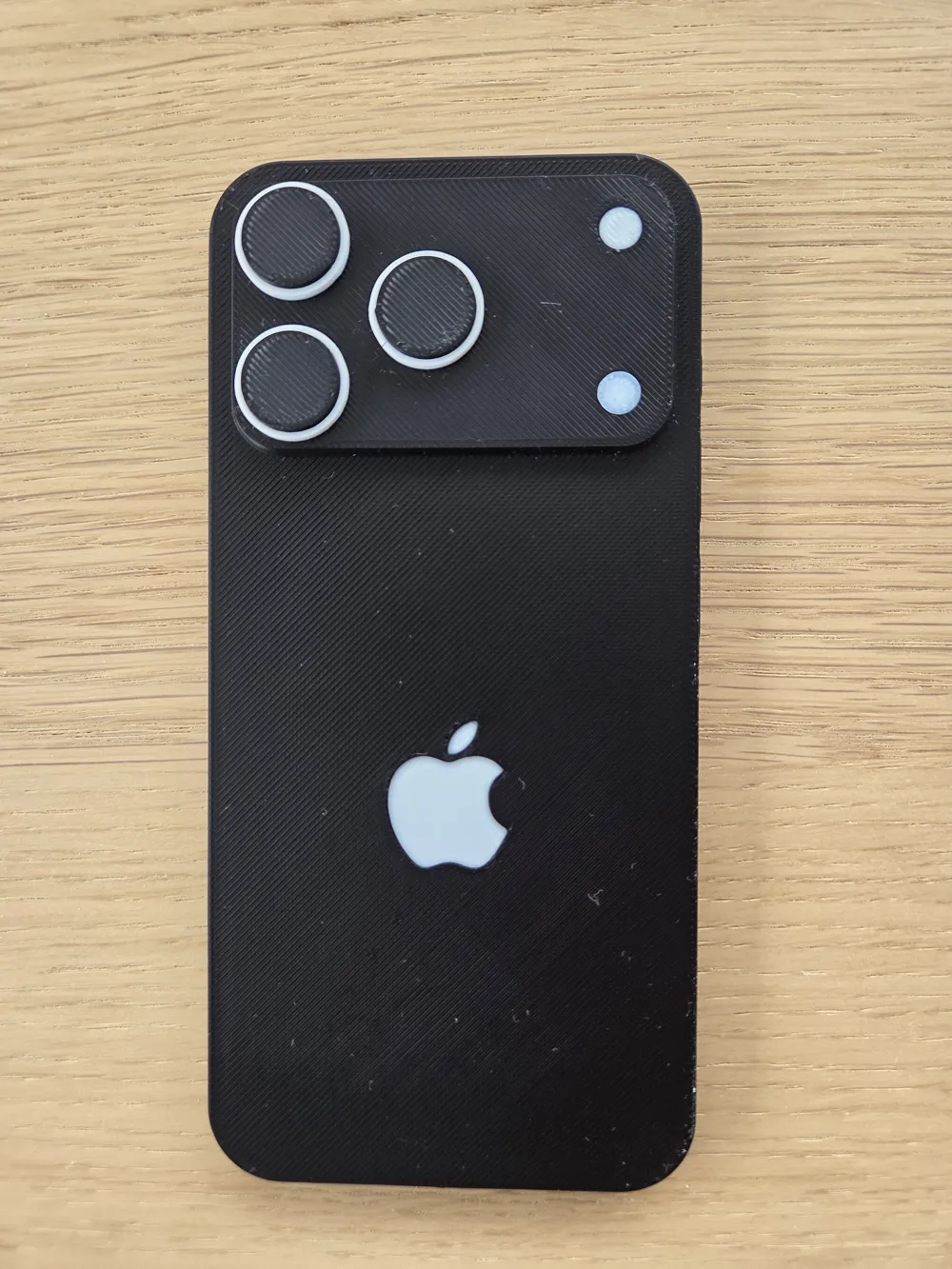
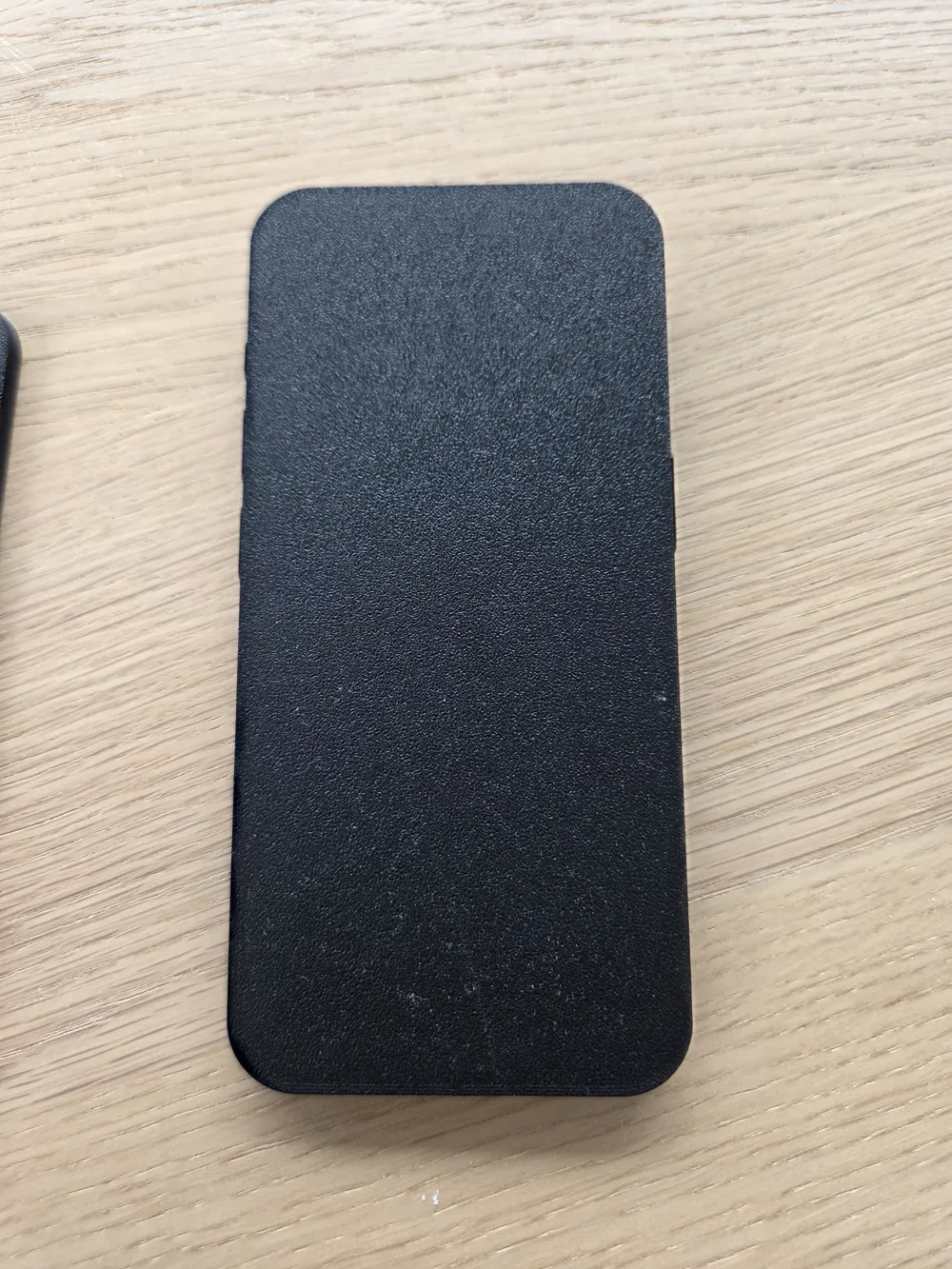
Print Profile(1)
Bill of Materials



Description
The Ultimate Pretend Play Smartphone for Toddlers! 📱✨
Every parent knows the struggle: as soon as you pull out your phone, your toddler wants it! Save your actual smartphone from sticky fingers and accidental dials with this interactive, 3D-printable toy phone.
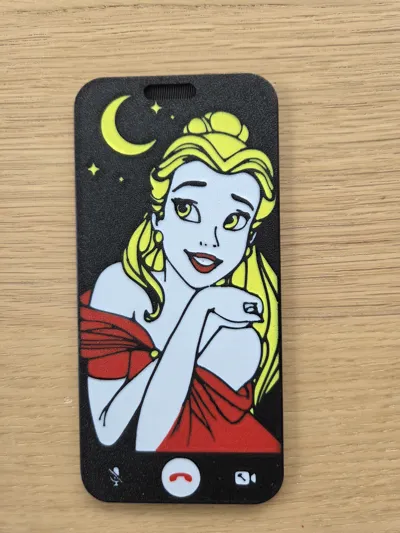
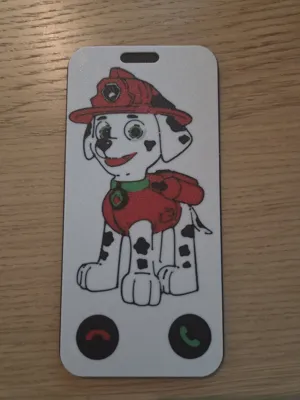
This isn't just a static block of plastic. It features a clever magnetic screen system that lets kids easily swap out the front screen to "call" their favorite characters! It’s the perfect size for little hands and provides endless hours of imaginative pretend play.
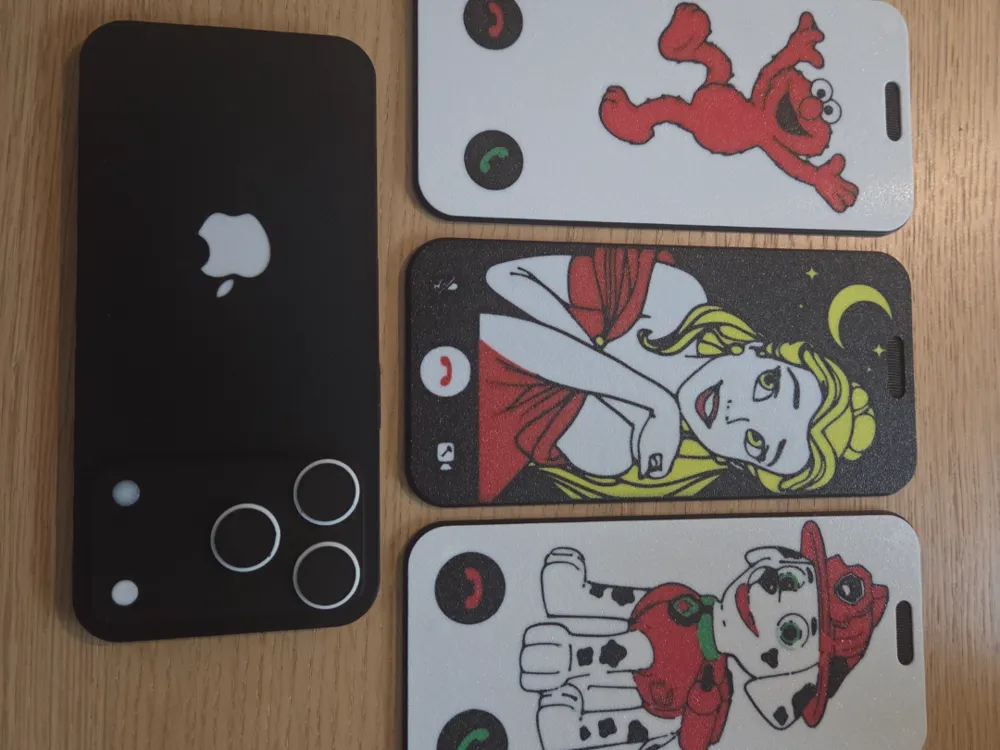
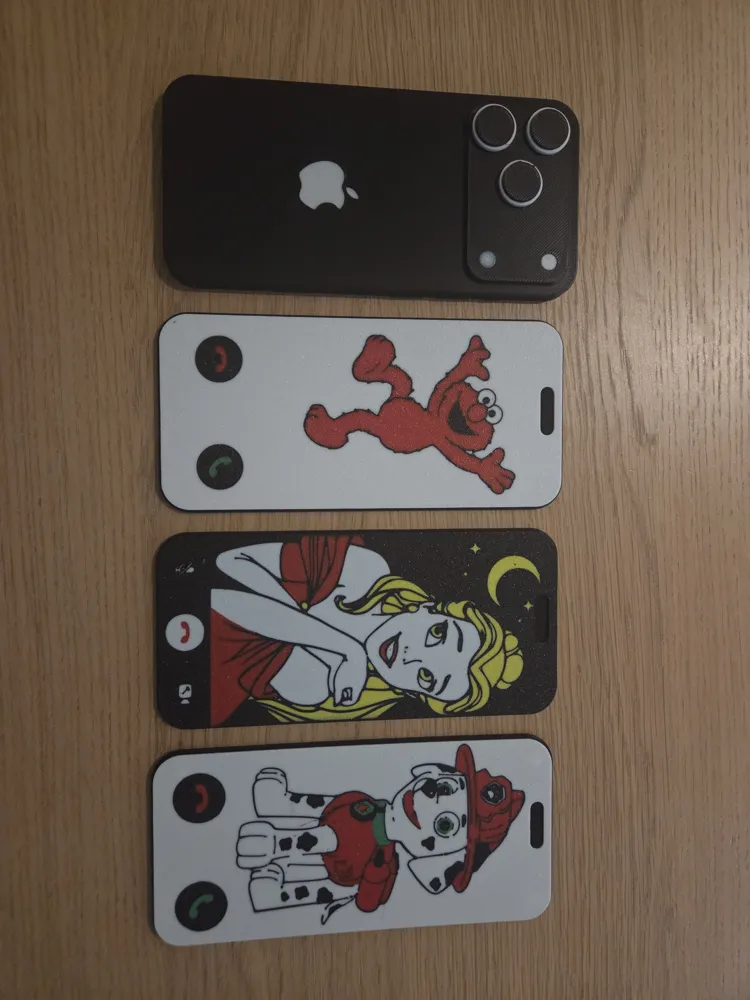
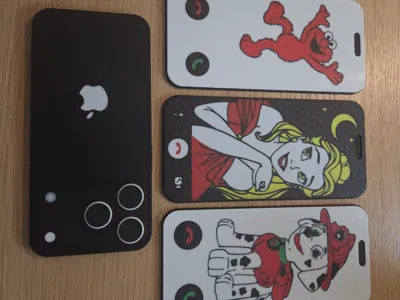
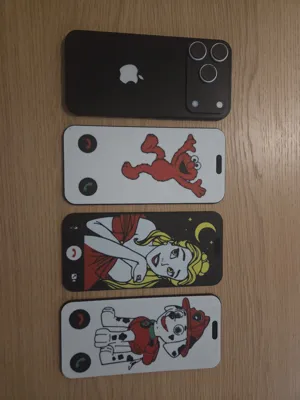
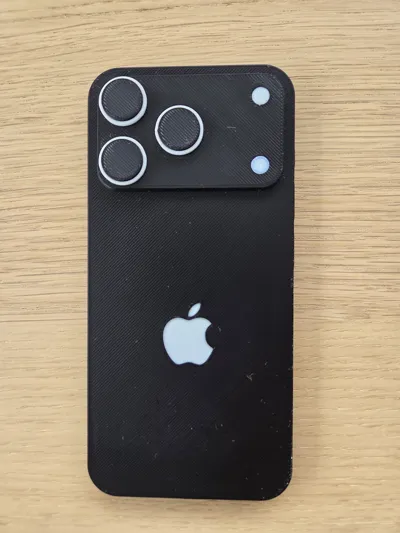
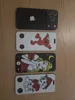
What’s Included: The print profile includes the main phone body (complete with realistic back camera details) and several swappable "FaceTime" screens:
- 🚒 Marshall (Paw Patrol)
- 🌹 Belle (Disney Princess)
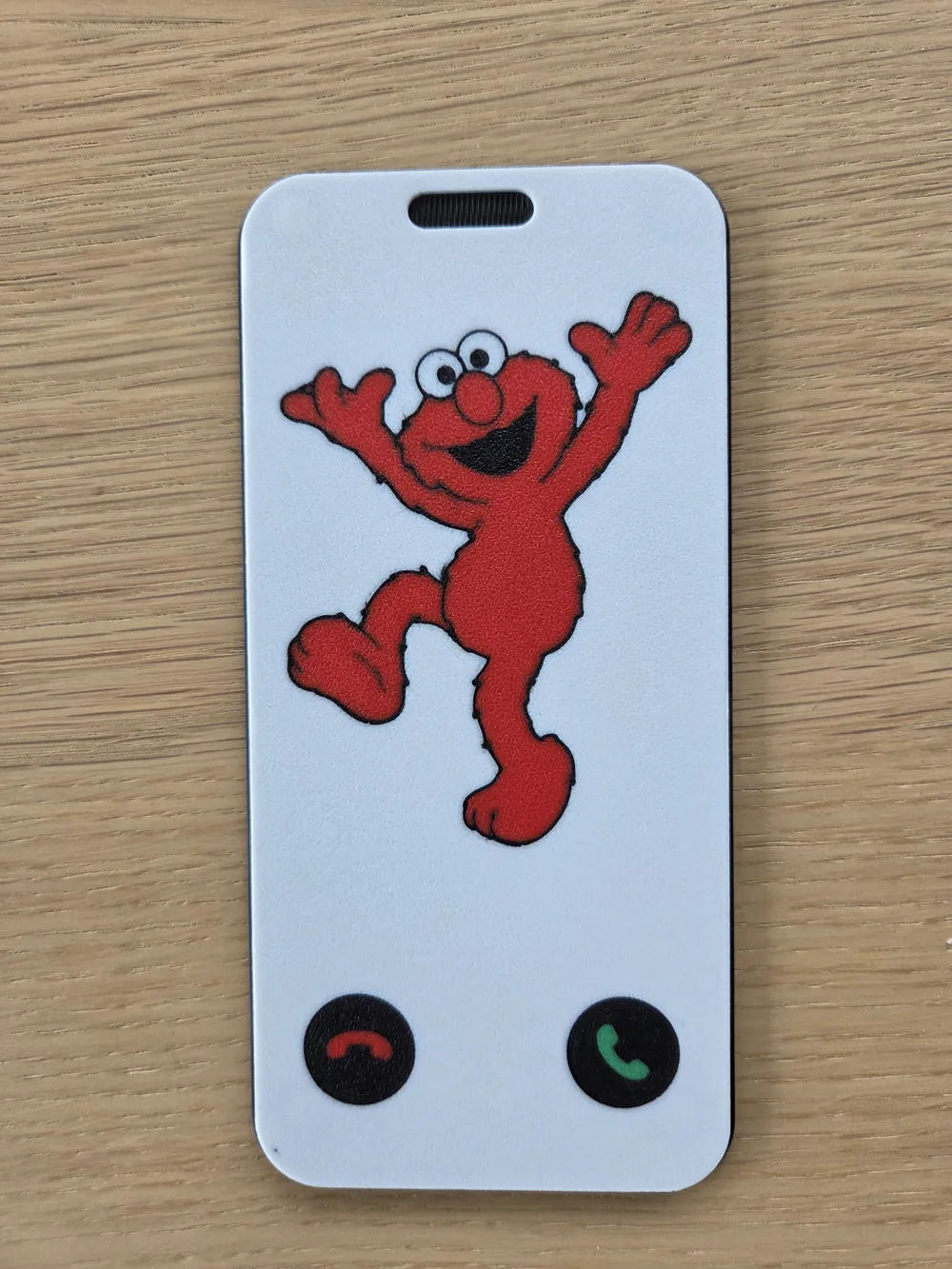
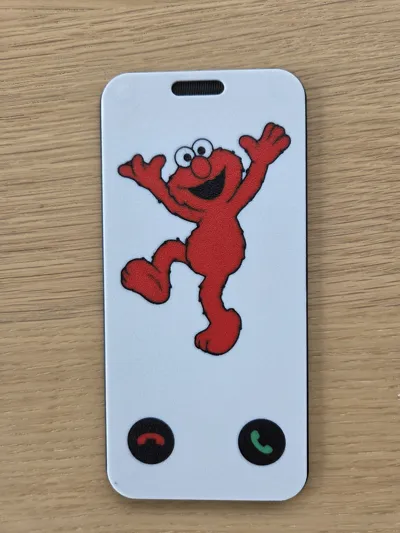
- 🖍️ Elmo (Sesame Street)
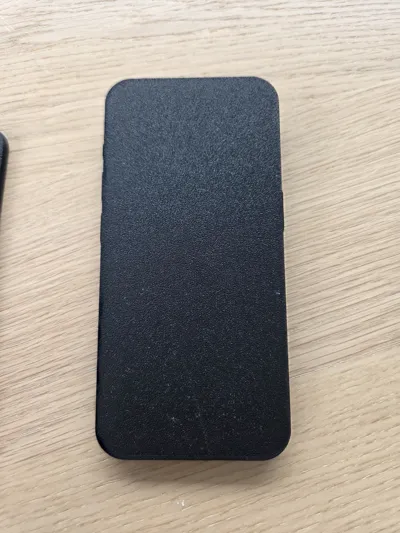
- ⬛ Blank Screens (Perfect for adding your own stickers or designing your own screens!)
Hardware & Maker Notes (Please Read!):
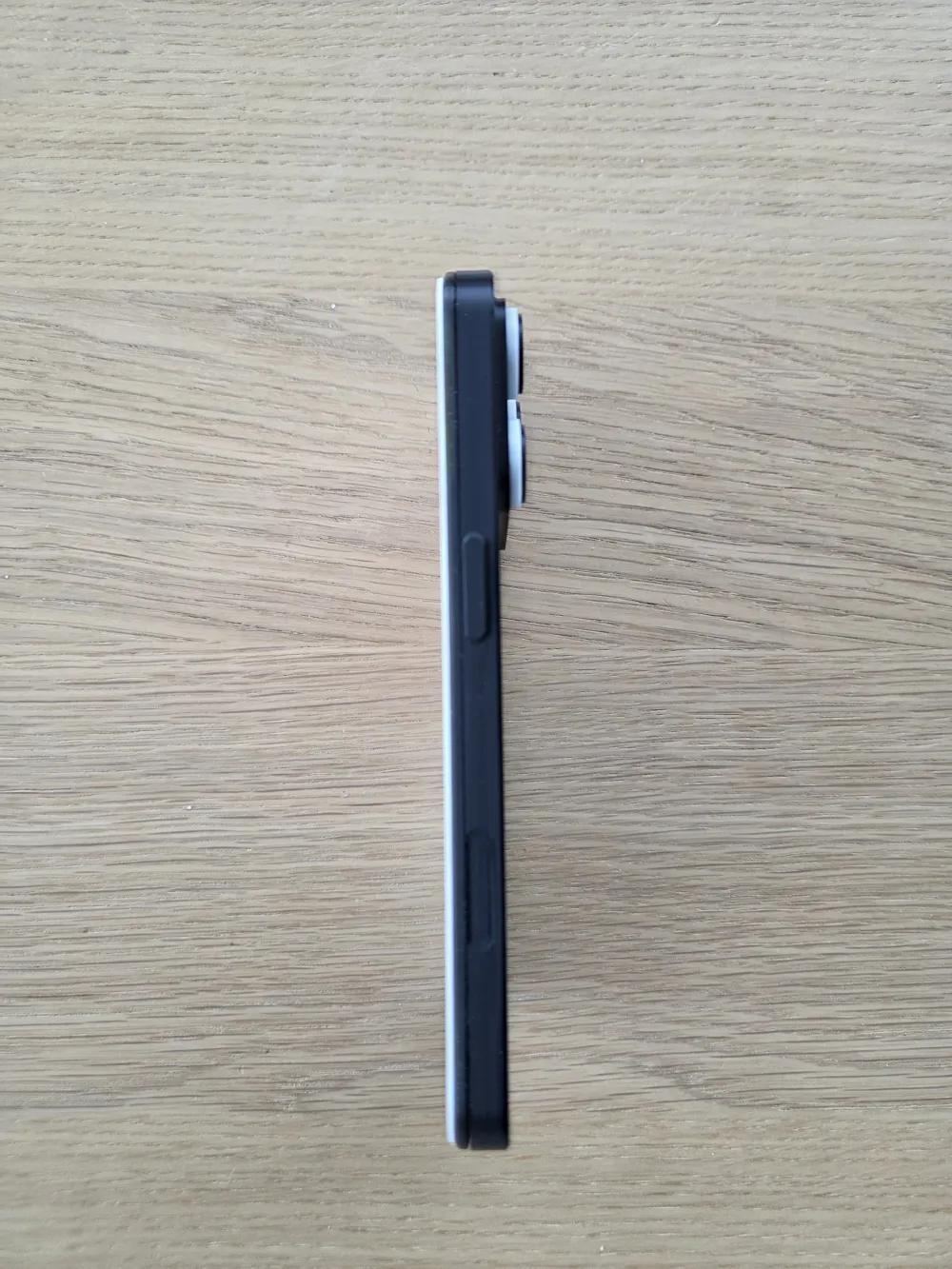
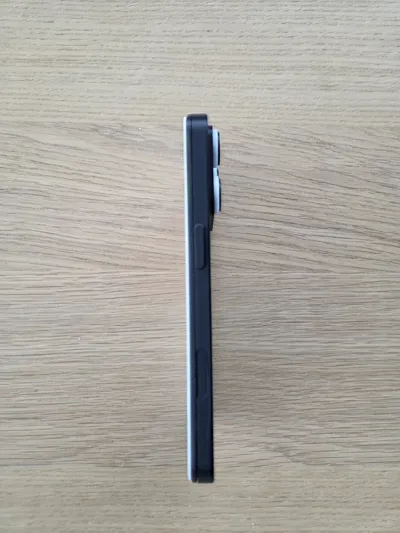
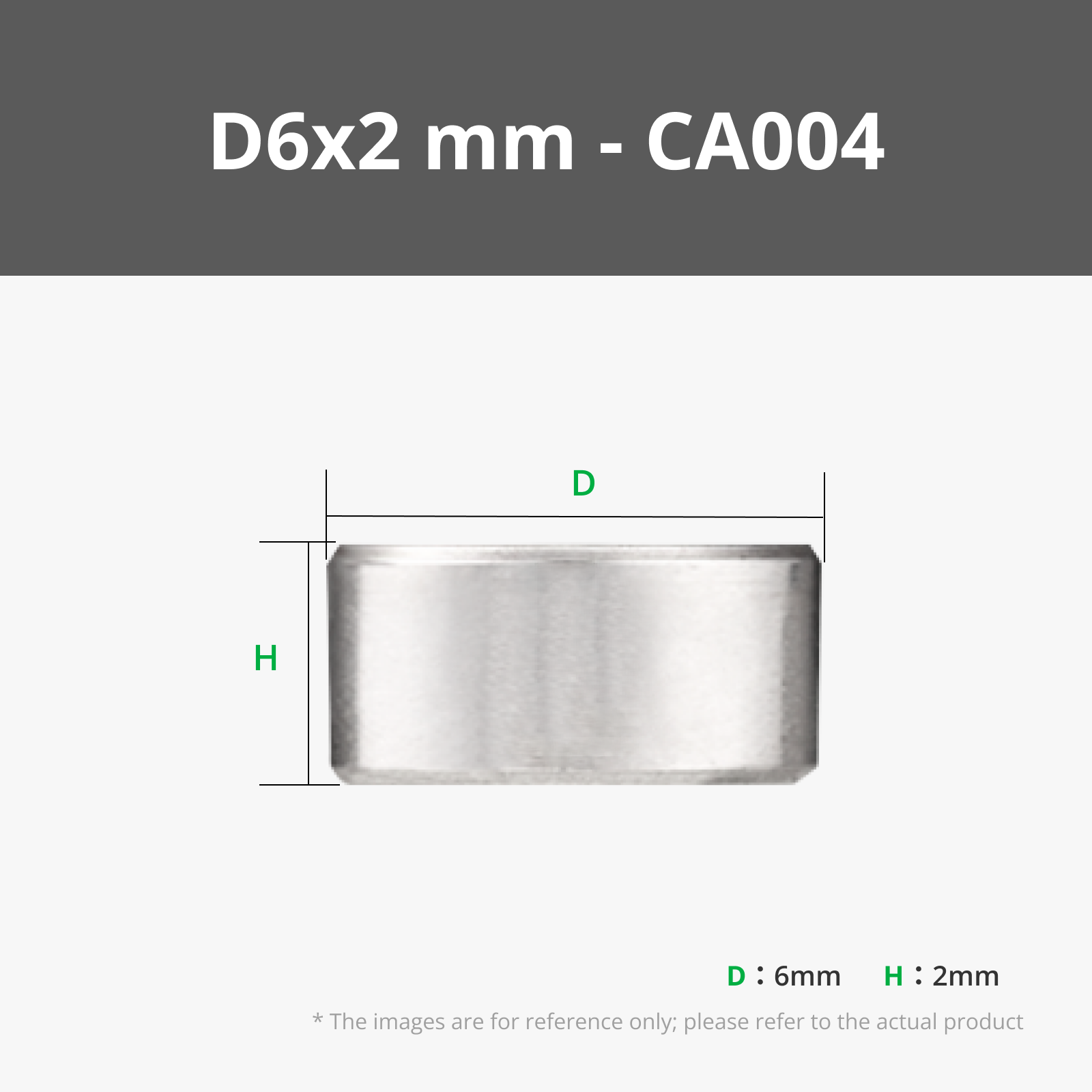
Each print contains a pause to insert the magnets. I recommend using a tiny bit of super glue just to keep your printer from pulling the magnets out, especially if you use a hardened steel nozzle). I do not recommend having the magnets stick out in anyway - they are enclosed because magnets can be dangerous to small children who put them in their mouth.
Magnet Options: The screens attach to the base using small neodymium magnets. The default holes are sized for 1.55x6mm magnets (often sold online as 2x6mm). If you don't have these magnets, don't worry - magnet holes are fully customizable: The magnet holes in this file are set up as negative objects in the slicer. If you are using larger magnets (e.g.,2x6mm), simply unlock the scale of the negative cylinder objects in Bambu Studio and resize them to match your magnets before slicing (if your magnets are taller/shorter, you'll want to move them up and down accordingly, otherwise, you're good to go!)
- Reminder: Get the polarity right so the two halves attract!
Print one out and watch your kids' faces light up when they get to FaceTime their favorite characters! If your kids love it, please leave a review and share a photo of your make! I'd love to see what other custom screens you com
Boost Me (for free)
If you like it, please boost me! It's greatly appreciated
e up with.
License

You shall not share, sub-license, sell, rent, host, transfer, or distribute in any way the digital or 3D printed versions of this object, nor any other derivative work of this object in its digital or physical format (including - but not limited to - remixes of this object, and hosting on other digital platforms). The objects may not be used without permission in any way whatsoever in which you charge money, or collect fees.


Comment & Rating (3)