
Roxxie – Tiny Flexi Fox Fridge Magnet


Print Profile(5)

Bill of Materials

Description
Boost Me (for free)
Thanks for all the support ♥
Membership
Subscribe to get a commercial print license and sell physical prints of my designs. Your support helps me continue creating new models.
Description
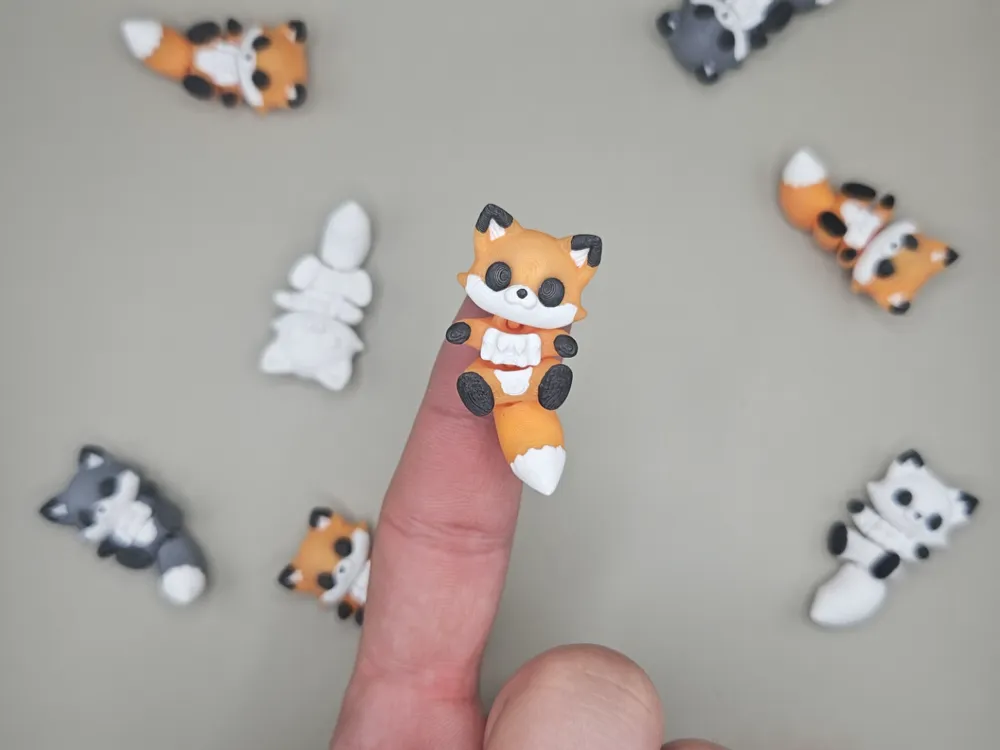

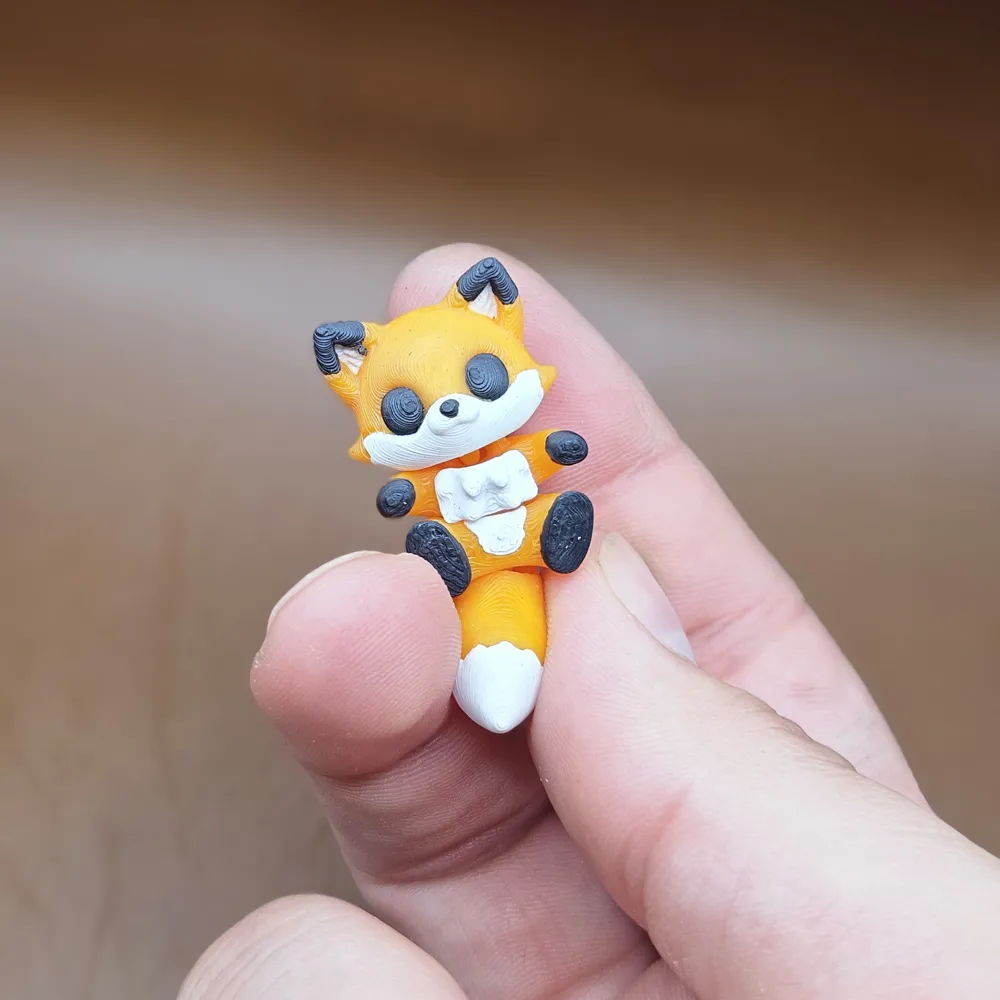
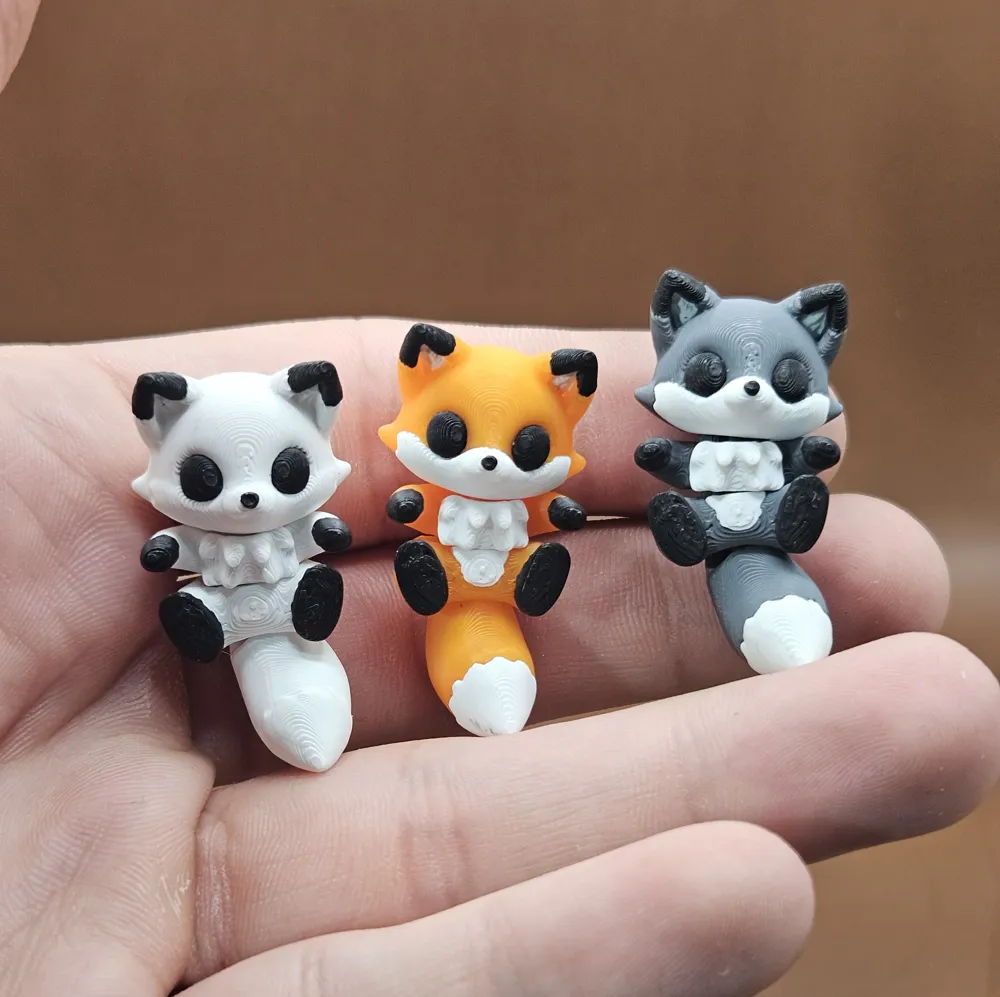
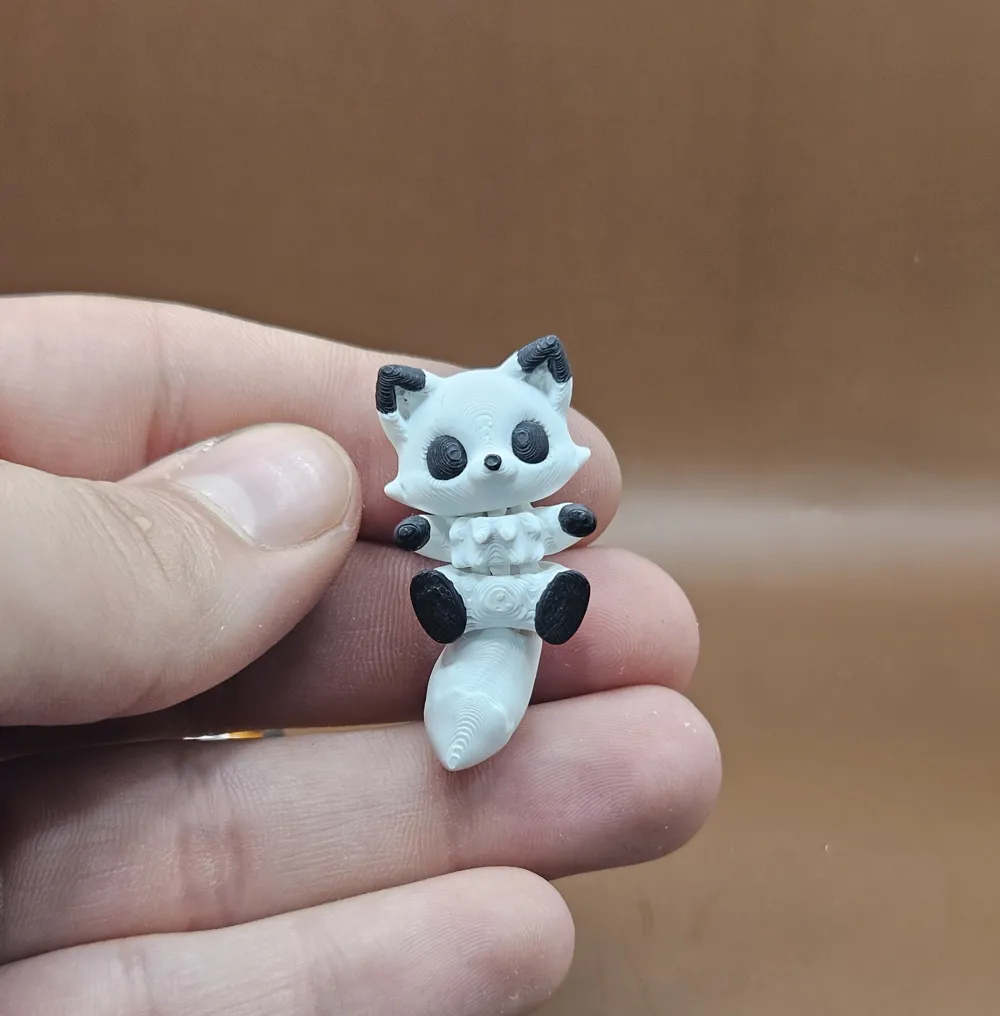
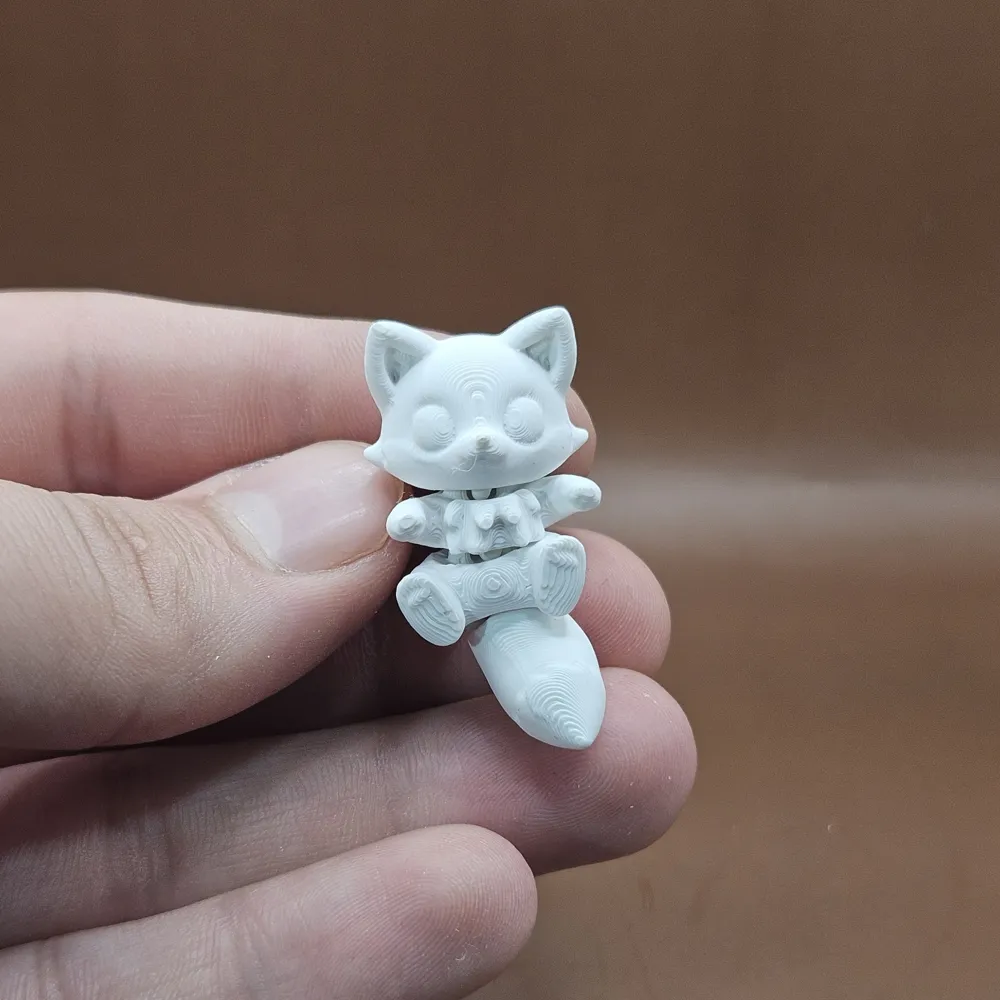
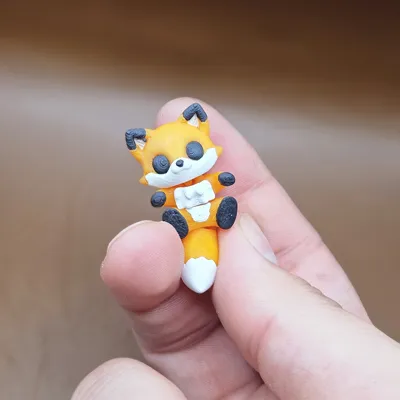
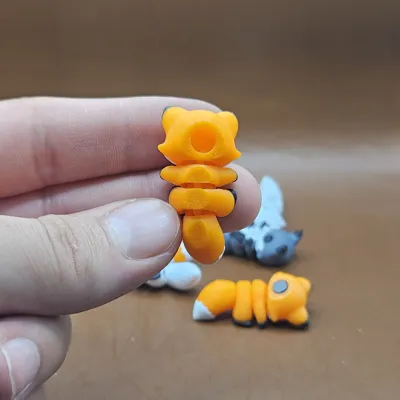
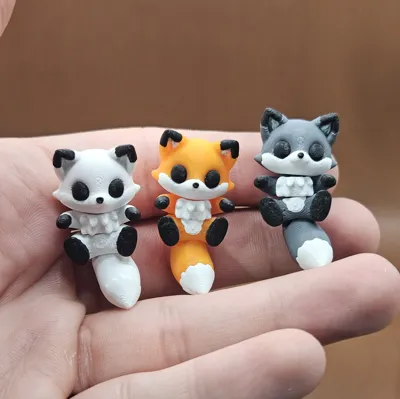
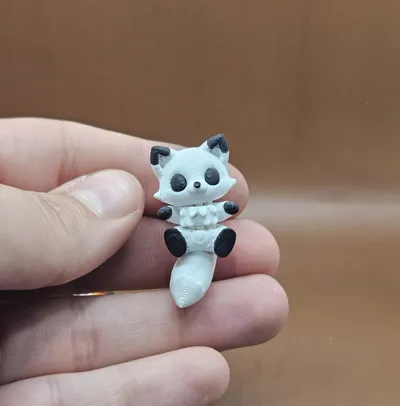
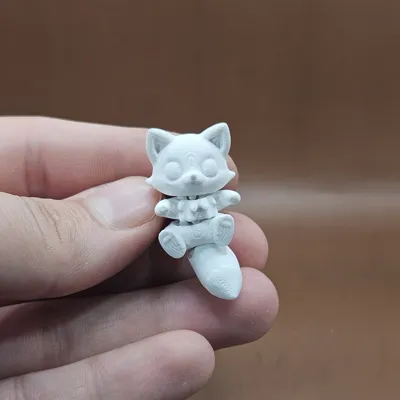
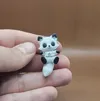
Roxxie is a tiny flexi fox designed for easy 3D printing.
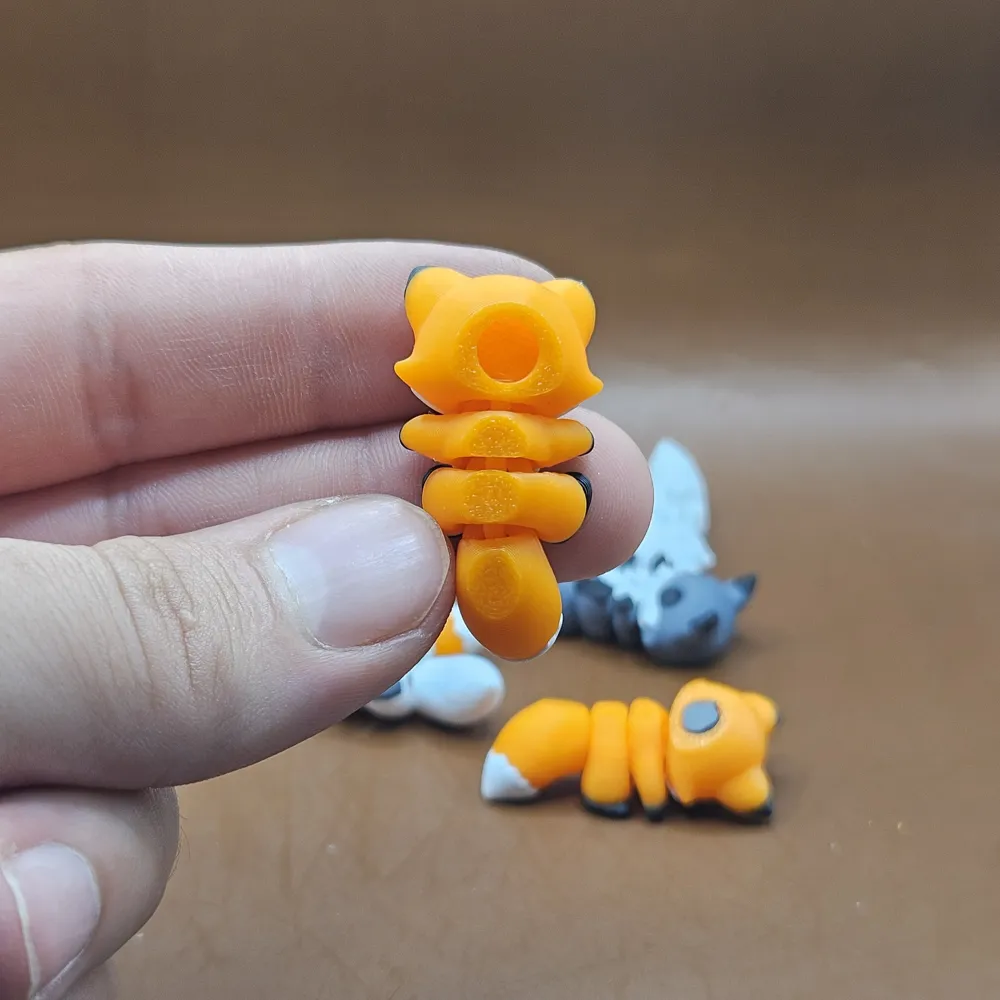
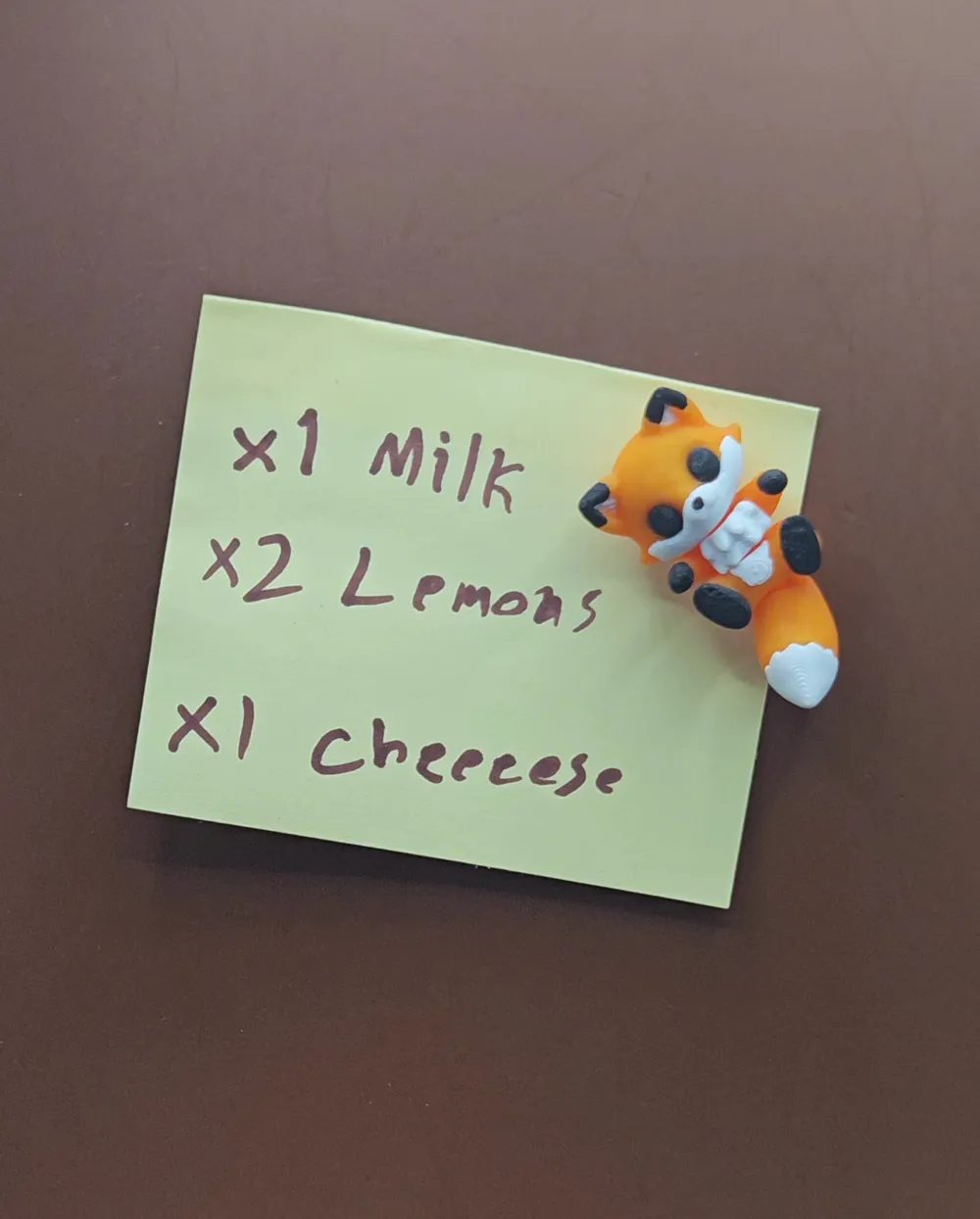
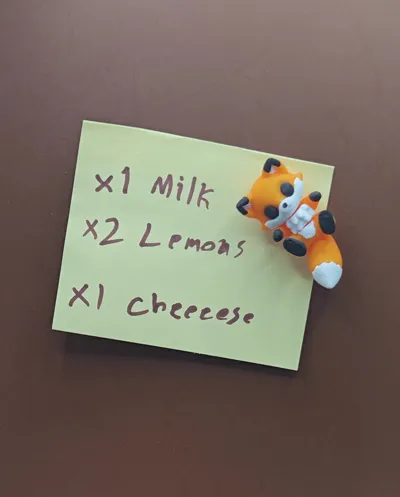
The model is only 4 cm long and includes a 6 mm x 3 mm magnet hole, making it perfect to use as a cute fridge magnet.
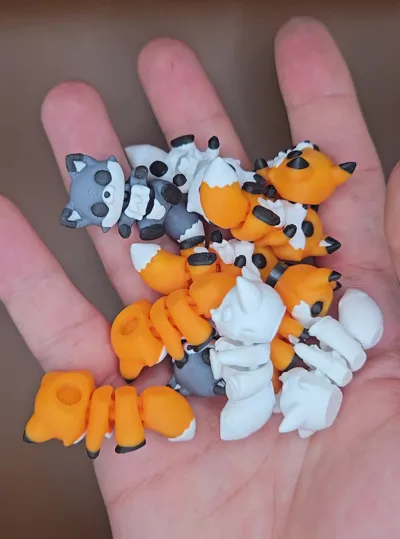
Roxxie prints without supports, works great with multi-color setups, and is designed to be simple, fun, and functional.
Note
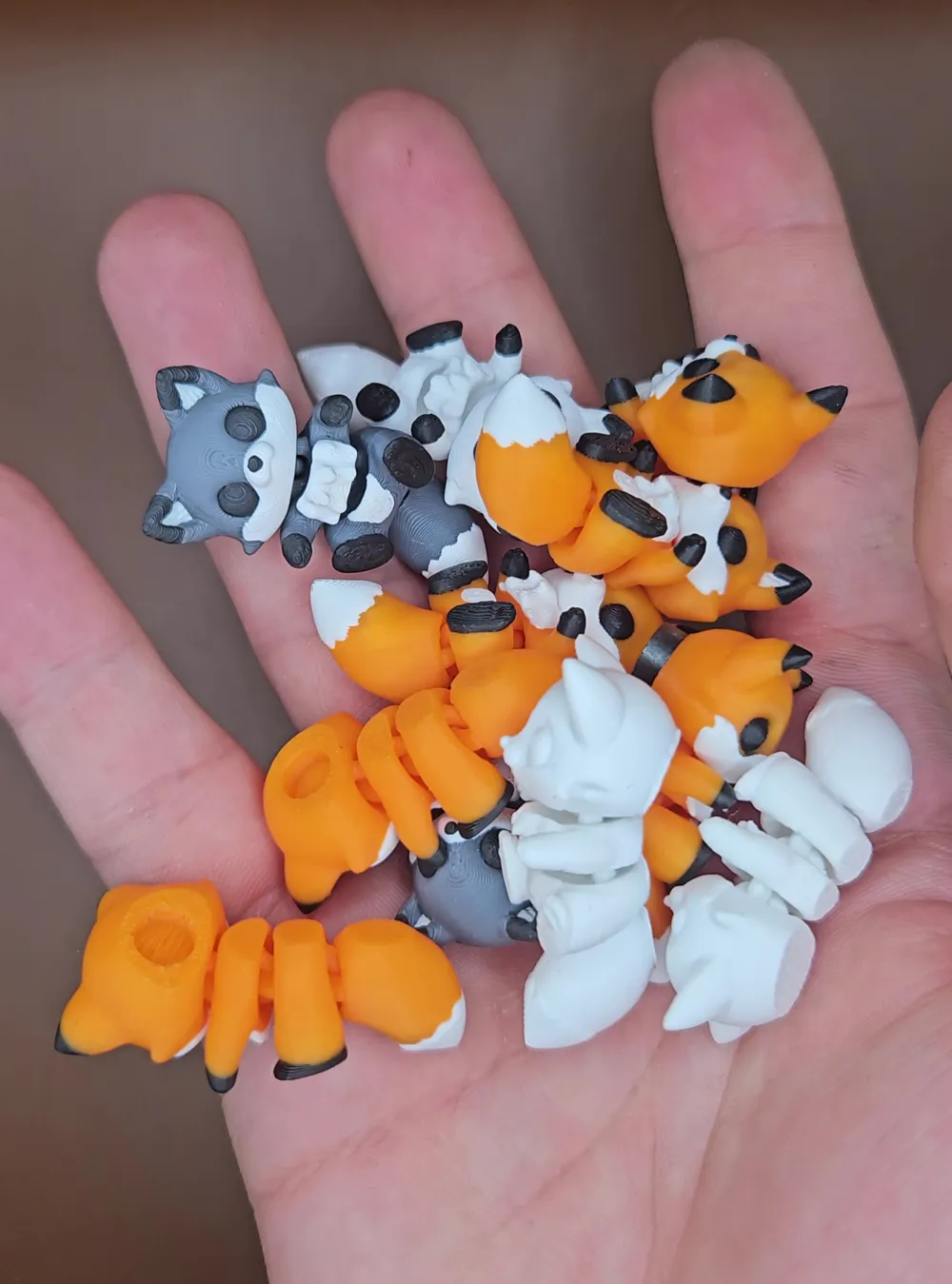
This tiny Roxxie model prints as one complete piece, with no separate or detached parts.
There may be very slight color bleeding depending on your filament and printer tuning, The flush volume is set to 0.75 increase if needed, but in my print tests it was not visible.
Printing Notes
- If you do not want a magnet hole, remove the “Magnet-Hole” object from the Objects tab.
- To change the eyes separately, go to the Objects tab and change the filament color for the “Eyes” object to your liking.
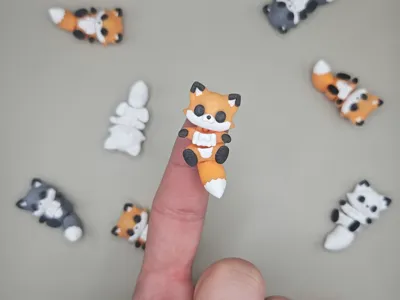
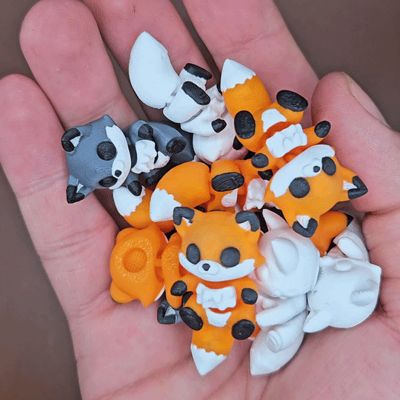
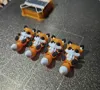
- I also included a print plate for printing 4 foxes at the same time. This way, the waste amount stays about the same, but you get more foxes to enjoy.
- A 2-color print version is also included if you want a simpler print with less waste, less filament use, and still a great look.
Magnet Hole Adjustment
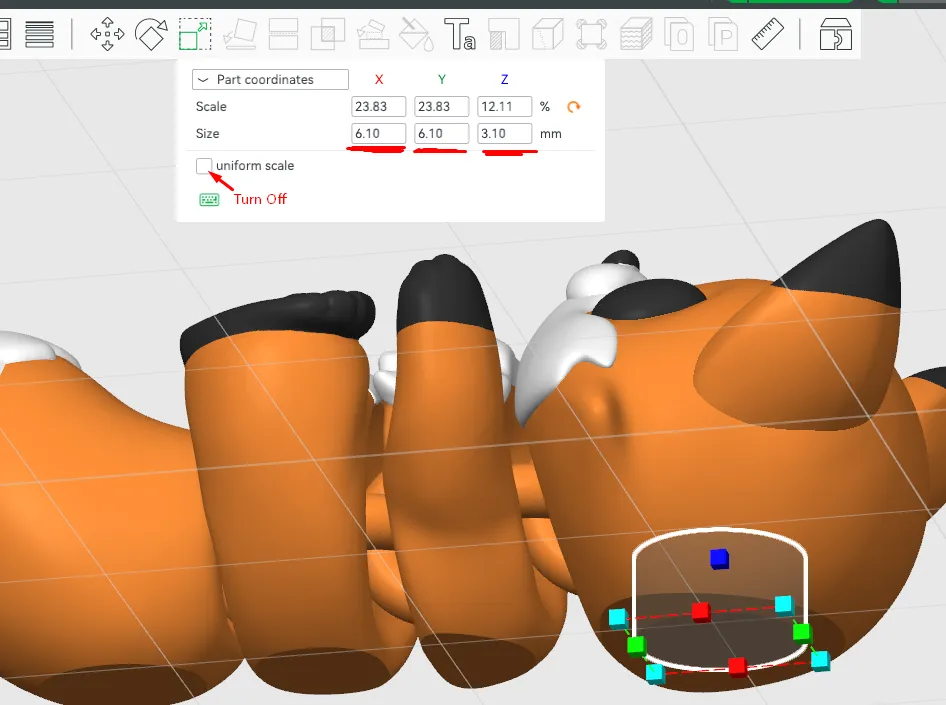
The magnet hole is designed for an 6mm × 3mm magnet.
To use a different magnet size (6mm recommended), follow these steps:
Go to the Objects tab and select the “MAGNET HOLE” modifier.
(Delete this modifier if you do not want a magnet hole.)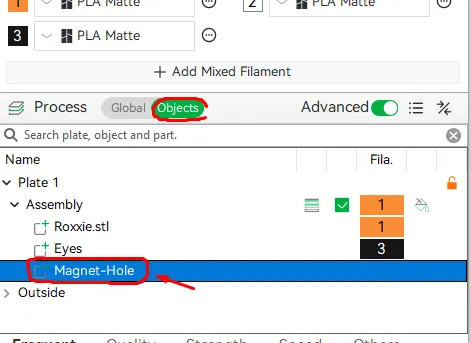
Select the Scale tool and change the Size dimensions to match your magnet (turn off Uniform Scale to adjust the dimensions separately), adding +0.1 mm to each dimension to ensure a tight press-fit.
Boost Me (for free)
Other Designs
| 
|
License

You shall not share, sub-license, sell, rent, host, transfer, or distribute in any way the digital or 3D printed versions of this object, nor any other derivative work of this object in its digital or physical format (including - but not limited to - remixes of this object, and hosting on other digital platforms). The objects may not be used without permission in any way whatsoever in which you charge money, or collect fees.


Comment & Rating (27)