
Behringer Edge Add-ons
Print Profile(1)
Description
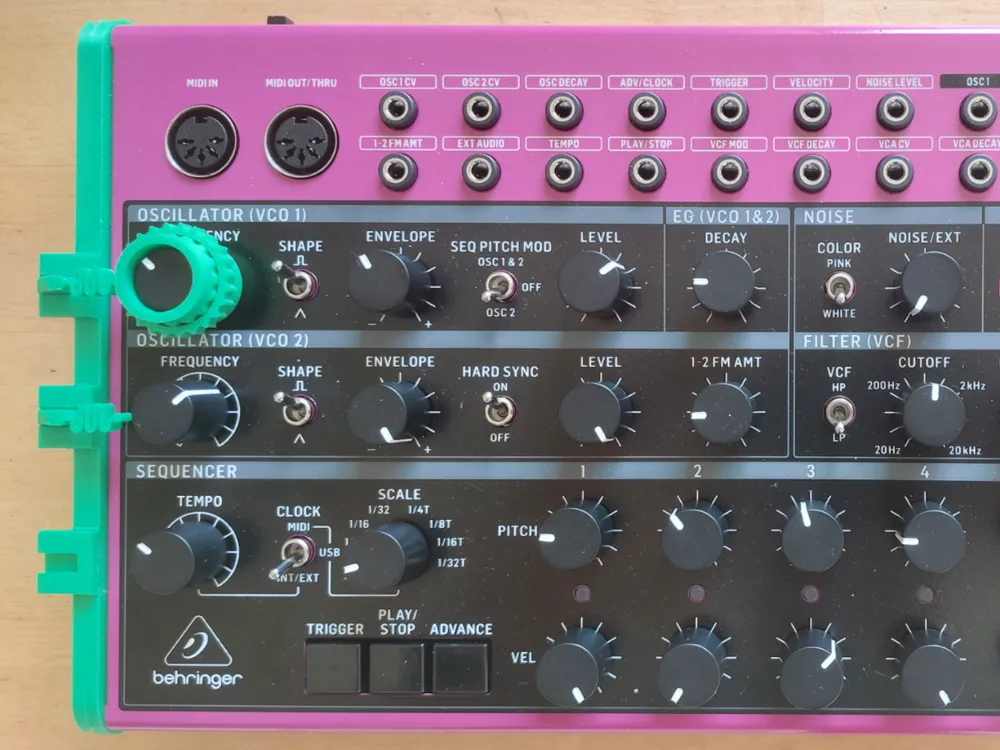
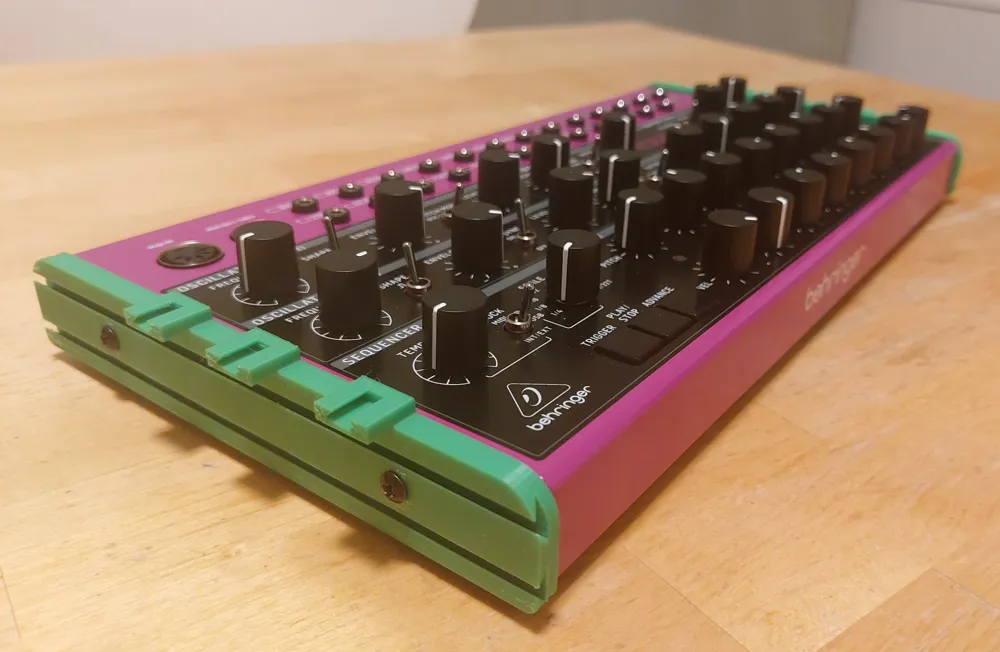
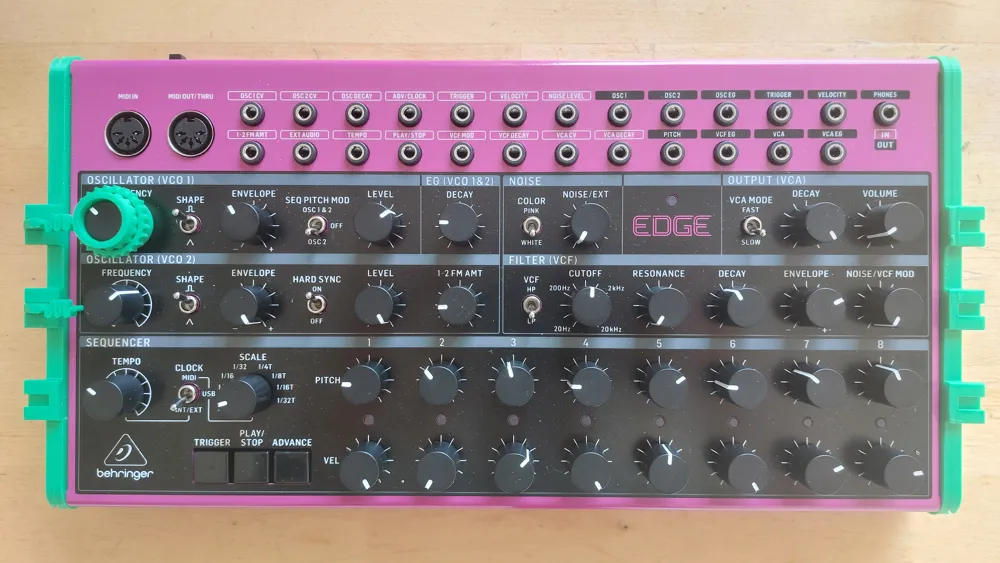
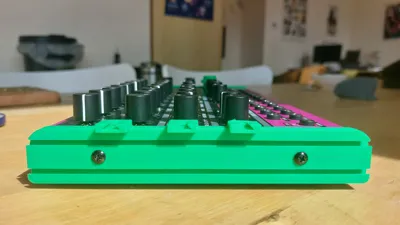
Tailor-made mounts for the Behringer Edge percussion synthesizer containing several slots to put add-ons and customize your music experience.
Print plate 1 is the knob cylinder and the gear
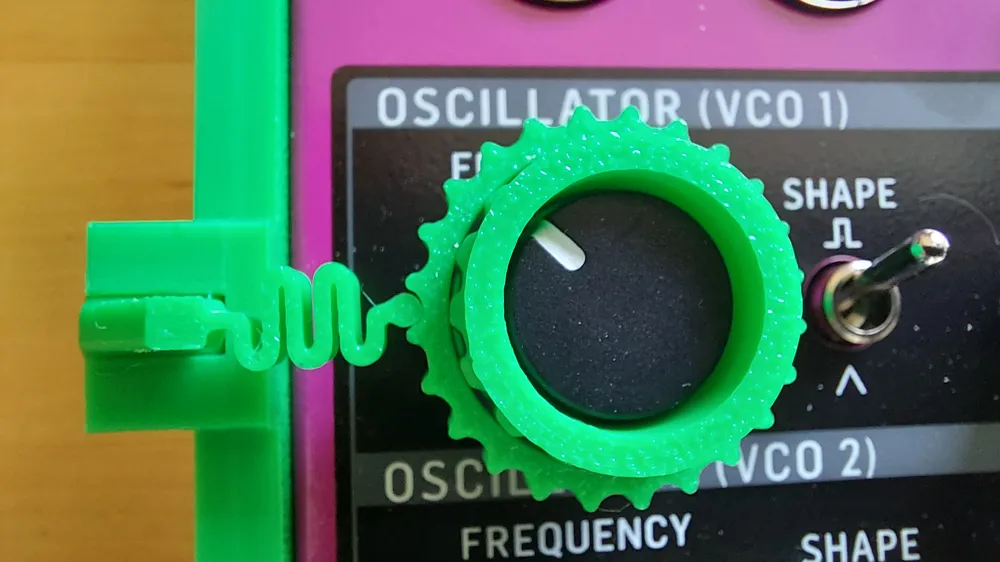
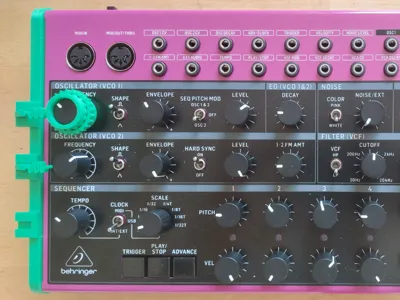
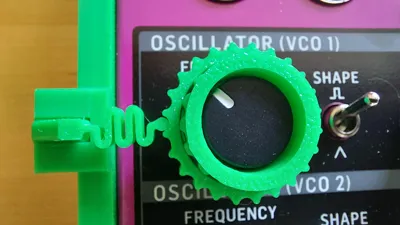
Recommended for the OSC1 knob to get consistent notes, go back to your previous note, have a swing effect (knob going back in place with the spring), play between start and end of the gear trough, etc. Have fun :D
- put the spring (spring on plate 3) inside one of the slots on the side, facing a knob
- slide the gear on the printed knob cylinder, push it on the bump with force so it's kept well in place
- put the cylinder on the knob, it should gently touch the bottom plate
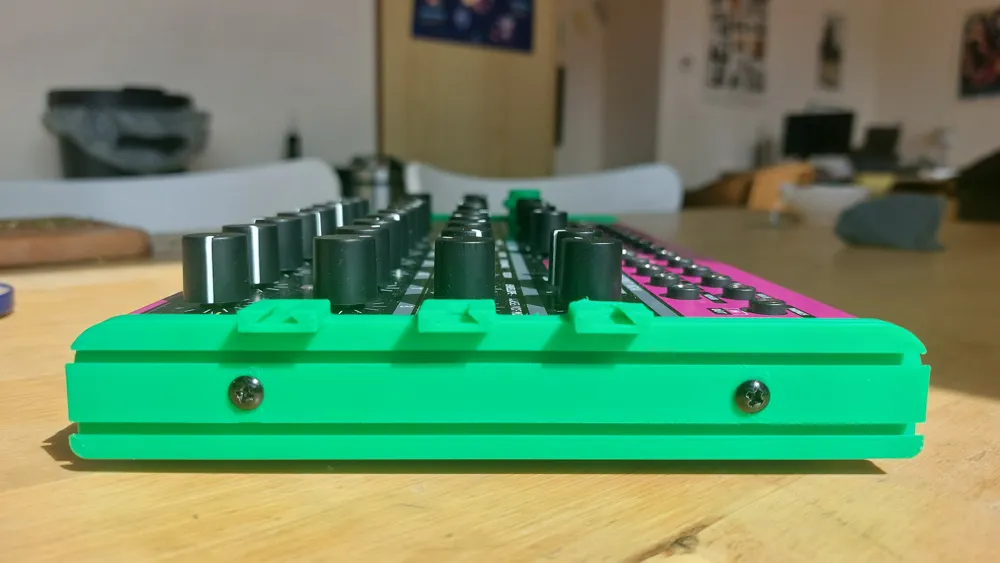
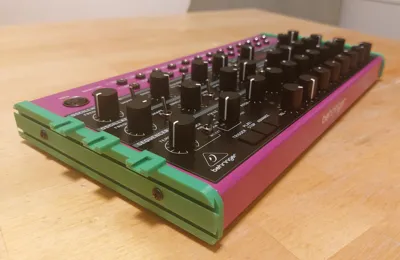
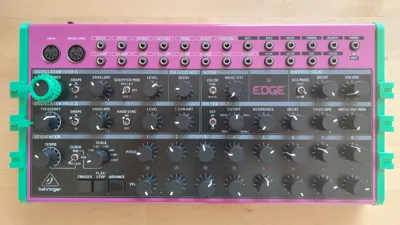
Print plate 2 is the mounting support for add-ons
- unscrew the original wooden panels
- screw back each side of the custom panel
- make sure to put the correct side for each side: the upper slots should align with the knob rows
Print plate 3 is the spring
- being a precise print, it seems to sometimes fail when added to other plates so here it is, by itself on the plate
Some tolerances are really tight because it should sustain repeated hits and vibrations without dislodging or moving. You may need pliers to remove the slot spring the first few times (be careful not to break it inside, use pliers). If I have time, I'll include a smarter more user-friendly system.
I loved the prints in green, it kinda makes it look like a raspberry :p
License



Comment & Rating (0)