
X2D Filament Cutter Tool ⧸ Aligned Front Access
Print Profile(1)



Description
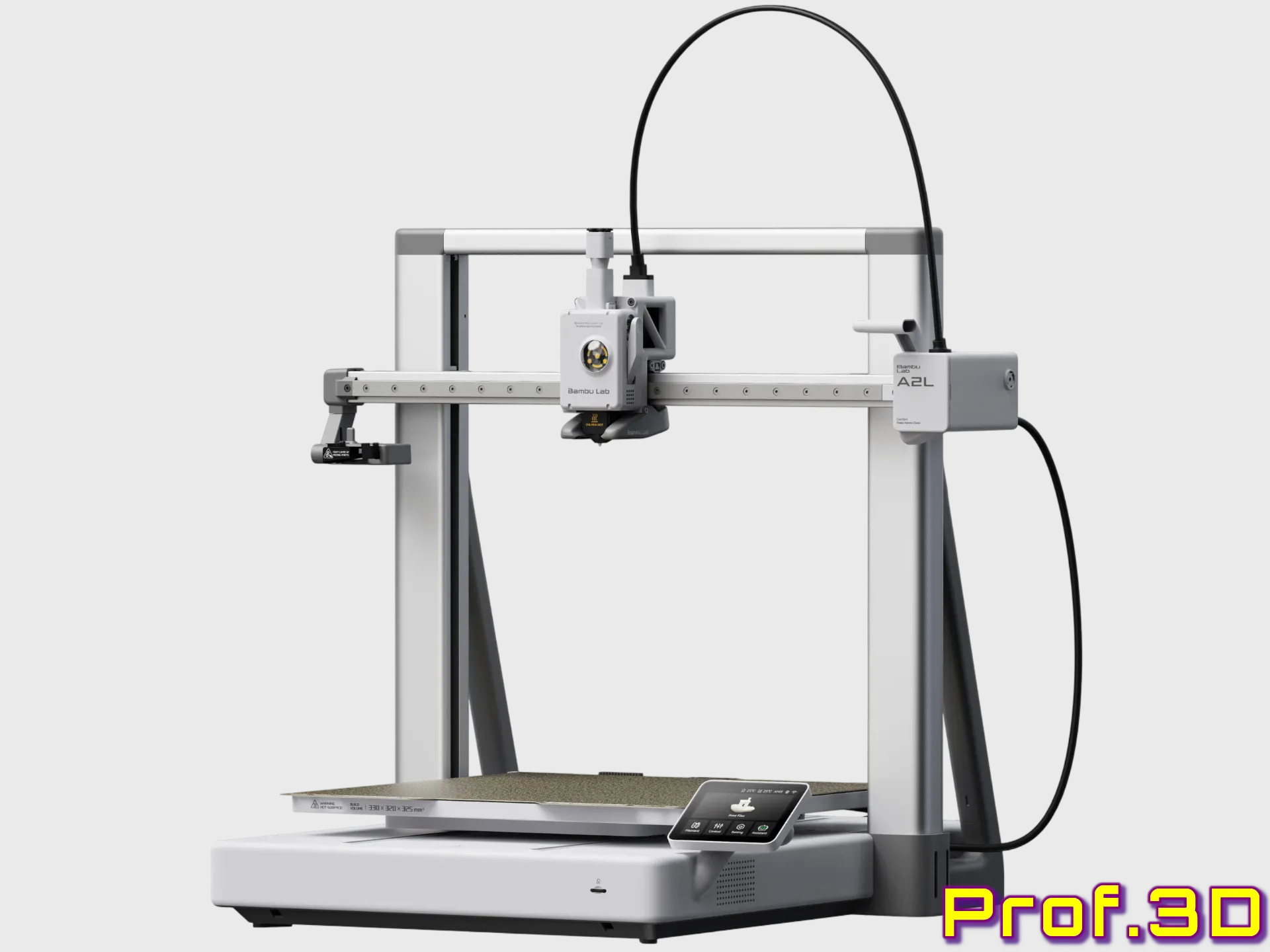 Collection Tip: Bambu Lab A2L: A2Lineage Design Journey
The A2Lineage Design Journey combines proven designs with new developments created specifically for the A2L platform.
Existing models only become part of this collection after verification on the actual machine. Compatibility is never assumed and every model must earn its place through testing and real world use.
New designs will join the collection as the platform evolves, while established favorites transition only when they truly meet my standards. |

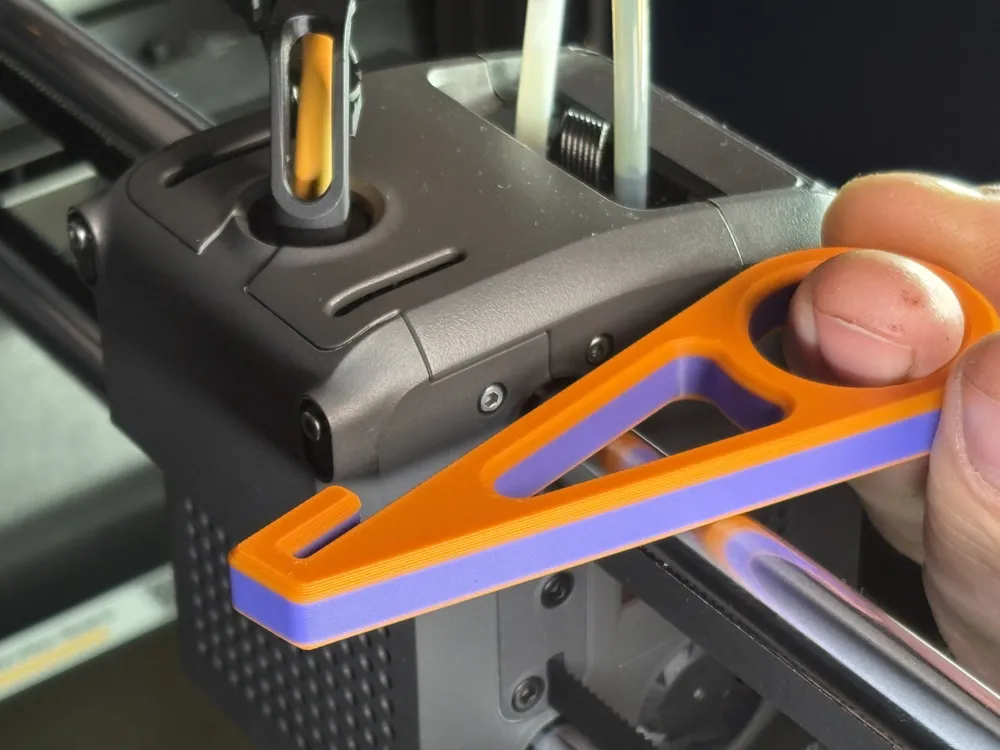
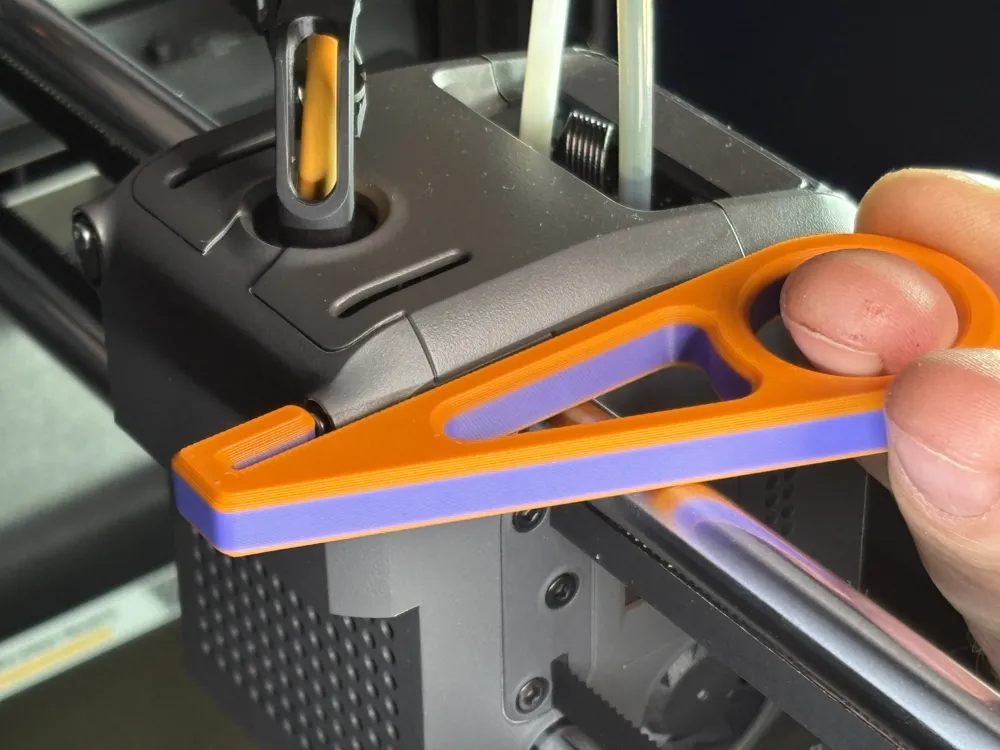
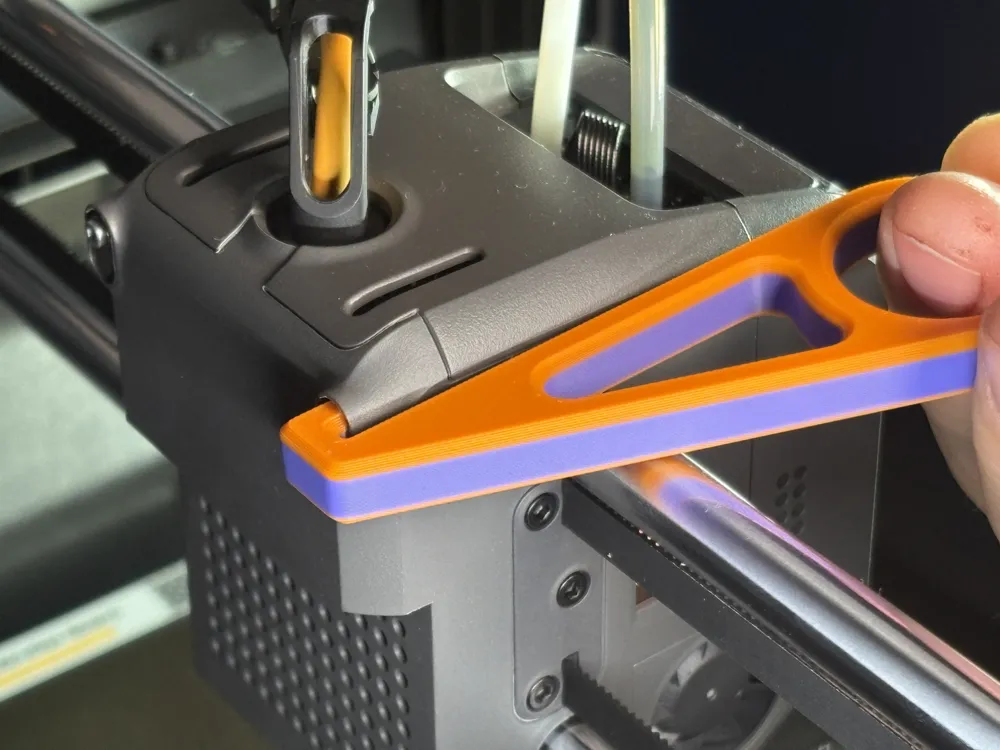
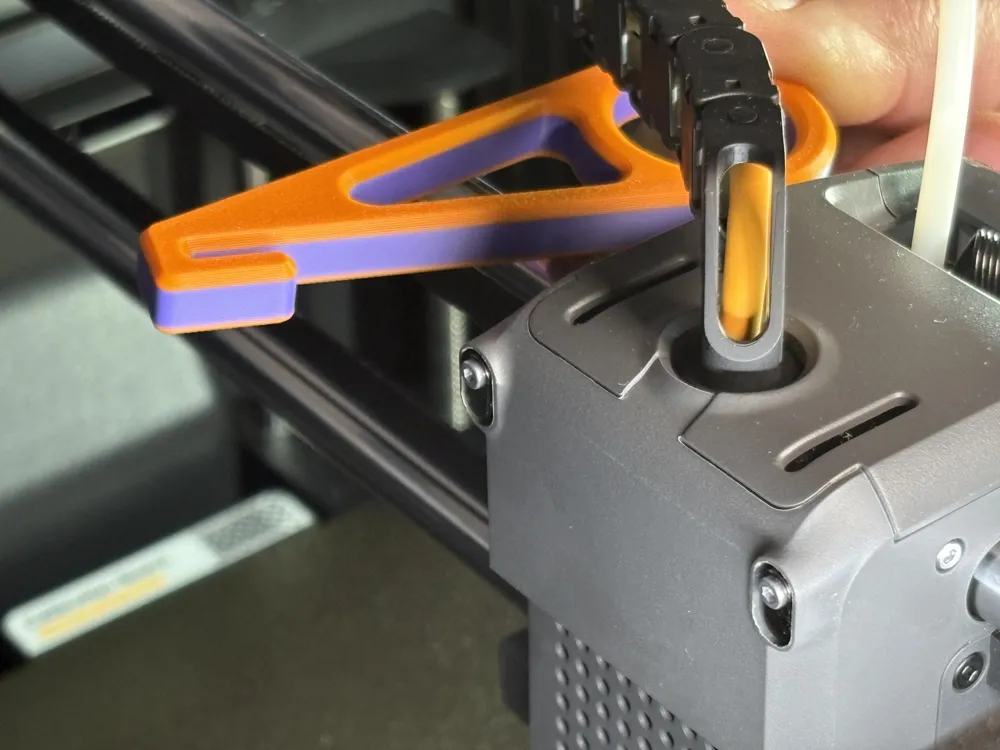
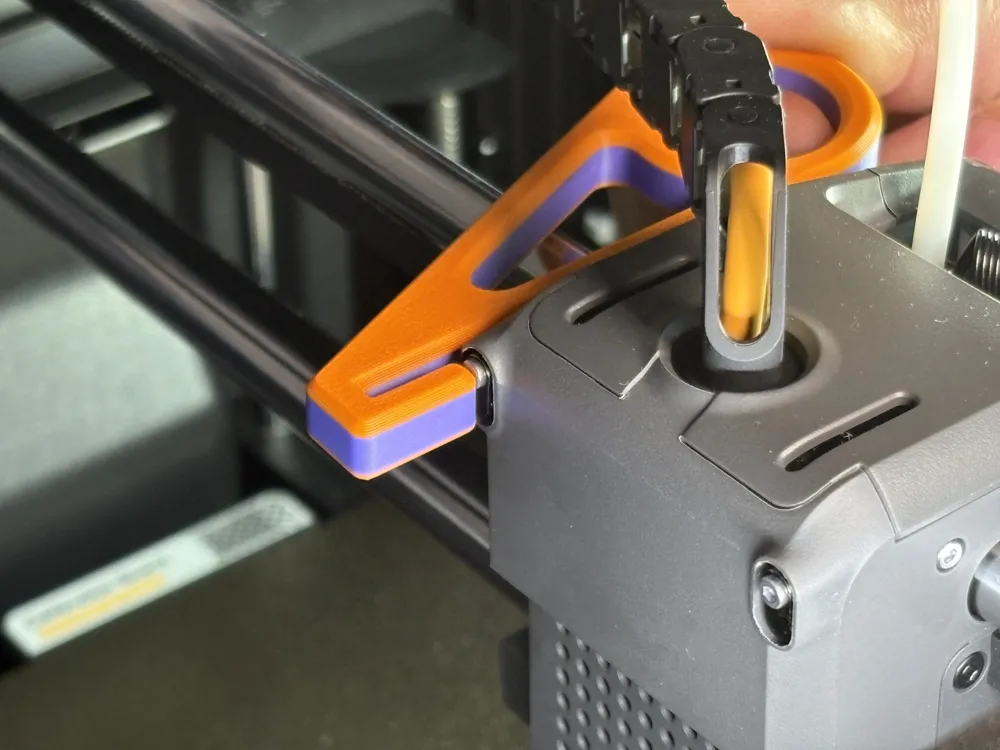
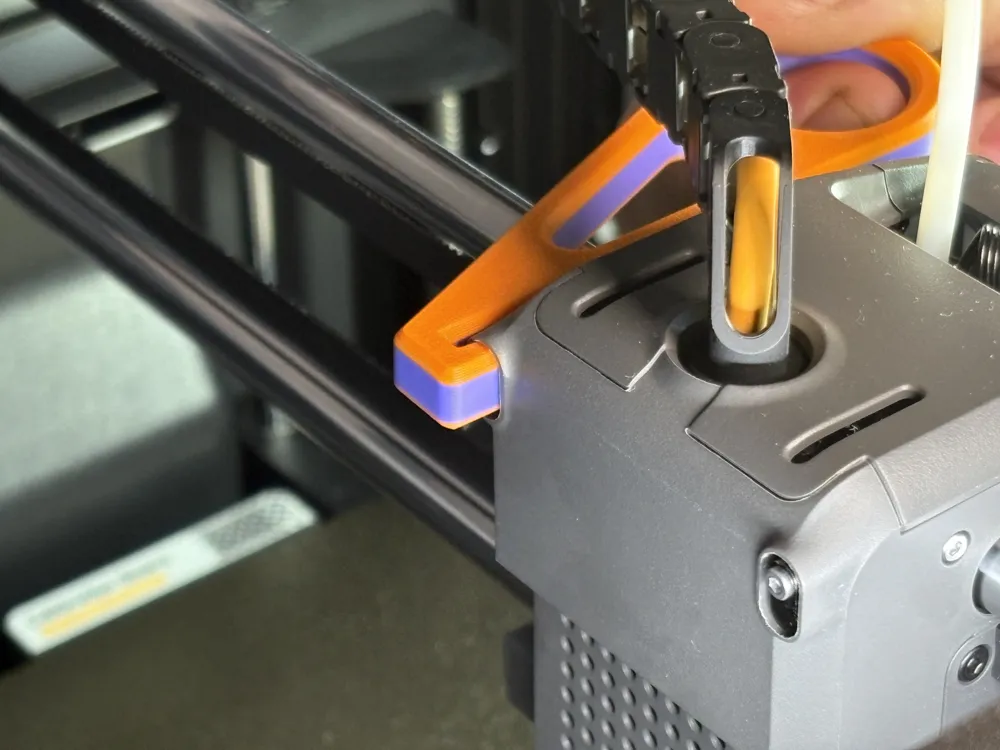
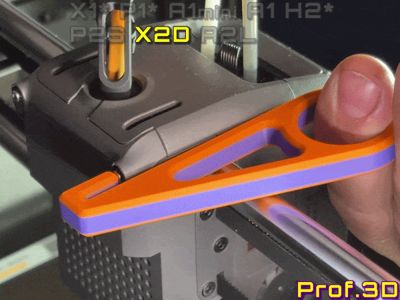
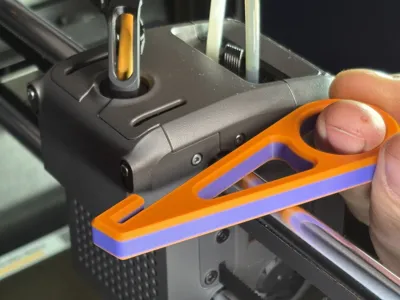
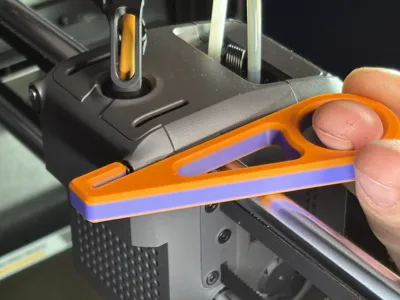
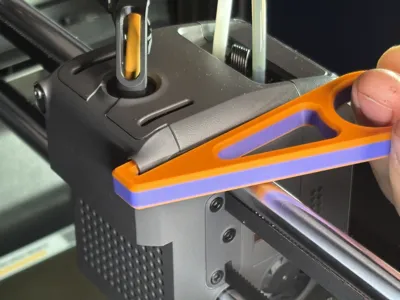
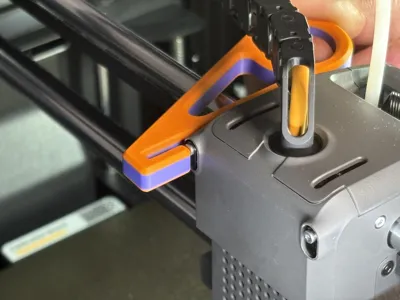
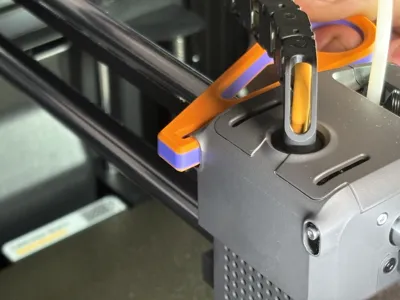
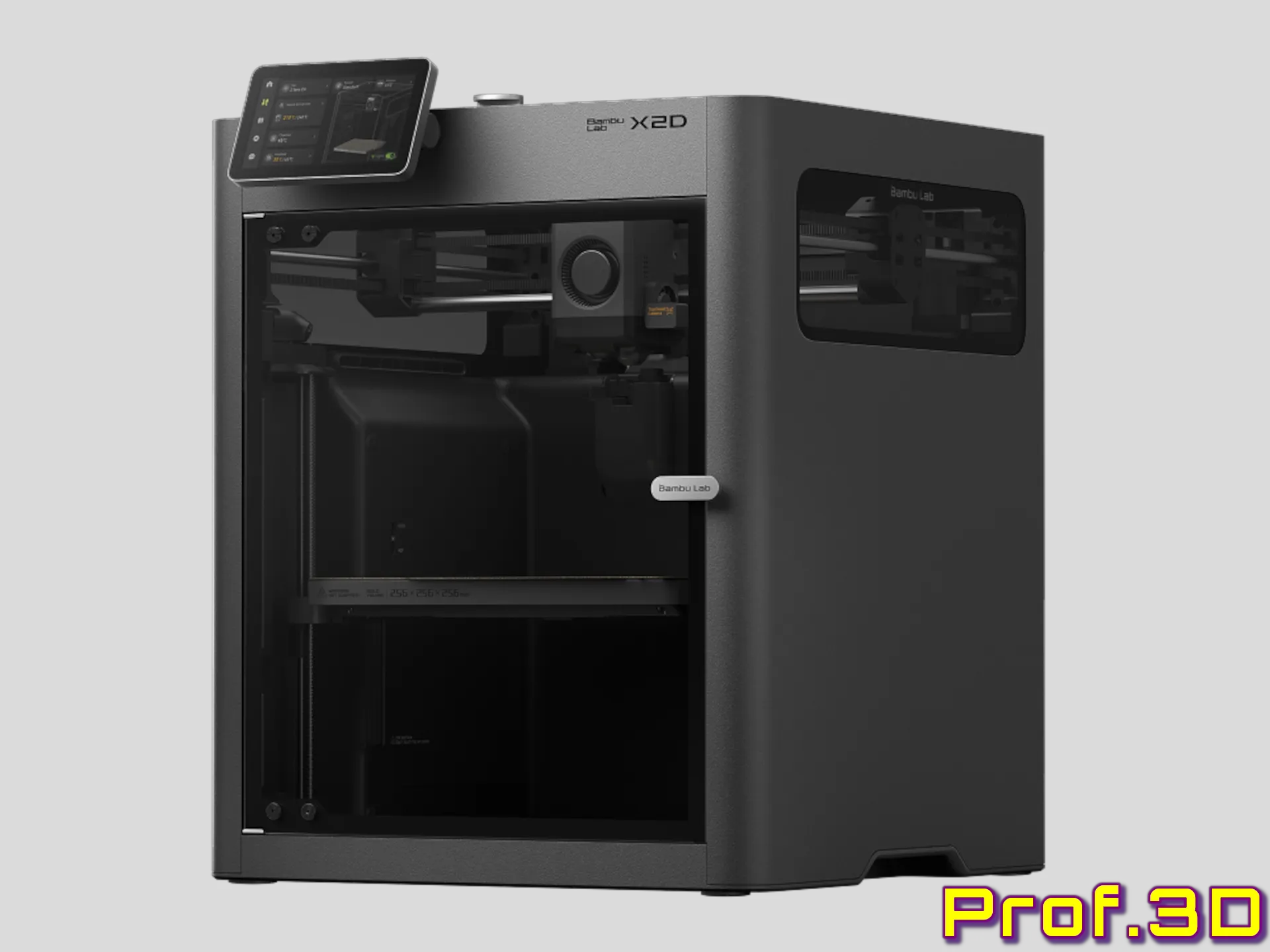
Manually cut filament on the X2D from the front. No lid removal, no fiddling.
 Designed as part of my ongoing collection of practical Bambu Lab upgrades. Each model is conceived, printed, and endurance-tested on my own machines, refined through dozens of iterations to match the printer’s true mechanical behavior. Precision isn't assumed here, it’s verified layer by layer.
Follow me if you like my work, that kind of appreciation really dries my filament. Likes and boosts feed the Maker World algorithm and keep the new models coming |
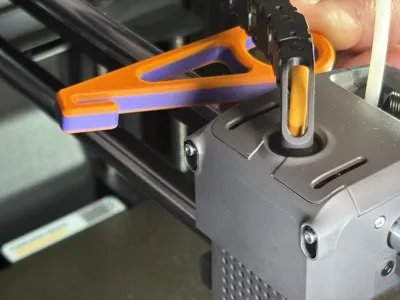
Where previous printers like the P2S used a simple external lever on the side of the toolhead, the X2D moved to a much more compact layout. The filament cutters for both the main and support nozzle are now actuated from the rear, making direct manual access practically impossible.
Opening the lid and reaching for tools quickly becomes annoying, and fiddling around blindly is not a real solution.
The answer is a semi-self-aligning tool that uses the left or right edge of the toolhead as a guide. Simply place it, let it align, and pull from the front.
Snip. The cutter is engaged. Job done.
Part #41 in my X2Design Journey.
Boost Me (for free)
Support for this model helps fund 3D printing in a local school in Lower Saxony, Germany. Contributions go toward printers and filament for student maker and robotics clubs, including preparation for "Jugend forscht" competitions. Likes, follows, and boosts help increase visibility and indirectly support hands-on technical education.
Translation Notice: I am not a native English speaker. I write all descriptions in English to ensure the best automated translation into other languages. To make the text smoother and more readable, I use language tools to refine my wording.
Bill of Materials Notice: Hero Shot models are usually printed in Bambu Lab PLA Basic, primarily Pumpkin Orange, Purple and Matte Charcoal Black. The Bill of Materials contains the recommended filament for the model, which may differ from the filament used for the photos.
Purchases made via the BOM support my work through the Maker World Commission Incentive at no extra cost to you.
License

You shall not share, sub-license, sell, rent, host, transfer, or distribute in any way the digital or 3D printed versions of this object, nor any other derivative work of this object in its digital or physical format (including - but not limited to - remixes of this object, and hosting on other digital platforms). The objects may not be used without permission in any way whatsoever in which you charge money, or collect fees.


Comment & Rating (25)