
Zundamon keychain and pin badge
Print Profile(1)
Description
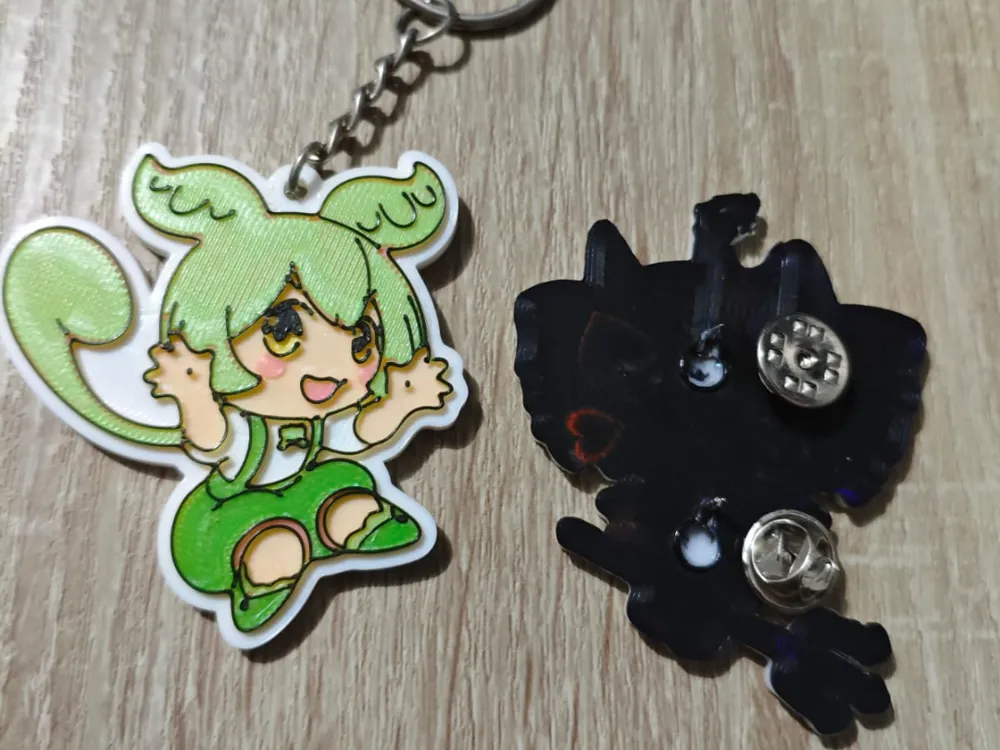
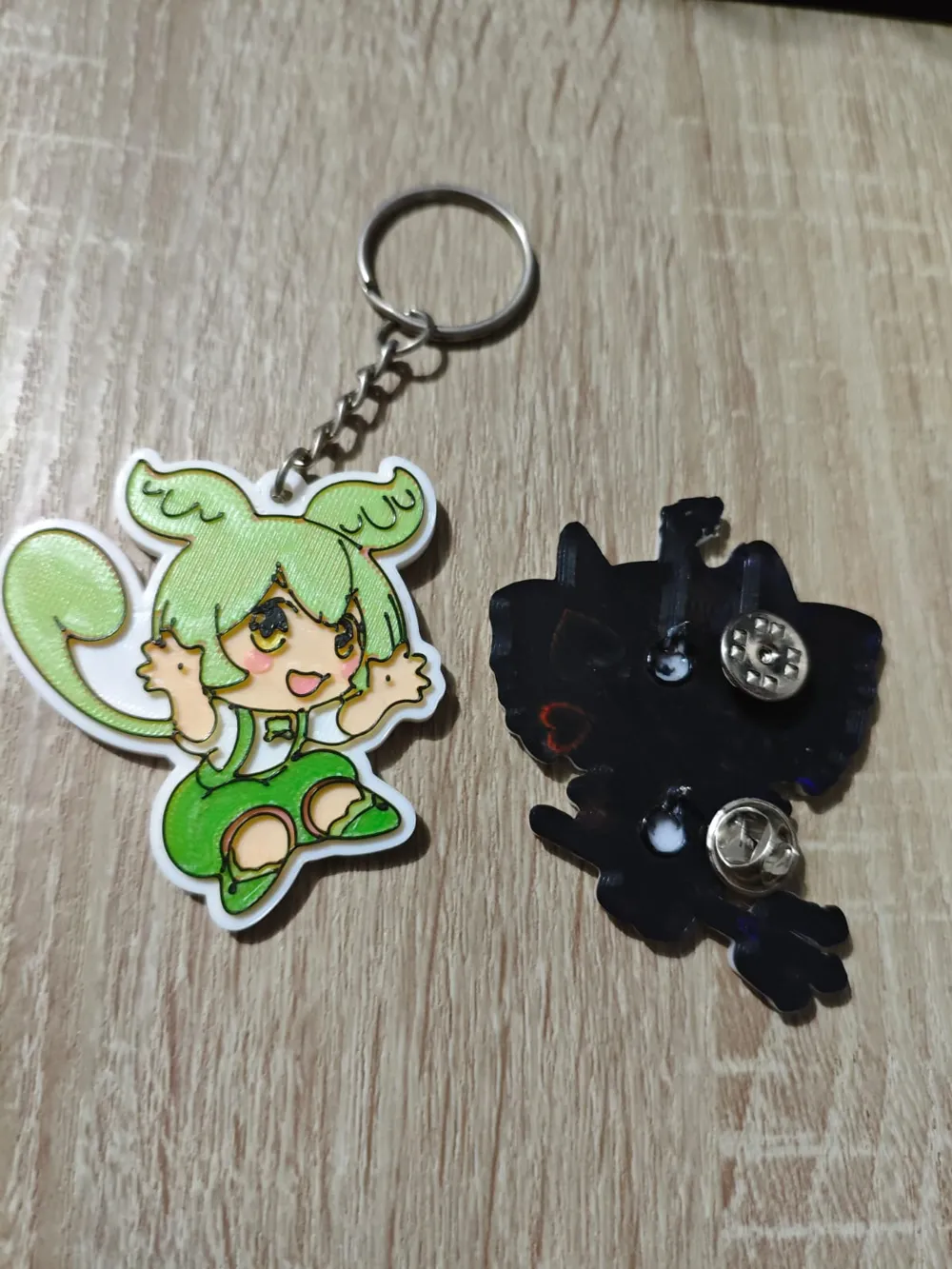
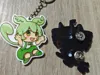
Zundamon fans rejoice! There is almost no Zundamon content for 3D printing so I wanted to share this piece with everyone. The art itself is a original work I commisioned to a friend and the model was made with Image to Keychain app of MakerWorld. Due to the number of colors I ended up separating them by layer to print this model with one AMS. The profile already have the colors in the correct order, just don't change the z axis or the layer height before slicing. The method to print this is simple, just replace the spools that the AMS finished using with the new ones, just make sure to assign the colors to the AMS port in order, in this specific case I do this:
After assigning the first 4 colors (black, white, beige and yellow in that order) I assign magenta/pink to the ams port with the white spool, then neon green to the beige one and dark green to the yellow one. I don't replace the black spool while printing because I like having a first black layer and a last black layer for aesthetic reasons (imprinting patterns with a smooth plate, which looks better on black).
The profile has 2 models, a keychain one with a keyring and regular one to make a pin or badge. How can you make a pin or badge? You need “butterfly clutch pin backs”, heat the nails and bury them into the back face like in the photo, way more durable than any glue. That's all for now, enjoy!
License



Comment & Rating (0)