
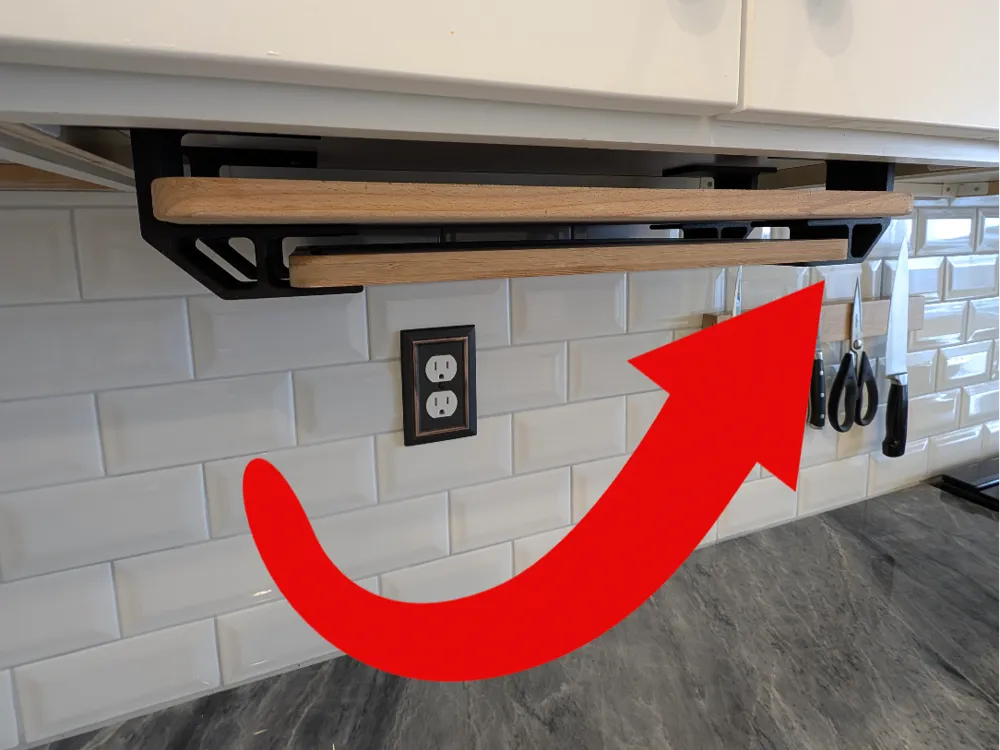
Under Cabinet Hanging Cutting Board Display
Print Profile(1)
Description
Boost Me (for free)
If you like this print, please rate and show your installation :) and a free boost helps me stay motivated to keep making free designs!
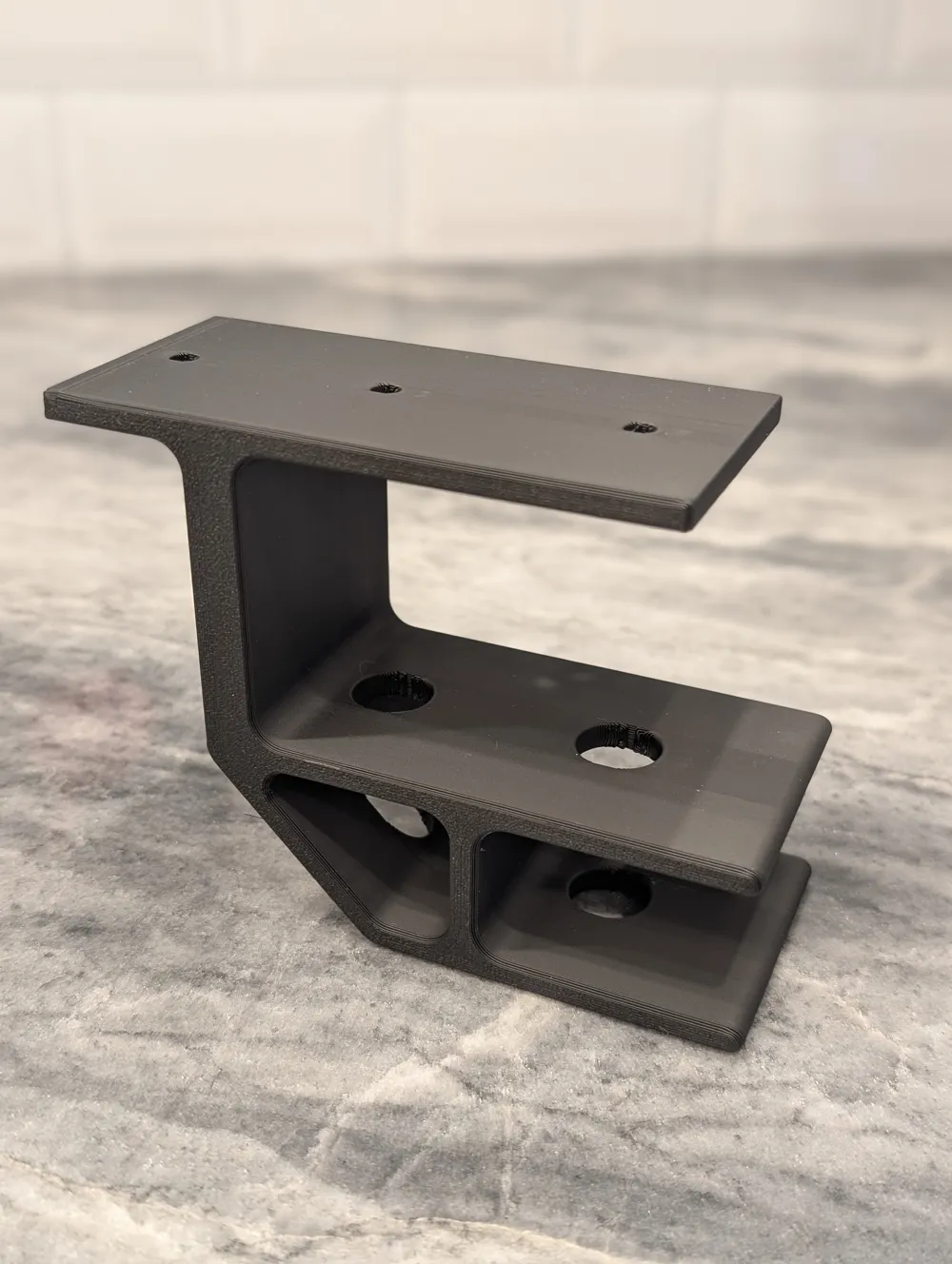
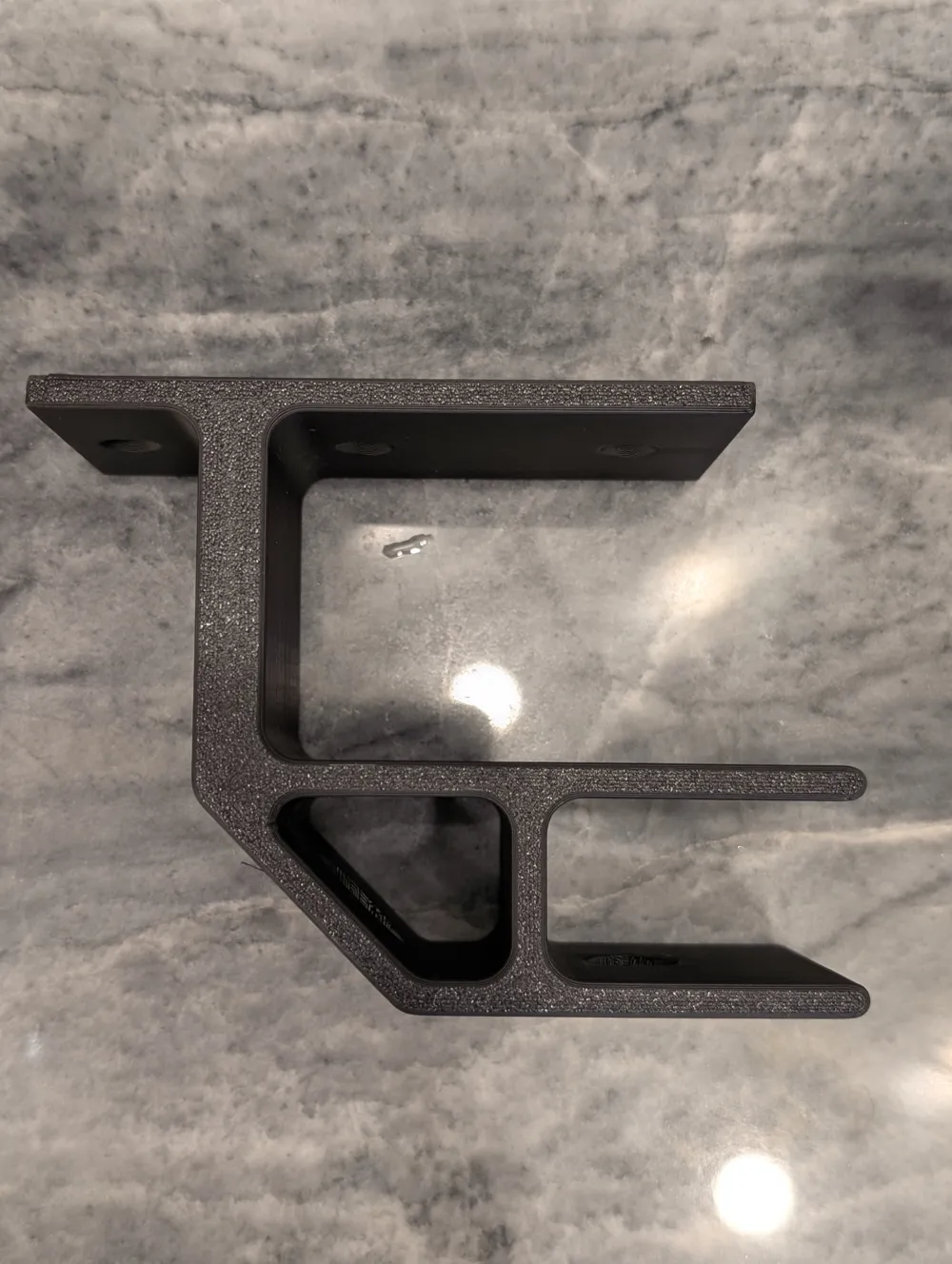
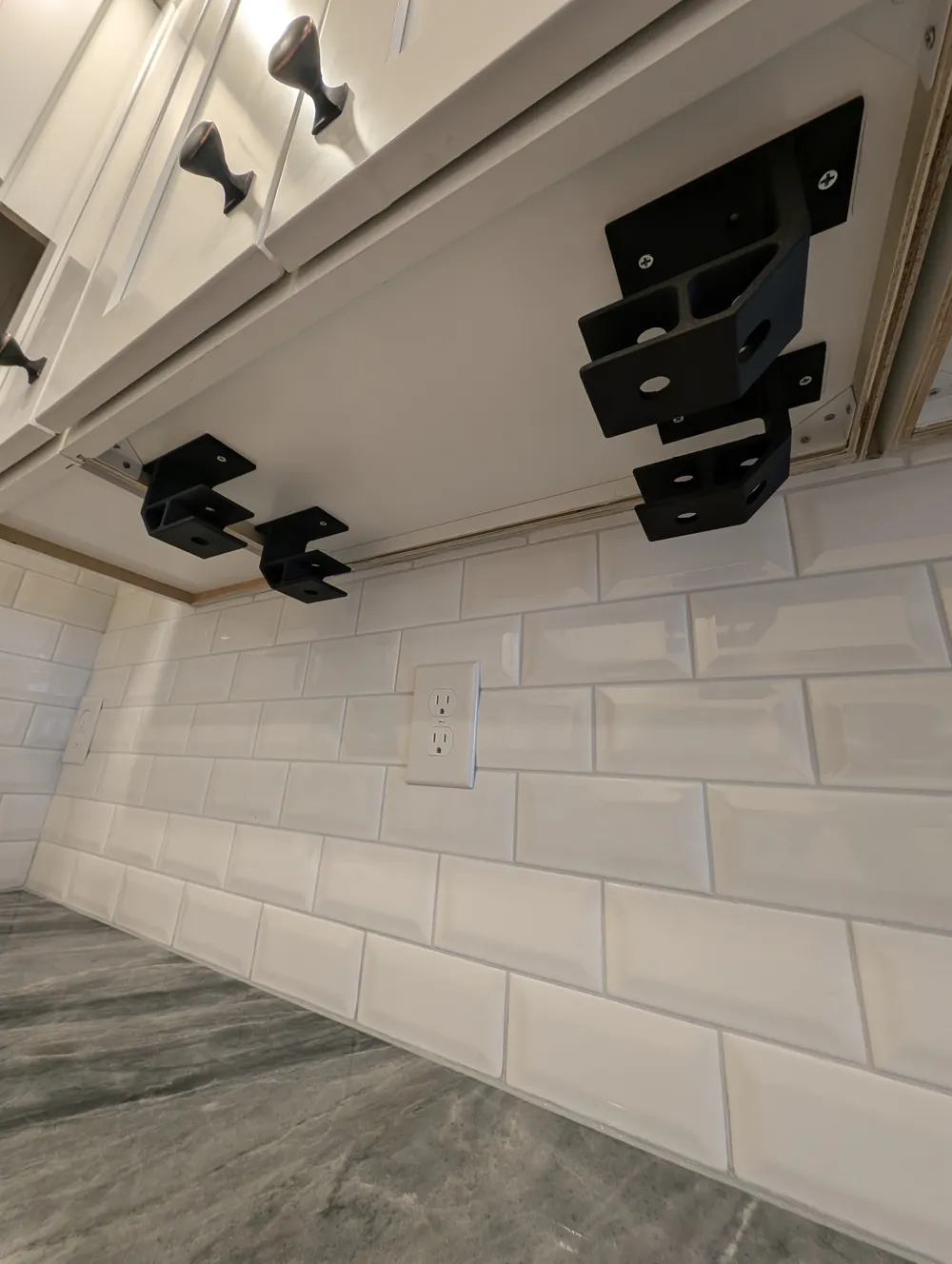
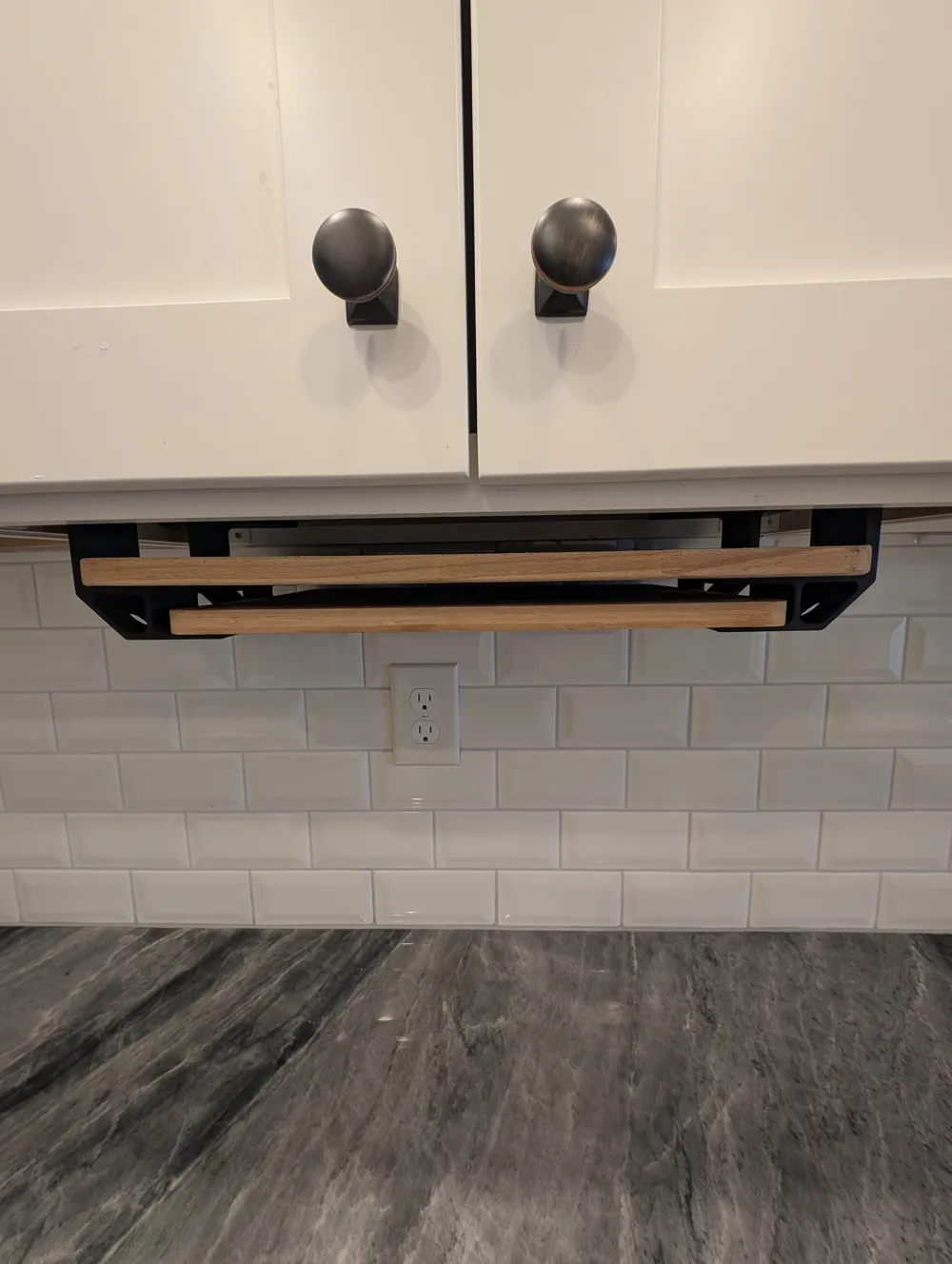
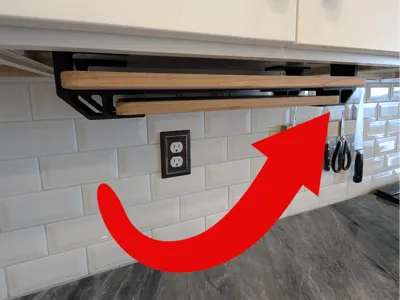
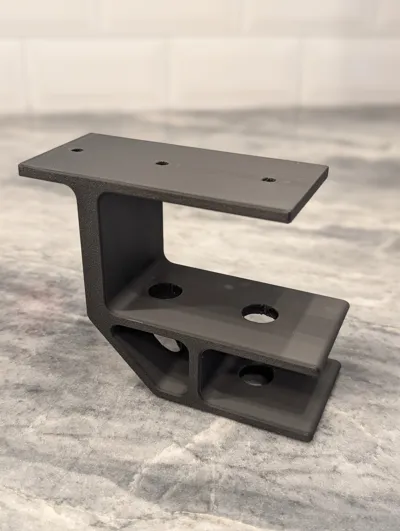
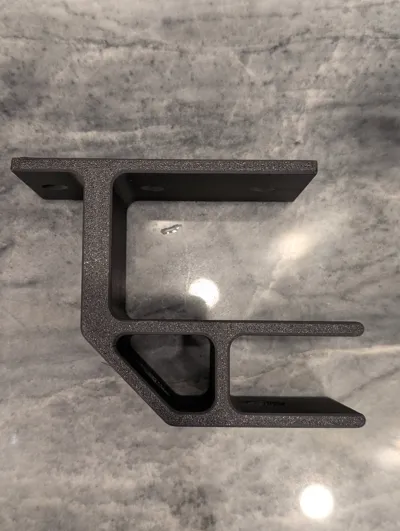
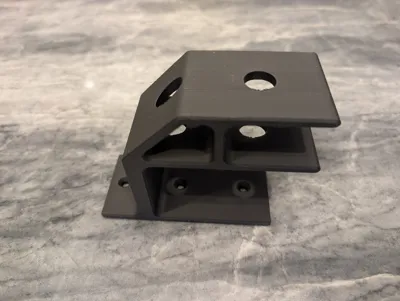
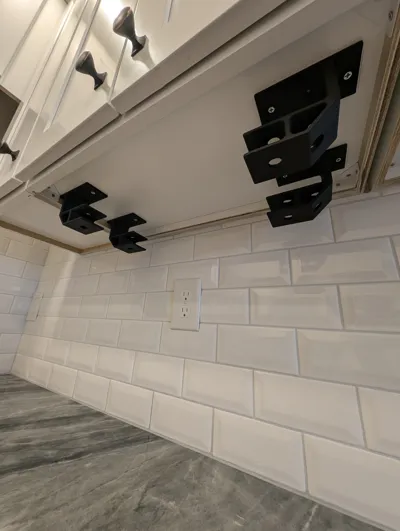
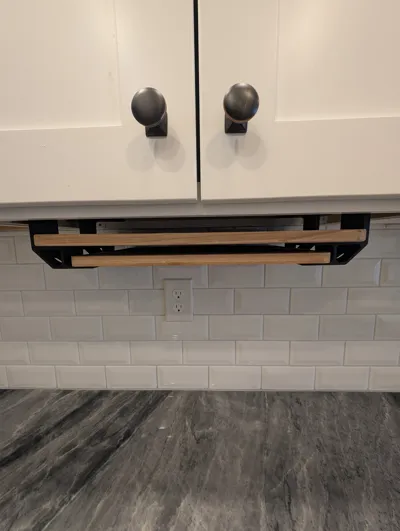
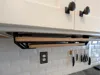
Clean up your counter or cupboard space with this simple under-cabinet cutting board holder! Holds two cutting boards of different lengths, great for cutting board sets! Clearance allows for additional boards to stack on top of each other. Through-holes for ease of installation with a long philips head screwdriver
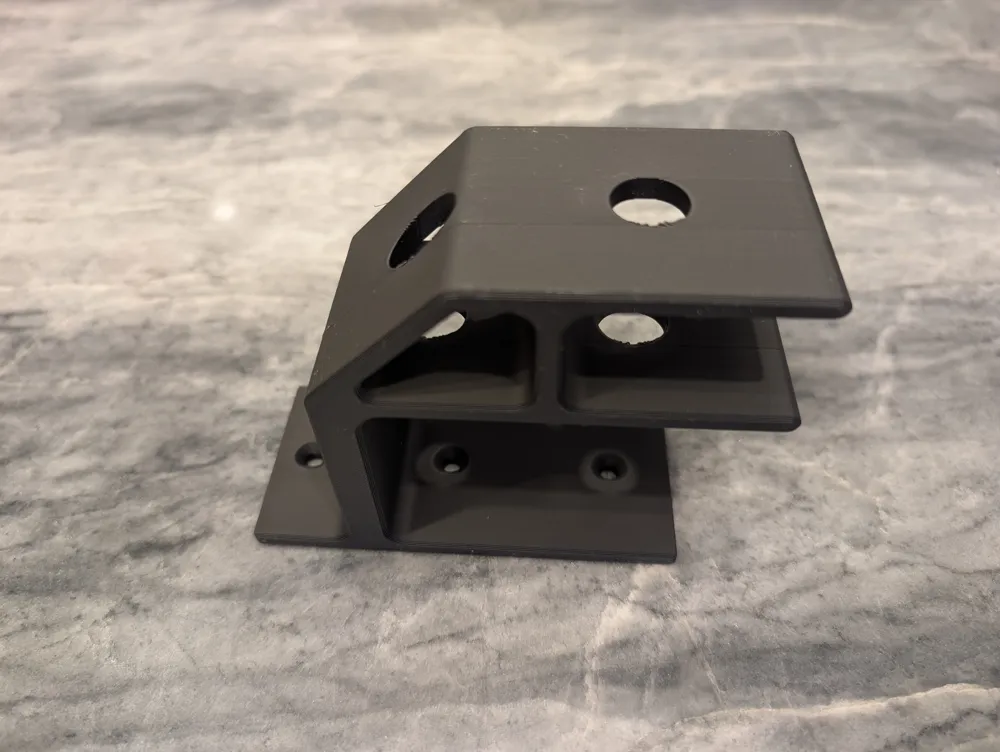
Designed with holes to reach through with a screw driver or drill extender for ease of installation. I made holes for 3 on each hanger, but only ended up using two screws each. Not tested with double sided adhesive, but practically, full coverage with 3M VHB tape should hold.
Hardware:
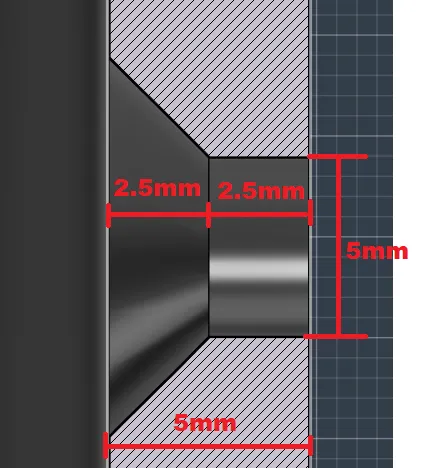
- 8 to 12 #8 x ½" countersink wood screws. (holes are 4.5mm diameter, 2.5mm countersink then 2.5mm deep
Suggested Installation Steps:
Measure length of larger cutting board and add 3 inches (e.g. 18" cutting board, total length would be 18" + 3" = 21") this will be the “outer hole to outer hole” distance for two opposing hangers
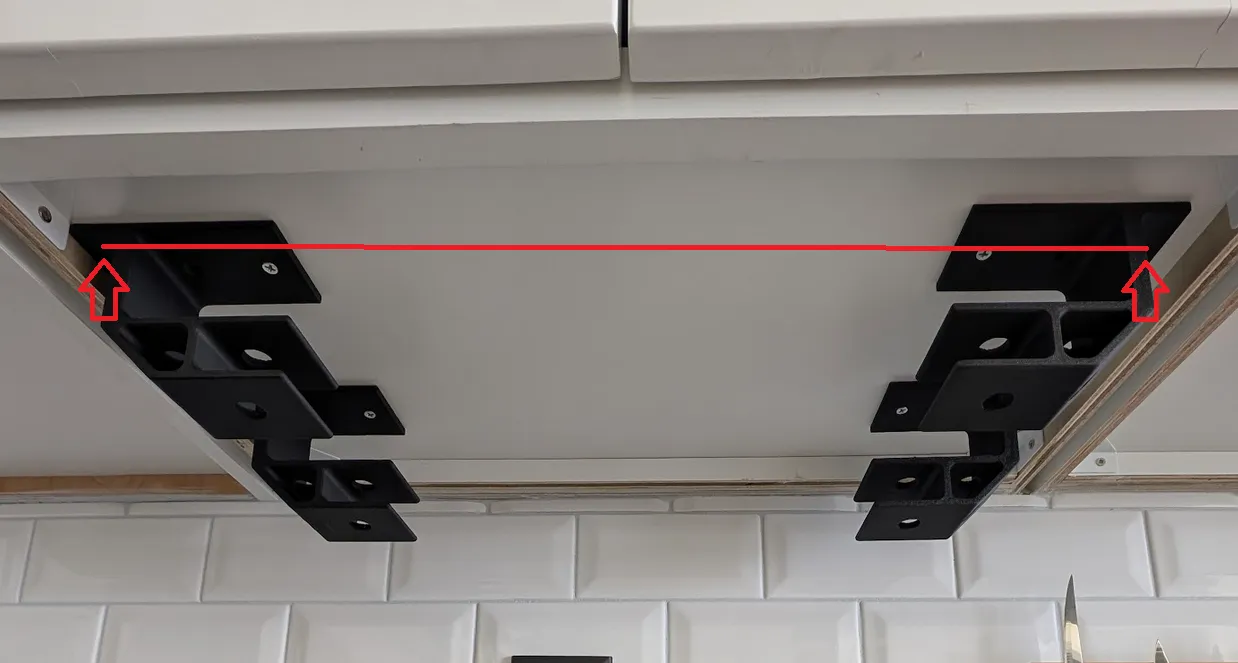
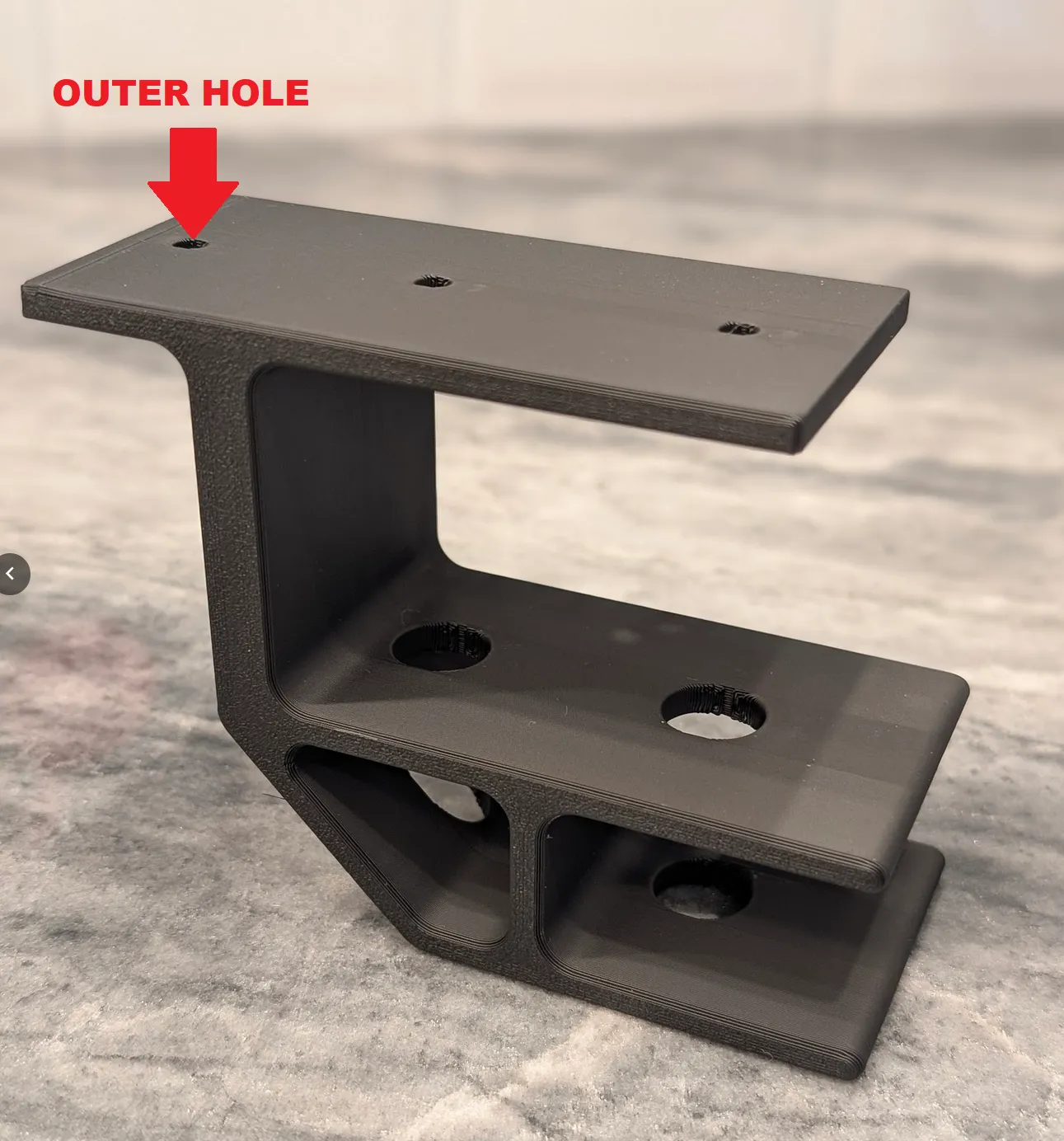
- Using “outer hole to outer hole” measurement, mark where you'd like the front two hangers to go roughly
- Square up the first hanger where you'd like it to be mounted and us a pencil (This is where those big holes come in handy) to mark your screw holes
- Drill pilot holes for first hanger (It's very important to drill pilot holes before starting to install screws, unless you have a really long drill bit)
- Using long screw driver or Philips drill bit, install screws for first hanger
- Repeat steps 3 to 5 for each hanger, using your first mounted hanger as an anchor point to keep everything square
- Snap a pic, and post your install in the comments :)
License



Comment & Rating (23)