
Fast Flow Ratio Calibration – Accurate in Minutes
Print Profile(1)
Description
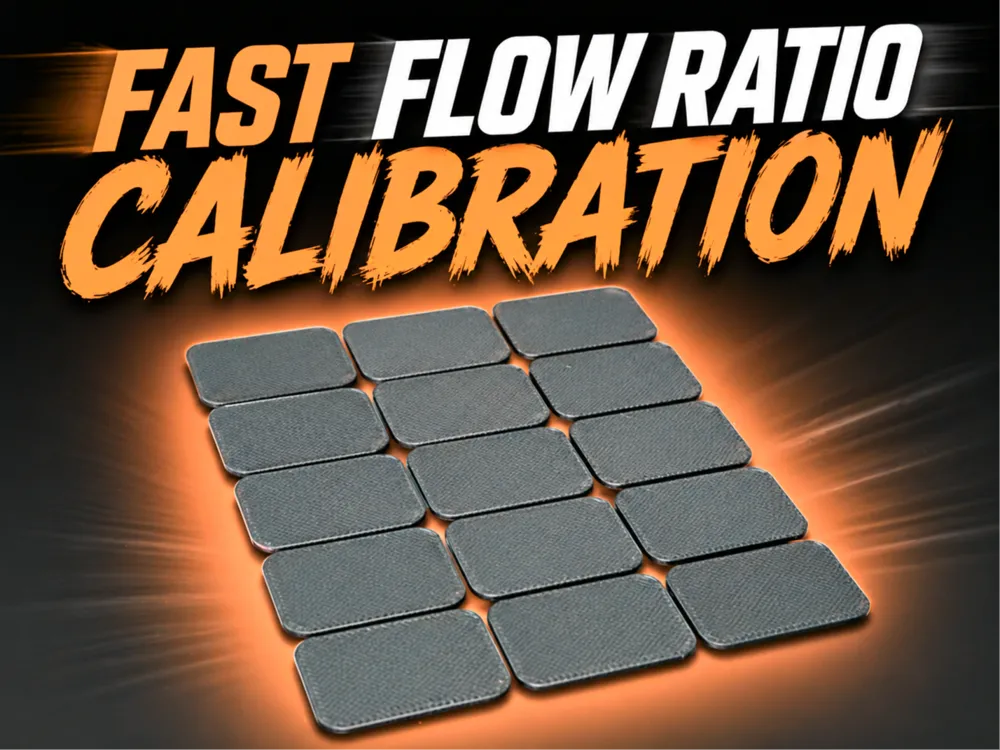
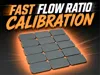
This model is designed to calibrate your filament flow ratio faster and more precisely than the default calibration methods found in most slicers. his approach gives you clear visual feedback in a single pass, helping you dial in the perfect extrusion multiplier with minimal time and material waste.
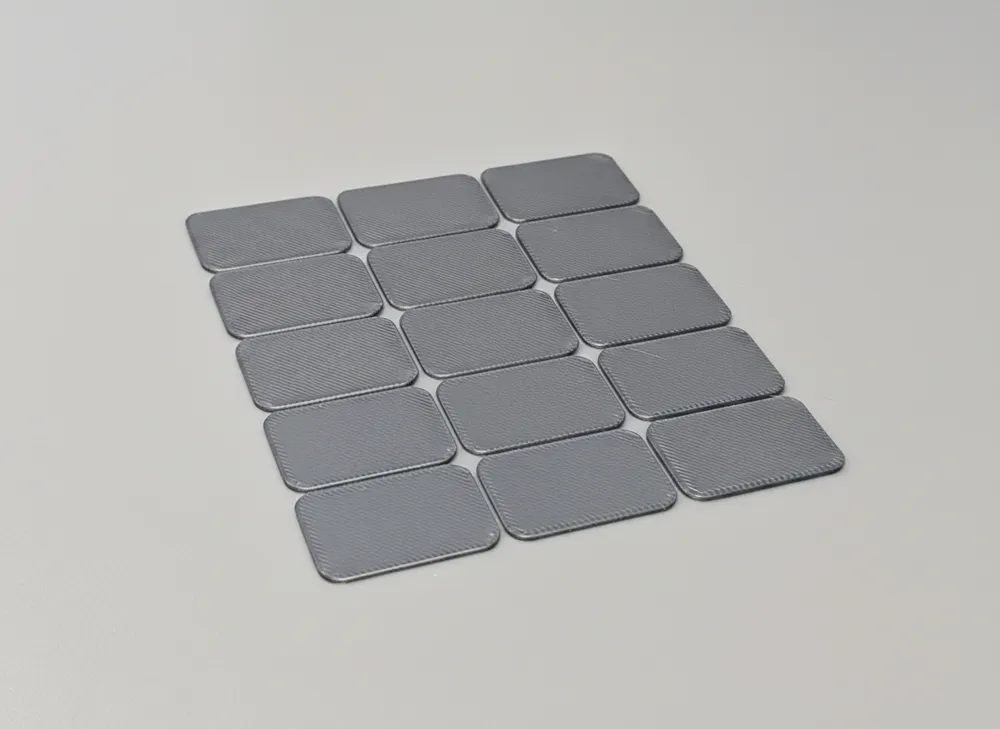
The tile-based design makes it easy to compare surfaces side-by-side and quickly identify the optimal flow. Step 1 is tuned to cover the most common filament range, so in most cases you’ll get an accurate result immediately. For users who want absolute precision, Step 2 allows fine-tuning to reach near-perfect extrusion.
How to Use:
Step 1 (Main Calibration):
a) Print the model.
b) Inspect the tiles and choose the one with the flattest, most consistent top surface (no gaps, no over-extrusion ridges).
c) In your slicer, check what flow ratio value corresponds to that tile.
d) Calculate your new flow ratio using:
{current filament flow ratio} × {tile value} = {new flow ratio}
Step 2 (Optional – Fine Tuning):
a) Run the second calibration print using your updated flow ratio.
b) Repeat the same evaluation and calculation process.
c) This step is optional but recommended for perfectionists who want maximum print quality.
Additional Notes:
- The values in Step 1 are carefully chosen so that most filaments fall within the tested range.
- If you feel the best tile is at the edge or outside the range, estimate the ideal value, calculate a better flow ratio, and run Step 1 again for improved accuracy.
- This method minimizes guesswork and dramatically reduces calibration time compared to standard methods.
Dial in your filament quickly, waste less material, and get cleaner, more consistent prints every time.
Boost Me (for free)
Found this model useful? Support my work for free!
License

You may create derivative works based on this object, provided that all such derivative works are published exclusively on the MakerWorld platform and include proper attribution to the original creator. You may not share, upload, host, distribute, or publish this object—or any derivative work of this object—on any other digital platform, marketplace, or distribution channel. Commercial use of this object and any derivative works is strictly prohibited. This includes, but is not limited to, selling, renting, sublicensing, or using the object in any context in which you receive monetary compensation or other financial benefits.


Comment & Rating (15)