
Parametric Universal Boom Arm
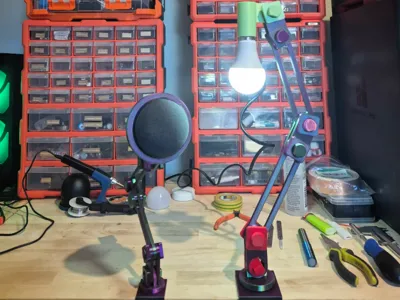
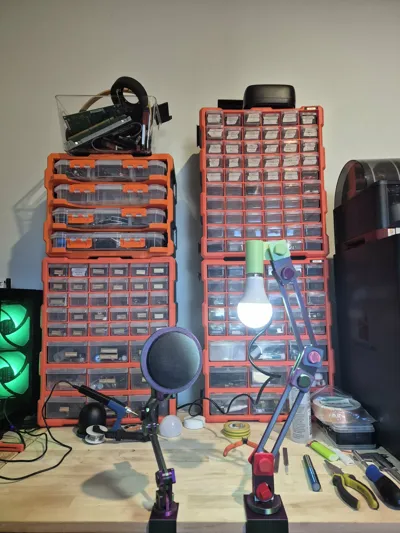
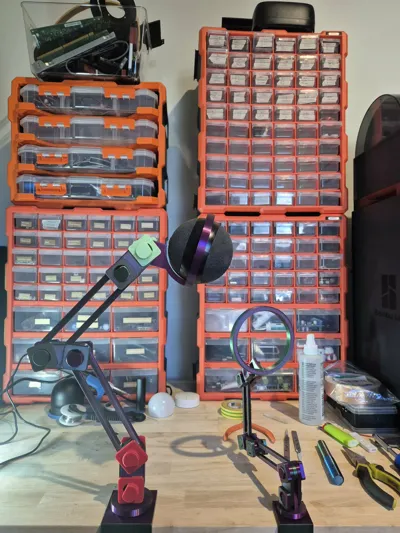
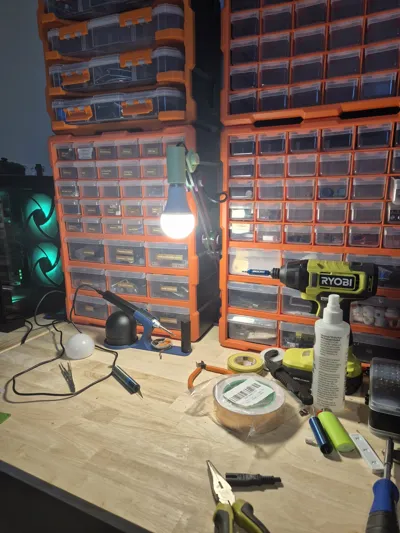
Print Profile(1)
Description
Parametric Universal Boom Arm
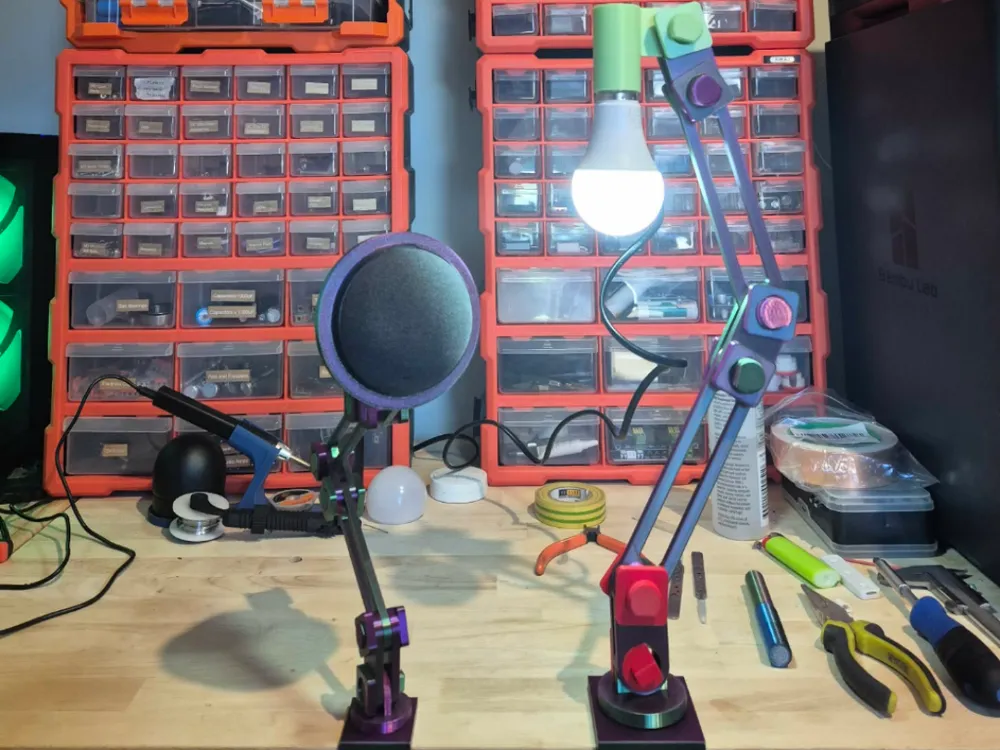
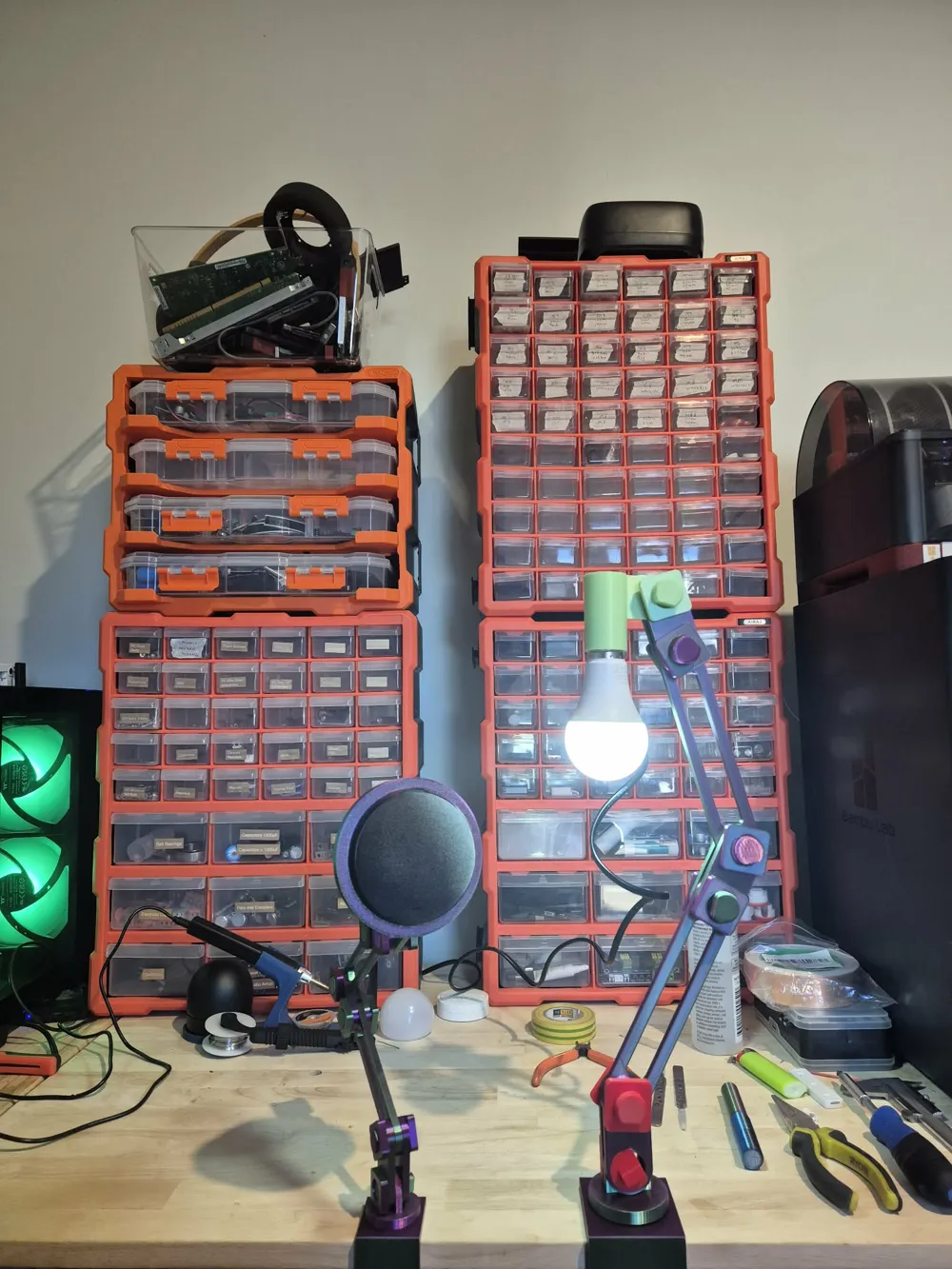
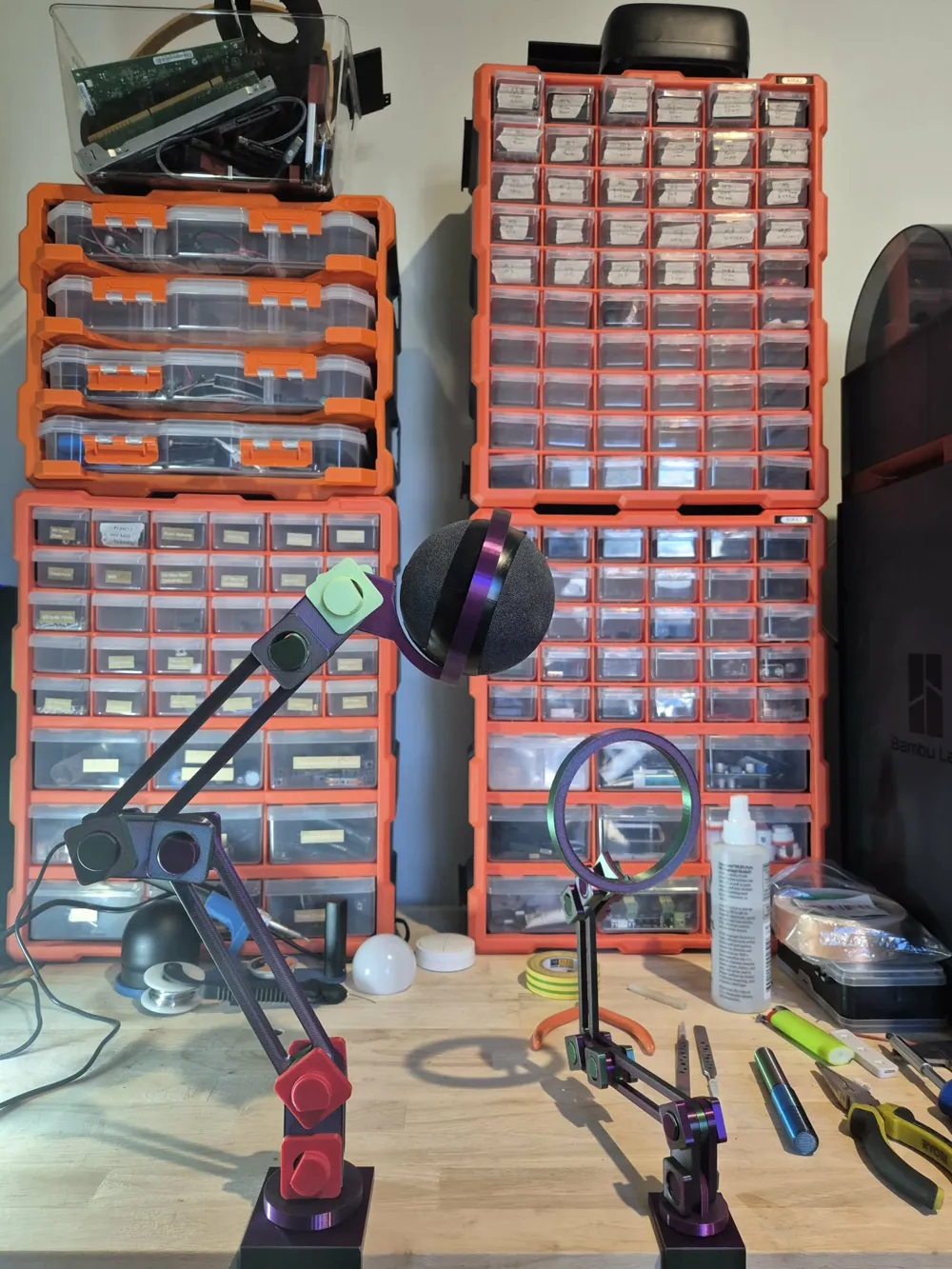
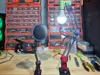
This project started from the desire to create a microphone stand for my Logitech G Yeti Orb, with my previous attempt, the Universal Boom Mic Arm, serving as the starting point. During my trial and error with different friction fits, bolt sizes, and arm thicknesses, I decided to move to a parametric design so I could try out new configurations without starting all over again.
My design requirements:
- Model can be scaled ridiculously small or large, in case that's what someone wants for some reason
- Minimal parameters, with size-to-function ratios controlling the finer details
- Useful 3D printed bolts that don't explode under a little tension and don't require multiple parts
- Minimal filament usage
- Free-moving but strong joints that don't fail after a couple of flexes
- Fully 3D printed
- Working threads
Did I achieve all of these? Mostly — judge for yourself.
Features:
- Full parametric design
- 360 degree spinning base
- Lightweight
- Single-bolt desk clamp attachment
- Simple joints, allowing you to mix and match pieces with the same bolt size
- Easy fit nuts and bolts
Planned features:
- Vertical to horizontal connector
- 360 degree connector
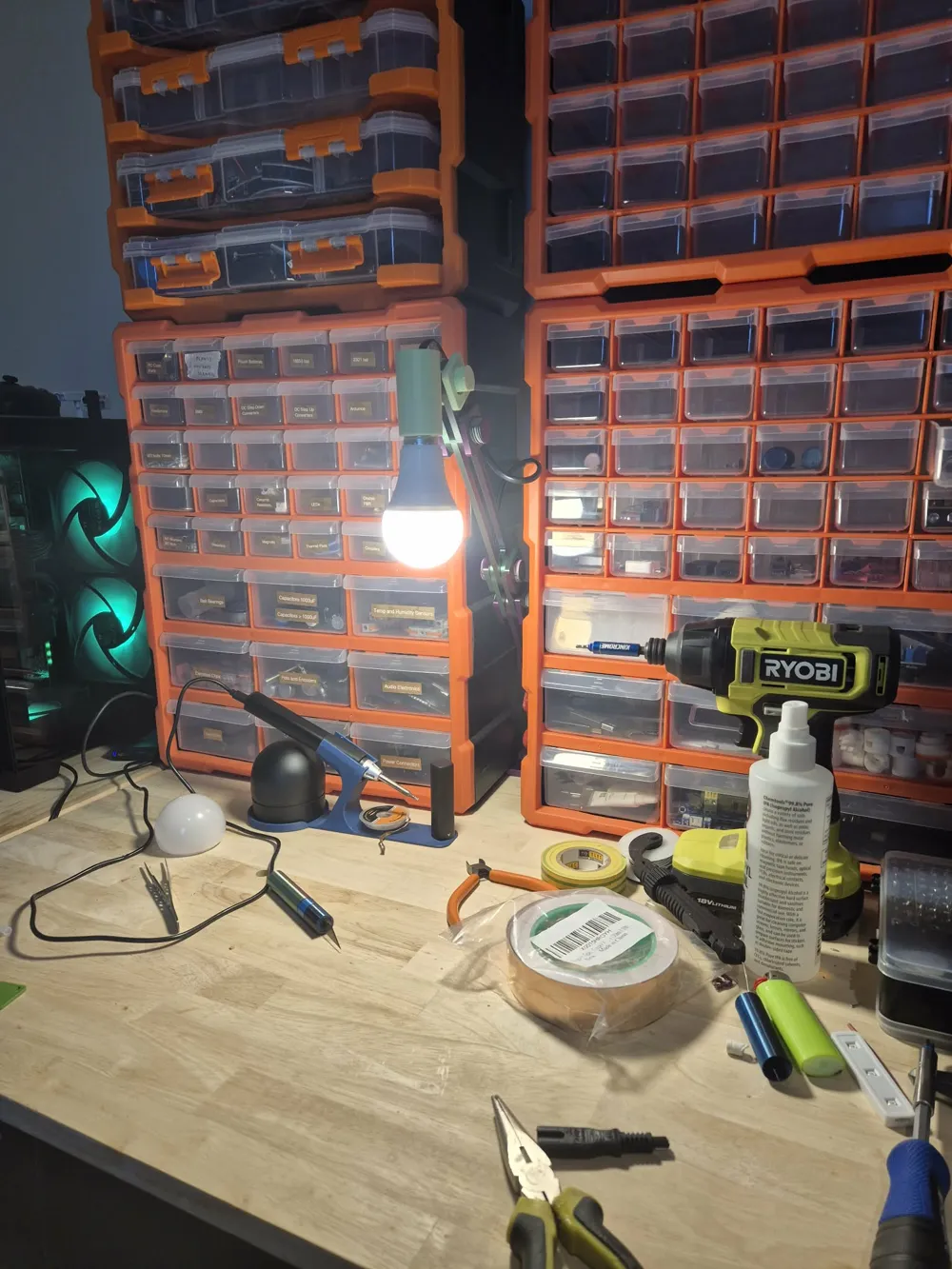
Want to make a custom mount for a different mic, a light, a camera, or something else entirely? Just attach the custom connector piece to your design — no need to rework the whole assembly. Share your custom builds in the comments to build the inspiration pool.
Settings explained:
- Bolt Size — Controls the outer diameter of the bolts (threads are included in this size)
- Tolerance — The space left between all parts that make contact with each other (e.g. bolts to arms, threads to nuts)
- Bolt Extension — Extends the bolts past the minimum necessary length
- Arm Length — Distance from the center of the joints on each side of the arms
- Arm Thickness — Controls the thickness of arms, nuts, and connectors
- Desk Clamp Thickness — Thickness of the desk clamp and height of the arm-to-desk-clamp bolt
- Desk Clamp Size — Size of the gap for the desk in the desk clamp
- Bolt Thread Size — Changes the thread pitch of the smaller bolts
- Desk Clamp Bolt Thread Size — Changes the thread pitch of the desk clamping bolt
- Contact Size — Additional contact surface to increase joint friction
- Friction Bumps — turn off the friction bump by setting this var to 0
If you find something that is broken in the files please let me know in the comments or shoot me a message through the makers world chat and I will check it out as soon as I can (I don't do design work full time so I apologies if my quickest response time is quite slow).
License



Comment & Rating (1)