
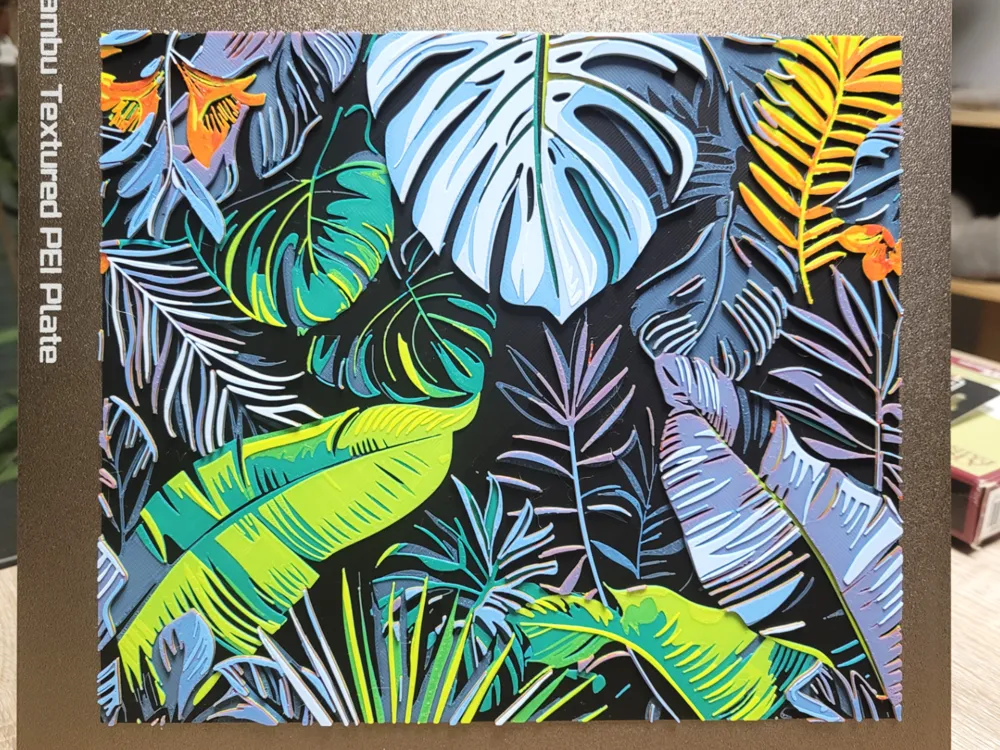
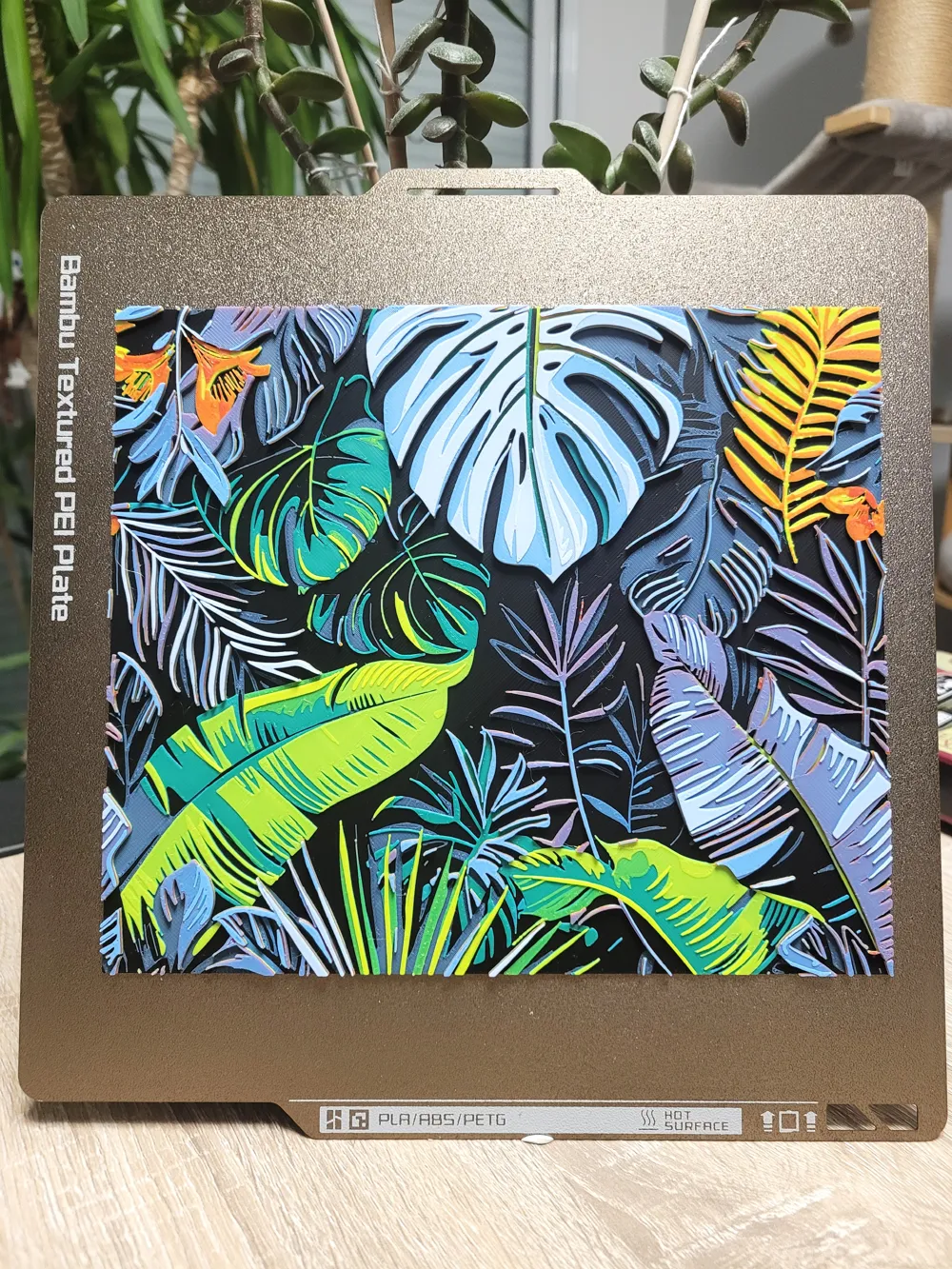
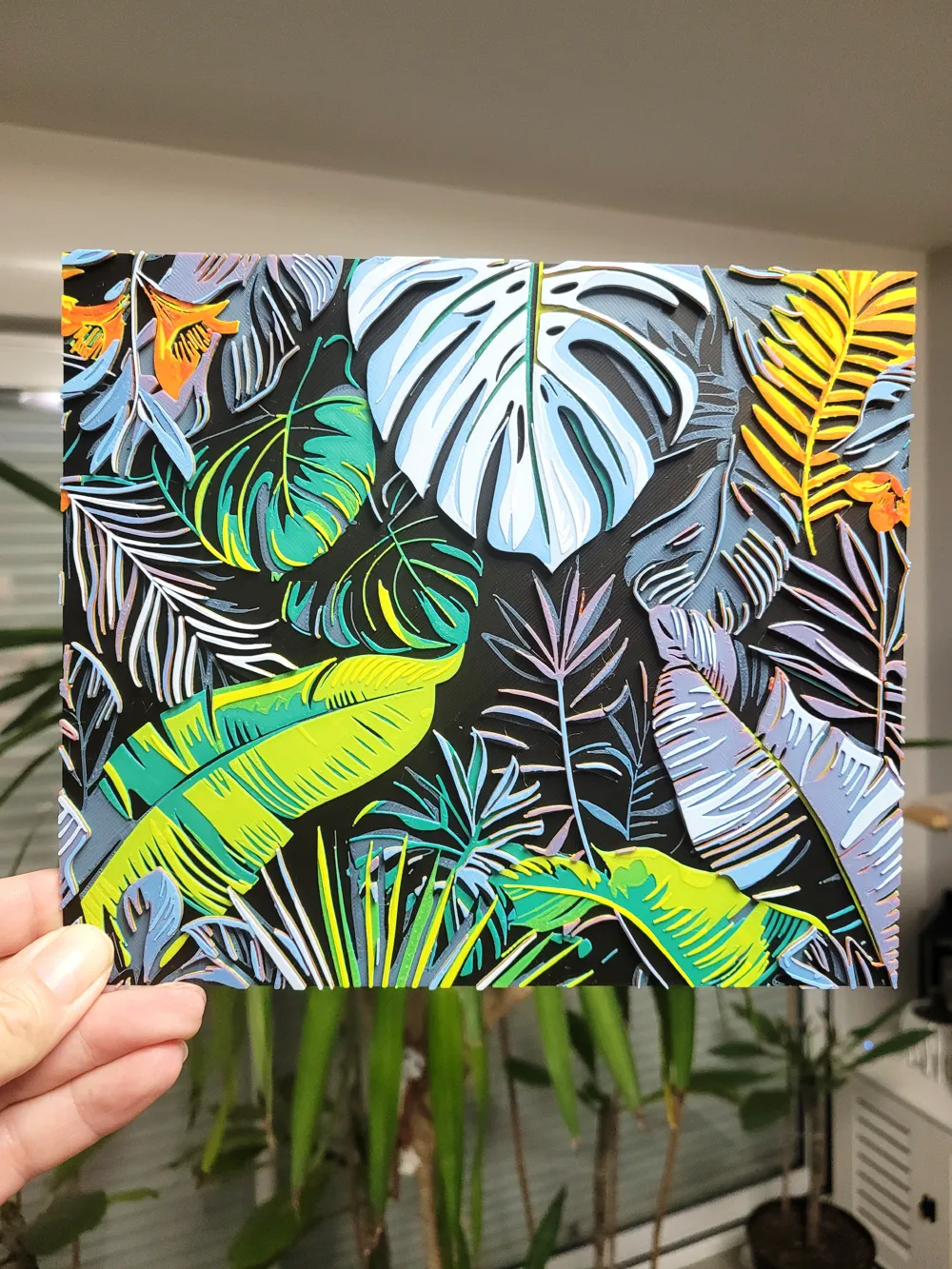
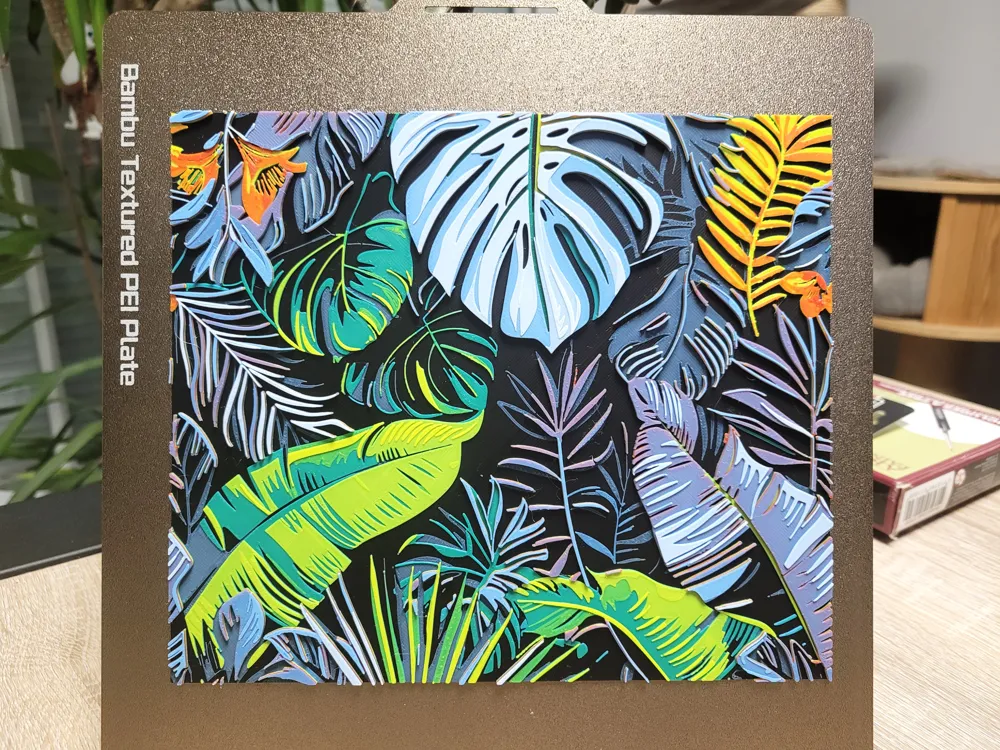
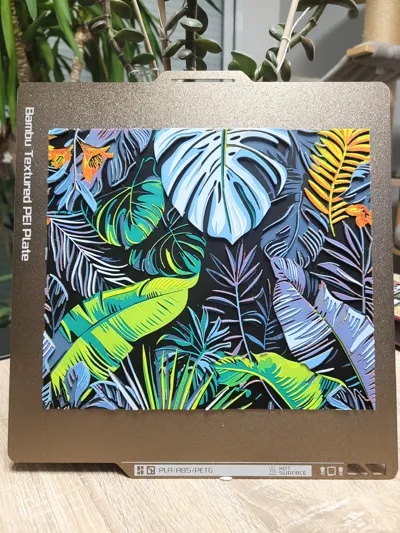
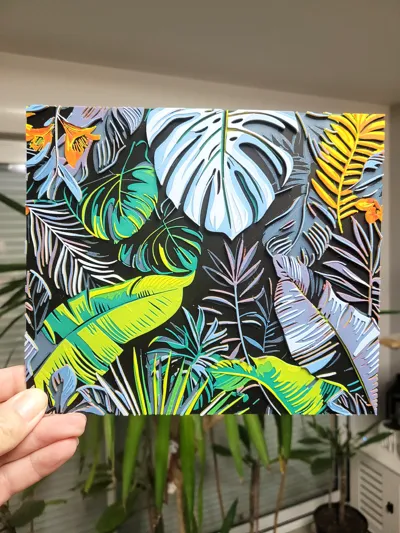
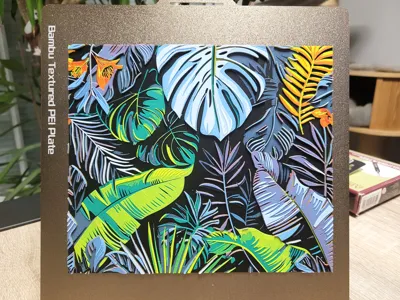
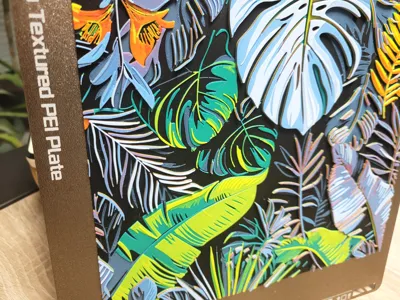
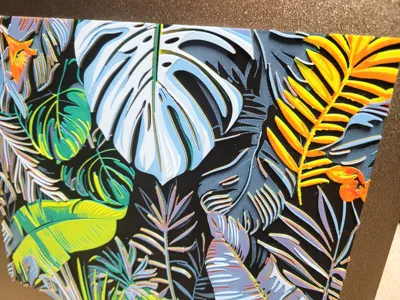
Tropical Leaves Multicolor - Hueforge 220x189
Print Profile(1)
Description

Check and follow my One Piece collection : (Click on image)
More models soon !
Models available : 20
_____________________________________________________________________________
Check and follow my Dragon Ball collection : (Click on image)
More models soon !
Models available : 5
_____________________________________________________________________________
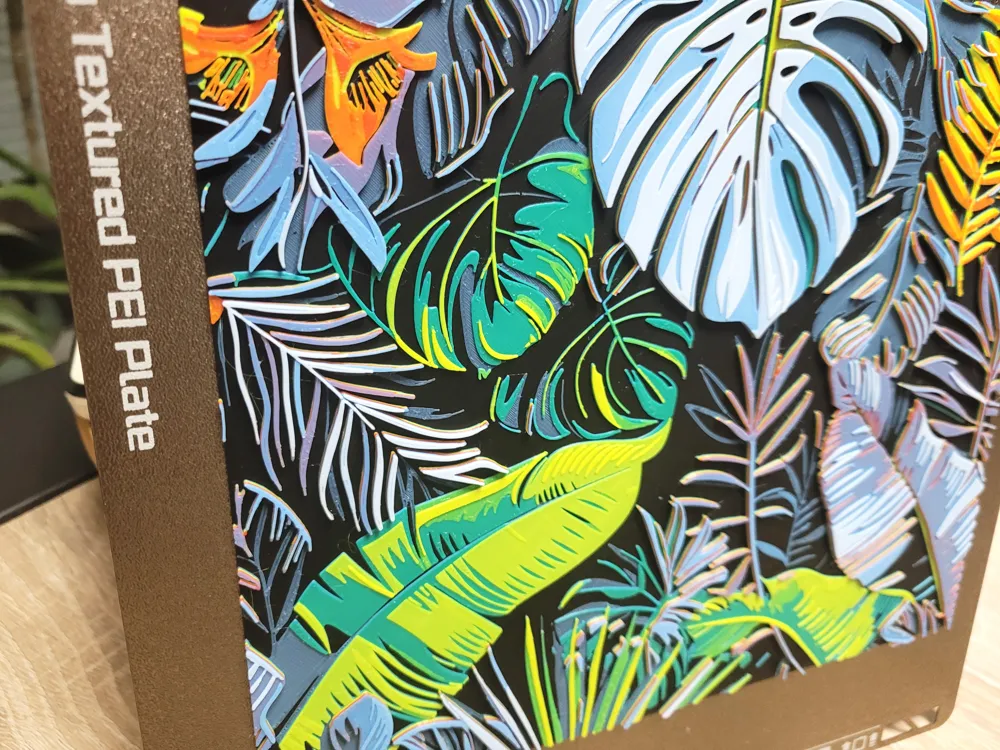
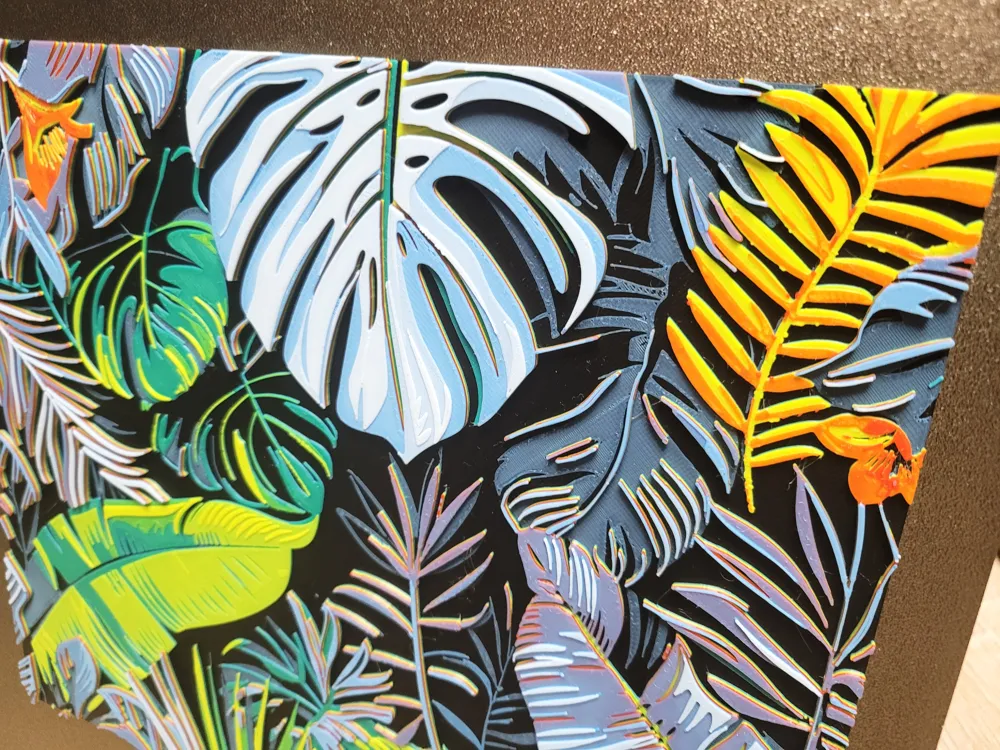
Bring vibrant tropical foliage to life with this multicolor Hueforge design.
This model highlights layered color transitions to create a rich jungle leaf effect, perfect for wall art or decorative prints.
Designed for smooth color blending and strong visual contrast, it showcases the full potential of Hueforge printing.
Ideal for plant lovers, modern interiors, and anyone looking for a bold multicolor 3D print.
Print Instruction :
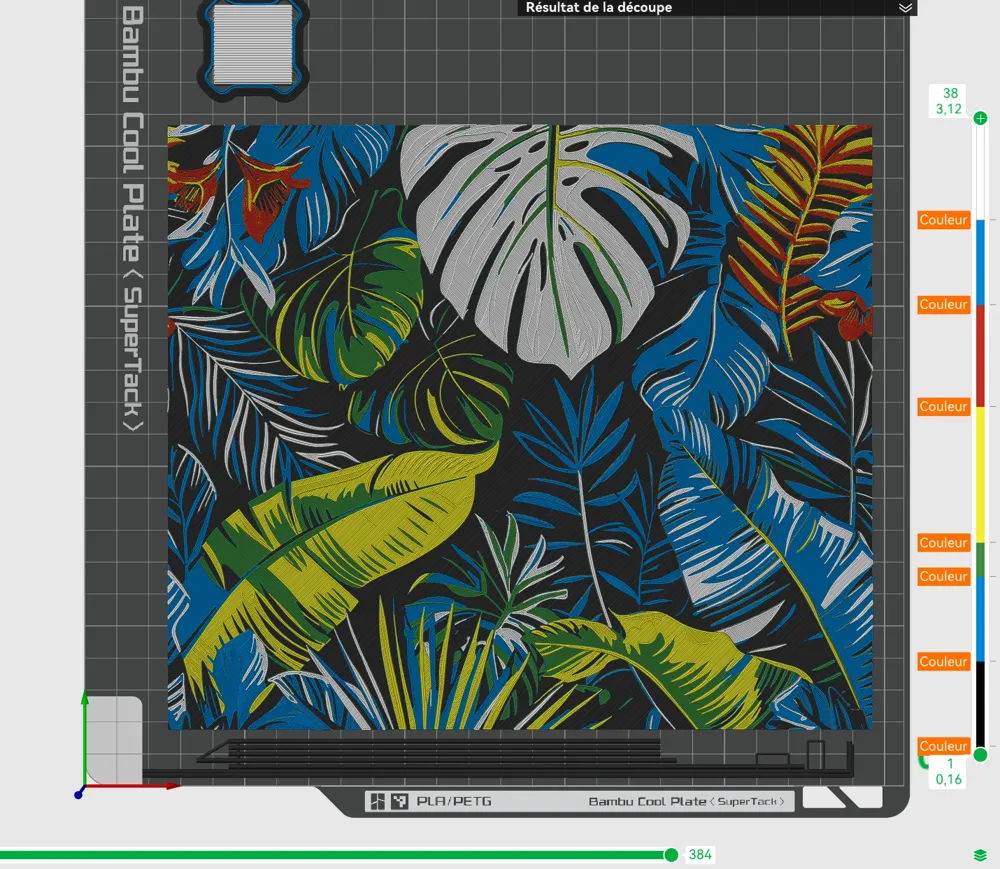
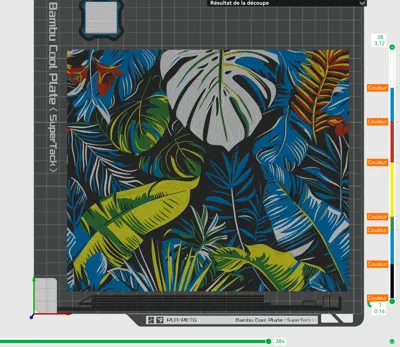
Print at 100% infill with a layer height of 0.08mm with a base layer of 0.16mm
The Model is 220x188.77mm in size
You may print at higher layer heights below the Base Thickness of 0.48mm
The Max allowed Thickness is 3.28mm and the Actual Thickness is 3.12mm
Filaments Used:
PLA BambuLab Basic Black Transmission Distance: 0.1
PLA BambuLab Basic Cyan Transmission Distance: 3.5
PLA BambuLab Basic Mistletoe Green Transmission Distance: 1
PLA BambuLab Basic Yellow Transmission Distance: 6
PLA BambuLab Basic Red Transmission Distance: 3.9
PLA BambuLab Basic Jade White Transmission Distance: 5.9
This print uses 6 unique filaments
Swap Instructions:
Start with Black
At layer #6 (0.56mm) swap to Cyan
At layer #11 (0.96mm) swap to Mistletoe Green
At layer #13 (1.12mm) swap to Yellow
At layer #21 (1.76mm) swap to Red
At layer #27 (2.24mm) swap to Cyan
At layer #32 (2.64mm) swap to Jade White for the rest.
For only One AMS :
1 break is necessary
- Put the break at layer 14 (during Yellow)
Change Black with Red
Change Mistletoe Green with Jade White
When you start printing, configure the AMS slots like this:
- Starts with the first 4 colors : Black, Cyan, Mistletoe Green and Yellow
- Put the Red on the Black slot,
- And the Jade White on the Mistletoe Green slot
_____________________________________________________________________________
Check and follow my Funny and adorable animals Collection : (Click on image)
Models available : 17
Boost Me (for free)
Support me by leaving a comment! A rating and a boost will be highly appreciated
(Please note that all photos of my models are actual, physical prints. If you want the same result, use the same filament colors and brands. For the Hueforge's models, you can get closer by using other brands, but choose filaments with TD (Transmission Distance) as close as possible to the filaments used.)
_____________________________________________________________________________
HAPPY PRINTING !!
_____________________________________________________________________________
License

You shall not share, sub-license, sell, rent, host, transfer, or distribute in any way the digital or 3D printed versions of this object, nor any other derivative work of this object in its digital or physical format (including - but not limited to - remixes of this object, and hosting on other digital platforms). The objects may not be used without permission in any way whatsoever in which you charge money, or collect fees.


Comment & Rating (0)