
Bridge Calibration Test: Flow & Speed
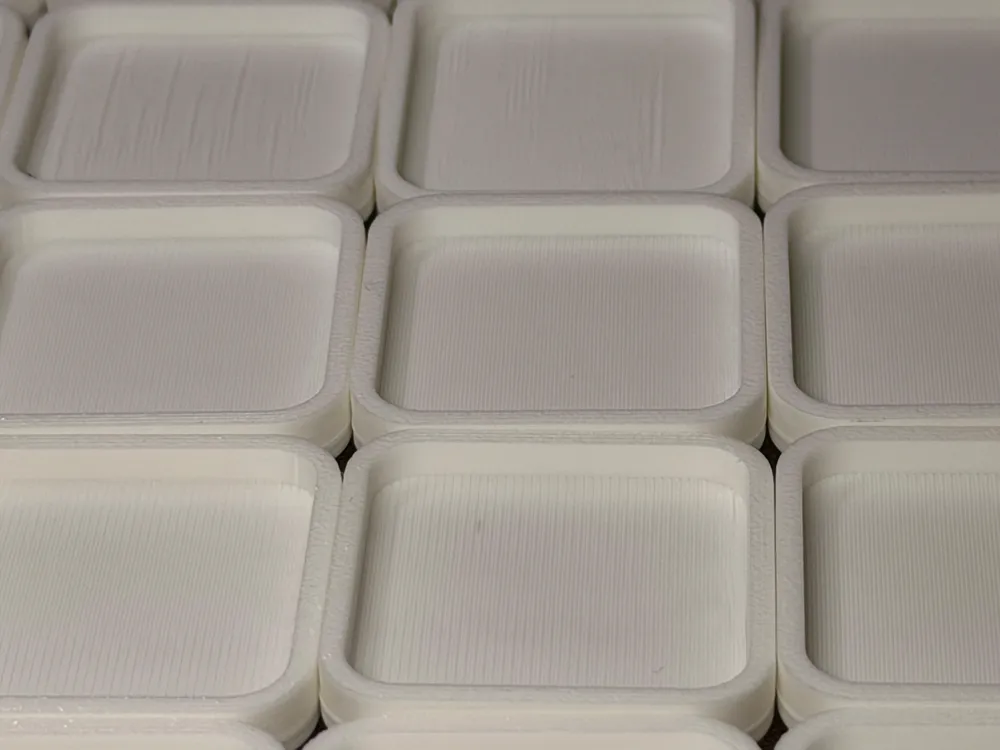
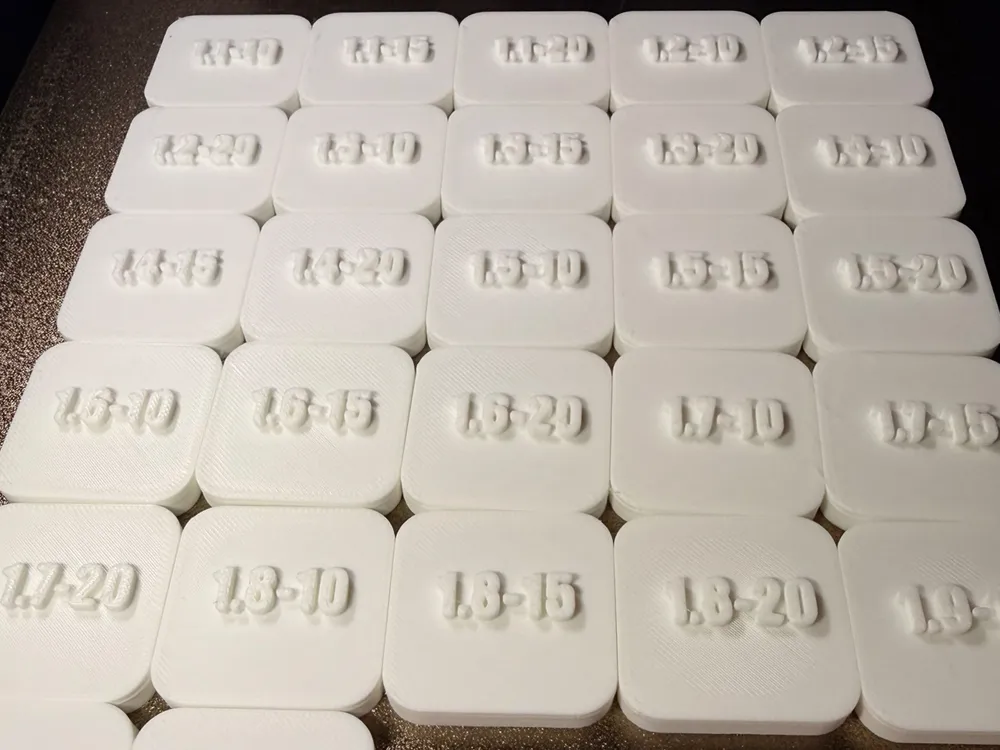
Print Profile(1)
Bill of Materials


Description
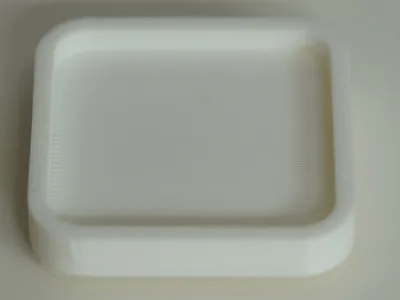
Struggling with sagging or poor adhesion on your bridges? This calibration model is specifically designed to put your filament to the test and help you find the perfect flow and speed settings for bridging layers.
It is ideal for calibrating new materials (especially PETG, ABS, or technical filaments) or for pushing your printer's performance to the maximum without sacrificing overhang quality.
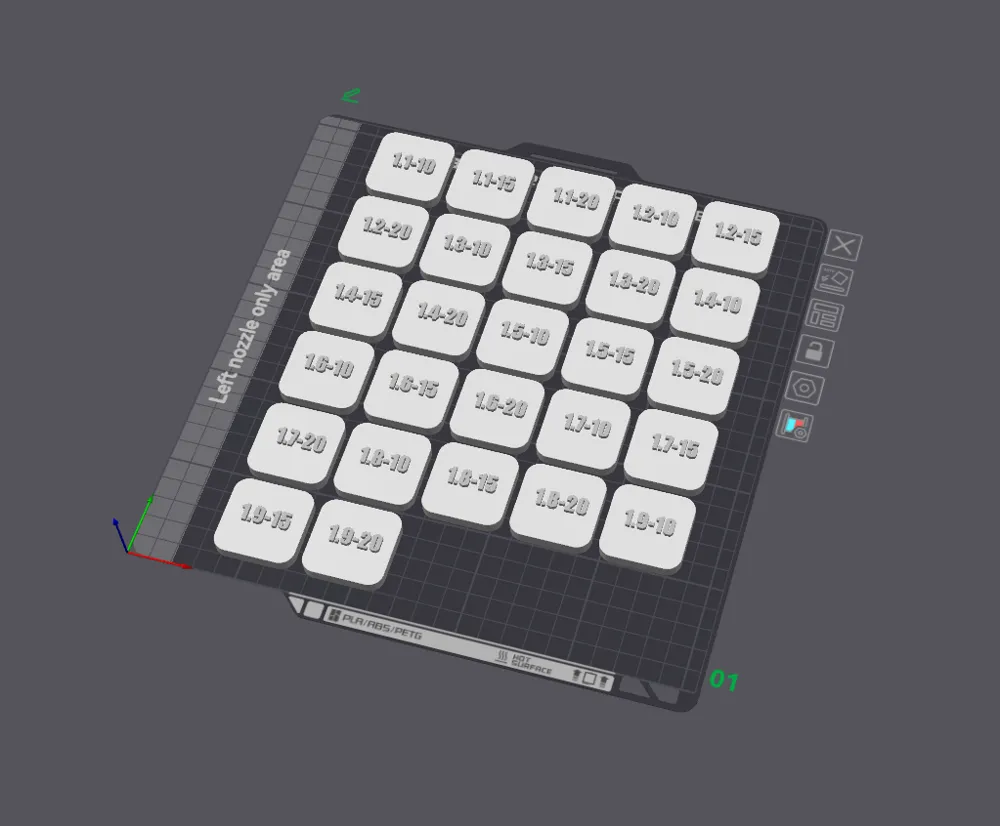
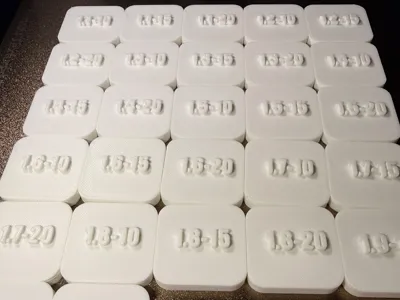
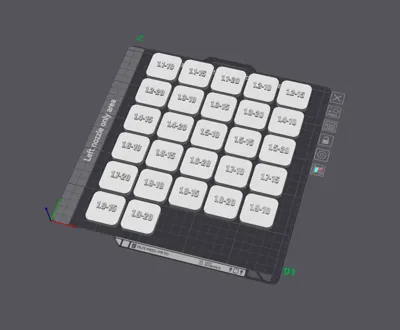
Parameters tested in this model: The model is sectioned to test different combinations in a single print. It evaluates the following ranges:
- Bridge Flow: From 1.1 to 1.9 (in increments to observe the evolution of strand tension).
- Bridge Speed: 10 mm/s, 15 mm/s, and 20 mm/s.
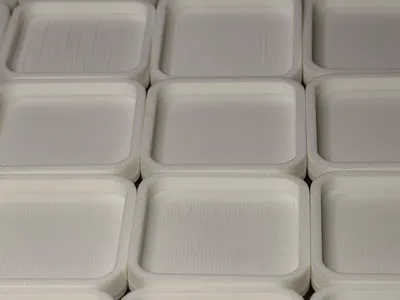
How to interpret the results? Once the model is printed, inspect the underside of the bridges. You should look for the segment that features:
- Minimal sagging: The strands should be tight and straight.
- Good line adhesion: The bridge strands should not separate easily when you run your finger or fingernail across them.
- Uniform finish: No excess material (over-extrusion from too high a flow) or broken strands (excessive speed or insufficient flow).
The winning combination will be the sweet spot between good tension (proper speed) and solid extrusion (correct flow).
⚙️ Slicer Instructions (Bambu Studio): Tip: Upload a .3mf file with the modifiers already applied so the community can print it right away.
- Recommended material: Any filament you need to calibrate (PLA, PETG, ASA...).
- Supports: Disabled (it's a bridge test!).
- Cooling: Make sure your Part Cooling Fan is configured according to your filament's bridging requirements (usually 100% for PLA/PETG).
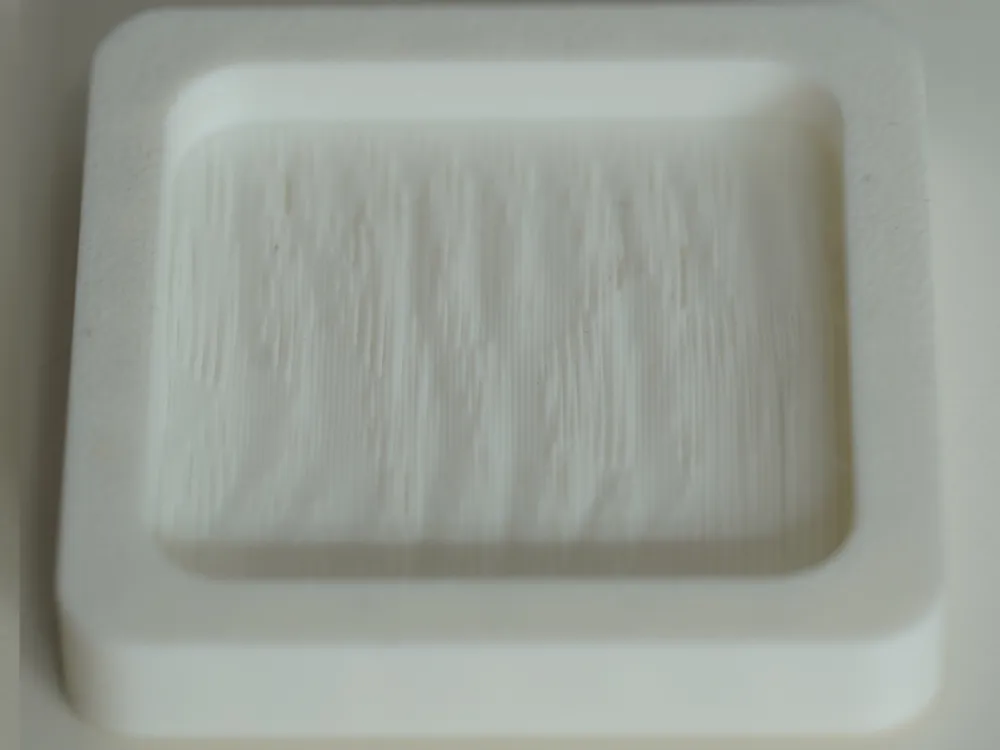
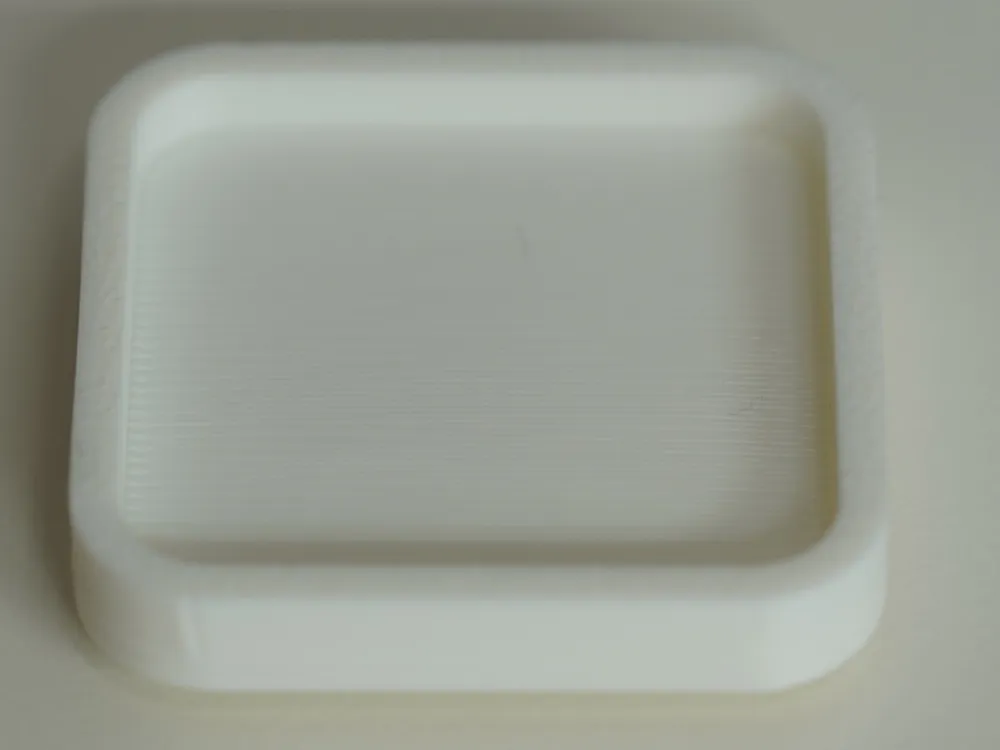
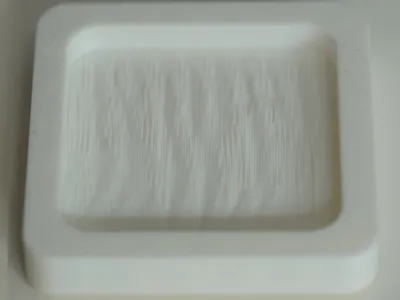
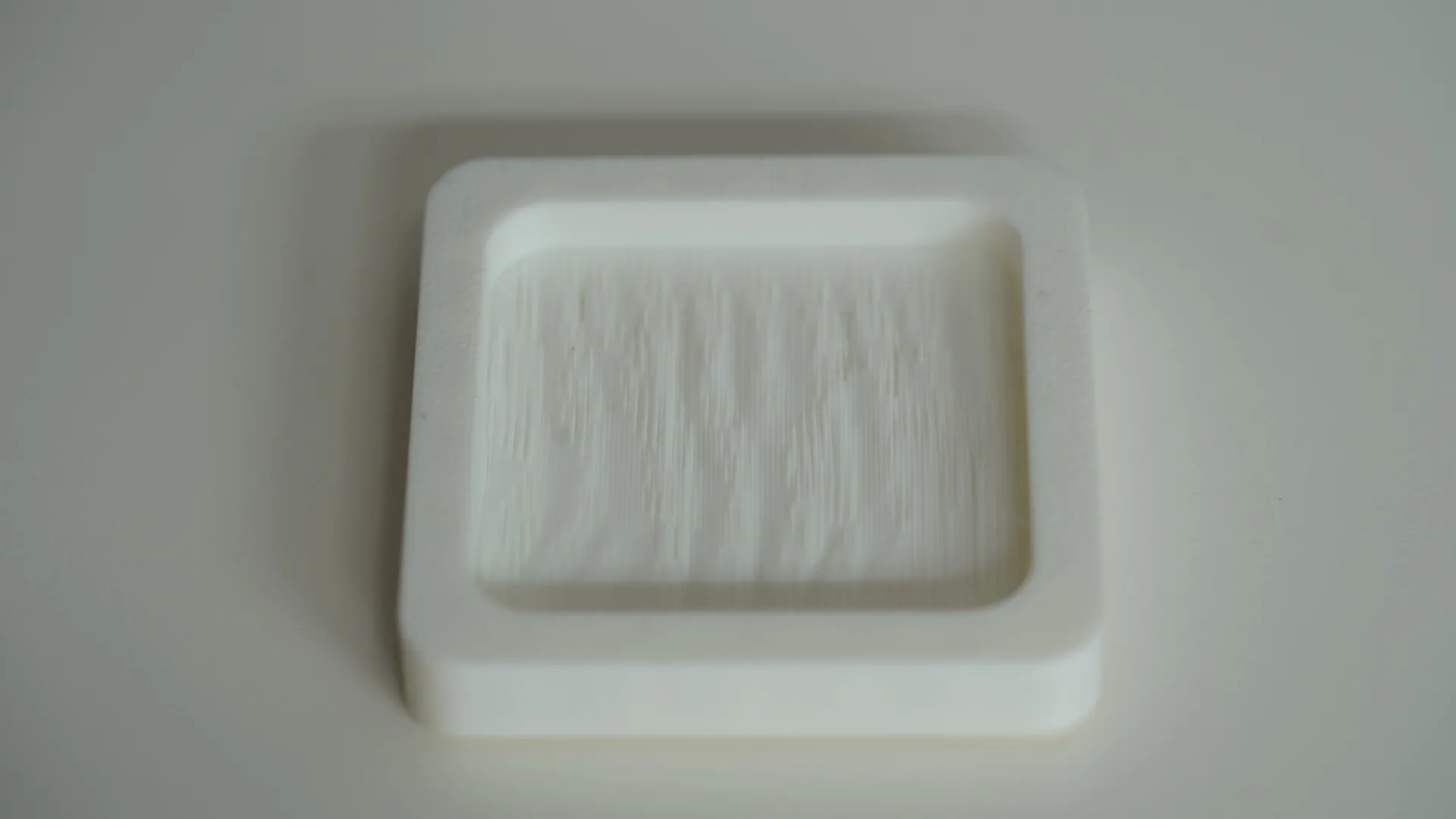
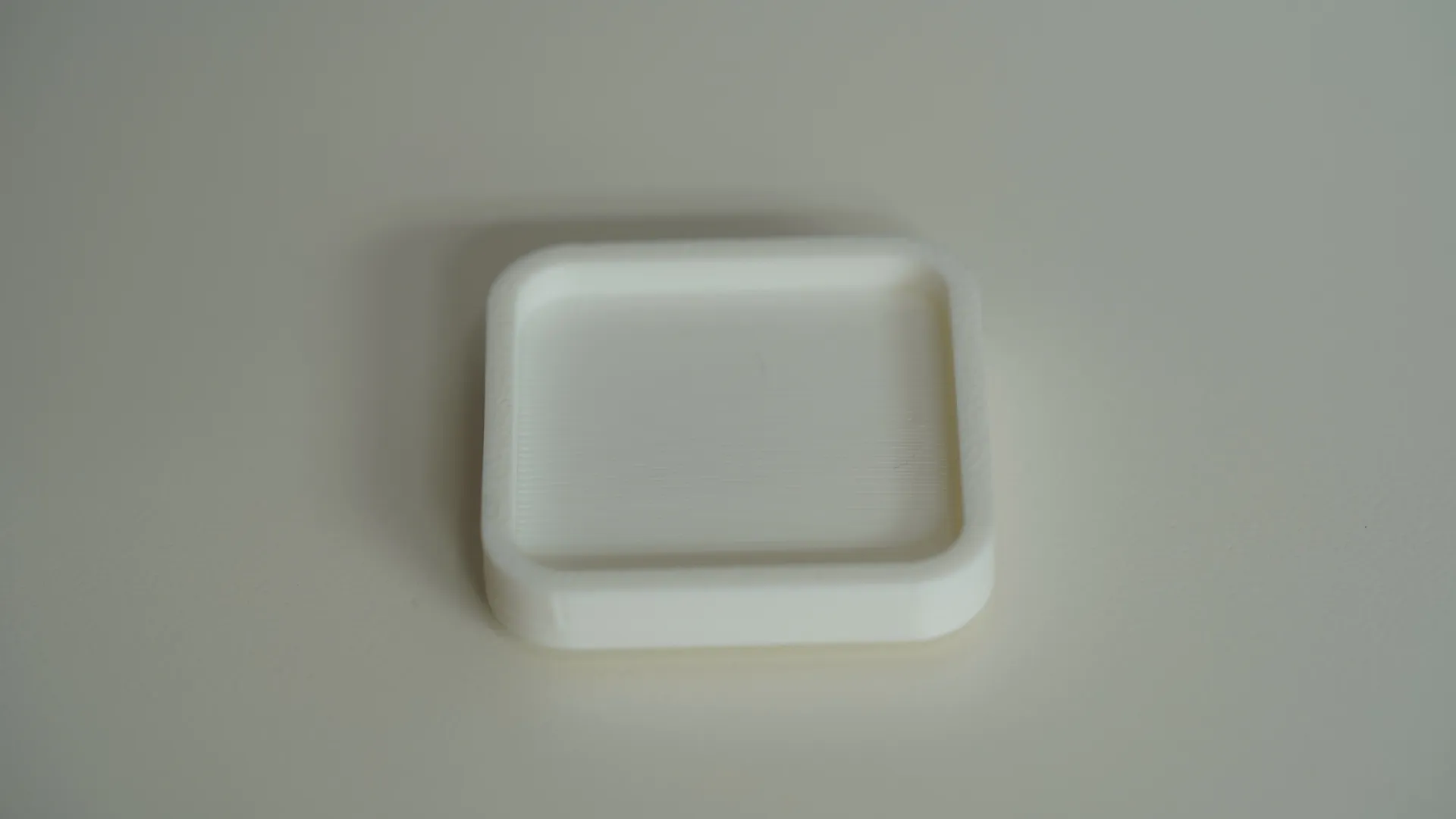
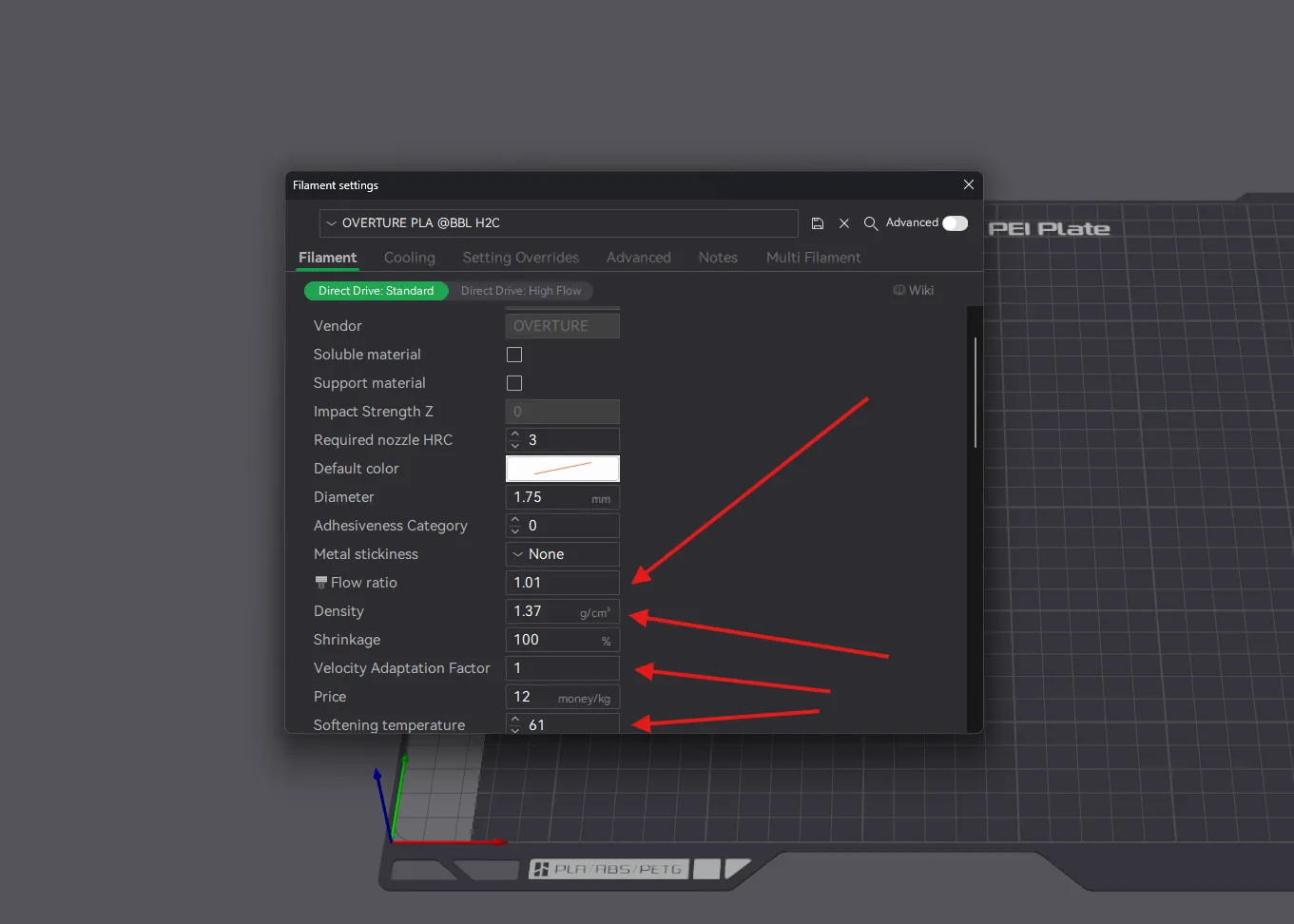
- ‼️‼️Filament Settings: Please note that for any test to work properly, your filament must be correctly tuned. For example, in the case of Overture PLA, the flow ratio (among other settings) is different from that of Bambu PLA. If the filament is not properly configured, the bridge tests will not be accurate, and the results will not be as expected. Below, I show 2 examples, both using the 1.5 @ 10mm/s test. One of them features the filament properly tuned, and the other uses the standard "Generic" profile.
Download, print, tune your profile, and say goodbye to unnecessary supports!
License

You shall not share, sub-license, sell, rent, host, transfer, or distribute in any way the digital or 3D printed versions of this object, nor any other derivative work of this object in its digital or physical format (including - but not limited to - remixes of this object, and hosting on other digital platforms). The objects may not be used without permission in any way whatsoever in which you charge money, or collect fees.


Comment & Rating (0)