
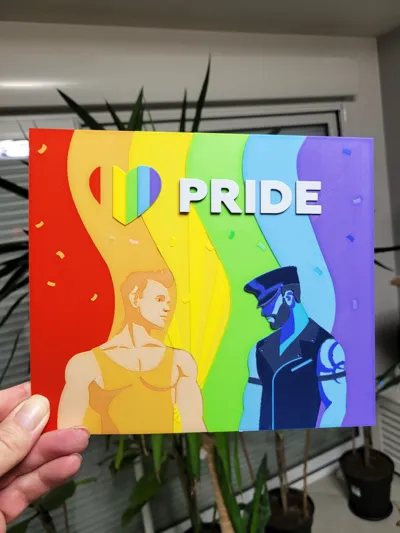
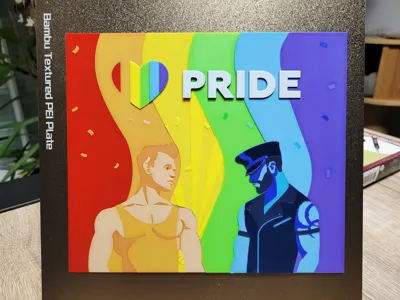
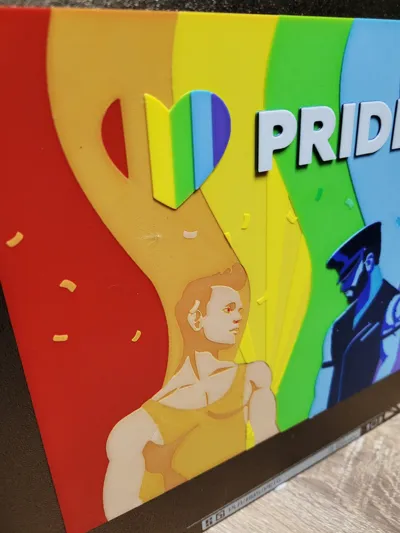
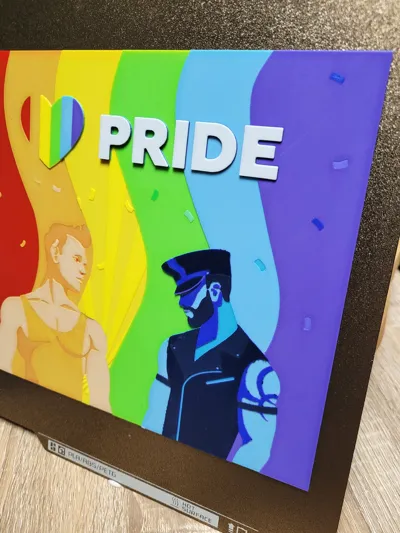
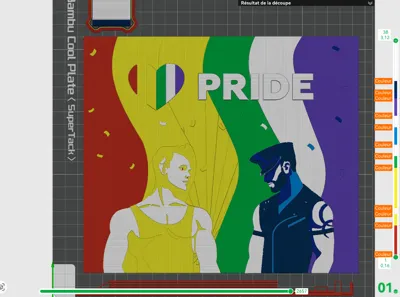
Pride - Hueforge 220x189
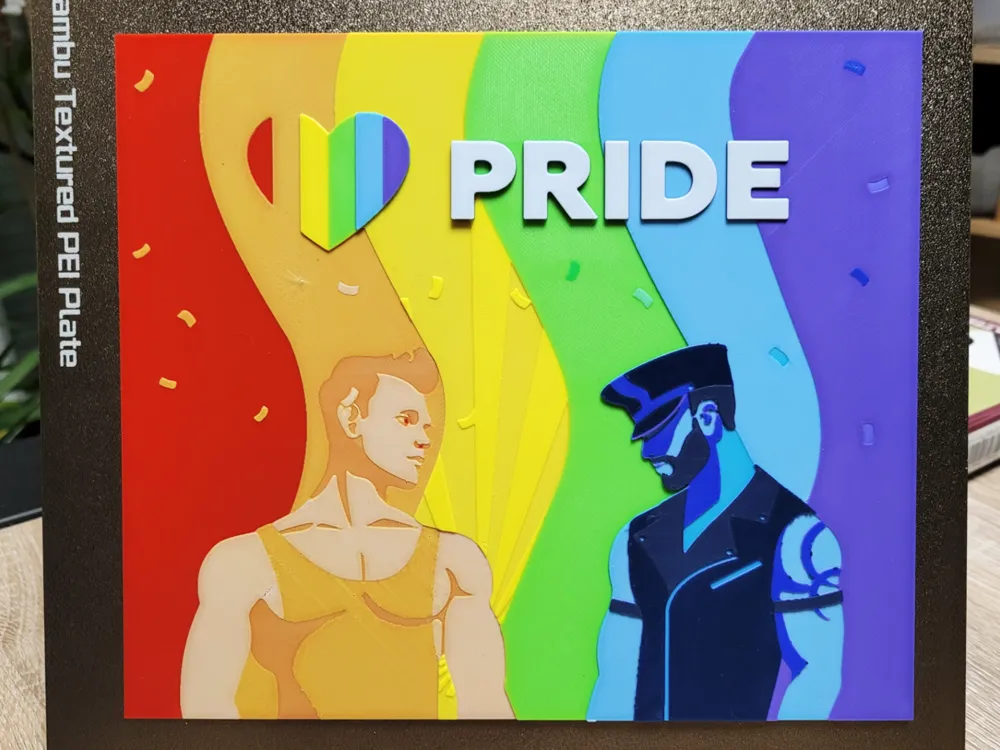
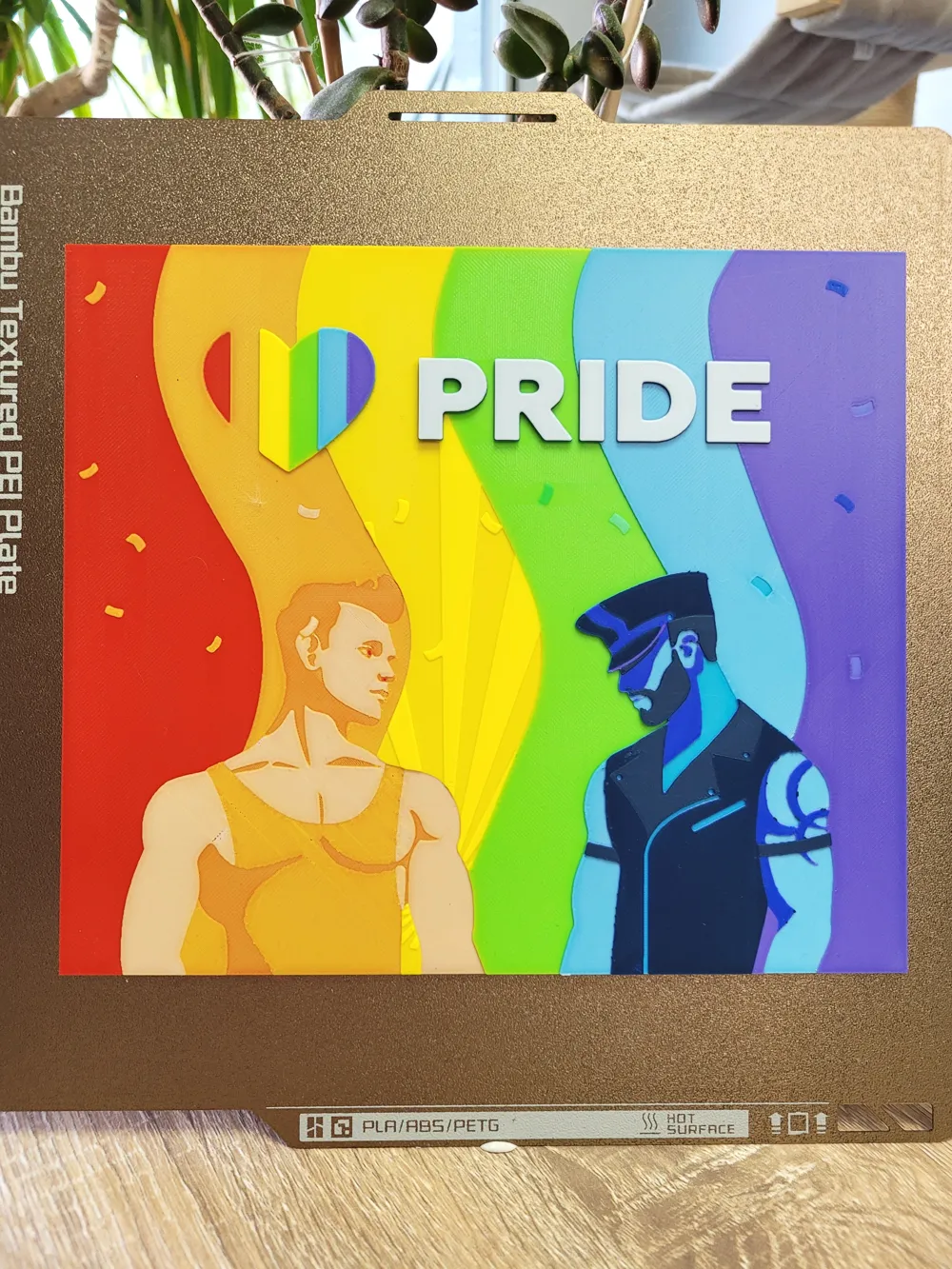
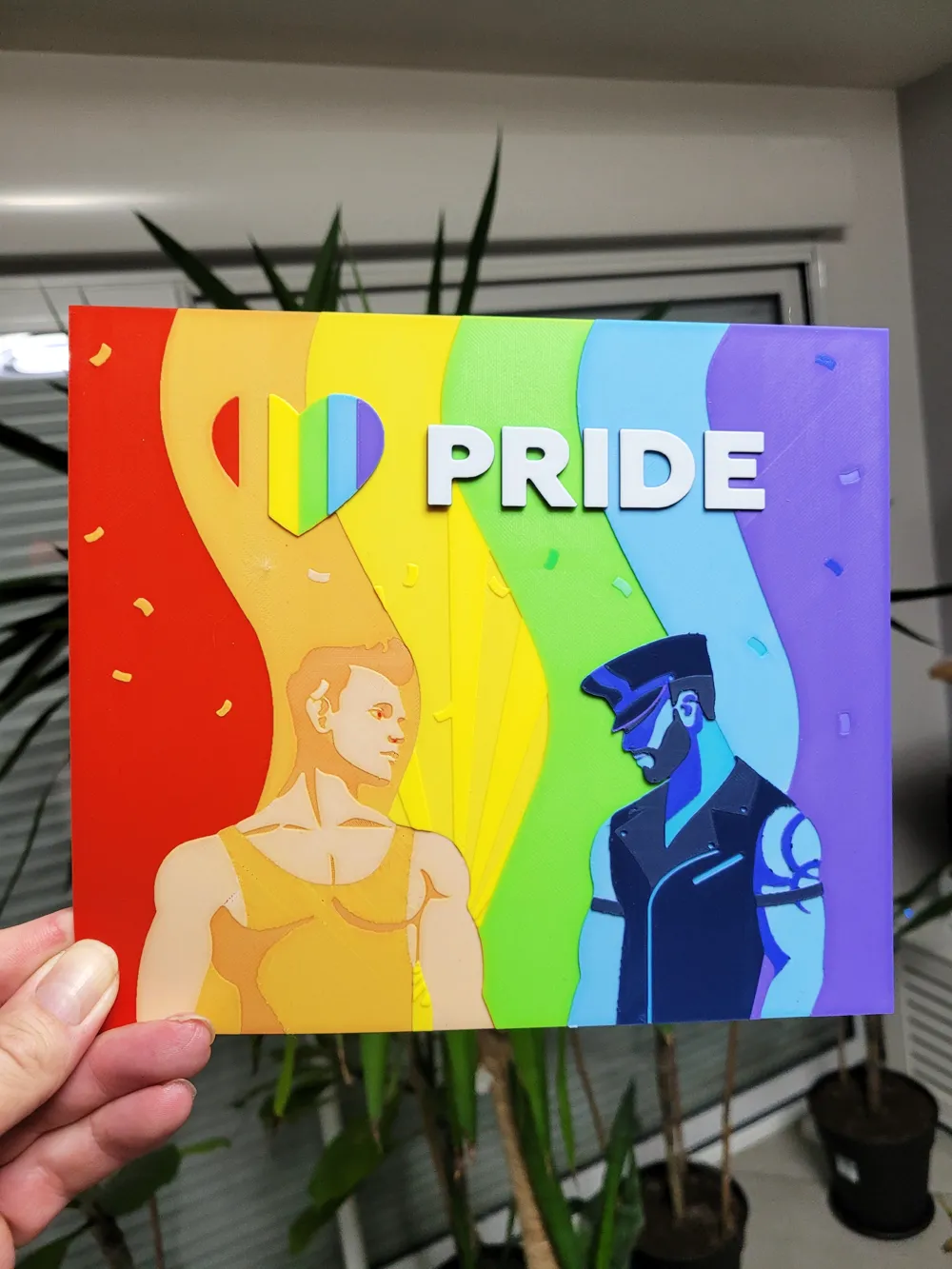
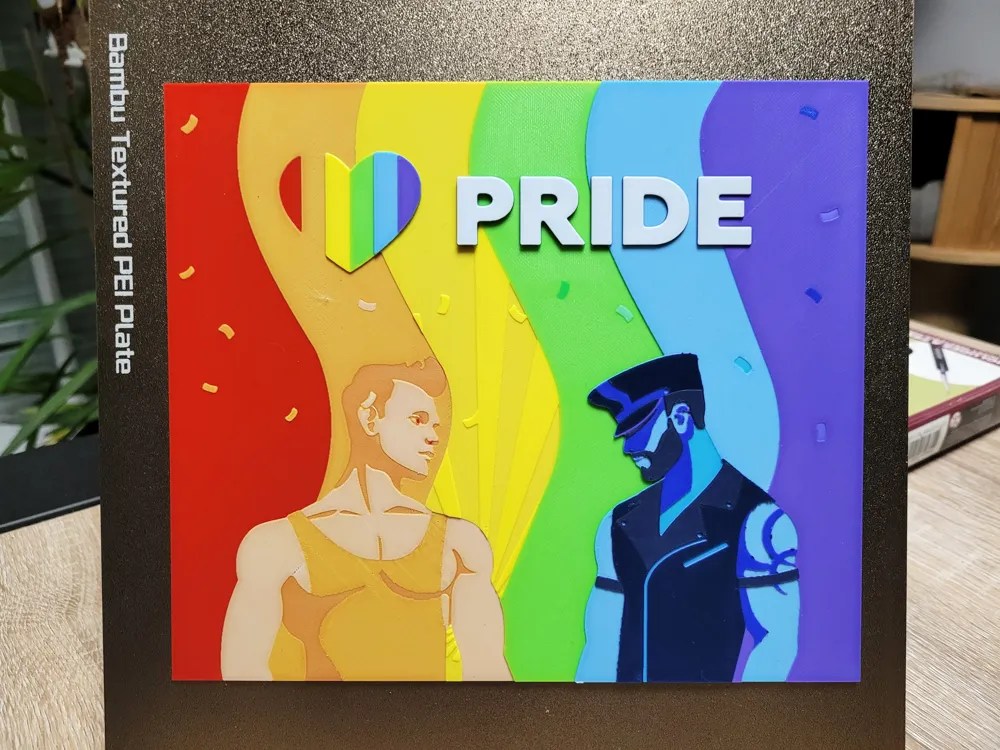

Print Profile(1)

Description

Check and follow my One Piece collection : (Click on image)
More models soon !
Models available : 20
_____________________________________________________________________________

Check and follow my Dragon Ball collection : (Click on image)
More models soon !
Models available : 5
_____________________________________________________________________________
Print Instruction :
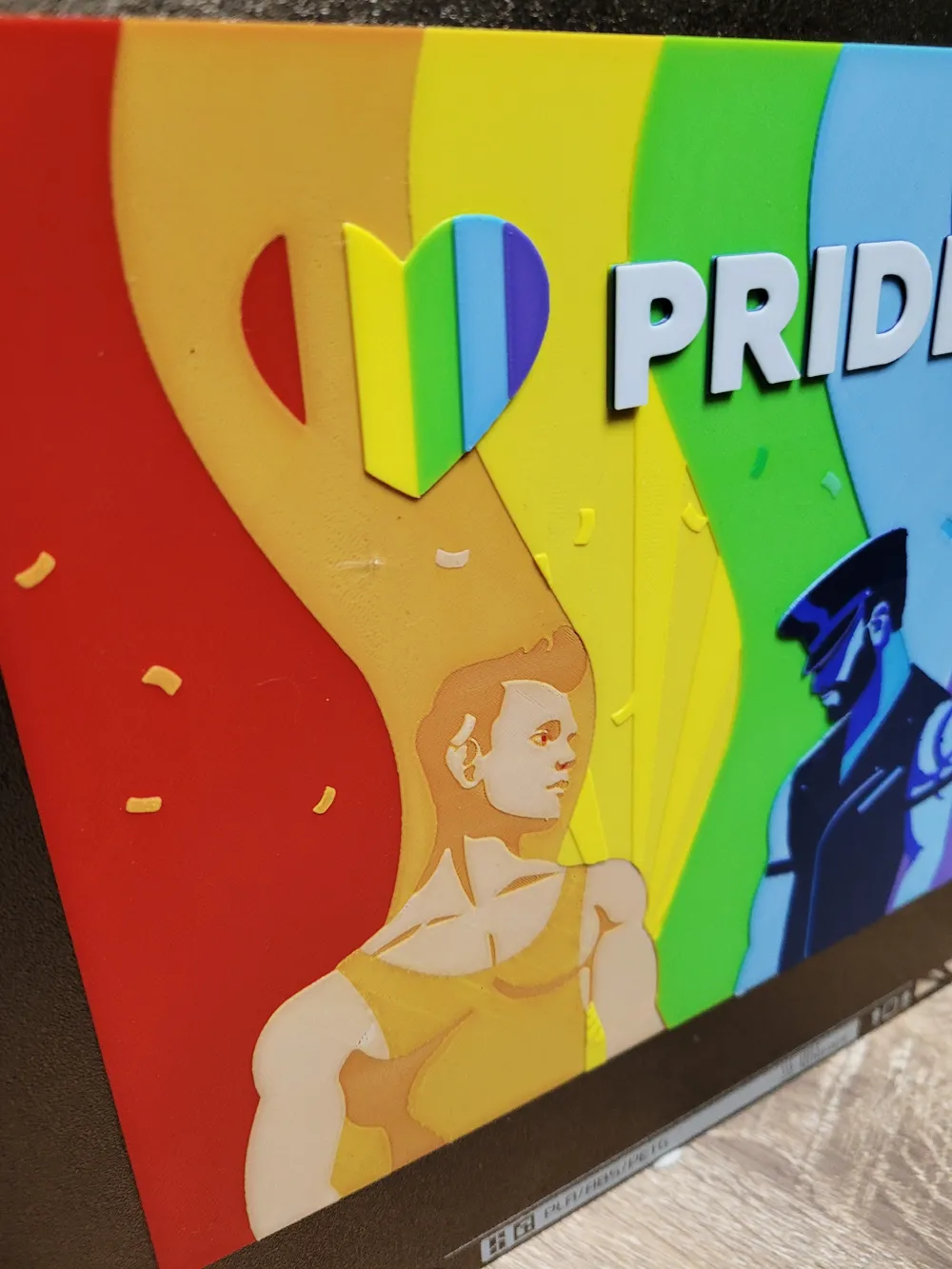
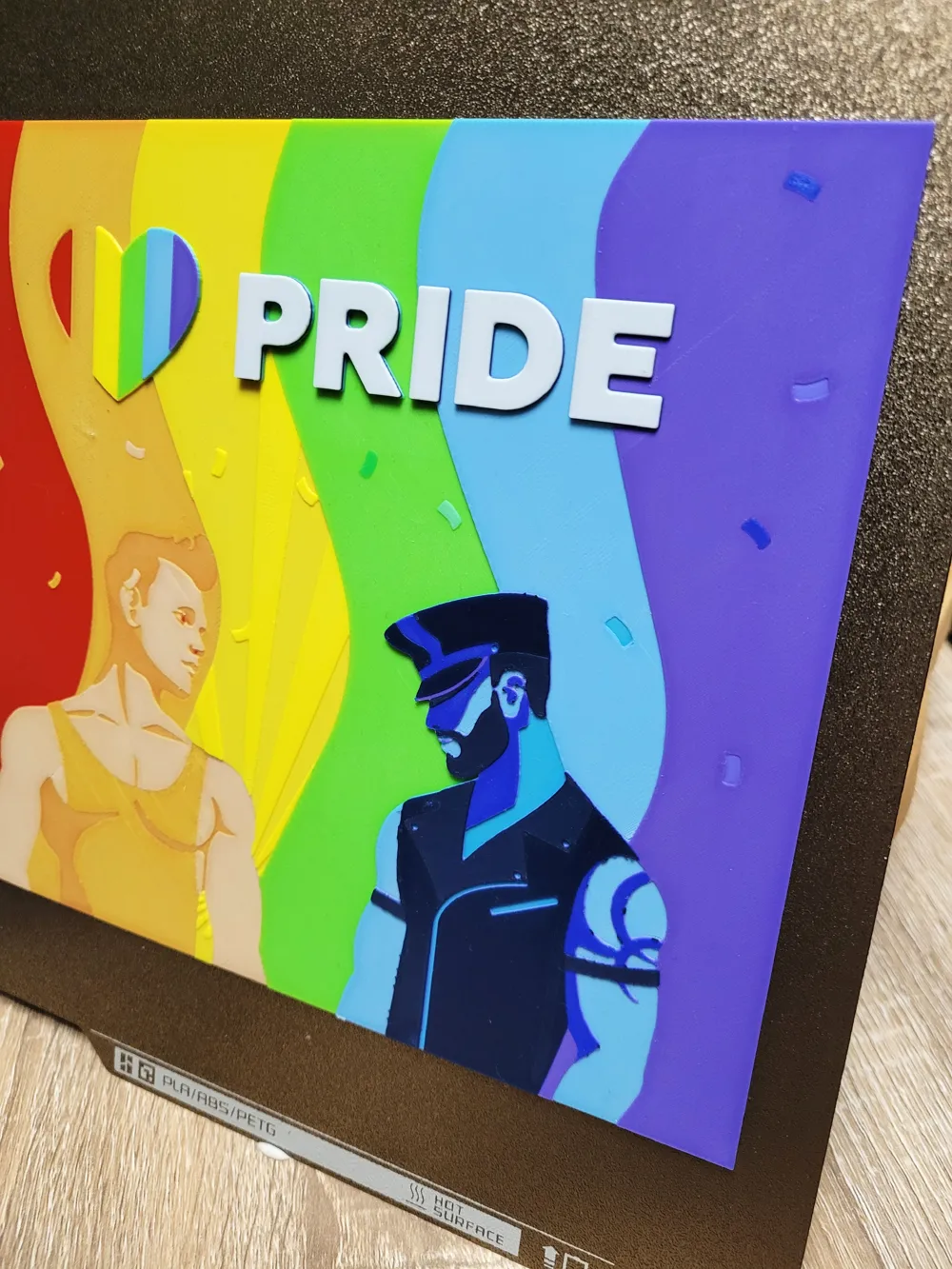
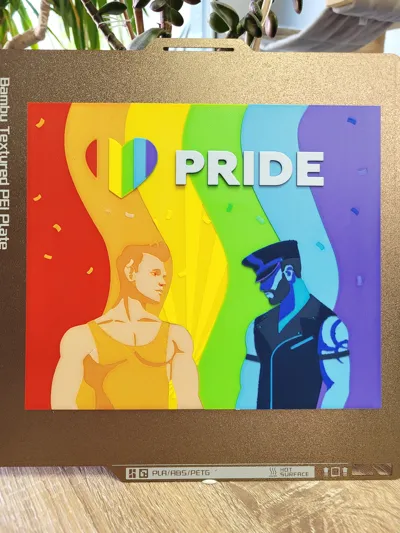
Print at 100% infill with a layer height of 0.08mm with a base layer of 0.16mm
The Model is 200x172.13mm in size
You may print at higher layer heights below the Base Thickness of 0.48mm
The Max allowed Thickness is 3.2mm and the Actual Thickness is 3.12mm
Filaments Used:
PLA BambuLab Basic Red Transmission Distance: 3.9
PLA BambuLab Basic Yellow Transmission Distance: 6
PLA BambuLab Basic Jade White Transmission Distance: 5.9
PLA BambuLab Basic BambuLab Green Transmission Distance: 2
PLA BambuLab Basic Cyan Transmission Distance: 2
PLA BambuLab Basic Purple Transmission Distance: 1.6
PLA BambuLab Basic Blue Transmission Distance: 2.9
PLA BambuLab Matte Dark Blue Transmission Distance: 1
This print uses 8 unique filaments
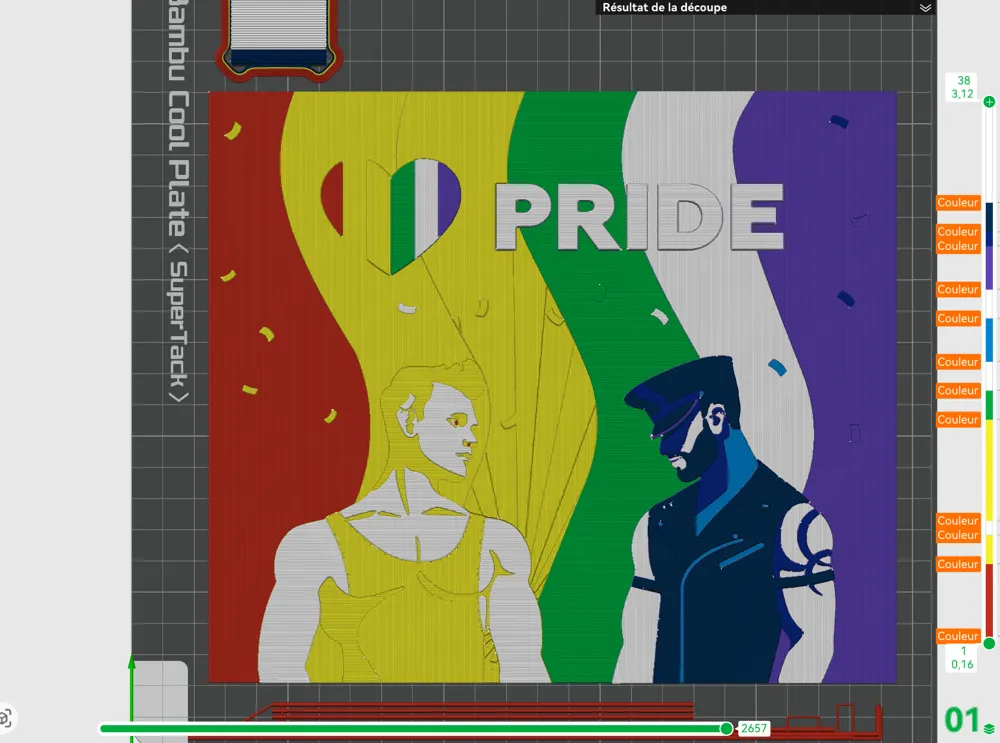
Swap Instructions:
Start with Red
At layer #6 (0.56mm) swap to Yellow
At layer #8 (0.72mm) swap to Jade White
At layer #9 (0.8mm) swap to Yellow
At layer #16 (1.36mm) swap to BambuLab Green
At layer #18 (1.52mm) swap to Jade White
At layer #20 (1.68mm) swap to Cyan
At layer #23 (1.92mm) swap to Jade White
At layer #25 (2.08mm) swap to Purple
At layer #28 (2.32mm) swap to Blue
At layer #29 (2.4mm) swap to Dark Blue
At layer #31 (2.56mm) swap to Jade White for the rest.
For only One AMS :
2 break are necessary
- Put the 1st break at layer 19 (during Jade White)
Change Red with Cyan
Change Yellow with Purple
- Put the 2nd break at layer 26 (during Purple)
Change BambuLab Green with Blue
Change Cyan with Dark Blue
When you start printing, configure the AMS slots like this:
- Starts with the first 4 colors : Red, Yellow, Jade White and Bambulab Green
- Put the Cyan on the Red slot,
- Put the Purple on the Yellow slot,
- Put the Blue on the BambuLab Green slot,
- And the Dark Blue on the Red slot
_____________________________________________________________________________

Check and follow my Funny and adorable animals Collection : (Click on image)
Models available : 17
Boost Me (for free)
Support me by leaving a comment! A rating and a boost will be highly appreciated
(Please note that all photos of my models are actual, physical prints. If you want the same result, use the same filament colors and brands. For the Hueforge's models, you can get closer by using other brands, but choose filaments with TD (Transmission Distance) as close as possible to the filaments used.)
_____________________________________________________________________________
HAPPY PRINTING !!
_____________________________________________________________________________
License

You shall not share, sub-license, sell, rent, host, transfer, or distribute in any way the digital or 3D printed versions of this object, nor any other derivative work of this object in its digital or physical format (including - but not limited to - remixes of this object, and hosting on other digital platforms). The objects may not be used without permission in any way whatsoever in which you charge money, or collect fees.


Comment & Rating (0)