Search models, users, collections, and posts

Print Profile(1)

All
X1 Carbon
P2S
P1S
A1
H2D
H2S
X1
H2C
X1E
H2D Pro
X2D
P1P
A2L

0.2mm layer, 3 walls, 22% infill
Designer
9.7 h
4 plates
5.0(5)

Open in Bambu Studio
Boost
40
148
29
7
47
27
Released 

Description

Functional designs with attention to detail — built because I needed them, shared because you might too.

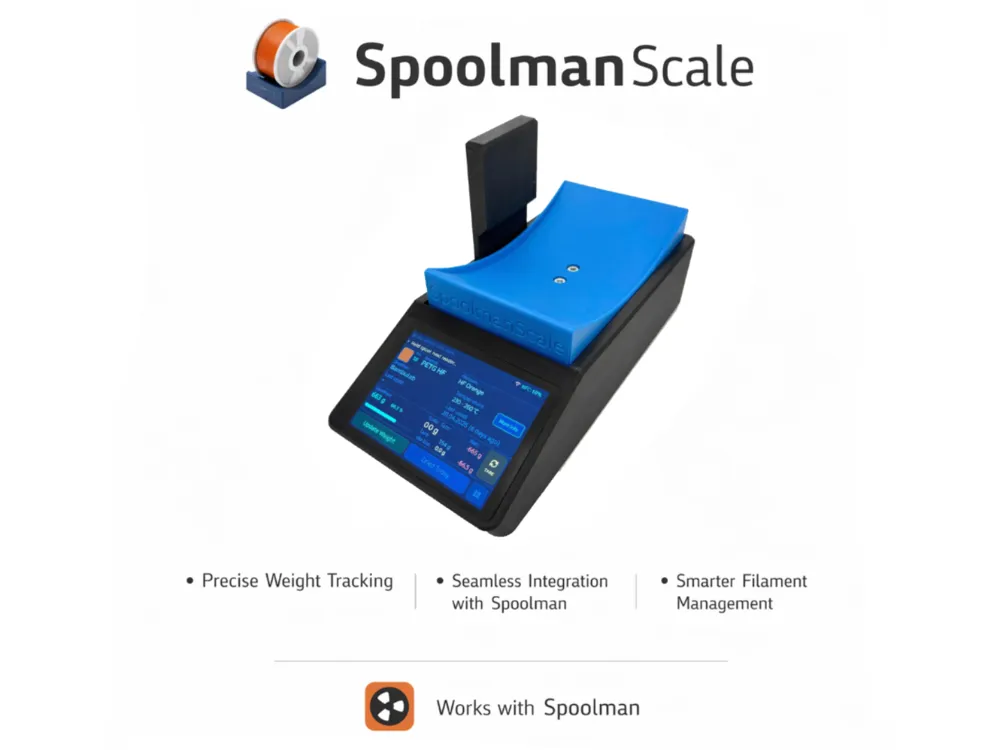
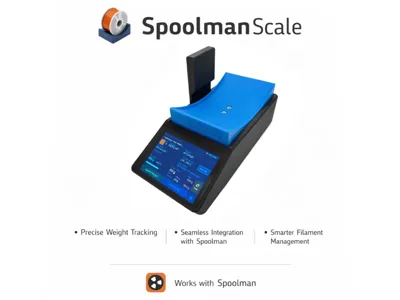
SpoolmanScale – One Scale to rule them all.

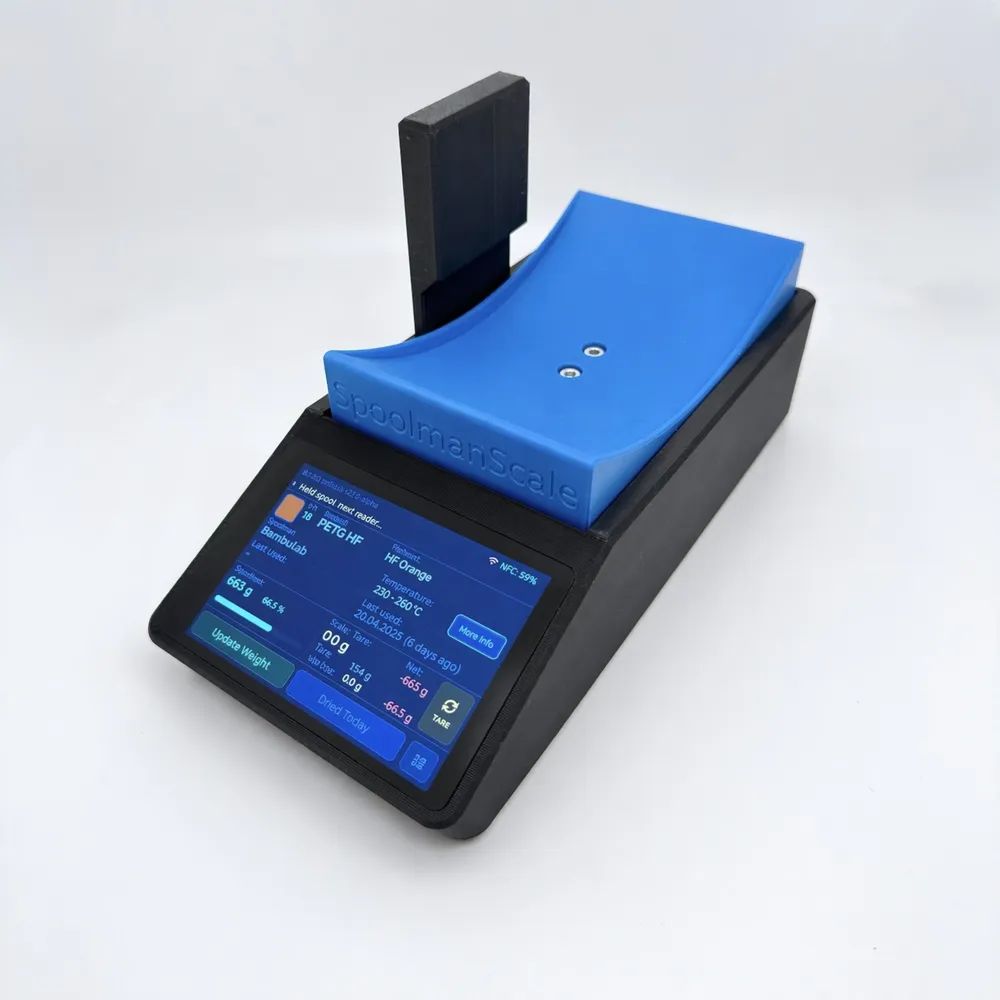
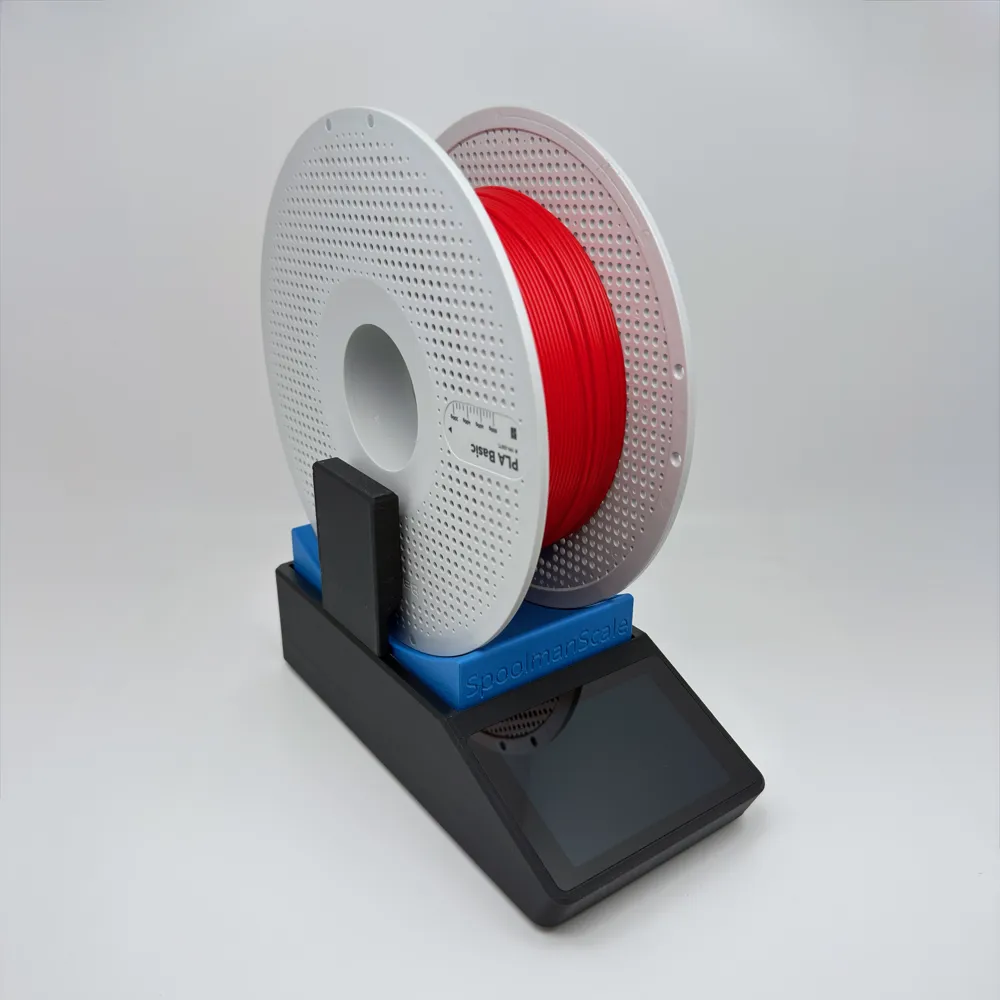
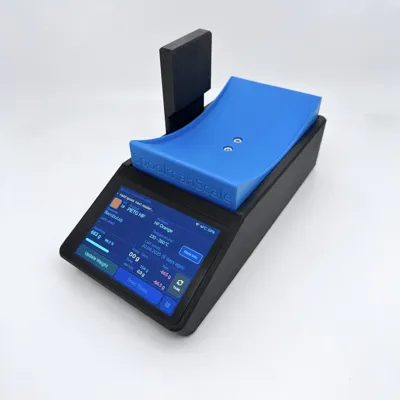
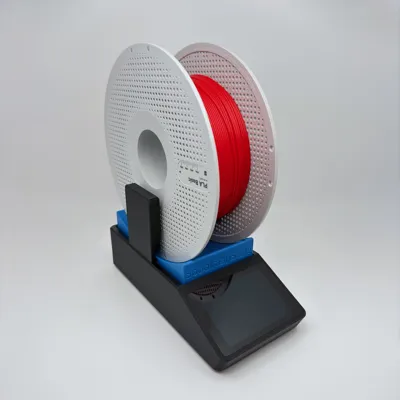
SpoolmanScale is an open-source filament scale with a 3.5" touchscreen and NFC reader. Place a spool on the scale – it reads the tag, pulls the data from Spoolman, and lets you update weights, log drying dates, and archive empty spools. No phone, no app, no manual entry.


Yes, another filament scale – but hear me out, this one might actually earn a spot next to your printer. 😄

This is a public beta. Things mostly work, but expect the occasional rough edge. 

Key Features

  • 🏷️ Bambu Lab NFC tags – place a spool on the scale and SpoolmanScale reads it instantly: material, color, vendor, remaining weight and drying history appear automatically. No tapping required
  • 🔗 Bambu Lab spool linking – SpoolmanScale finds the matching Spoolman entry automatically by filtering by material type, subtype (e.g. HF, CF, Matte) and color similarity — so you only see spools that actually match your tag
  • 🔗 Third-party spool linking – place any NTAG sticker → select vendor and material → pick from a filtered list → linked in Spoolman via extra.tag
  • 📋 Copy spool – running low? Place a new spool on the scale, tap Copy Spool, and SpoolmanScale creates an identical entry in Spoolman, tags the NFC chip, and logs the current weight — all in one step
  • ⚖️ Live weight (NAU7802) – moving average filter, TARE, live diff vs. Spoolman remaining weight
  • 📡 Spoolman REST API – update remaining weight, set initial weight, set spool weight (per spool / filament / vendor), log drying date, archive spools
  • 📱 Touchscreen UI (LVGL 8.3, 480×320) – settings menu, confirmation popups, sleep/wake
  • ⚙️ On-device Wi-Fi setup – scan networks, enter credentials and Spoolman IP directly on the touchscreen
  • 🔄 Firmware updates (OTA) – check for updates and flash new firmware directly on the device – just tap the update button. No PC, no cables, nothing. Or upload a firmware file from any browser – PC or smartphone
  • Web Flasher – first-time flash via browser over USB. All you need is a browser and a USB cable – no software installation required: niko11111.github.io/SpoolmanScale
  • 🌍 DE / EN language support – language selection on first boot, switchable in settings. Full umlaut support (ä, ö, ü) since v0.5.6
  • 🌙 Power management – display dimming, deep sleep, wake via touch
  • 🪵 SD card logging – insert a microSD card and SpoolmanScale logs all events automatically. Download logs via browser – no disassembly needed
  • Filaman Support in the works – Filaman User? Stay tuned, im working on it.

Parts (quick overview)

ComponentLink
WT32-SC01 Plus (MCU + Display)AliExpress
PN532 NFC ReaderAliExpress
NAU7802 Scale ADC (Adafruit)AliExpress
YZC-133 2 kg Load CellAliExpress
USB-C Panel Mount ExtensionAliExpress
JST SH 1.0mm CablesAliExpress

For the full parts list with purchase links, please refer to the GitHub README or the Documentation — both are kept up to date and list all required components.


Flash & Build


1. Order parts & print the enclosure Order from the hardware list and print the enclosure while you wait for shipping.

2. Flash the board first Before assembling, flash via the Web Flasher. Verify it works before wiring.

3. Wire & assemble Full wiring tables and assembly tips: SpoolmanScale Documentation *(work in progress)*

4. Calibrate Settings → Scale → Calibration. Done.


For the full parts list with links, wiring guide, assembly instructions, and everything else you need to get started: 👉 GitHubSpoolmanScale Documentation

💬 Questions or issues? Join the Discord


Support me!

⚙️ Good designs and print profiles take a lot of time. If you enjoy my work, I'd really appreciate a 👍 like, a ⭐⭐⭐⭐⭐ star rating, or a 🚀 boost — it's a great motivator and helps make the designs more visible. If you're really excited about it, feel free to buy me a coffee ☕ 👉 https://ko-fi.com/formfollowsfunction

Boost Me (for free)

🚀 Boost this model to help more makers find it — every boost makes a real difference!

Comment & Rating (29)

(0/1000)

Print Profile
0.2mm layer, 3 walls, 22% infill
Very useful, thanks a lot! I'm excited about this project 😁 Prints great and now waiting for the parts 😃
(Edited)
The profile uploader has replied
profile
1
Reply
Nice color combination. Enjoy building. If you have any questions, join the discord server.
(Edited)
1
Reply
Works perfectly! All parts fit together and the instructions are understandable
Show original
designer
1
Reply
Print Profile
0.2mm layer, 3 walls, 22% infill
Perfect print of all parts on my P2S. Perfect😊
Show original
0
Reply
Hello, I wanted to rebuild this scale, but I can't find the GitHub data (Error: 404)... maybe someone can give me a nudge in the right direction where I can get the files (WITHOUT Discord)? Thank you in advance! Kind regards Michael
The designer has replied
Show original
designer
1
Reply
Good morning Michael, oh how silly. I changed the description last night and it looks like all the links are broken. I'll look at it this morning. Please excuse the inconvenience
Show original
0
Reply
@michaelbkokal Links should now be working again. Good luck and have fun with the assembly. I would be very happy about photos and feedback
Show original
0
Reply
Replying to @FormFollowsF :
Thank you for the quick response! it works again - thank you very much!
Show original
0
Reply
Hey 3d profiles is planing to one day add in rest api and apis too. when that happens can you make a version for 3d print profiles. you should check them out if you don’t know them
The designer has replied
designer
2
Reply
@3DDesigns1100 I had a quick look at 3D Filament Profiles: it looks really interesting! The concept is nice and the community aspect is cool. That said, there are a few things that would make integration tricky right now. First, it’s fully cloud-based, which means any communication would go through their servers rather than directly on your local network. That raises questions around authentication, API security, and response times, cloud requests will always be slower than talking to a local Spoolman instance on your home network. On top of that, there doesn’t seem to be any weight tracking or active spool management yet, which is really the core of what SpoolmanScale needs from a backend. That said: if they do add a proper REST API down the line, a basic integration would theoretically be possible. I’ll keep an eye on it! For now, FilaMan is next on th3 raodmap. But I appreciate the suggestion and will definitely revisit this once they have an API in place!
2
Reply
Okay, I'm going for it, ordered all the necessary parts. My next message, if all goes well, will be accompanied by some photos of the device
The designer has replied
Show original
designer
1
Reply
Super, good luck with the build! If you run into any issues, feel free to join the Discord - the link is in the description. 😊
Show original
1
Reply
Is this compatible with spool tags from other manufacturers (AnyCubic, Creality, etc)?
The designer has replied
designer
1
Reply
Great question! The short answer is: it depends on the manufacturer. SpoolmanScale works by reading the NFC tag’s unique hardware UID and linking it to a spool in Spoolman — it doesn’t need to decrypt or understand the tag’s data format. So for any spool that uses standard NTAG213/215 tags (which AnyCubic ACE does), it should work fine out of the box. Creality CFS tags are a different story — they use MIFARE Classic 1K chips with AES encryption, which is a completely different tag type. While our PN532 reader can technically detect these, reading the encrypted data would require extra work that isn’t implemented yet. I haven’t been able to test either of these myself, so if anyone has tried it I’d love to hear about your experience!
0
Reply
Why is Micro JST 1.0 SH 5-pin linked in the material list when I need a 7-pin connector
The designer has replied
Show original
designer
1
Reply
@videoproduction The 7pin is included with the WP32. The 5pin helps to wire the NFC reader more easily. But you can also solder it directly, then you only have to pull the cables through the feedthrough beforehand
(Edited)
Show original
0
Reply
I already bought the HX711 AD module and 2K load cell for spool ease. Would this work for this as well or do I need to order the NAU7802.
The designer has replied
designer
1
Reply
Unfortunately the HX711 won’t work for SpoolmanScale — it uses a custom two-wire serial interface, not I2C, and the firmware is built specifically around the NAU7802 which communicates over I2C. The HX711 is very commonly bundled with load cells since it’s so cheap, but it’s the wrong interface for this project. You’ll need to order a NAU7802 breakout board — it’s a small additional cost but it’s the only supported ADC at the moment. The load cell itself should be fine. Sorry
0
Reply
Print Profile
0.2mm layer, 3 walls, 22% infill
better than i expected
The profile uploader has replied
profile
1
Reply
@casinorob Thanks, glad to hear that! What part was better than expected for you – the print quality, the design, or the overall build? Did you already assemble it, and how was the experience with the instructions? Also curious: how experienced are you with similar builds?
0
Reply

License

This user content is licensed under a Standard Digital File License.

You shall not share, sub-license, sell, rent, host, transfer, or distribute in any way the digital or 3D printed versions of this object, nor any other derivative work of this object in its digital or physical format (including - but not limited to - remixes of this object, and hosting on other digital platforms). The objects may not be used without permission in any way whatsoever in which you charge money, or collect fees.

Related Models

There are no related models yet