
Honor pad x8a wall mount
Print Profile(1)
Description
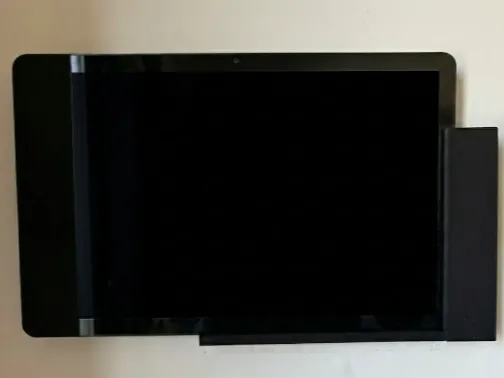
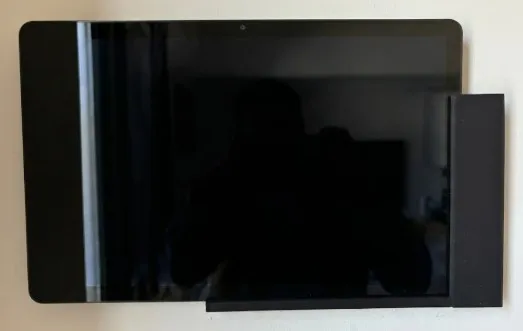
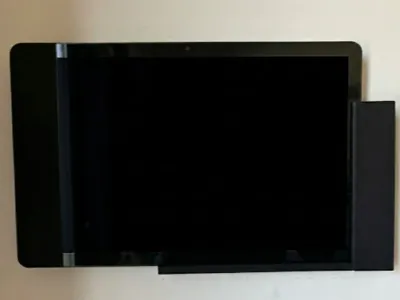
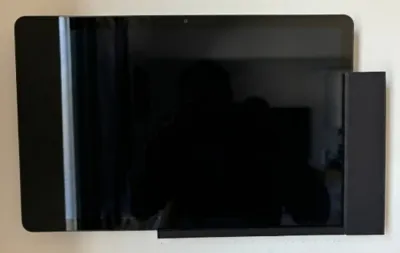
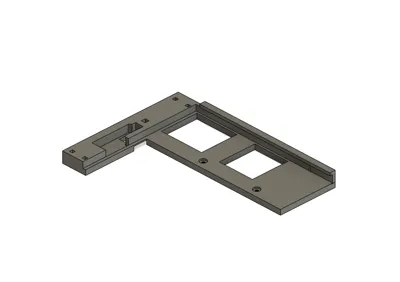
Wall mount support for Honor x8a tablet on a flush-mounted box
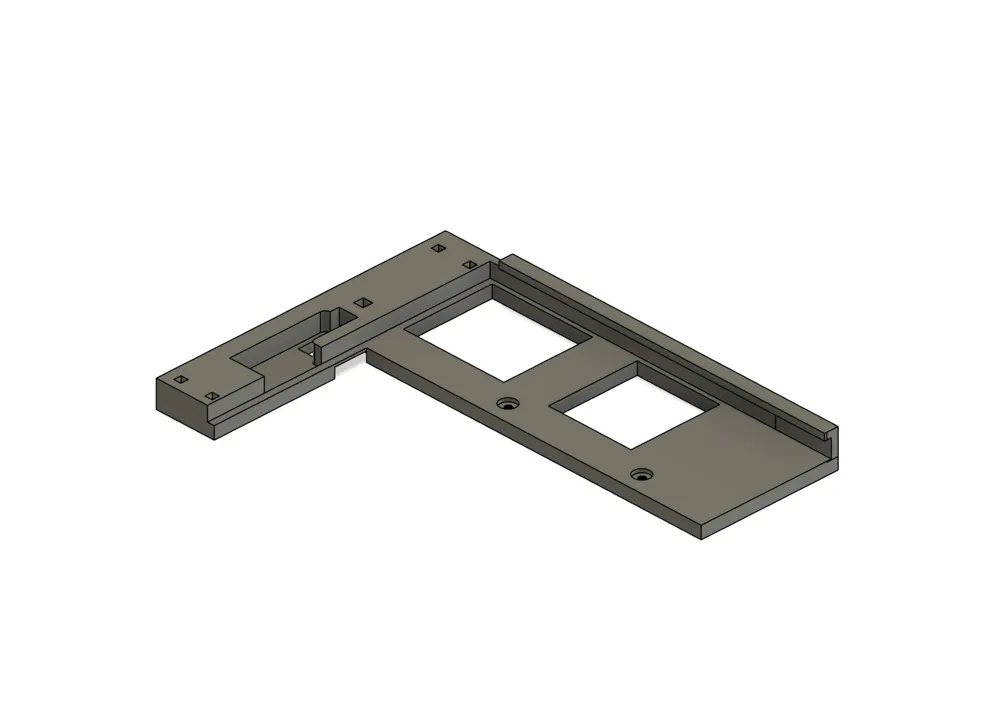
1/ Prepare the USB C cable to power the tablet (at my place, I put the 5V power supply in the garage, the wires coming are 5V DO NOT CONNECT 230V to it !) and pass it through the designated slot
Fix the base by screwing it onto the flush-mounted wall box
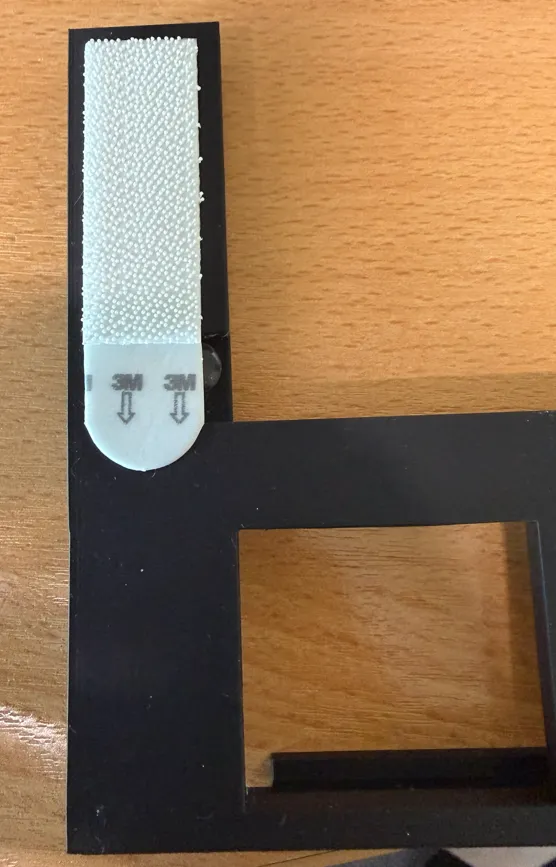
Note: I added 3M tape behind the part of the base with the USB connector to ensure it lies flat against the wall
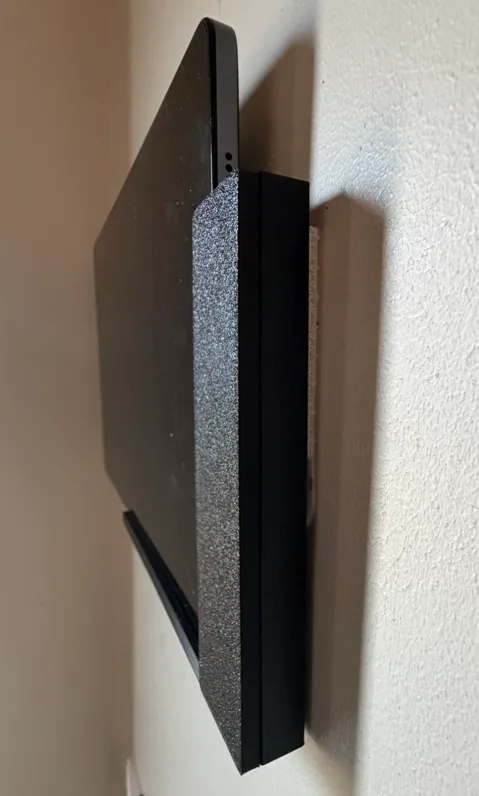
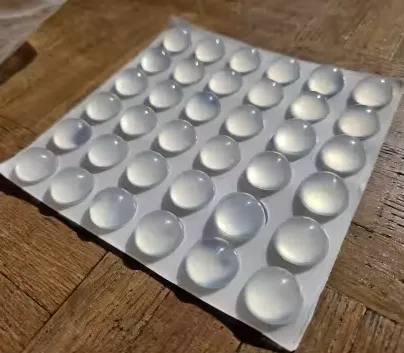
Note 2: I added a pad behind the tablet at the top center, I added a pad to compensate for the gap between the tablet and the wall so that when the tablet is used, it does not move backward
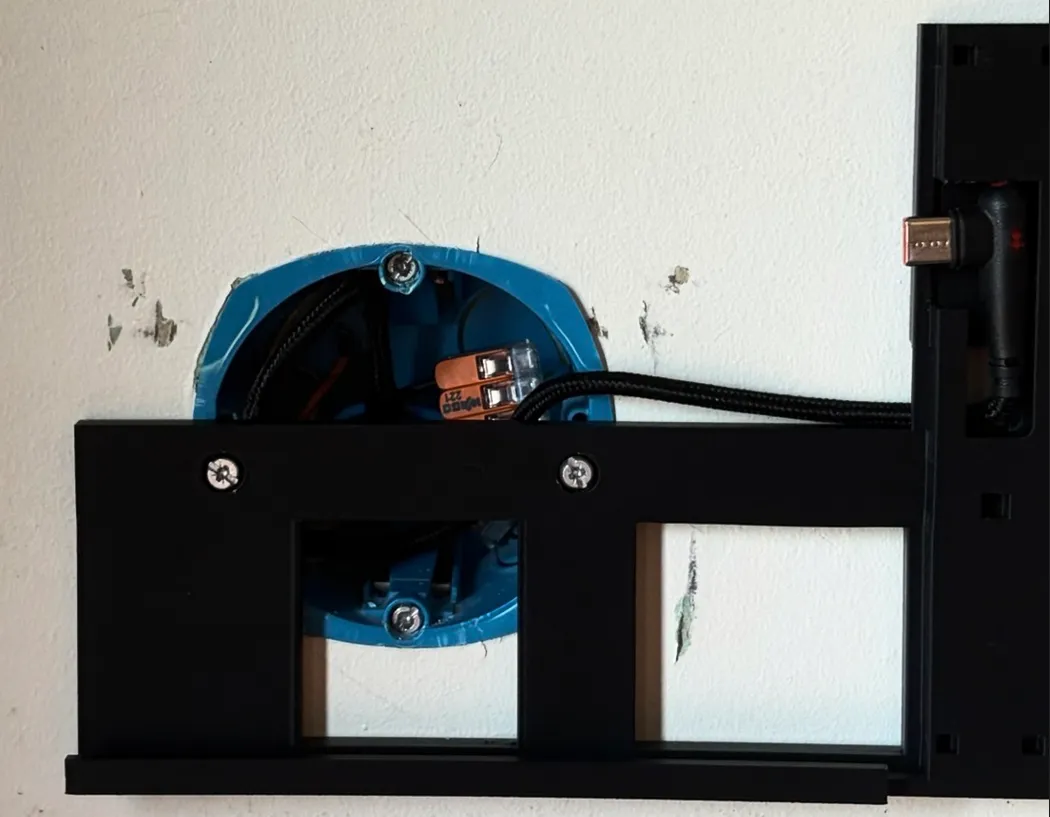
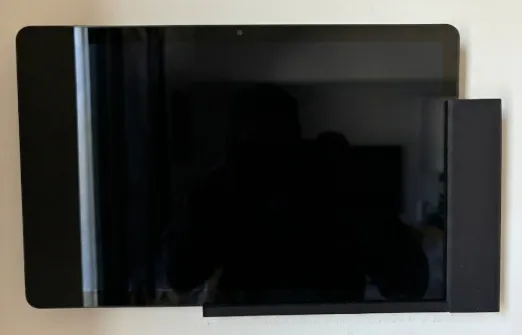
4/ Place the tablet in the holder and connect the USB-C power then lock it by installing the cover
License

You shall not share, sub-license, sell, rent, host, transfer, or distribute in any way the digital or 3D printed versions of this object, nor any other derivative work of this object in its digital or physical format (including, but not limited to, publishing derivative works outside the Makerworld platform or hosting on other digital platforms). The objects may not be used without permission in any way whatsoever in which you charge money or collect fees. Subject to the above restrictions, derivative works may be published only within the Makerworld platform, and all such derivative works must be licensed under the same SDFL‑C license, without modification or additional terms. You may download the digital versions of this object, 3D print it, and display images, videos, or usage demonstrations of 3D printed versions of the object on personal social media platforms or Makerworld official channels, provided that no digital versions of the object are shared or distributed.


Comment & Rating (0)