
First layer inspection/plate cleaning (all printers)
Print Profile(3)
Bill of Materials

Description
Boost Me (for free)
If you like my model, I would really appreciate a boost!
With your support, you help me to continue creating and sharing new and better models with you.
Every boost motivates me enormously and shows me that the work is worthwhile – thank you for that!
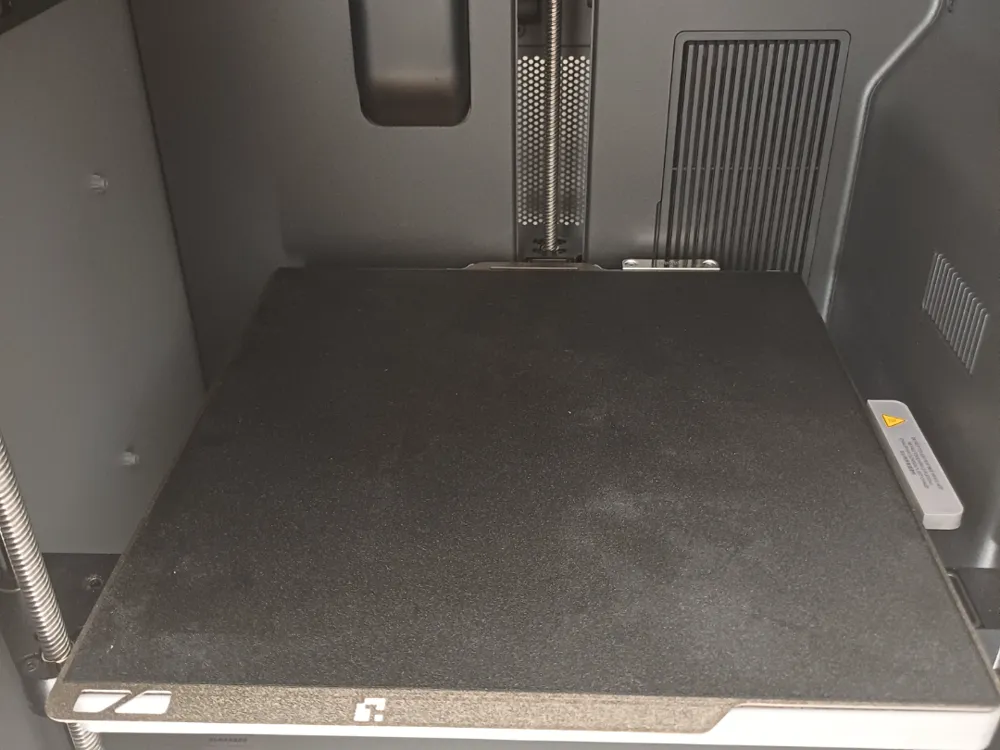
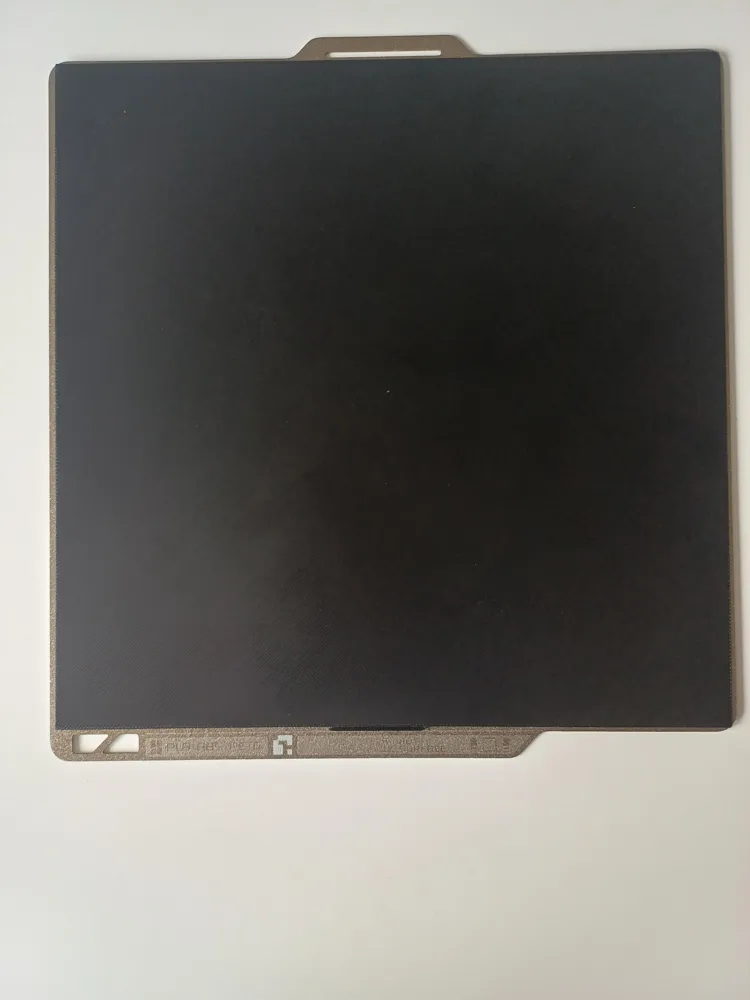
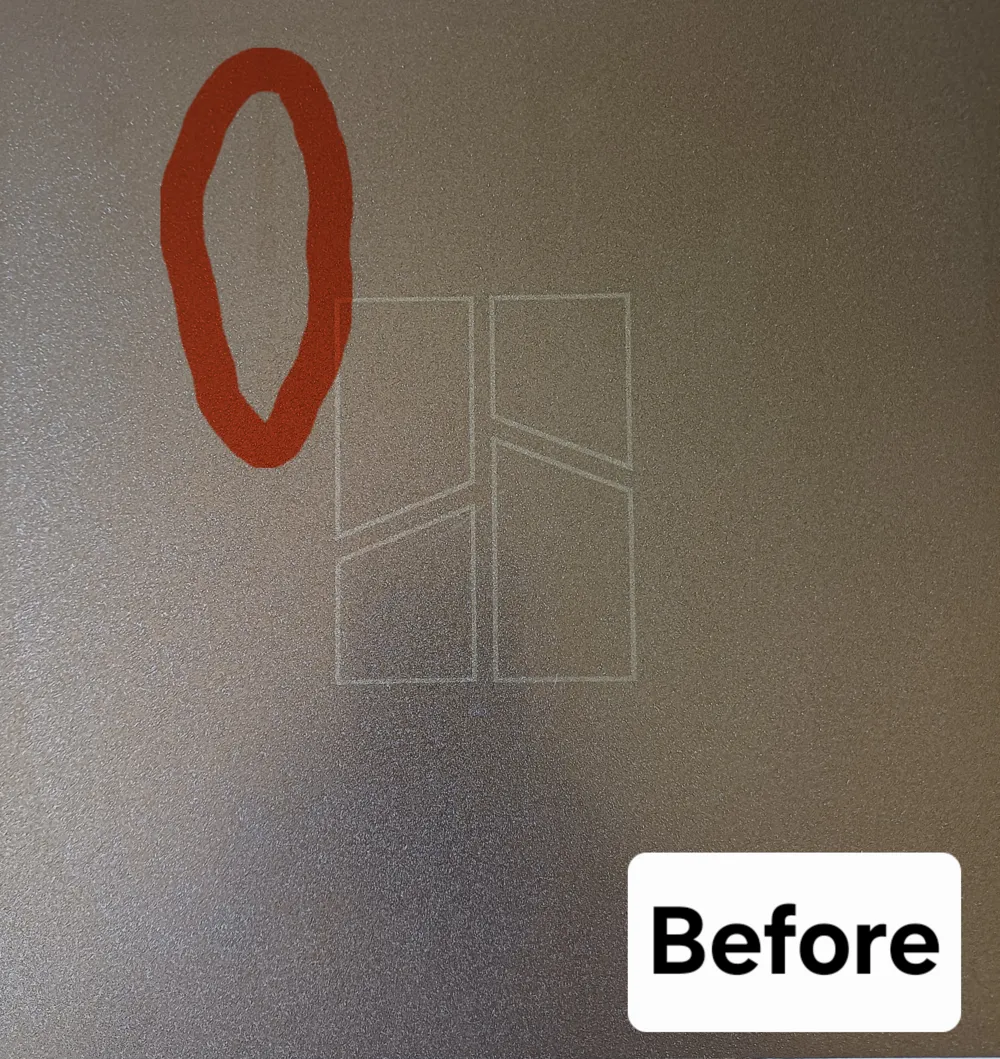
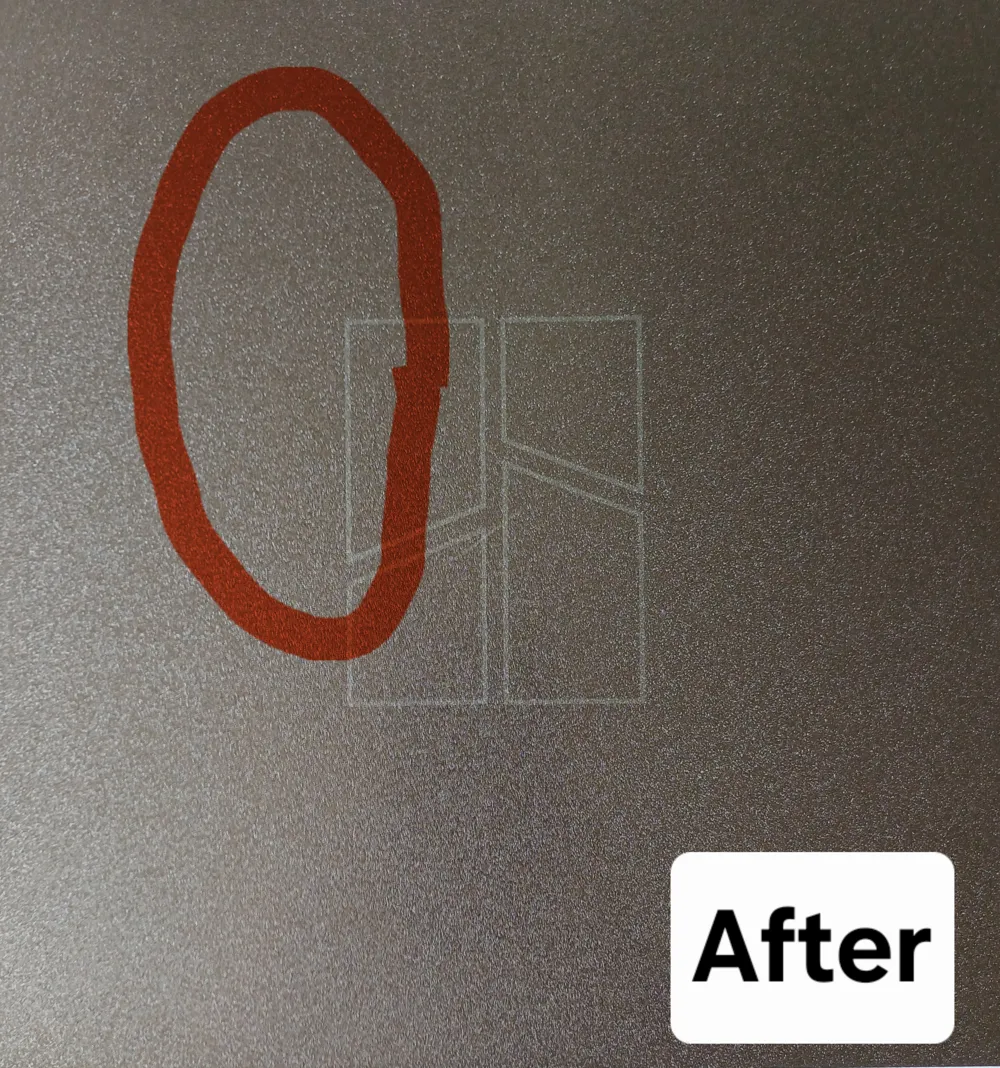
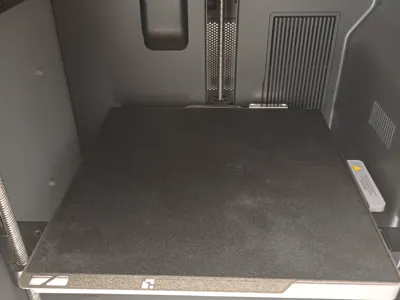
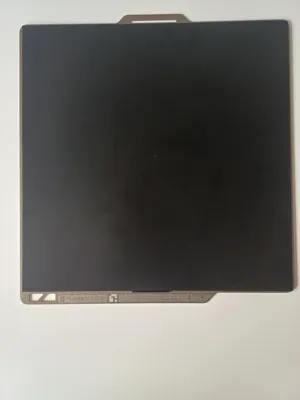
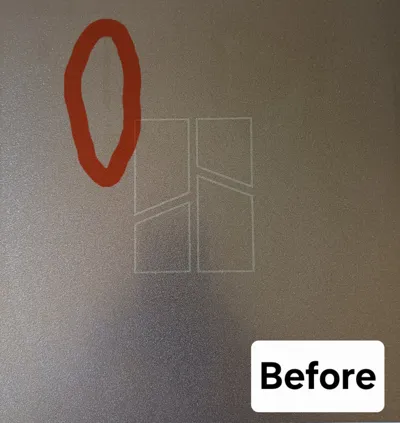
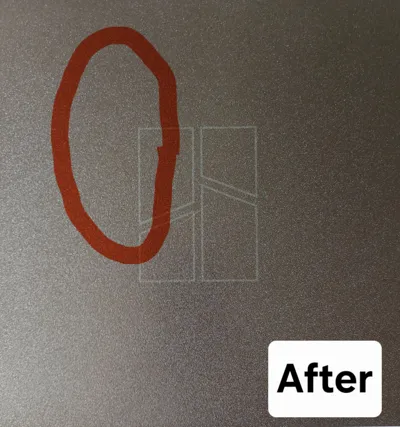
Print Plate Cleaning for All Series
By printing, you can restore your print plate to a high gloss.
Compatible:
- A1 mini
- A1
- P-Serie
- X-Serie
- H-Serie
Instructions:
Simply select the appropriate printer and print.
License

You shall not share, sub-license, sell, rent, host, transfer, or distribute in any way the digital or 3D printed versions of this object, nor any other derivative work of this object in its digital or physical format (including - but not limited to - remixes of this object, and hosting on other digital platforms). The objects may not be used without permission in any way whatsoever in which you charge money, or collect fees.


Comment & Rating (0)