
Philips D6280 Cassette Gear Plague Fix
Print Profile(1)
Description
Description
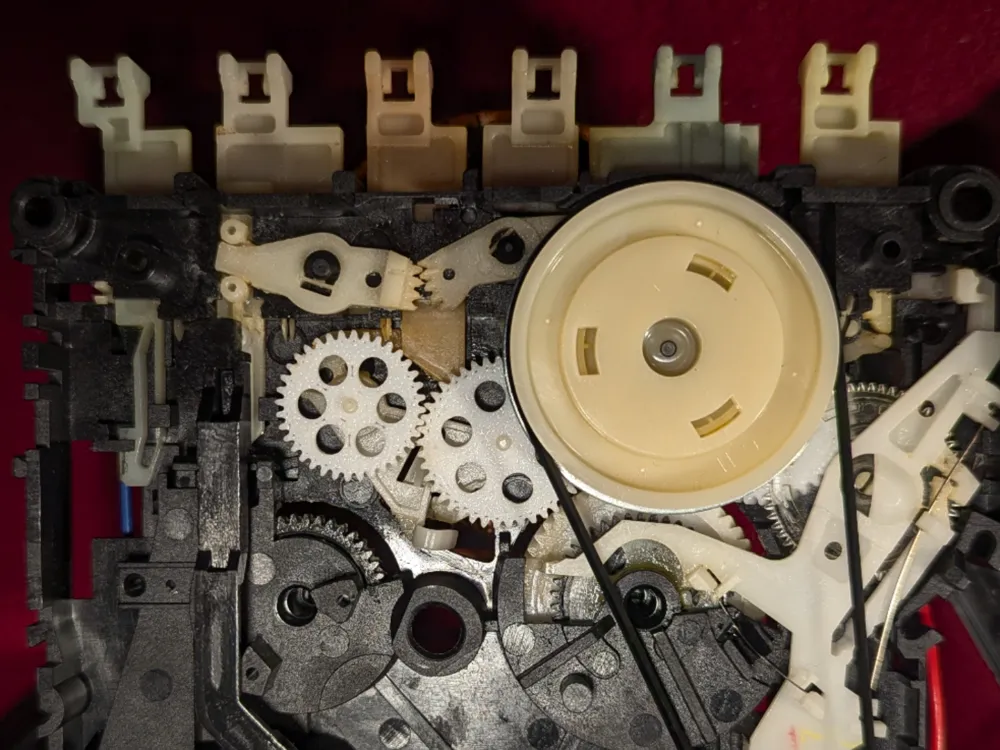
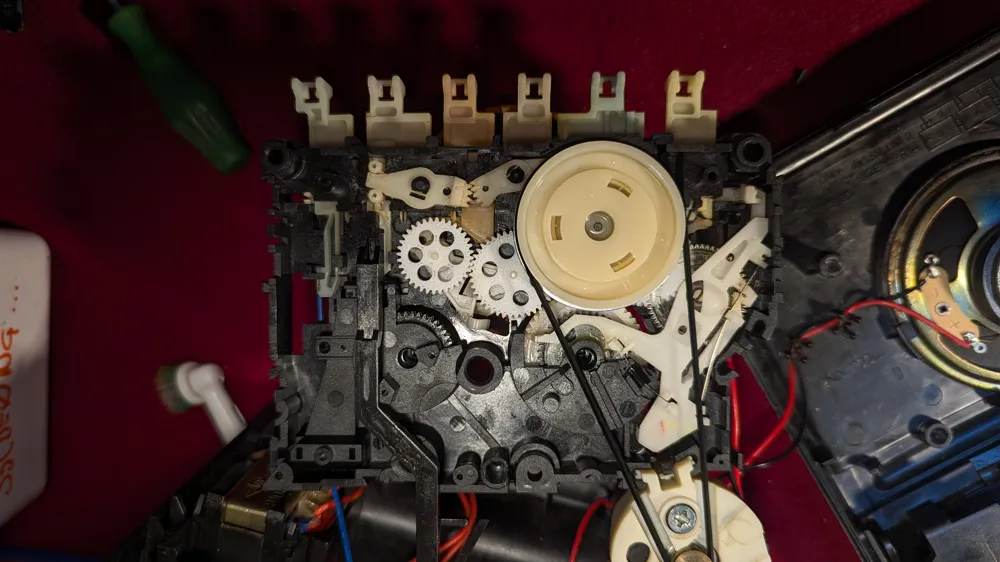
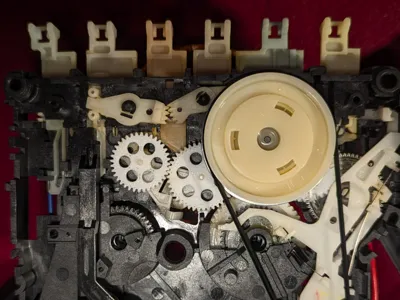
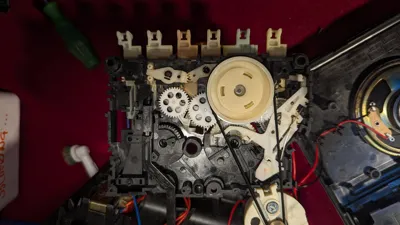
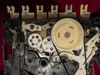
If you own a Philips D6280 (or similar models from the D-series line like the D7180 or D8140), you’ve likely encountered the infamous "Gear Plague." Over time, the original polyurethane gears—specifically the orange or yellow tinted ones—decompose into a sticky, brittle mess, rendering the playback and winding functions useless.
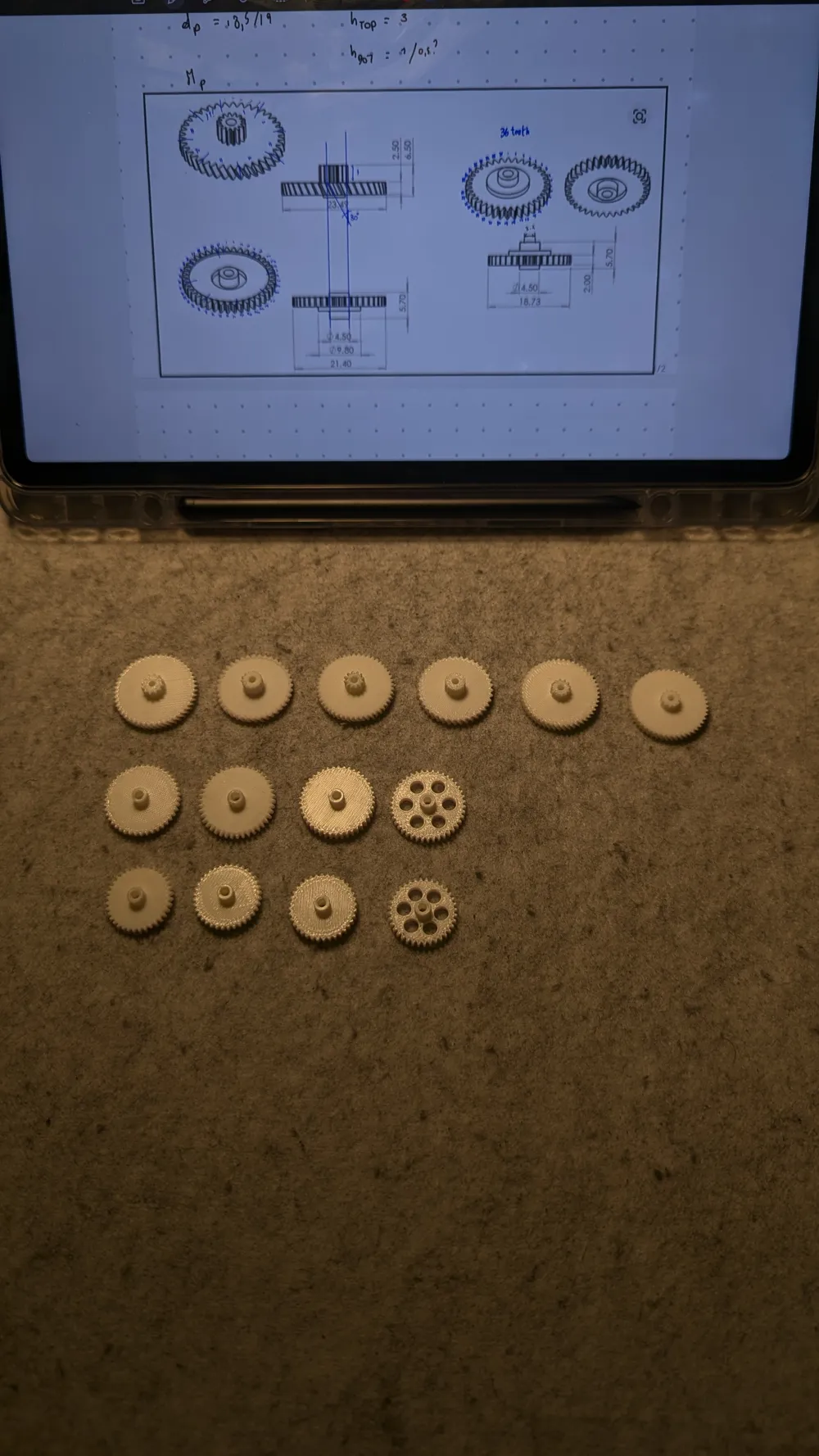
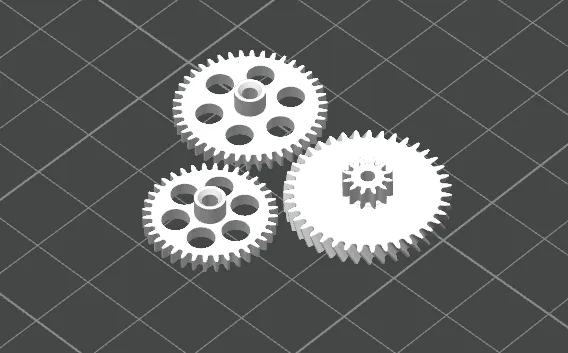
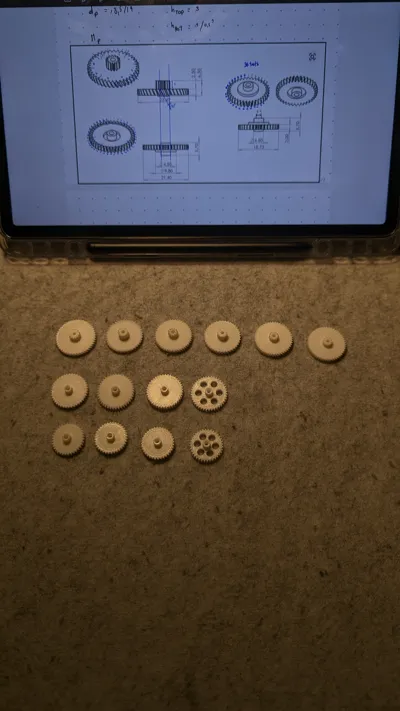
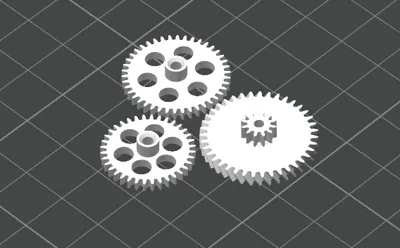
This set is designed to replace those failing components. Based on the common failure points in the Philips/Magnavox transport mechanism, this kit includes the critical drive and idler gears needed to bring your deck back to life.
Technical Specifications (included in this set):
- Main Cam/Drive Gear: Large diameter with helical teeth (36 tooth variant included).
- Intermediate Idler Gears: Specifically sized for the take-up and supply reel engagement.
- Precision Fit: Designed with a 0.1mm - 0.2mm tolerance for press-fit mounting on the original metal shafts.
Print Settings Recommendation:
- Material: PETG or Tough Resin (PLA is too brittle for the constant mechanical stress and friction).
- Layer Height: 0.1mm or 0.12mm (High Quality) for smooth tooth engagement.
- Infill: 100% (Solid).
- Wall Loops: 3-4 for structural integrity.
- Orientation: Print with the flat side on the bed. Support may be needed for the stepped/double gears.
Installation Tip: Clean all remnants of the old "melted" gears using 90% Isopropyl Alcohol before installing the new prints. A tiny dab of white lithium grease on the teeth will ensure quiet operation and longevity.
License



Comment & Rating (2)