
Ball Maze | maze generator
Print Profile(1)
Bill of Materials

Description
Brief description
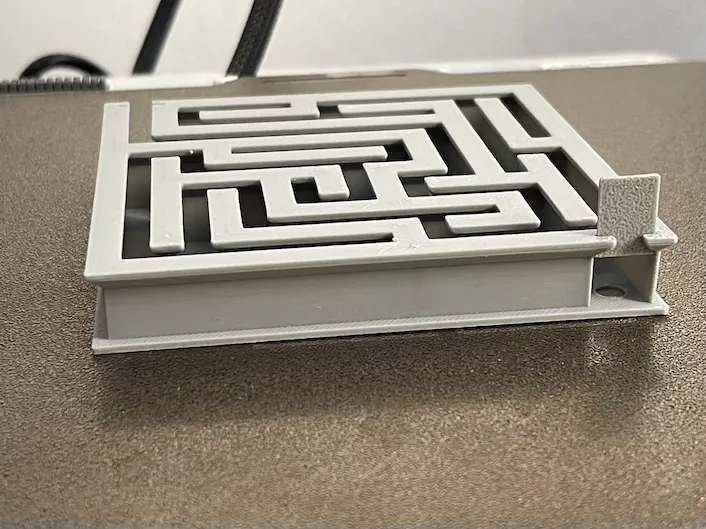
A small, compact, clean, and ever-changing 3D printable maze.
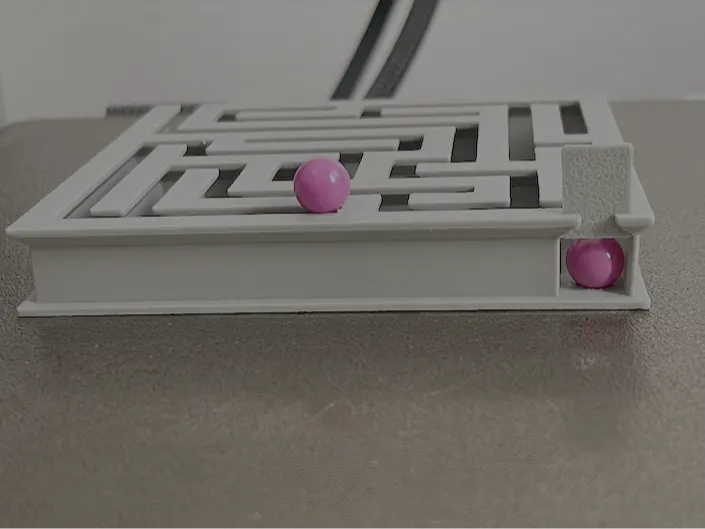
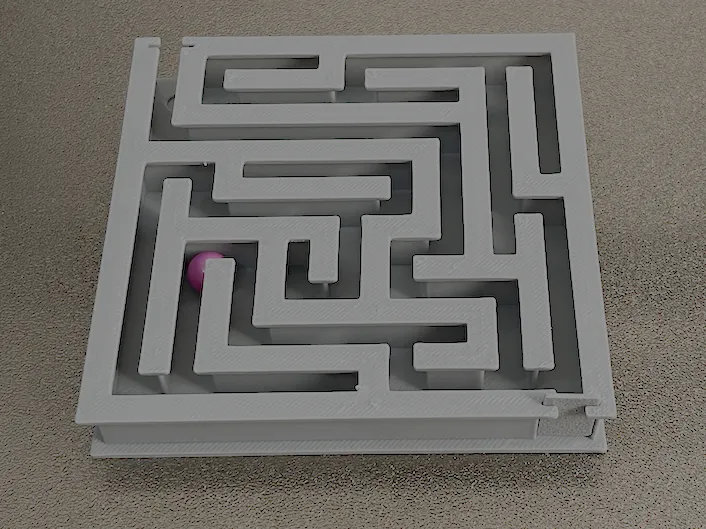
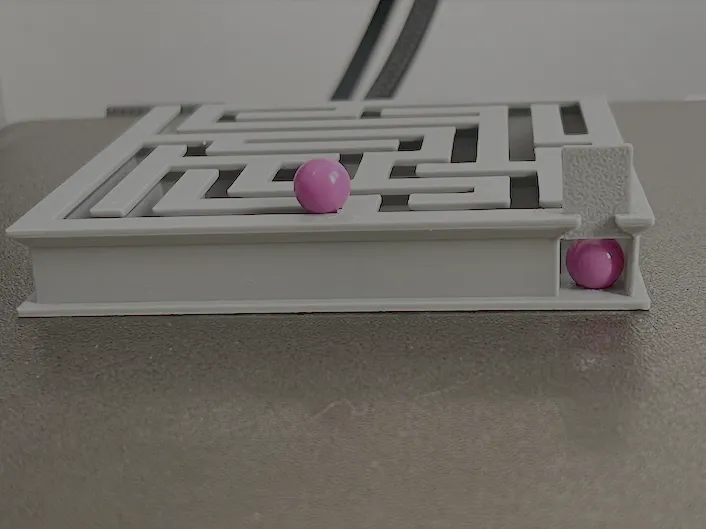
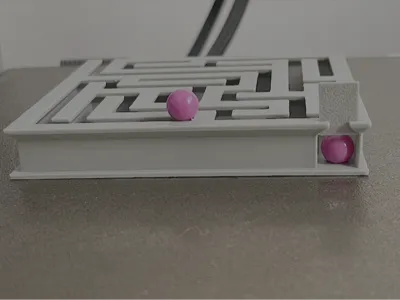
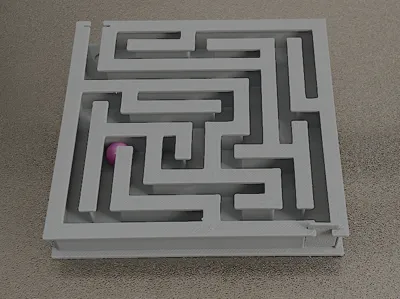
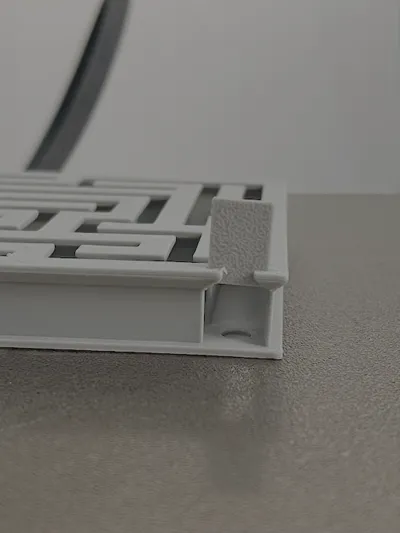
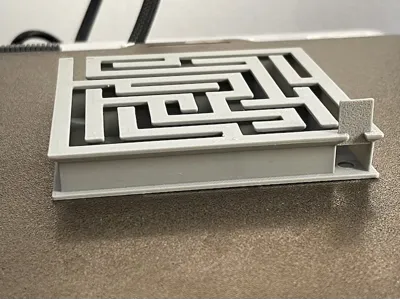
This open version allows you to see the ball throughout the entire path and transforms the model into a physical puzzle to actually play with, not just display.
In the description, you will also find instructions for using the OpenSCAD file to easily generate new versions of the maze with custom parameters.
The project
This project originated from the idea of creating a truly printable ball maze, enjoyable to use, and flexible enough to be regenerated in different configurations.
The open version allows the ball to be followed along the entire path, making the game more immediate, readable, and satisfying compared to a fully closed version.
The model consists of:
- main maze body
- visible internal path
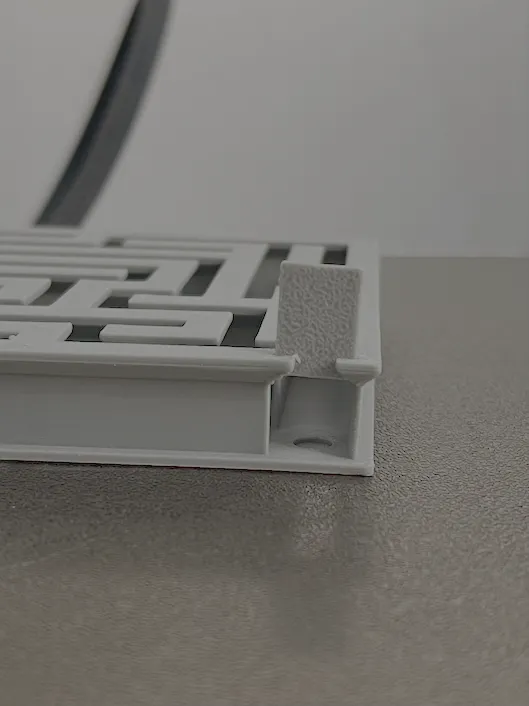
- sliding entrance and exit doors
- start and end seats for the ball
- geometries designed to adapt well to FDM printing
The goal was to achieve an object that was simultaneously:
- fun to use
- aesthetically clean
- simple to print
- customizable
- suitable for regeneration multiple times with different layouts
Main features
- parametric maze
- ball always visible during play
- sliding doors for entrance and exit
- proportions calculated based on ball diameter
- integrated start and end seats
- ability to generate different configurations by changing a few parameters
- structure designed for cleaner printing
Print notes
- project designed for FDM printing
- doors must be printed separately
- the smoothness of the doors depends on tolerance, material, and printer calibration
- it may be useful to do a test print to find the best fit between door and guide
- the model has been designed to avoid unnecessarily difficult-to-print geometries
How to use
- Print the main maze body
- Print the doors
- Insert the ball
- Close the maze with the sliding doors
- Guide the ball from start to finish
Parametric generation with OpenSCAD
The project also includes the OpenSCAD file, useful for generating new maze variants without manually modifying the geometry.
The main parameters allow control over:
- rows
- columns
- ball diameter
- wall thickness
- floor thickness
- ceiling thickness
- door tolerance
- difficulty
- maze seed
In this way, it is possible to create smaller, larger, or simply different versions, maintaining the same constructive logic of the project.
Feedback
If you print it, a photo of the result and a rating help me a lot to improve future versions.
License

You may create derivative works based on this object, provided that all such derivative works are published exclusively on the MakerWorld platform and include proper attribution to the original creator. You may not share, upload, host, distribute, or publish this object—or any derivative work of this object—on any other digital platform, marketplace, or distribution channel. Commercial use of this object and any derivative works is strictly prohibited. This includes, but is not limited to, selling, renting, sublicensing, or using the object in any context in which you receive monetary compensation or other financial benefits.


Comment & Rating (0)