
1/64 Diorama: Car Repair Shop Parking Lot [A1 mini friendly version] uncut
Print Profile(3)
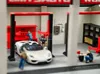
Description
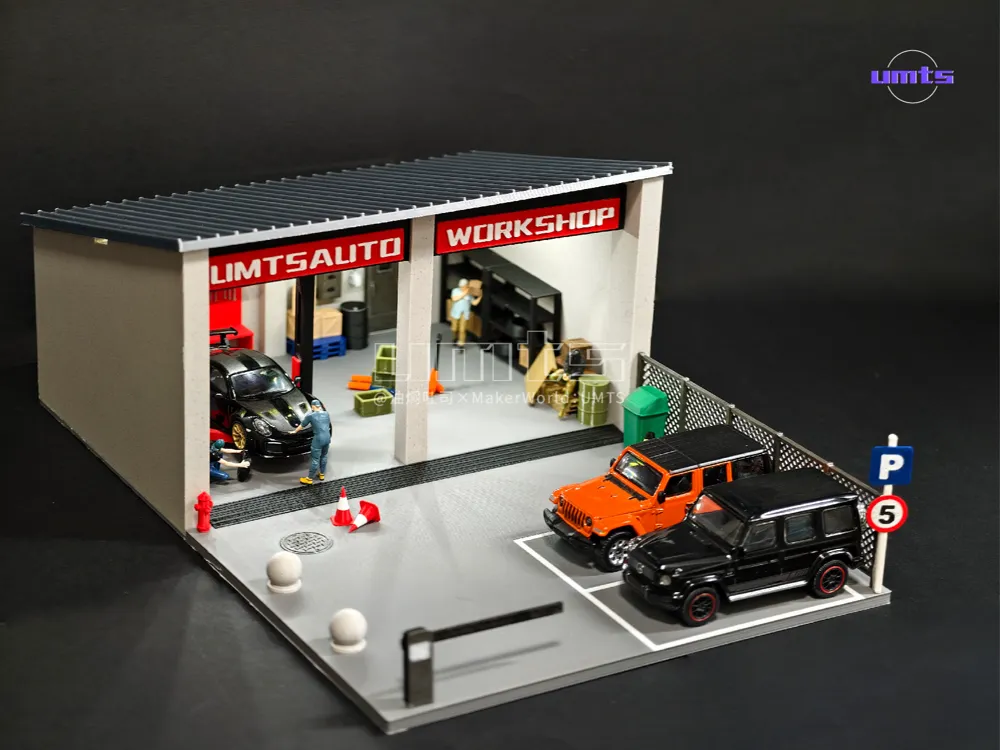
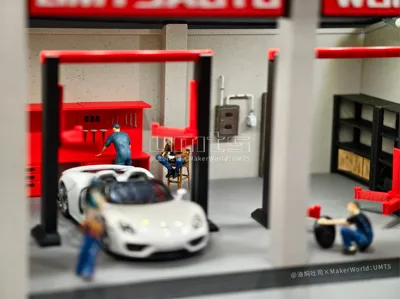
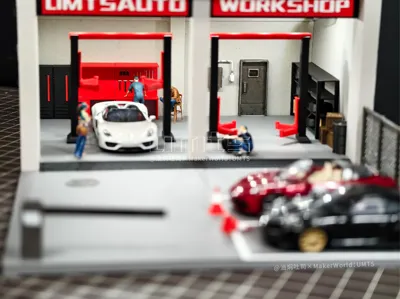
A revised version based on my "1/64 Diorama: Car Dealership Parking Lot" model,
【Small size uncut version】 specially designed for A1 mini
(The model is for personal collection only,copyright registered© not for commercial use without authorization, infringement will be investigated, please respect this!))
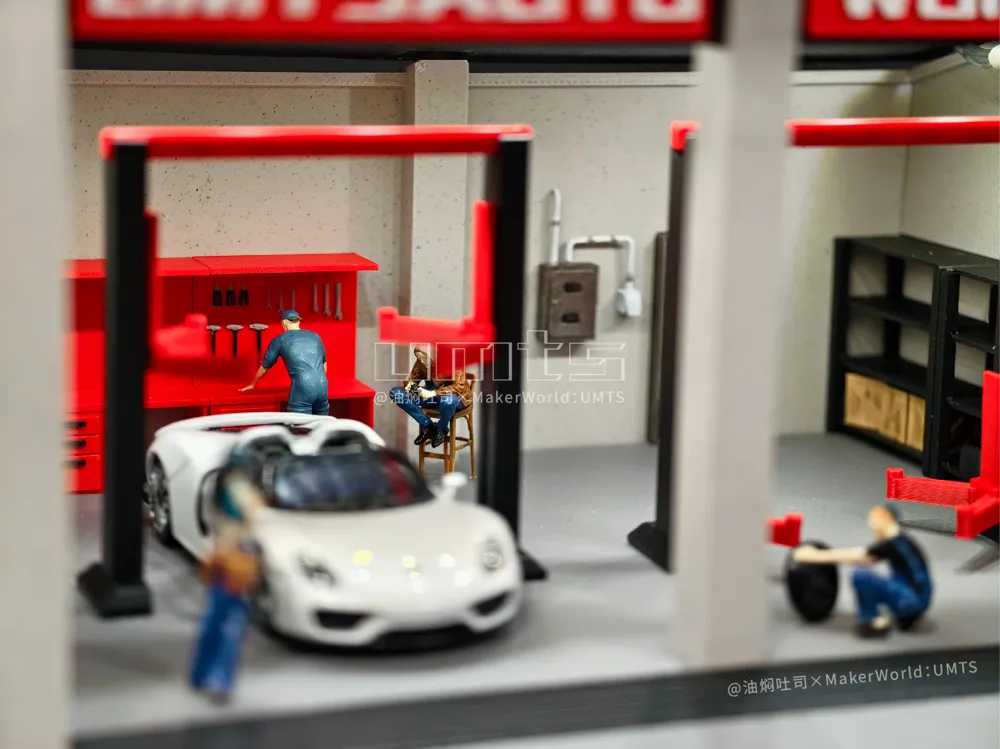
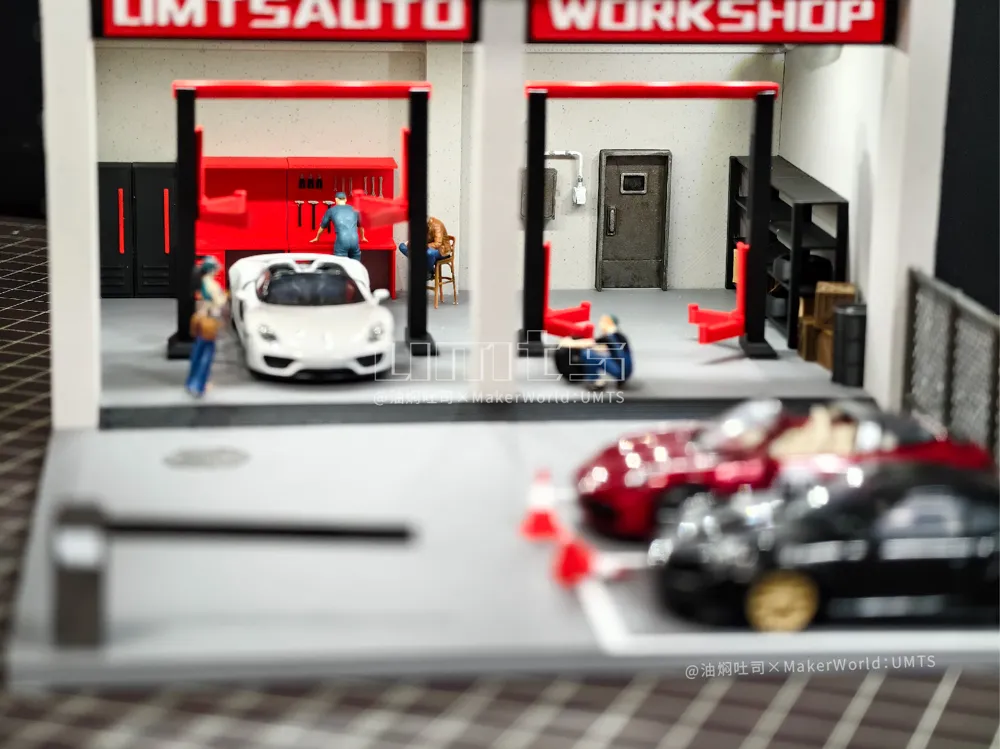
Simplified from three bays to two, and three parking spaces to two, with a smaller footprint and faster speed, get your own little repair station right away!
Smaller footprint, plenty of cars, can hold 6 when full! The repair station is still open for business!
Still divided into 【AMS version】 and 【Non-AMS version】
【About the Non-AMS Version】
1 The parking lines are printed separately and can be inserted into the slots
2 For the door sign, use pause to change color, print in black first, change to red at layer 15, change to white at layer 20, or any color you want to use
3 The 'P' round sign is monochromatic and can be painted by yourself
【About Parts】
Besides the 0.2mm print profile included with this model, various parts shown in the images can be found on my homepage!
【Other】
1 The round manhole cover has no tolerance, it fits into the corresponding groove, and a gentle press with a fingernail will make it click into place
2 The two door signs have different lengths, please place them according to the text positions in the diagram
3 All parts need super glue to be fixed!
4 Large base areas have brim, if you have special glue for the build plate, please spray extra glue! Spray glue! Spray glue! to prevent warping!
【Installation Diagram】
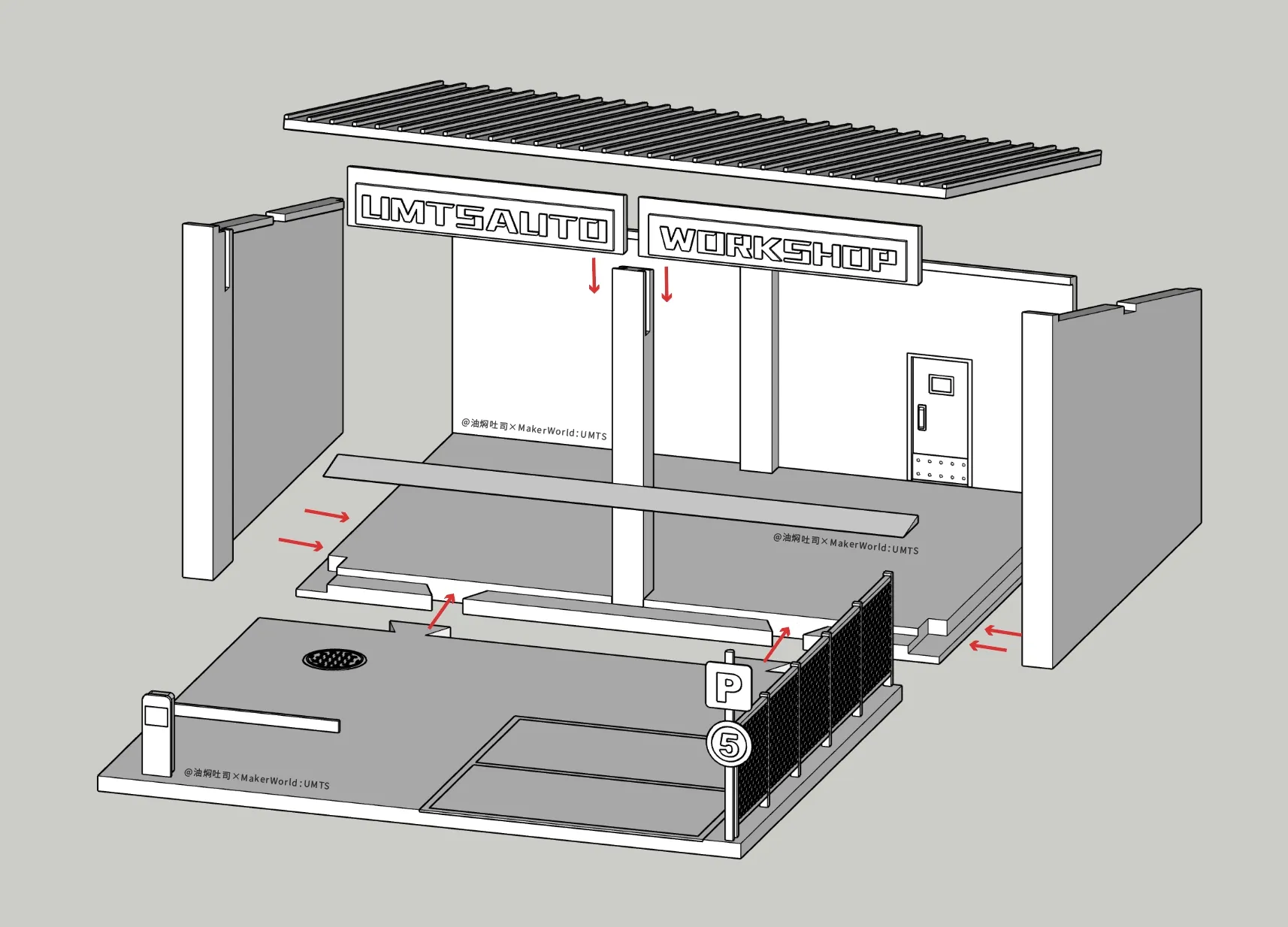
【If you are using different build plate and filament types when printing, be sure to change the settings before slicing and printing! Otherwise, it will lead to print failure】
License

You shall not share, sub-license, sell, rent, host, transfer, or distribute in any way the digital or 3D printed versions of this object, nor any other derivative work of this object in its digital or physical format (including - but not limited to - remixes of this object, and hosting on other digital platforms). The objects may not be used without permission in any way whatsoever in which you charge money, or collect fees.


Comment & Rating (4)