
Print Profile(3)



Description
Boost Me (for free)
If you like this design and want to support my work, a Boost means a lot.It helps me keep creating new models for the community.Thank you for your support!
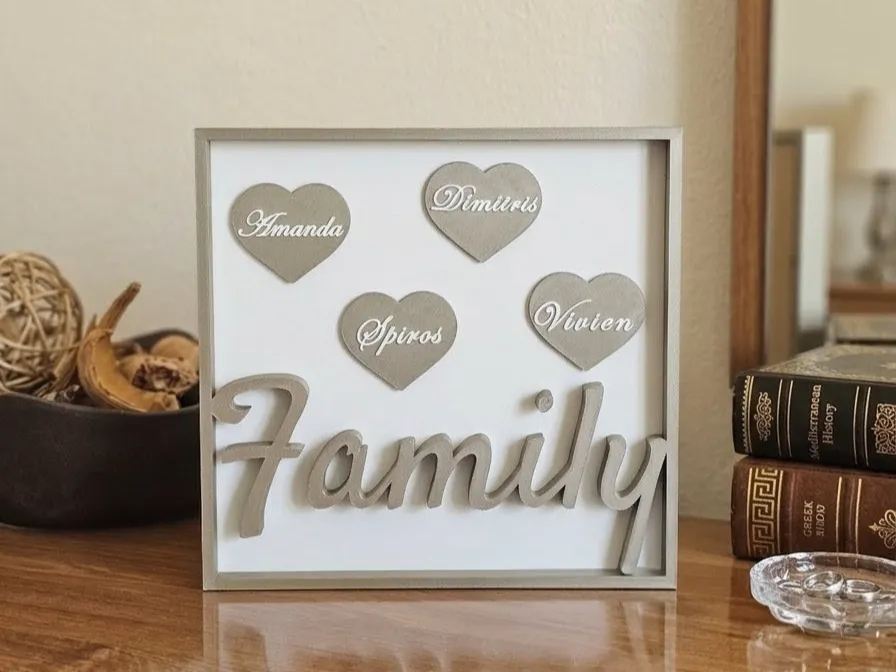
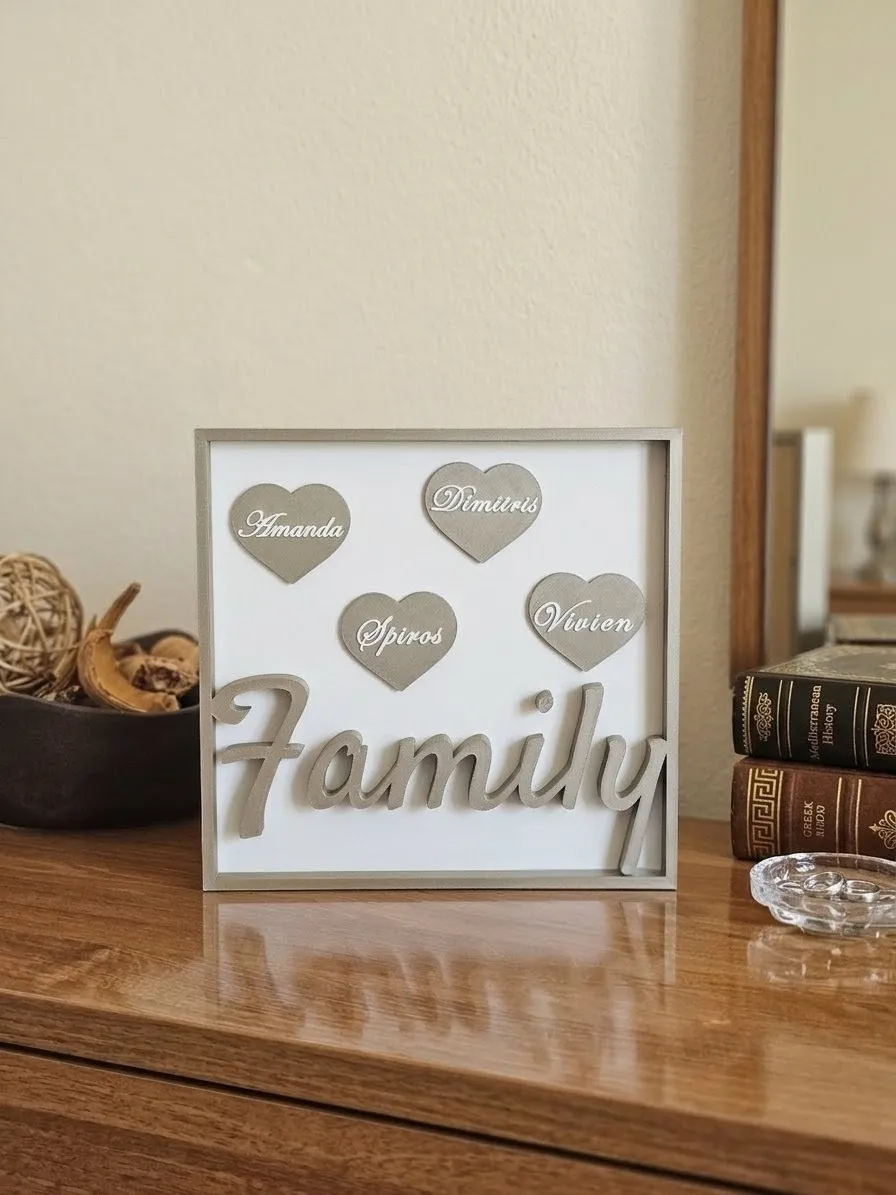
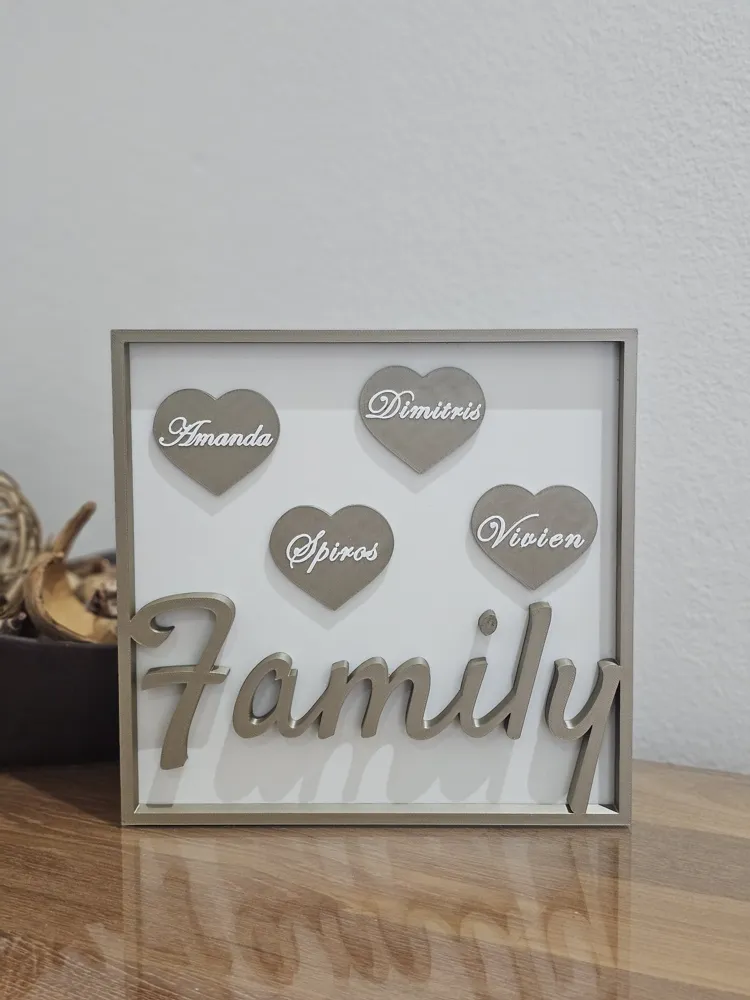
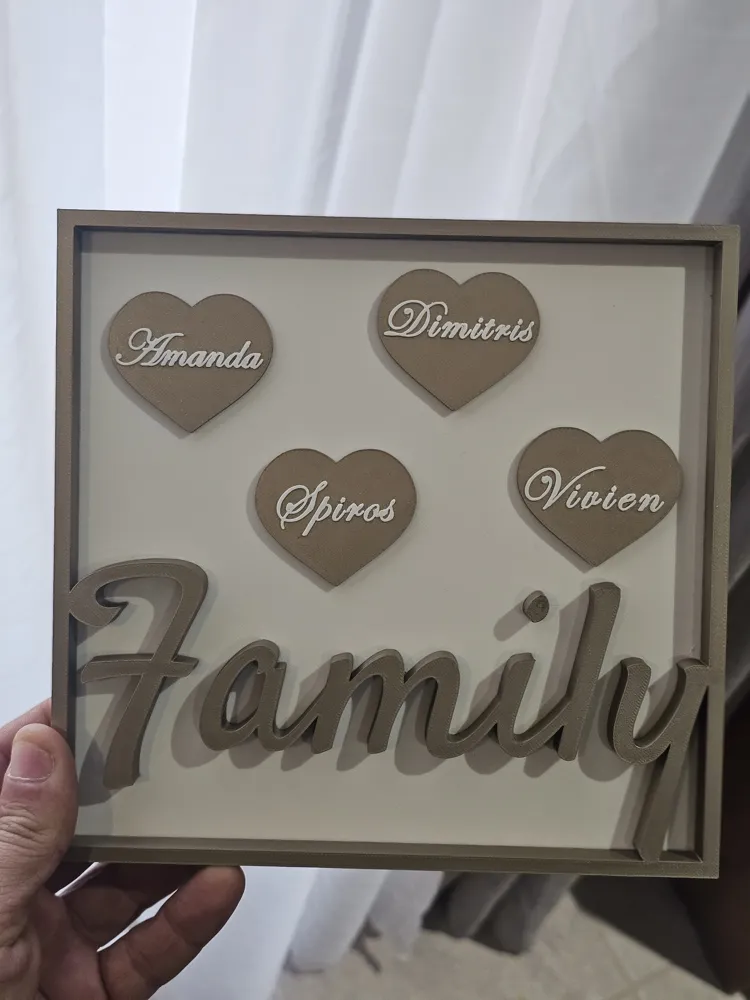
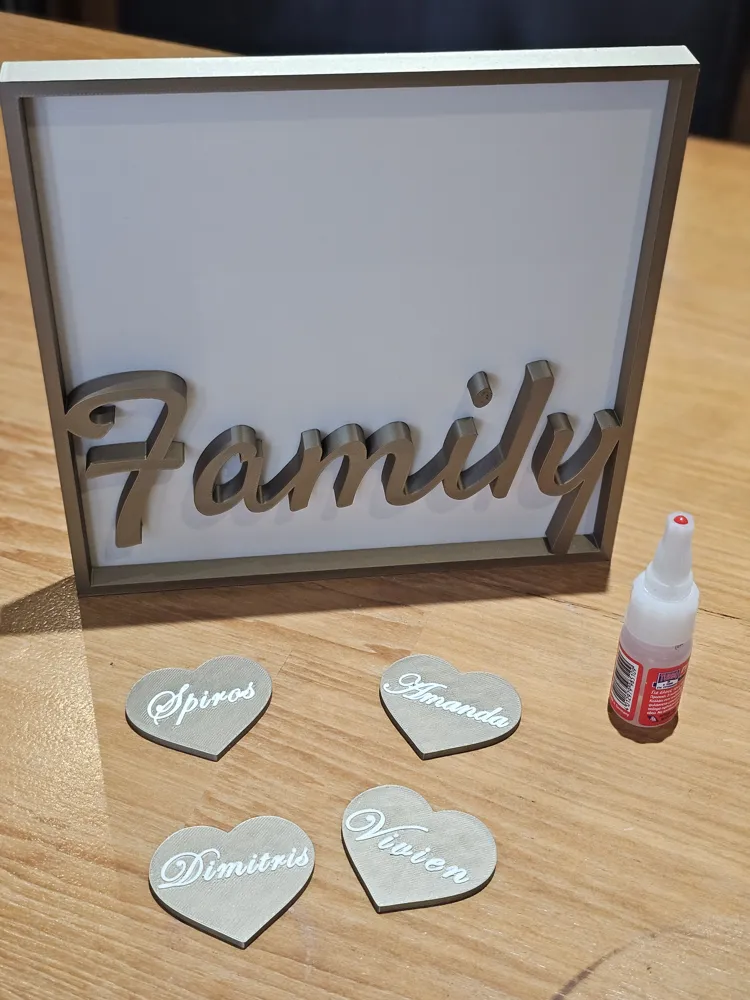
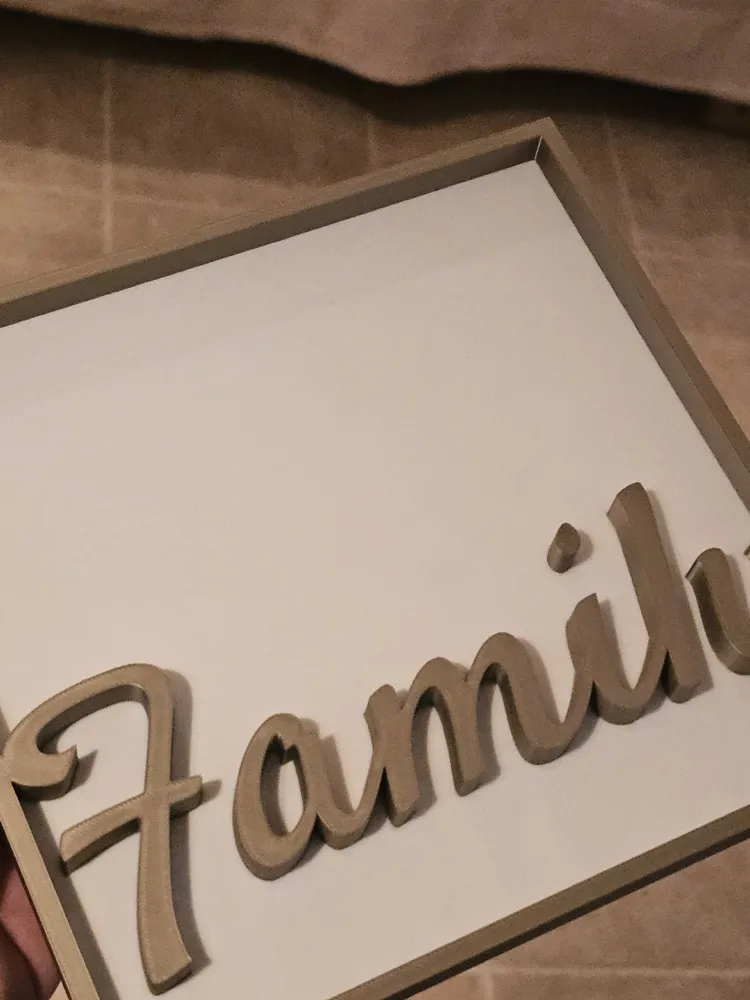
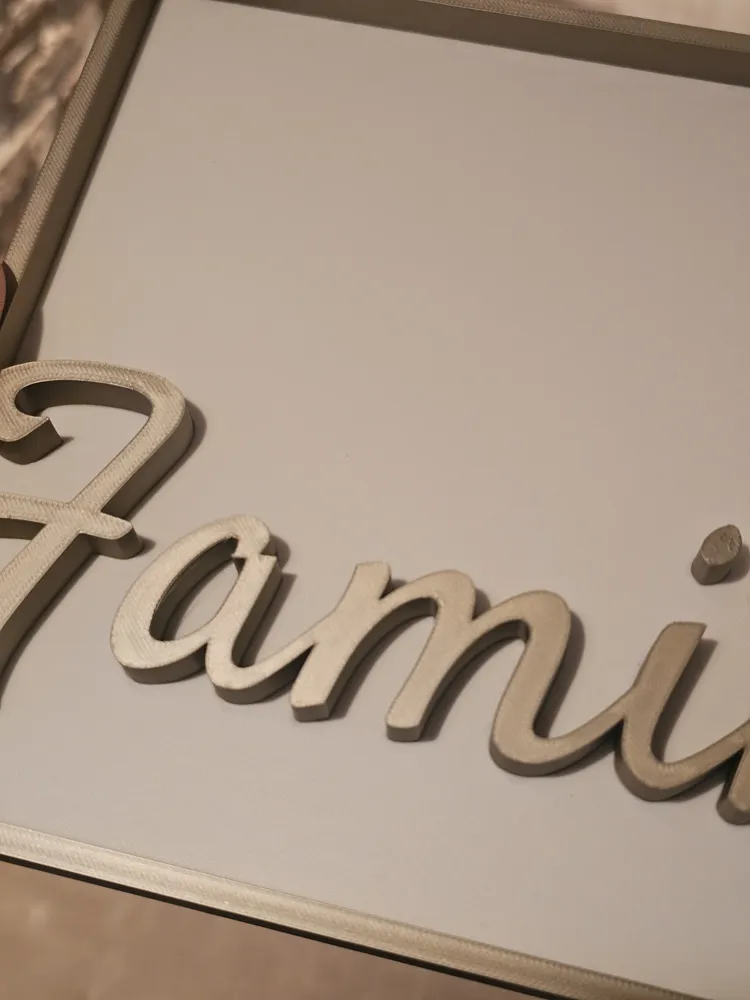
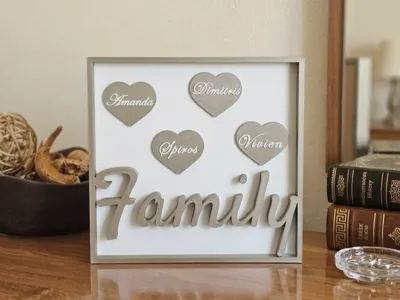
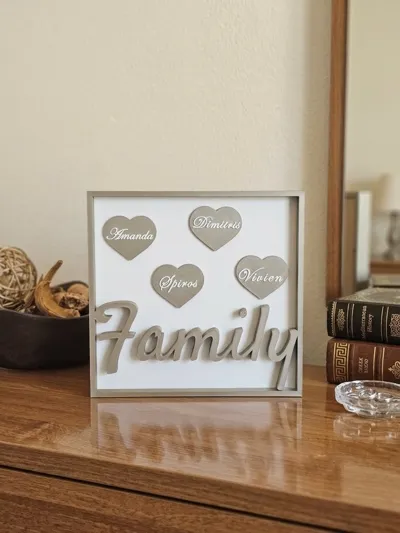
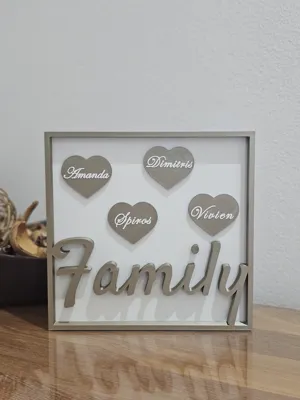
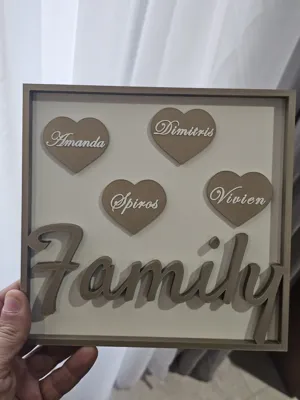
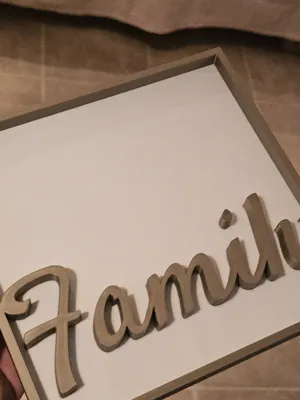
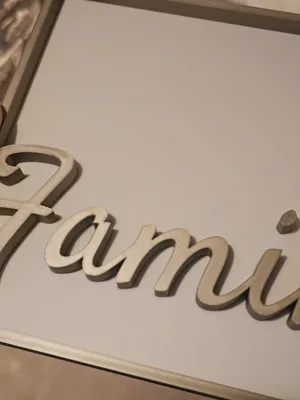
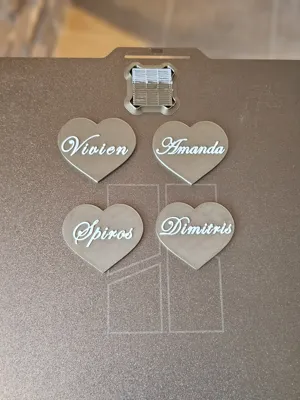
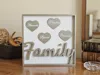
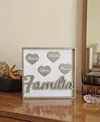
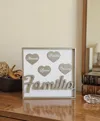
Create a meaningful and modern piece of home decor with this customizable family name frame. Featuring raised heart elements with editable names and a bold “Family” script, this design adds a warm, personal touch to any space.
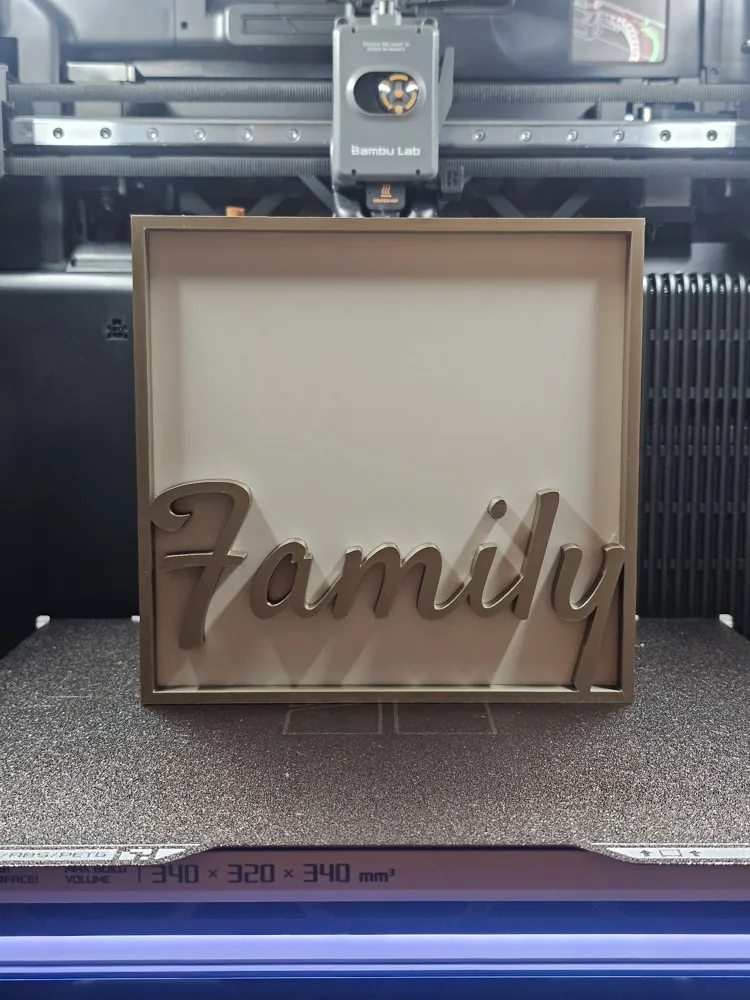
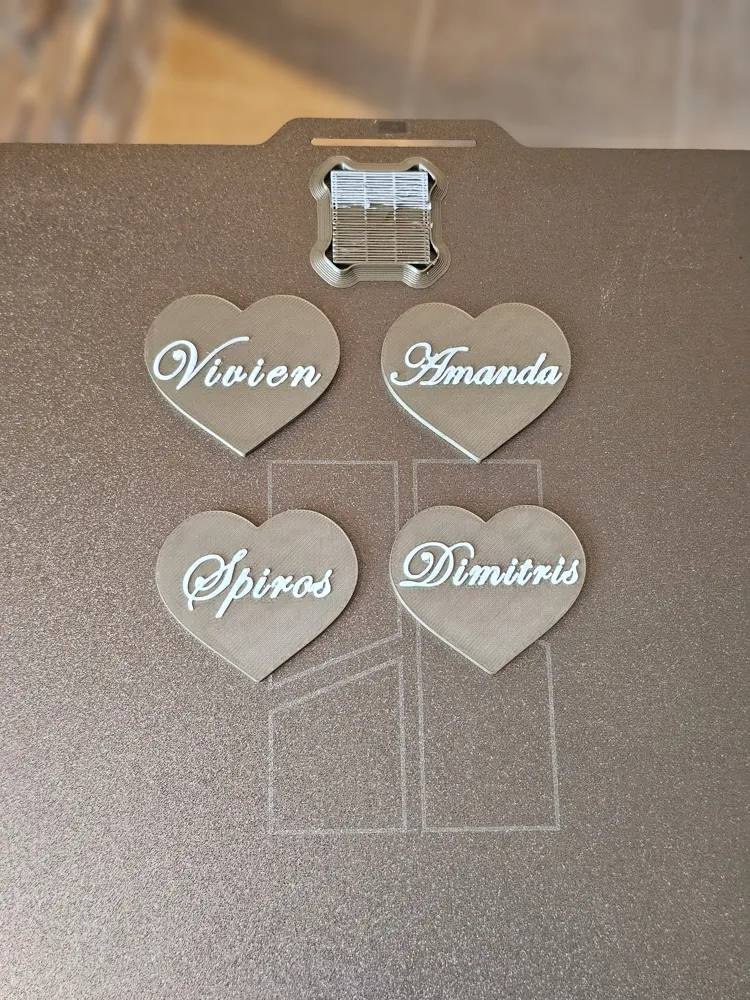
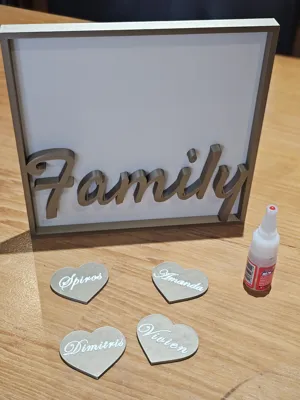
Each heart is printed separately and attached to the frame with a small amount of glue, making printing easier, cleaner, and perfect for multi-color results .
Display it on a side table, dresser, or shelf—or mount it on the wall using double-sided tape for a minimal floating look.
Features:
- Fully editable names (each heart is customizable)
- Separate heart pieces for easy printing and clean finish
- Freestanding or wall-mountable
- Modern layered aesthetic
Printing Settings:
- Layer height: 0.2mm
- Walls: 2
- Infill: 10–15%
- Supports: Not required
- Material: PLA recommended
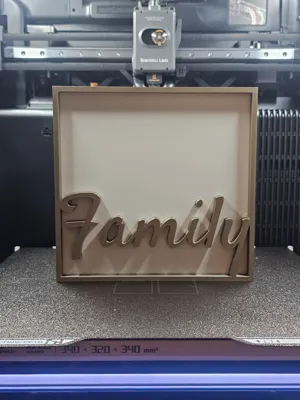
- Print frame and hearts separately
Assembly:
- Apply a tiny drop of glue on the back of each heart
- Place them onto the frame in your preferred layout
- Optional: double-sided tape for wall mounting
Customization:
- Easily edit each name in your slicer
- Scale up/down depending on your space
- Use contrasting colors for a premium look
Edit name guide:
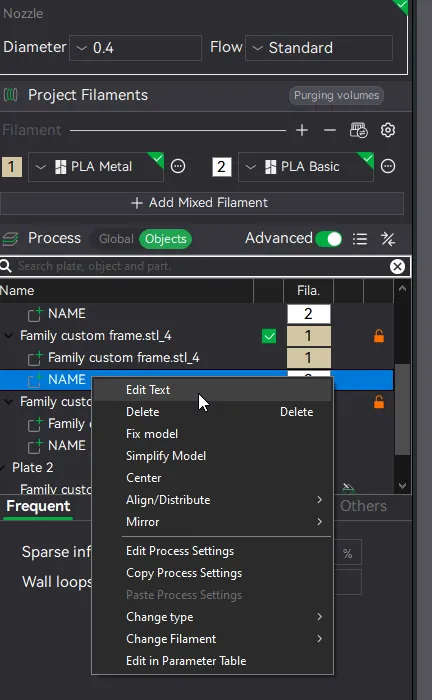
Step 1 Click on the design and on the left tab click Objects(Next to Global)
then choose “NAME” and right click on Edit Text.
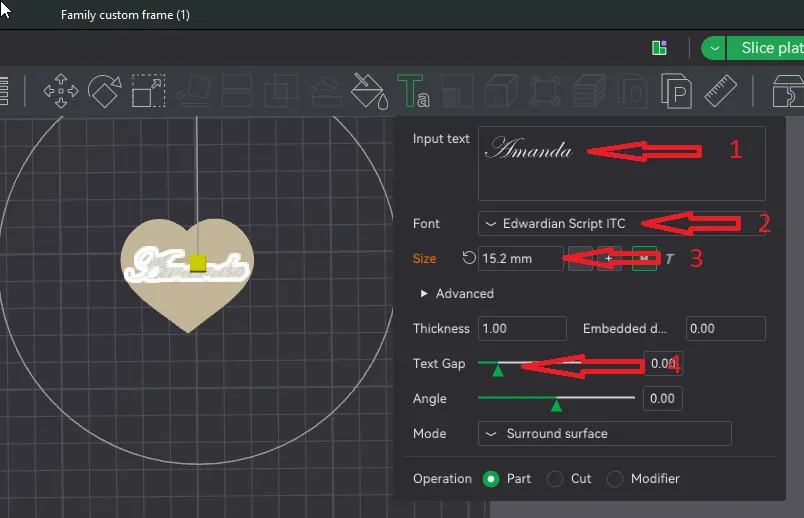
Step 2 . Once the window opens you can change the name(1) , font(2) and size(3).Maybe play around with Text gap(4) depending on how long the name is.
License

You shall not share, sub-license, sell, rent, host, transfer, or distribute in any way the digital or 3D printed versions of this object, nor any other derivative work of this object in its digital or physical format (including - but not limited to - remixes of this object, and hosting on other digital platforms). The objects may not be used without permission in any way whatsoever in which you charge money, or collect fees.


Comment & Rating (5)