
P2S AMS Load/Unload Efficiency Mod
Print Profile(2)

Description
Make your P2S feel faster than it should with every color swap.
Older version with stock MC-Buffer cable documentation available
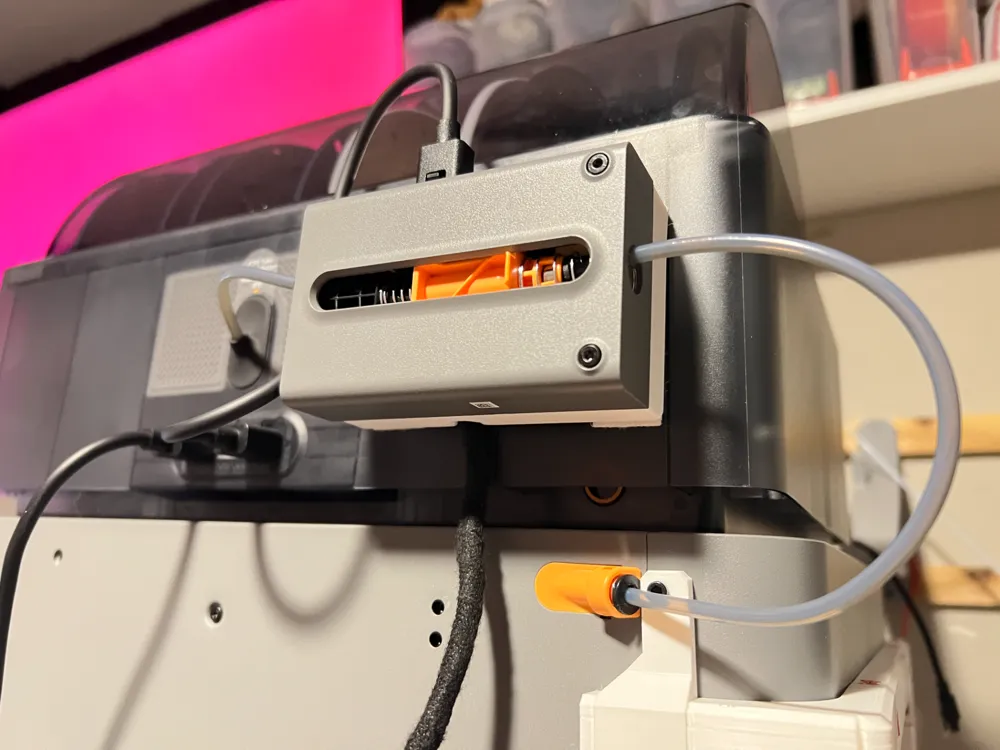
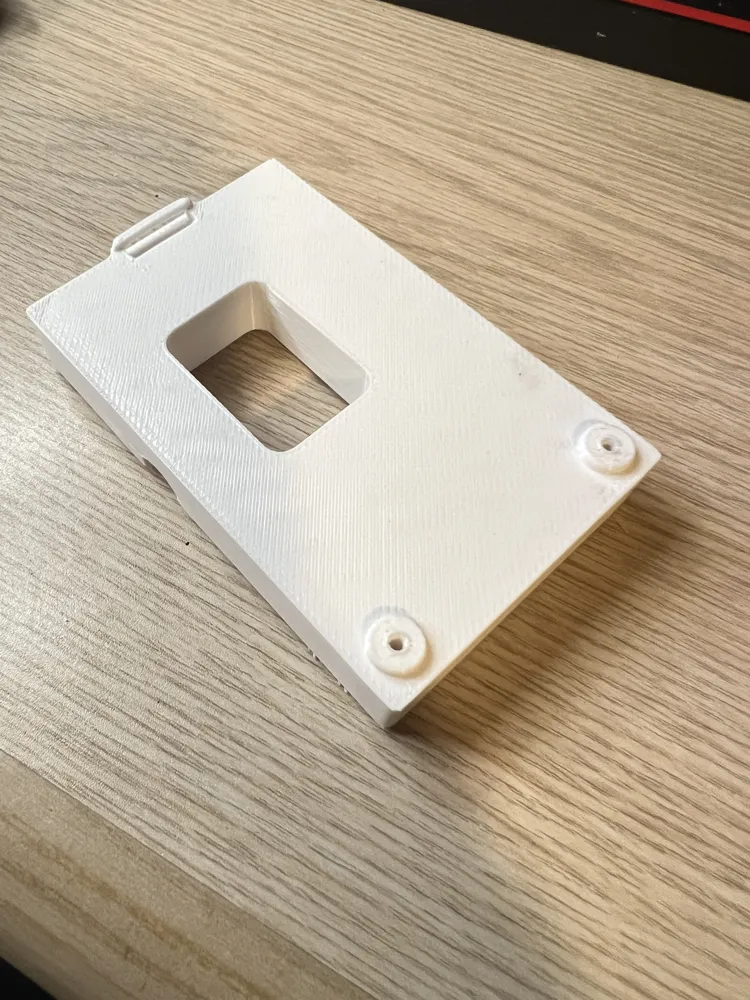
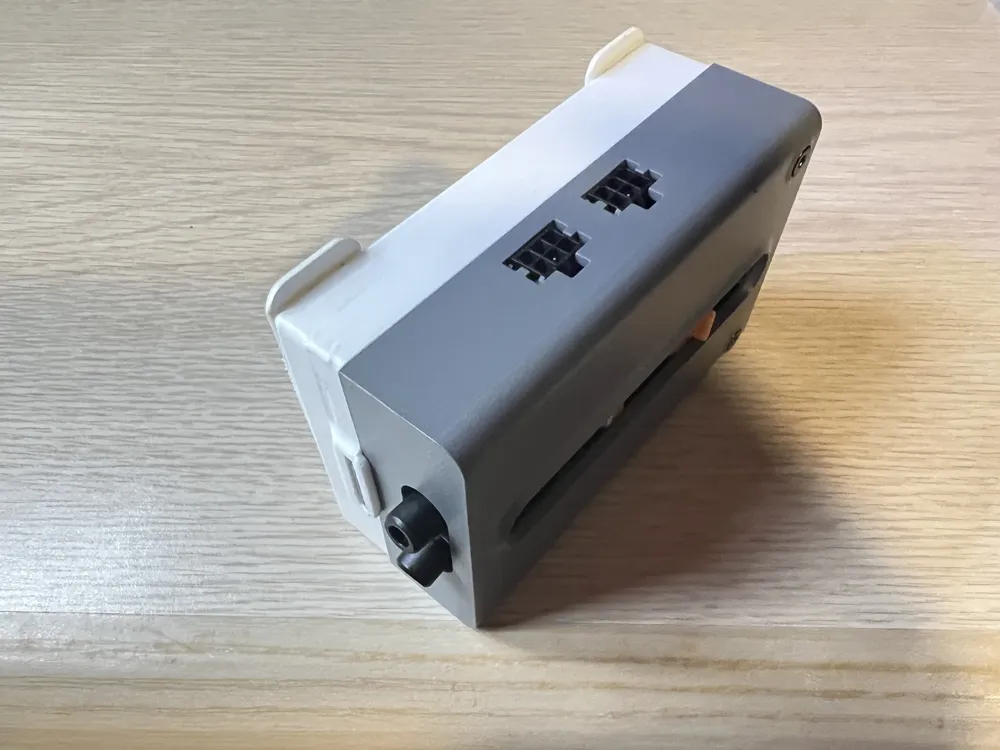
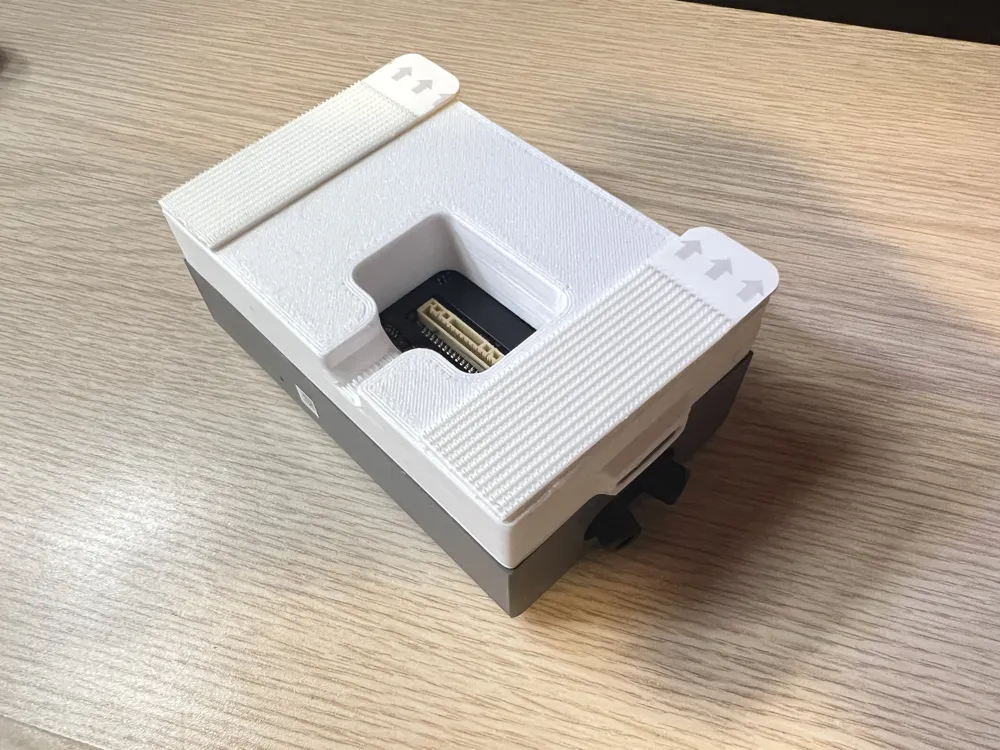
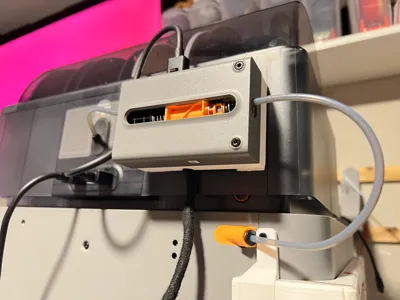
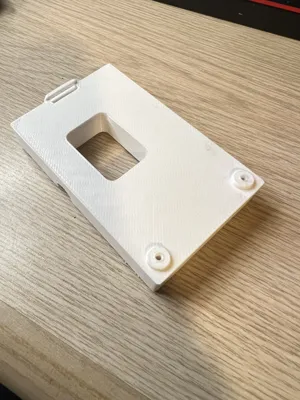
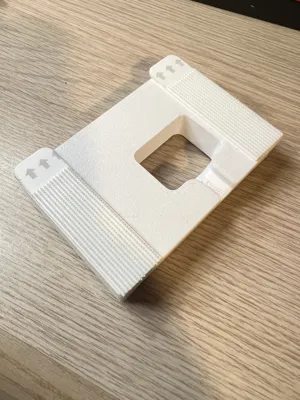
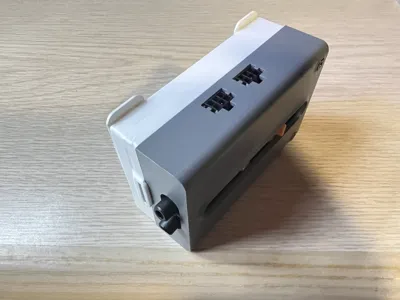
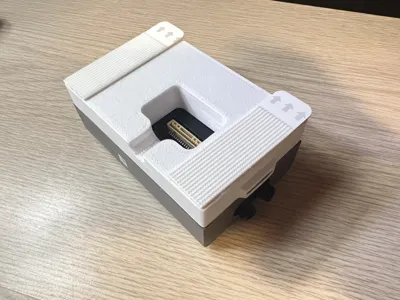
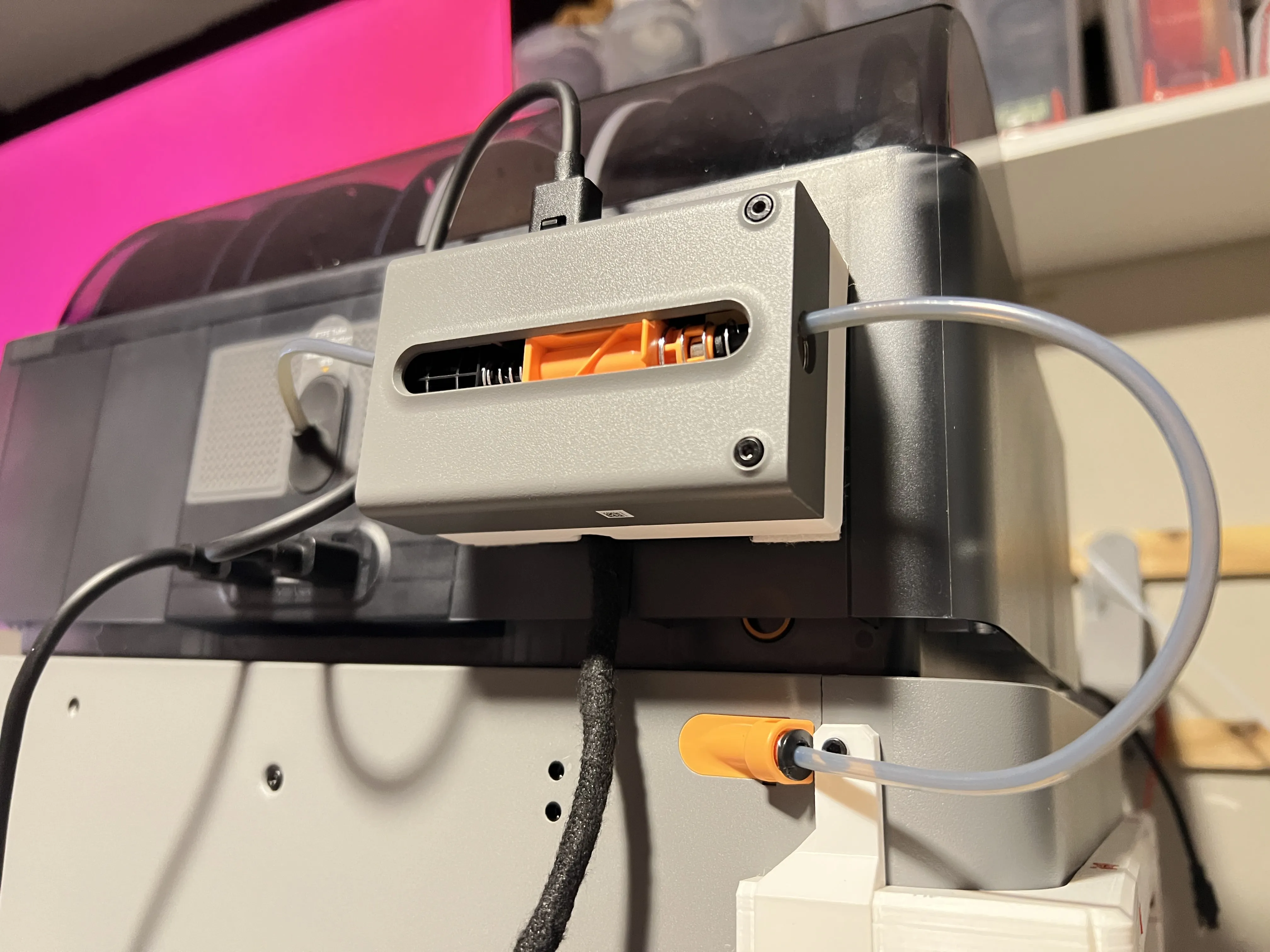
Simple spacer and filament buffer relocation mod for the P2S that can significantly reduce loading and unloading times during color swaps.
This mod was inspired by older Bambu Lab printers that used previous-generation filament buffers. While those designs did not require additional cables, this modification only requires a compatible cable from AliExpress, allowing the filament buffer to be repositioned freely to better suit your setup.
A STEP file is included for users who would like to modify the design further, such as creating custom mounting locations or adding additional features.
What do I need to make this possible?
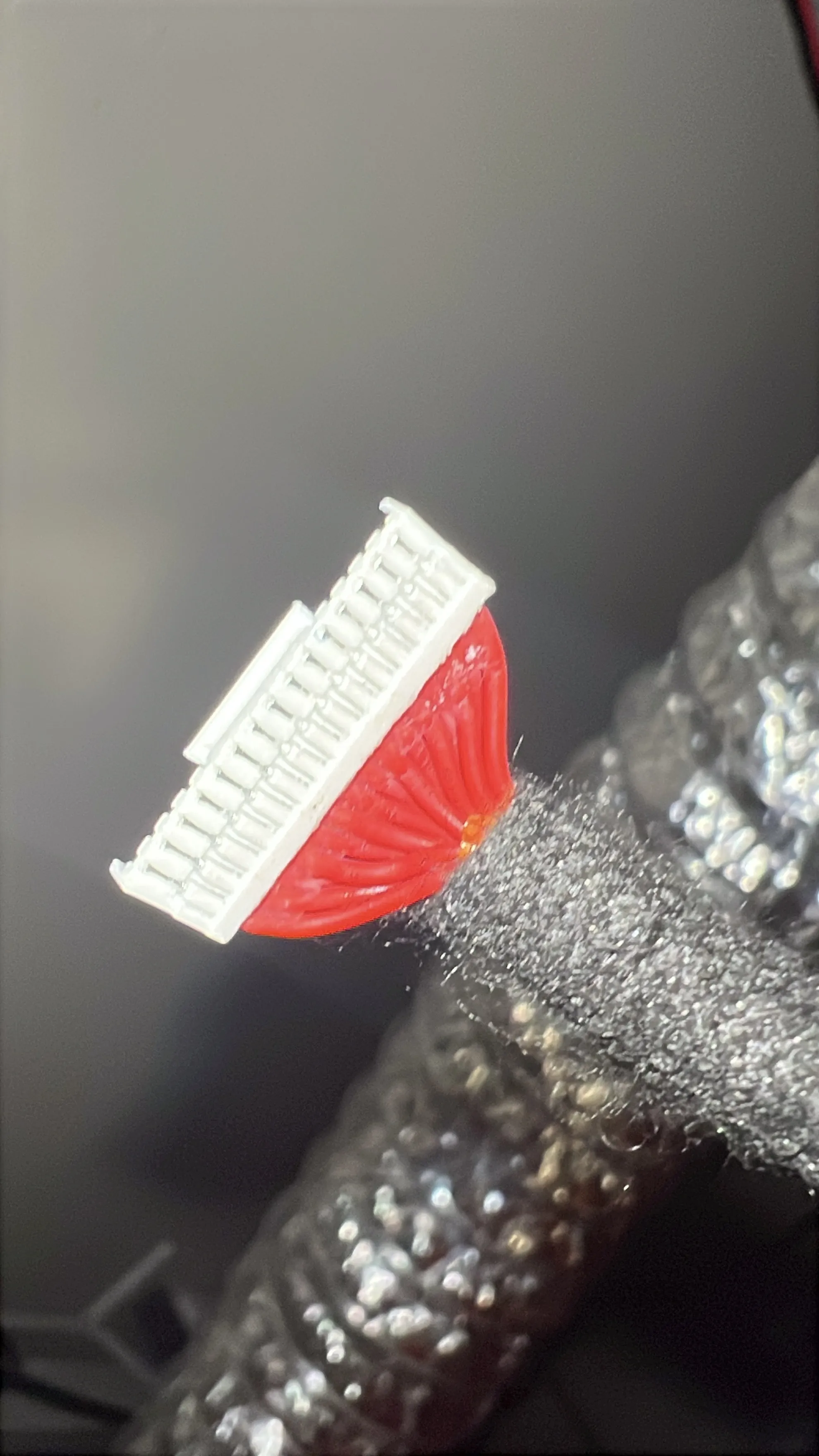
- SAME DIRECTION 100CM 26AWG 15pin cable from AliExpress
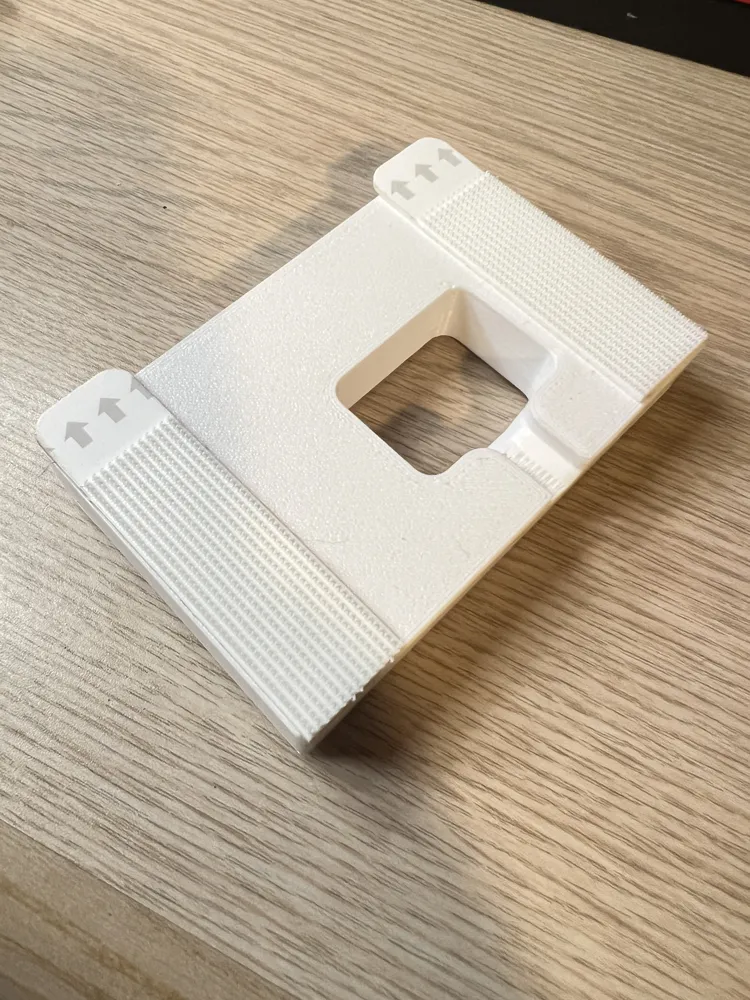
- Adhesive-backed Velcro / Velcro Command Strip
- Included screws from the Filament Buffer
- Recommended PTFE tube lengths:
- 135mm from AMS to Buffer
- 225mm from Buffer to PTFE Coupler
What do I do with the cable?
Follow the guide on Replacing the MC Buffer Cable from Bambu Lab wiki
Optionally, you can also wrap the cable with wiring harness tape and slightly add a line of superglue on the wiring side of the connectors for a more secure cable. Avoid adding too much superglue to the cable or spreading it elsewhere, otherwise connections may become difficult or some pins may not work.
Before reassembling the rear panel, test the longer cable by connecting the filament buffer and printer together.
Check for any unusual behavior or errors, such as:
- Filament buffer not being recognized by the printer
- AMS flashing error lights during startup
- Other issues that do not occur with the stock cable
If all devices function normally after testing, continue reassembling the printer.
It is recommended to route the cable through the original passthrough hole and use the existing cable organizers to manage and tuck away any extra cable length.

How much could this save me on print times?
Test Model
Pokemon Pikachu (No Support) by SnapPrint3D_SuperCrazyPrints
Length of PTFE tubes used
AMS → Filament Buffer (Top Input) – 135mm
Filament Buffer → PTFE Couple – 225mm
P2S Statistics Comparison
(Stock slicer time vs Updated slicer time)
- Load time: 26s → 6s (~77% faster)
Unload time: 31s → 12s (~61% faster)

Conclusion
By relocating the filament buffer closer to the AMS and shortening the filament path, filament swap times were significantly reduced.
On a 179 filament-change Pikachu print, the modification reduced total filament swap overhead by nearly 2 hours compared to stock.
Documentation (1)
License



Comment & Rating (14)