
Custom Name Tag Generator
Print Profile(13)
Bill of Materials







Description
UPDATE 4/24/26: Second version is now colorized without having to do it in the slicer yourself. Download as .3mf and open it in bambu studio!
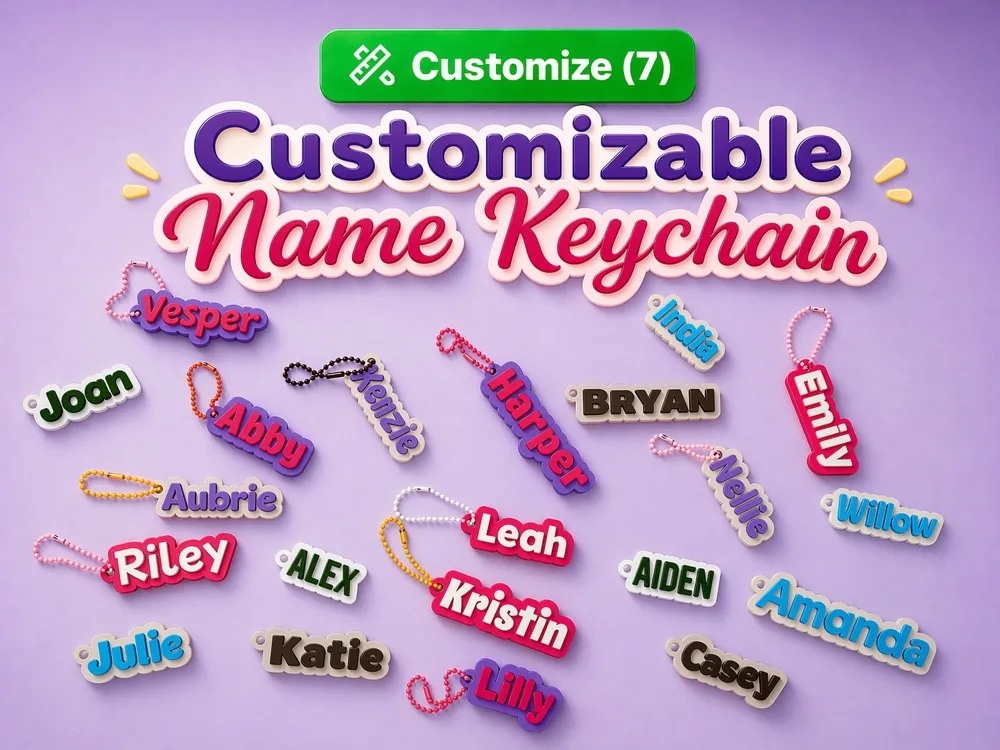
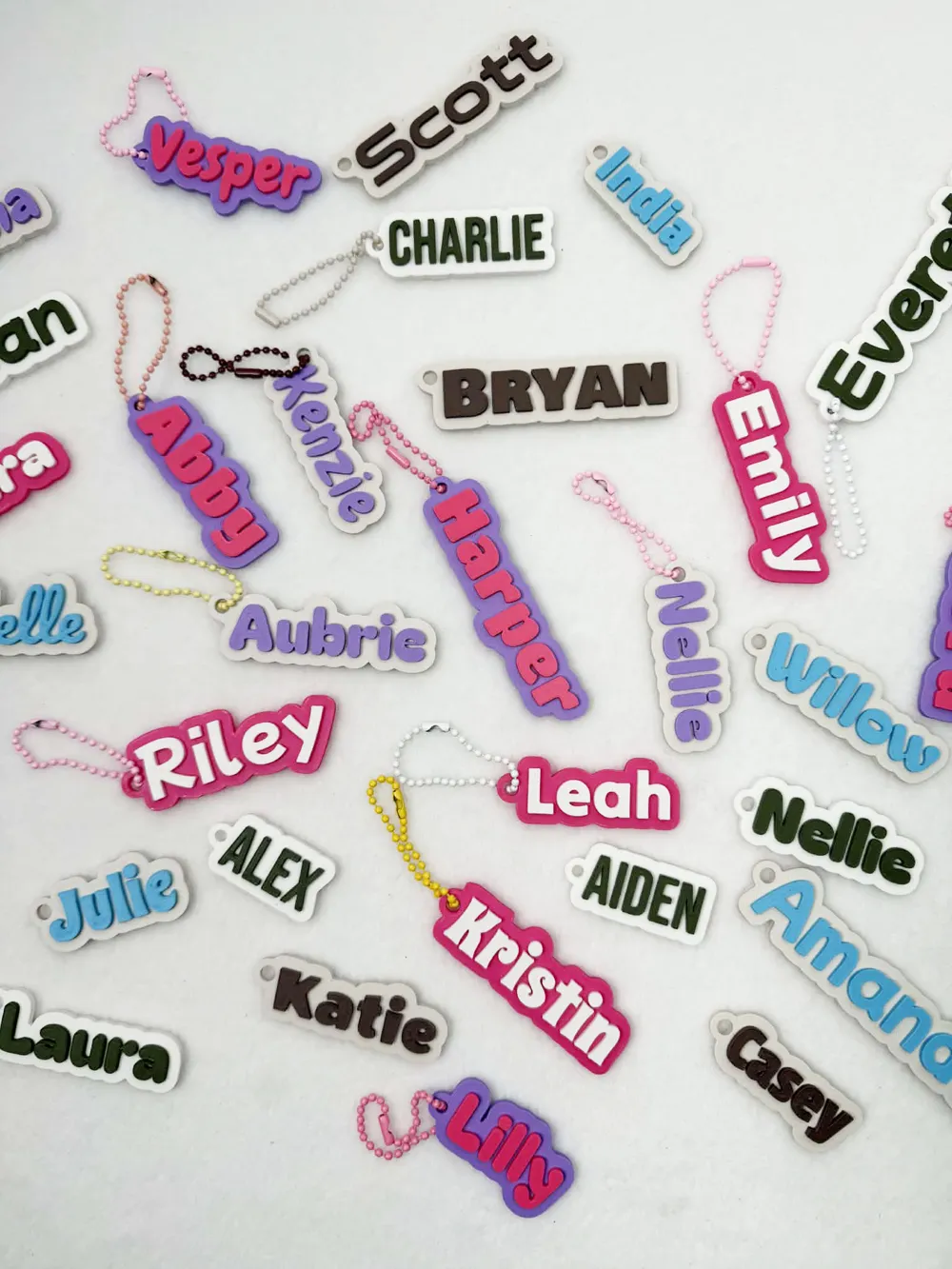
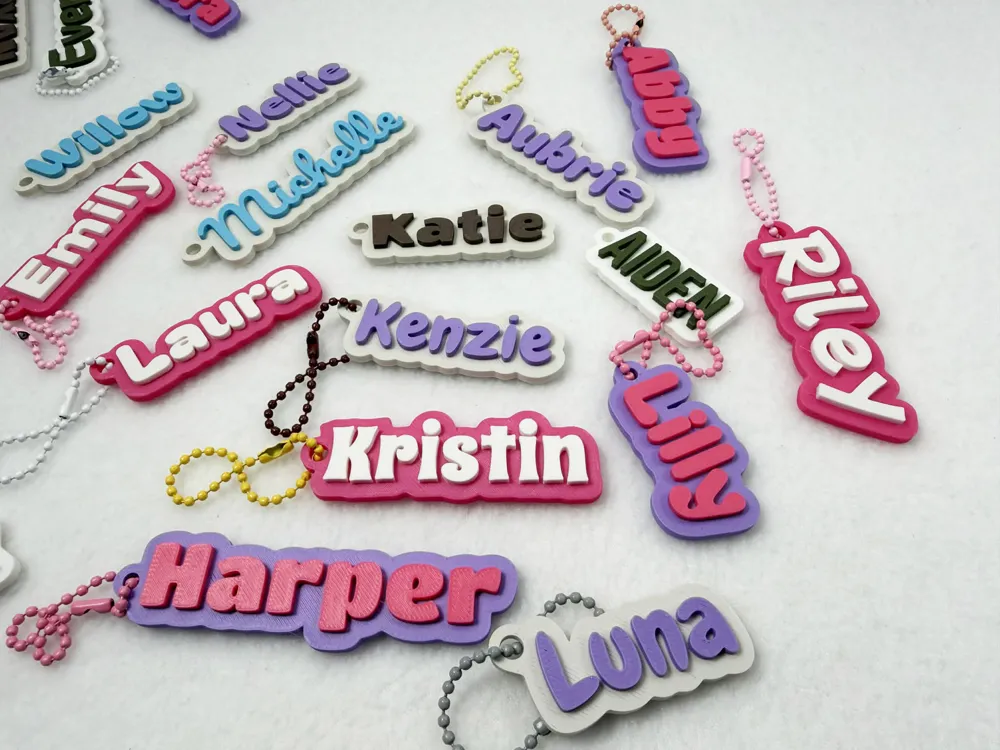
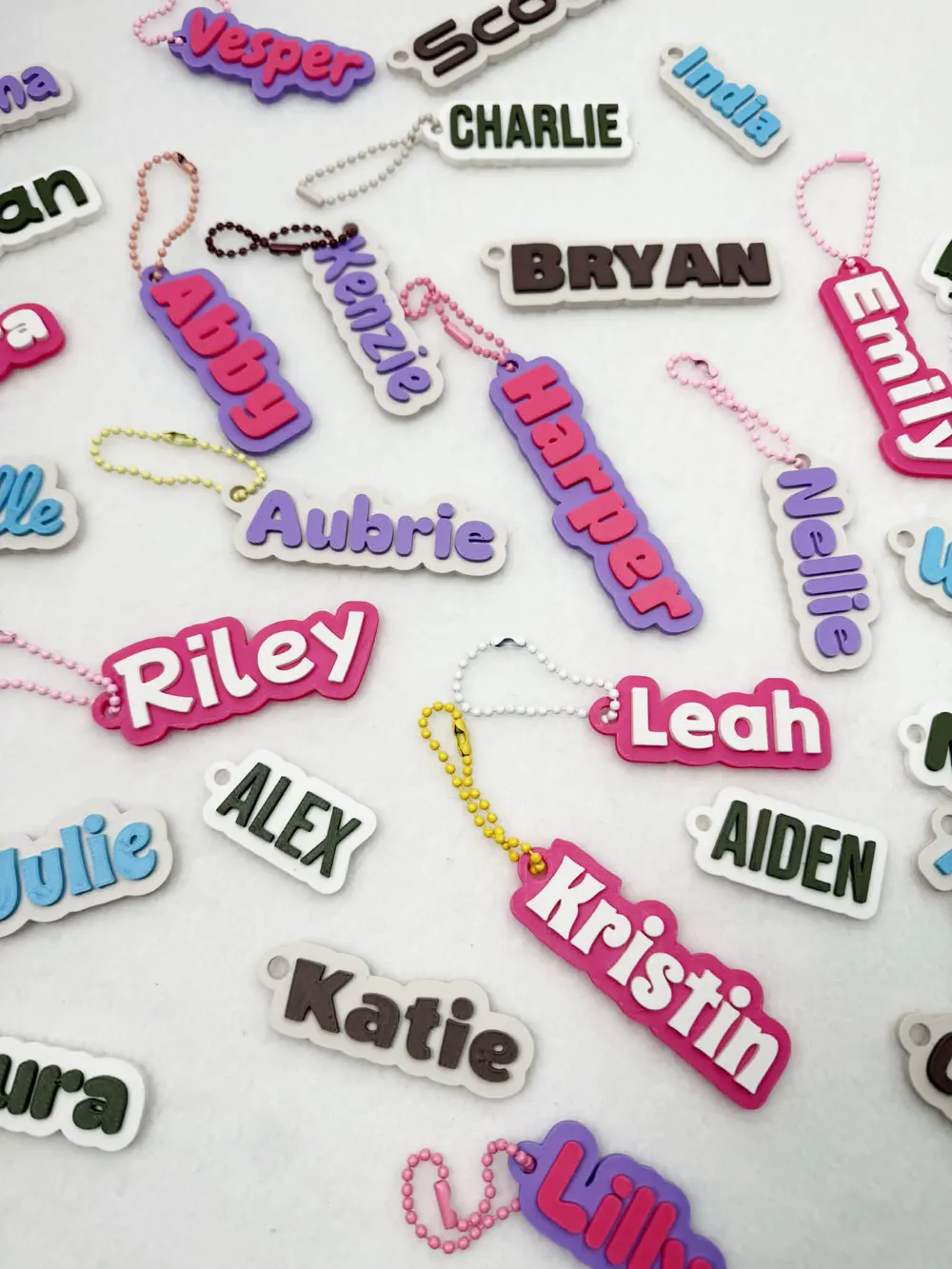
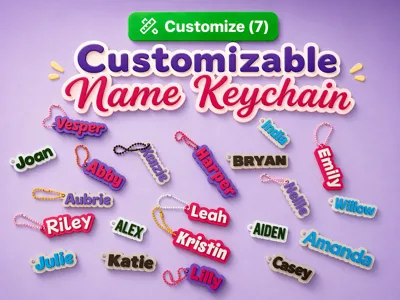
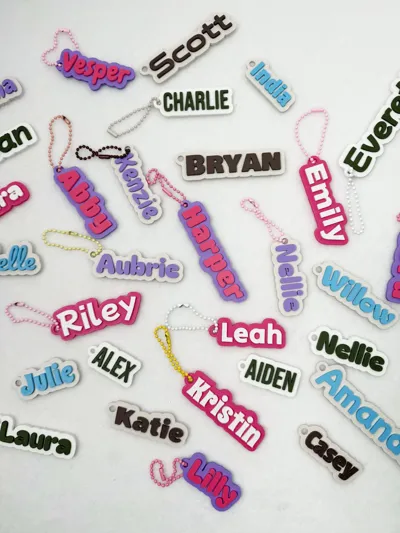
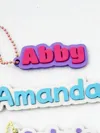
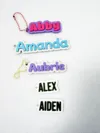
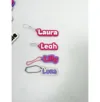
Create custom bag tags, keychains, backpack tags, and name tags with this easy-to-use parametric model. Personalize the name text, choose from 28 included fonts, adjust the backplate thickness, change the keyhole size, and even move the keyhole location to fit your design needs.
This model is great for making personalized gifts, school bag tags, luggage tags, lunchbox tags, party favors, and custom name keychains. Whether you want something bold, playful, clean, or decorative, the large font selection makes it easy to create a style that fits.
Customizable features:
- Name/text
- 28 font options
- Backplate thickness
- Keyhole diameter
- Keyhole position
Perfect for creating one-of-a-kind tags for kids, adults, travel, organization, and everyday use. Print a single custom piece or make a whole set for family, classrooms, events, or small business orders.
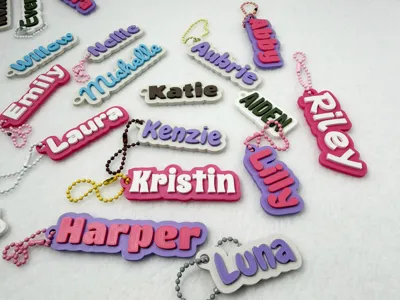
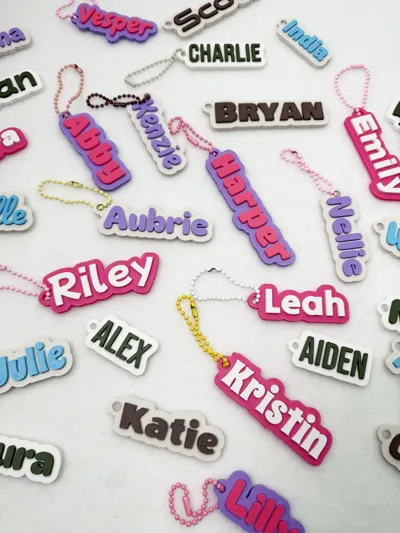
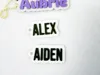
For reference: The examples in my photos are all a backplate thickness of 3mm, and text thickness of 2mm.
To colorize your name tag there are a few ways to do it, here are 2 ways:
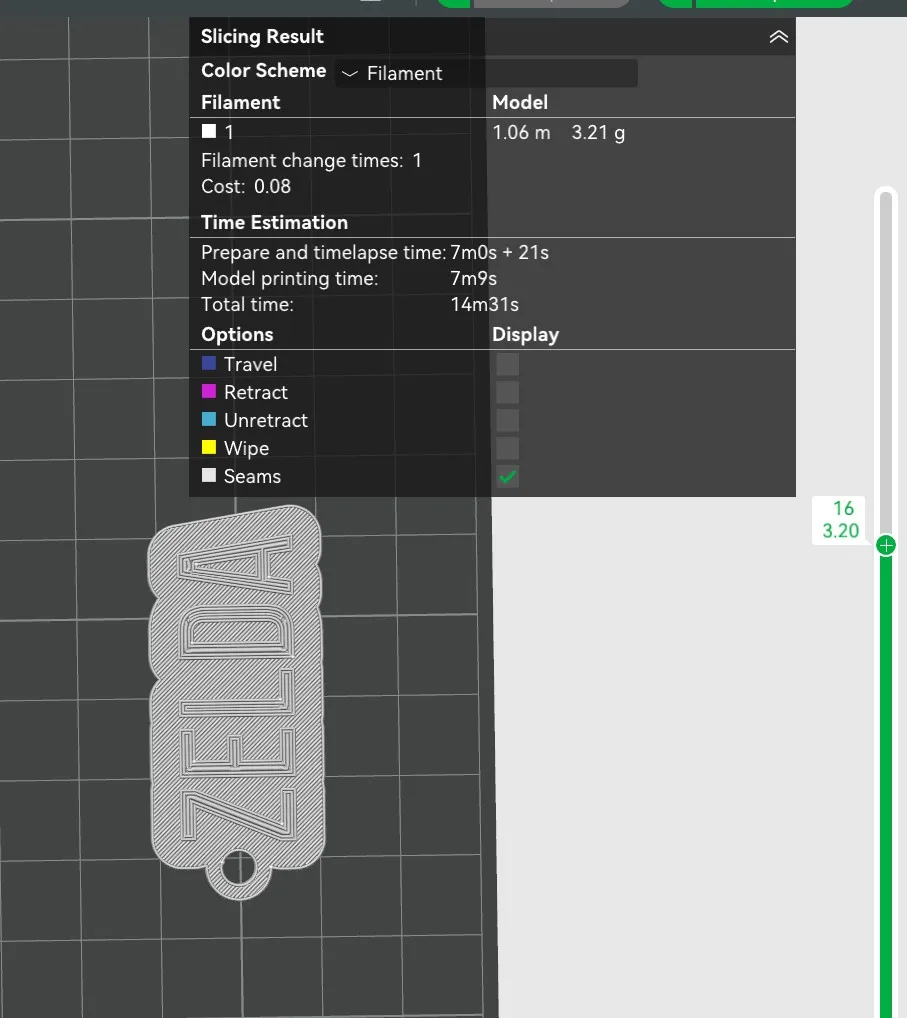
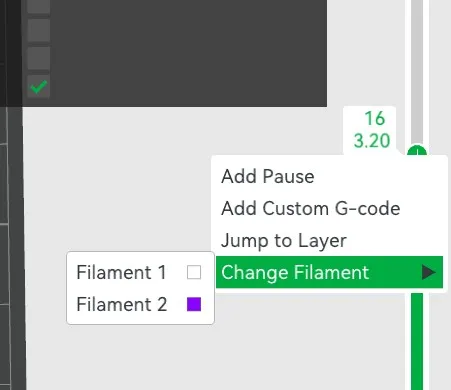
In bambu studio you will add a 2nd color to your filament options, hit slice, and then move the slice bar down to where the name/text starts showing up (for 3mm backplate and 2mm text this is around 3.20). Right click and hit the “change filament” toggle, switch it to the 2nd color:
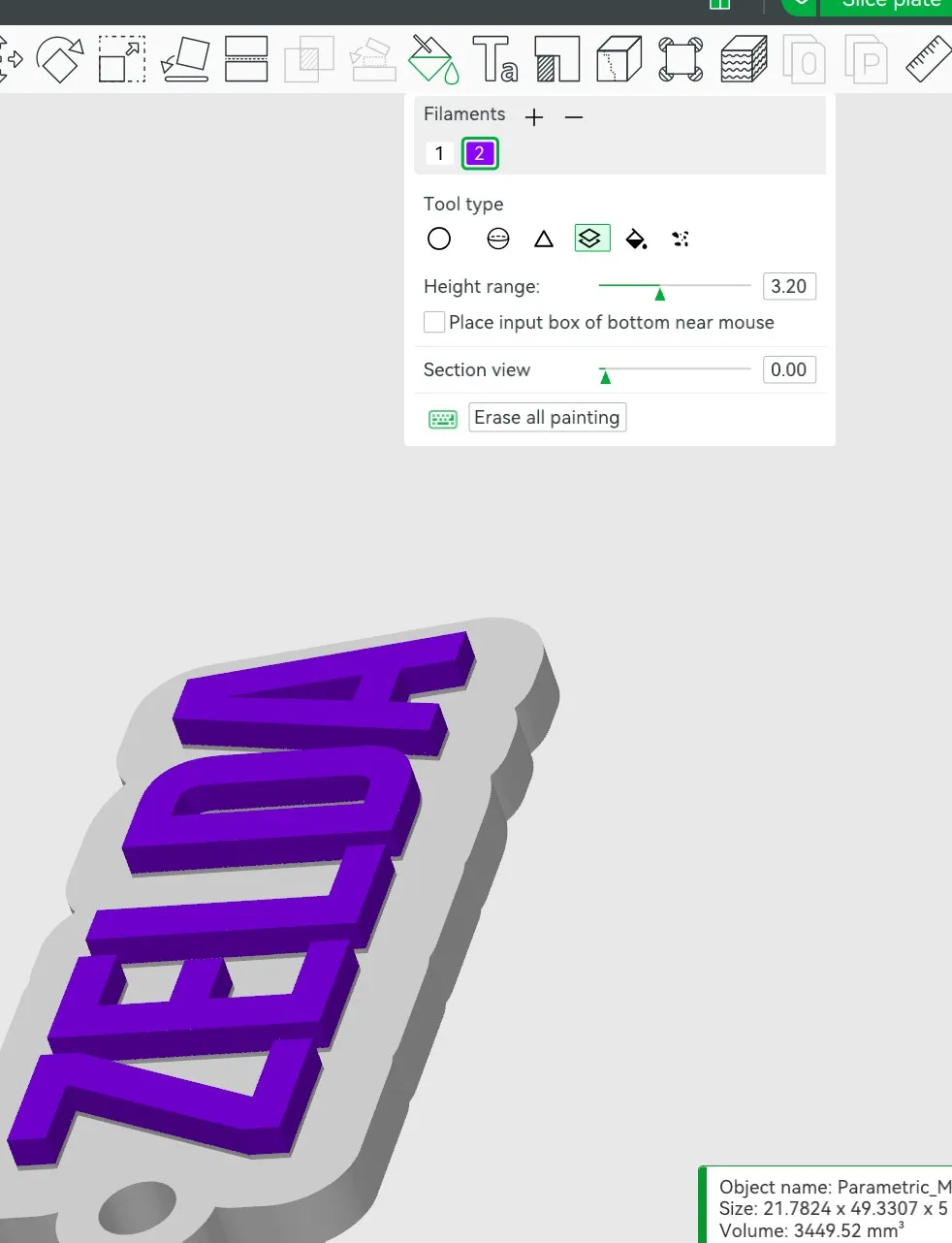
Another option is to paint it by layer by clicking on the paint can at the top of bambu studio and coloring the layers you want to change:
Printer settings once you download your customized tag:
Ironing top surfaces will make your keychain look the best - this adds more printing time though.
.16 or .20 layer height, under strength change grid to gyroid and 6-10% infill
If you would like to see more pre-made names added just comment with what names you'd like to see and i'll add them!
Thank you for your support. If you have any suggestions or requests just send me a message.
Membership
Commercial license is available for all my models.
Boost Me (for free)
Boosting me supports me to create more models like this.
License

You shall not share, sub-license, sell, rent, host, transfer, or distribute in any way the digital or 3D printed versions of this object, nor any other derivative work of this object in its digital or physical format (including - but not limited to - remixes of this object, and hosting on other digital platforms). The objects may not be used without permission in any way whatsoever in which you charge money, or collect fees.


Comment & Rating (12)