
Infinite Transformations! DX Cube Robo ver.2





Print Profile(2)
Description

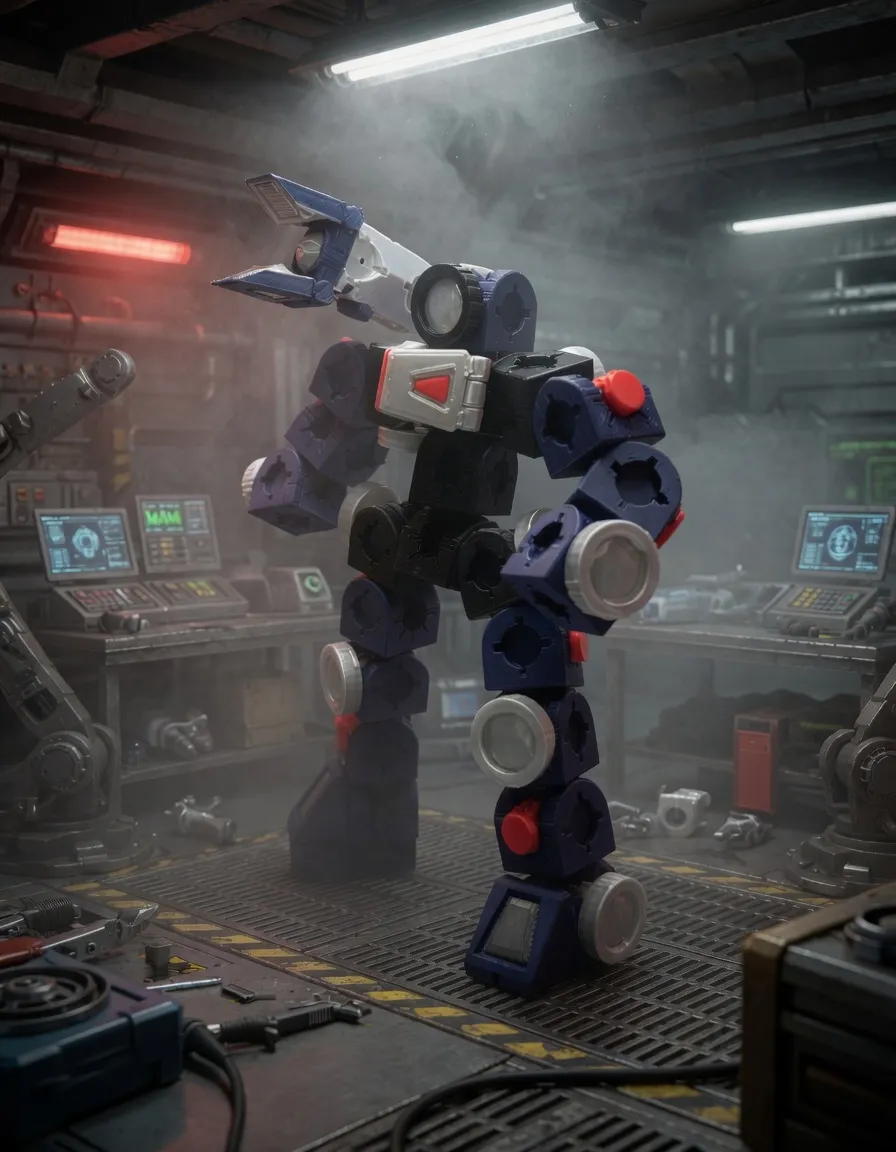
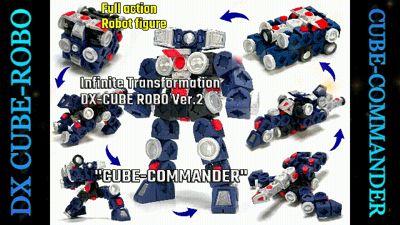
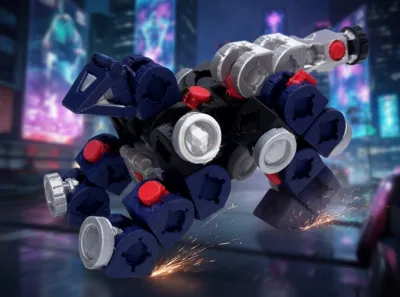
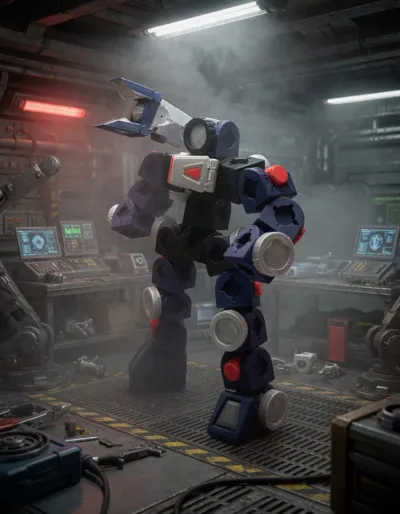
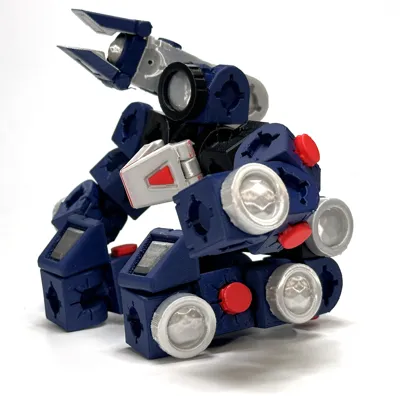
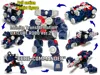
Infinite Transformation! DX Cube Robo ver.2 Cube Commander
The DX Cube Robo I previously created has been upgraded!
This time, it's a rugged artillery commander type.
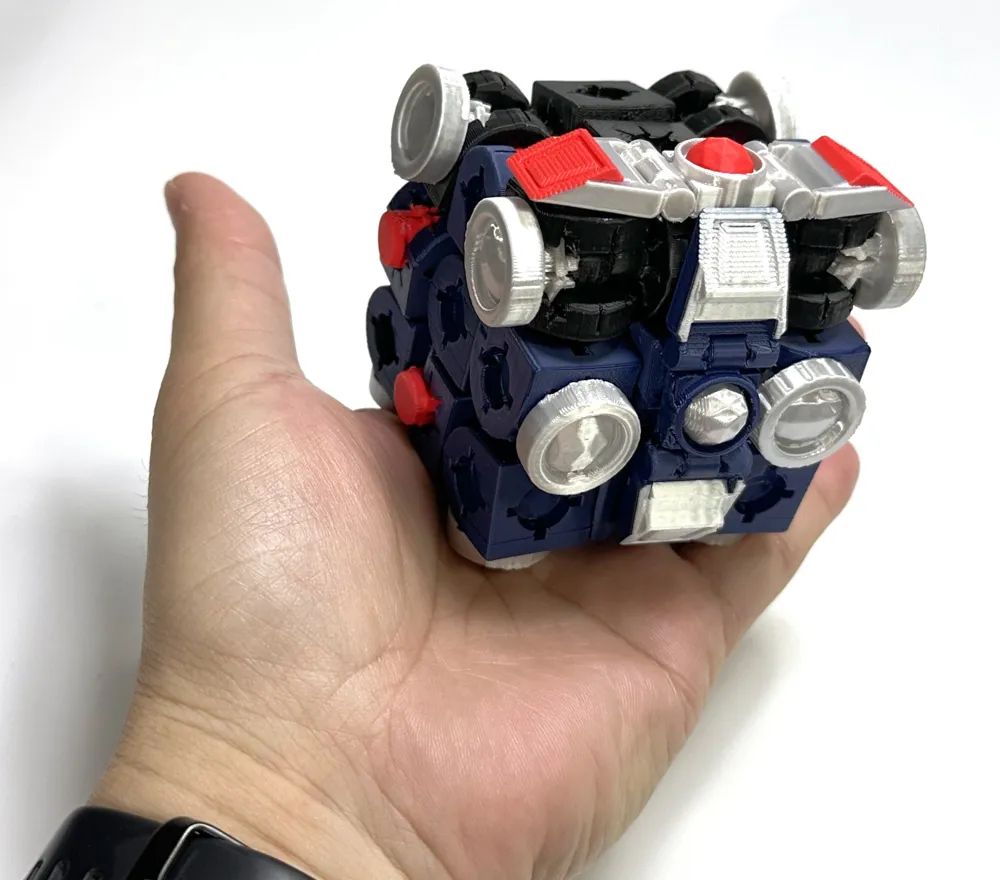
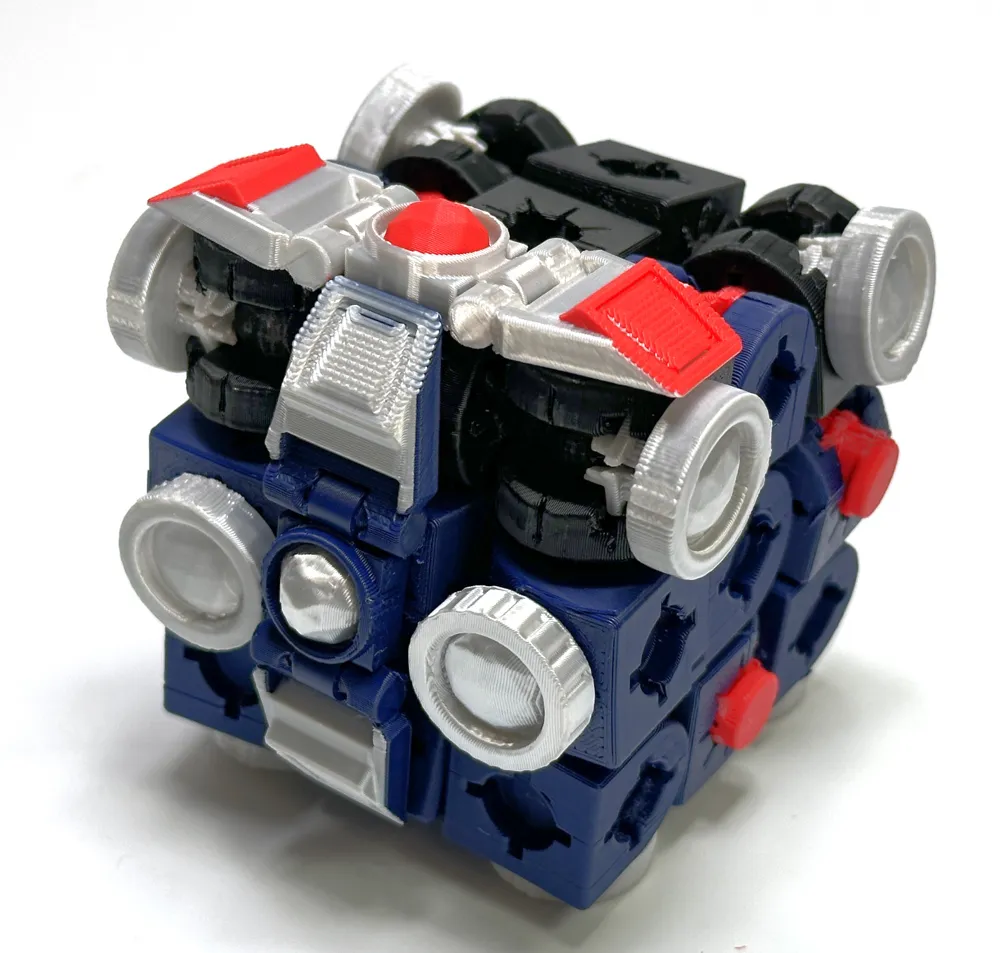
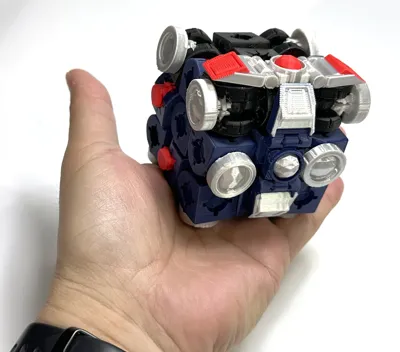
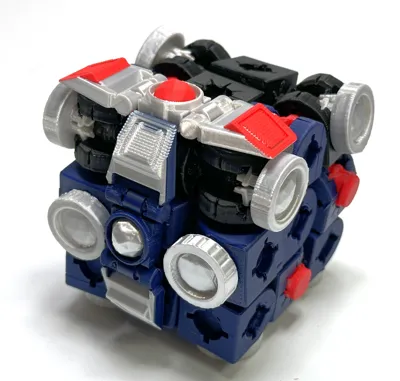
Normally, it's in cube form and in sleep mode, but by attaching the antenna part that receives your brainwaves, it transforms into a loyal humanoid robot that only obeys your commands.(That's the setting.)
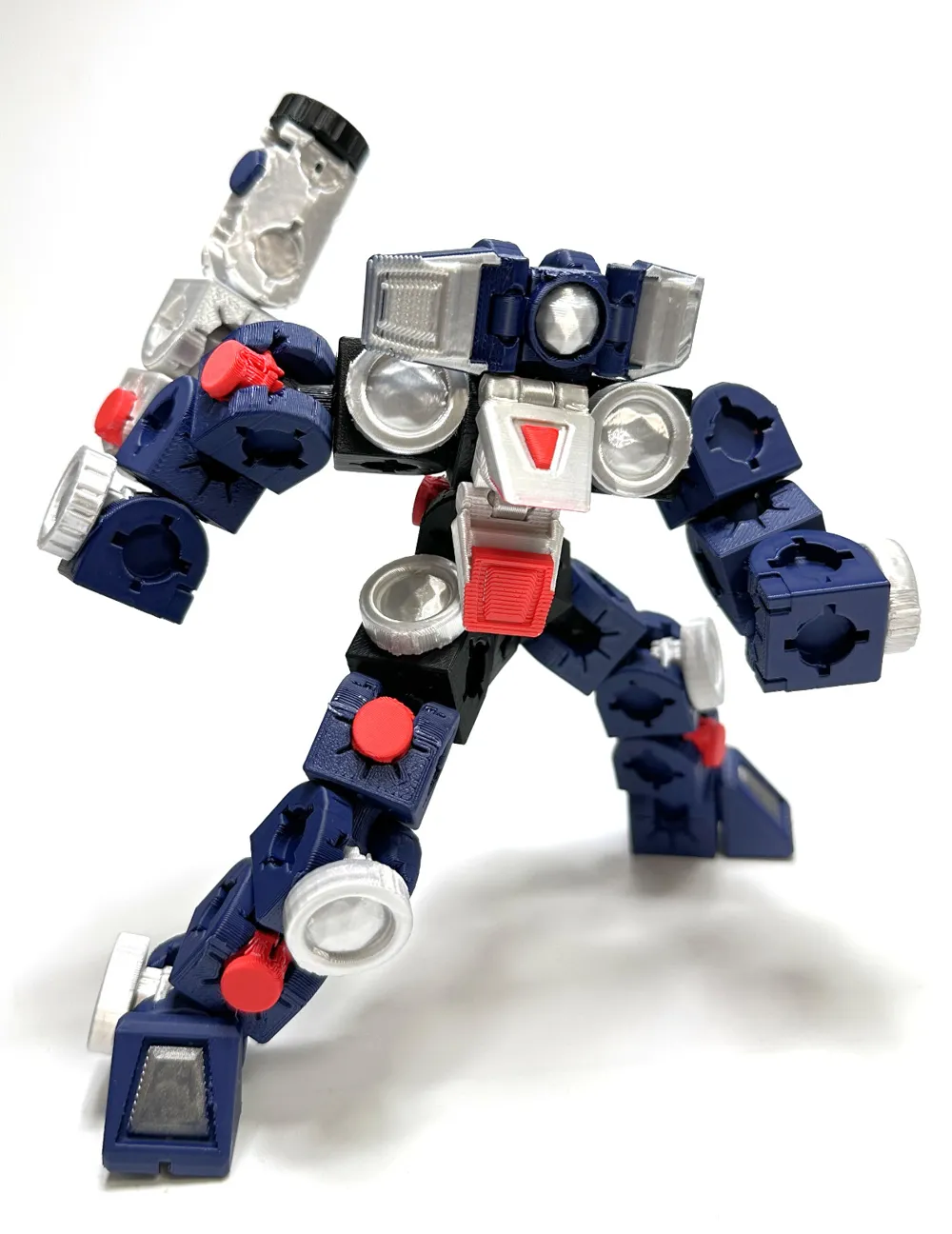
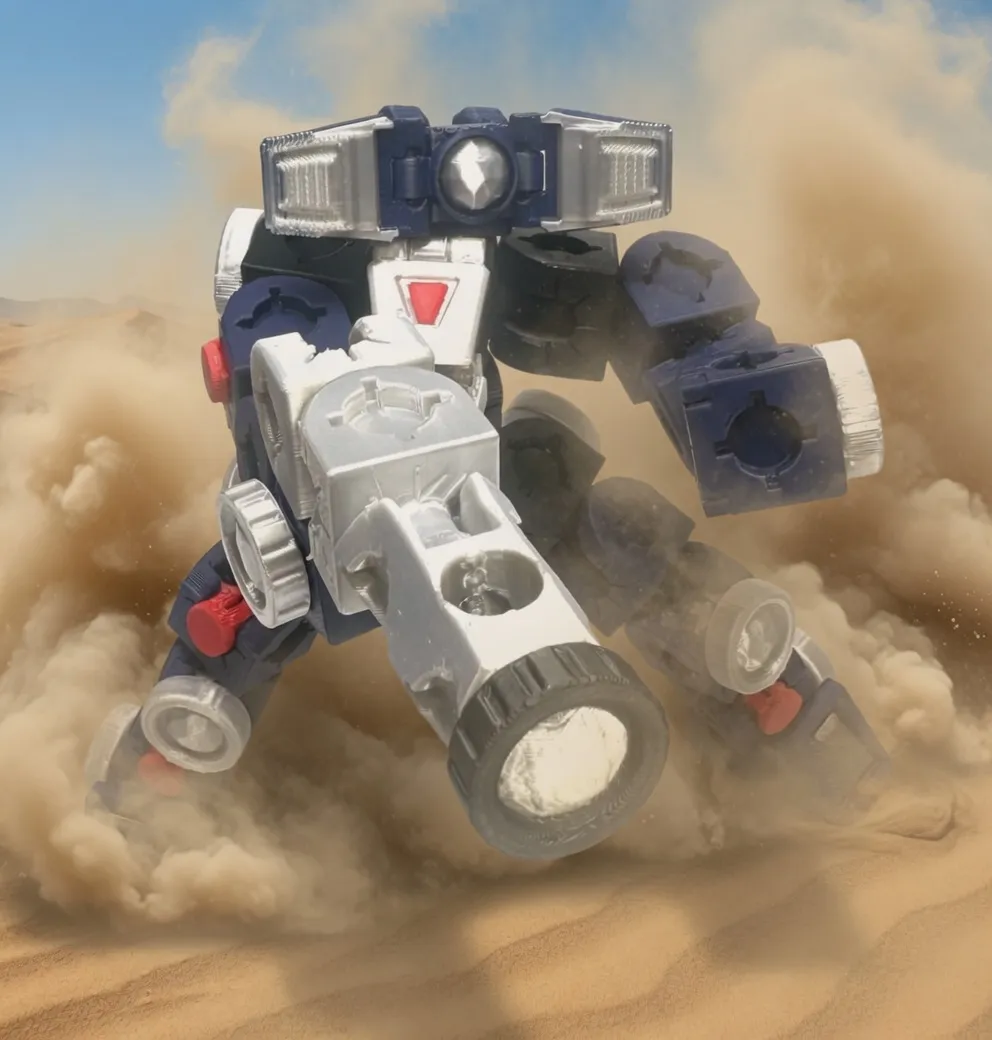
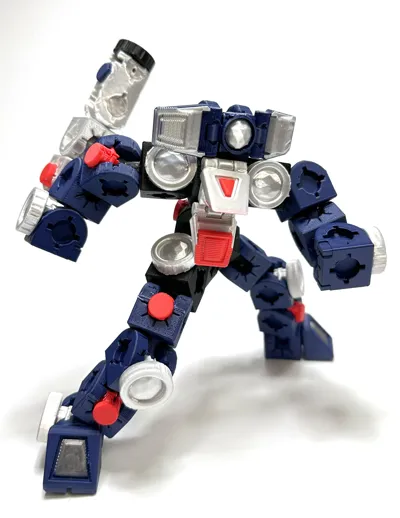
It deploys a folded beam bazooka from its back, and moves and turns at high speed using the wheels on its ankles!
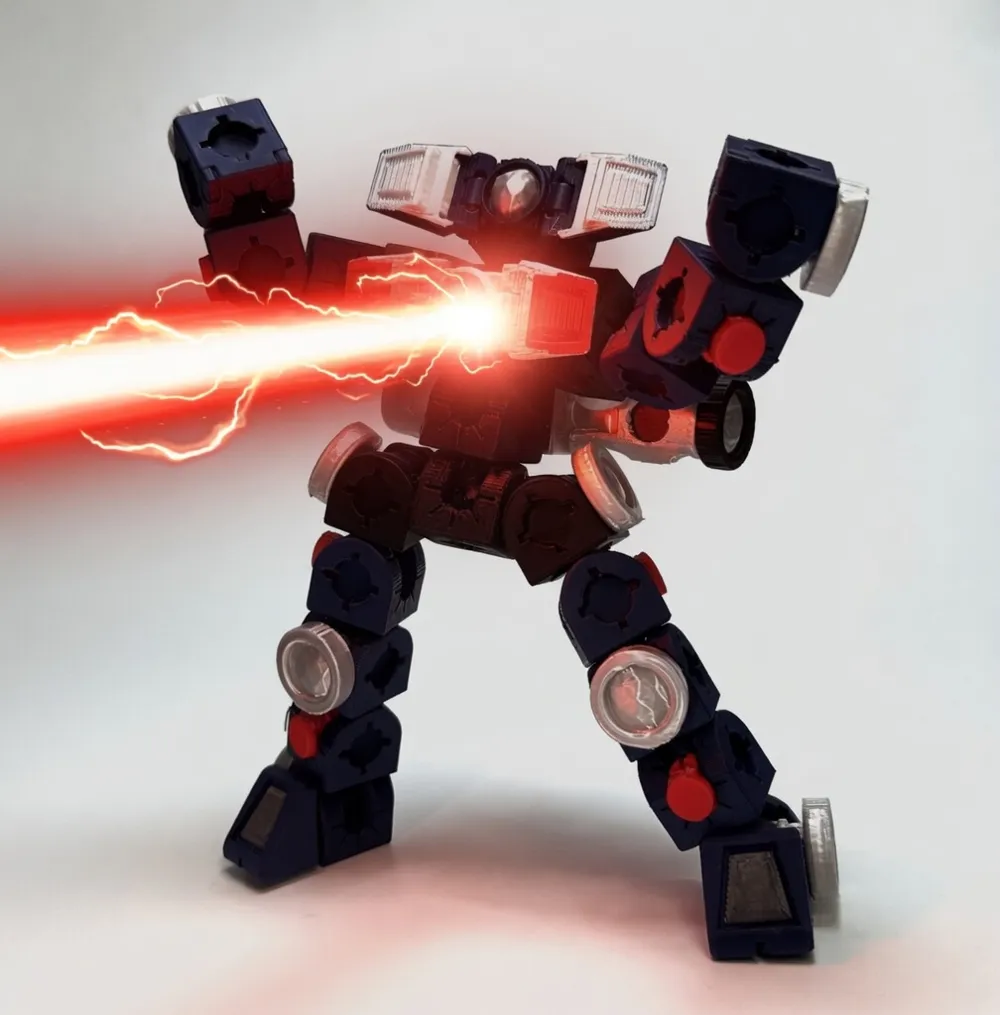
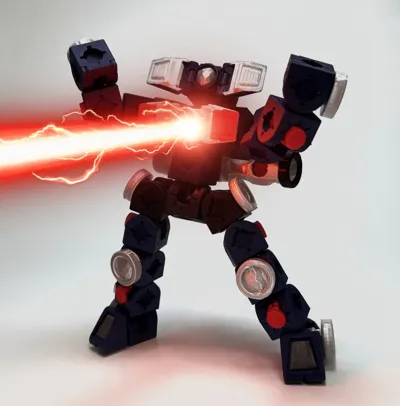
Its trump card is the Breast Shoot, which focuses and fires plasma from the crystal on its chest!
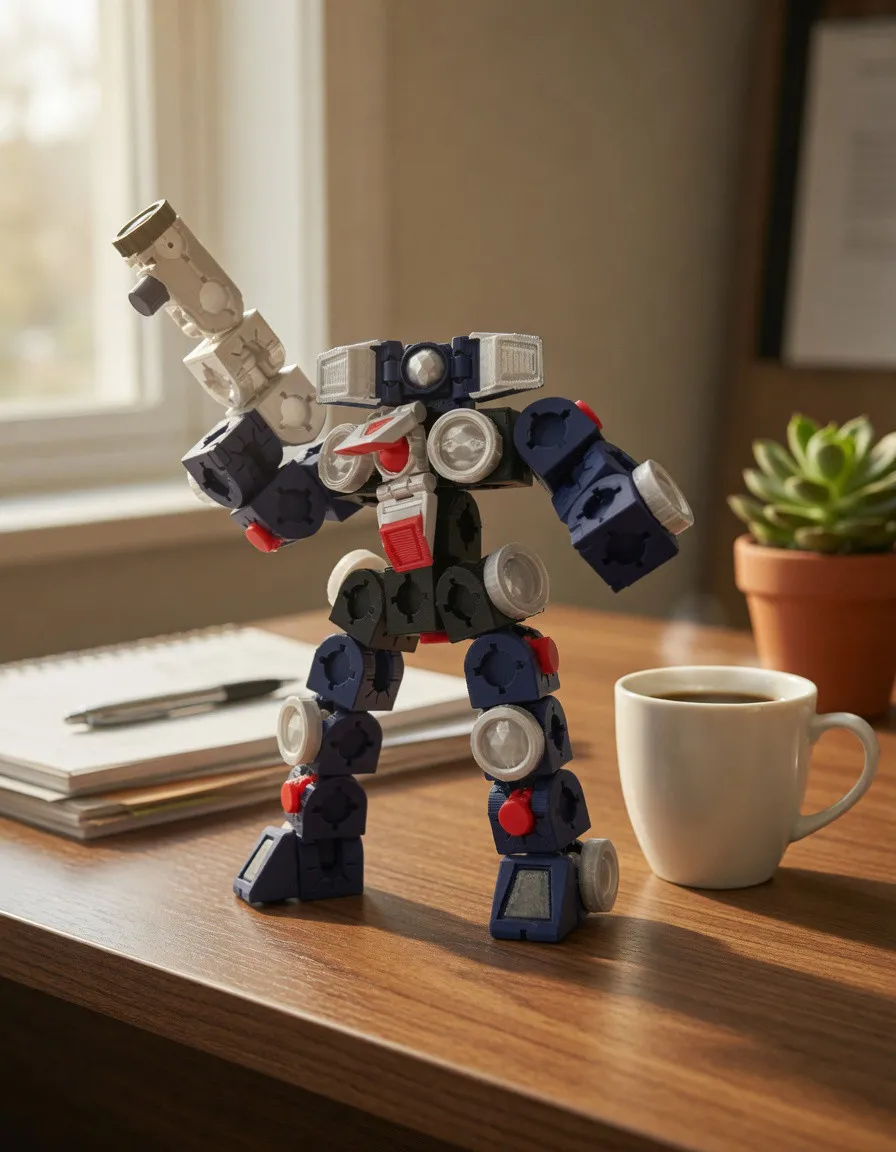
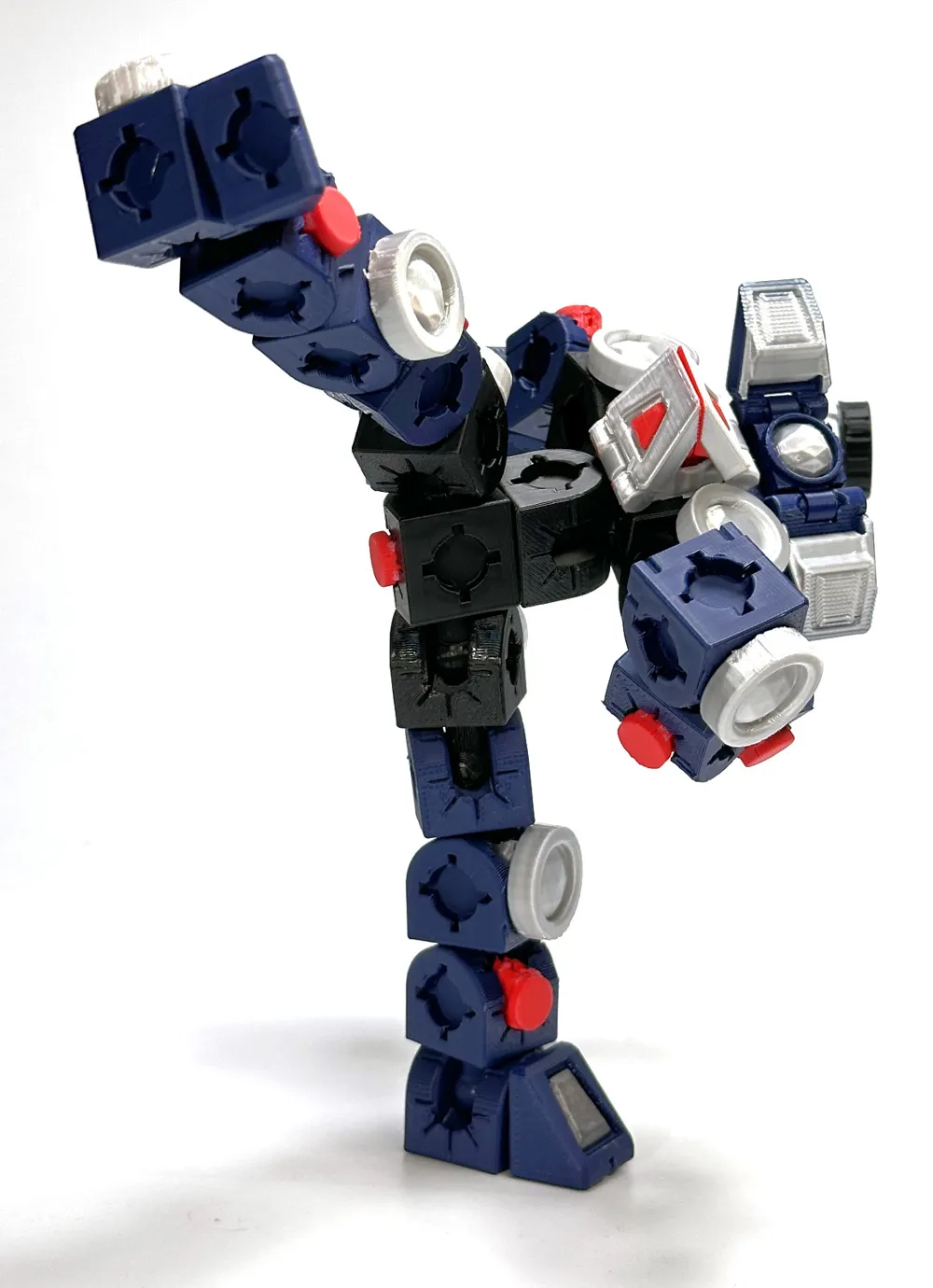
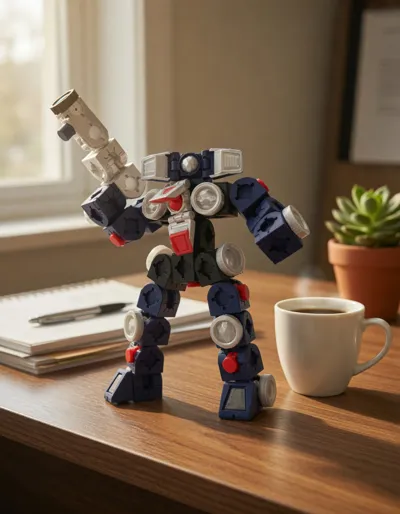
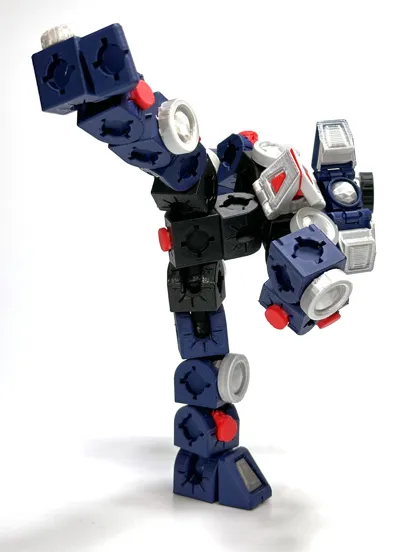
The joints are very sturdy, so you can freely create action poses.
It can hold the beam bazooka with both hands, and it can stand on its own even when doing a high kick without a stand.
By changing the head and other parts, you can also create a mass-produced non-commissioned officer type.
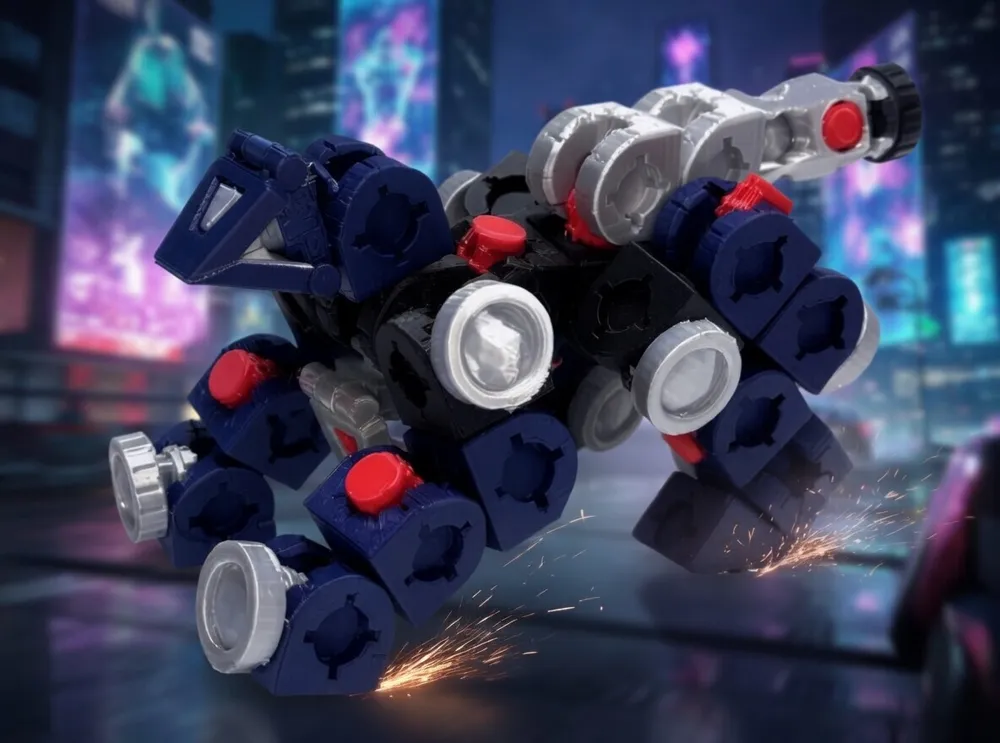
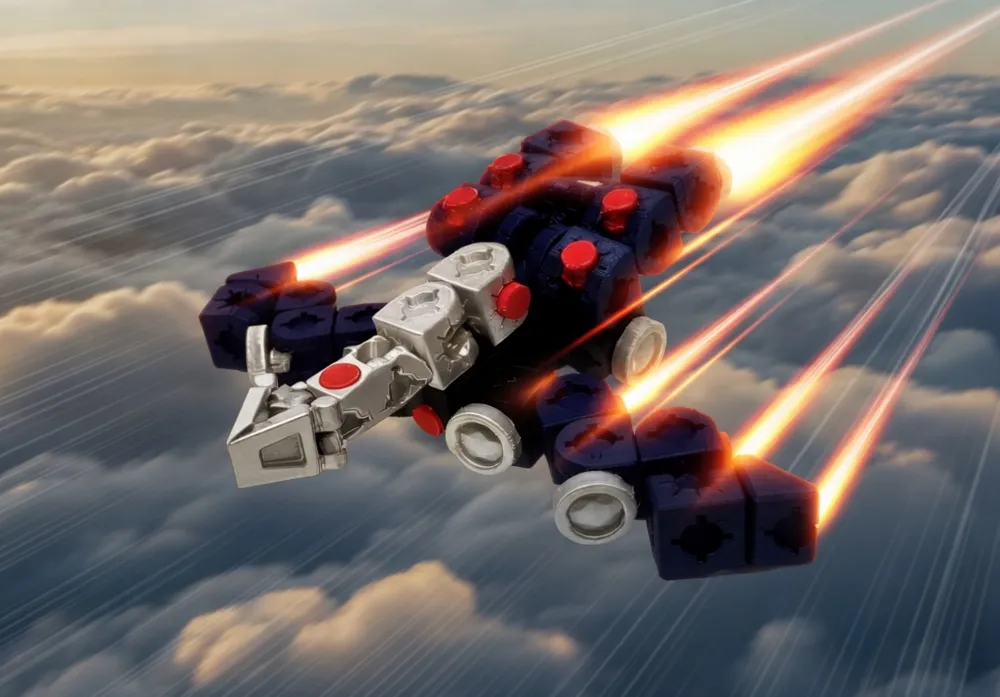
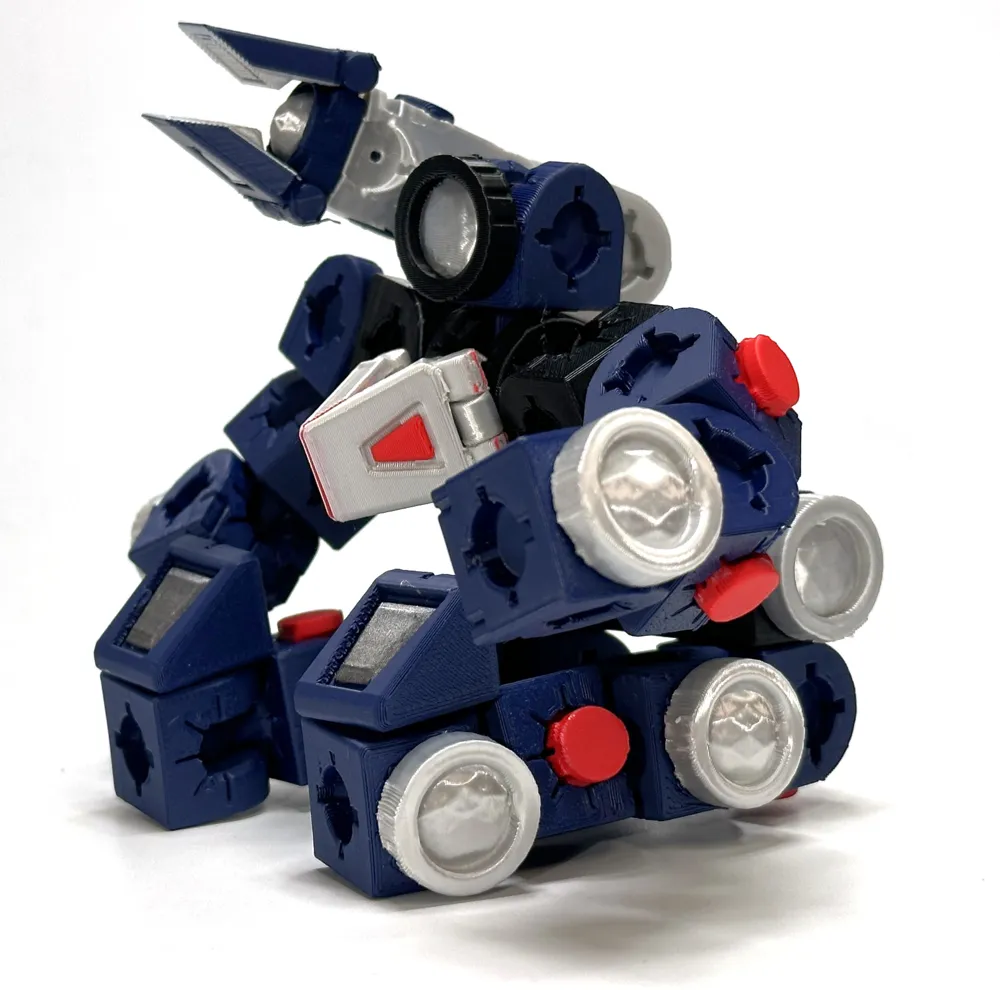
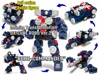
Furthermore, by moving each part, it can transform into an infinite number of forms to suit the battle situation.
A command patrol car for driving through urban areas.
A command Doberman specialized for field combat and pursuit.
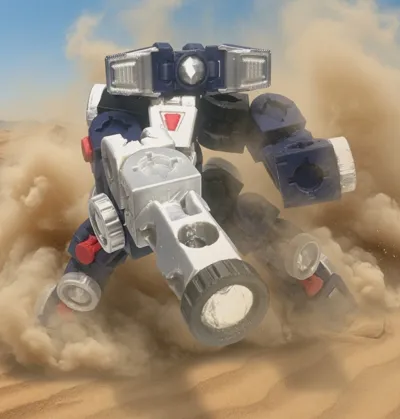
A command tank for artillery battles.
A command swallow in flight mode.
A command submarine for underwater submersion.
Multiple transformations are possible without attaching or detaching anything other than weapons and emblem parts.
Also, the ability to fix each part arbitrarily with multi-joints has dramatically improved the form retention during transformation.
The transformation patterns are as numerous as your tank capacity.
While not compatible with ver.1, the parts have been made more robust, making assembly much easier than before.
It now supports the long-awaited PLA printing. (Although PETG or ABS might be more suitable considering joint loosening due to wear.)
The parts are relatively easy to attach and detach, so you can create other original mechs by printing additional blocks.
Furthermore, a dedicated spacer can be attached to the larger hole in the block (where the ball joint is inserted during assembly).
There are wheel-shaped and multi-joint types.
This helps prevent the ball joint from coming loose from the block and also makes the rotation of the ball joint tighter.
If you frequently attach and detach blocks, it's best not to attach it.
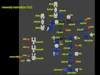
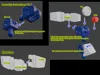
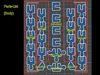
Please refer to the instructions included with the profile for assembly instructions.
Please note that there are no instructions regarding transformation. Use your imagination to create your own transformation patterns.
When assembling, please carefully remove all support material.In particular, in the grooves where the block's dedicated spacers are installed, some support material may remain depending on the settings of the slicer software, so please remove all of it.
(Currently, only a monochrome version is uploaded, but a full-color version will be posted later.)
Documentation (5)

License

You may create derivative works based on this object, provided that all such derivative works are published exclusively on the MakerWorld platform and include proper attribution to the original creator. You may not share, upload, host, distribute, or publish this object—or any derivative work of this object—on any other digital platform, marketplace, or distribution channel. Commercial use of this object and any derivative works is strictly prohibited. This includes, but is not limited to, selling, renting, sublicensing, or using the object in any context in which you receive monetary compensation or other financial benefits.


Comment & Rating (18)