
Bambu 4-in-1 PTFE X2D Version
Print Profile(1)
Description


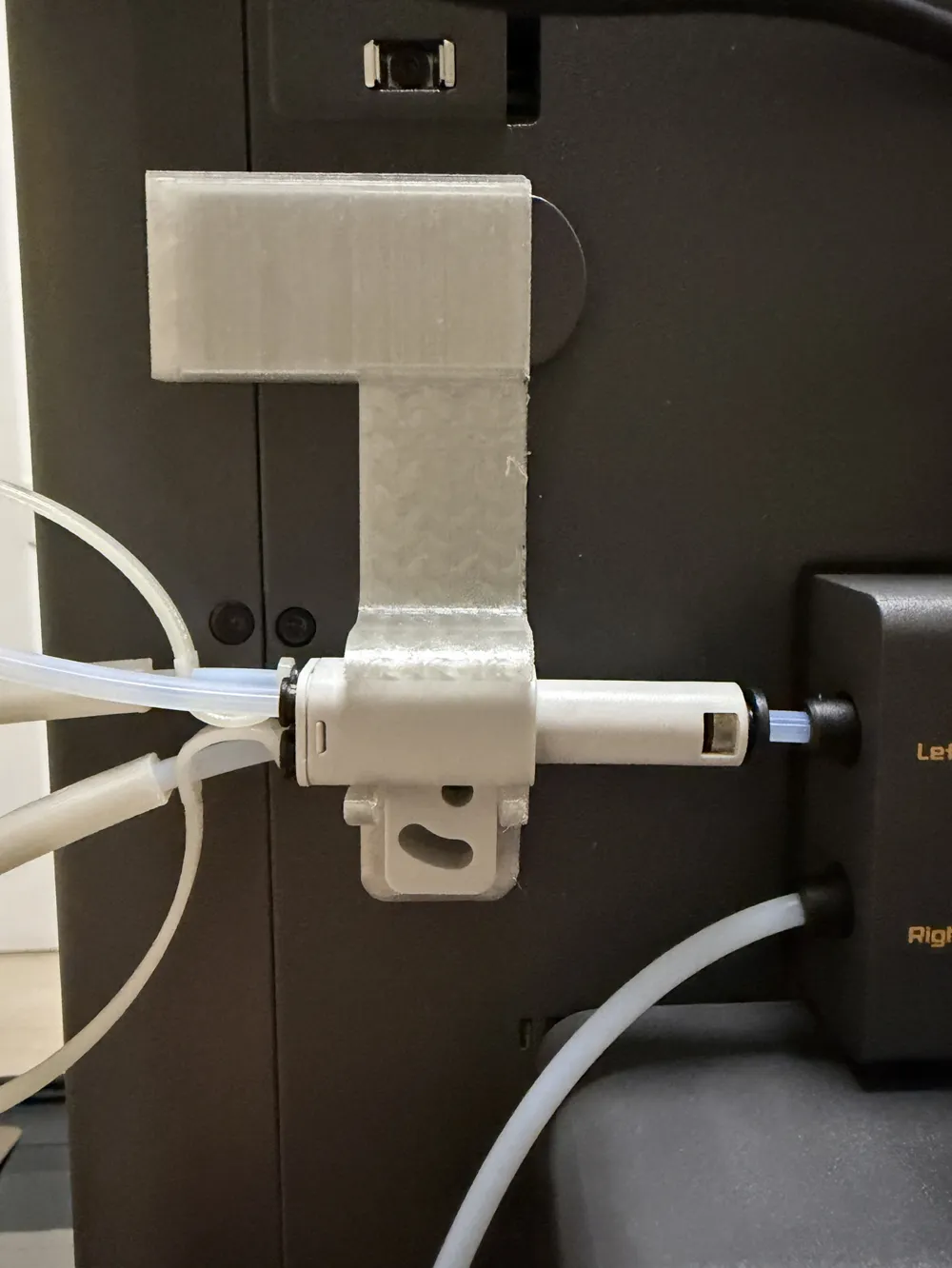
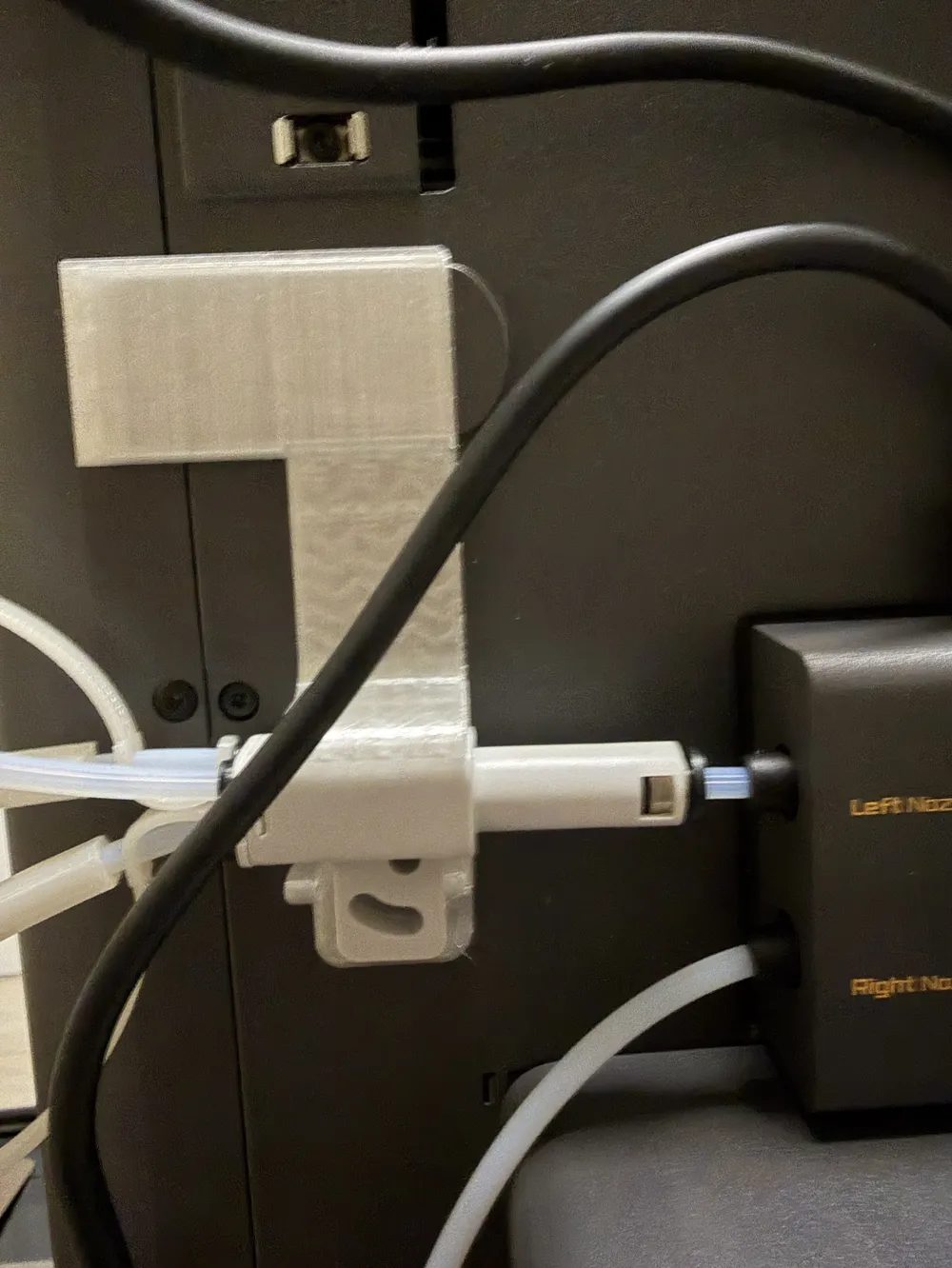
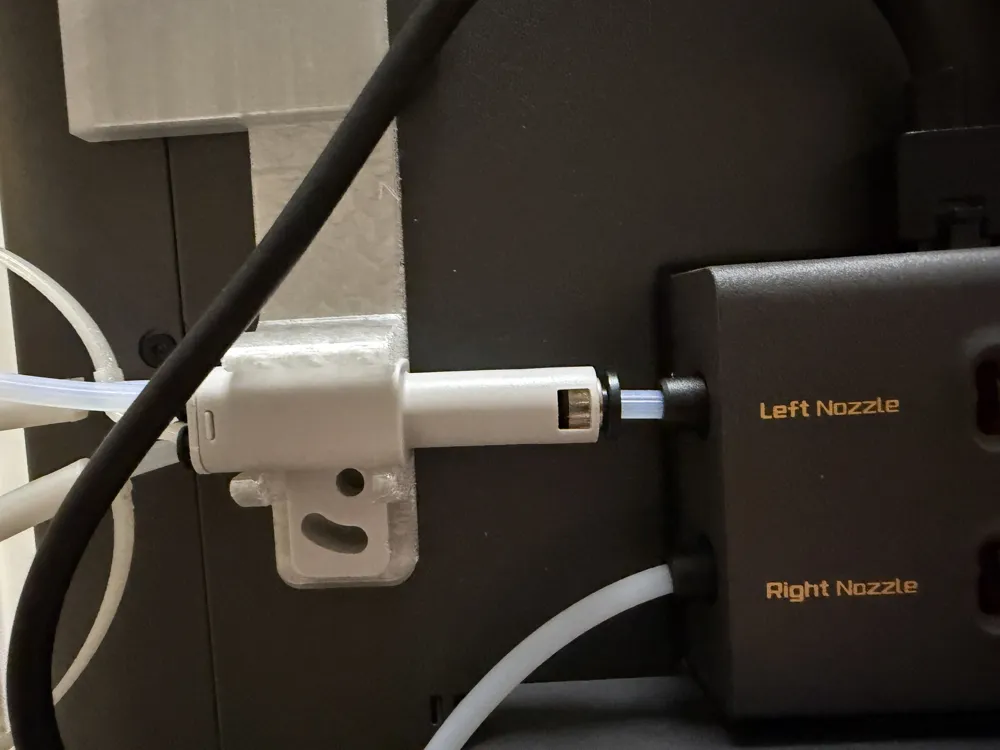
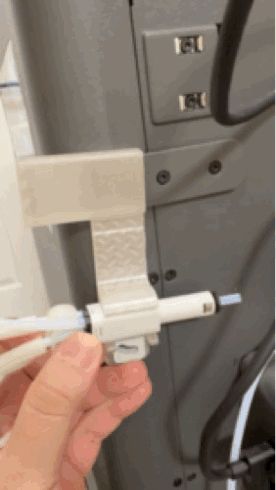
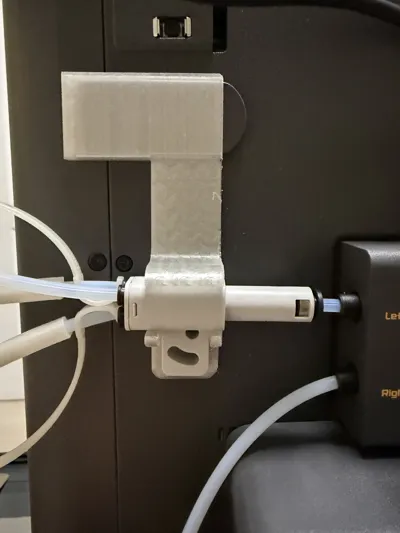
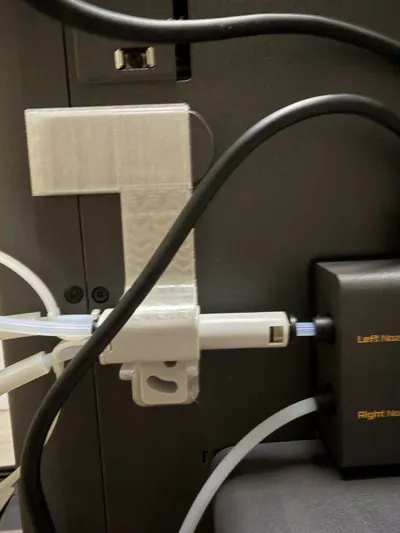
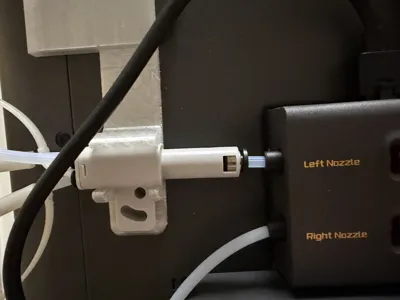
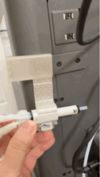

I recently got an X2D, but the Bambu 4-in-1 PTFE I used with my old P1S couldn't be installed smoothly on the X2D. So I designed a module that can be embedded in the original position without any screws, allowing the Bambu 4-in-1 PTFE to be installed smoothly and easily. The installation method is very simple: attach the Bambu 4-in-1 PTFE to the buckle, then align it with the original snap and click it into place. It will be securely in place with a click.
Installation method: Make sure the PTFE tube is aligned with the hole!
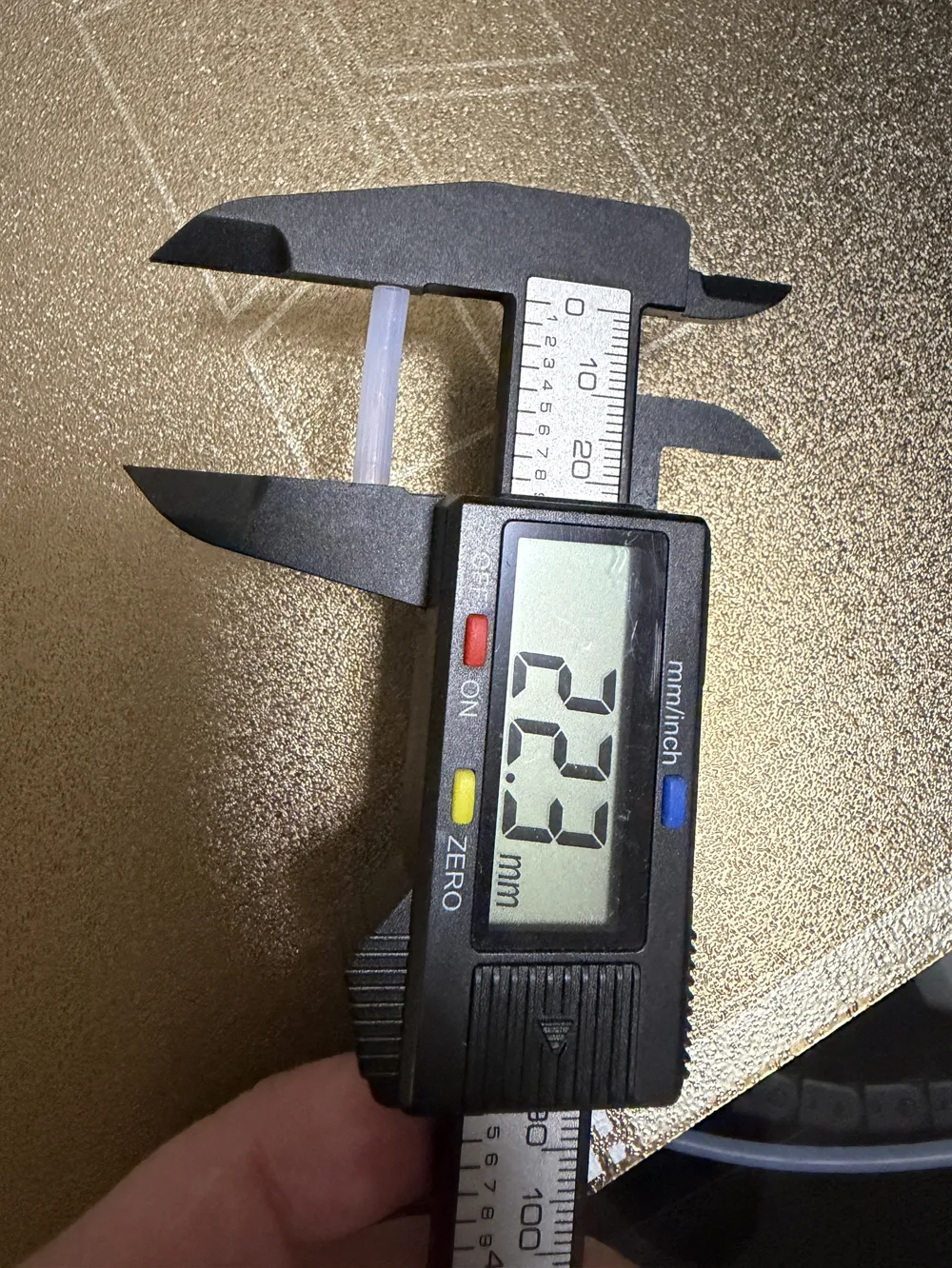
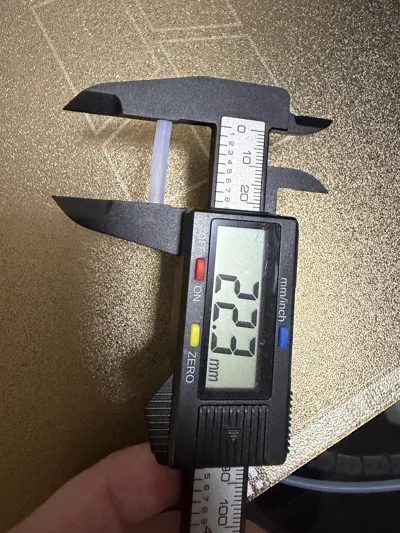
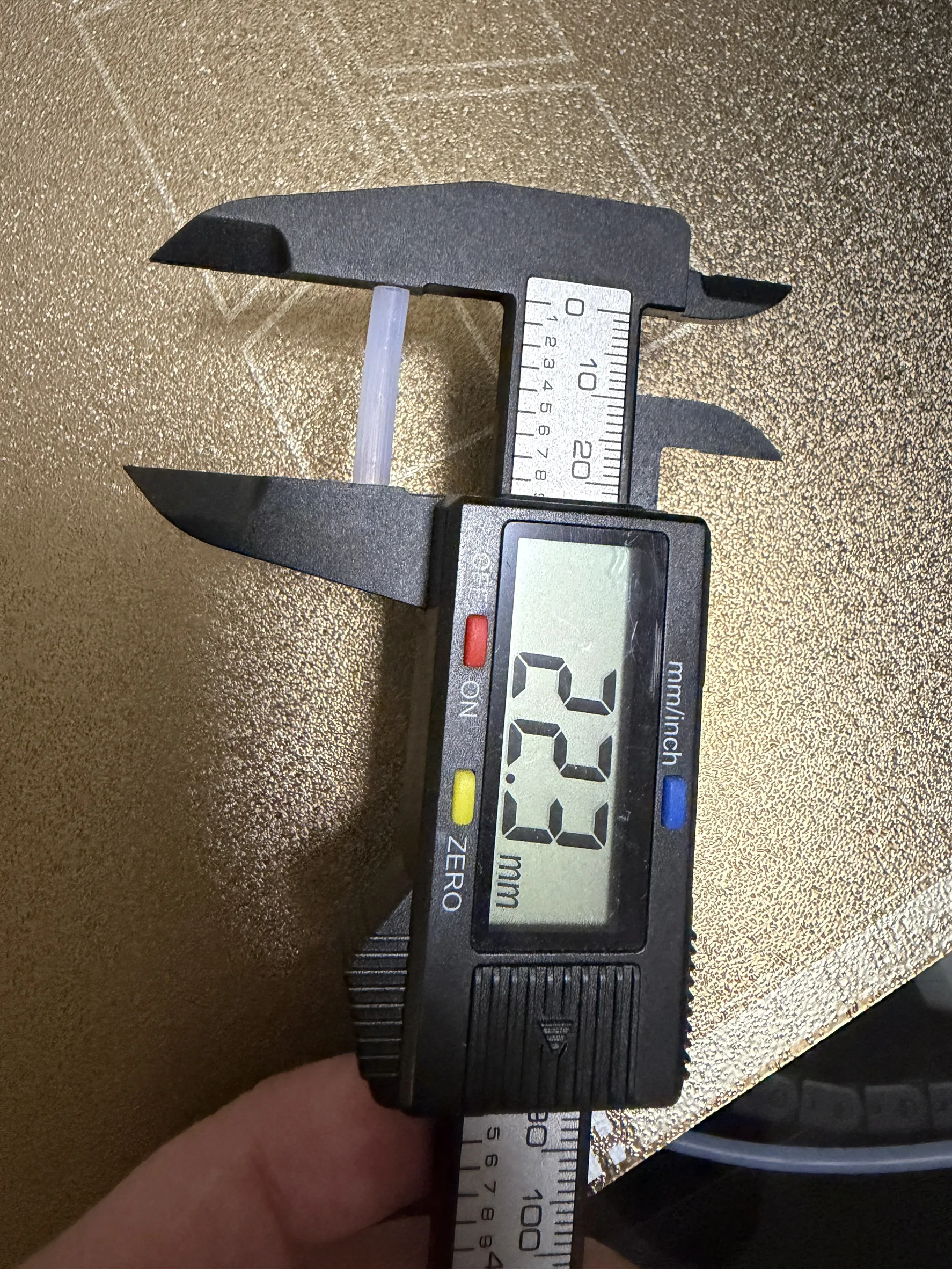
The PTFE tube length can be trimmed to about this length: I use 22.3mm
License

You shall not share, sub-license, sell, rent, host, transfer, or distribute in any way the digital or 3D printed versions of this object, nor any other derivative work of this object in its digital or physical format (including - but not limited to - remixes of this object, and hosting on other digital platforms). The objects may not be used without permission in any way whatsoever in which you charge money, or collect fees.


Comment & Rating (9)