
Samples Mix own filament and Spectrum
Print Profile(1)
Description
Boost Me (for free)
I APPRECIATE YOUR SUPPORT!!

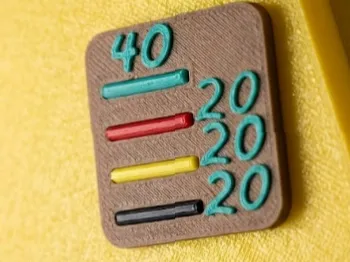
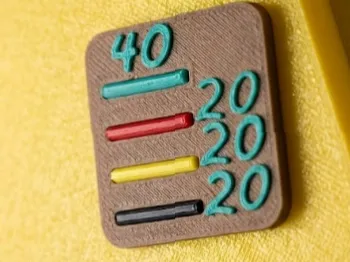
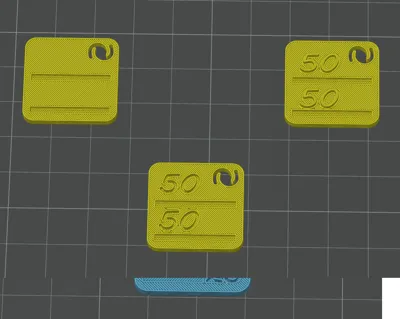
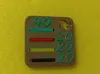
I have redesigned the classic samples compatible with Bambu Lab plates, but with an innovative twist:
- Reference slots: Each sample includes slots to insert pieces of the original filament used This way, you'll always know exactly which colors make up the mix
- Optimized design: They fit perfectly into the Bambu Lab ecosystem, keeping your collection organized and professional
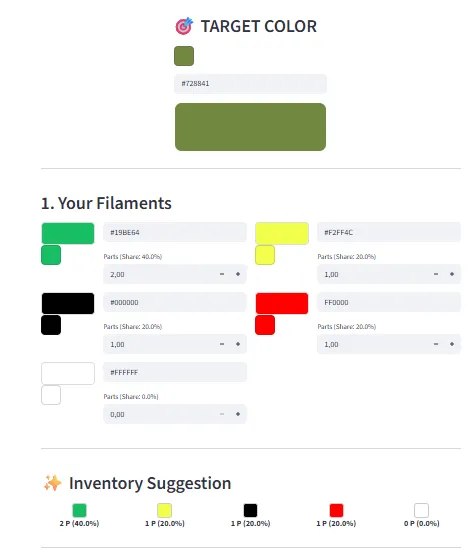
The Secret Tool: My Mixing Web App
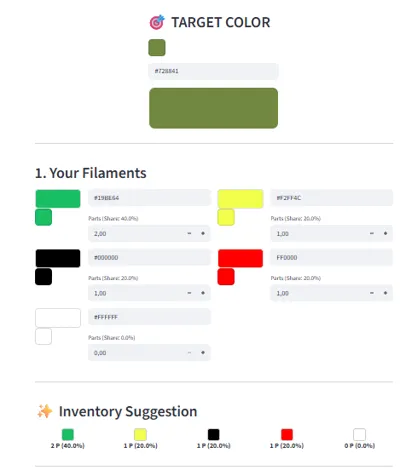
- So you don't have to guess, I've created a free web app that guides you through the process:
- Choose your colors: Select which filaments you have on hand
- Get the recipe: The app will guide you to the mix closest to your goal
- CMYK/W Precision: If you're looking for an exact shade, the app gives you the proportions using the CMYK + White system
THE MIX COLOR WEB APP HERE
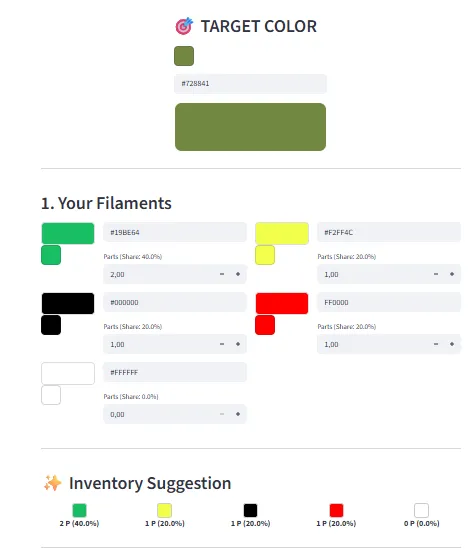
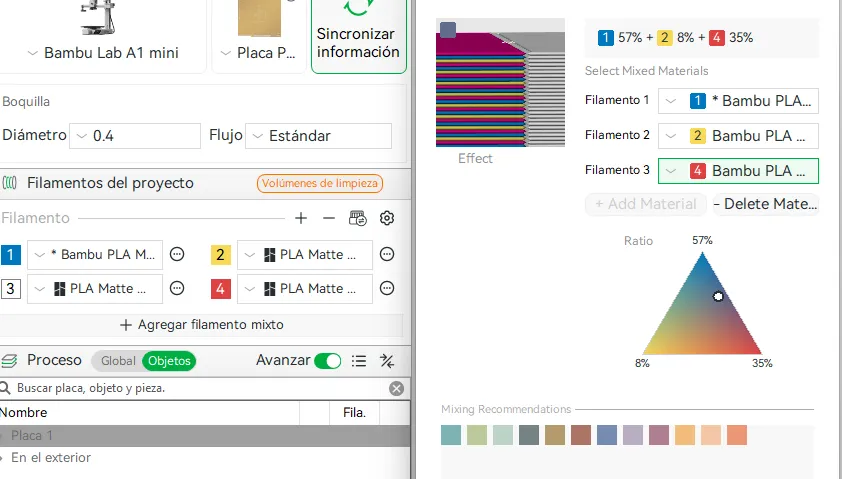
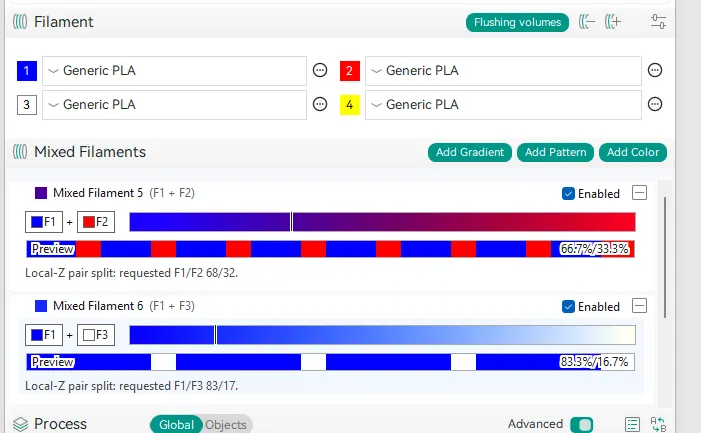
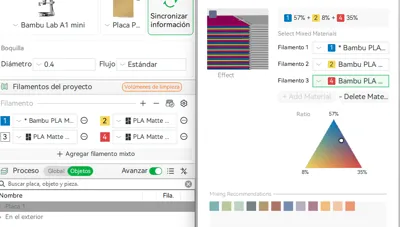
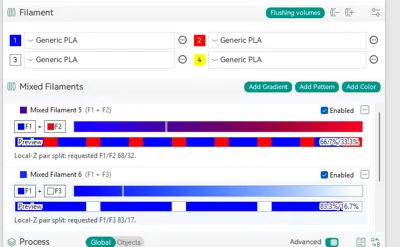
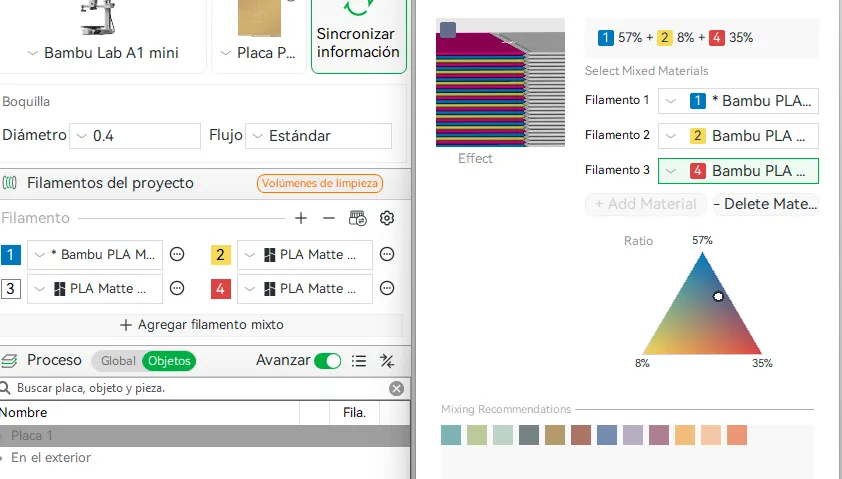
Also, now that we all want to experiment with Full Spectrum, this website will also help you calculate the percentages of each filament in the slicers:
In Bambu Studio:
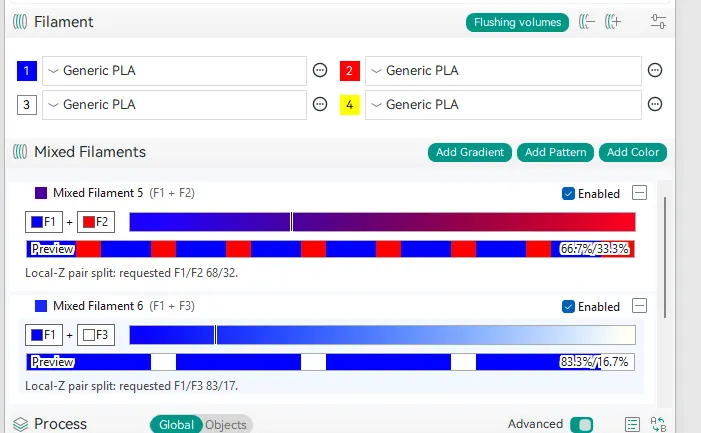
In Orca Slicer Full Spectrum:
PLEASE NOTE:
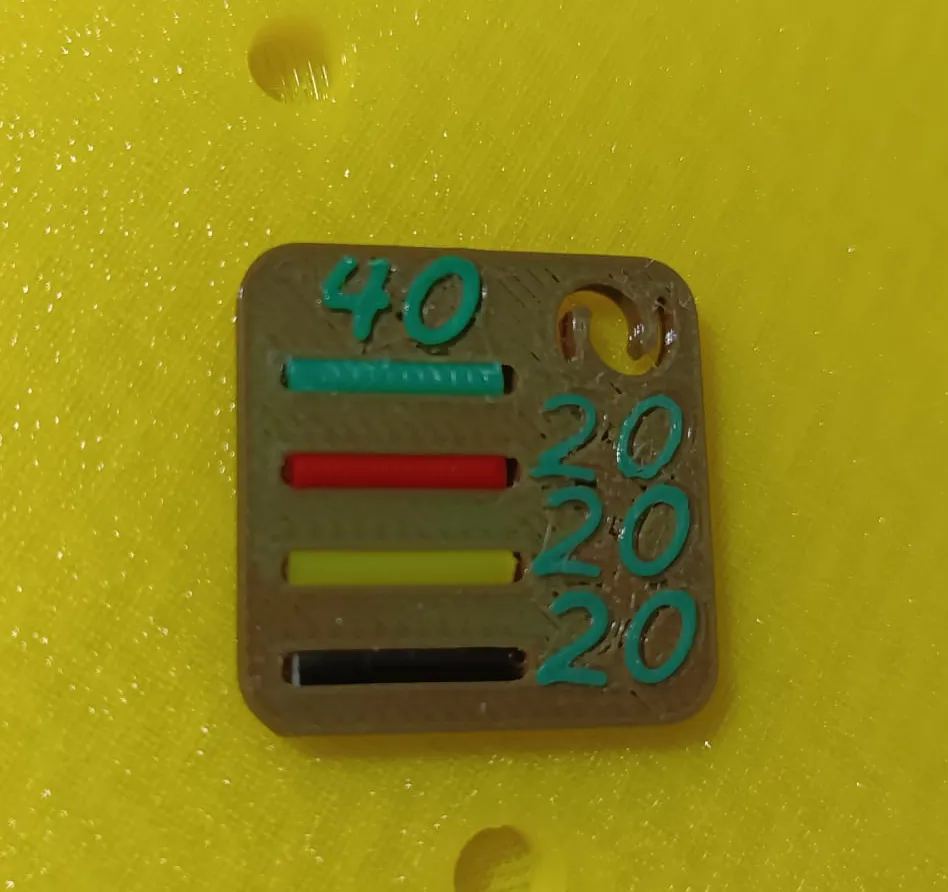
- As you can see in my image, my filament flow was not well calibrated (I suggest increasing it); with some parameter modifications, it worked well
- Do a couple of tests first, but since it's filament created from another, you'll probably need to increase it a bit
- The numbers are editable in the slicer, so you can personalize them with your data
- Also, the extrusion width is a bit lower in the numbers, but you can change it if they don't turn out well for you
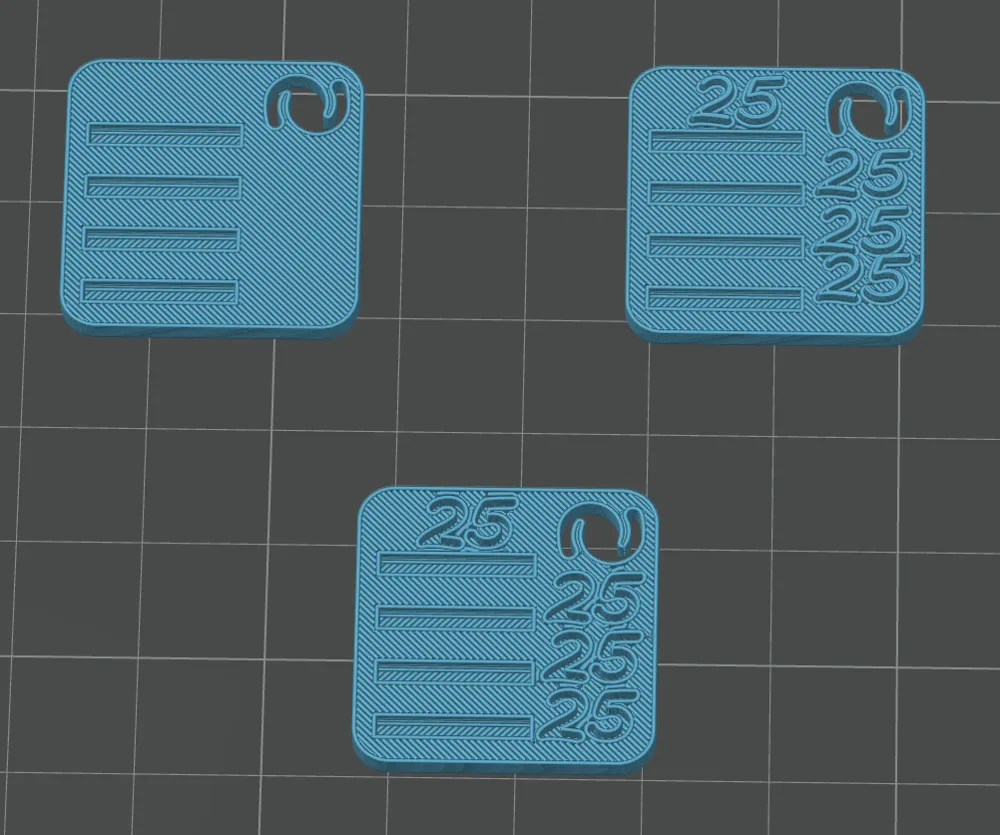
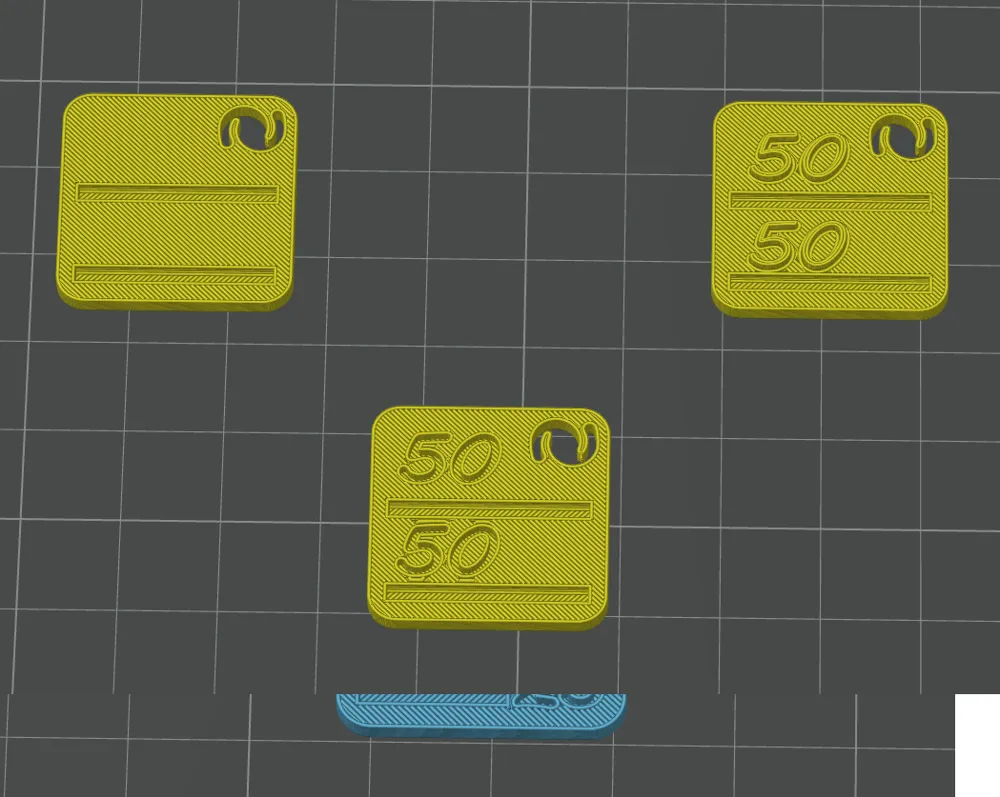
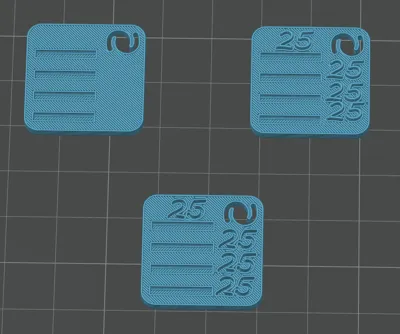
- I have added a 2 and 4 sample model
- Uploaded a 3mf file for Bambu Studio and another created with SnapOrca (for Snapmaker U1)
- The filament pieces fit into the slots with a little pressure
- You can use a tool, but your teeth also work haha
Boost Me (for free)
I appreciate your Super-Support!!
I hope you get a lot of performance out of it, and above all, if you liked it, don't forget the BOOST! :)
(or ko-fi here or on the WEB APP)

Regards!!
License

You shall not share, sub-license, sell, rent, host, transfer, or distribute in any way the digital or 3D printed versions of this object, nor any other derivative work of this object in its digital or physical format (including - but not limited to - remixes of this object, and hosting on other digital platforms). The objects may not be used without permission in any way whatsoever in which you charge money, or collect fees.


Comment & Rating (4)