
Purge Palette: Custom Waste Recycling Box
Print Profile(3)

Description
Update - 5/9/2026: Added a PLA Mesh Grid option! You can now complete this project using 100% standard PLA, no clear filament required.
Important: Please read all the printing tips and instructions below before starting your print.
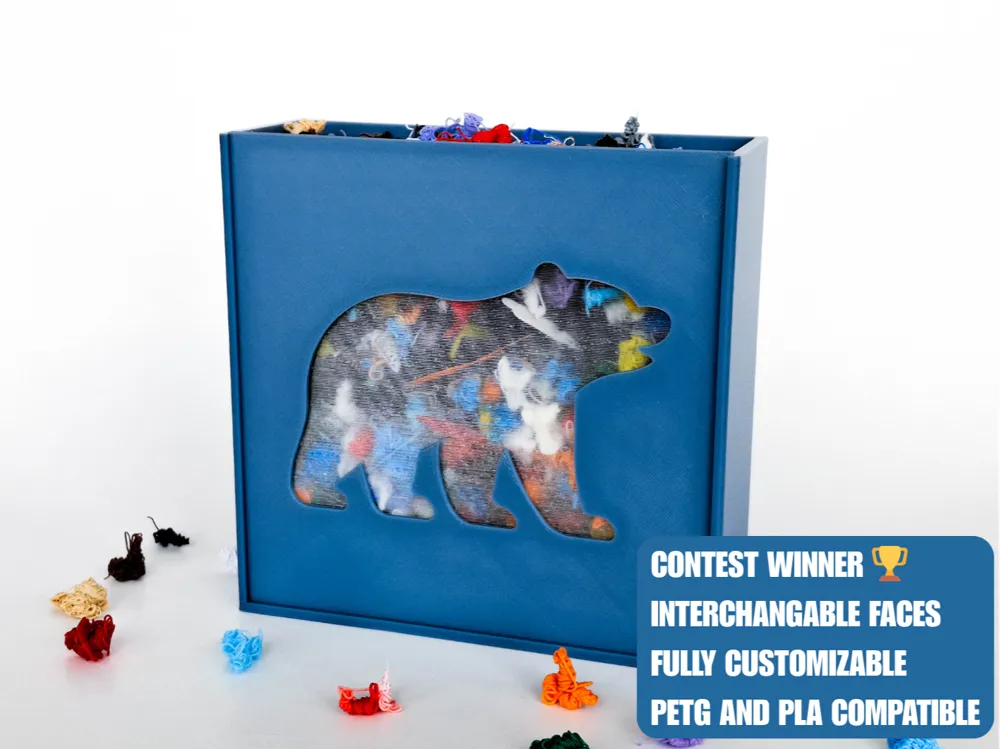
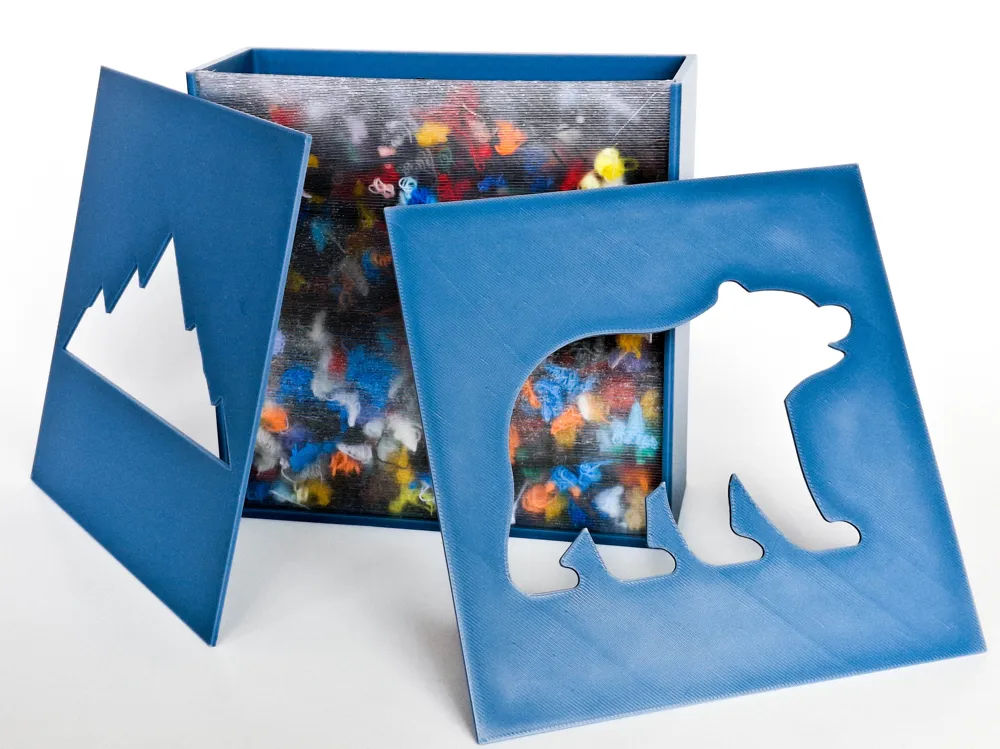
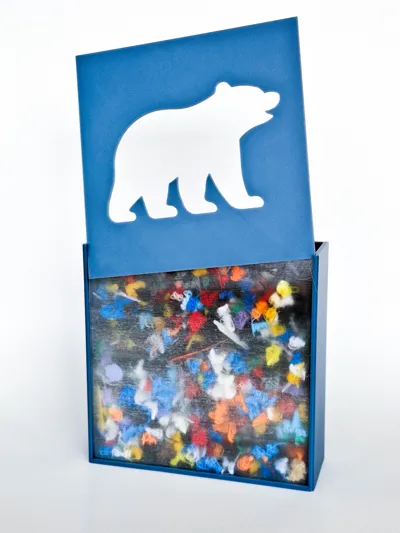
Purge Palette: Customizable Filament Recycling Display - Turn your printer poop into personalized art with this swappable, SVG-powered display case.
🏆 Winner of the Filament Recycling Design Contest hosted by Pi_Guy!
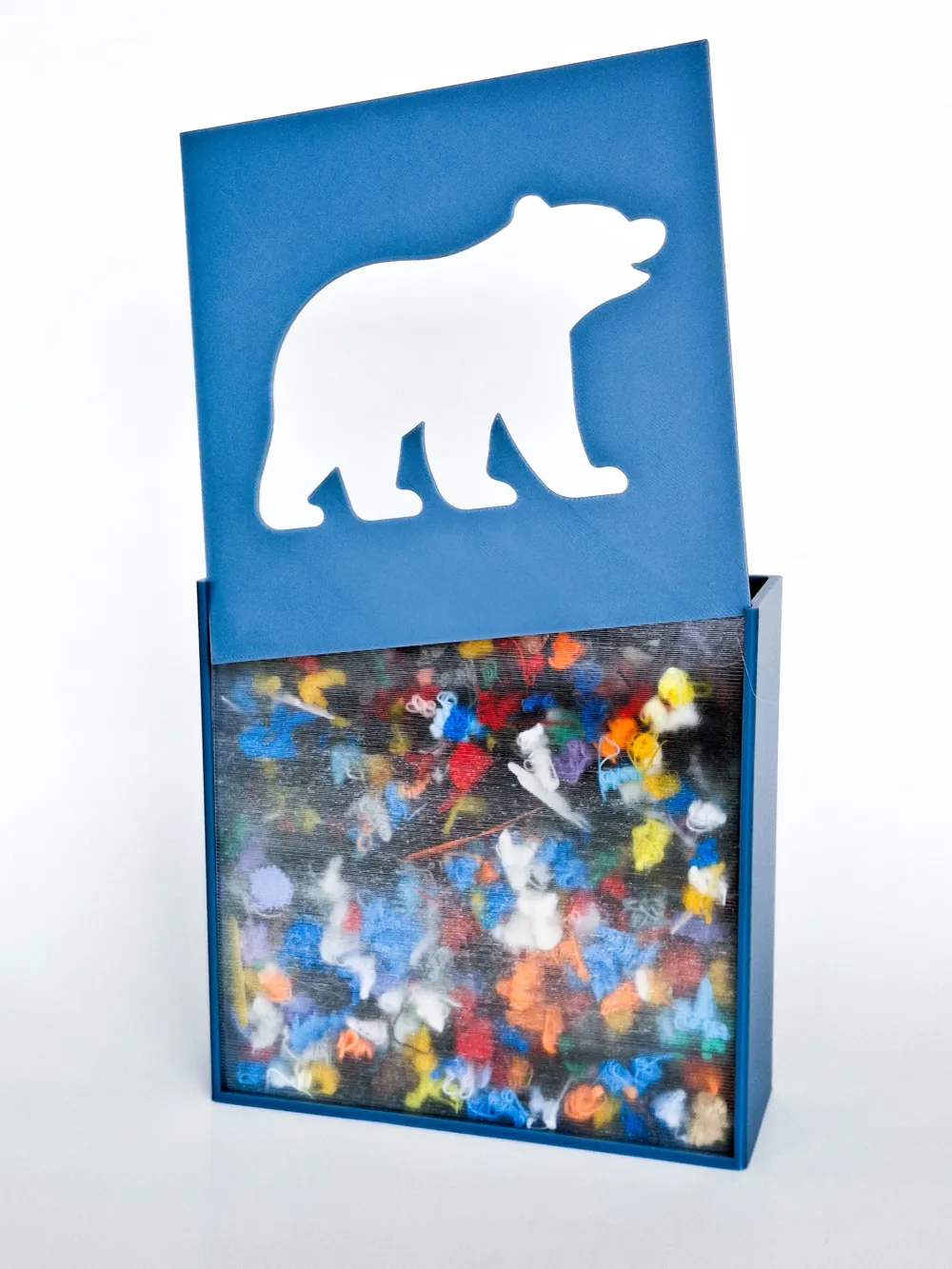
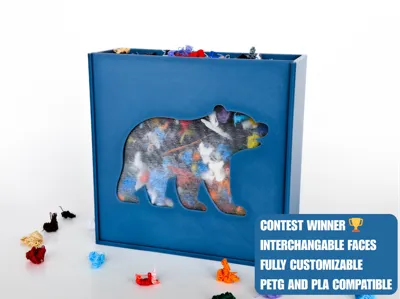
Introducing the Purge Palette – a creative solution for the piles of purge and support scraps we all have lying around. Instead of throwing that colorful waste away, drop it into this display box! The customizable stencil top-plate turns those random scraps into a vibrant, multi-colored mosaic that shows off your favorite logos or designs.
This project was a fun challenge to develop. I wanted to create something that wasn't just a "trash bin," but a piece of decor that looks better the more you use your printer. Getting the OpenSCAD customizer dialed in so that anyone can upload their own SVG was a huge focus for me. If you enjoy this model and the customization features, I’d be super grateful if you gave it a boost. It really motivates me to keep building more for the community! 🙏🚀
Boost Me (for free)
Boost Purge Palette if you enjoyed it – your support keeps me designing more creative models! =D
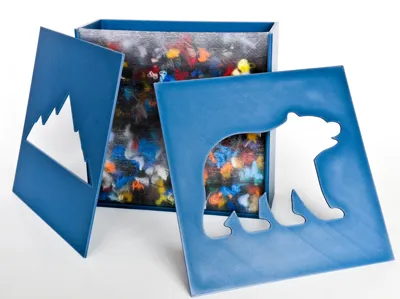
If you want to try out the Purge Palette right away without using the customizer, I’ve included two pre-made designs in the raw model files:
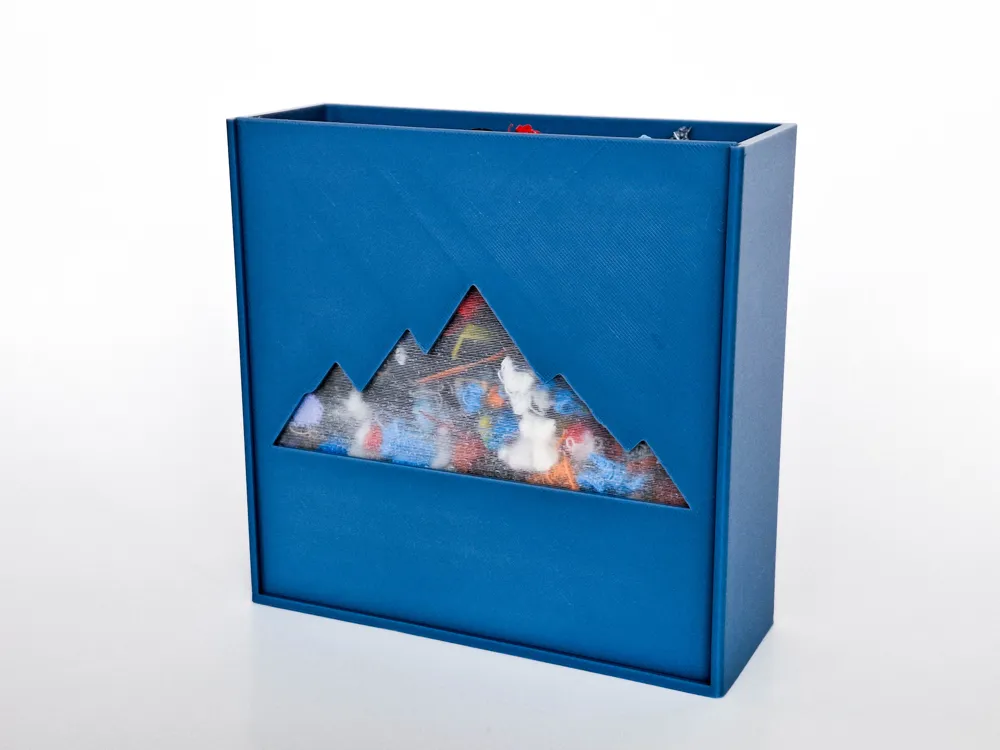
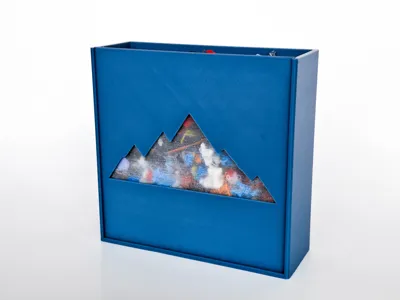
- The Mountain Range: A clean, outdoor-inspired look.
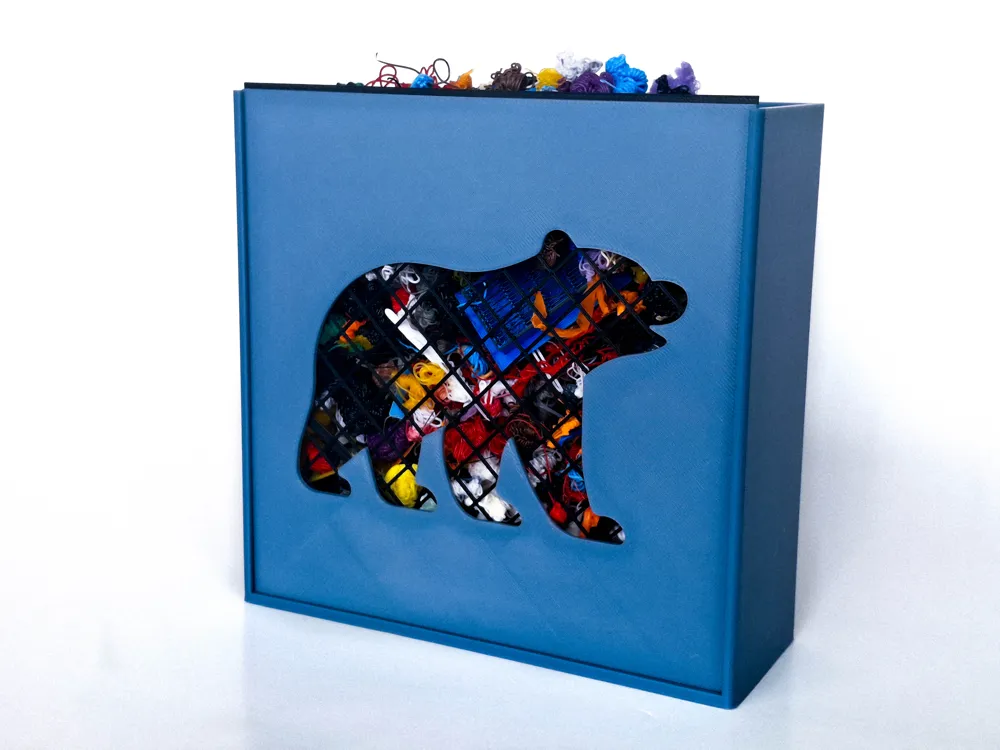
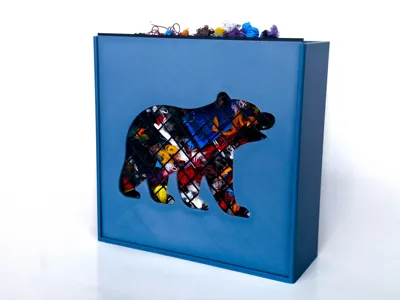
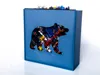
- The Bear: A bold, geometric stencil.
Just print the box and one of these STLs, and you're ready to start recycling!
🛠️ How to Customize Your Plate ✨
The coolest part of this model is that you aren't stuck with my designs. You can make it yours!
- Click the "Customize" button, and open the SCAD file.
- In the Customize tab, scroll to where it says “Customizer Controls." Open it.
- Use the “Upload Local File” button to upload any SVG file, I like to use this site to find mine.
- Use the Scale slider to fit the design to the plate.
- Use the X and Y Move sliders to nudge your design into the perfect spot.
- Generate your STL and print!
Note: You must use solid shapes or stencil-style designs (where all parts are connected) so that center pieces don't fall out! For example, this svg will work because there are no pieces inside that will fall out after printing:

But, this svg will not work because there are pieces inside of it that will fall out after printing:

Just remember: Any white areas that are completely surrounded in black will not work.
Printing Tips & Assembly
Print Profile 1
- Always Print Plate 1 (The Box) - This is the main container for your filament waste.
- For Custom Designs: Use the MakerWorld Customizer to generate your own SVG plate. (Skip Plates 2 and 3).
- For Ready-to-Print Designs: Print Plate 2 (Mountain) or Plate 3 (Bear) if you want to skip the customizer and start recycling immediately!
Print Profile 2
- For a truly see-through piece, print on a smooth plate only with clear PETG. Use the included transparency print profile to ensure the layers fuse perfectly for that clear look.
Print Profile 3
- This is the print profile for the new PLA mesh grid in any color to secure your scraps without needing clear filament.
Other Tips
- No Supports Needed: The box and plates are designed to print cleanly without supports.
- Material: This looks amazing in dark colored PLA to really make the colorful poop colors pop from behind the stencil!
- Dry your filament: As always, dry filament leads to cleaner lines on your custom logos.
♻️ Why Recycle?
I’m entering this into the Filament Recycling Design Contest because I believe we can do more with our waste. Every time you change colors, you're creating "art supplies." Fill your box, swap the plate when you want a new look, and turn your waste into a showcase.
I’d love to see your custom designs! Whether it’s your brand logo or a favorite character, please share your makes and show off your colorful filament mosaics!
If you’re having trouble with Purge Palette: Customizable Filament Recycling Display, leave a comment and I’ll do my best to help you troubleshoot. I want everyone to have a successful build!
Thanks!!
License

You shall not share, sub-license, sell, rent, host, transfer, or distribute in any way the digital or 3D printed versions of this object, nor any other derivative work of this object in its digital or physical format (including - but not limited to - remixes of this object, and hosting on other digital platforms). The objects may not be used without permission in any way whatsoever in which you charge money, or collect fees.


Comment & Rating (4)