Search models, users, collections, and posts

Customizable Name

IP Report
This model is created byĀ Parametric Model Maker
Make Your Model

Print Profile(1)

All
P1S
H2S
X1
H2D Pro
A1
H2D
H2C
X2D
P1P
X1 Carbon
P2S
X1E
A2L

0.2mm layer, 2 walls, 15% infill
Designer
3.1 h
1 plate

Open in Bambu Studio
Boost
289
873
12
6
366
123
ReleasedĀ 

Bill of Materials

Bambu Filaments
Select all
Matte Ice Blue (11601) / Refill / 1kg
Matte Ivory White (11100) / Refill / 1kg

Description

Membership

Need a commercial license? Subscribe for instant access.

Join

Boost Me (for free)

If you enjoy my designs and want to support my work, please consider giving me a Boost! I would really appreciate it šŸ¤—.


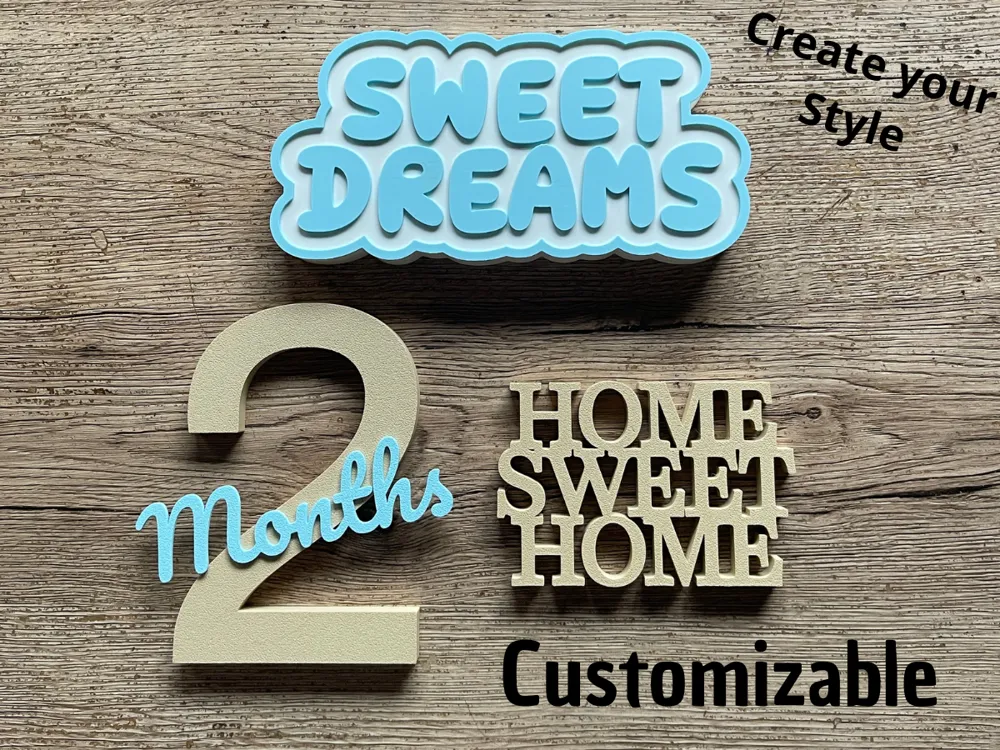
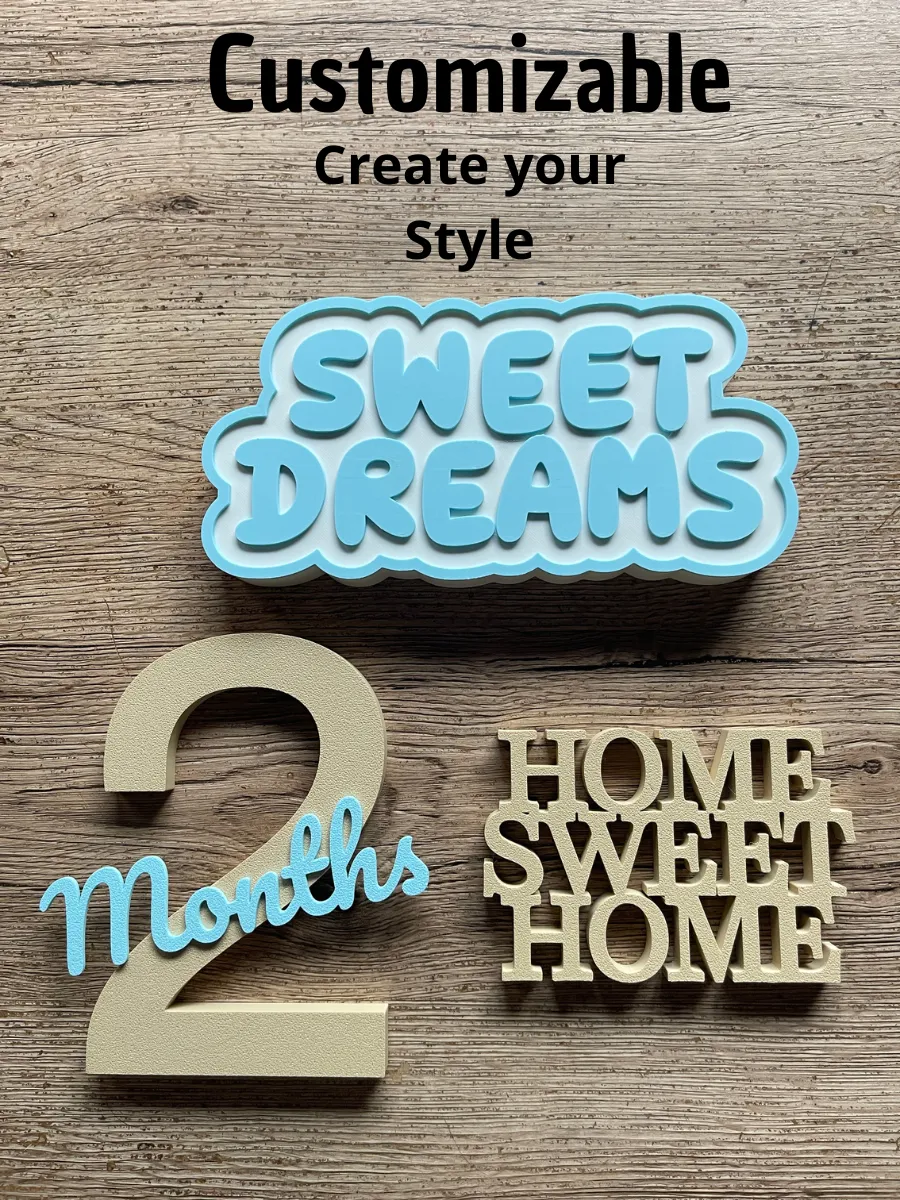
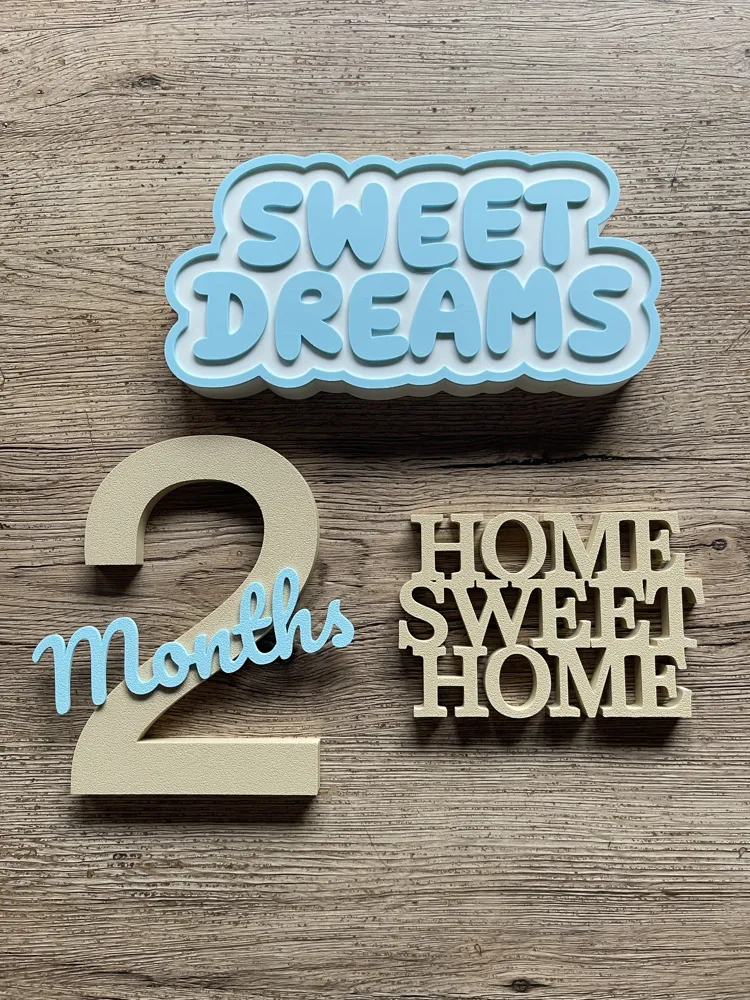
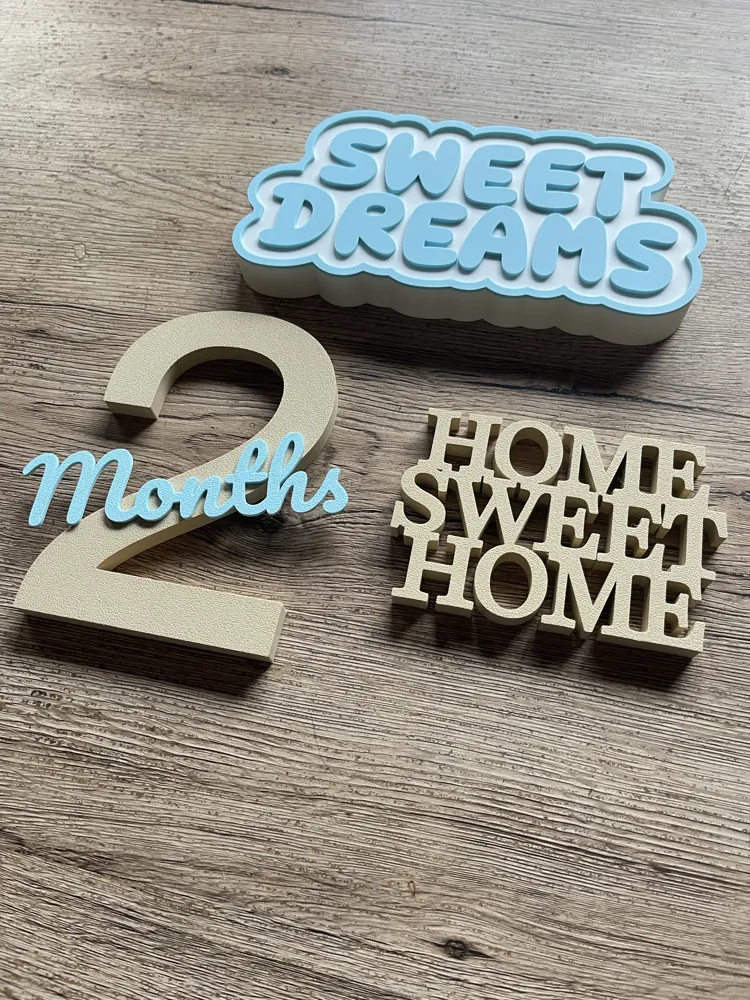
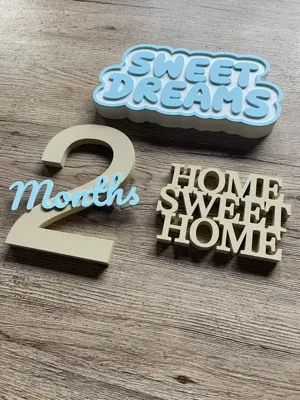
Fully customizable parametric models designed to create names, letters, numbers, and signs with complete creative control. Includes all available fonts in Maker World, each with adjustable size, thickness, letter spacing, and up to 3 customizable text lines. You can enable or disable the base offset, toggle the offset outline, fine‑tune vertical line spacing and horizontal spacing for perfect alignment. Perfect for crafting decorative names, tags, labels, custom signs, individual letters, numbers, and much more — all tailored to your style.

Comment & Rating (12)

(0/1000)

These look cute! How was the Home Sweet Home done? Did you just remove the border and base offset?
The designer has replied
0
Reply
Hello. Yes, remove everything, leave only the text. Then you can adjust each line vertically and horizontally to place it in the position you want. Thank you so much.
0
Reply
Replying to @vanessamatos :
Thank you, do you mean adjust in Bambu Studio or in the customizer? (Sorry I'm fairly new to 3d printing, so still figuring things out)
0
Reply
Replying to @user_3458232767 :
You should adjust when you are customizing.
0
Reply
Thanks for sharing! I will try it and post the results. Cheers!
The designer has replied
1
Reply
Thank you so much.
0
Reply
How did you do the 2 months ? where the months is superimposed on top of the 2 ?
The designer has replied
0
Reply
Hello. I did it separately. First I did the 2 and download, and then I did the month and download. I hope I helped. Thank you so much.
0
Reply
excuse me, how do I center it on the tray? it comes out I want it big but it stays from the middle to the right and it comes out
The designer has replied
Show original
0
Reply
Hello. Don't worry about centering it there. After downloading and opening it in the studio, it is centered. Thank you very much.
Show original
0
Reply
Always such great files - thank you! Love to customize!
The designer has replied
0
Reply
Thank you so much.
0
Reply
No more

License

If you want to use this model commercially, please join my membership.
Join Now
This user content is licensed under a Standard Digital File License.

You shall not share, sub-license, sell, rent, host, transfer, or distribute in any way the digital or 3D printed versions of this object, nor any other derivative work of this object in its digital or physical format (including - but not limited to - remixes of this object, and hosting on other digital platforms). The objects may not be used without permission in any way whatsoever in which you charge money, or collect fees.