
Grid stencil generator for sashiko & embroidery
Print Profile(3)
Description
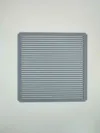
Grid stencil generator
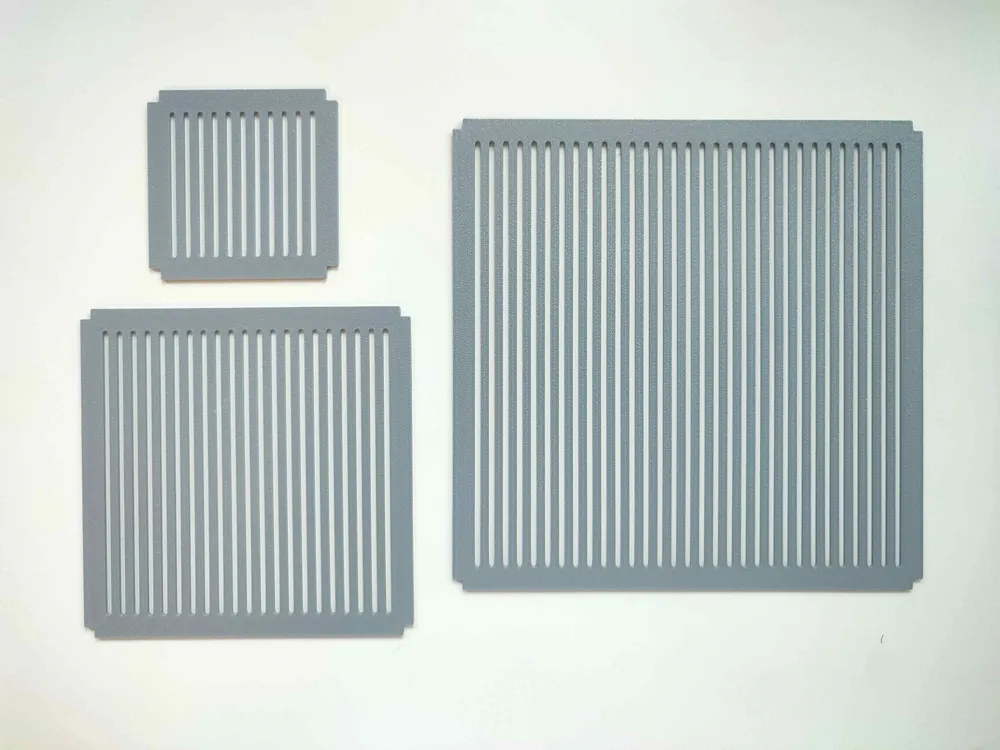

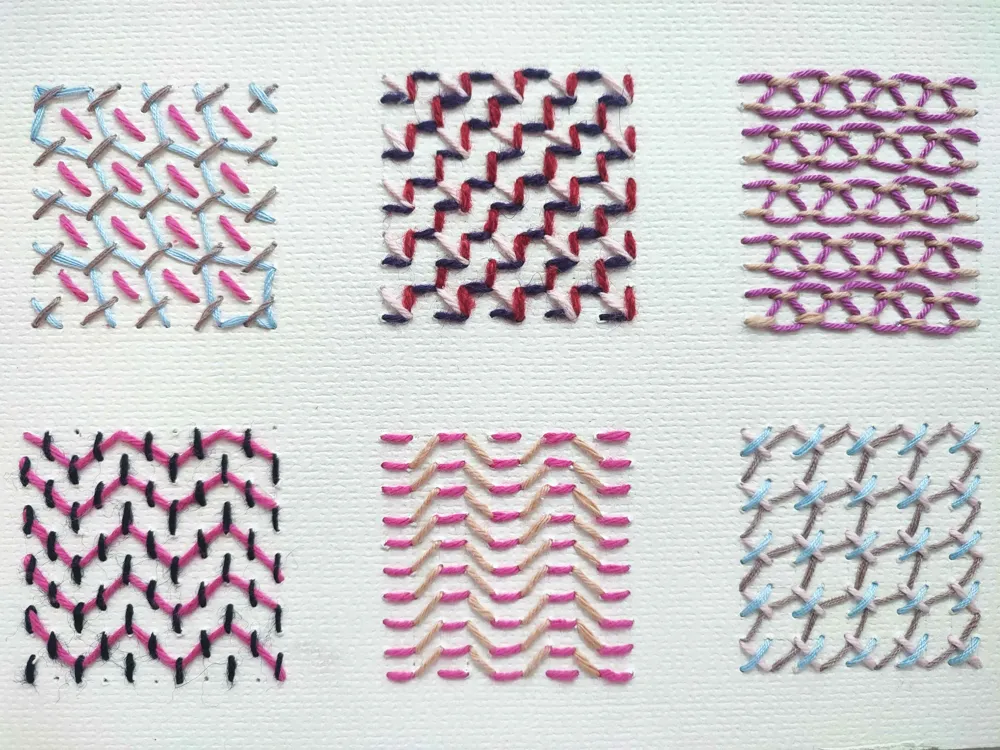
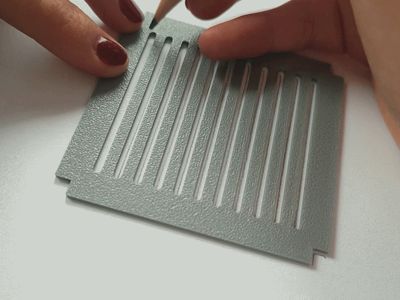
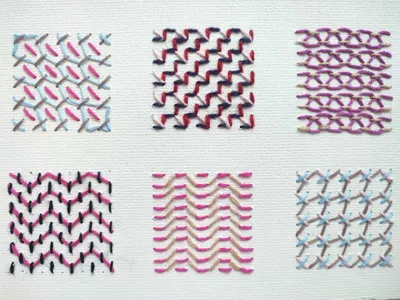
Whether you’re working on fabric or paper, these custom stencils are versatile tools for whenever you don't have a grid on hand. While I originally designed them for Sashiko embroidery on watercolor paper — using the grid to punch holes with an awl before stitching—they are equally useful for other types of embroideries (cross stitch would be perfect for this) or even bullet journaling.
I have provided three different print profiles, all featuring 5mm squares:
- 11 slots - 50 mm (10x10 grid)
- 21 slots - 100 mm (20x20 grid)
- 31 slots - 150 mm (30x30 grid)
- I would like to note that the bigger size feels a bit flimsy. Due to the slot length, it's quite bendy! Be careful when handling.
- I would like to note that the bigger size feels a bit flimsy. Due to the slot length, it's quite bendy! Be careful when handling.
If you'd like to create your own template, here is a short description of the parameters used in the generator:
Parameters:
- Slot parameters
- Slot amount: Amount of slots in the stencil.
- Tip: If you want to draw a specific number of squares, ensure that "Slot amount" is one more than desired. For example, for a 10x10 grid, input 11 slots; for a 9x9 grid, input 10, and so on.
- Slot length: Length of each slot (mm).
- A value of 100, will create an area of 100x100mm where slots will be generated. Note that the slots will automatically be calculated to fit evenly within this chosen length.
- Slot width: Width of each slot (mm).
- Slot amount: Amount of slots in the stencil.
- Stencil parameters
- Stencil height: Height of stencil (mm).
- Stencil border: Border of stencil (mm).
- Stencil corder radius: Corder radius of stencil (mm).
- Notch parameters
- Add notches: If marked, will add add 4 notches to the corners of the stencil.
- Tip: The notches serve as a guide when drawing your grid, helping you position the stencil evenly
- Notch depth: The depth of the notches in the stencil (mm).
- Add notches: If marked, will add add 4 notches to the corners of the stencil.
License

You may create derivative works based on this object, provided that all such derivative works are published exclusively on the MakerWorld platform and include proper attribution to the original creator. You may not share, upload, host, distribute, or publish this object—or any derivative work of this object—on any other digital platform, marketplace, or distribution channel. Commercial use of this object and any derivative works is strictly prohibited. This includes, but is not limited to, selling, renting, sublicensing, or using the object in any context in which you receive monetary compensation or other financial benefits.


Comment & Rating (0)