
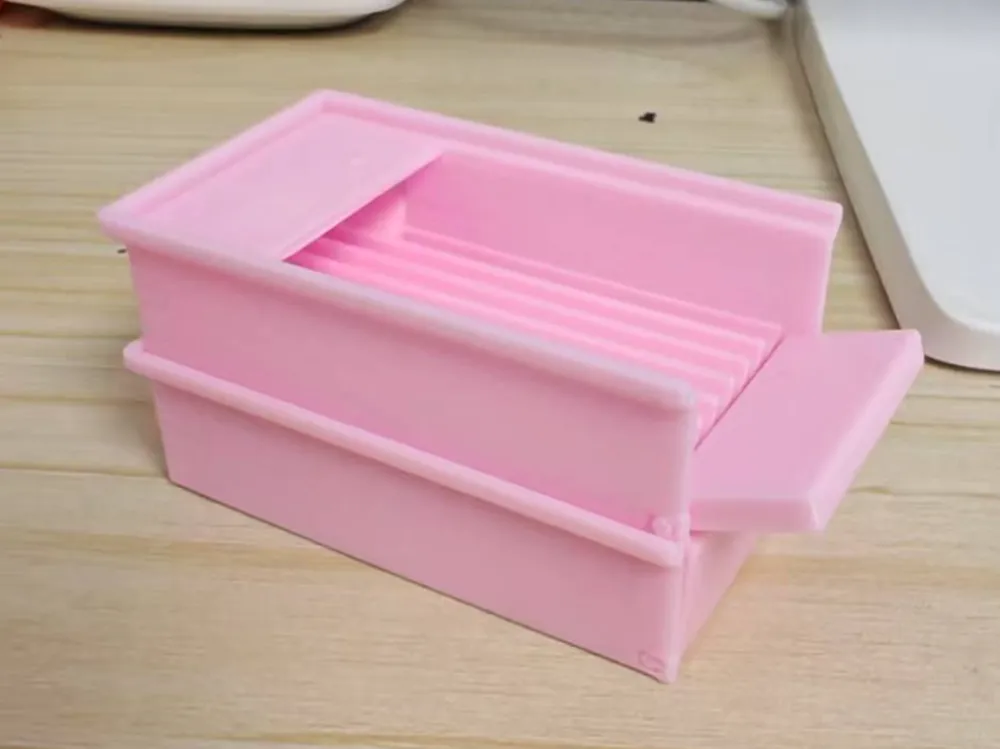
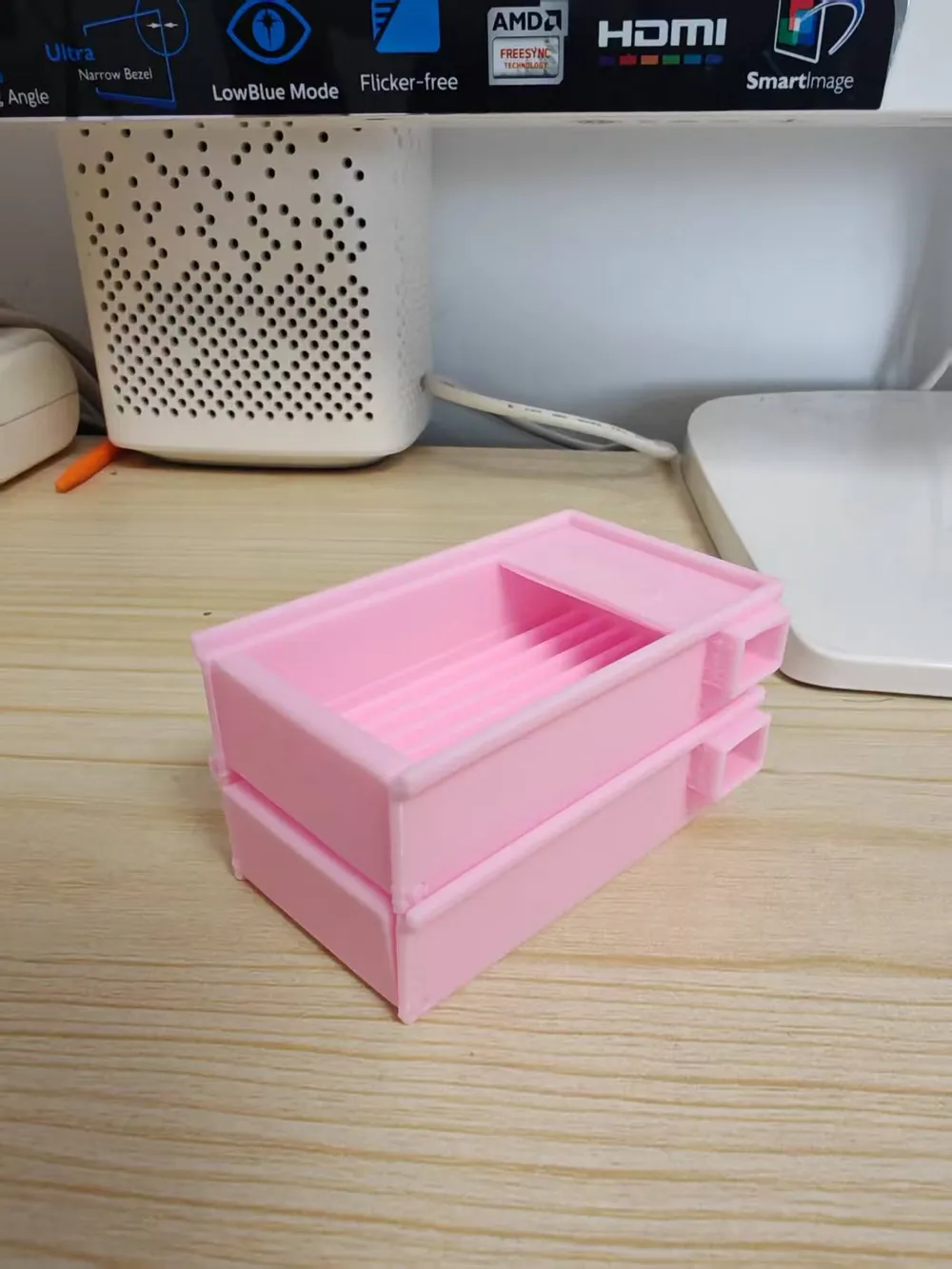
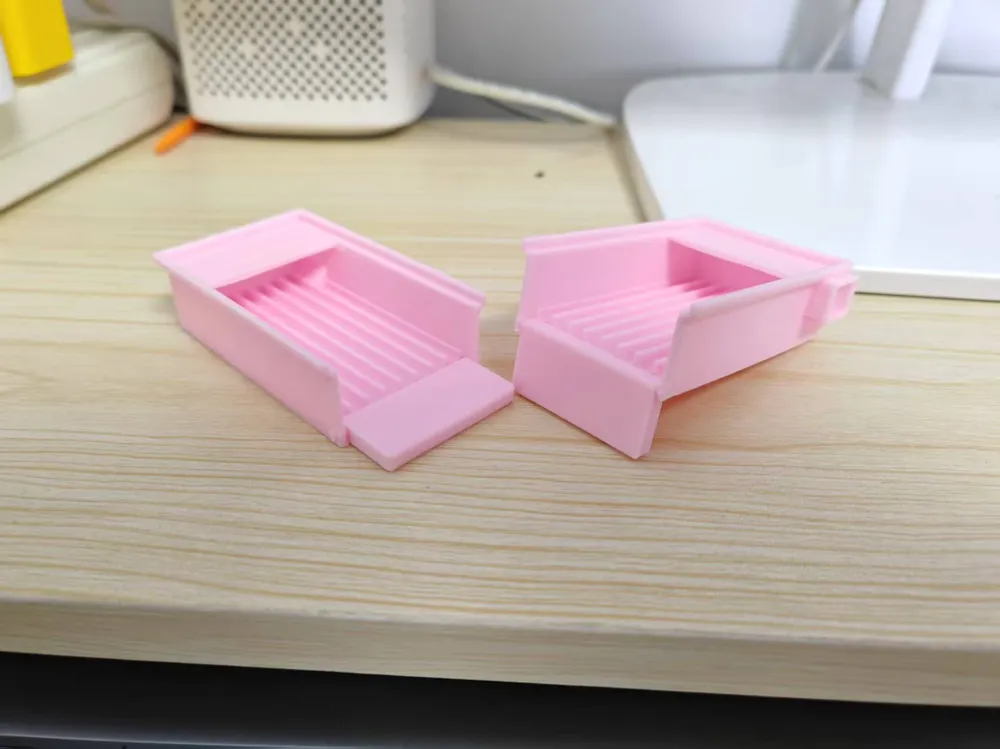
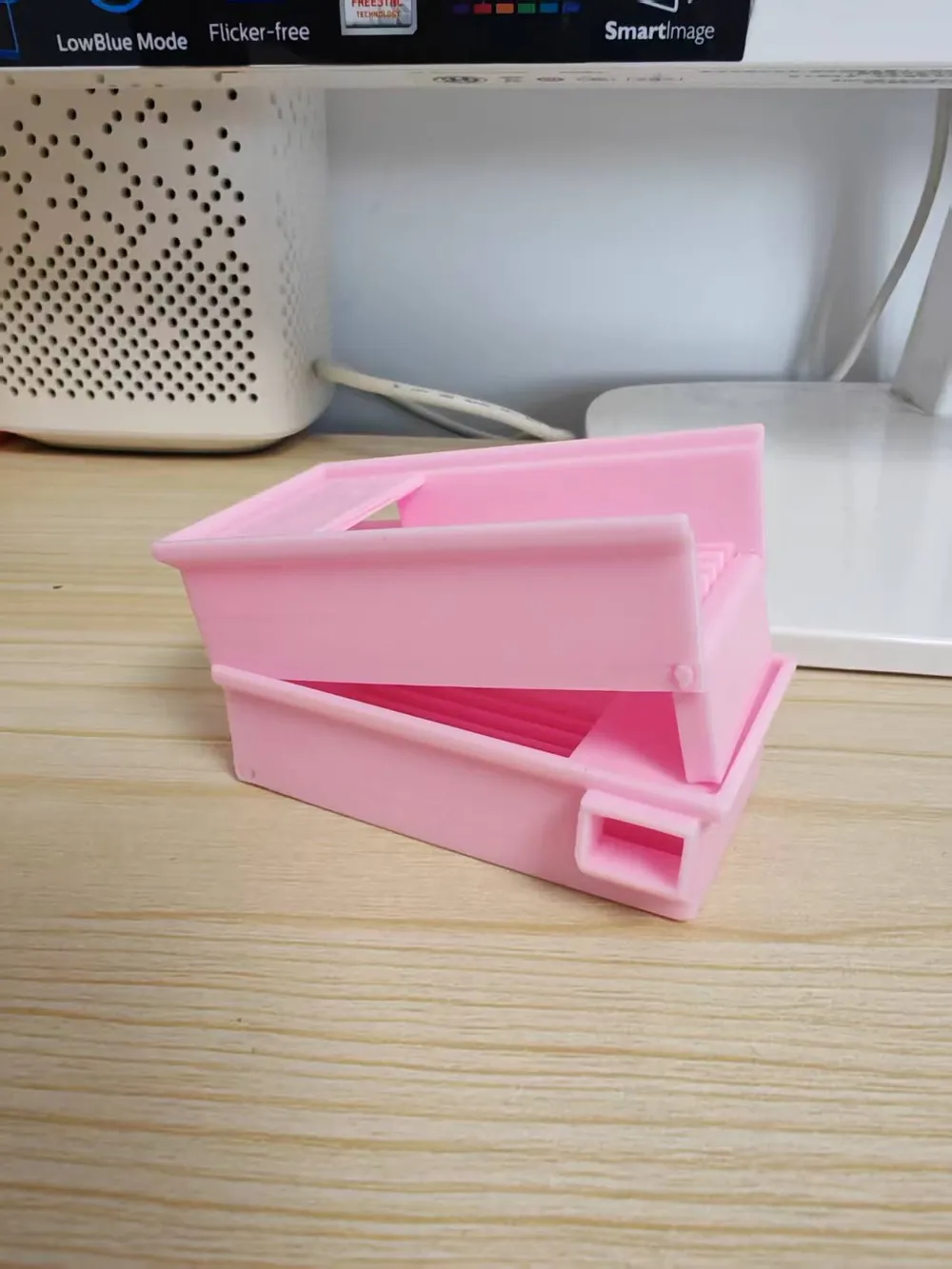
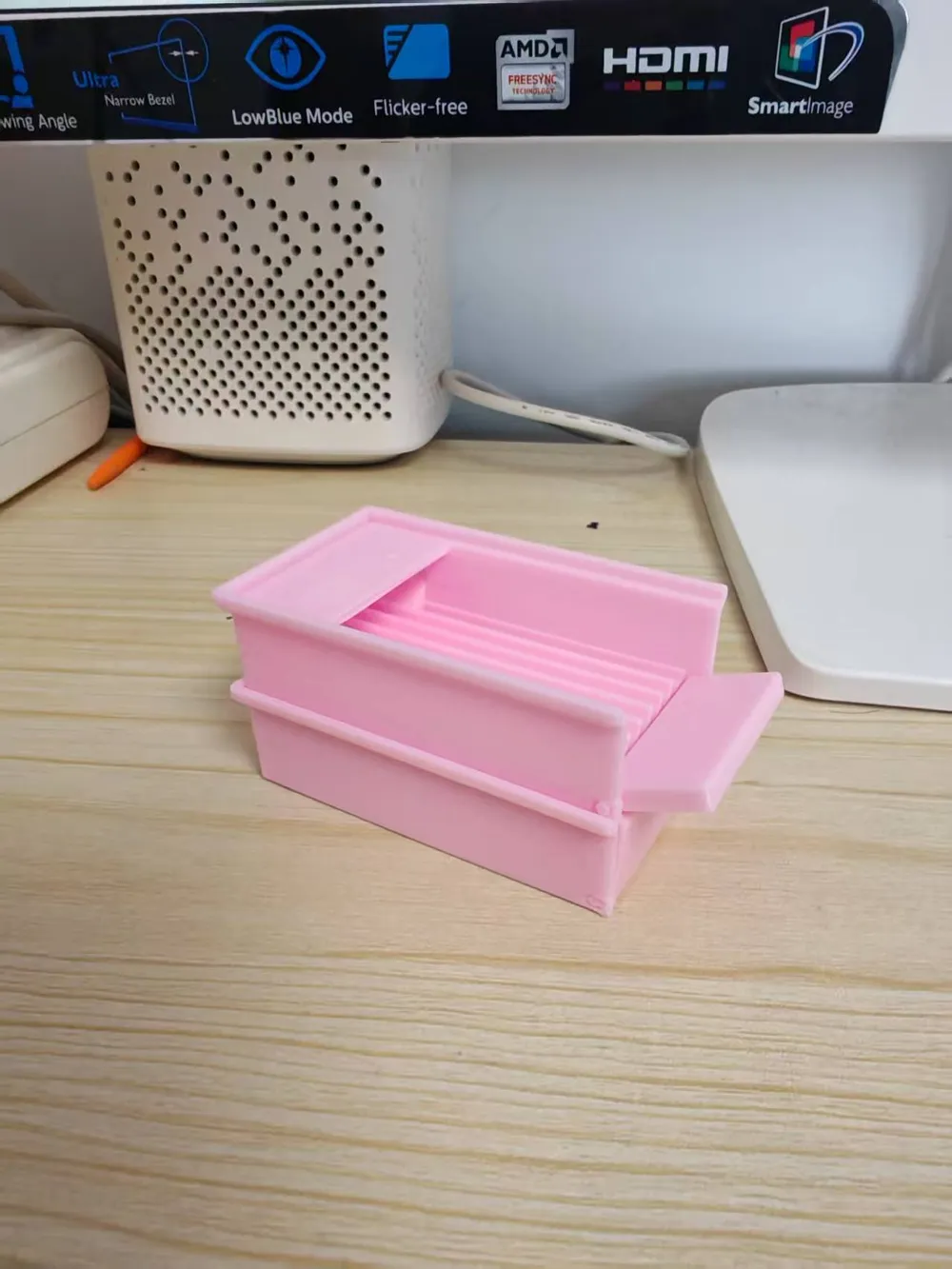
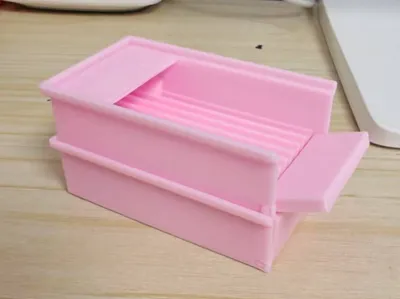
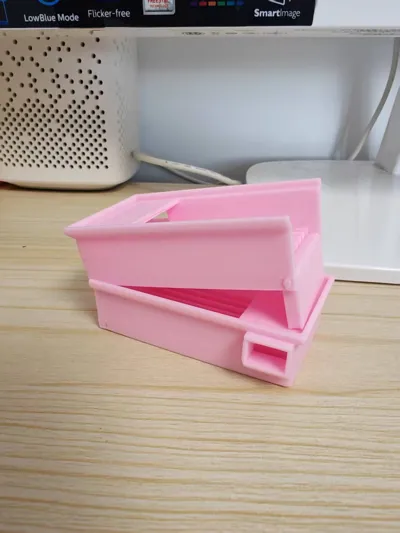
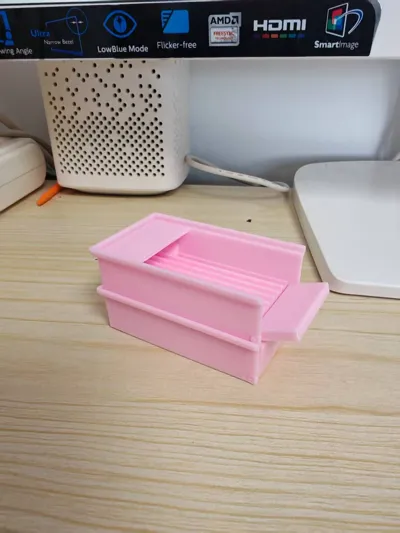
Perler bead shovel with a built-in baffle, bean draining spout, Print in Place, stackable, and customizable size!!
Print Profile(1)
Description
All creations are made with dedication, personal use is welcome.Please credit the source for promotion, commercial use requires authorization.This motivates me to create more, and allows for legitimate sales.Why not? |
This perler bead shovel, at its core, is a tool for perler beads. Functionality is paramount for any tool! I have integrated every feature I could imagine for a perler bead shovel into this design.
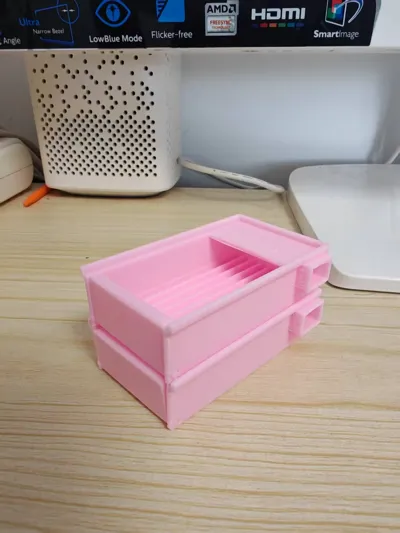
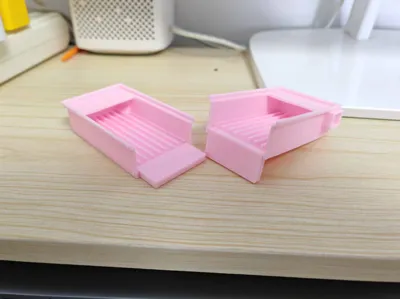
This perler bead shovel features a rotatable baffle, which can both block beads and elevate the shovel for easy bead retrieval. It also has a built-in rear raised bead return port, allowing for convenient bead return without affecting the process of shaking beads. The integrated stacking feature is both enjoyable and practical for storage. Most crucially, it is Print in Place, meaning it prints quickly in one go, requiring no assembly and absolutely no supports!
Of course, as is customary with Daze's designs, all parameters of this perler bead shovel remain customizable. With just a few clicks, you can input your desired number of bead channels and their length to freely set and generate a custom-sized perler bead shovel. From a large scoop with 50 channels and 20cm in length to a small, delicate one with 2 channels and 3cm in length, all can be automatically generated!
The specific usage instructions can be found on the PC web platform. Next to the standard print button, there is a 'Customize' option; opening it will make everything clear. Please note: do not directly select 'Open in Bambu Studio'.
Crucial friendly reminder, crucial friendly reminder, crucial friendly reminder, important words repeated three times: After generating the model on your computer, downloading it, and importing it into your Bambu Studio, remember to arrange the plate according to my provided default print profile and meticulously copy each print parameter. Otherwise, I cannot guarantee the print quality if you print it yourself. This is especially true for the bridging parameters, which I optimized through repeated testing! After printing, turn the baffle slowly the first time to prevent it from breaking. After rotating it a few times, it will naturally become smooth!
Boost Me (for free)
Model design is not easy, friends are welcome to provide more support, likes, positive reviews, shared prints, favorites, and follows!!
License

You shall not share, sub-license, sell, rent, host, transfer, or distribute in any way the digital or 3D printed versions of this object, nor any other derivative work of this object in its digital or physical format (including - but not limited to - remixes of this object, and hosting on other digital platforms). The objects may not be used without permission in any way whatsoever in which you charge money, or collect fees.


Comment & Rating (0)