
Lazy Teddybear



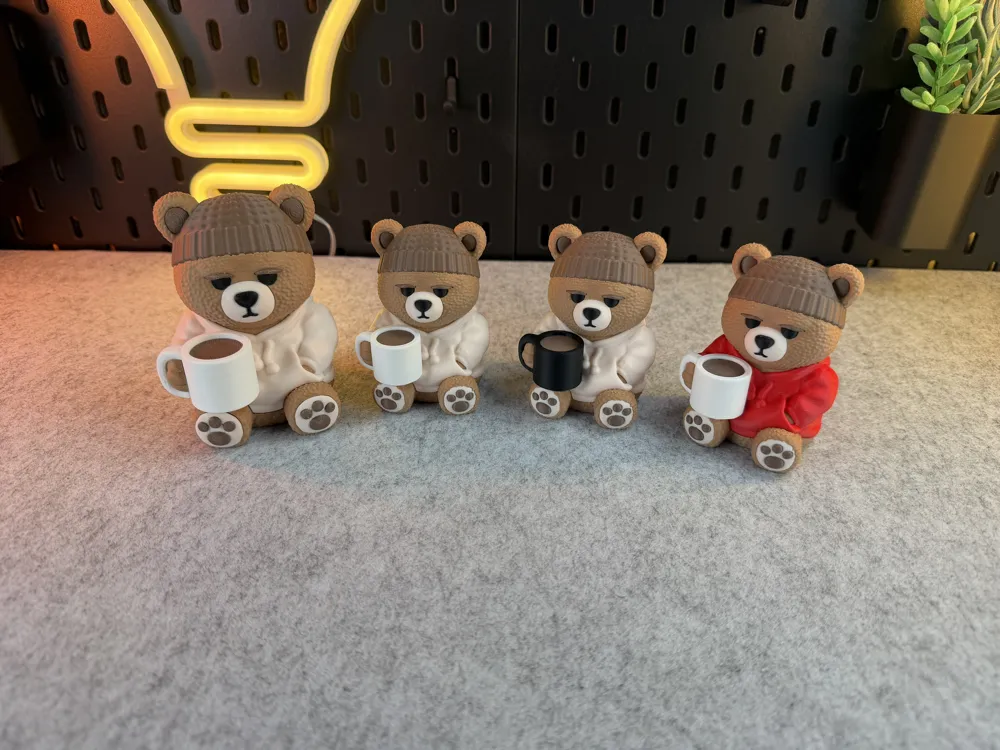
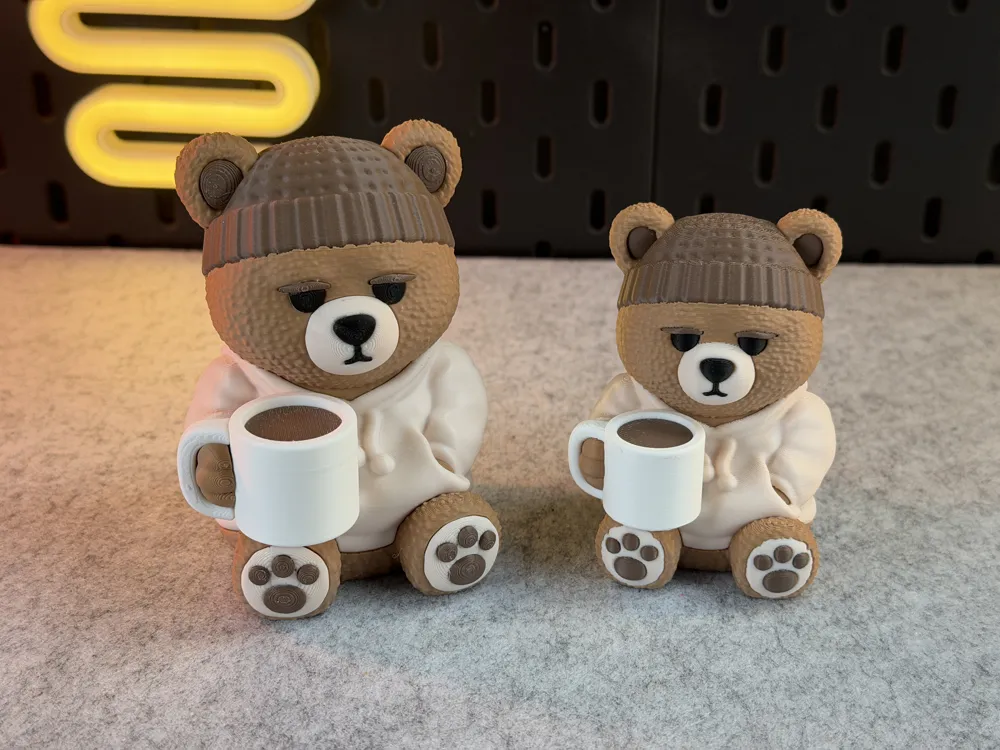
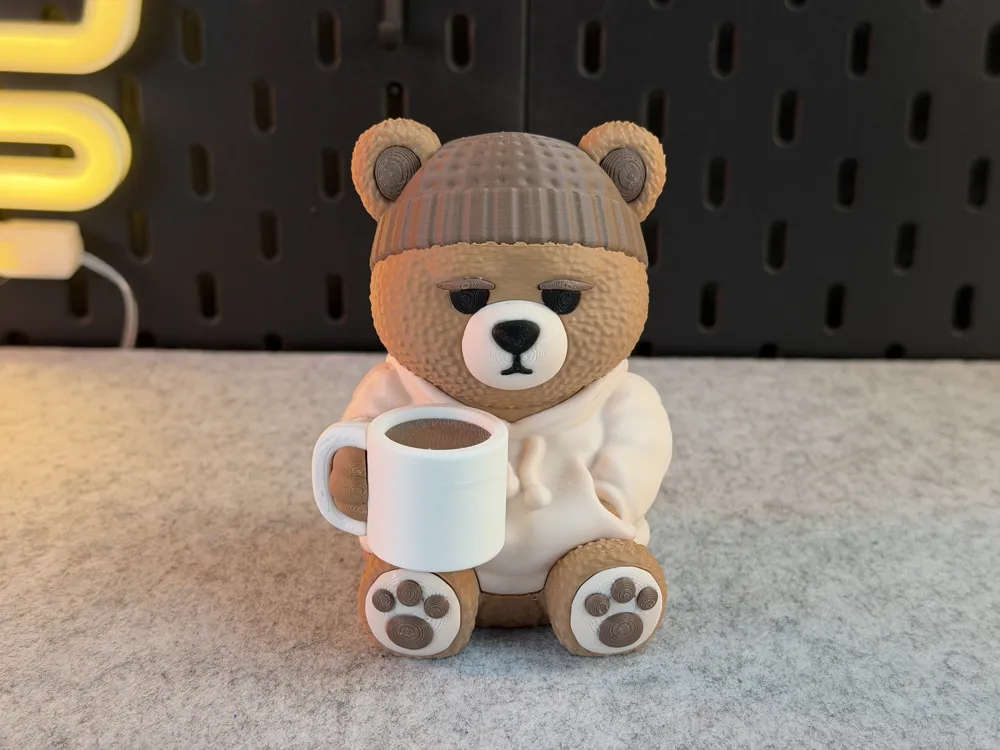
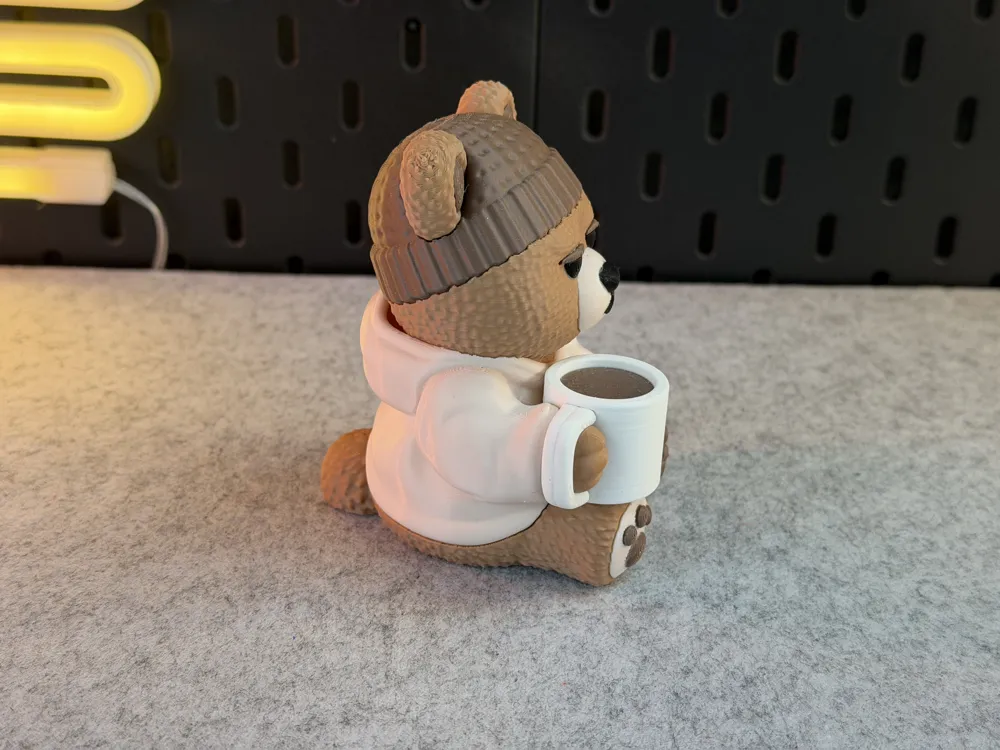
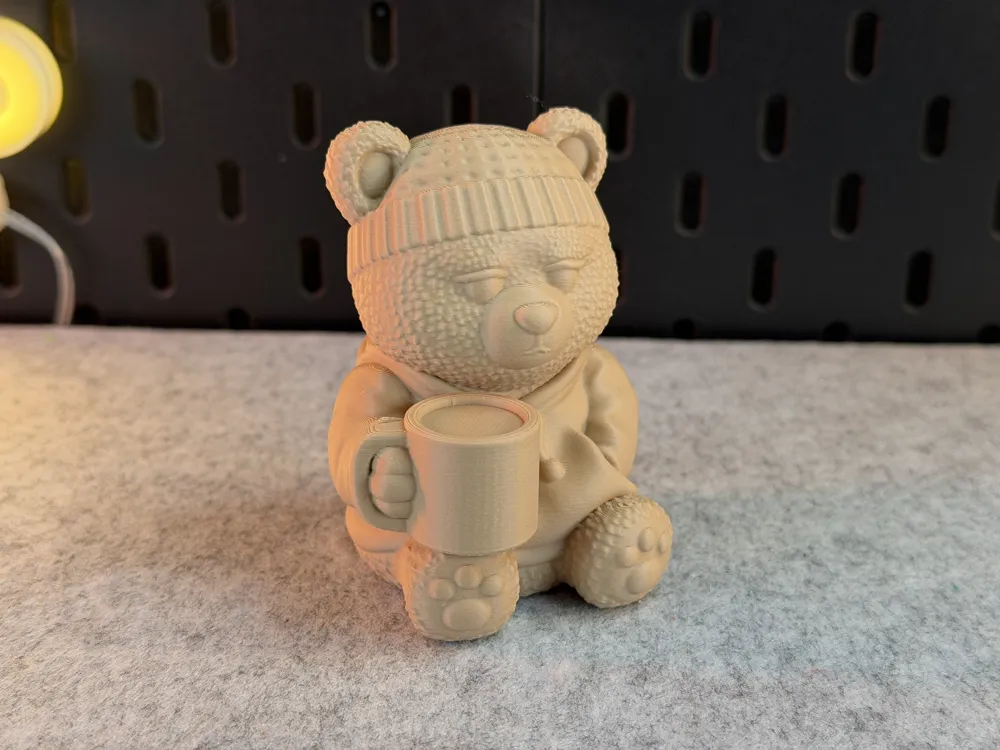
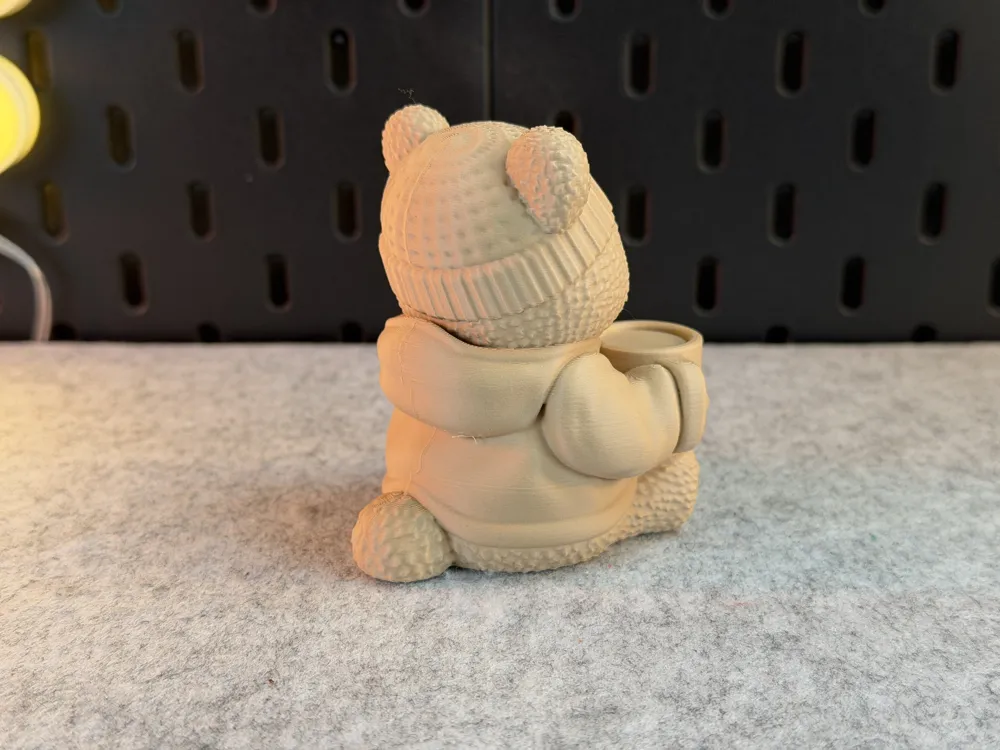
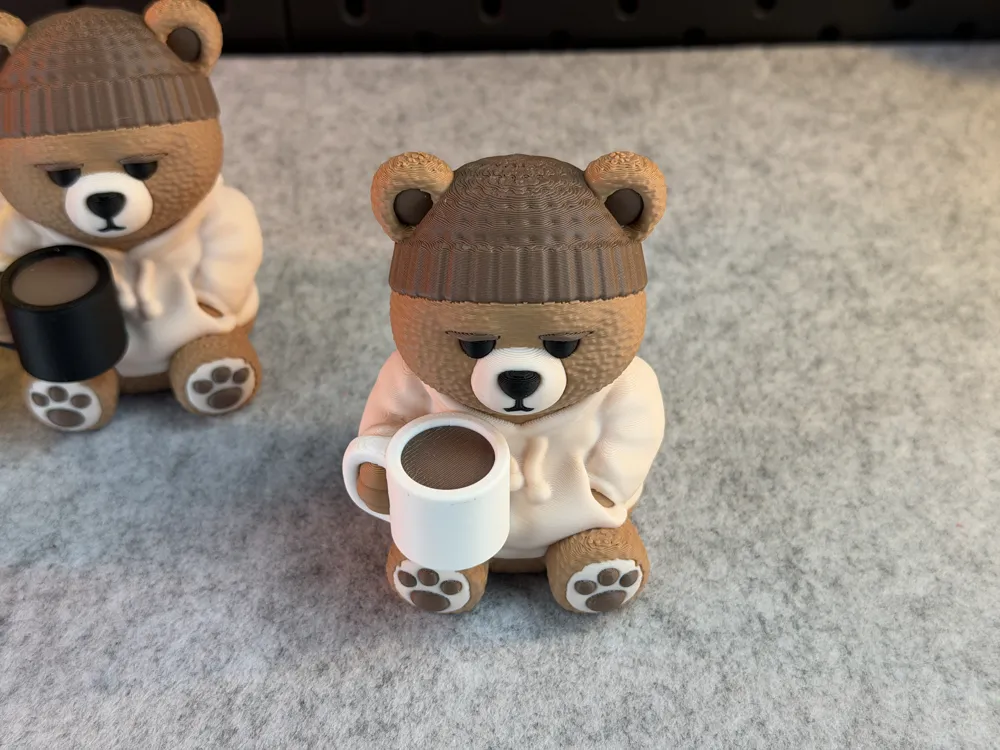





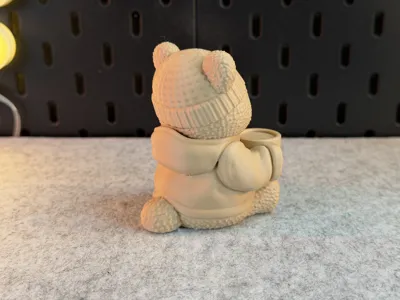
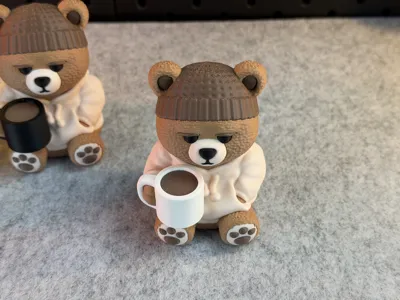
Print Profile(11)






Description
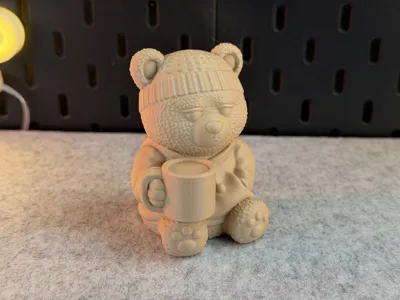
ℹ Tips for printing Multicolor:
- Filament: PLA
- Supports: Yes! Tree Auto
- Layer height: 0,2mm
- Wall loops: 3
- Infill: 15%
- Seam position: back
- Wall generator: -
- Detect thin walls: -
- Brim: No!
- BuildPlate: -
- Info‼: Do not scale the Teddybear any smaller otherwise some multicolor parts won't print as good
ℹ Tips for printing Multipart:
- Filament: PLA
- Supports: Yes! Tree Auto
- Layer height: 0,16mm (0,15mm)
- Wall loops: 3
- Infill: 15%
- Seam position: back
- Wall generator: -
- Detect thin walls: -
- Brim: No!
- BuildPlate: -
- Info‼: Do not scale the Teddybear any smaller otherwise some multipart parts won't print as good
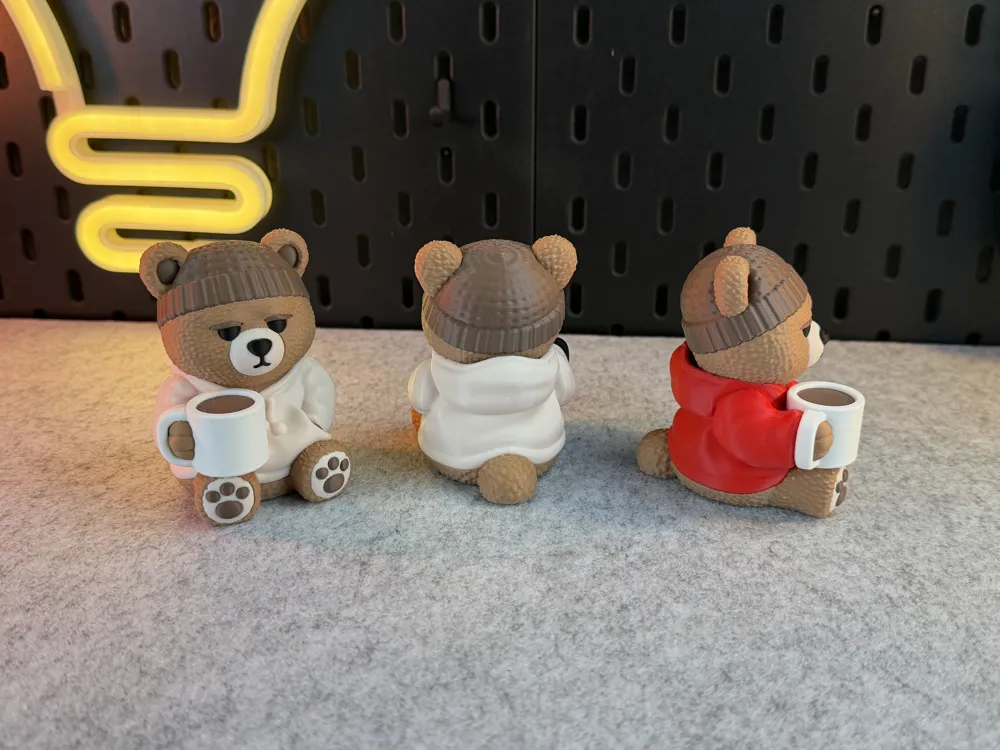
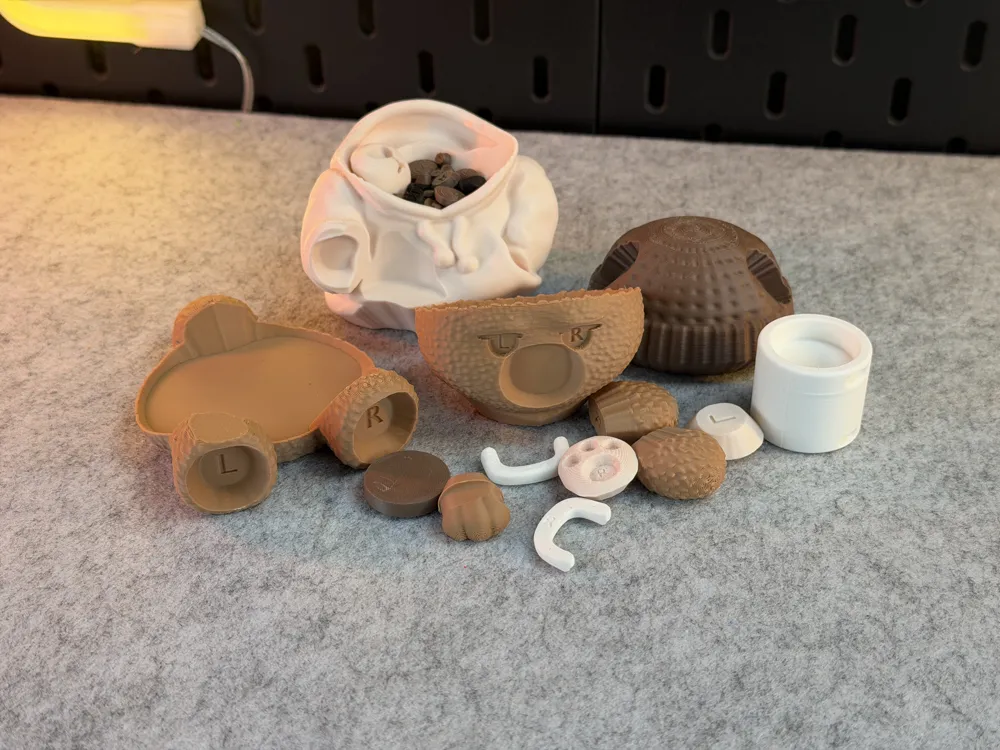
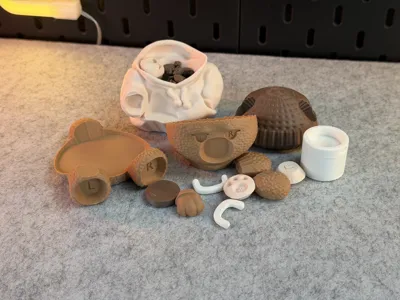
ℹFor the multipart version, I added letters to the individual parts to make assembly and gluing easier.
ℹThe feet are very small, so the letters used for orientation may not print properly. It’s best to remove them from the build plate individually and glue them directly into their intended positions right away. All parts have already been arranged on the build plate in the exact order they need to be glued in later.
------------------------------------------------------
❌‼Disclaimer‼❌ These files are provided for personal, non-commercial use only! This model is not suitable for young children or pets! Please store this model safely in environments with young children and pets, as small parts may pose a choking hazard or cause injuries. Avoid applying strong force, as it may damage the model and create hazardous fragments. After 3D printing, keep the model in a secure location out of reach of children and pets. Follow these precautions for safe use.
------------------------------------------------------
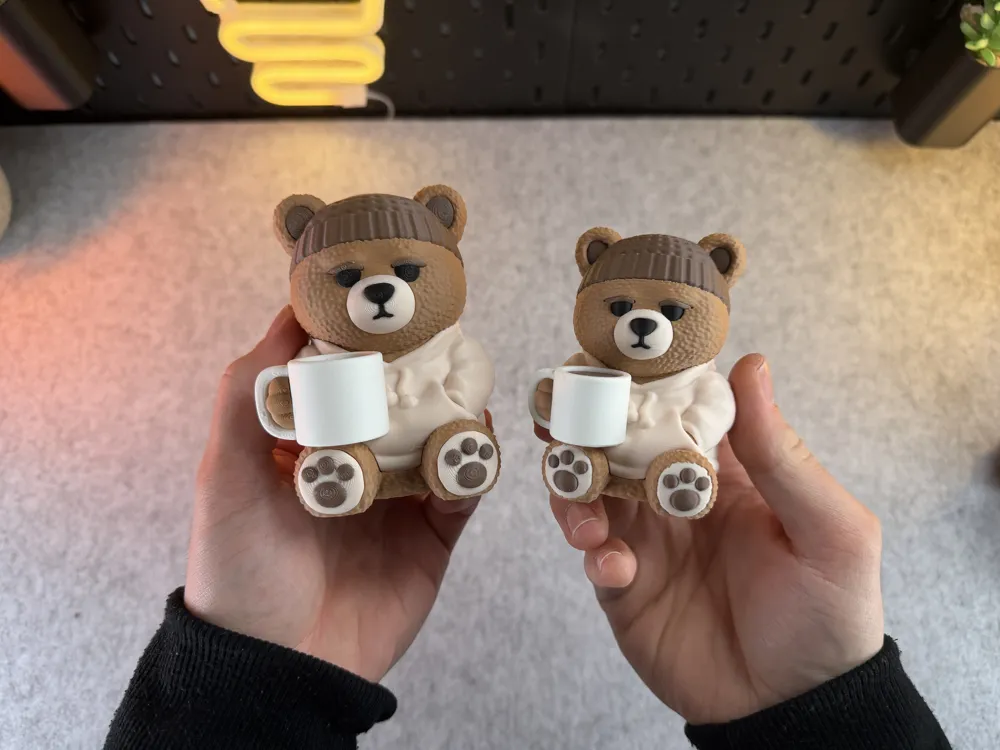
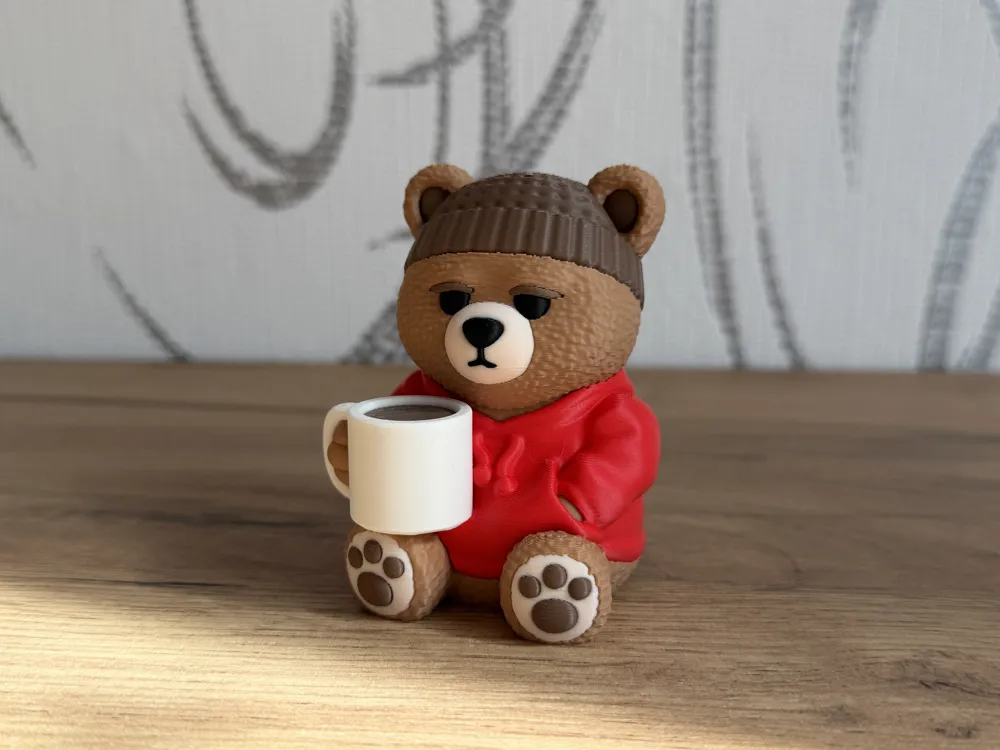
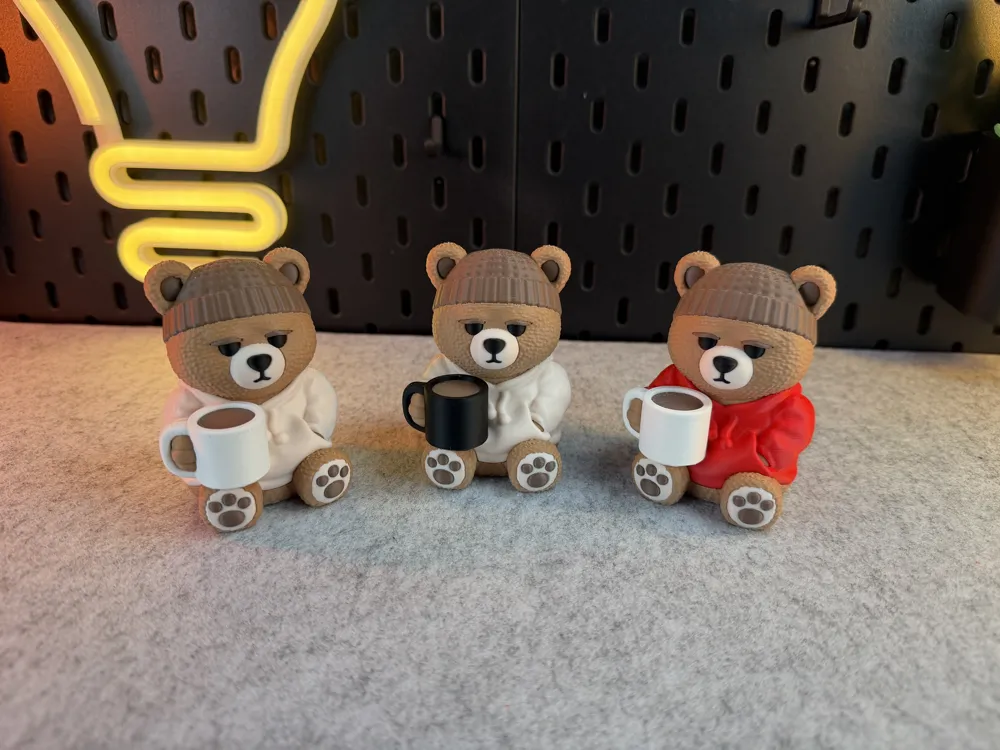
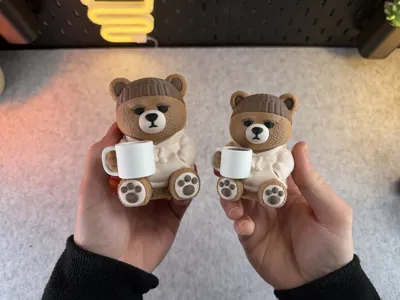
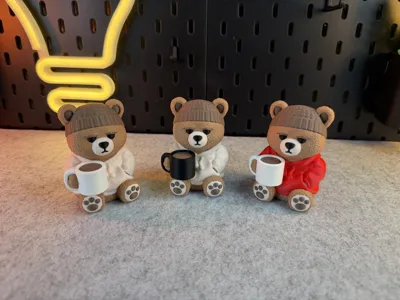
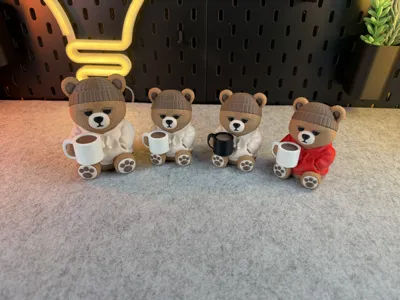
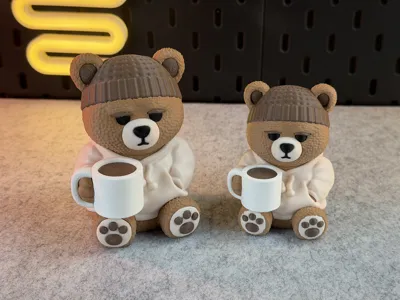
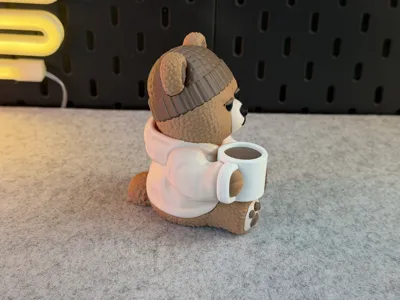
ℹ Attention: For the best look, the teddy bear requires a beige color, as it is used for the sweater, feet, and cheeks. If you don’t have beige, I would recommend choosing other matching colors for the feet and cheeks instead.
Colors and filament I used (4 Color):
- PLA Basic / Beige
- PLA Matte / Black
- PLA Matte / LightBrown
- PLA Matte / DarkBrown
Colors and filament I used (5 Color):
- PLA Basic / Beige
- PLA Matte / Black
- PLA Matte / LightBrown
- PLA Matte / DarkBrown
- PLA Matte / White
Or decide for yourself which colors and how many you want to use!
ℹ !This model is extremely filament wasteful please keep that in mind! Print this model only if you have a 3D-Printer that will not produce filament purge wastage! Or use my Multipart Version for no filament waste!
------------------------------------------------------
ℹ New multicolor version (3mf)! This model is no longer pre-painted in the slicer – you can now freely choose which color goes where directly in your slicer for a better look and easier handling!
(Quick tip: identical colors next to each other won’t work – always place different colors side by side to avoid potential issues.)
Boost Me (for free)
If you enjoyed this model, please consider boosting it to support me to further develop creative and more cute looking designs🥰. Thank you!
License



Comment & Rating (18)