Search models, users, collections, and posts

Little Mouse Hole Door
Print Profile(4)

All
A1 mini
A1
P1S
P1P
X1
X1 Carbon
X1E
H2D
H2D Pro
H2S
P2S
H2C
X2D
A2L

Multipart AMS profile - 3 walls, 10% infill
Designer
5 h
2 plates
4.6(13)

Single object print. Prints flat.
1.9 h
1 plate
5.0(20)

0.08mm layer, 3 walls, 10% infill
11.5 h
2 plates
5.0(1)

Added support towers for vertical printing
8.7 h
2 plates

Open in Bambu Studio
Boost
256
723
42
23
458
281
Released 

Description

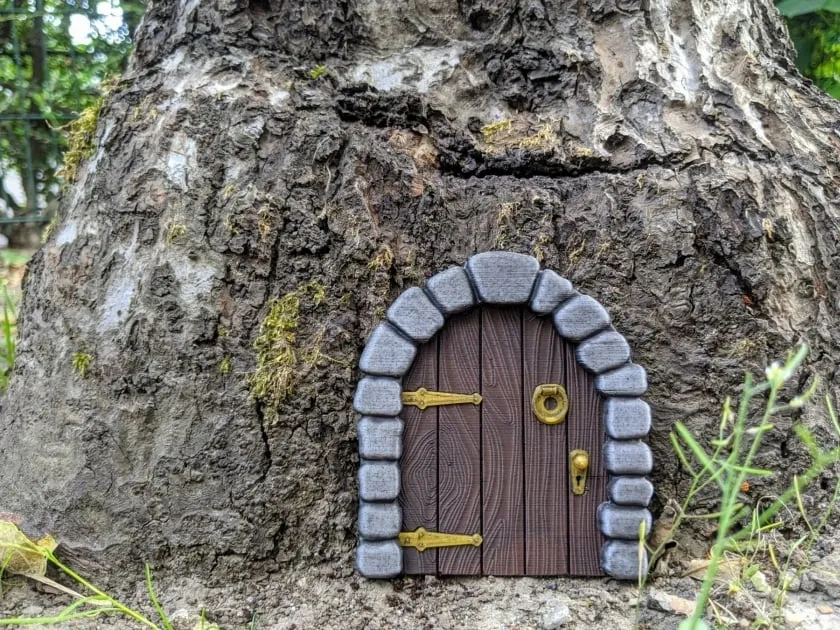
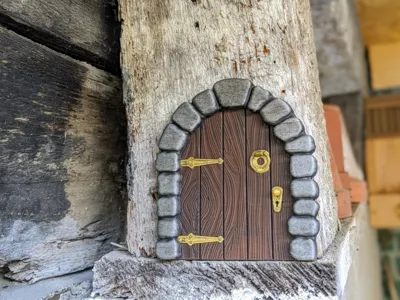
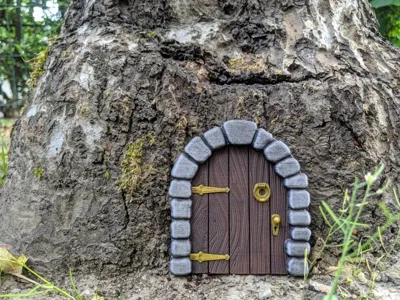
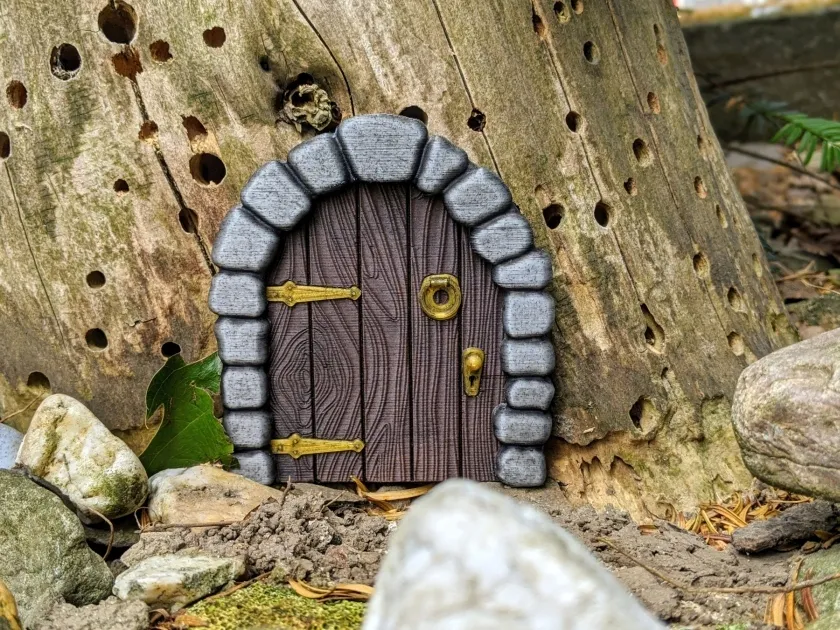
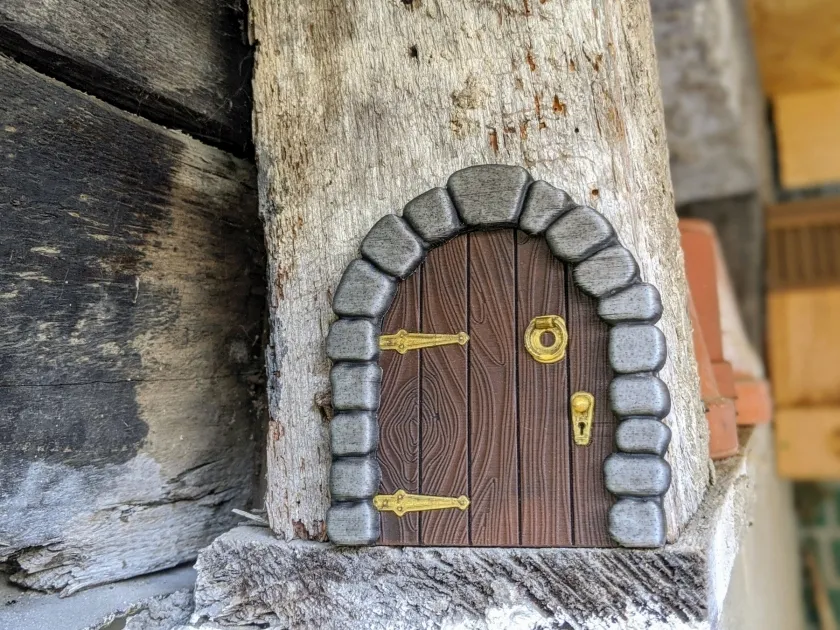
Add some mystery to your garden, house oder shack - just print this little door and put it to an old tree or a hard to see place.

I wonder, what is behind this door? Maybe a new project…?


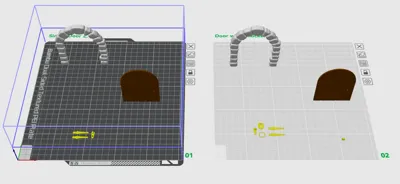
Printing this little door might be some challenge. There are tiny objects and small details. I recommend printing the arch and the door in a standing position with a brim and support at 0.2mm layers. This provides the best quality and details. Slowing down the print speed and increasing the z-hop to 1mm will help.

For the hinges and the door knob 0.1mm layers are recommended. The door knocker is optional but very delicate to print. 0.1mm layer height and a brim is necessary, especially for the hinge. See my 3mf file for details.


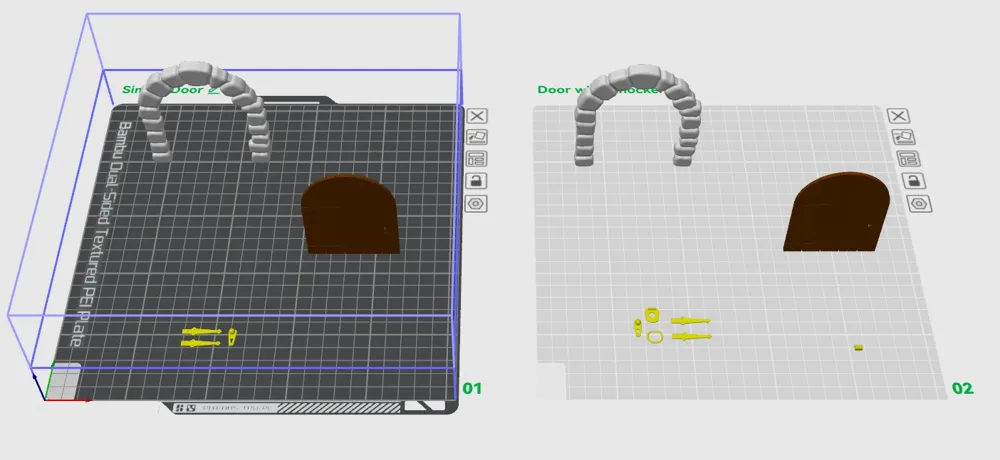
The 3mf file contains two plates with AMS support - one for the door with knocker and one for the simple door without. Three colours are used, PETG is used for the support interface. And print sequence is “by object”.

For assembly simply glue all parts in position.


Notice for Bambu Handy users: my z-hop setting in the 3mf file is not supported by Bambu Handy. This will be resetted to 0.4mm.


Disclaimer:
This work by blecheimer is licensed under CC BY-NC-SA 4.0
You are not allowed to copy this model to other 3D printing websites without my permission.


Comment & Rating (42)

(0/1000)

So I merged this all together myself (I didn't realize Mattindetroit had a profile for it.. whoops), but anyway, Mattindetroit mentions 32 changes. I colored and recolored mine a dozen times and got it down to 13.. but then I realized you can just use the change at layer height feature in the slice tab. So i've just printed mine with 3 changes only, and in 55min @ 0.2 standard (mostly stock). I'd share, but i actually edited the files during merging, so they are no longer the originals and I have a separate STL. I edited them and got it setup to the point where the bolts on the hinges, the knocker, and the start of the doorknob all basically start together on the same layer. So I was able to color my knocker, hinge bolts, and doorknob while keeping the base layers a different color. Regardless, anyone printing the merged copy, just use the change at layer feature in the slicer (like you would for hueforge) and you can get this bad boy down to 3 changes and under an hour. Not sure if you can get the bolts and everything else on an identical layer in the original or not.. Once i made edits to merge, i only ever used my files.. Also yes, using this method you do get the door color and a single line from the hinge color (in my case yellow) along the entire outside edge.. but it's so small you can't notice unless you're looking dead on sideways, which for something against the wall.. it's pretty much a non issue.
(Edited)
designer
2
Reply
very cool. Tip: when you print the door "on the side" the filament-ripples point in direction of the wood. Looks cooler.
designer
2
Reply
Print Profile
0.08mm layer, 3 walls, 10% infill
it's super cute and very detailed. My wife loves it and every guest notices it and is super excited about it.
profile
1
Reply
Print Profile
Multipart AMS profile - 3 walls, 10% infill
4,5 but 5 😉
profile
1
Reply
Print Profile
Multipart AMS profile - 3 walls, 10% infill
cool
profile
1
Reply
The design is cute. I added a profile that lets it print as a single object, flat on the plate.
designer
1
Reply
I love this design! I had quite a few doors and arches fail when printing (even with brims and a SuperTack build plate), so I added lightweight support towers that greatly increased my success rate.
0
Reply
ARGH, top supports too strong, removed with bottom layers of arch, probably PLA issue, but carefull with 0,08-0,12 mm printing (more btm layers, weaker supports interface). Now next try.....
(Edited)
0
Reply
Boosted
Print Profile
Single object print. Prints flat.
nice joke for the kids
0
Reply
Print Profile
Single object print. Prints flat.
Probably one of the prettiest prints I’ve done so far. Great quality & detail. I used grey marble PLA, wood PLA & golden silk PLA.
0
Reply