


Print Profile(1)

Description


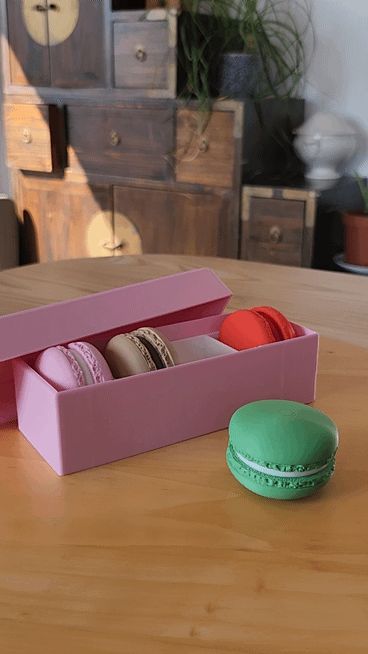
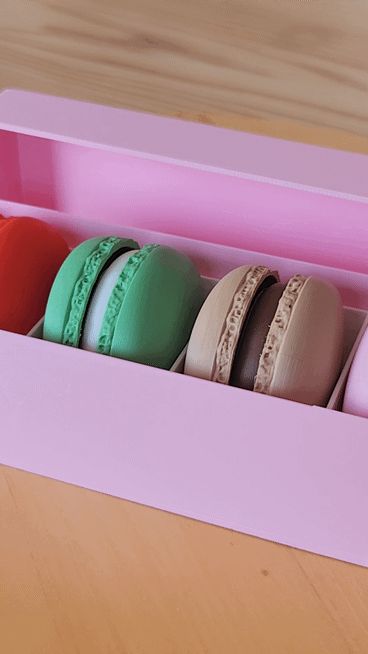
I’m pleased to present this creation modeled with Blender.

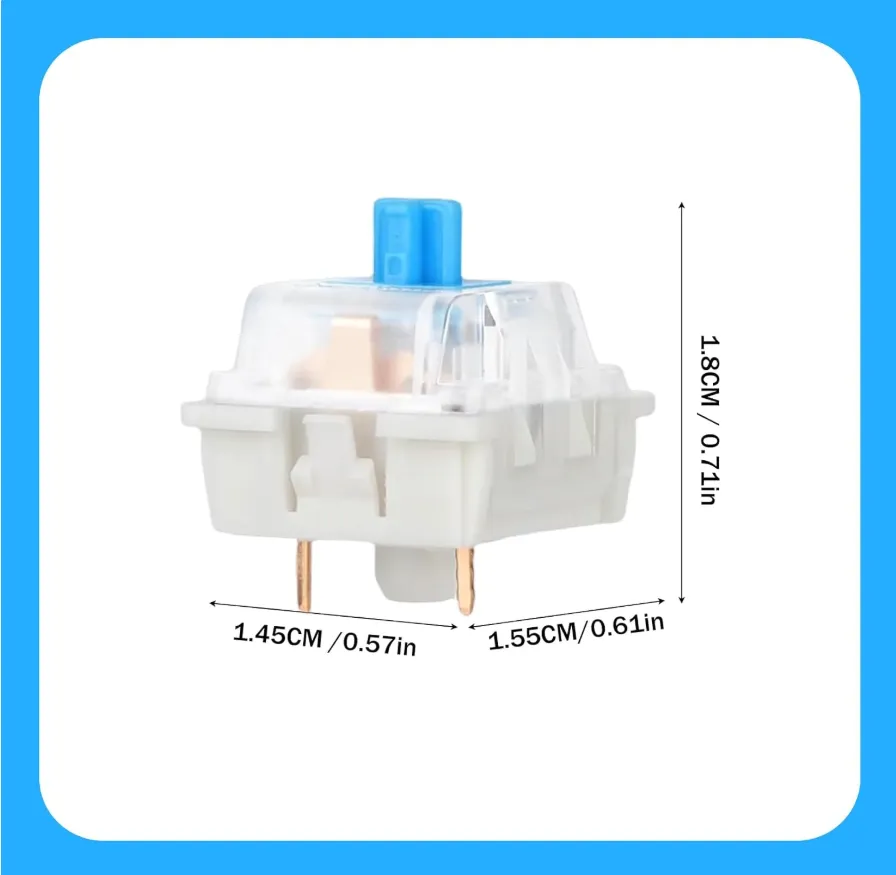
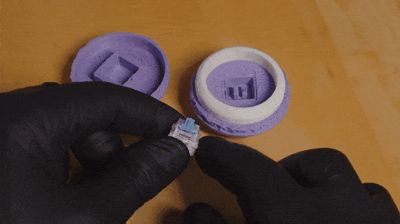
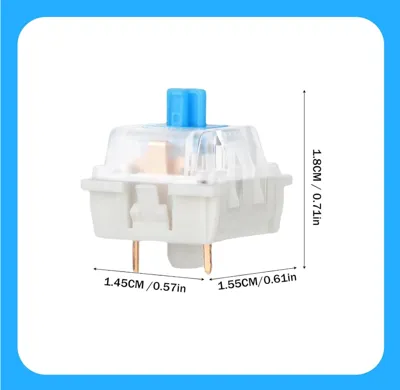
You will need a mechanical keyboard switch (clicker) for this build. For the assembly, it’s quite simple: First, insert the keyboard switch (clicker) into the top part, aligning it with the cross-shaped mount. It should press-fit and stay in place. Then, fit the whole assembly into the bottom part. A few tips: If it’s too tight, check your tolerances or lightly sand the part. If it’s too loose, a small drop of glue can help. Don’t hesitate to try different orientations of the switch to find the best click feel. Feel free to ask if you have any questions!
License

You shall not share, sub-license, sell, rent, host, transfer, or distribute in any way the digital or 3D printed versions of this object, nor any other derivative work of this object in its digital or physical format (including - but not limited to - remixes of this object, and hosting on other digital platforms). The objects may not be used without permission in any way whatsoever in which you charge money, or collect fees.


Comment & Rating (14)