
SumUp Solo Terminal Mod + ESP23 + New housing
Print Profile(1)
Bill of Materials

- Sum Up Solo Card Reader x 1: https://www.sumup.com/en-us/solo-card-reader/
- Matrix Keypad (use the 4x4 Version) x 1: https://de.aliexpress.com/item/1005007728795501.html
- ESP32 + matching Adapter (use N16R8 KIT A) x 1: https://de.aliexpress.com/item/1005008790807170.html
- Coin Acceptor x 1: https://de.aliexpress.com/item/1005007423643042.html
- LCD Display with ii2c interface (use “blue with ii2c”) x 1: https://de.aliexpress.com/item/1005007531187322.html
- Solnoid Door Lock (use 12V 0.4 UP) x 2: https://de.aliexpress.com/item/1005009789600010.html
Description
Here it is – my complete modification, already featured on TikTok (German video).
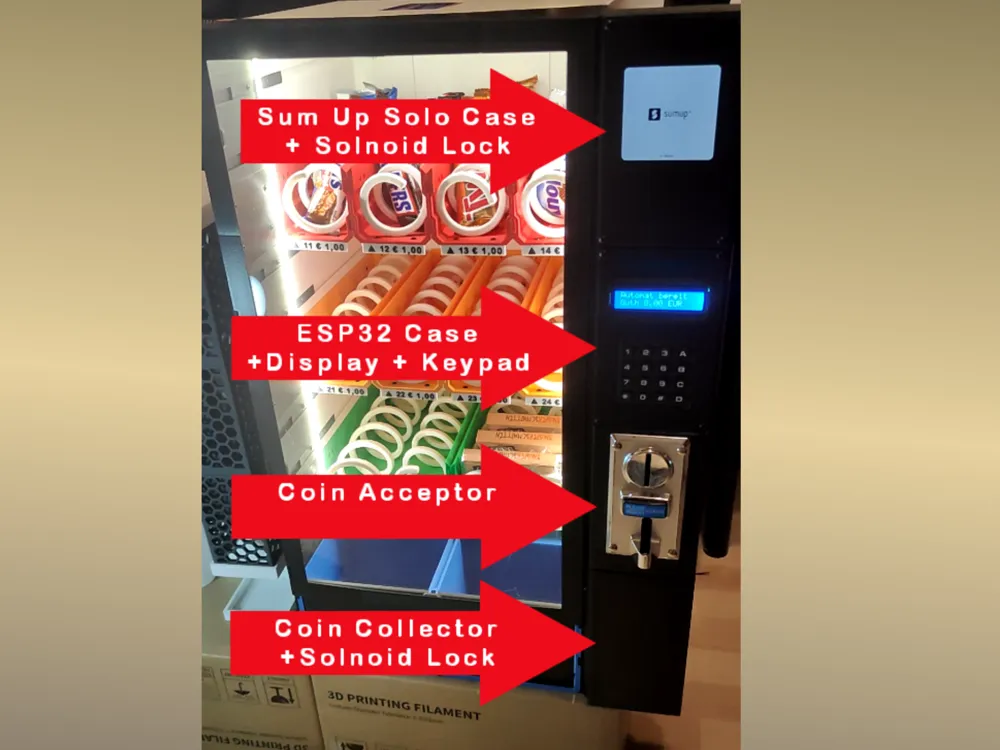
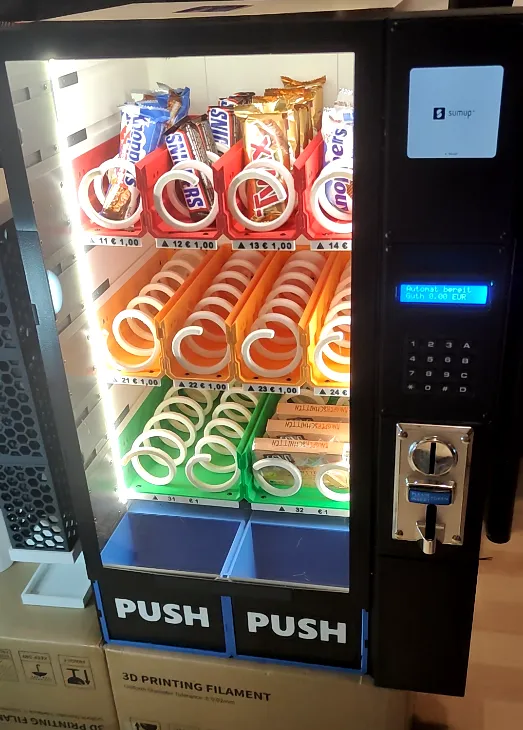
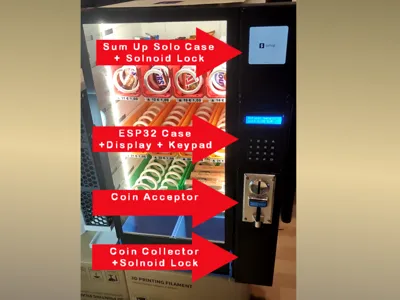
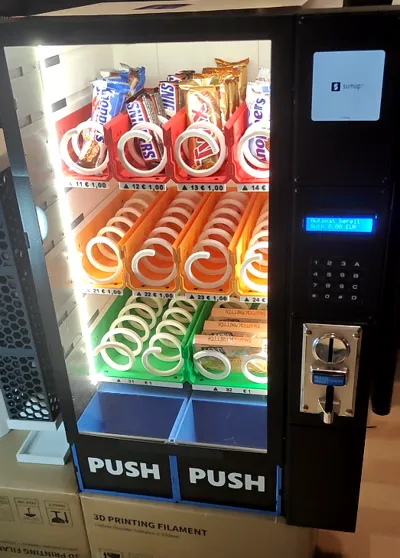
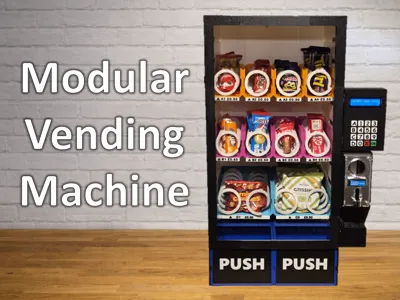
This upgrade includes 4 newly designed housings:
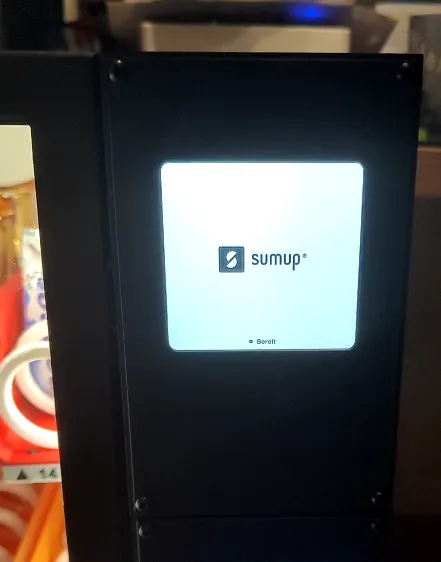
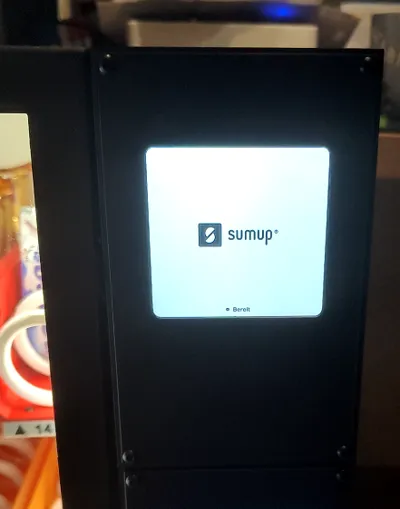
- SumUp housing + solenoid lock
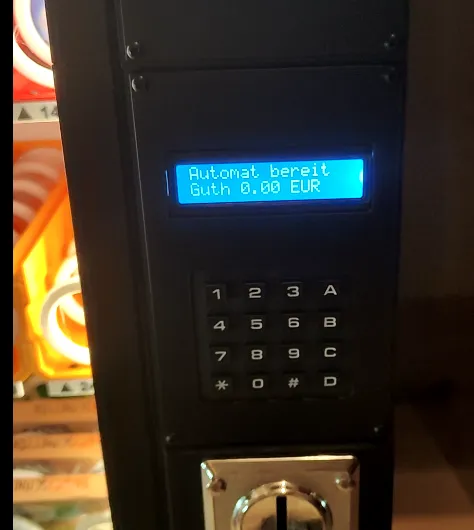
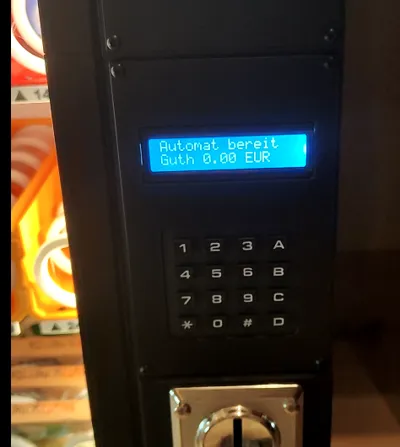
- ESP32 housing (Display + Keypad + SD Card)
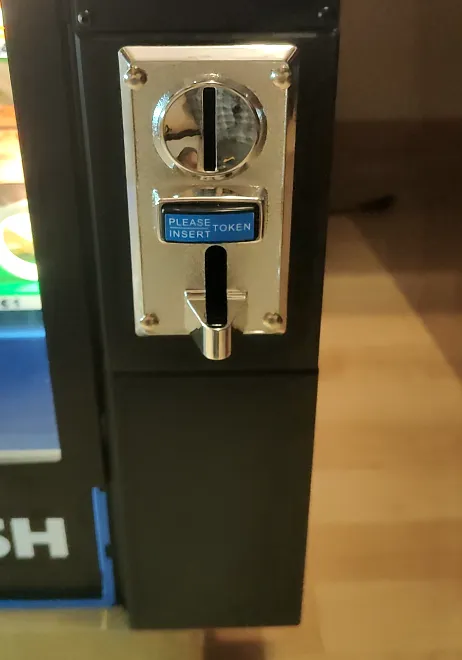
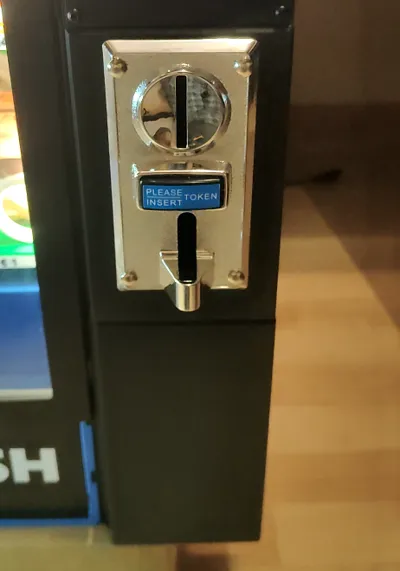
- Coin acceptor housing
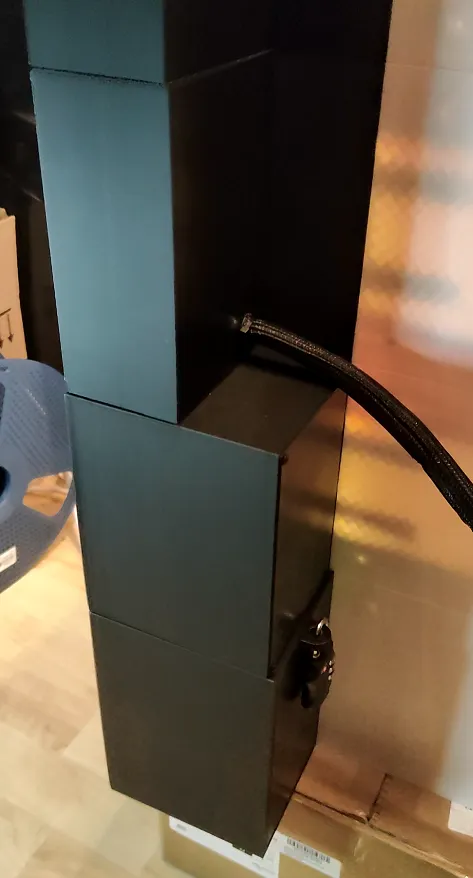
- Coin collector housing + solenoid lock
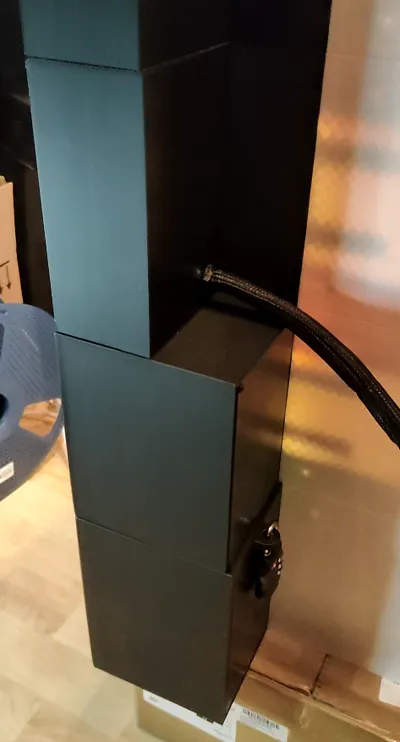
All housings are designed to connect seamlessly, allowing you to route cables cleanly and without hassle. Everything leads to a single cable outlet, making it easy to bundle and sleeve your wiring for a tidy setup.
You can combine this modification with my previously published mod, which improves cable management on the back of the machine. It also includes a second slot for the Motor ESP32:
https://makerworld.com/de/models/2624323-esp32-keypad-housing-backplate-modification#profileId-2897053
Firmware note
You can find the Firmware and all wiring informations on this link:
https://github.com/kreativwelt3d/ESP32-Vending-Machine/
A complete list of electronic components and filament has been added to this project.
This remix is based on

License

You shall not share, sub-license, sell, rent, host, transfer, or distribute in any way the digital or 3D printed versions of this object, nor any other derivative work of this object in its digital or physical format (including - but not limited to - remixes of this object, and hosting on other digital platforms). The objects may not be used without permission in any way whatsoever in which you charge money, or collect fees.


Comment & Rating (5)