
Universal Holder for Double-Rod Mesh Fence, Many Sizes
Print Profile(4)

Description
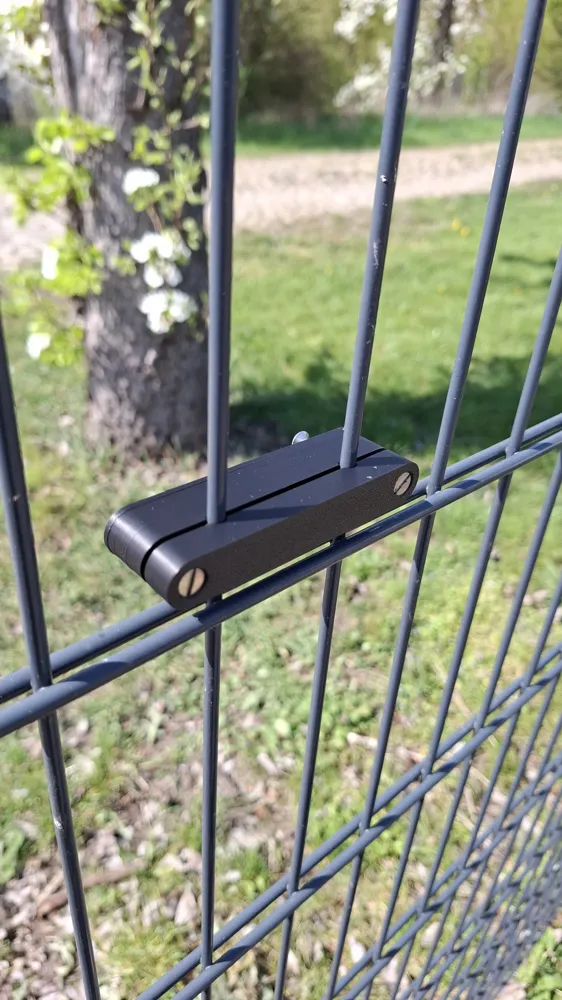
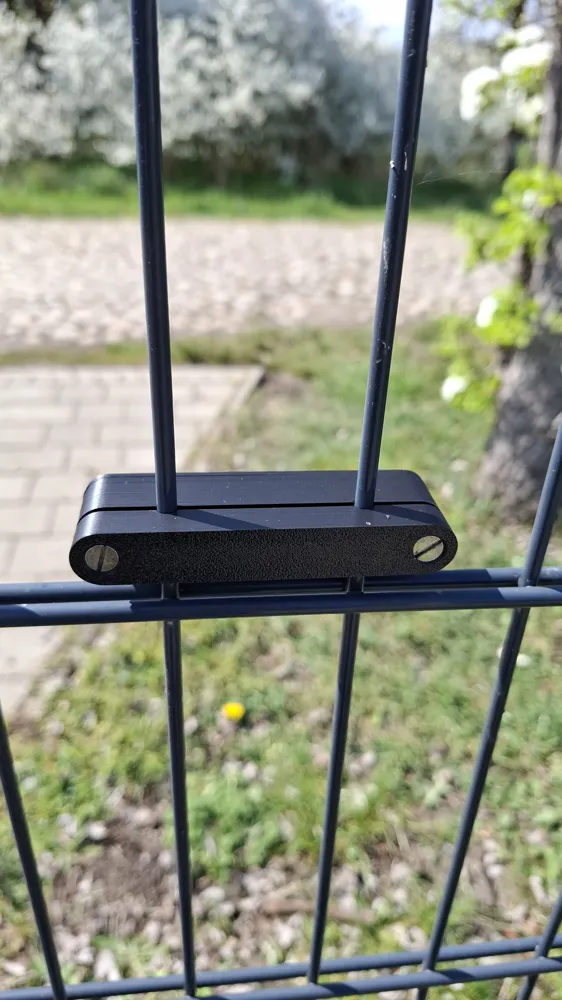
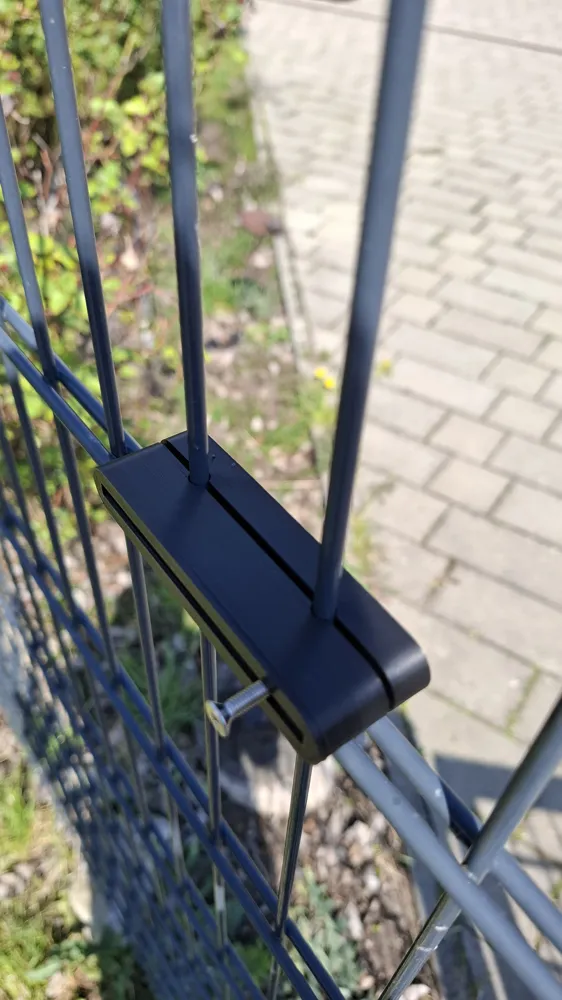
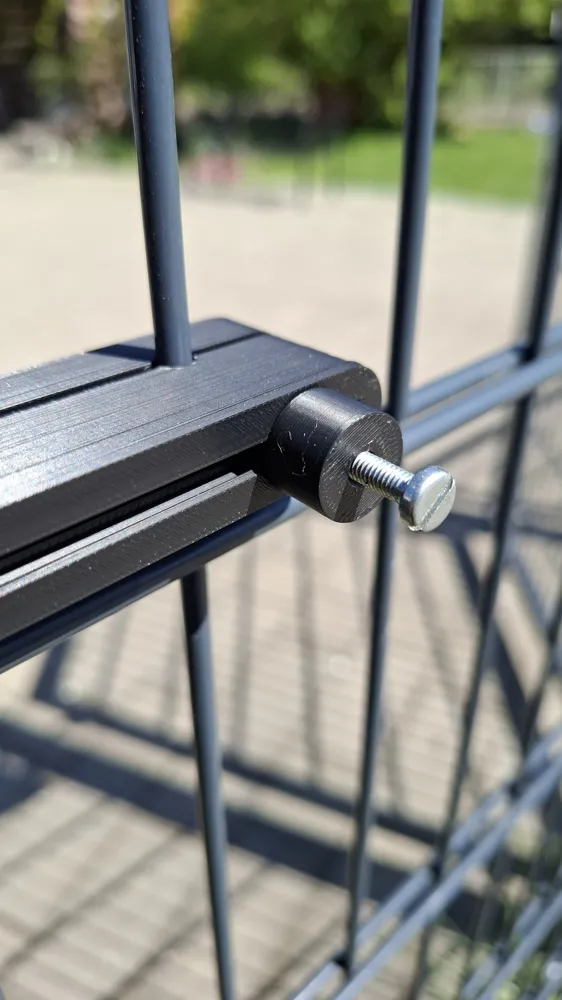
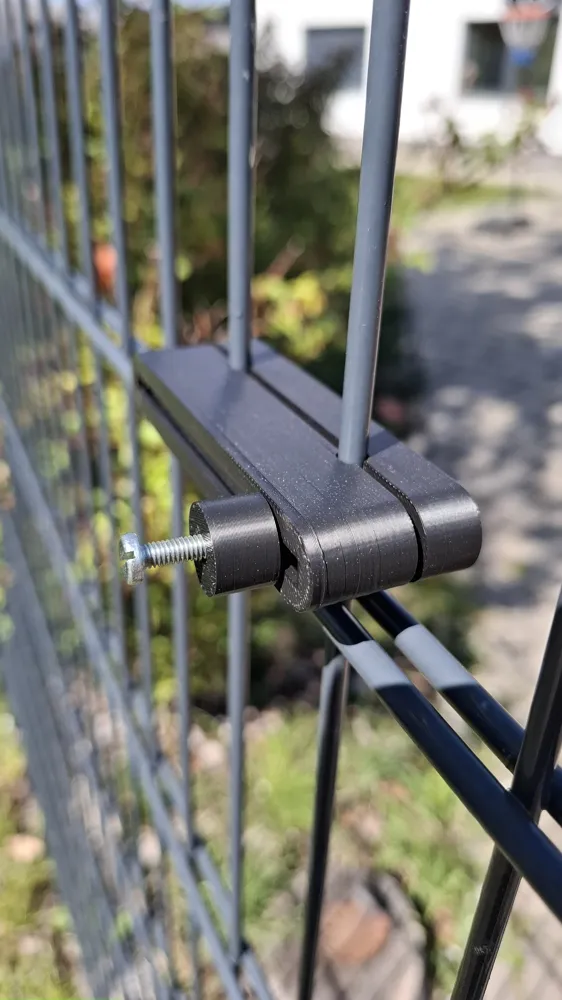
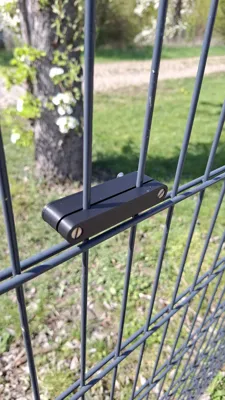
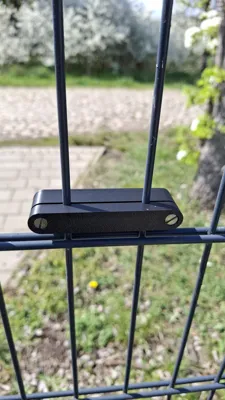
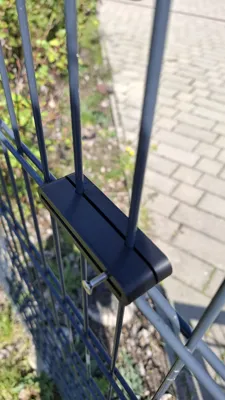
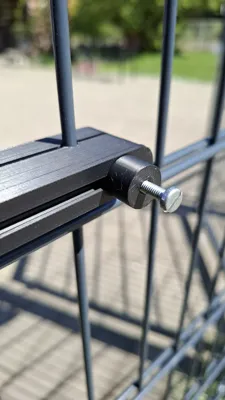
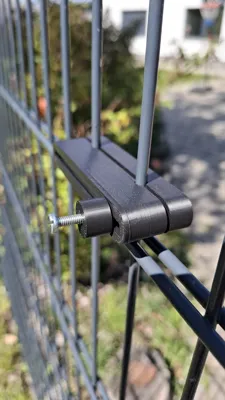
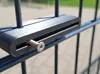
This is a universal holder for standard double-wire mesh fences. Currently, it is designed to accommodate fences with a bar spacing of 50mm. If you have different spacings, please let me know and I will create another variant
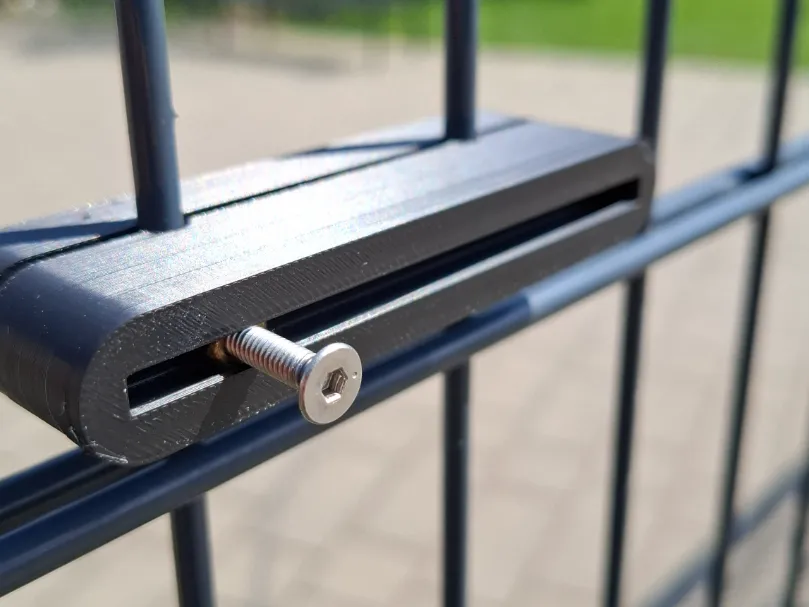
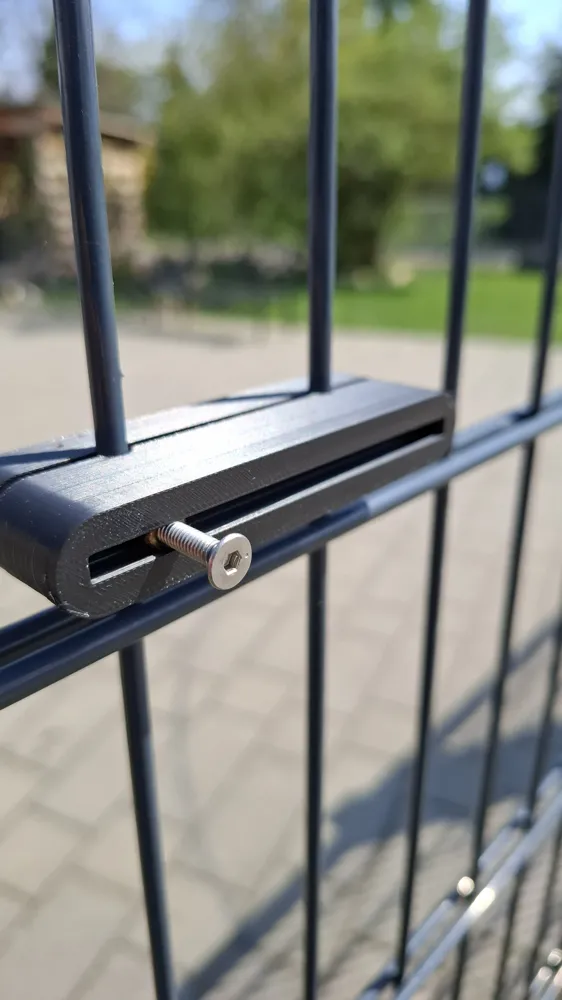
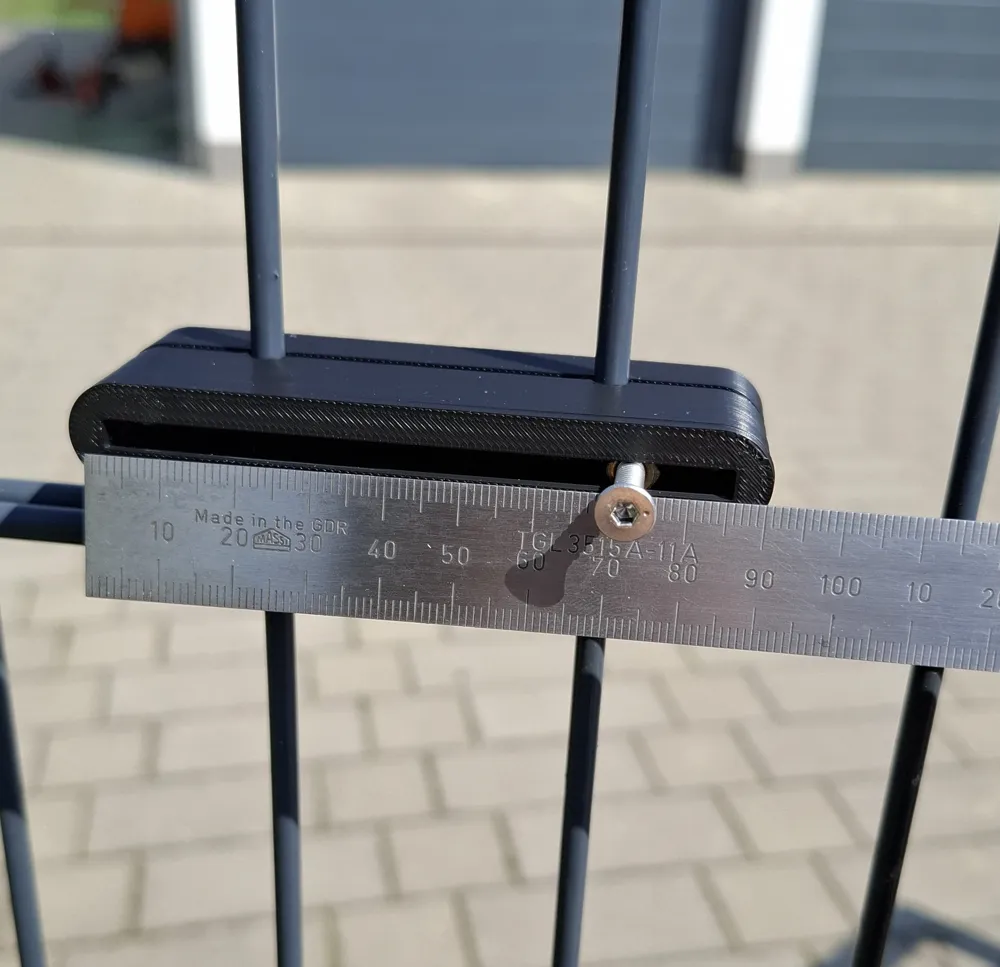
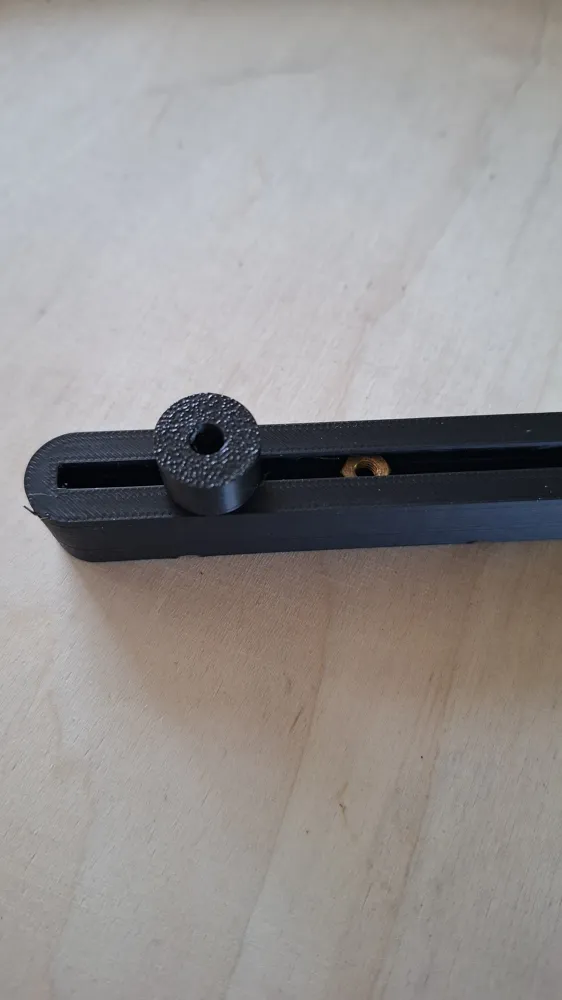
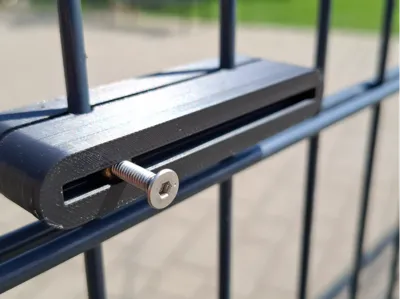
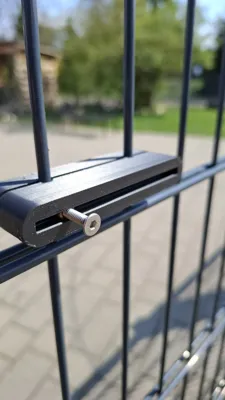
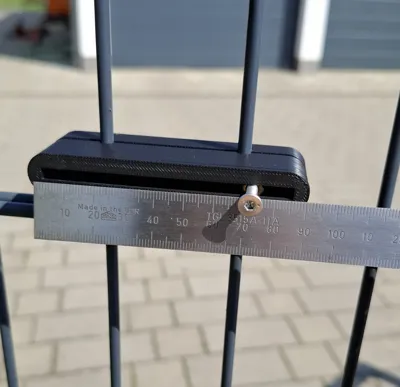
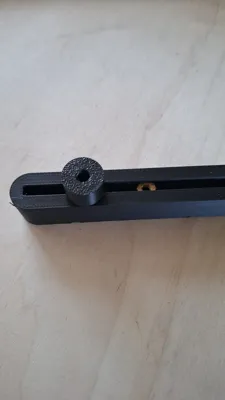
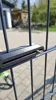
The holder has an adjustment range of approximately 85mm. As shown in the following picture, the mounting nut can be slid into any position in the slot. This should provide almost infinite possibilities for what can be attached there
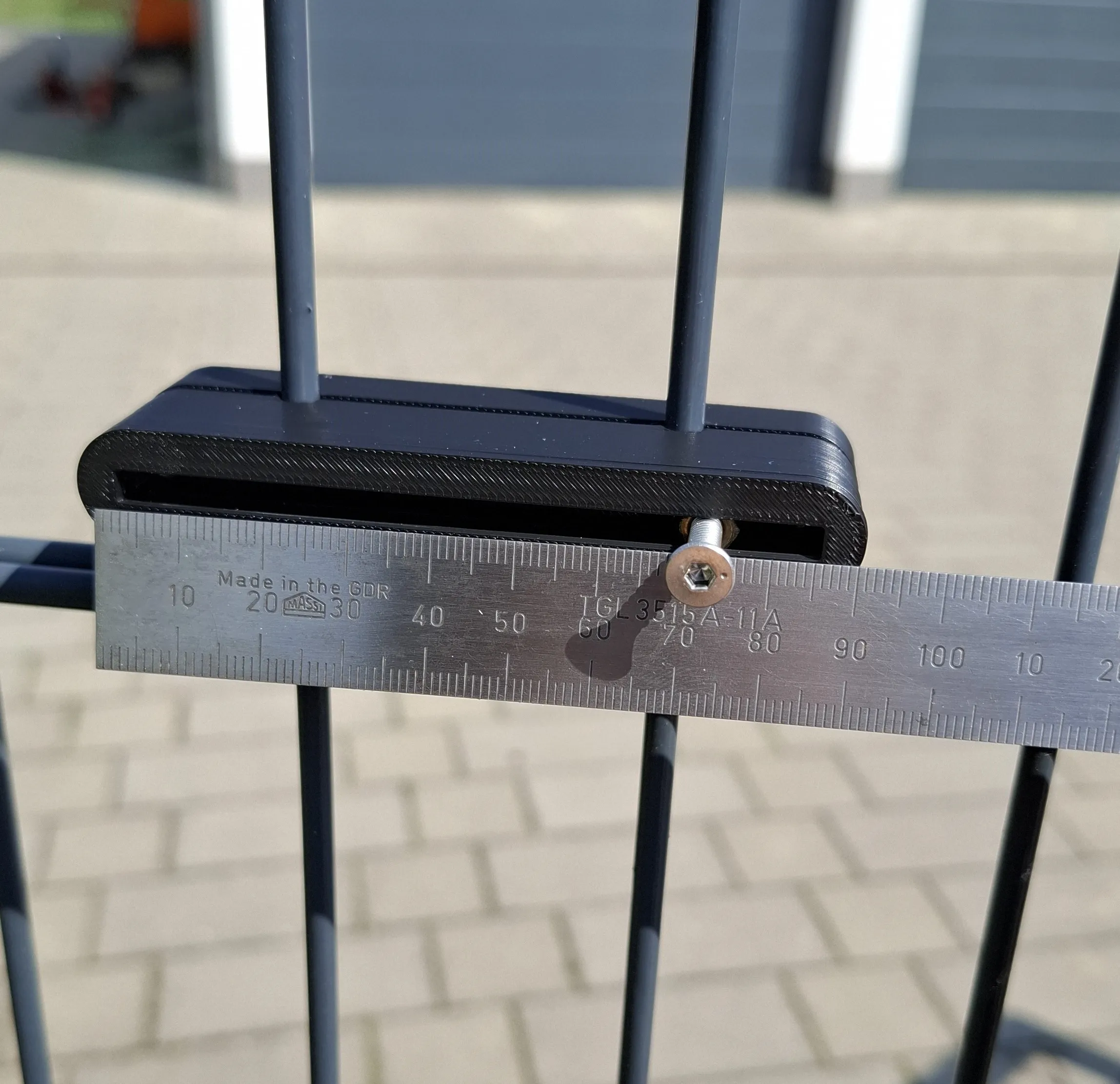
3 M4 nuts are required. Stainless steel ones are best, as the holder is exposed to wind and weather. The print profile is configured to include 2 print pauses. The first pause is for the two nuts to clamp the holder to the fence. When the printer has automatically stopped, please position the two nuts in the designated recesses. Then resume printing using the app or PC. Another pause will then be inserted for the single nut. Of course, several nuts can be inserted into the slot as desired. Then, as with the first pause, resume printing via the app or PC. Furthermore, two M4x18-20 screws are required to attach the holder to the fence
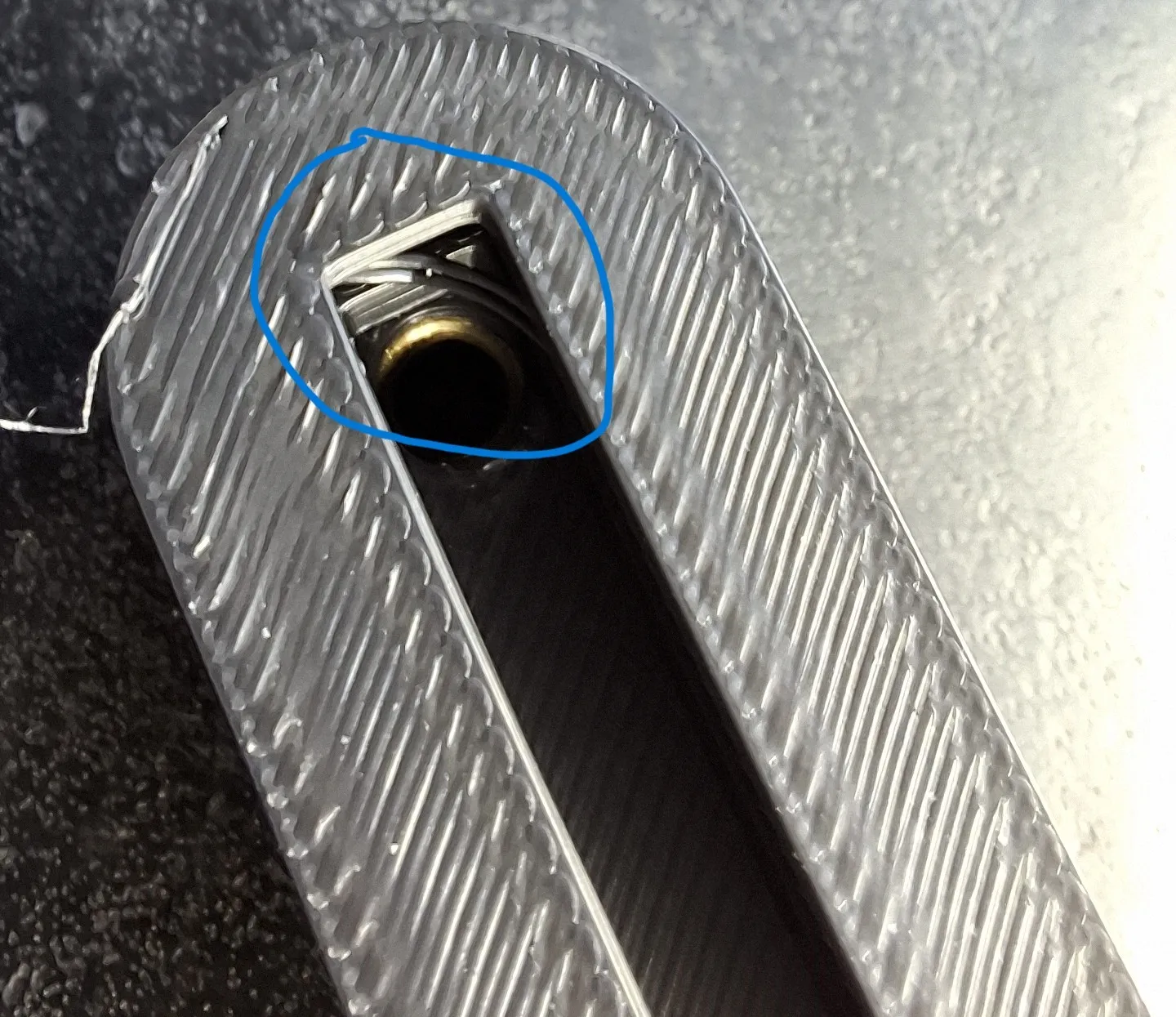
Attention: the upper slot is printed without support material. Therefore, thin threads (see picture) may be drawn in the slot. At least that was the case with my test prints. Simply remove these. After printing, slide the nut back and forth a few times in the slot to ensure it moves freely
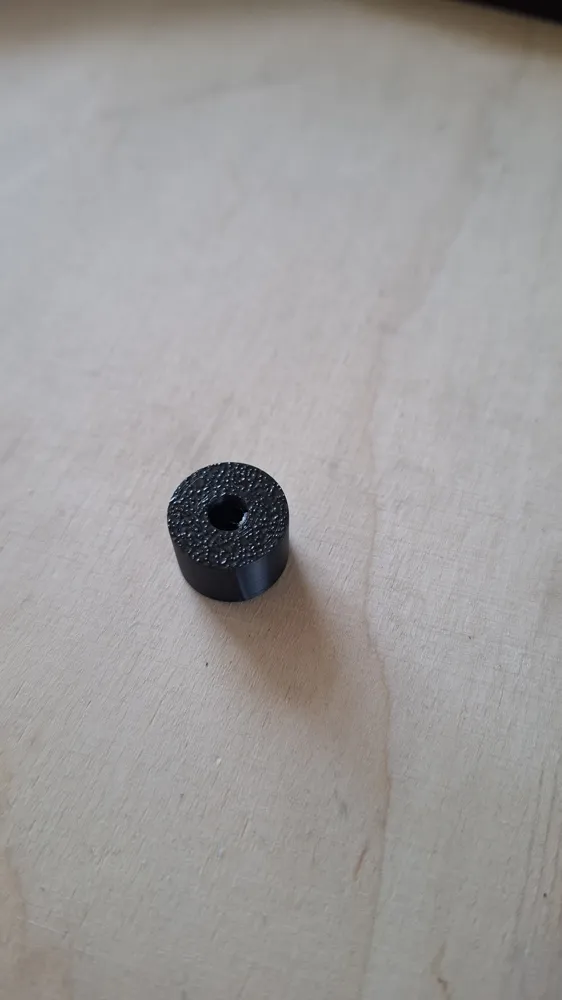
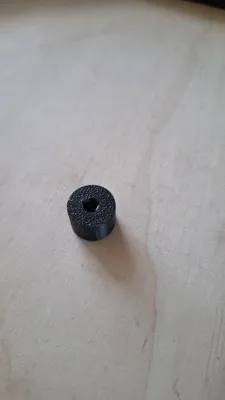
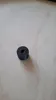
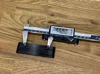
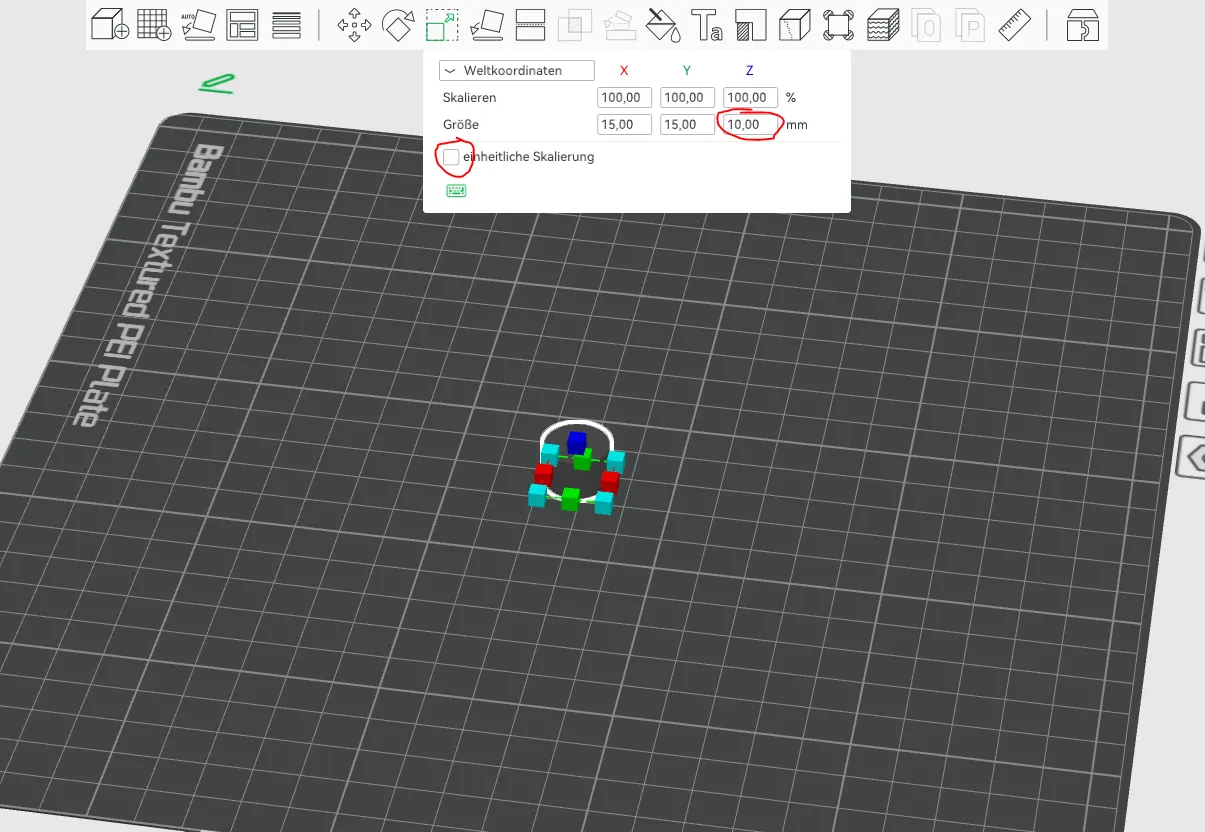
I have also provided a print profile for a suitable spacer sleeve. Currently, it has a height of 10mm, but it can be easily adjusted in length along the Z-axis in the Slicer. Please keep in mind that this is all just plastic and the laws of leverage always apply :-). When scaling, deactivate uniform scaling, otherwise the X and Y axes will also be adjusted accordingly
Edit 12.06.26 Variant with 30mm bar spacing added. However, this has a small adjustment range because the bars are closer together
If you like my work, please leave a like, a comment, and a boost. Even if something doesn't fit, just contact me, because there is a solution for everything. Do you have ideas for a printed part, but cannot operate a CAD program yourself, let me know and I will check the feasibility.
Boost Me (for free)
License

You shall not share, sub-license, sell, rent, host, transfer, or distribute in any way the digital or 3D printed versions of this object, nor any other derivative work of this object in its digital or physical format (including - but not limited to - remixes of this object, and hosting on other digital platforms). The objects may not be used without permission in any way whatsoever in which you charge money, or collect fees.


Comment & Rating (10)