
Hot Wheels Little Free Library
Print Profile(1)
Description
Boost Me (for free)
Please Boost!!
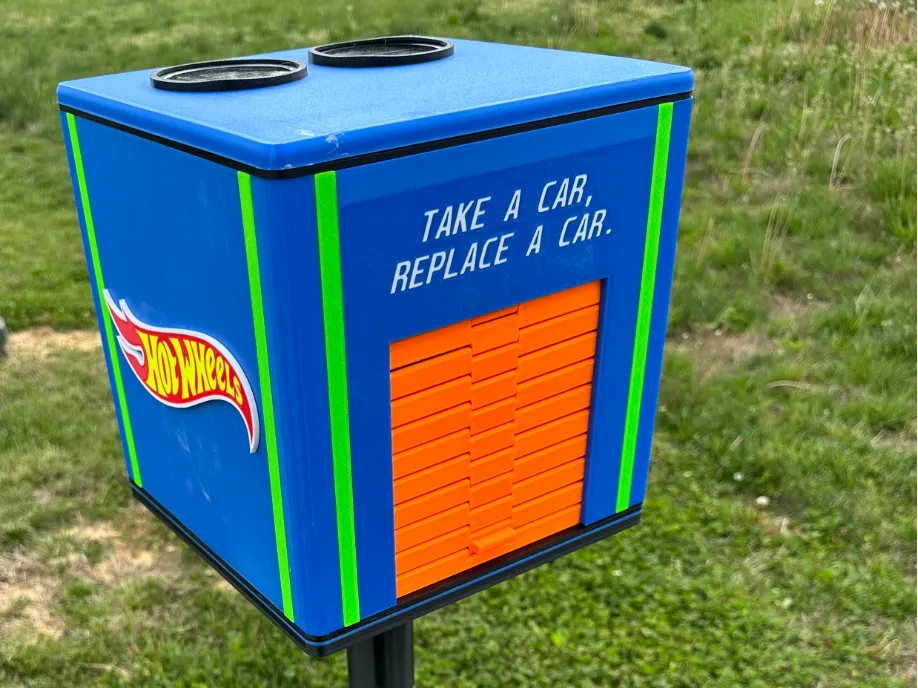
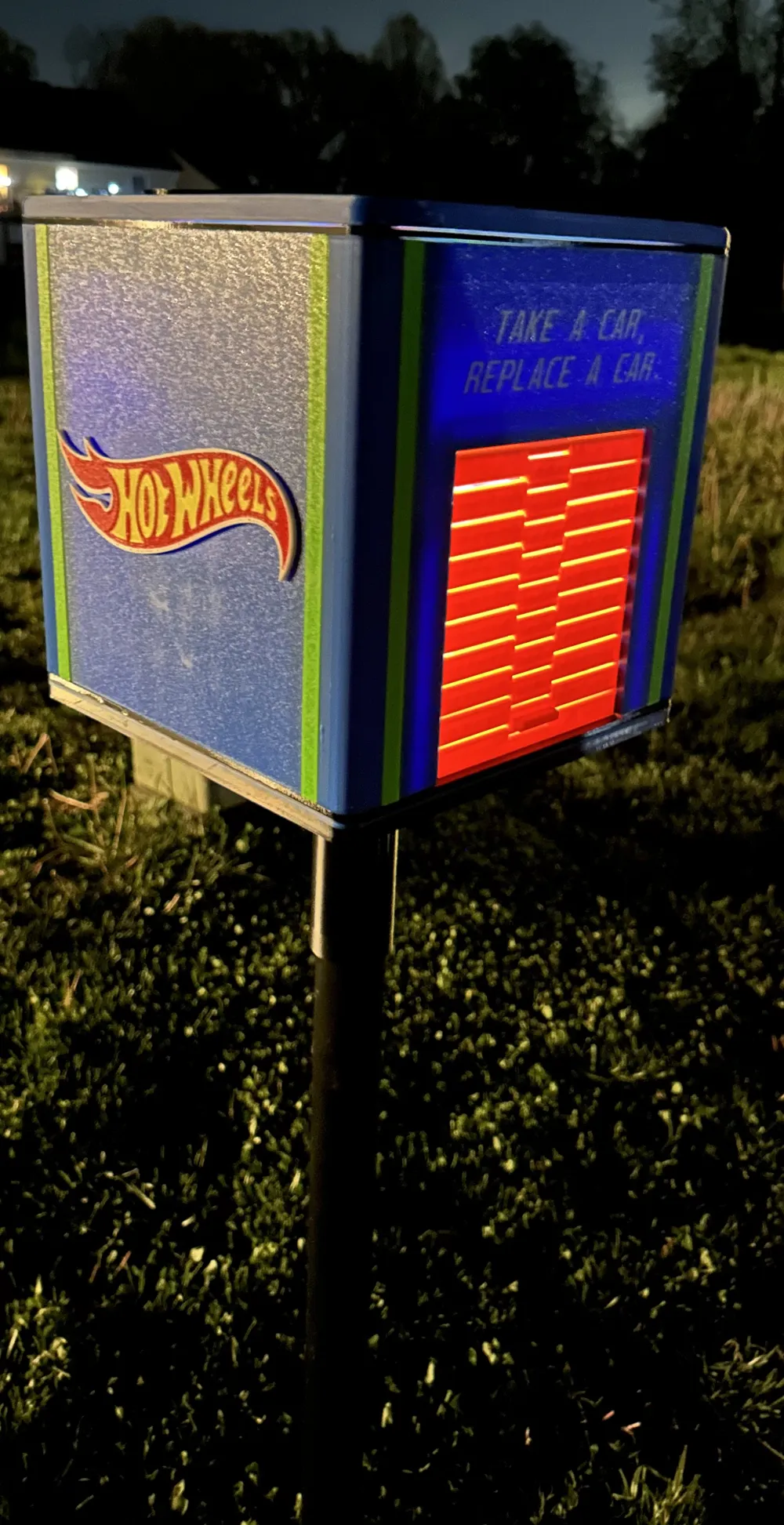
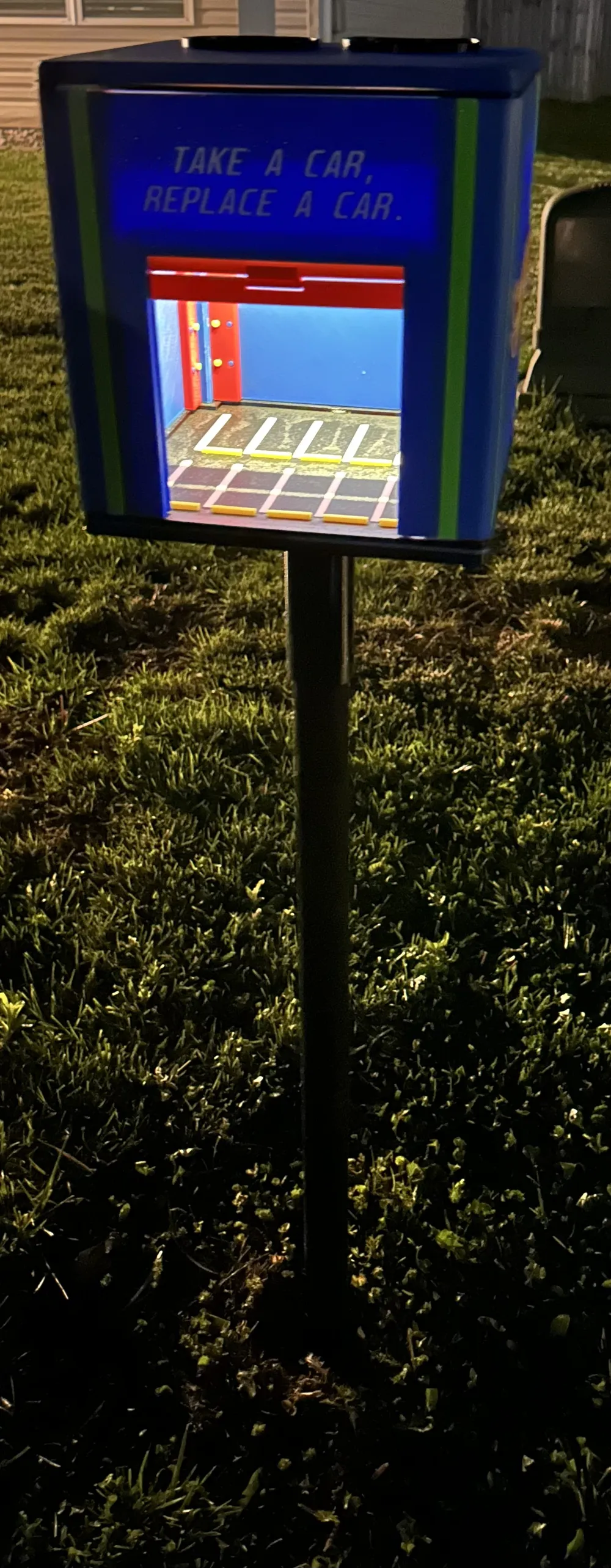
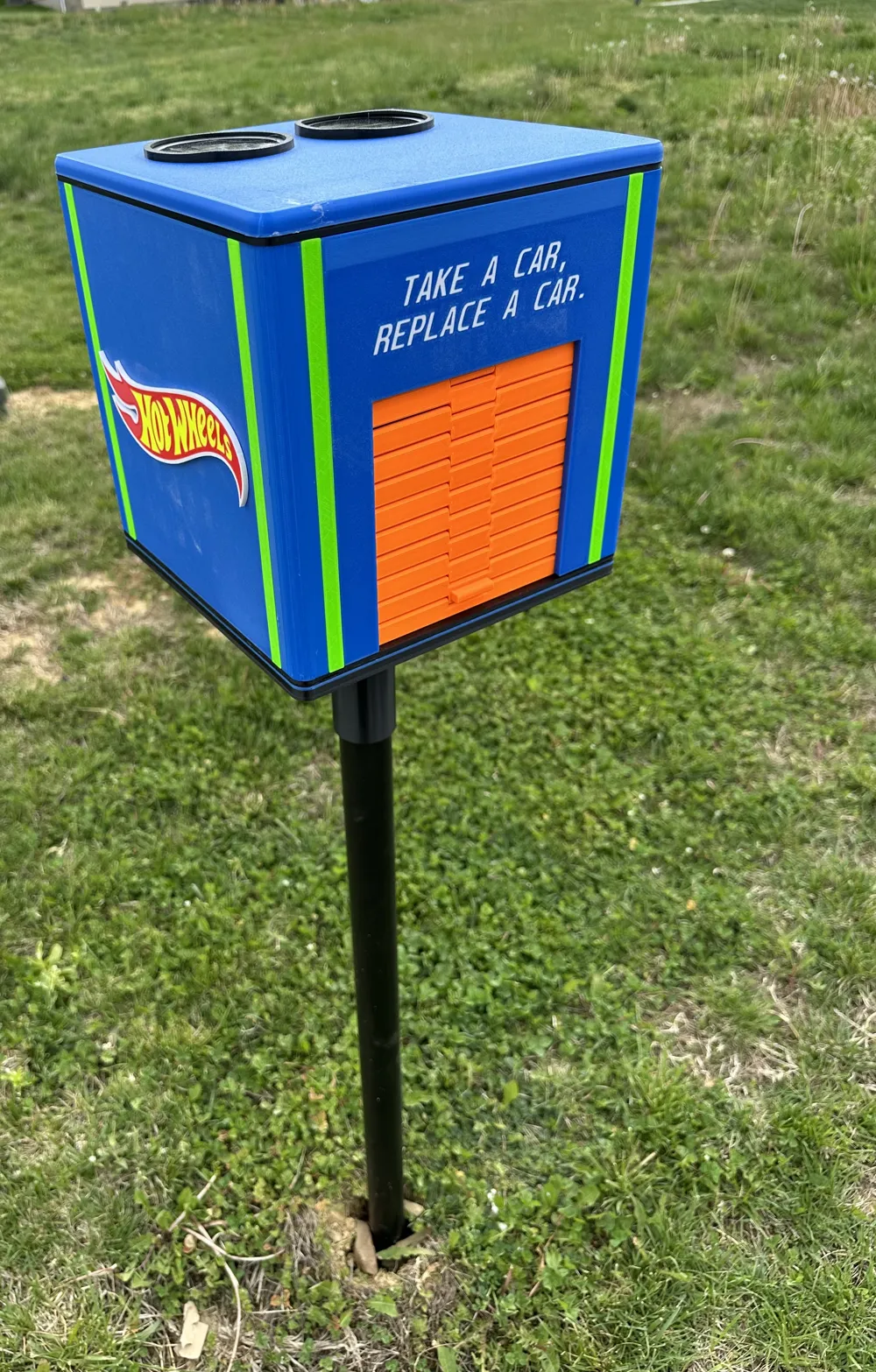
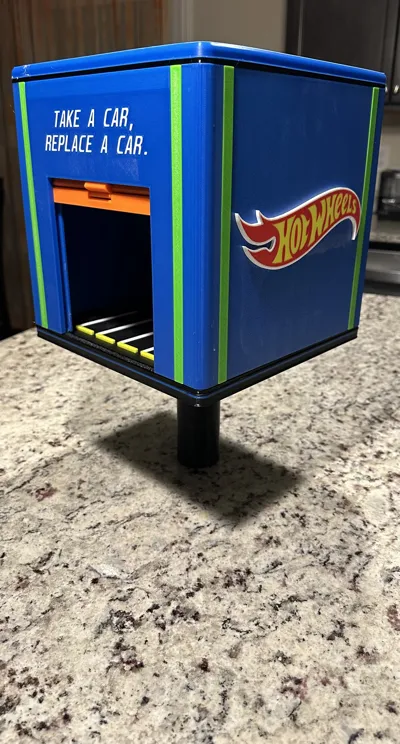
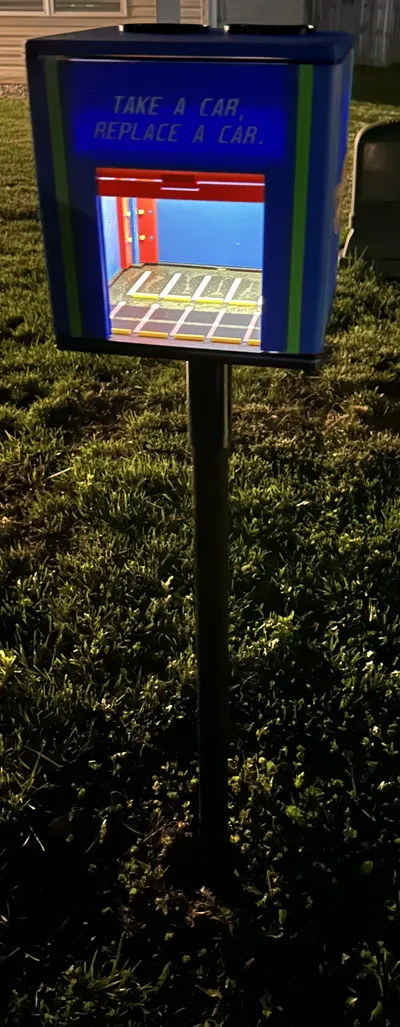
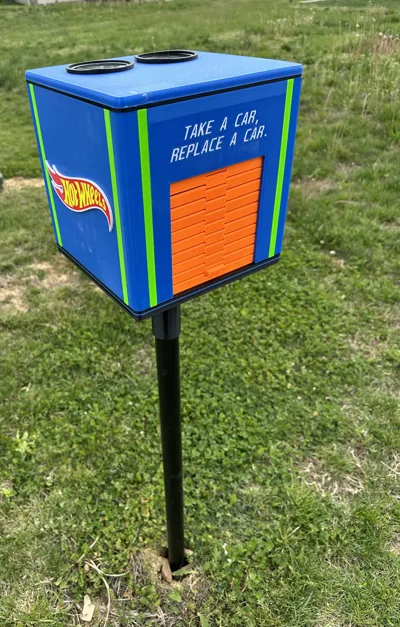
LITTLE FREE LIBRARY, BUT FOR HOT WHEELS!!!
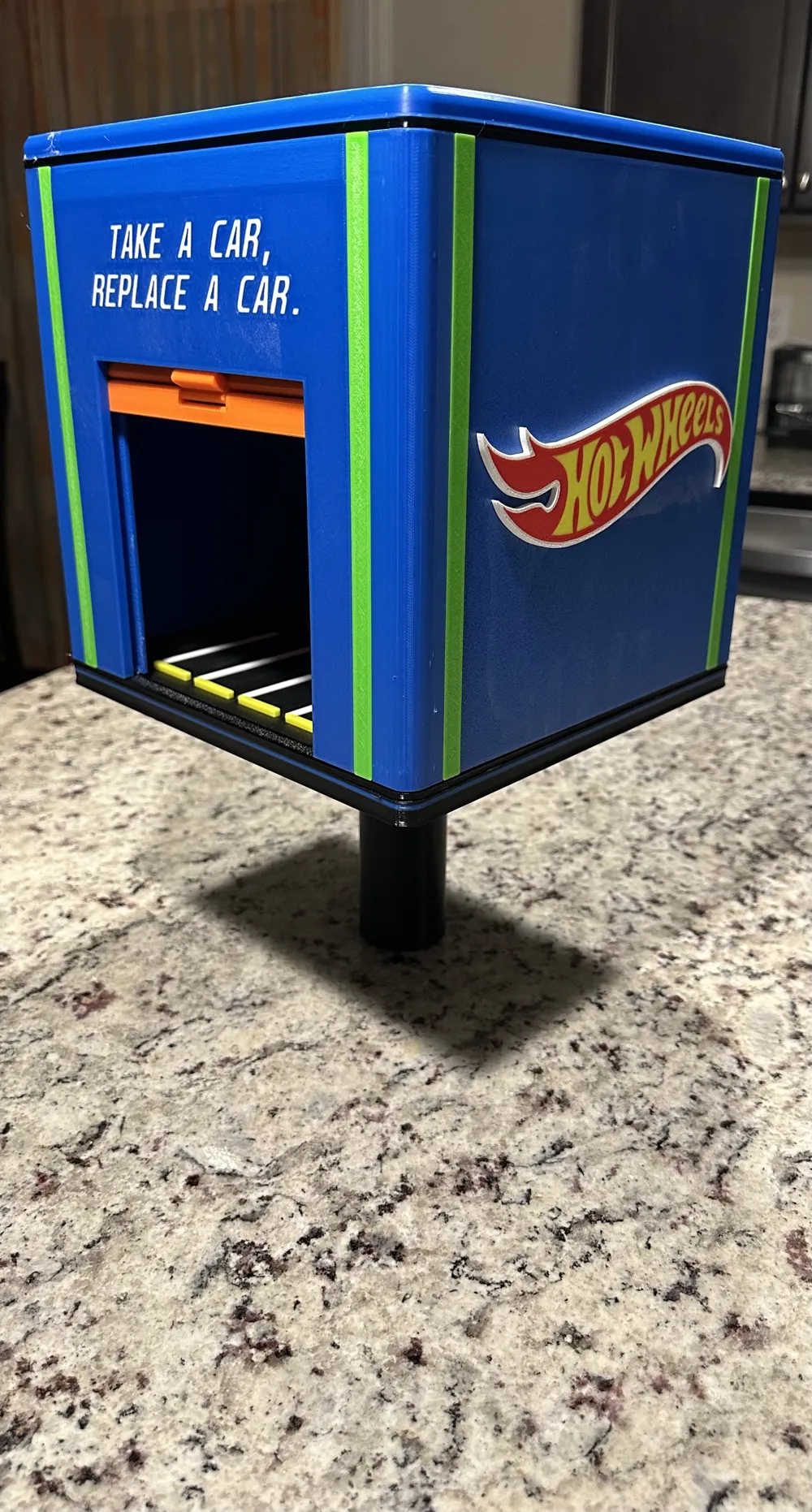
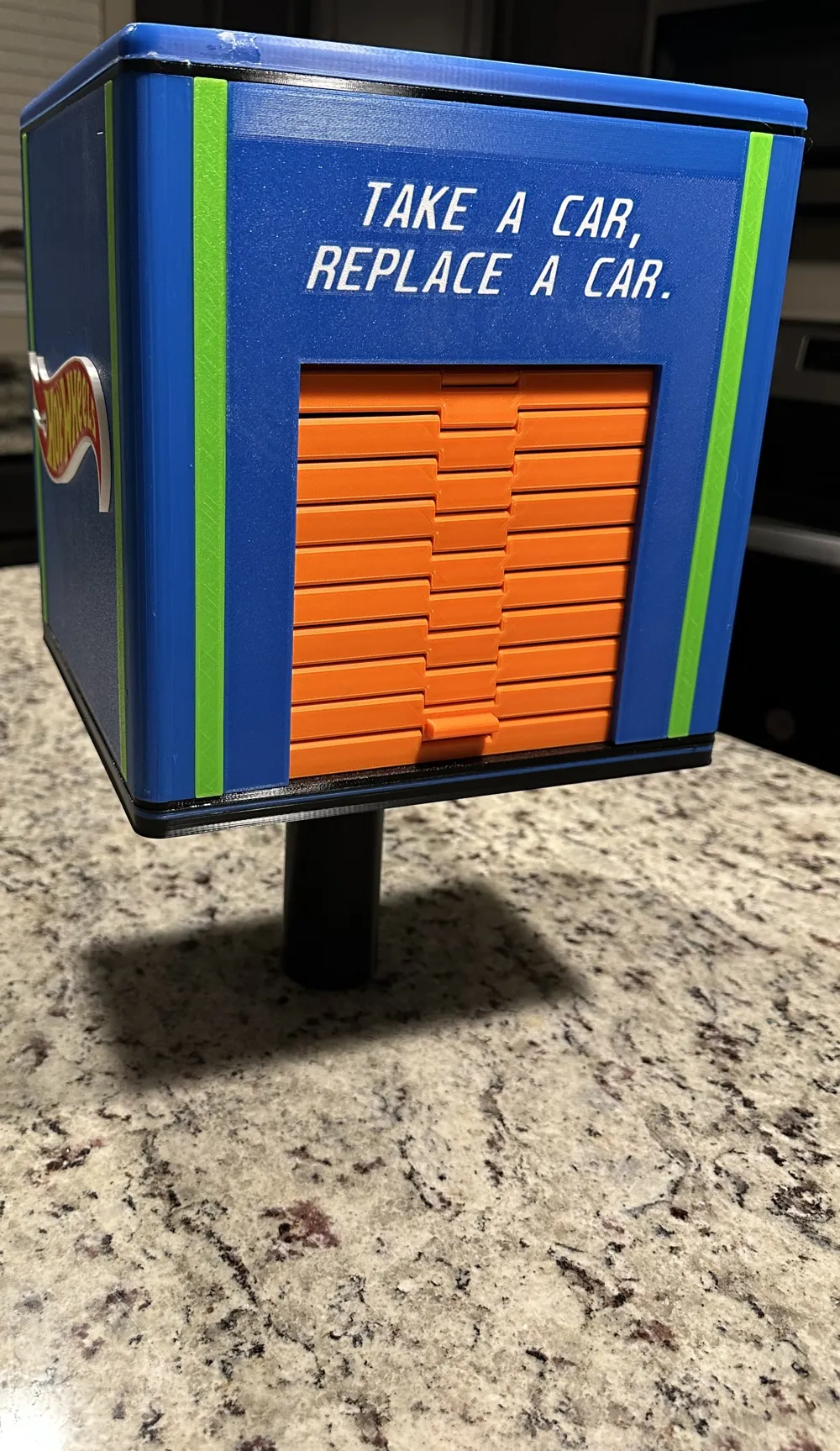
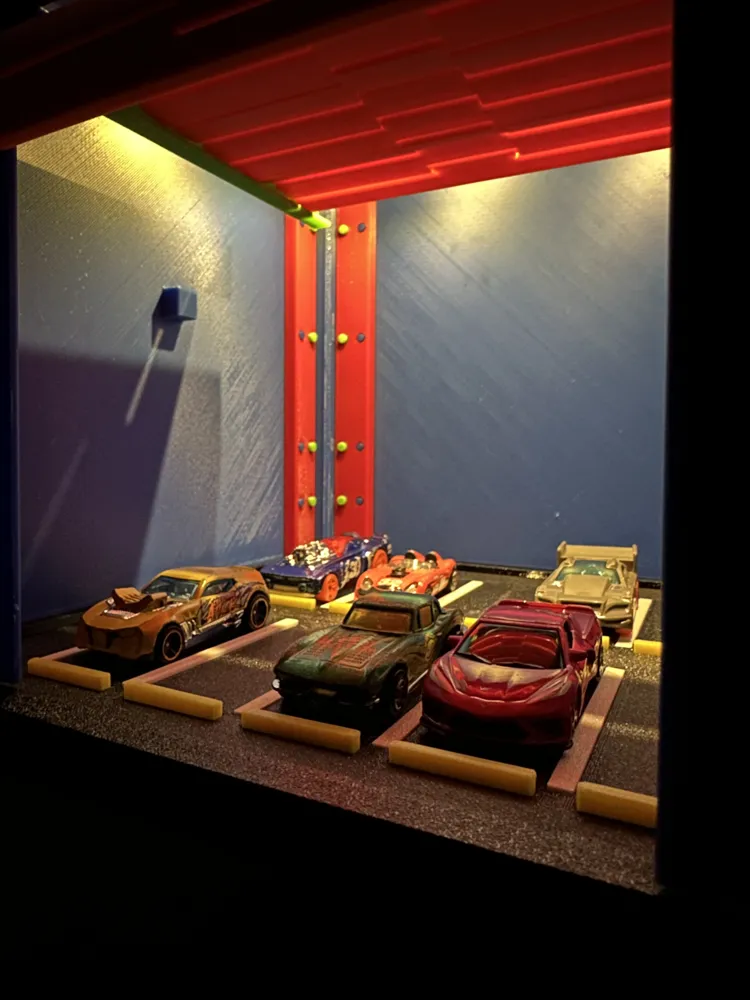
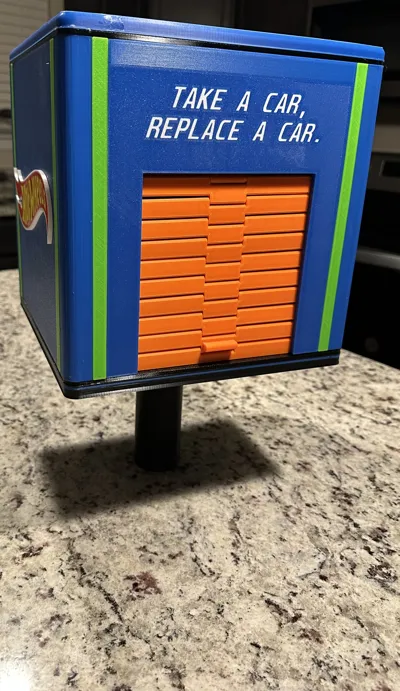
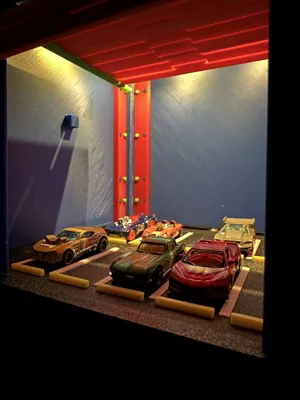
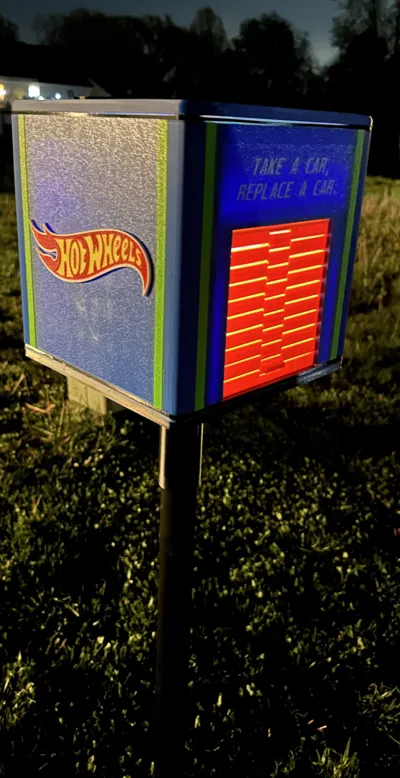
My wife had came up with the idea of making a Little Free Library, but instead of books we wanted to share our child's love of Hot Wheels with the other kids in the neighborhood! Wanted to make something cool and fun for kids to see and get excited about. So set out to design my own box and garage style door and tried my best to keep it Hot Wheels themed! If nothing use and you don't want it as a Little Free Library it could be use as a toy garage for hot wheels!
~Please note that some glue maybe required when constructing the model!!~
- Tops and bottom pieces are provided as an STL and are NOT in the main print profile. Wasn't aloud to use modified bed value please below with more instructions!
-I have designed the top for solar lights and the bottom to fit on a 1-1/2in PVC pipe, but I provided some flat top/bottom pieces if you wish to not use solar lights or if you choose to use a flat bottom to sit the garage box on something instead.
-Link for Solar Lights - https://www.amazon.com/dp/B0F8H77STC?ref=ppx_yo2ov_dt_b_fed_asin_title&th=1
-If you choose to use the bottom for the PVC pipe their will be pegs to print seprately since it has to be printed upside down.
-TPU gaskets are not needed, but I just used them to help as much water from rain out as much as possible.
-Everything is print in place.
-Make sure garage door is installed onto the front before putting everything together. I made it a little longer so it would already be guided in the -tracks and help with lifting the door. (Door will loosen up the more you open and close it)
-I would leave the walls (Blue) unglued if possible to help with any maintenance or repairs that maybe needed of something breaks just to make things easier to get to. I only glued the spacers to the corners and those to the spacer connectors. Also glued the Hot Wheels logo on the sides as well along with the garage floor and floor pieces for the parking spots.
!!!!PLEASE READ!!!!
If you are using a P1P/P1S/X1C you will need a bed extender piece for the Tops and Bottoms. Also for the TPU Gasket and black garage floor!
Use this link for that extender. https://makerworld.com/en/models/589249-bed-extender-stopper-blocker-remix-p1-x1-series?from=search#profileId-510584 I did not design this and did not want to steal their credit and work!
Once the bed extender is in got to the printer settings and delete the Bed exclude area and change the printable height to 256.
Just note that instead of finishing the print it will pause to cut the filament. DO NOT hit “resume print” or it will knocked off the extruder cover. Once the print has paused just stop.
Their are two different projects saved for this because of the larger prints.
License

You may create derivative works based on this object, provided that all such derivative works are published exclusively on the MakerWorld platform and include proper attribution to the original creator. You may not share, upload, host, distribute, or publish this object—or any derivative work of this object—on any other digital platform, marketplace, or distribution channel. Commercial use of this object and any derivative works is strictly prohibited. This includes, but is not limited to, selling, renting, sublicensing, or using the object in any context in which you receive monetary compensation or other financial benefits.


Comment & Rating (30)