
HueForge (6 Colors - 1 AMS) BMW E36 JP Performance
Print Profile(1)

Description
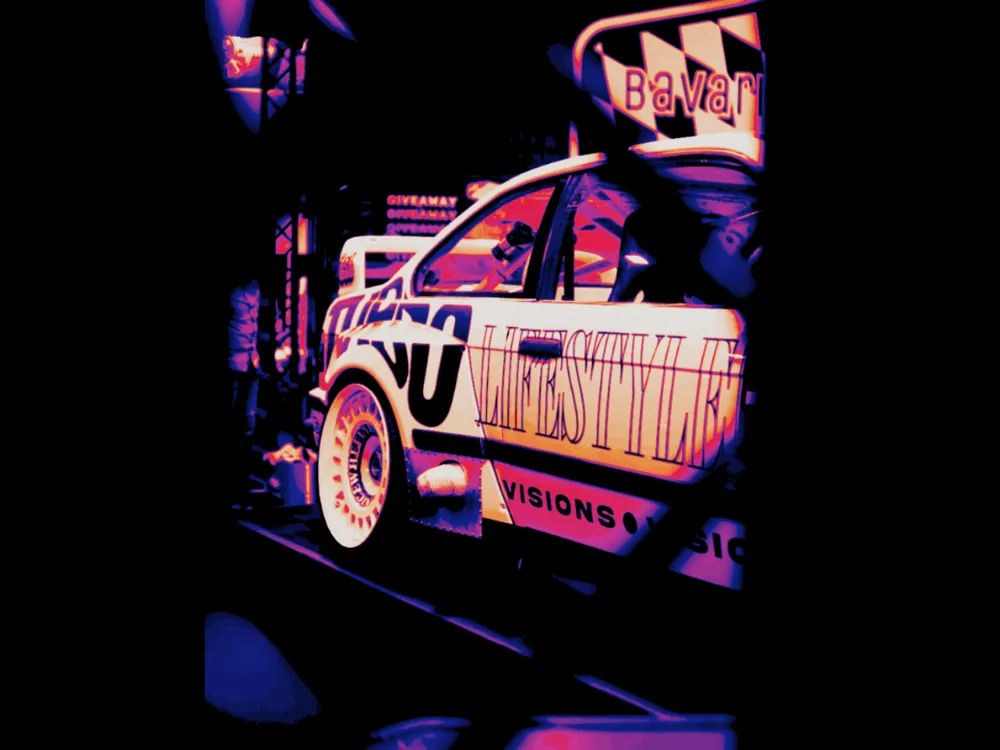
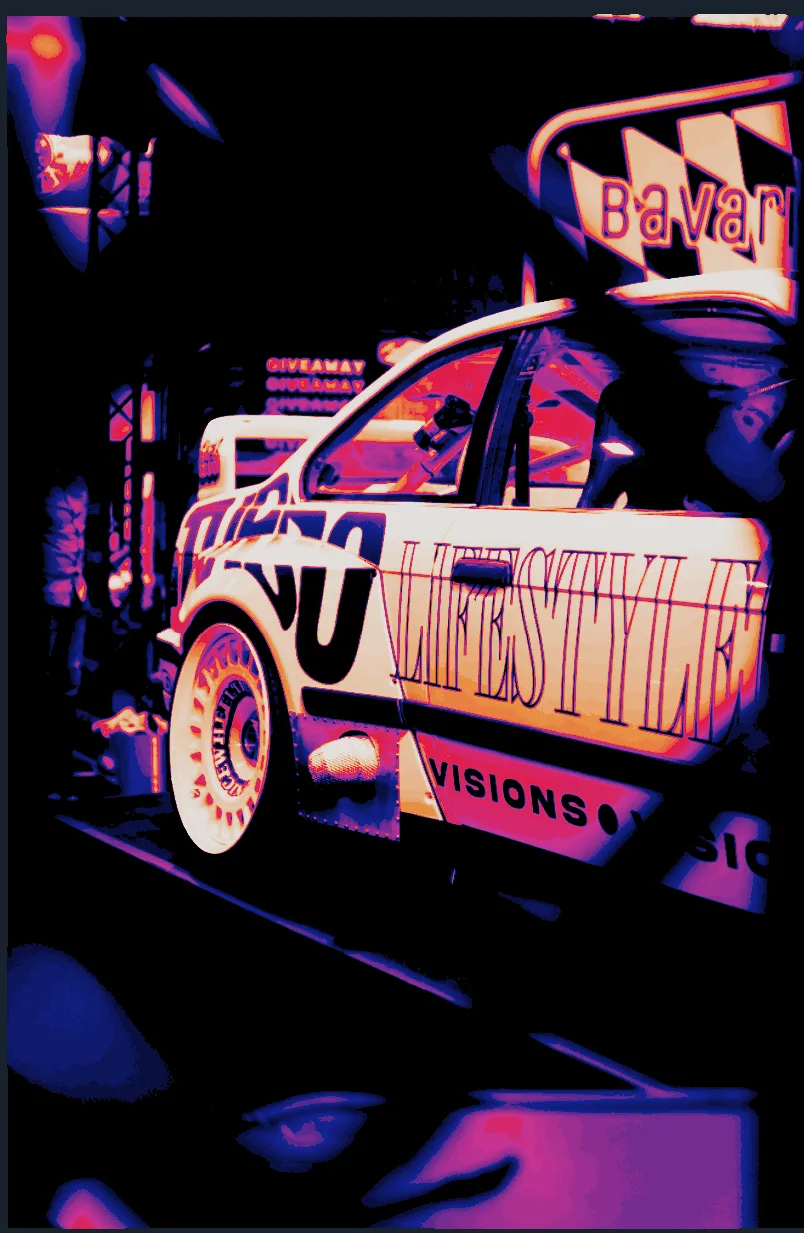
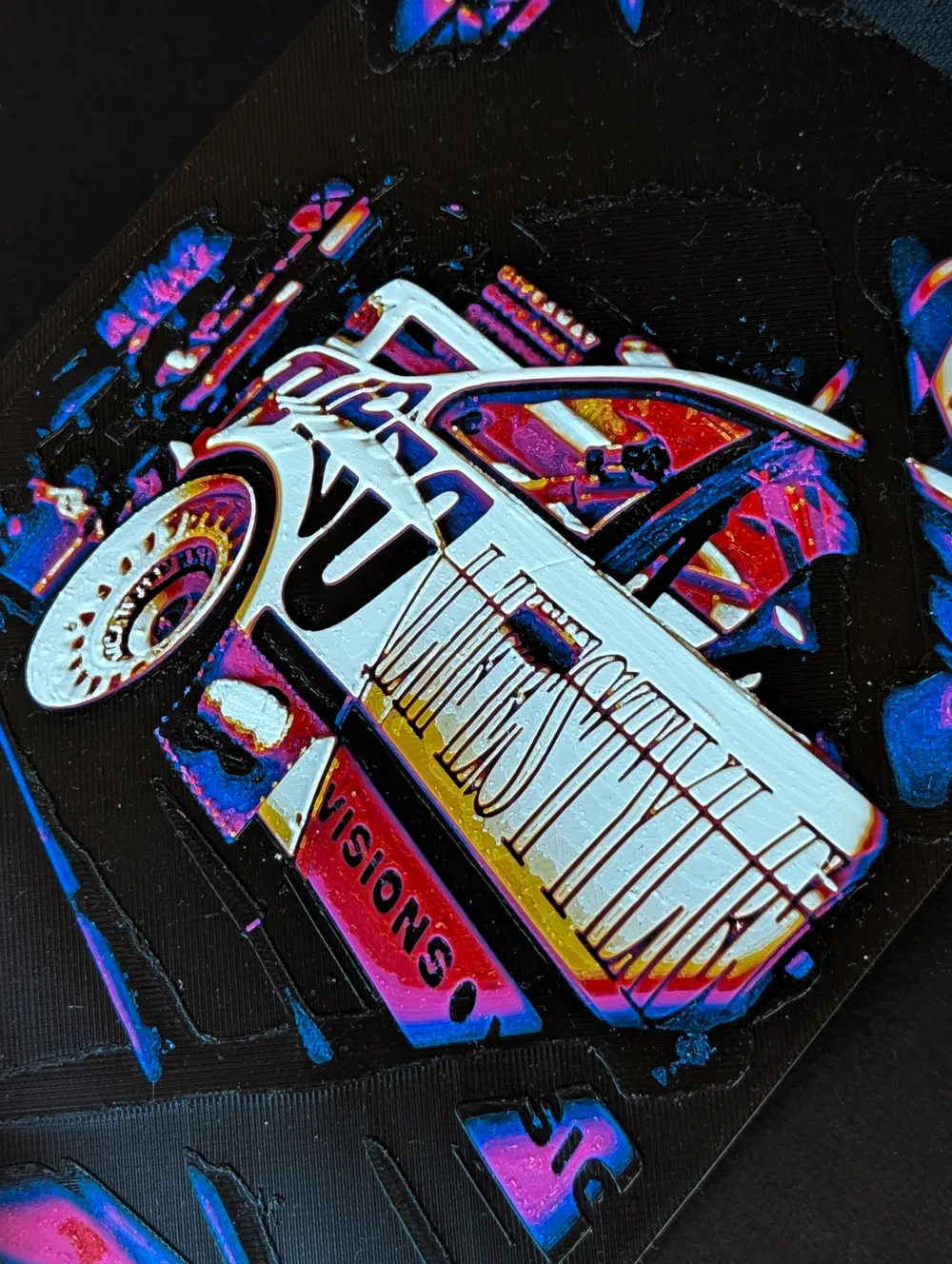
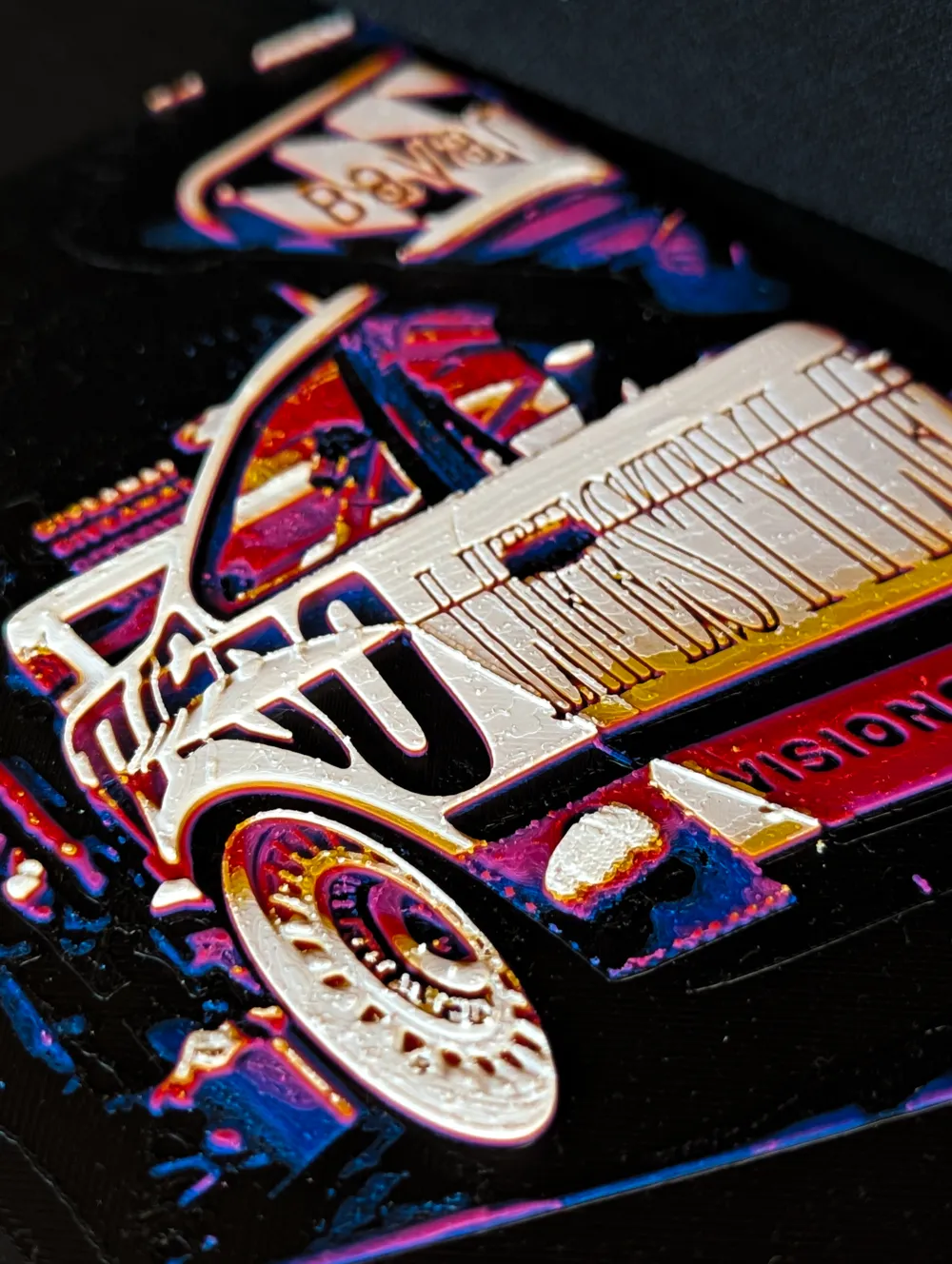
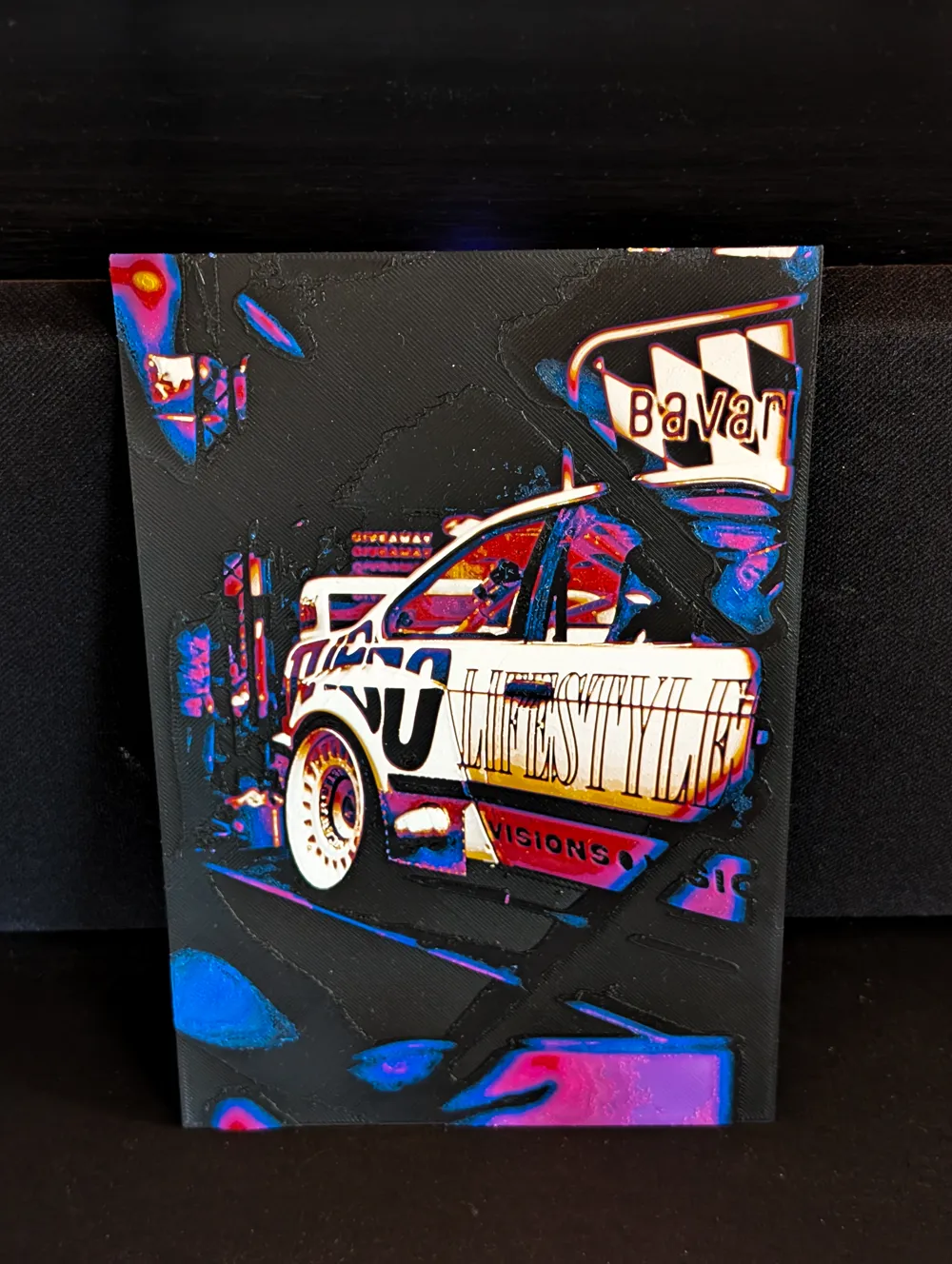
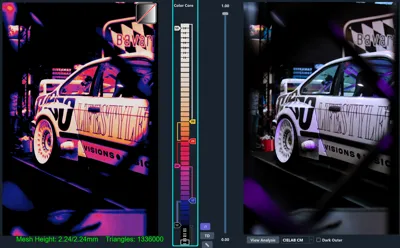
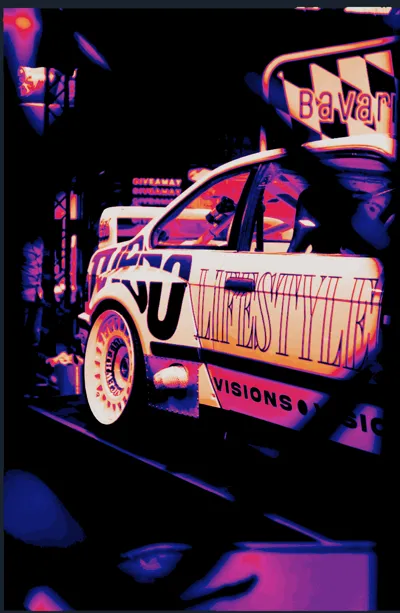
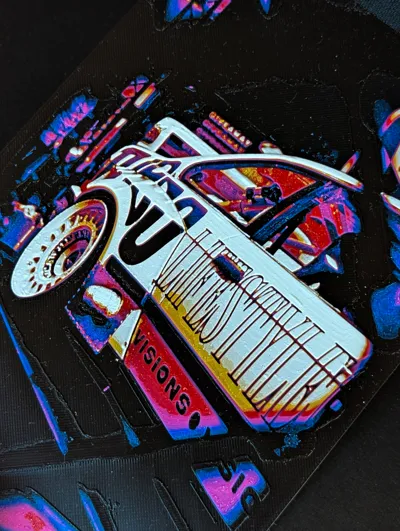
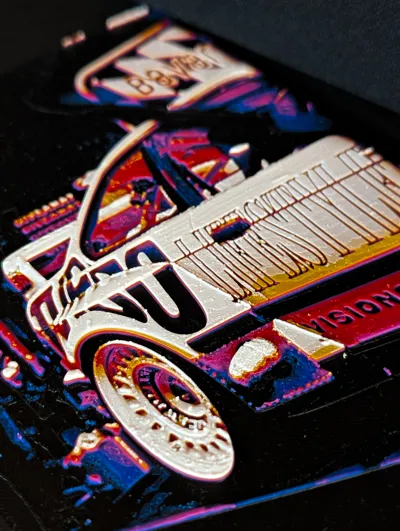
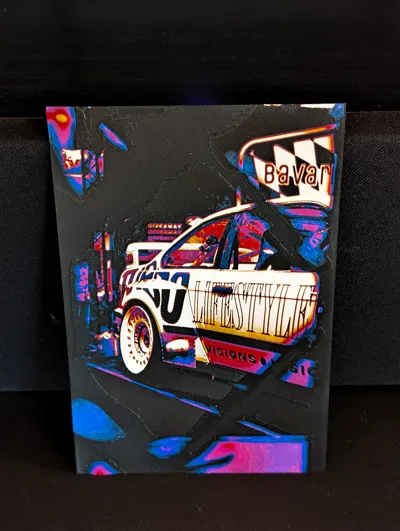
JP Performance BMW E36 - Essen Motorshow (6-Color HueForge)
This model features the legendary JP Performance BMW E36, captured at the Essen Motorshow. To capture the original's color depth, this HueForge image has been optimized for 6 colors.
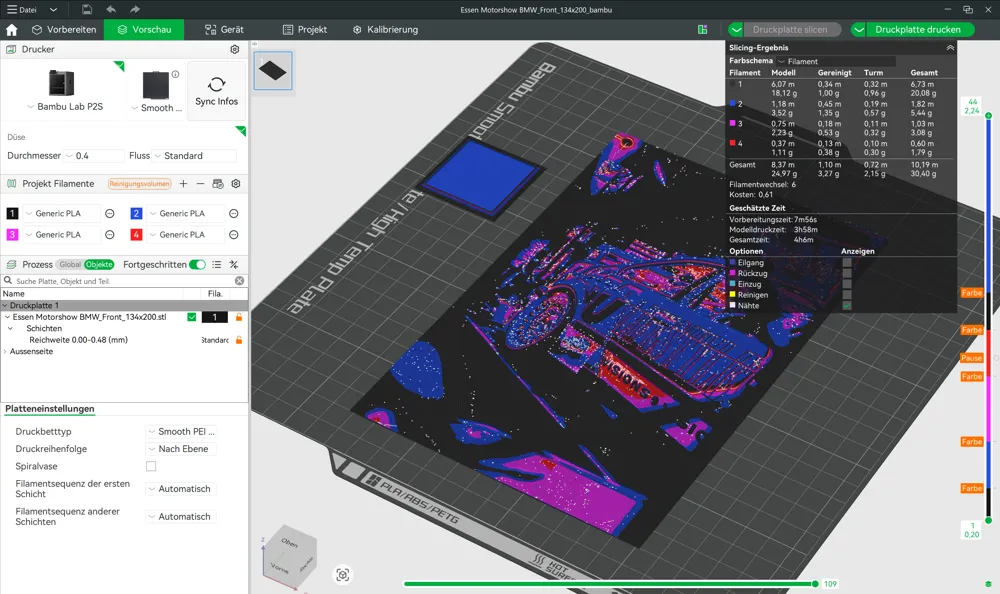
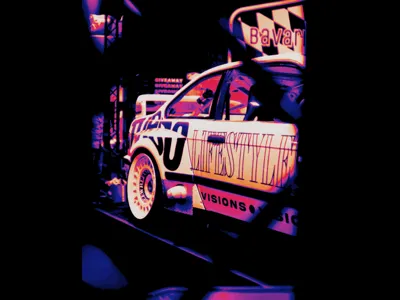
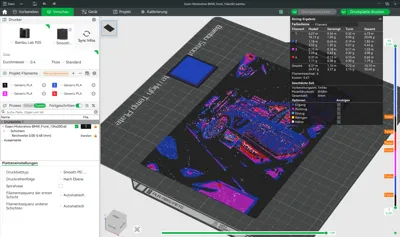
⚠️ IMPORTANT NOTE ON SLICER APPEARANCE
Please don't be surprised: In the slicer preview, the image looks different from my photos! Since Bambu Studio does not officially support 6 colors for a 4-slot AMS, we use a special trick. The file is prepared in such a way that, despite the incorrect colors in the slicer, it ultimately delivers the perfect 6-color result. This is a special feature of my file to get the most out of the AMS!
📥 Download & Print Details
- File: Please use the 3MF file under "STL/CAD". Only here are the 0.04 mm layer height and the exact pauses correctly stored.
- Nozzle: Printed with a 0.4 mm nozzle.
- Layer height: 0.04 mm (Base Layer up to 0.48mm possible with 0.2 mm layer height).
- Image size: 134 x 200 mm
🛠 The Trick: 6 Colors with just one AMS (4 Slots)
The printer is programmed to pause at critical points, allowing us to rotate filaments in the AMS:
- Preparation: We start with 4 colors in the AMS.
- The Pause: The printer automatically stops at the pre-set point.
- The Manual Change:
- Remove the already used colors Black (Slot 1) and Blue (Slot 2) from the AMS.
- Insert the new colors Yellow (in Slot 1) and White (in Slot 2) in their place.
- Simply push the new filament into the feed funnel until the AMS grips it.
- Continue Printing: Press "Resume". The printer will now use the new filaments for the remaining layers.
🎨 Filaments & Change Instructions (HueForge Data)
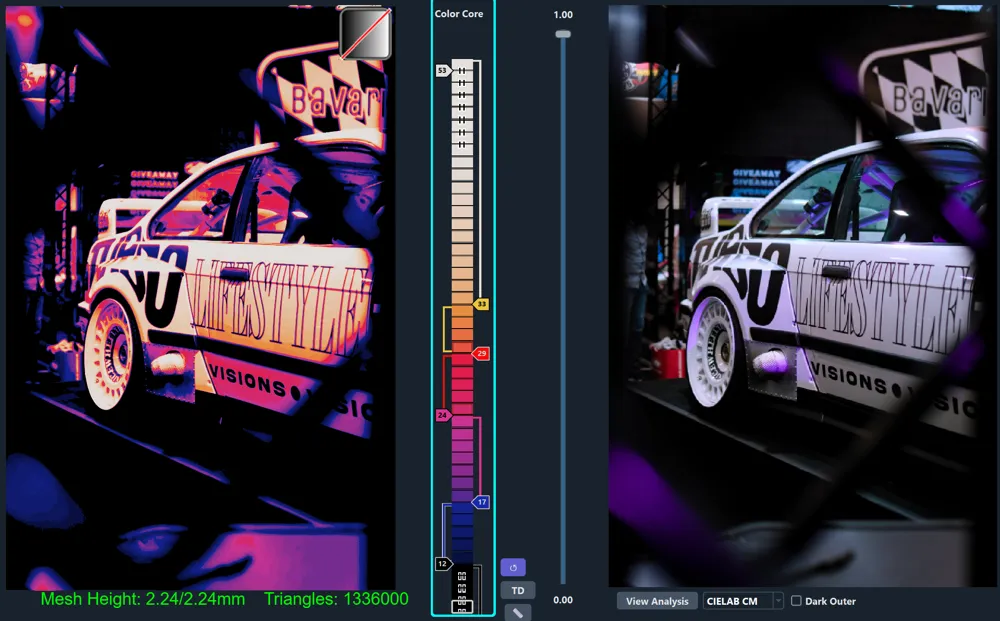
Print every layer with 100% infill! Layer height 0.04mm (base can be printed up to 0.48mm with 0.2mm).
- Start with Black (Sunlu PLA+ Black, TD: 0.6)
- At Layer #12 (0.64 mm) change to Klein Blue (Sunlu PLA, TD: 2.9)
- At Layer #17 (0.84 mm) change to Magenta (Sunlu PLA+, TD: 3.3)
- At Layer #24 (1.12 mm) change to Red (Sunlu PLA, TD: 6.0)
- MANUAL CHANGE IN AMS (Pause):
- At Layer #29 (1.32 mm) change to Vivid Yellow (Sunlu PLA, TD: 3.5)
- At Layer #33 (1.48 mm) change to White (PolyLite White, TD: 5.0) for the remainder.
Tip for purging volume: Manually increase the purge from Red to Black, or from Black to Blue in the slicer (approx. 600-700) to keep the light colors clean!
Have fun with this special print of the JP Performance BMW E36!
License

You shall not share, sub-license, sell, rent, host, transfer, or distribute in any way the digital or 3D printed versions of this object, nor any other derivative work of this object in its digital or physical format (including - but not limited to - remixes of this object, and hosting on other digital platforms). The objects may not be used without permission in any way whatsoever in which you charge money, or collect fees.


Comment & Rating (0)