
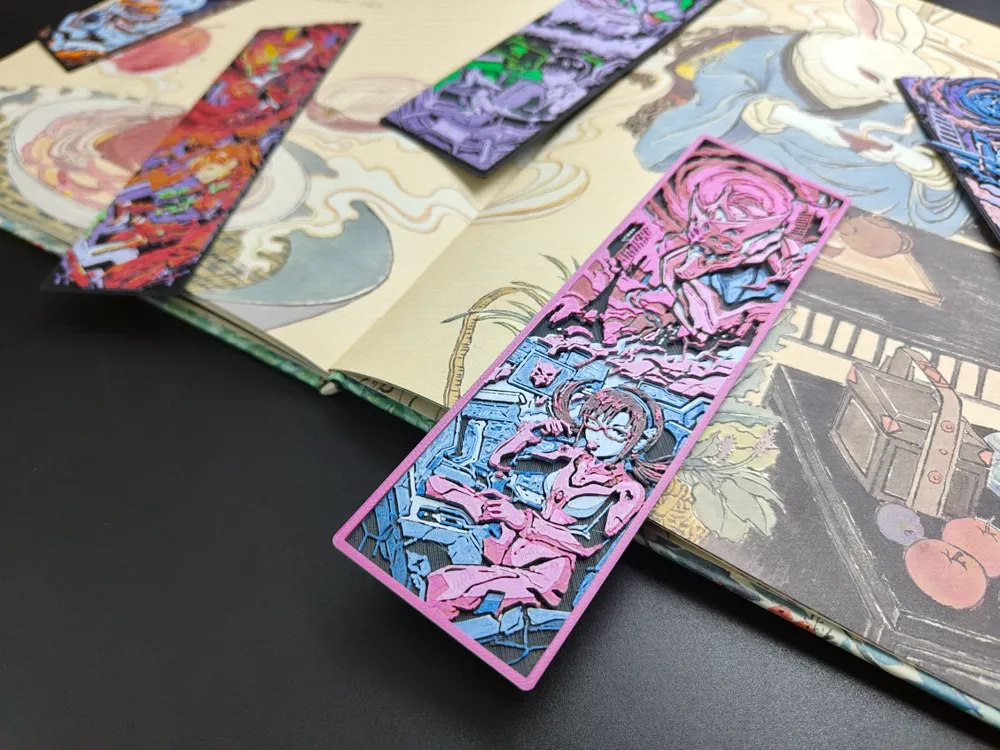
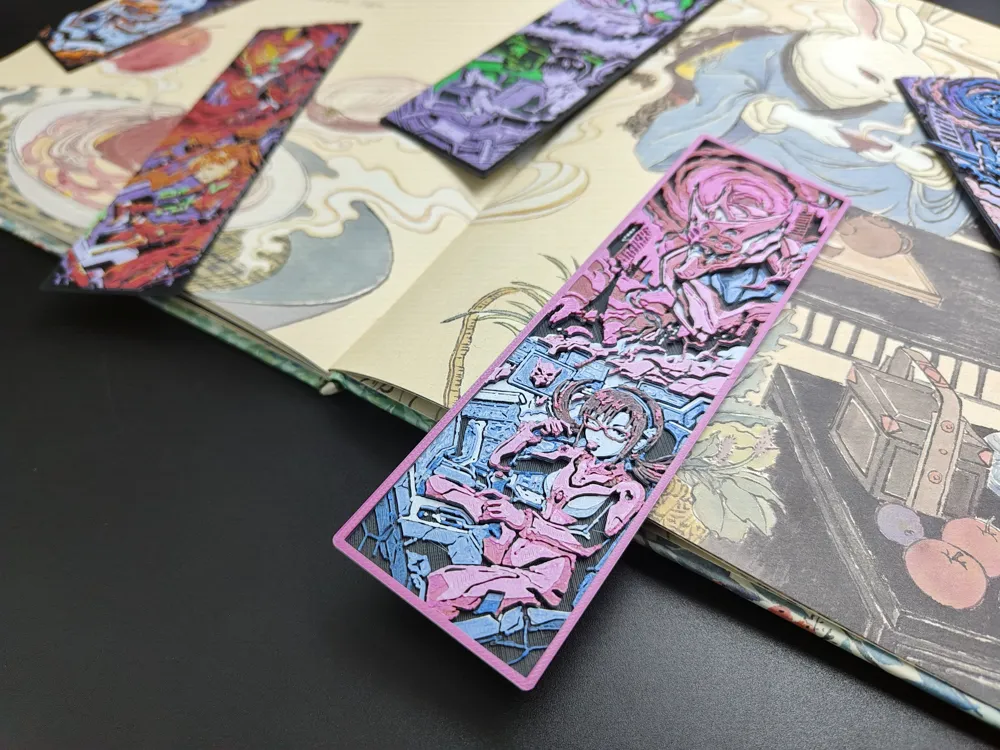
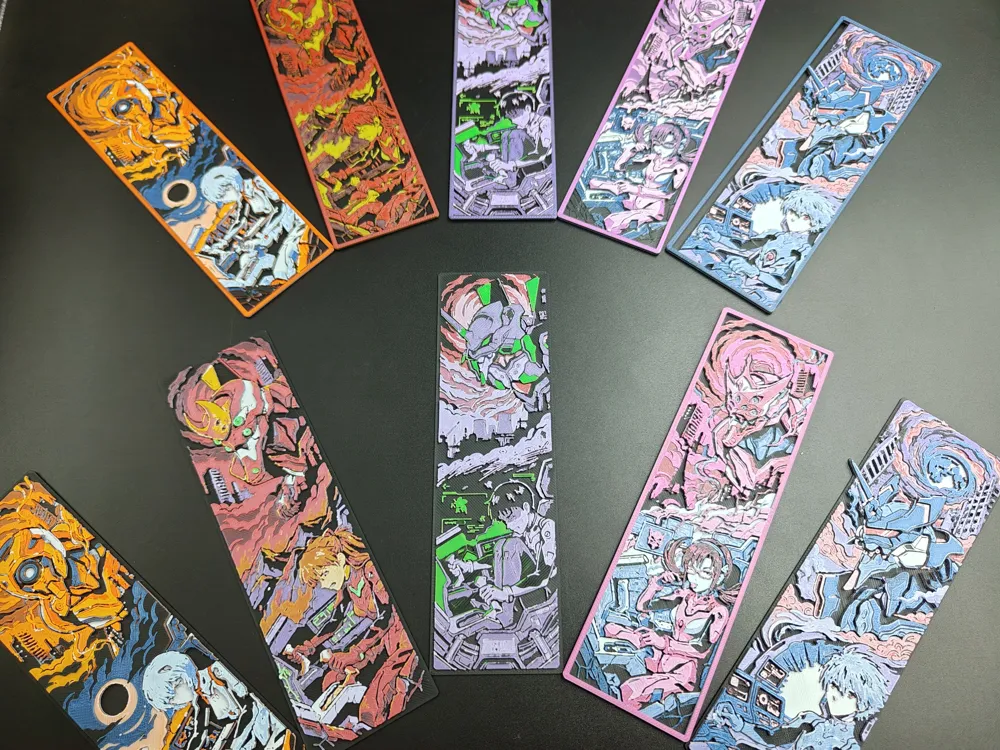
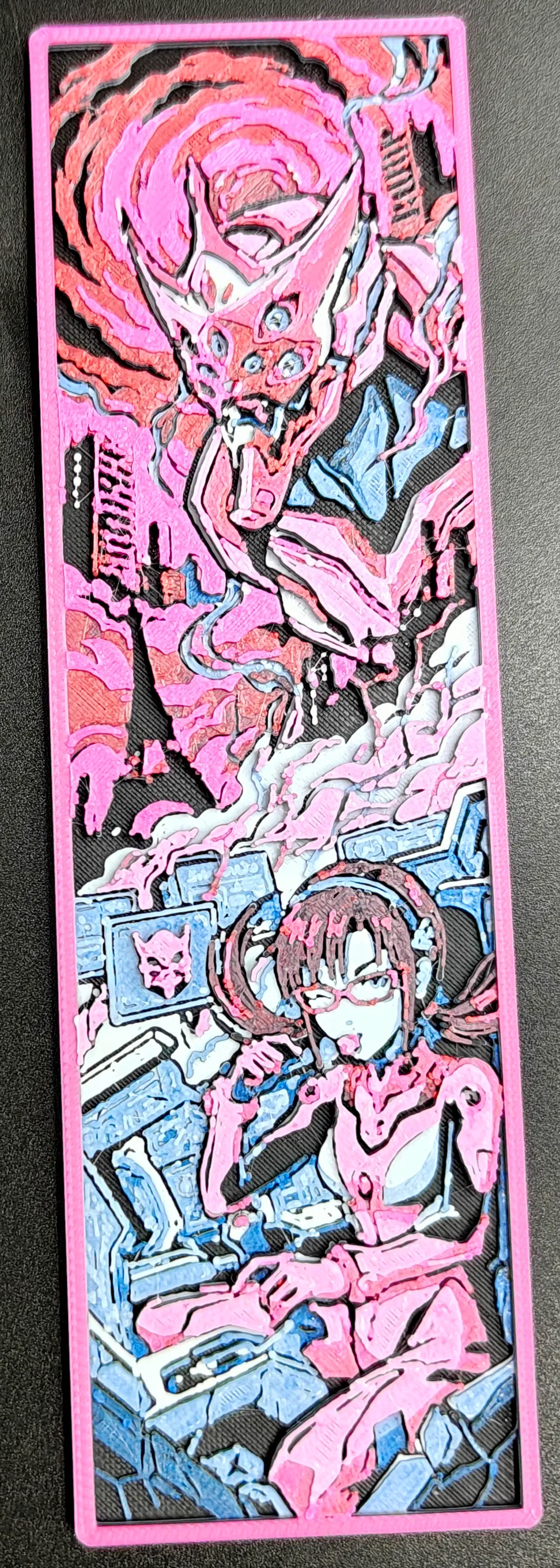
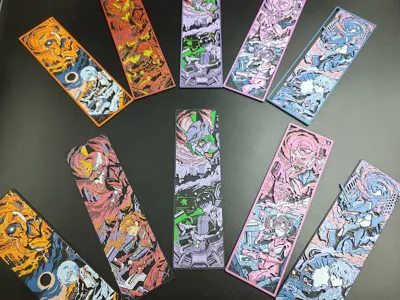
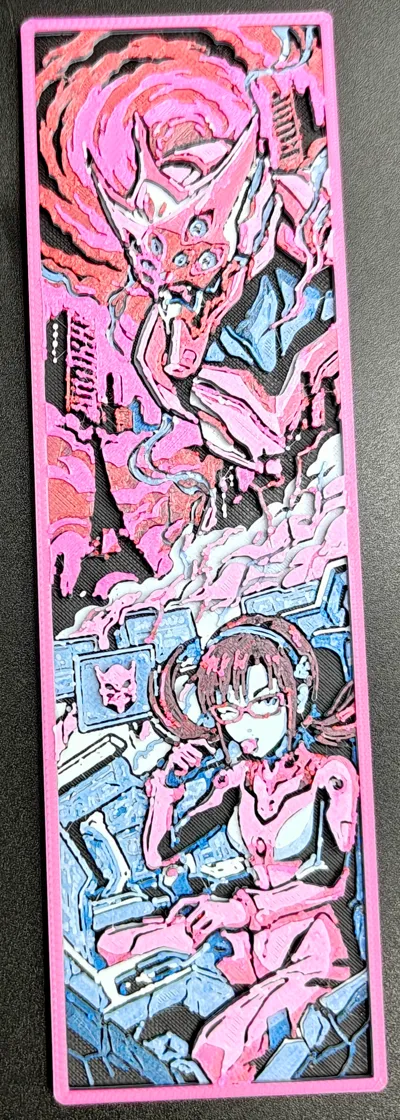
EVA Mari Makinami—Unit-08 Lithophane Bookmark | Anime Lithophane Bookmark | [EVA Creative Bookmark]
Print Profile(2)
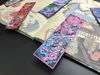
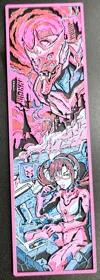
Description

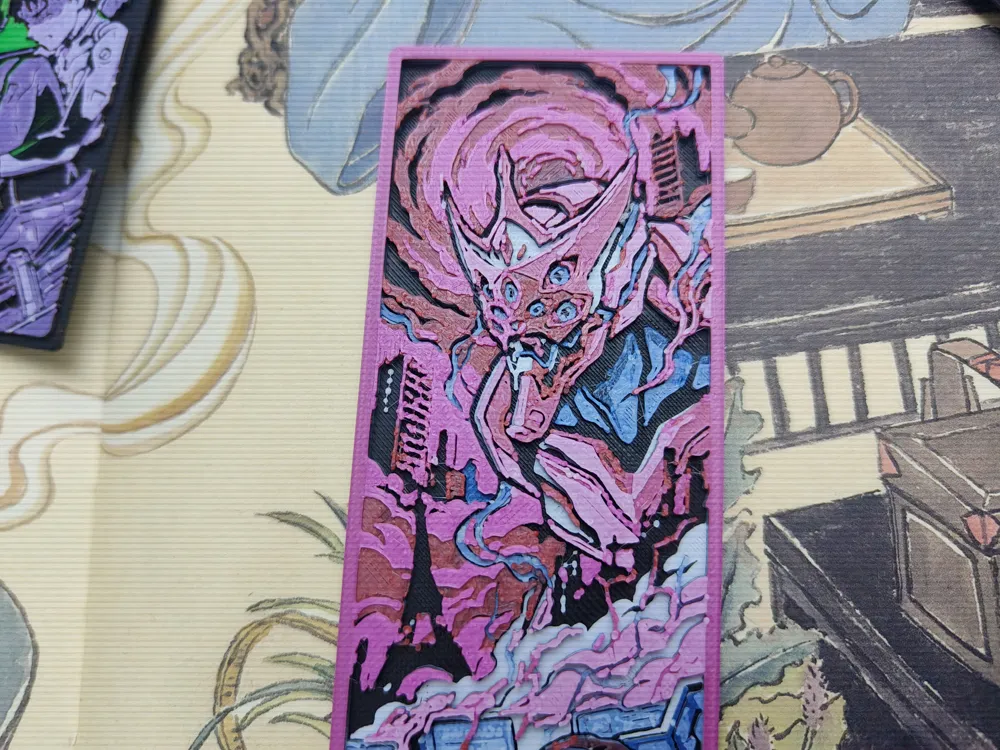
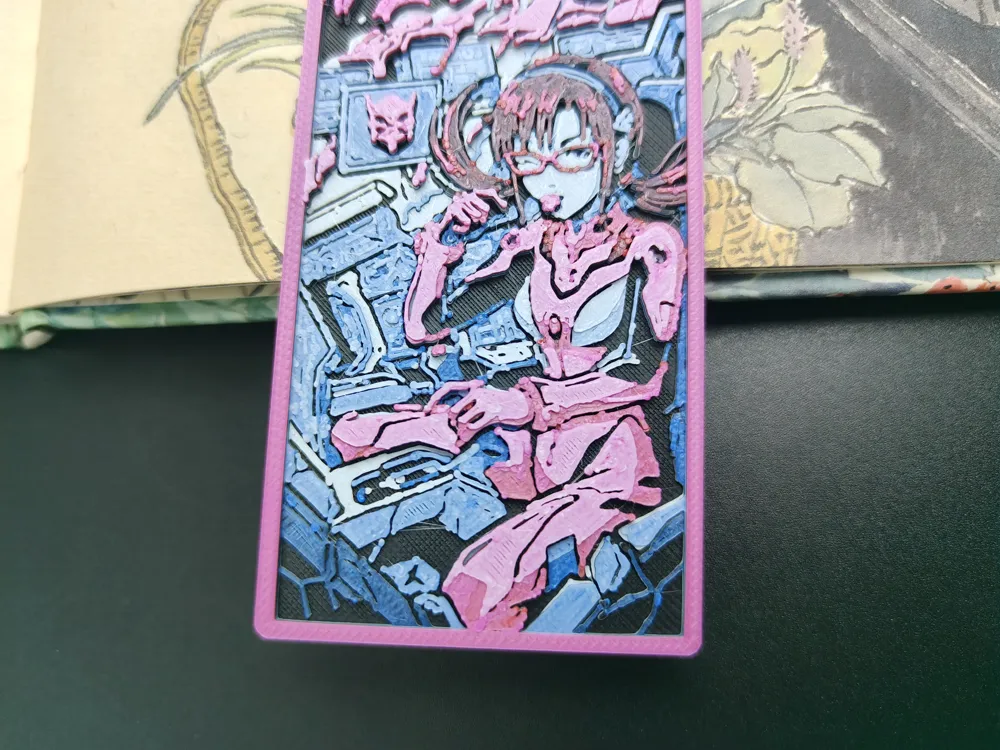
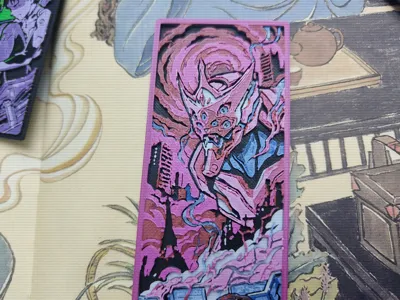
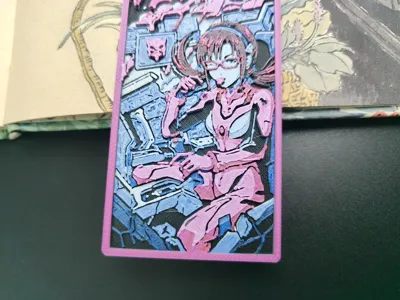
🌟 [EVA Mari Makinami—Unit 08 Embossed Bookmark]
🎨 Description
Initially, she was intended to be a minor character with few appearances, but her role was expanded at director Hideaki Anno's discretion. Hideaki Anno was not involved in the character design or voice actor selection for Mari Makinami Illustrious; these decisions were made by Yoshiyuki Sadamoto and Kazuya Tsurumaki to create a distinct impression from the other characters. However, Anno personally oversaw the designs of all other characters. Mari first appeared in the new Evangelion movie, 'Evangelion: 2.0 You Can (Not) Advance' (lit. 'Break'), the purpose of which was to challenge the audience's preconceived notions of the TV series through this new character, Mari
🚀 Technical Core: hicolors-3d
This model was generated using the hicolors-3d workflow. Compared to traditional processes, it offers the following advantages:
No AMS required for color changes: Utilizing a layered color-changing design approach, the model can be printed without a color-changing system simply by manually swapping the filament at the appropriate layers. This results in extreme material savings
Precise Layer Height: By physically simulating all possible color overlays, the effective height is allocated to limited layer heights, saving layer height occupation
Intuitive Matching: Based on color and region matching logic (no situations where a region cannot be matched to the desired color), this is more intuitive than traditional grayscale matching
Physical-Level Simulation: The preview effect is the print effect, precisely simulating color overlay at different layer heights
Light and Shadow Aesthetics: Specifically designed for FDM printing, fully utilizing the translucent and color-stacking properties of PLA and other materials
🔄 Color Change Instructions
No multi-color printer (AMS) is needed; manual color changes can be done with a standard single-nozzle machine:
The color change information is included in the 3mf file; simply download and view it
Here is the filament information used for printing, for your reference:
***Base color**
- Color name: Black
- Brand: RK-17 Wucailu
- HEX: #181812
- RGB: rgb(24, 24, 18)
- TD: 0.1
- Layers: 6
| Change Height | Accumulated Layers | Change to | Brand | HEX | RGB | TD |
|----------|----------|--------|------|-----|-----|-----|
| 0.64mm | 7 | White | RK-1 Cailuoya | #ffffff | rgb(255, 255, 255) | 4.4 |
| 1.12mm | 13 | Black | RK-17 Wucailu | #181812 | rgb(24, 24, 18) | 0.1 |
| 1.20mm | 14 | Dark Blue | RK-1 | #2941ae | rgb(41, 65, 174) | 1.6 |
| 1.36mm | 16 | White | RK-1 Cailuoya | #ffffff | rgb(255, 255, 255) | 4.4 |
| 1.52mm | 18 | White | RK-1 Cailuoya | #ffffff | rgb(255, 255, 255) | 4.4 |
| 1.76mm | 21 | Black | RK-17 Wucailu | #181812 | rgb(24, 24, 18) | 0.1 |
| 1.84mm | 22 | Dark Red | RK-1 Cailuoya | #a3282b | rgb(163, 40, 43) | 3.2 |
| 2.16mm | 26 | Flame Pink | RK-1 Cailuoya | #cf5f88 | rgb(207, 95, 136) | 5.7 |
| 2.48mm | 30 | White | RK-1 Cailuoya | #ffffff | rgb(255, 255, 255) | 4.4 |
🛠️ Print Settings
For best results, please strictly adhere to the following settings:
Infill: 100% (Mandatory)
Layer Height: 0.08mm
First Layer Height: 0.16mm
Nozzle Recommendation: 0.2mm recommended (for best detail), 0.4mm is also acceptable (the actual photos were taken with 0.4mm)
Model Scale: Do not adjust the Z-axis scale of the model to ensure correct layered color change information. You can freely adjust the X and Y-axis scaling to achieve your desired size
Post-Processing Tip: Lightly and quickly sweep a lighter over the model's surface. This can perfectly remove common FDM fine stringing. 🔥
✨Click on the homepage to see more of our high-quality works
💰 Commercial License
Software Communication: Want to experience the hicolors-3d software? Please follow our social media accounts. Our Bilibili account name is the same
License

You may create derivative works based on this object, provided that all such derivative works are published exclusively on the MakerWorld platform and include proper attribution to the original creator. You may not share, upload, host, distribute, or publish this object—or any derivative work of this object—on any other digital platform, marketplace, or distribution channel. Commercial use of this object and any derivative works is strictly prohibited. This includes, but is not limited to, selling, renting, sublicensing, or using the object in any context in which you receive monetary compensation or other financial benefits.


Comment & Rating (0)