
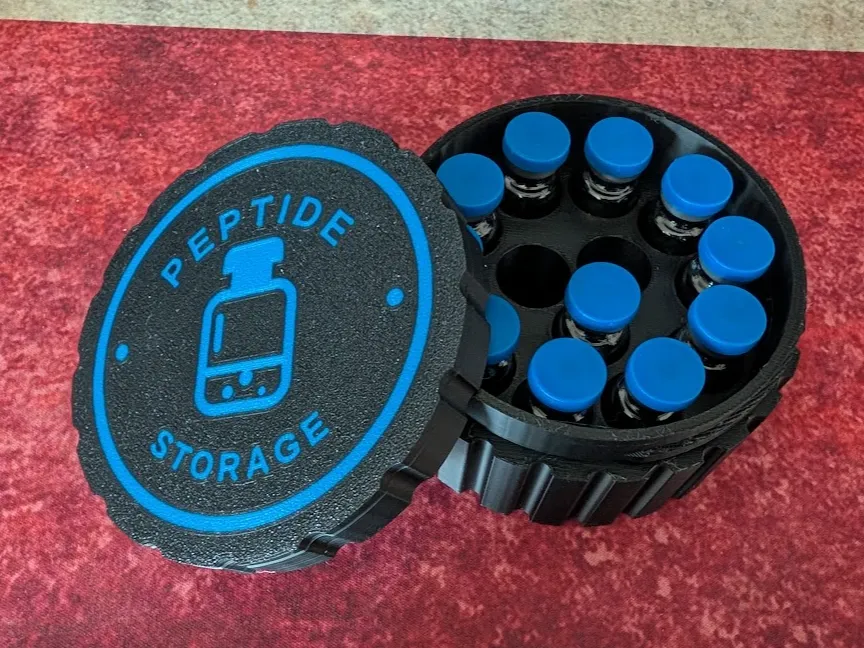
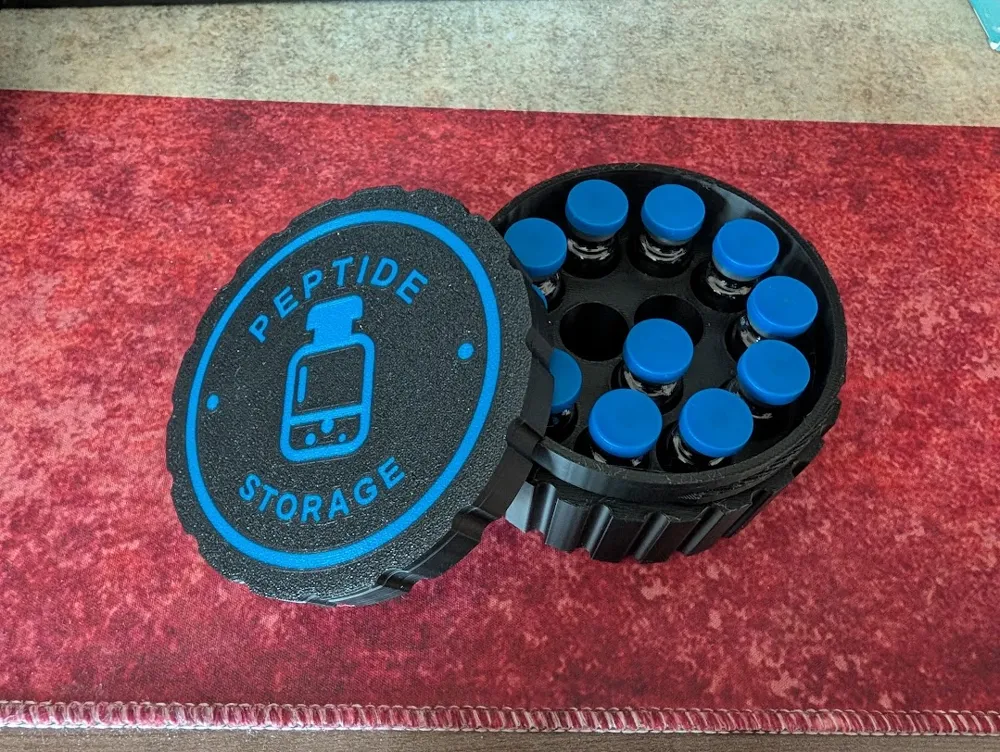
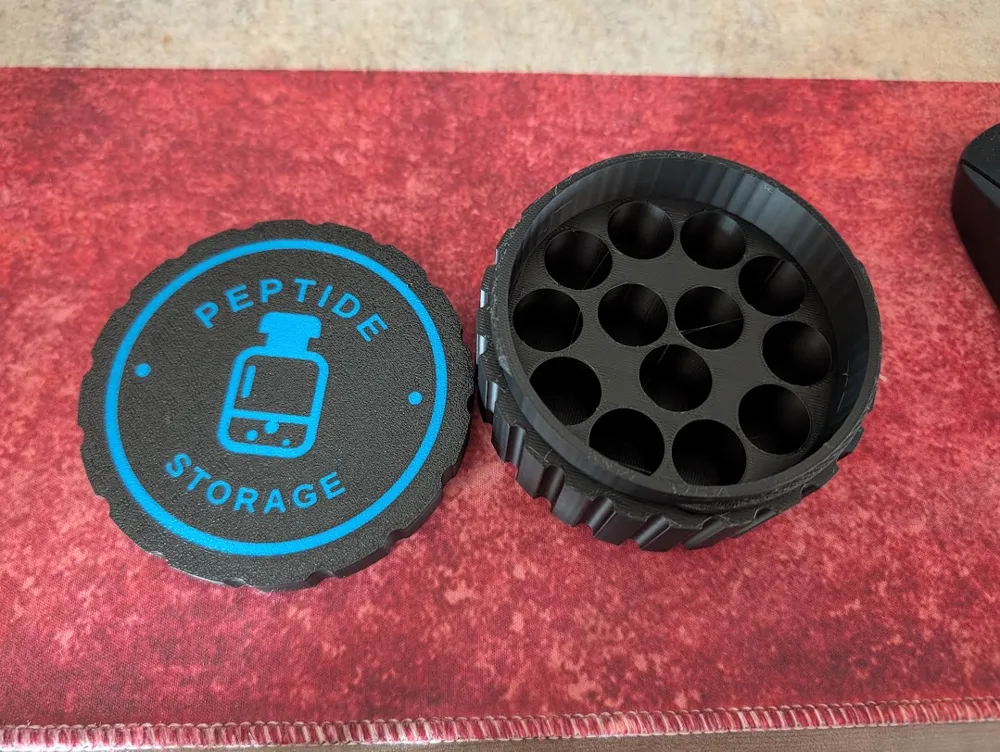
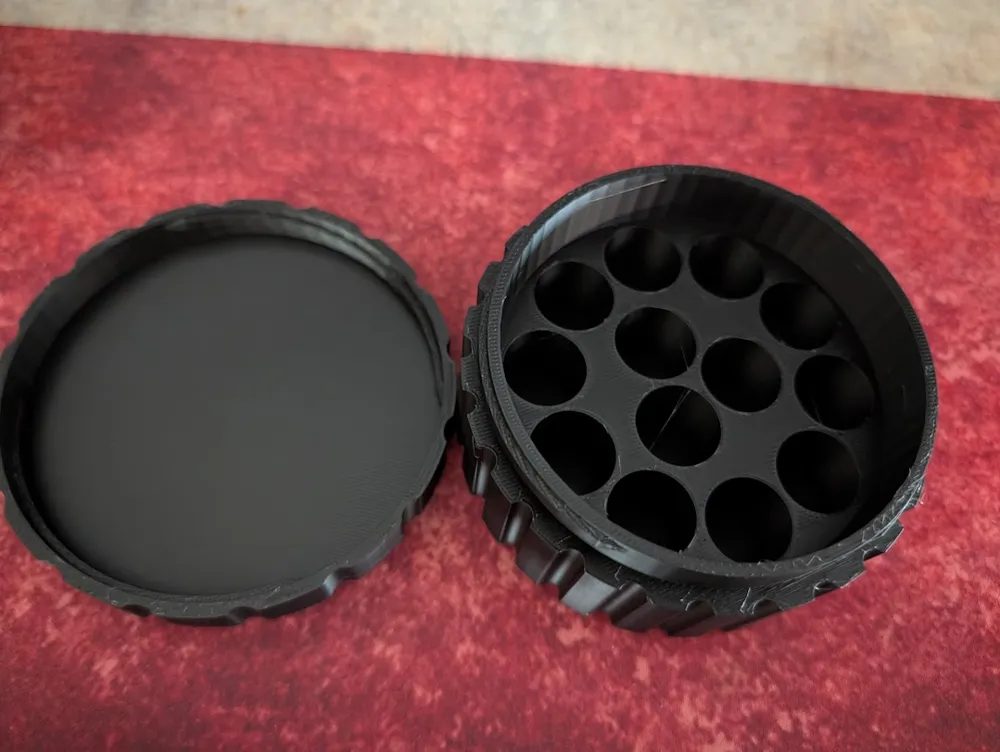
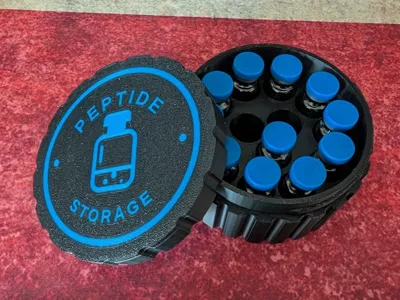
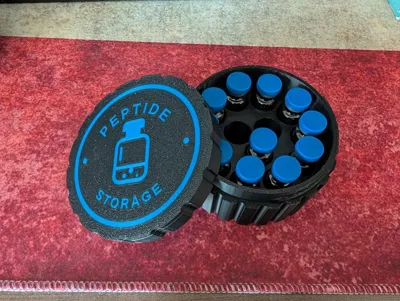
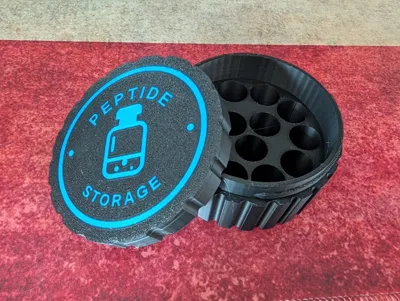
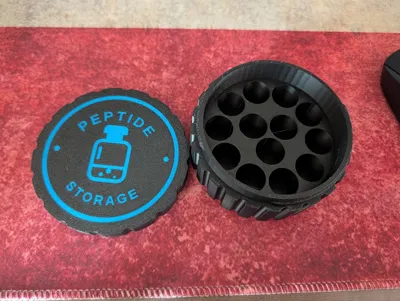
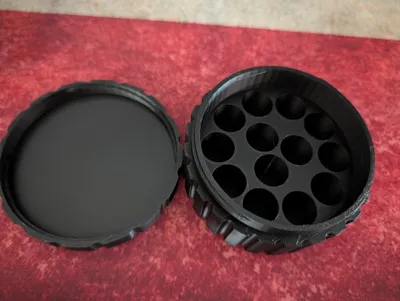
13 vial jar with threaded lid - parameterized
Print Profile(1)
Description
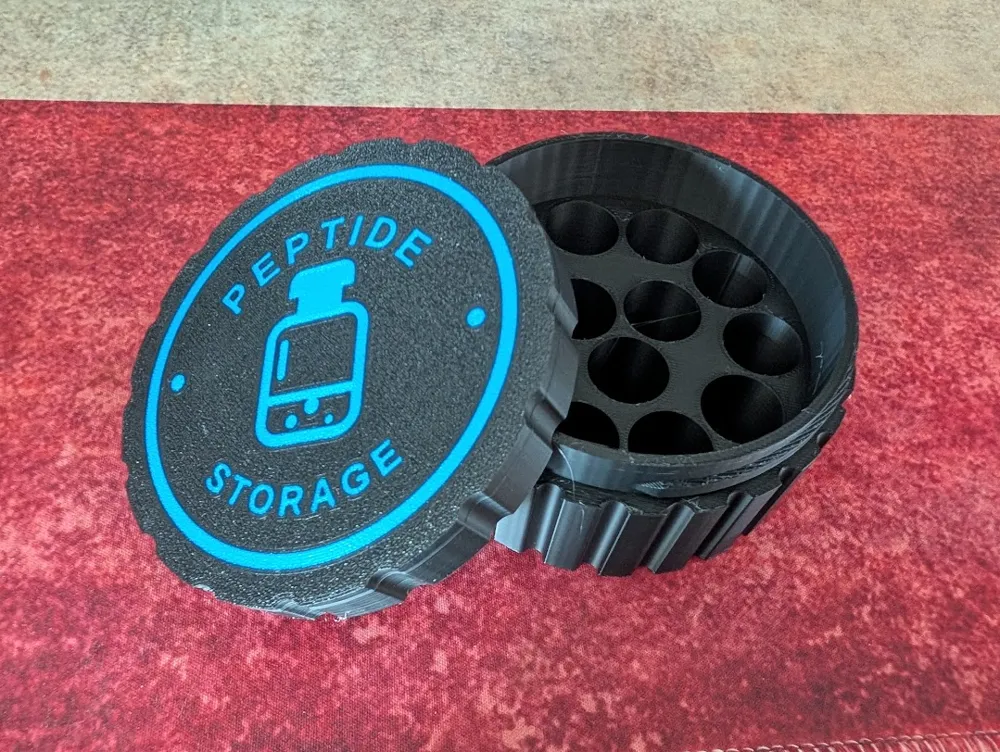
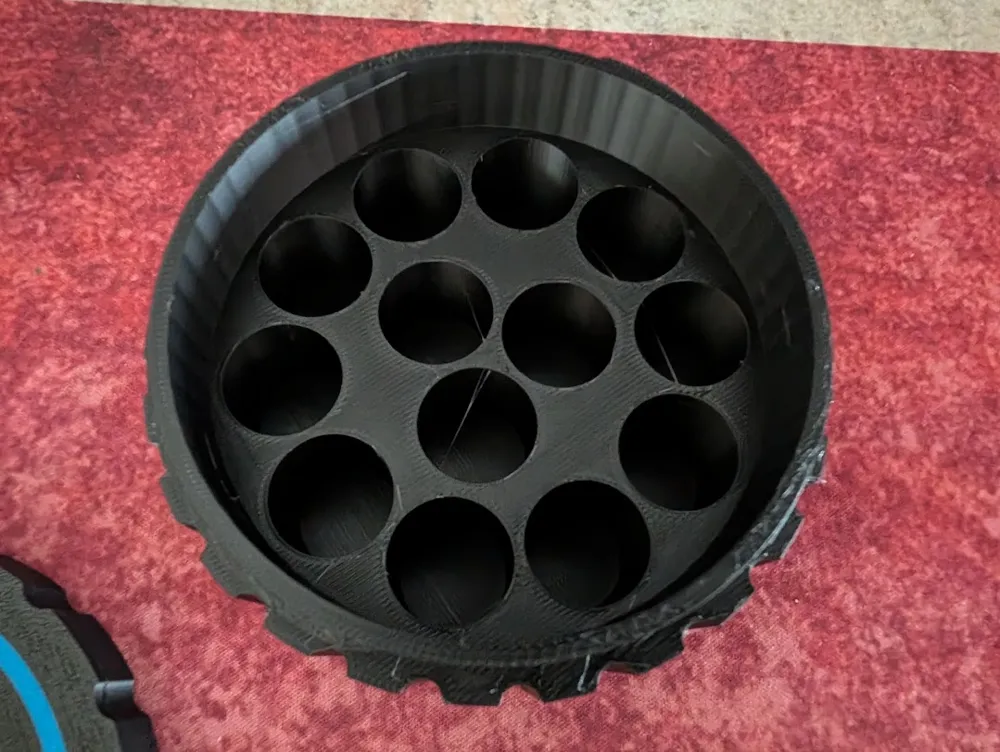
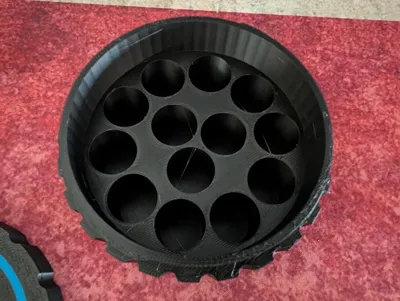
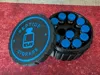
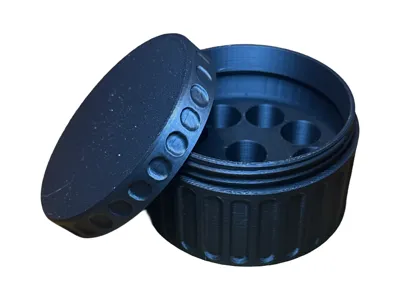
Edit: I miscounted and there are actually spaces for 13 vials in the model. Thanks @b_man for pointing that out. I updated the title, but updating the file names on here seems to break them, so I am going to leave the rest saying 12 vials.
I was inspired by @b_man's 10 peptide vial, but wanted to parameterize it so that it could be customized to fit different sized vials. It is not as elegant as b-man's version, but it still works.
While recreating it, I noticed that I could fit 3 vials in the center instead of just 1, so I updated it to a 12 vial holder.
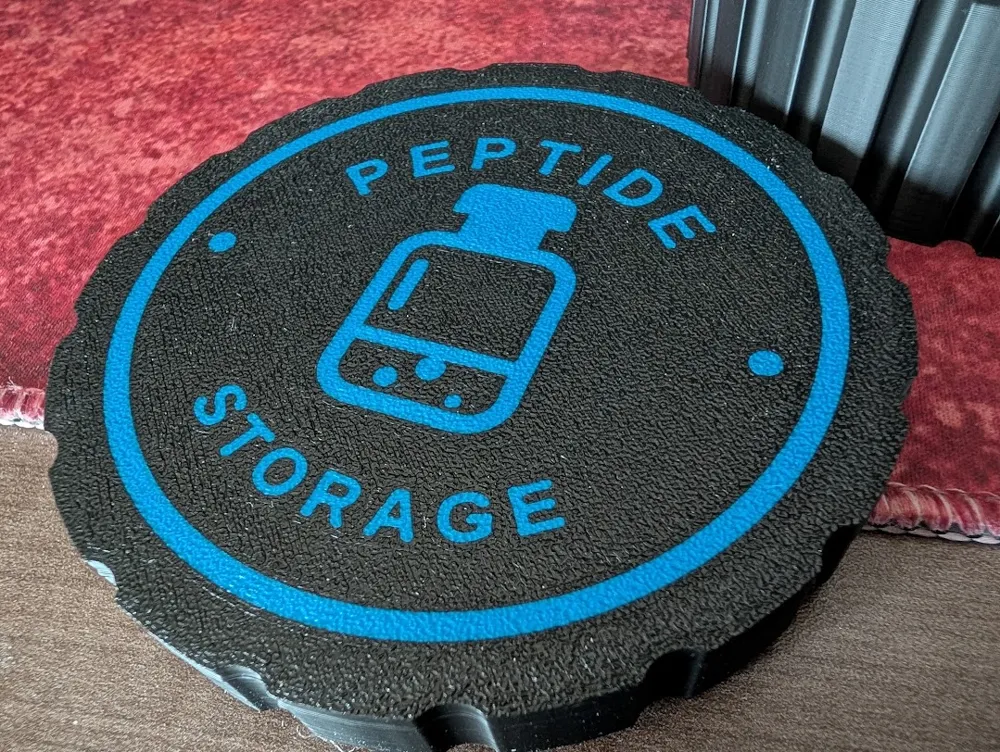
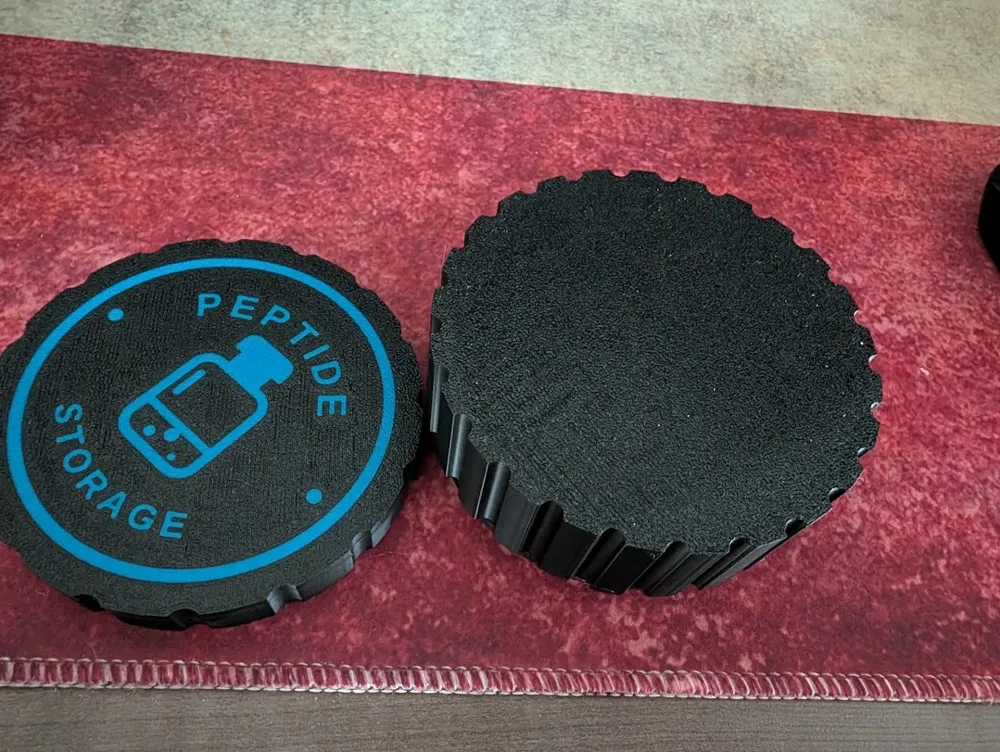
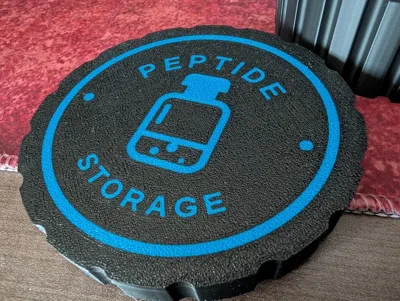
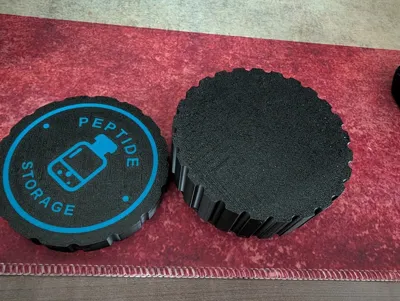
I also made it so that you can make it a dual color print with your own custom SVG.
To customize it, download and open the free software called OpenSCAD.
Load the 12_vial_container_with_inlay.scad model attached.
You will need to download the BOSL2 library to make the threads work:
https://github.com/BelfrySCAD/BOSL2.git
The GitHub page has instructions on how to install it so that it is accessible to OpenSCAD.
This is well known opensource OpenSCAD library, but do your due diligence before downloading and installing opensource software.
In the 12_vial_container_with_inlay.scad file, when it is open in OpenSCAD, see the table of standard vial sizes at the top of the file and update the `vial_diameter` and `vial_height` variables according to the size that you need.
If you want to get an STL without an SVG inlay render it as below and export as SVG.
Use the Preview render option to see your changes and validate that it worked.
Use the Render option to fully render the model (takes a while).
Then lastly export it as an STL and load it into your 3D printer slicer software (eg. BambuStudio).
If you want to try your hand at adding your own SVG, set the svg_file_path variable to the path to your SVG on your computer.
Then change enable_inlay to true.
Hit preview to see if your model looks right. If it shows up as a disk of one color, you might have to tweak your SVG.
You may need to mess with svg_manual_scale, svg_offset_x and svg_offset_y to get your svg centered on the lid.
If all is good, change the part_to_export to the container, render and export to CSV and then repeat with lid_base and lid_inlay.
The trick to multicolor printing is to import the lid and lid inlay at the same time and tell your slicer that they are the same object, but with multiple parts.
This remix is based on

License

You may create derivative works based on this object, provided that all such derivative works are published exclusively on the MakerWorld platform and include proper attribution to the original creator. You may not share, upload, host, distribute, or publish this object—or any derivative work of this object—on any other digital platform, marketplace, or distribution channel. Commercial use of this object and any derivative works is strictly prohibited. This includes, but is not limited to, selling, renting, sublicensing, or using the object in any context in which you receive monetary compensation or other financial benefits.


Comment & Rating (4)