
Butterfly Trainer Fidget Toy (No Supports)
Print Profile(1)
Description
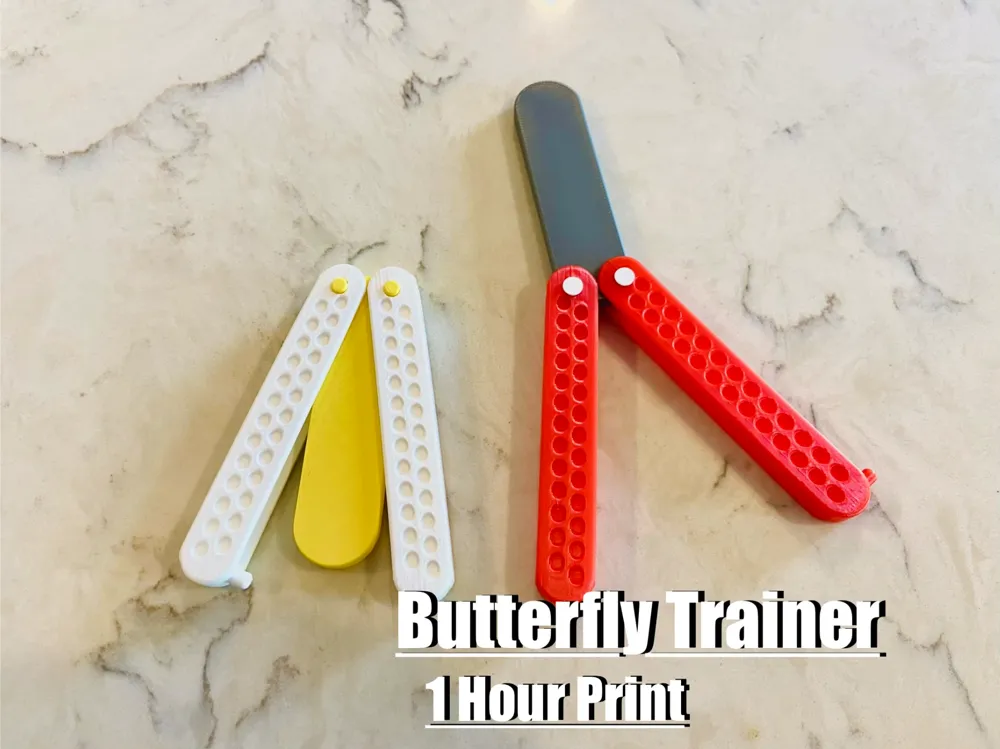
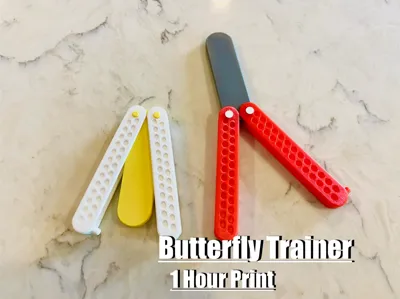
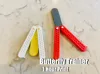
Butterfly Trainer Designed fully in Fusion 360
Boost Me (for free)
Please leave a boost, as it doesn't cost you anything, but helps me keep designing more amazing models like these!
This is a really quick and fun butterfly trainer I designed and 3D printed, and the best part is it only takes about an hour to print. I made it for practicing tricks without anything sharp, so you can flip it around without worrying about cutting yourself, but it still feels really satisfying and kind of realistic.

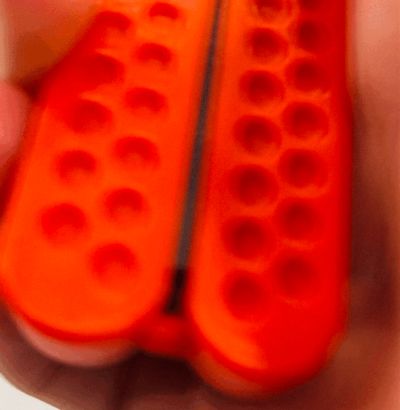
I actually designed the whole thing from scratch in Autodesk Fusion 360, which was a really fun process. I started with the basic shape of the blade and handles, then worked on getting the proportions to feel right so it wouldn’t be too heavy or awkward. After that I added the hole pattern in the handles, which not only makes it look cooler but also helps with grip and keeps it lightweight. The hinge part took a bit of trial and error to get the spacing right so it could move smoothly but still stay together without falling apart.
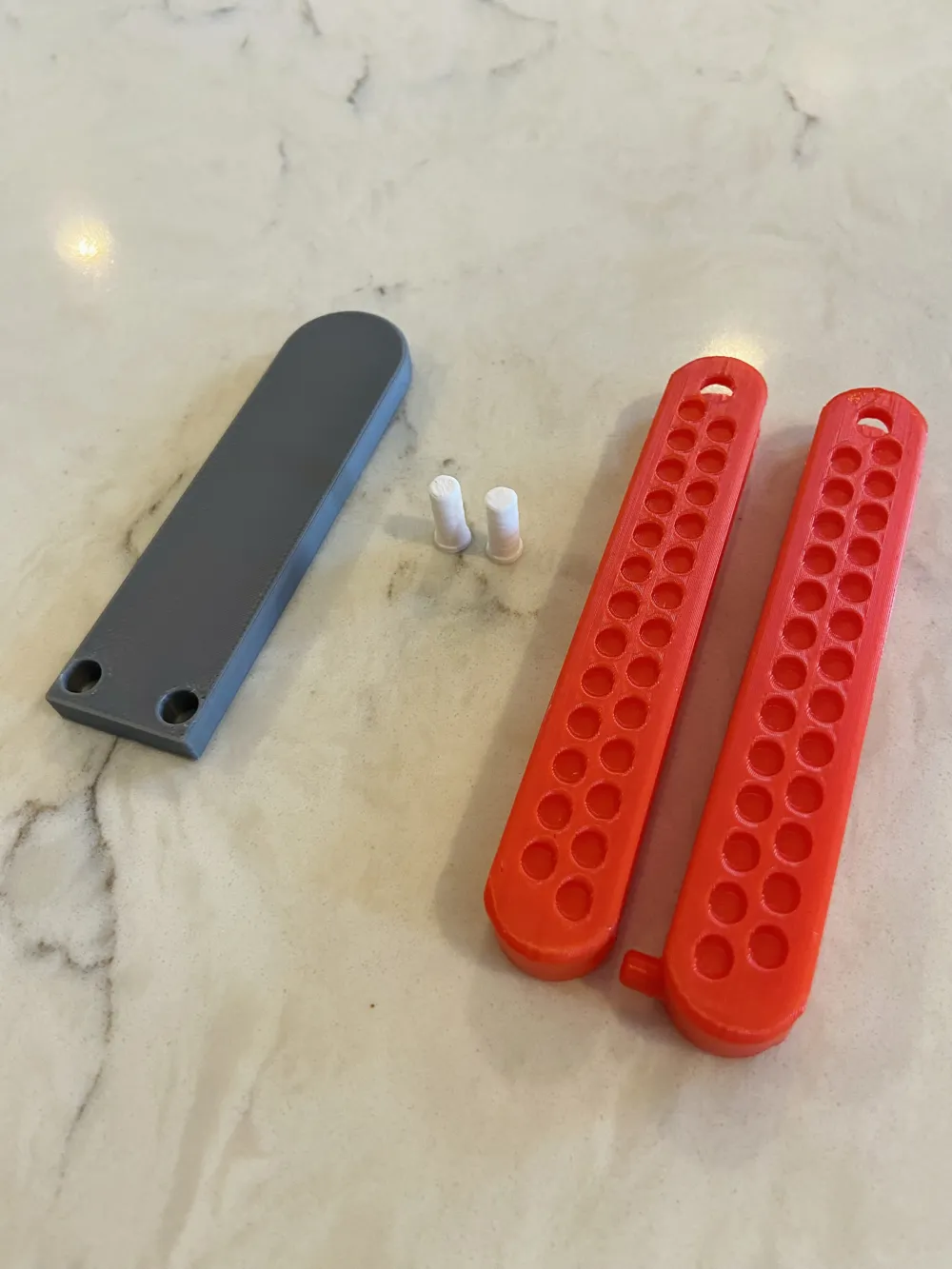
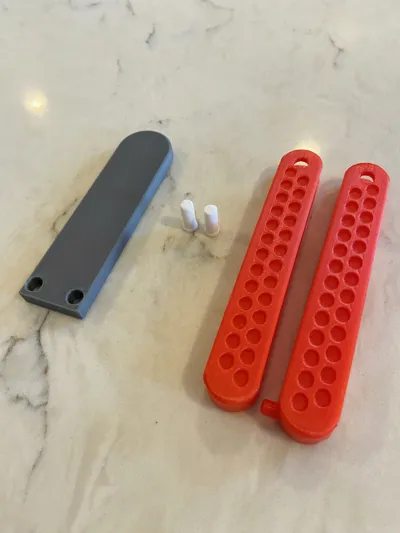
The way the pieces fit together is pretty simple but also kinda satisfying. The blade has holes on each side that line up with the ends of the handles, and the handles have matching holes so everything lines up evenly. You just slide the blade between the two sides of each handle and then push the pins through the holes to connect them. The pins act like the pivot, so that’s what lets the handles swing around the blade.
I tried to design the tolerances so the pins fit snug enough that they don’t fall out, but not so tight that you can’t move the handles. Depending on your printer, it might feel a little stiff at first, which is normal. After flipping it a bit it usually loosens up, or you can lightly sand the pins or holes if you want it smoother right away. Once it’s together, it stays in place really well and doesn’t need any glue or extra hardware.
The handles are designed to be comfortable and easy to control, especially if you’re just learning. The whole thing is pretty light, so it’s good for beginners or just messing around when you’re bored. The hinge system is simple, so once it’s printed you can put it together pretty quickly and it works right away.
It prints without supports and PLA works perfectly for it. I used a 0.2 layer height and around 10 to 15 percent infill and it came out strong enough for normal use. Everything is designed to print flat, so it’s easy and doesn’t take much setup.
Overall this was just a really fun project to design and test, and it’s a nice quick print that actually does something instead of just sitting around. It also looks really good in different color combinations, so you can mess around with that too.
Filaments: Red PLA, Grey PLA, White PLA, and Yellow PLA.
Boost Me (for free)
If you made it this far please leave a like and a boost as it helps me create more amazing models like these!
License

You shall not share, sub-license, sell, rent, host, transfer, or distribute in any way the digital or 3D printed versions of this object, nor any other derivative work of this object in its digital or physical format (including - but not limited to - remixes of this object, and hosting on other digital platforms). The objects may not be used without permission in any way whatsoever in which you charge money, or collect fees.


Comment & Rating (6)