
Lathe Chuck Tenon Jig- Make your own custom gauge!
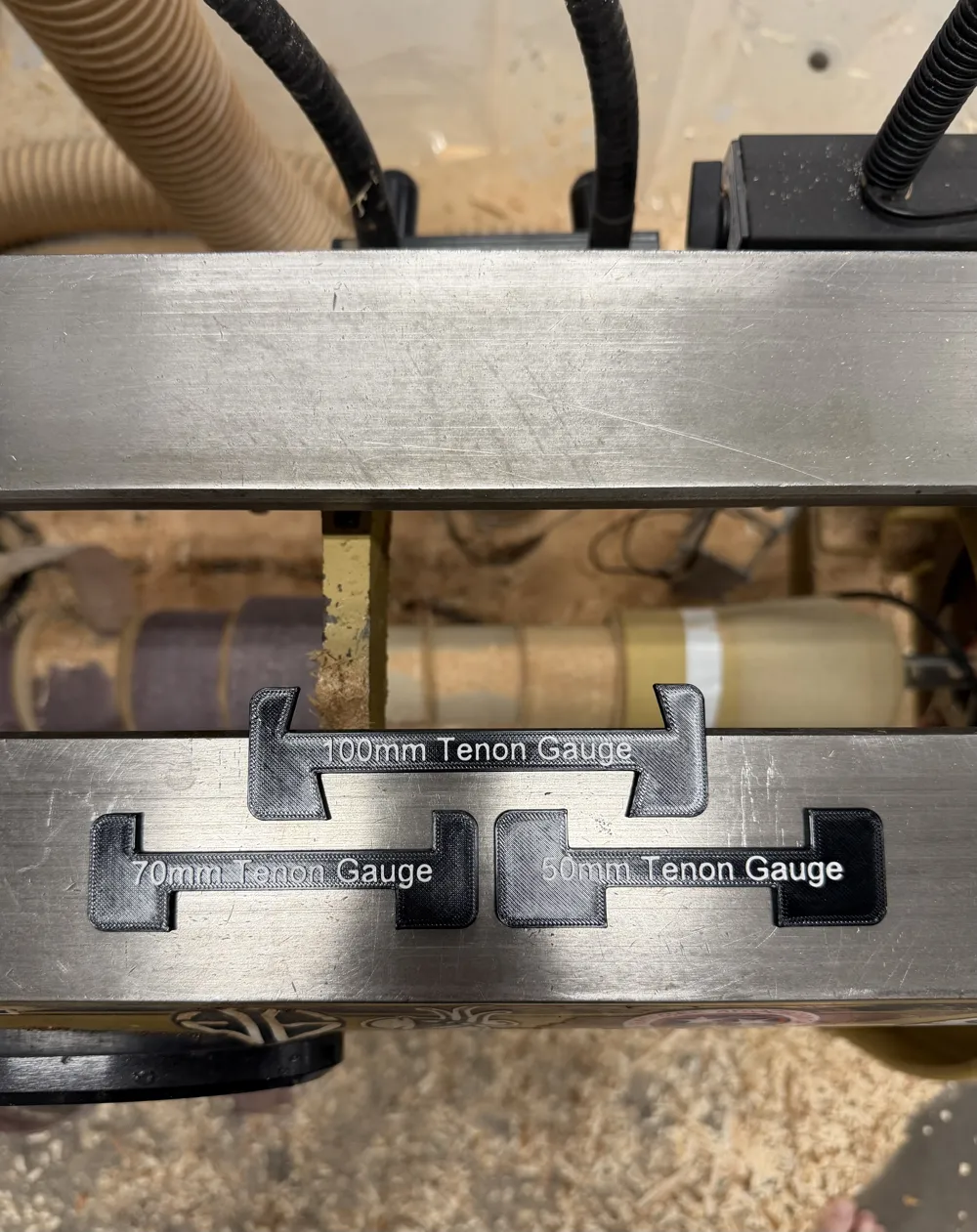
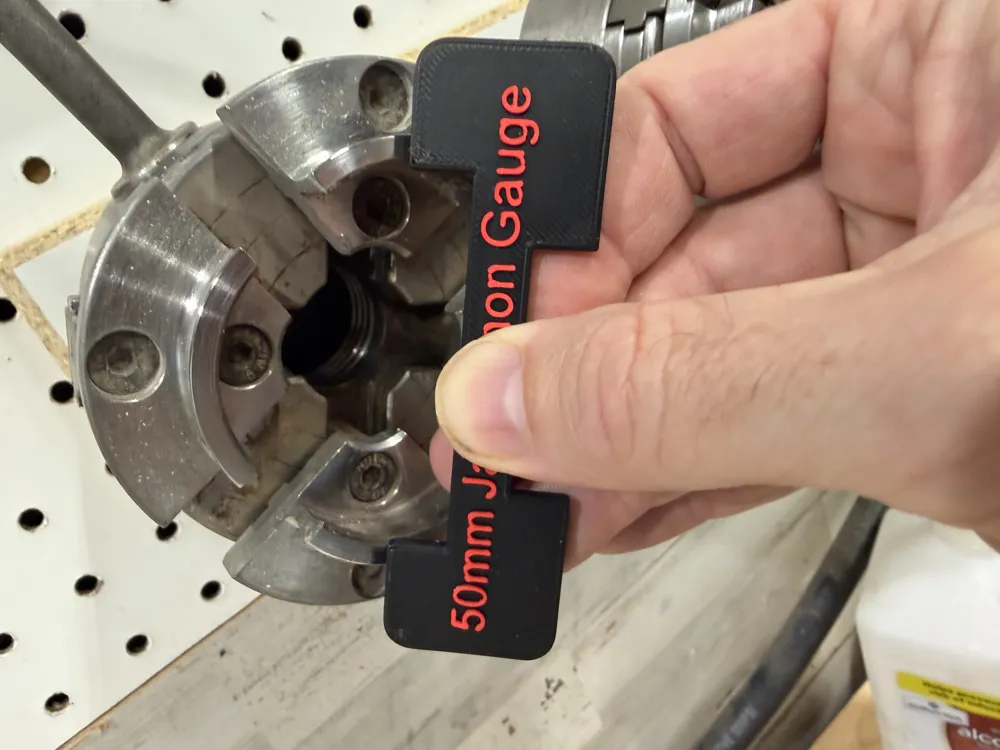
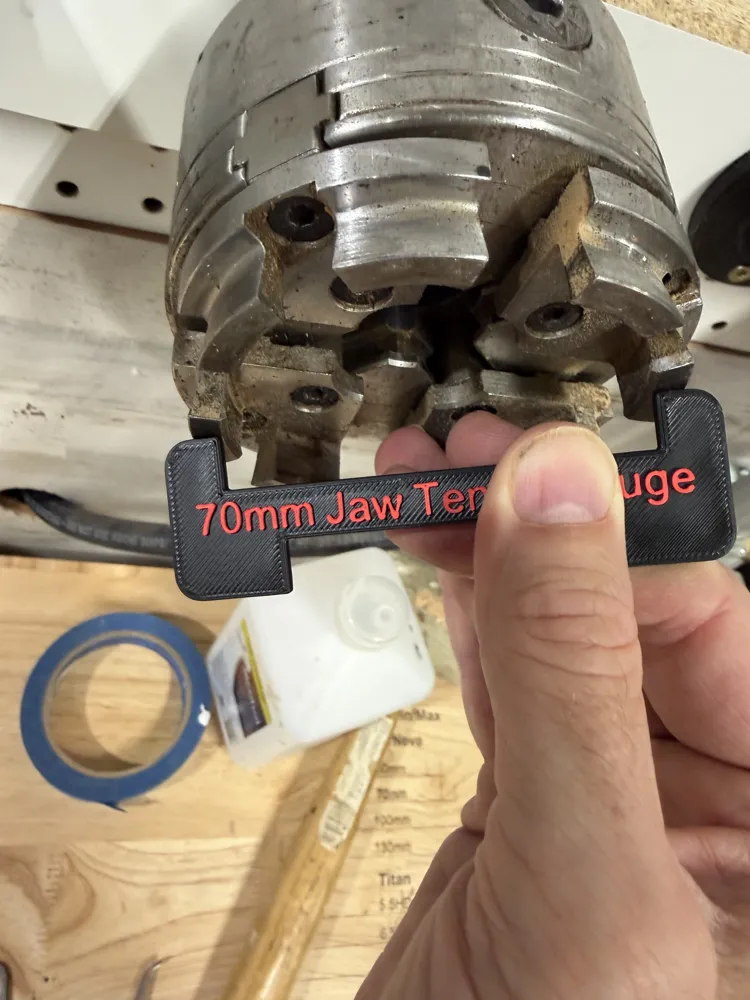
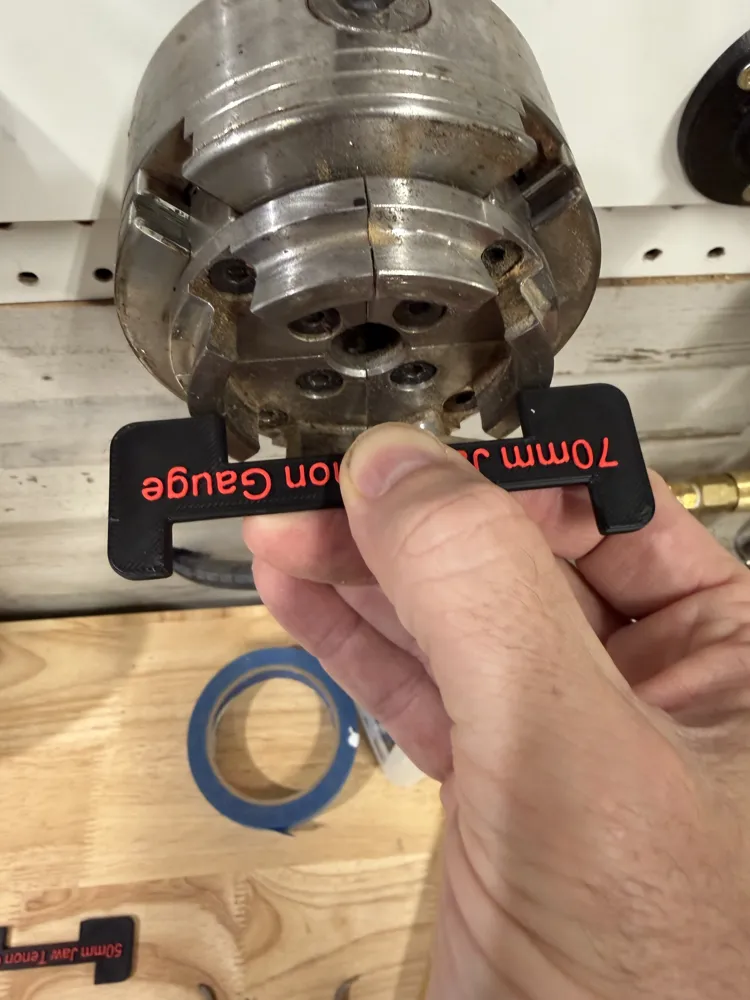
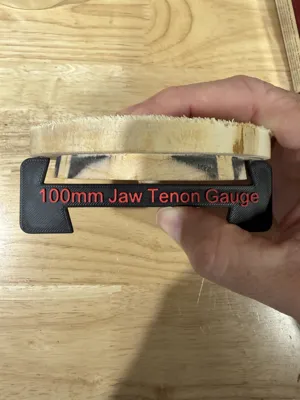
Print Profile(1)
Description
UPDATE: I removed the text from the customizer, it wasn't working. But I did add in the pockets for the magnets so now every jig you output from the customizer should already have pockets for magnets! If you have fusion and are comfortable editing parameters I can send a version of the file that includes embossed text.
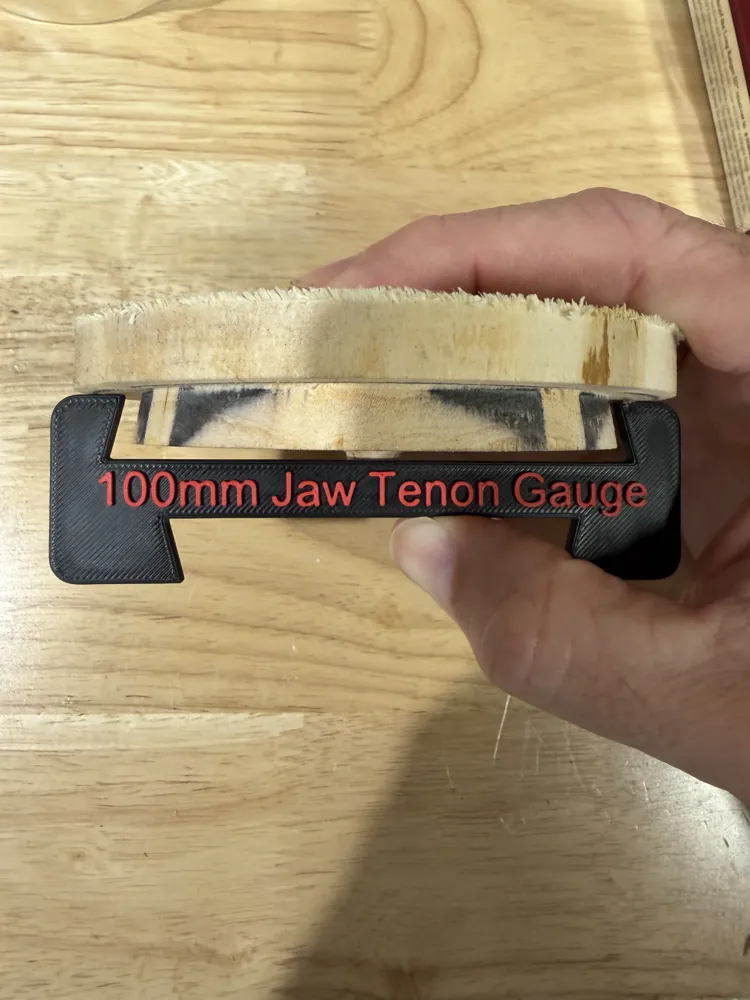
This is my first parametric file upload to Makerworld- so please let me know if you find any quirks but the idea is you can customize your own jig for measuring tenons when wood turning. If you need a specific size and can't get it to work let me know, it's easy to make new jigs.
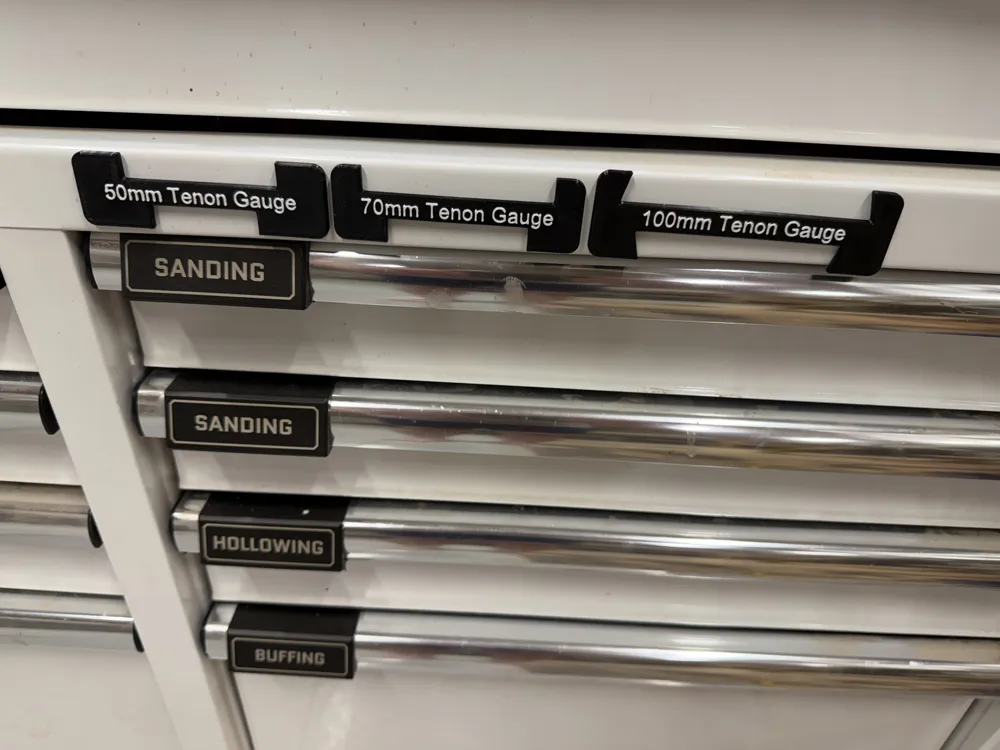
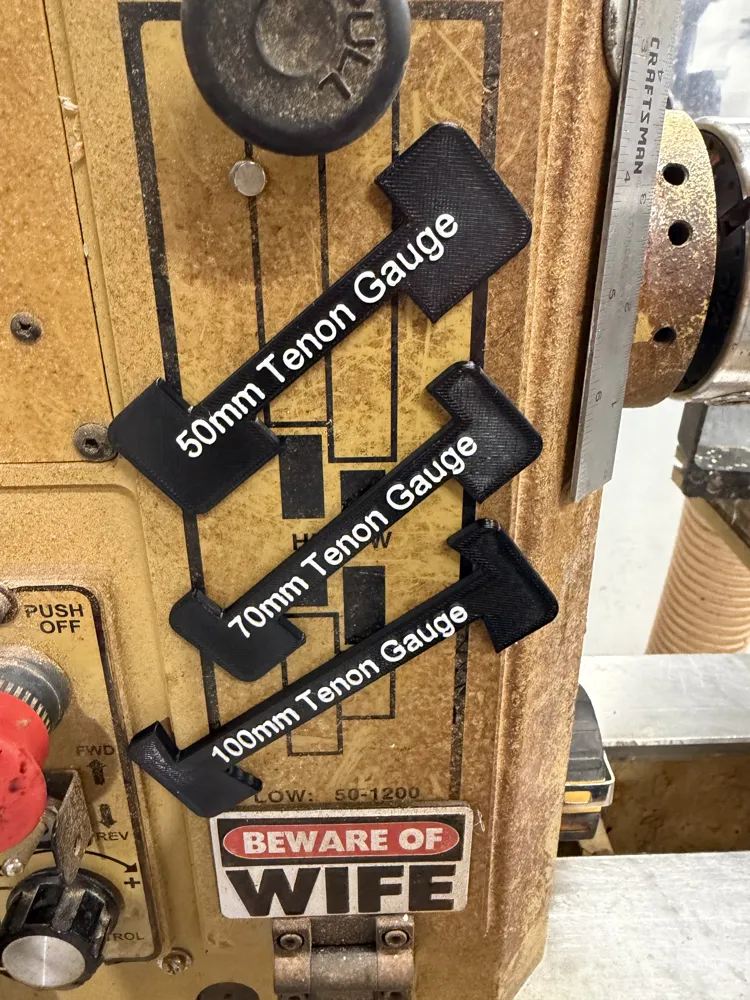
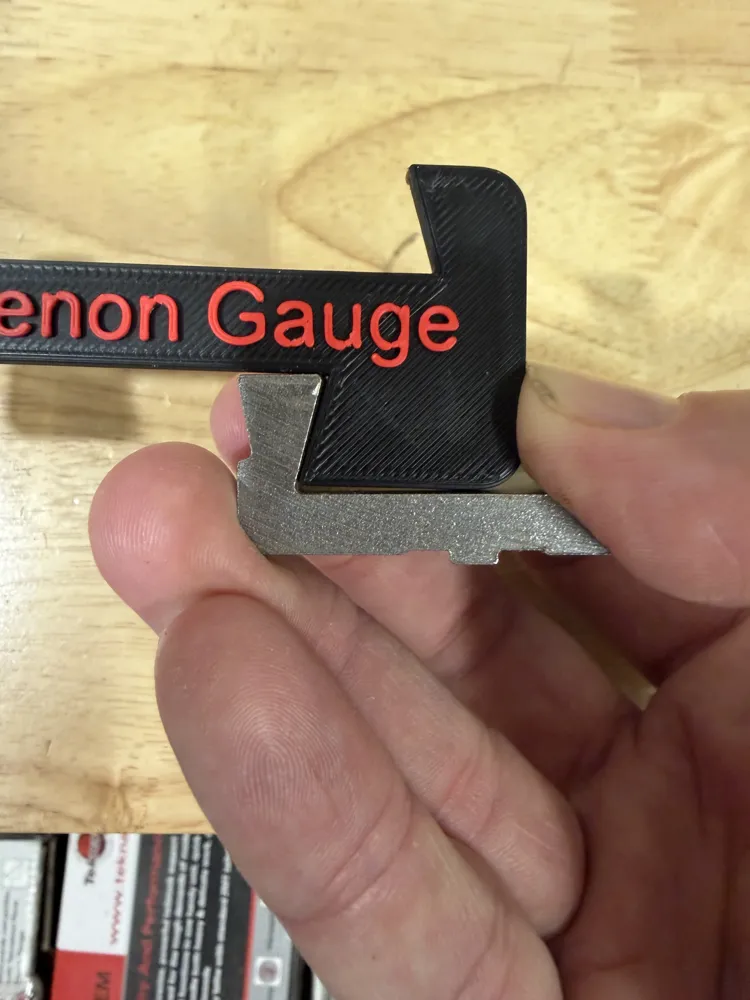
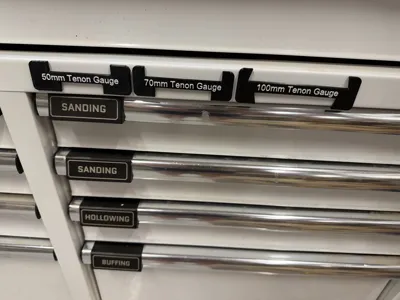
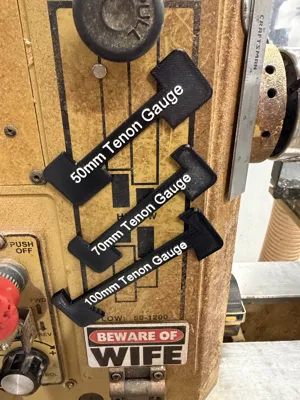
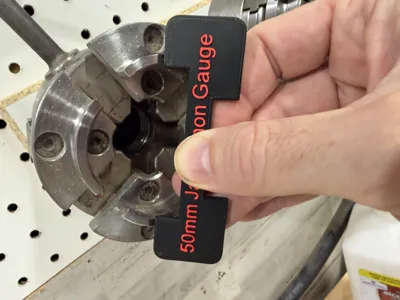
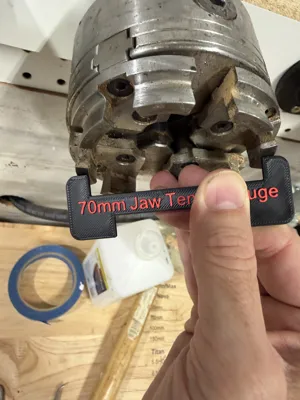
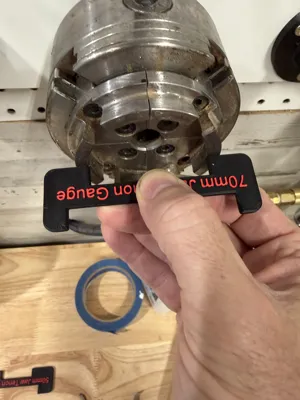
Any tuner knows that every set of jaws on the their chuck has a sweet spot- if the tenon is too small or too large it won't fit well or even at all. I started by using a ruler, I wrote down the measurements on the wall and referenced those. Then I moved to a system where I could set my calipers to the correct width, but even then the max/min had to be measured separately. Then I figured out I could model a jig for each set of jaws and have a very quick, repeatable way to measure my tenons. Of course they need to have magnets so they stick to the lathe.
Boost Me (for free)
Boosts are always appreciated!
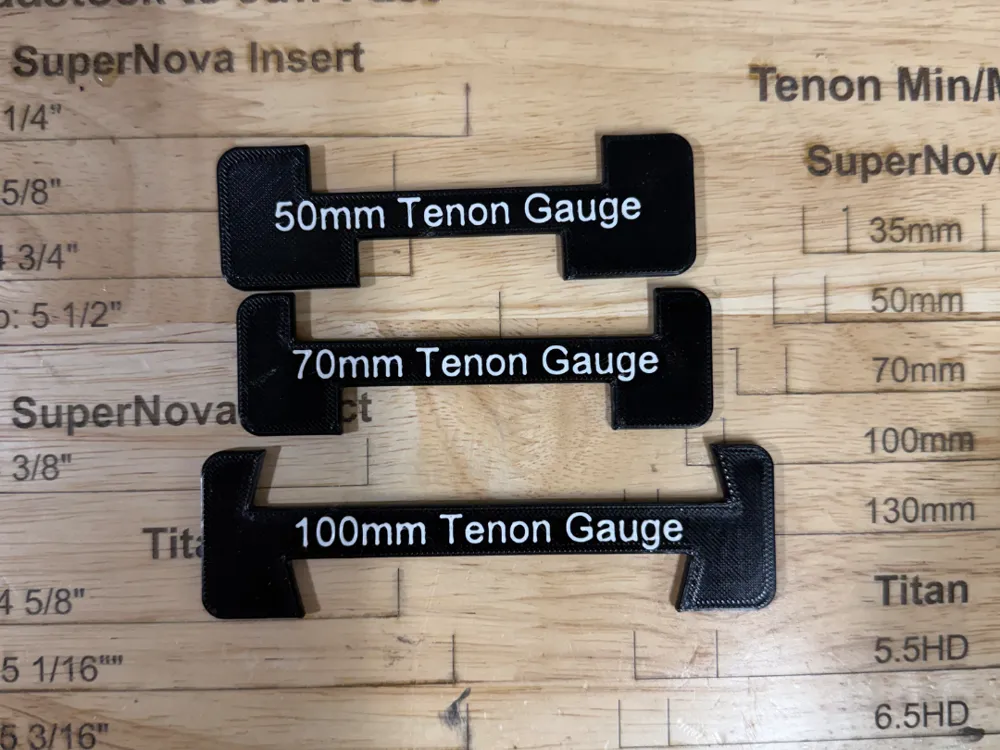
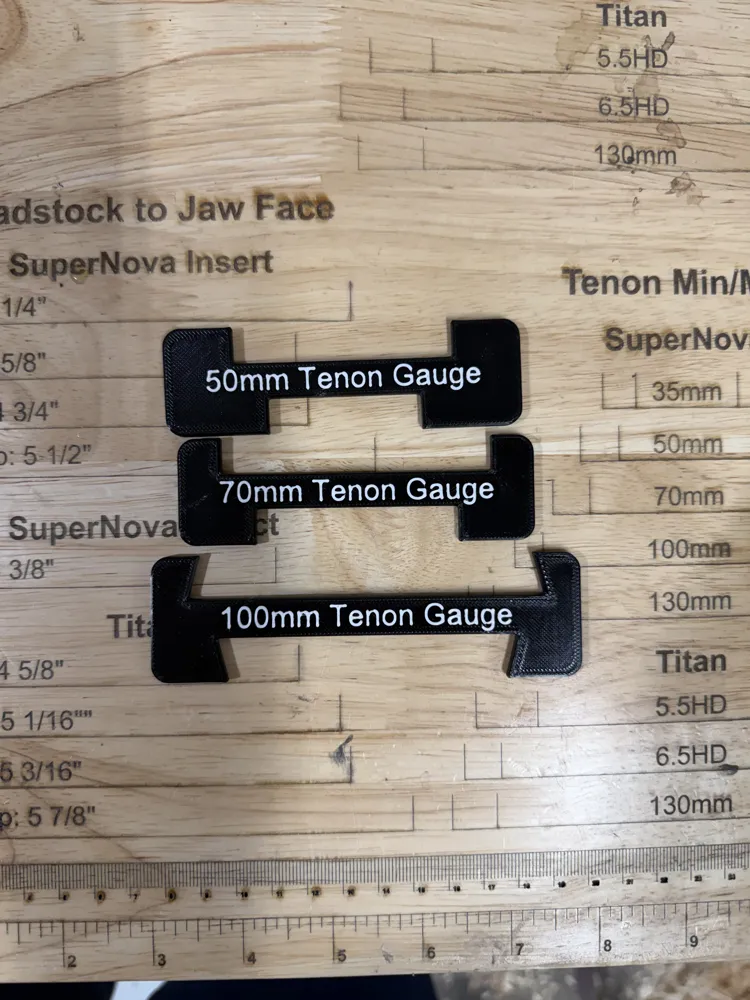
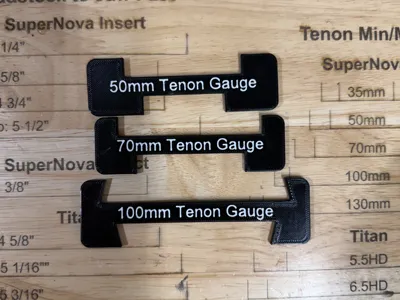
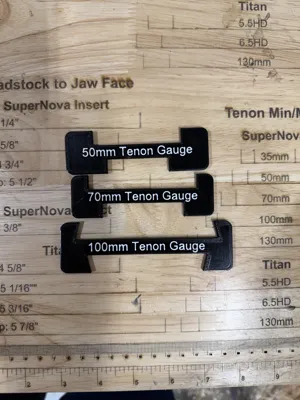
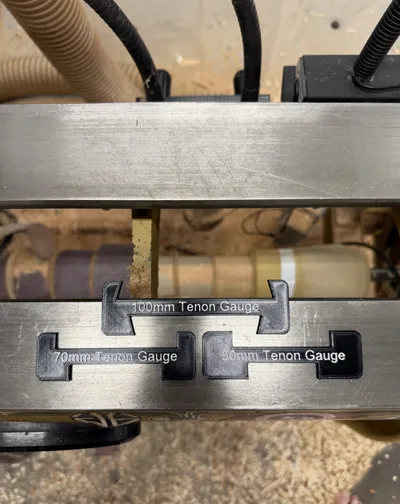
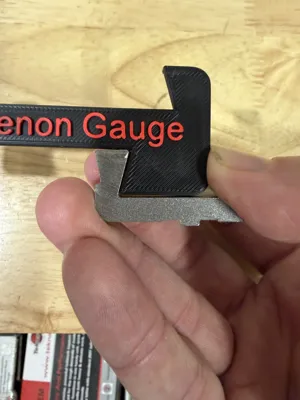
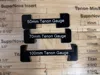
The print profile already has 3 jigs designed for Nova Chuck Jaws- 50mm, 70mm and 100mm but as I was designing this I figured out I could make a parametric model and very quickly crank out multiple jigs with a few parameters- MaxTenon size, MinTenon Size, Depth of the tenon. I've tried every combination of jaws in my possession and it seems to work well. The default angle is 15 degrees which is what Nova uses. I may look into adding that as a customizable parameter as well if folks need/want different angles.
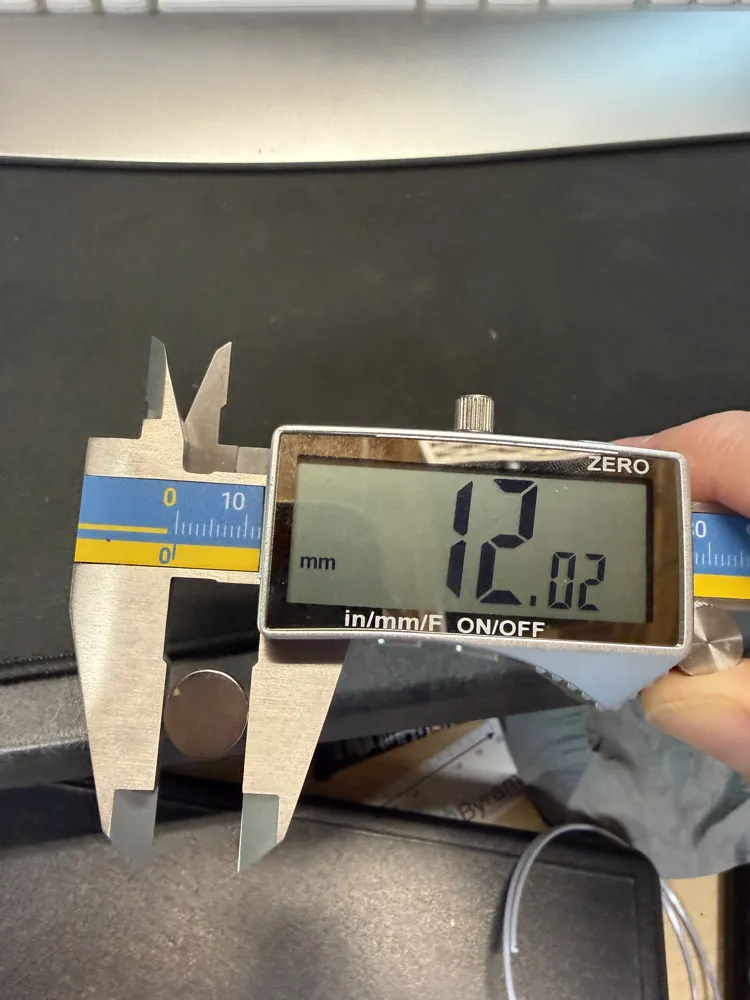
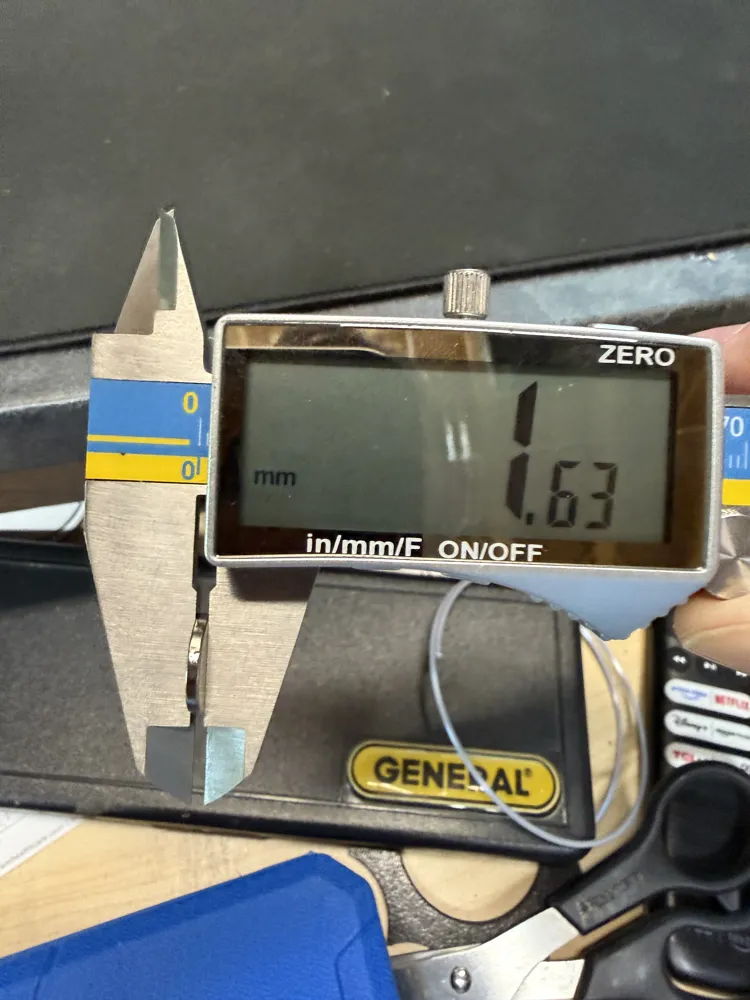
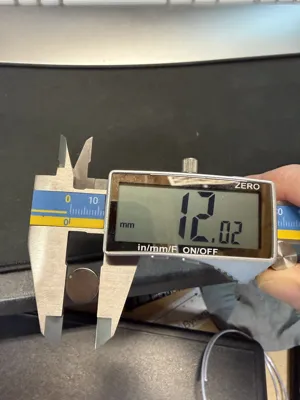
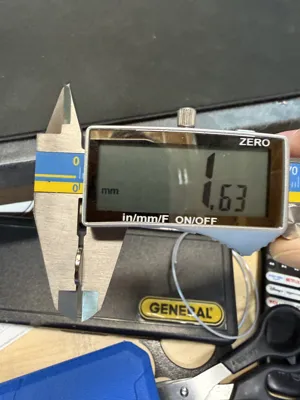
The 3 jigs already in the print profile have negative modifiers for magnets- 12mmx 1.6mm magnets is what I used. The printer will pause and let you glue in magnets before continuing. You can edit those modifiers, if you're comfortable, for different sizes.
If you use the customizer to create your own jig you'll need to add a pause in the slicer for magnets. If you're using 0.2mm layers it should be layer 12 where you pause- you want to select the very first layer that fills in over the pocket. You can also add your own text to the custom made jigs in the slicer. I am working on 130mm, 5.5HD and 6.5HD jigs now but want to print and confirm before I upload those print profiles.
If you'd like to leave a tip/buy me a coffee I'd appreciate it!
License

You may create derivative works based on this object, provided that all such derivative works are published exclusively on the MakerWorld platform and include proper attribution to the original creator. You may not share, upload, host, distribute, or publish this object—or any derivative work of this object—on any other digital platform, marketplace, or distribution channel. Commercial use of this object and any derivative works is strictly prohibited. This includes, but is not limited to, selling, renting, sublicensing, or using the object in any context in which you receive monetary compensation or other financial benefits.


Comment & Rating (0)