
Ultimate Sim-Racing & Flight Button Box | Arduino
Print Profile(2)
Bill of Materials


Description
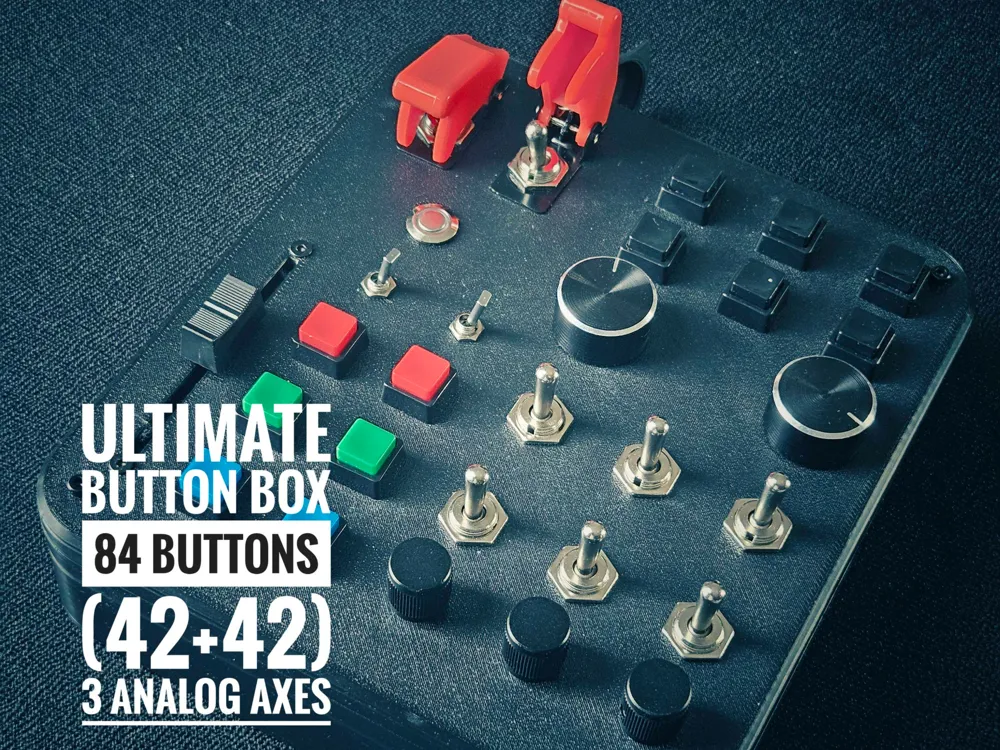
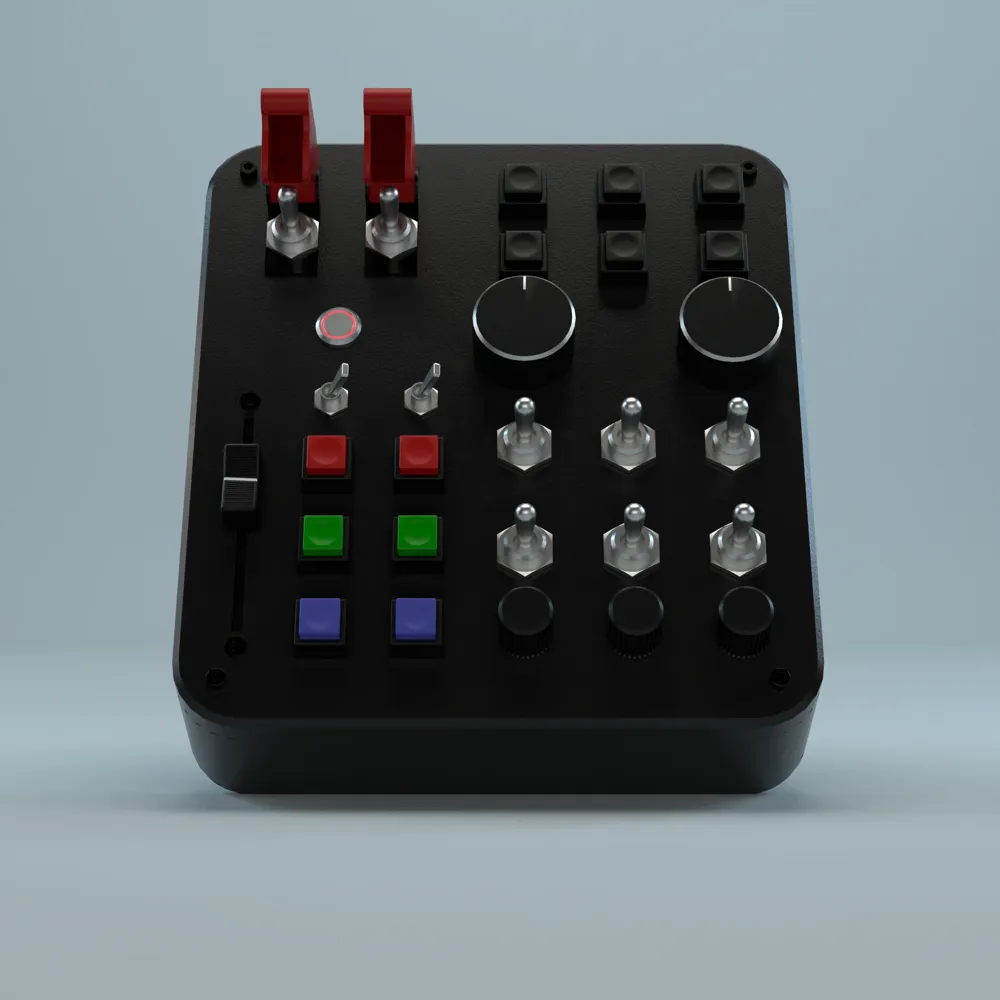
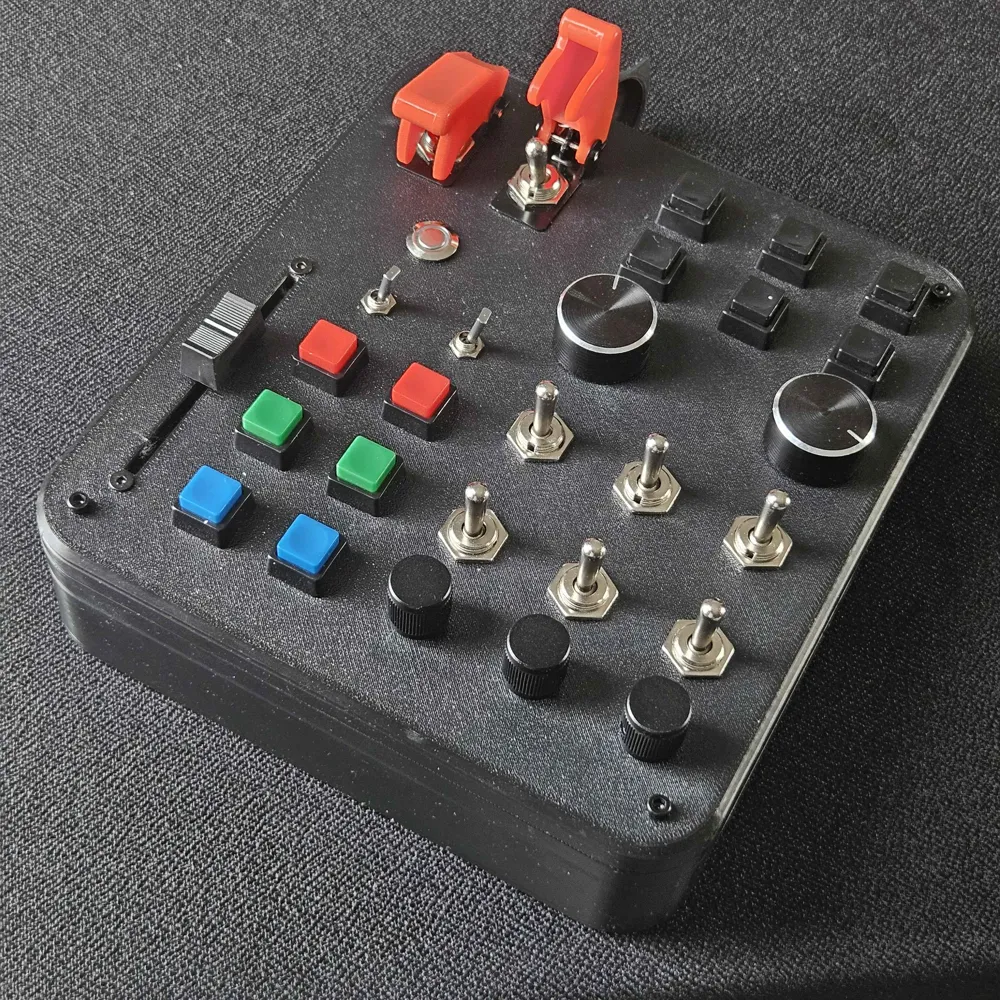
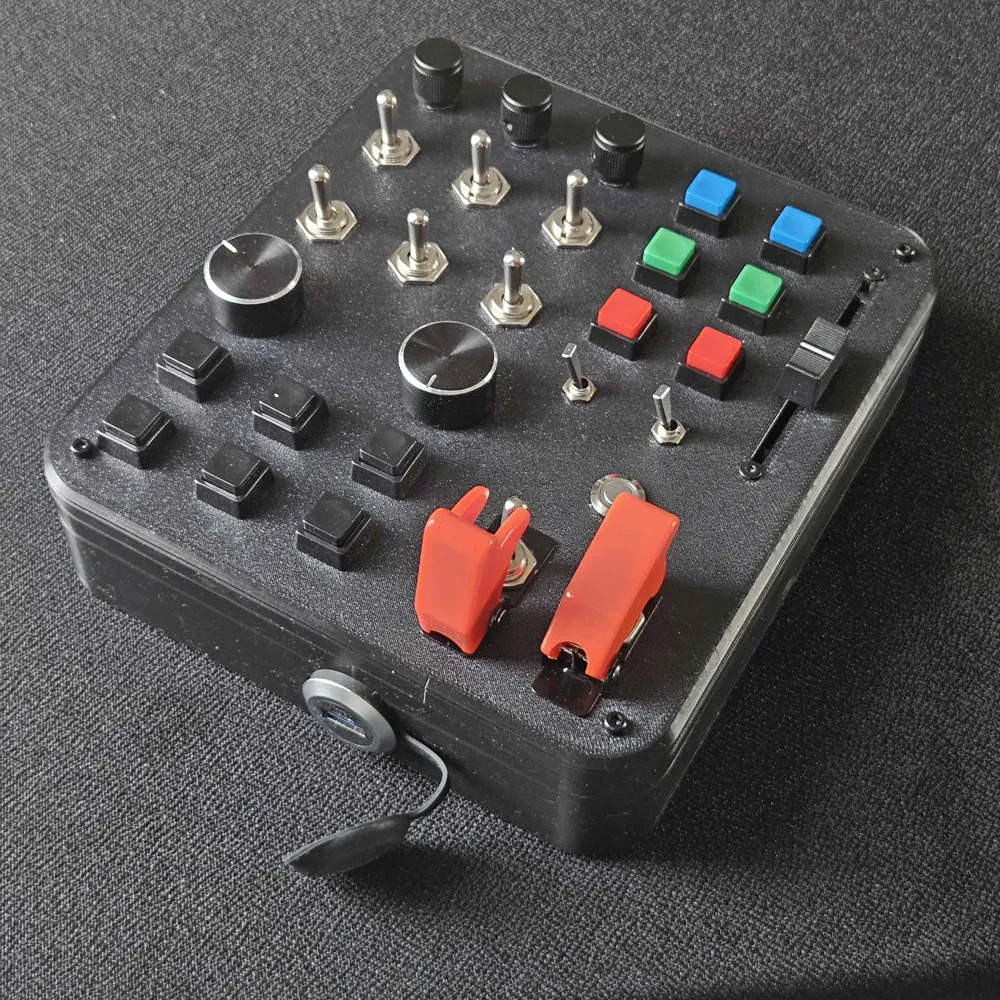
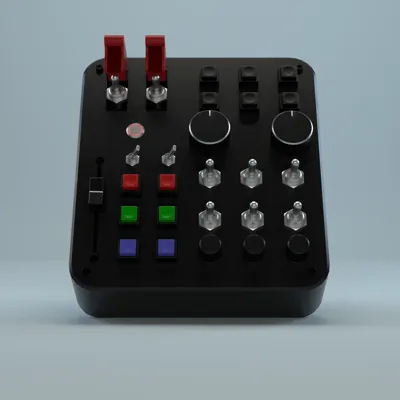
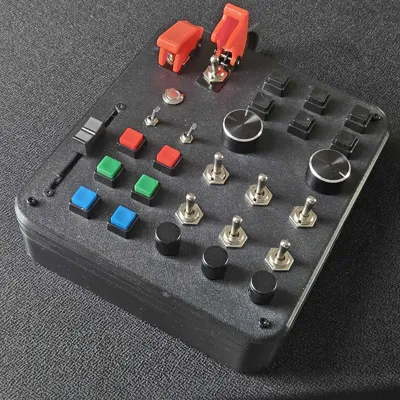
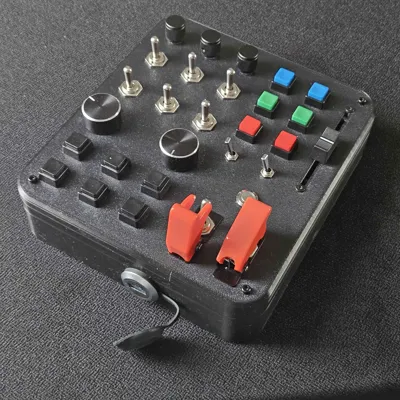
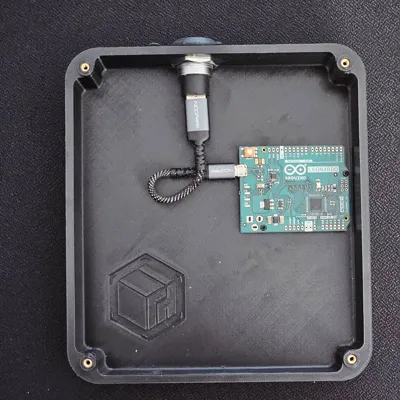
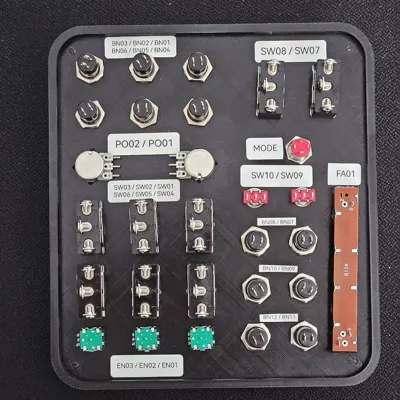
This Button Box or Sim-Panel is a high-performance, compact controller designed for flight simulation (MSFS, DCS, X-Plane etc.) and sim-racing. It leverages an intelligent Dual-Layer (Shift) system to provide a staggering 84 Buttons (82 mappable digital functions + 2 mode states with LED indicator) alongside 3 high-precision analog axes, all powered by a single Arduino Leonardo.
Whether you need to manage complex autopilot systems, engine mixtures, or landing gear, this panel provides the tactile feedback and reliability required for a professional setup.
🚀 Key Features
- Dual-Layer Logic: A dedicated Mode button toggles all matrix inputs and encoders into a second command layer.
- 82 Digital Commands: 64 button functions, 6 encoder push-buttons (dual-layered), and 12 encoder rotation commands split into two banks.
- 3 Analog Axes: 2x Rotary Potentiometers and 1x 60mm Linear Fader (ideal for Throttle, Flaps, or Mixture).
- Zero-Ghosting Matrix: A full 6x6 matrix equipped with 36 diodes (1N4148) to ensure every input is registered accurately.
- Industrial Design: Robust housing using M3 and M2 brass threaded inserts for a professional, screw-together assembly.
- Plug & Play: Recognized as a standard HID Game Controller (Joystick) in Windows - no external drivers required.
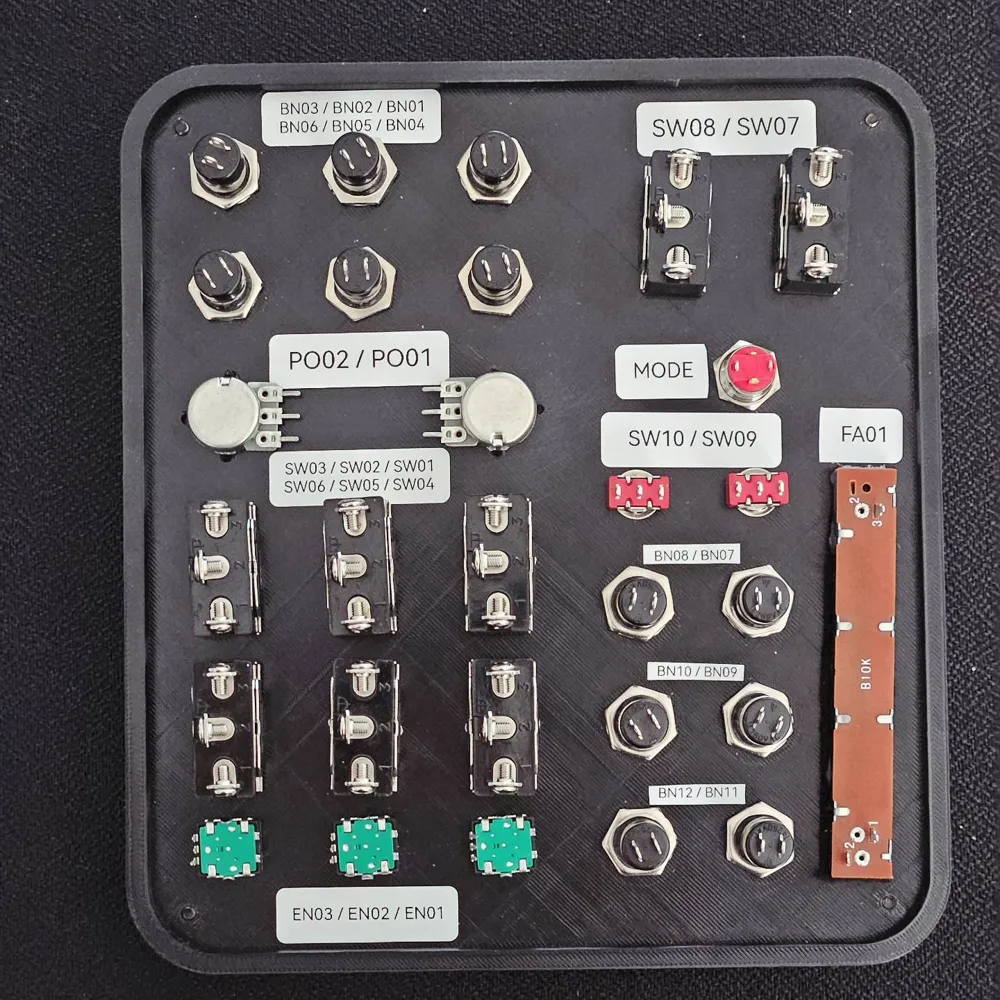
- Toggle/Pulse Mode: Press EN01 + EN03 + BN02 to change SW07, SW08, SW09 and SW10 between Toggle and Pulse mode. While Toggle will keep the key pressed, Pulse will send only a short button press when flipping the switch. Refer to wiring schematics for more details.
🖥️ 3D Printing
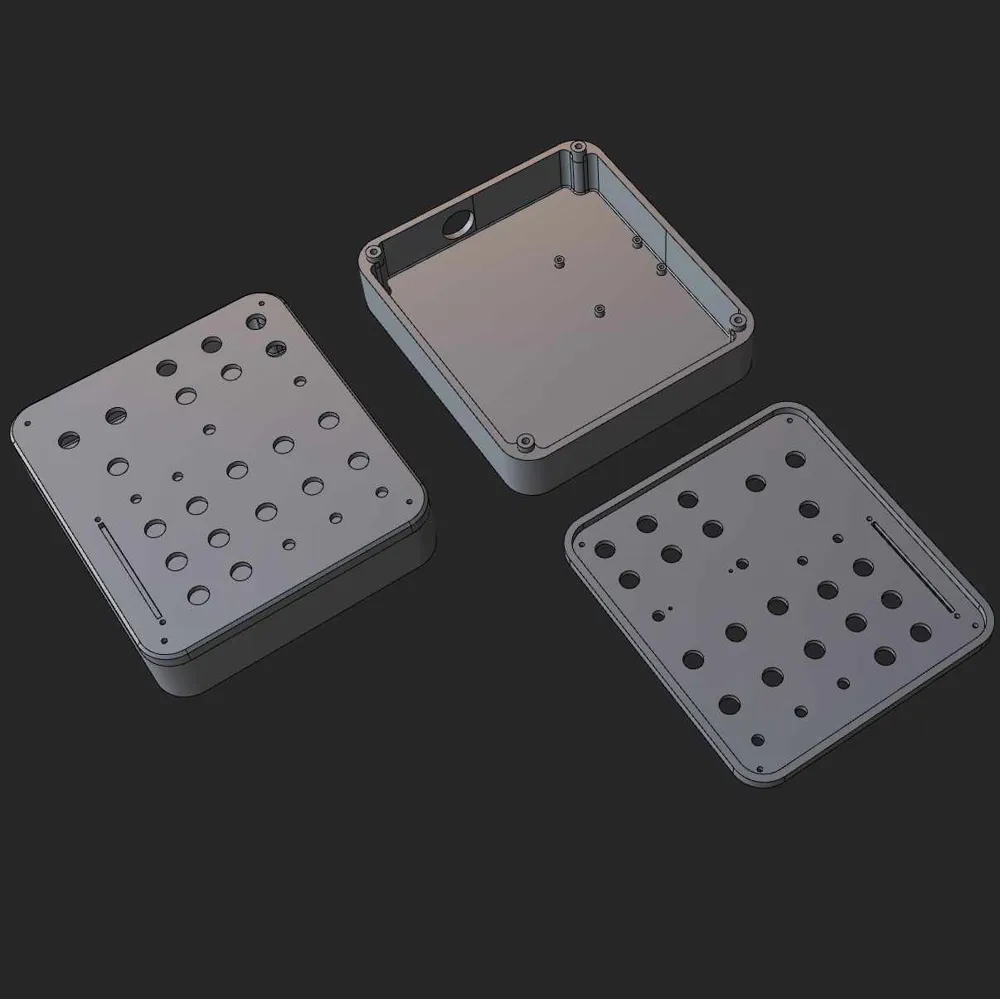
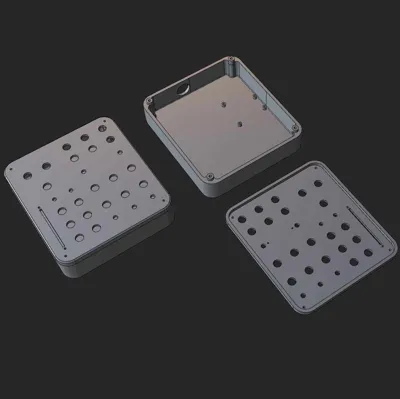
- The case and lid can be printed in PLA, I recommend PETG HF for durability though.
- Printing requires supports
- I include a profile for printing PETG with a PLA interface layer as well as a No-AMS profile for printing a single material
- Clearances were designed around the components I used (see shopping list). Might require adjustments when using other components.
- The case can be printed with 2 walls and 15% infill. Parts for threaded inserts should be set to 100% infill.
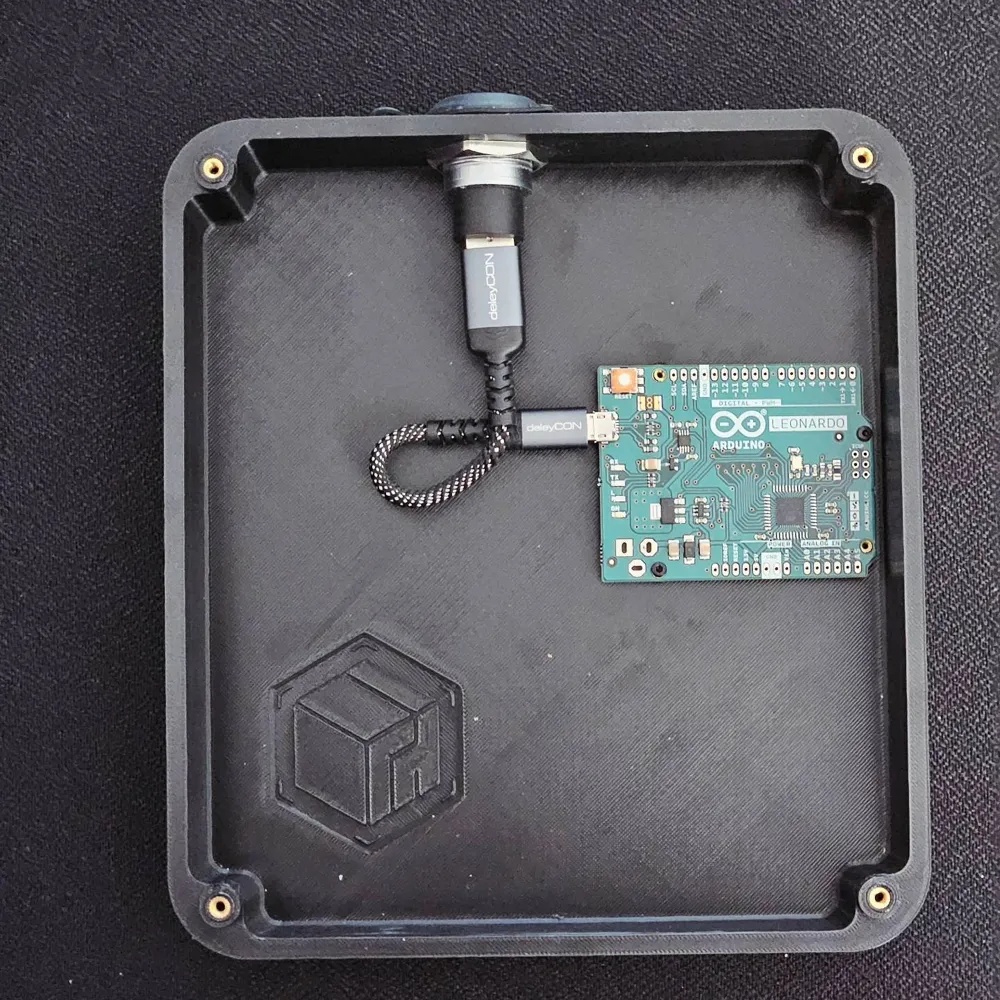
- Out of vanity I printed a case featuring my logo on the inside, this version is also included, as well as a test piece for testing clearances.
Printing times
- When printing PETG + PLA interface layer for supports (P2S + AMS)
- Case: 6h31m
- Lid: 3h16m
- Clearance test piece: 1h26m
- When printing single material (P2S)
- Case: 5h59m
- Lid: 3h16m
- Clearance test piece: 48m
🔌 Wiring
🛒 Shopping List
- The shopping list includes all the components I used. Depending on your location, these may be available from other retailers or can be replaced with equivalent components.
</> INO Sketch for Flashing your Arduino Leonardo
- Download the INO sketch from Github
- Open buttonbox.ino in Arduino IDE
- Add the Encoder and Keypad libraries via the Library Manager. Also add Matthew Heironimus' ArduinoJoystickLibrary to the sketch via Sketch/Include Library/Add .ZIP Library.
- Make sure your Arduino Leonardo is connected and the COM port selected.
- Upload the sketch to your Leonardo.
- Be aware that Windows will not show more than 32 buttons when calibrating the device. Nonetheless they are recognized and working. For testing I created HID Tester - A free Joystick Testing App. Any other modern tool works as well.
Documentation (2)
License

You may create derivative works based on this object, provided that all such derivative works are published exclusively on the MakerWorld platform and include proper attribution to the original creator. You may not share, upload, host, distribute, or publish this object—or any derivative work of this object—on any other digital platform, marketplace, or distribution channel. Commercial use of this object and any derivative works is strictly prohibited. This includes, but is not limited to, selling, renting, sublicensing, or using the object in any context in which you receive monetary compensation or other financial benefits.


Comment & Rating (4)