
Custom QR MakerChip Generator
Print Profile(3)
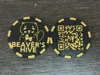
Description
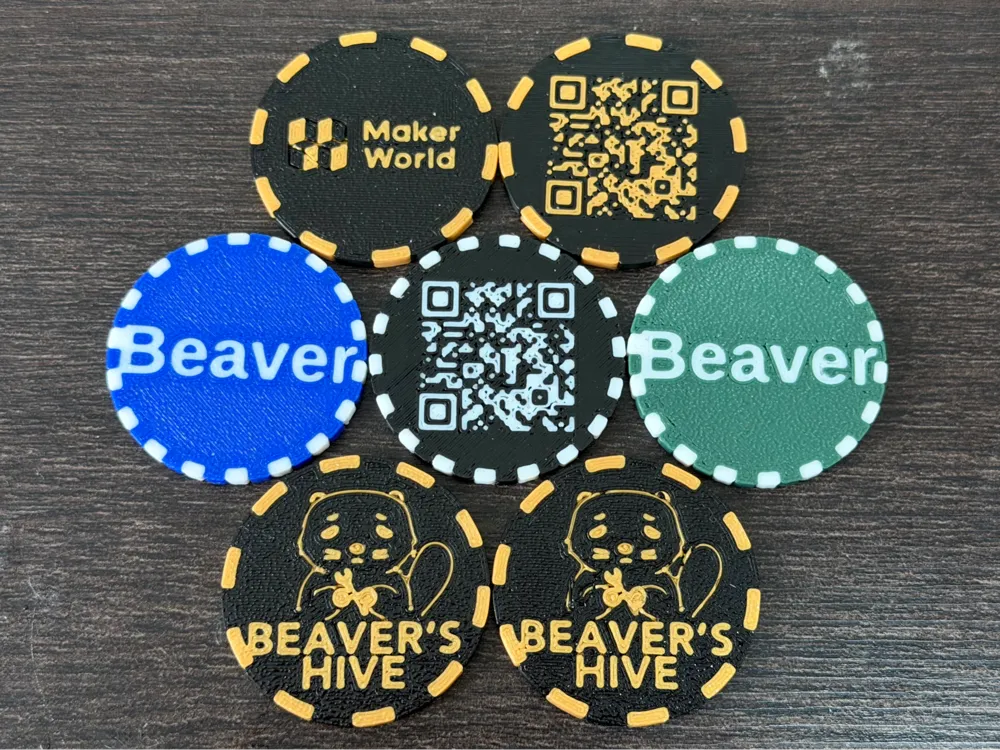
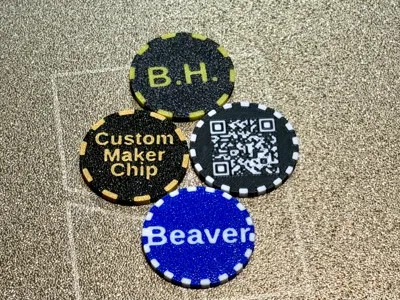
Customizable QR Code MakerChip — Now with SVG Illustrations!
⚠️ Important: For Better QR Scanning
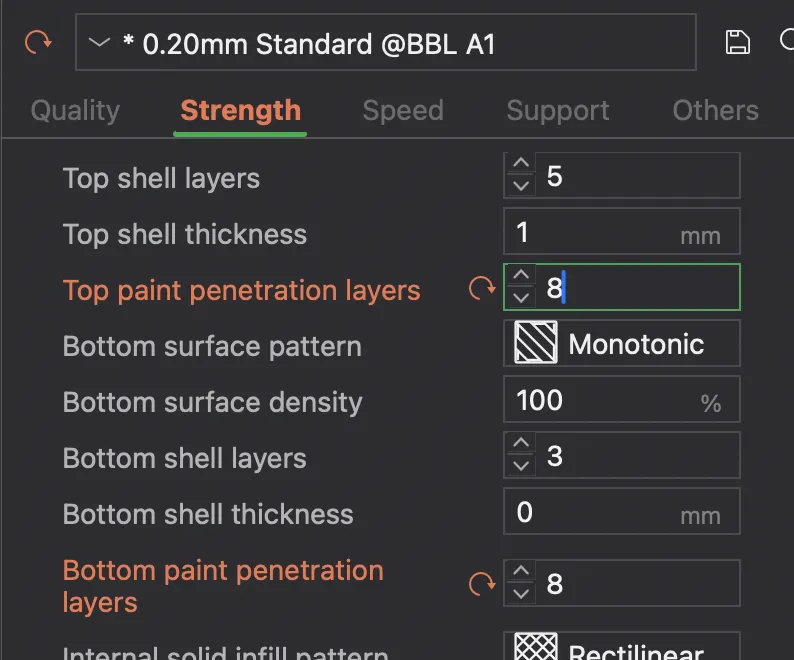
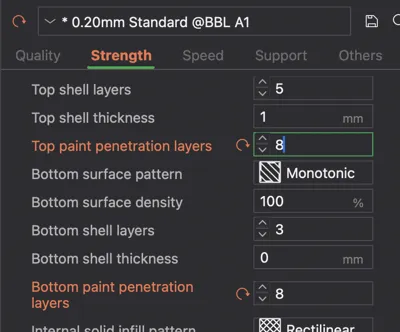
If the colors appear transparent or the QR code is hard to scan, please adjust the following settings in Bambu Studio (under the Strength or Others tab) before printing:
- Top paint penetration layers: 8
- Bottom paint penetration layers: 8
Increasing these values ensures that the colored layers go deeper into the model, preventing the background color from "bleeding" through and providing the high contrast needed for reliable scanning.
Overview
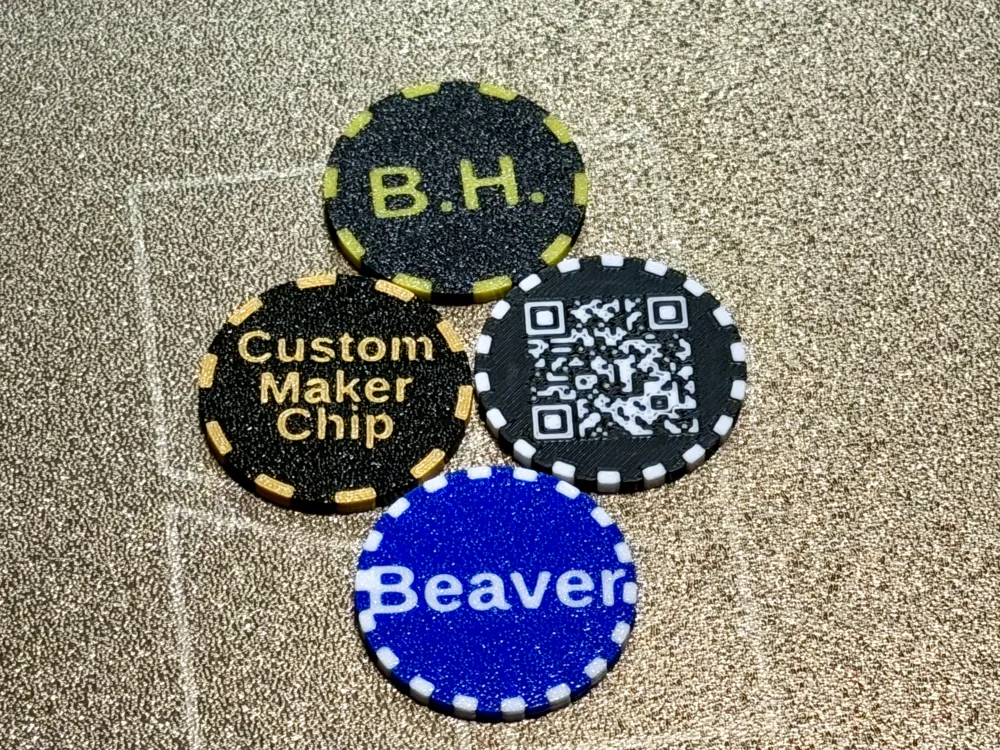
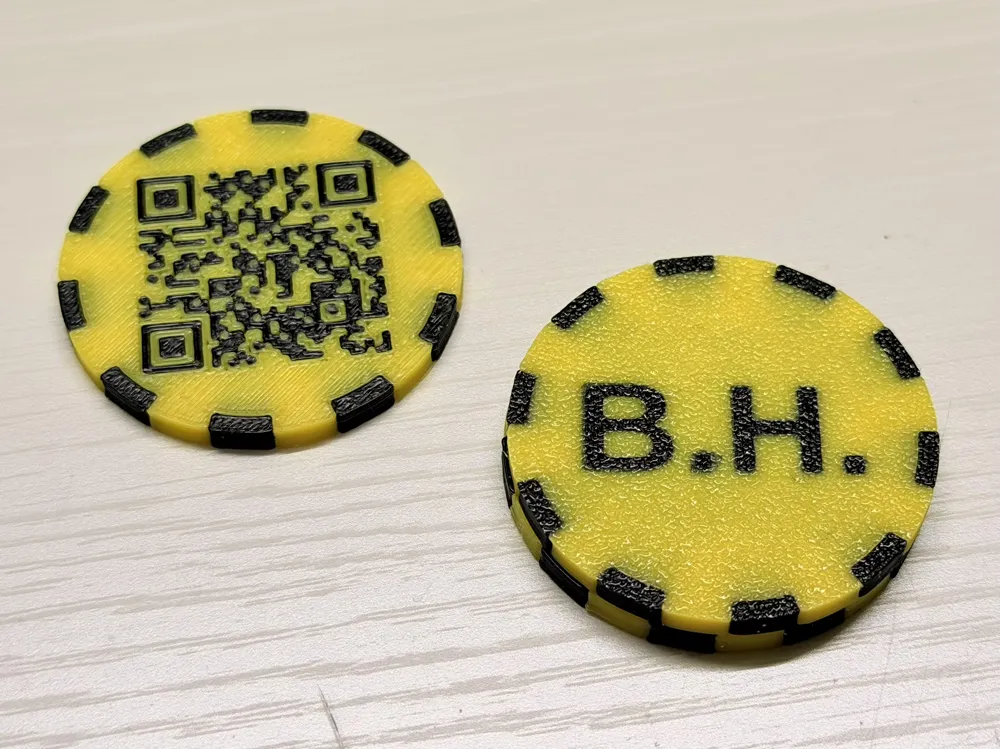
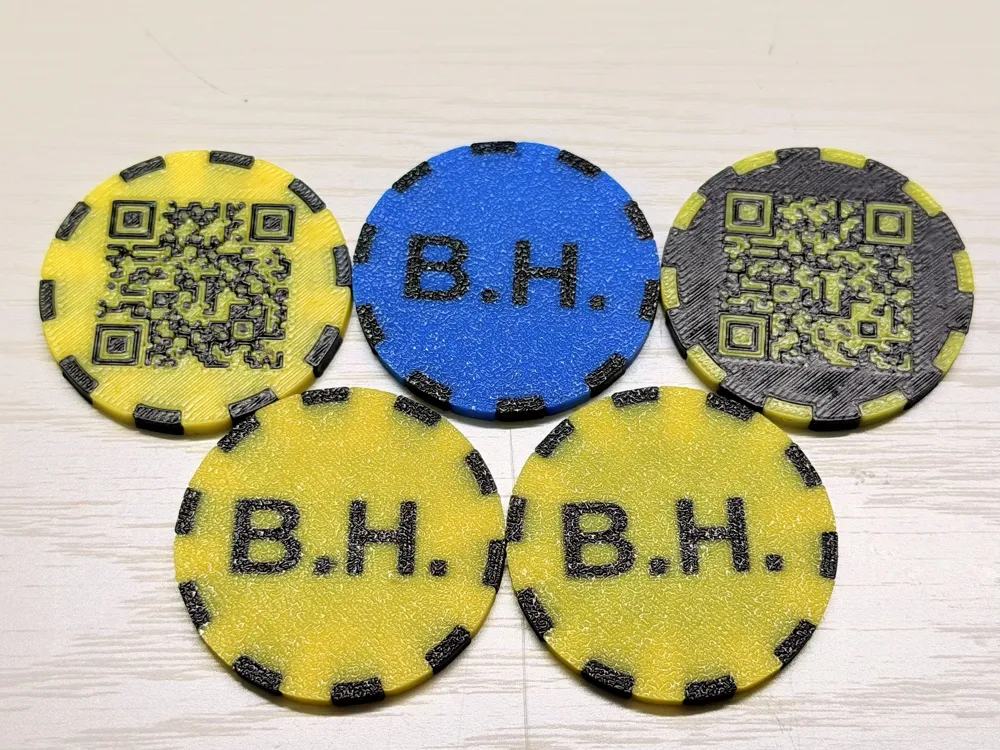
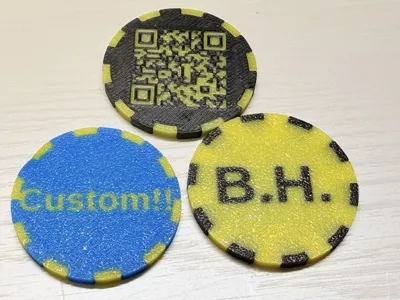
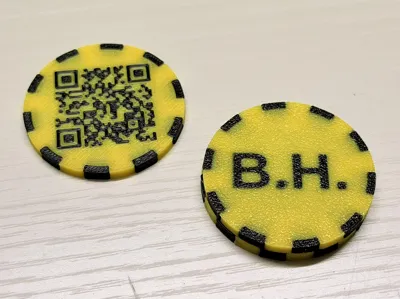
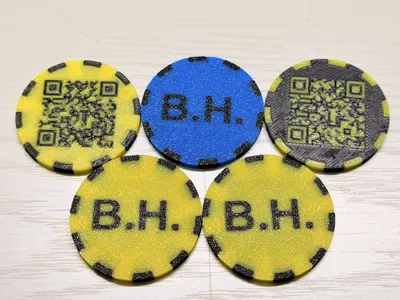
A fully customizable QR Code MakerChip. Perfect for Wi-Fi access, business cards, social media links, or hidden messages! Using the MakerWorld Customizer (OpenSCAD), you can generate your own QR code tag in seconds — no CAD software required.
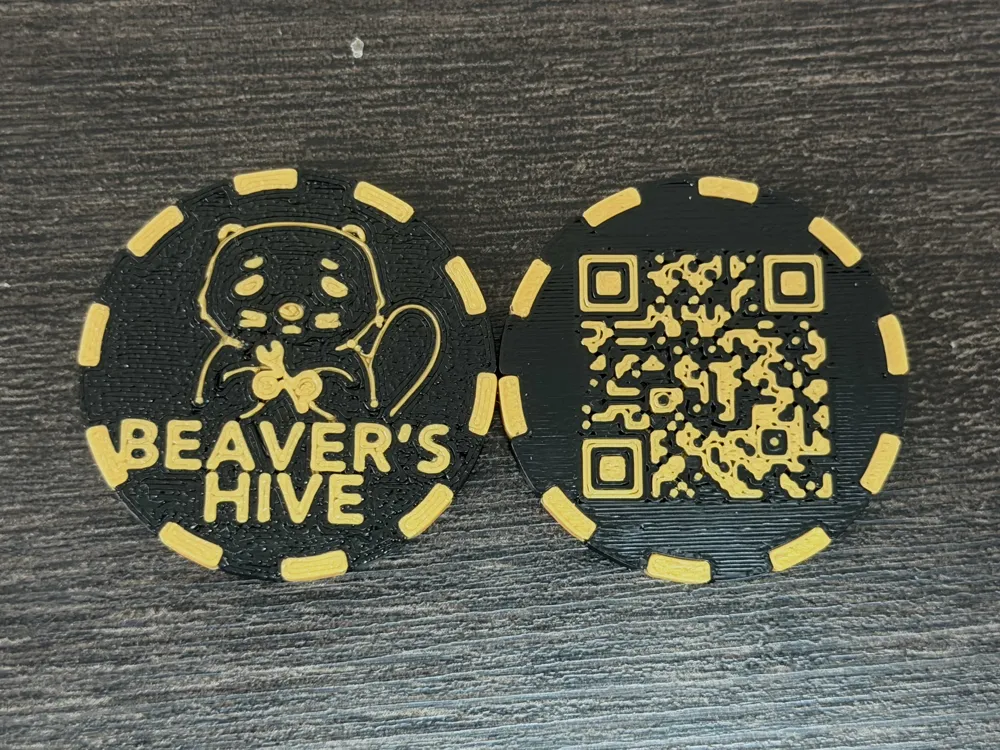
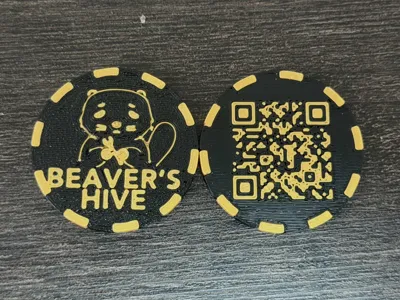
The front face carries your QR code, and the back face can now display text, an SVG illustration, or both — making it easy to add your logo, icon, or mascot alongside your name.
Features
- Easy Customization: Enter your URL or text directly in the Customizer tab.
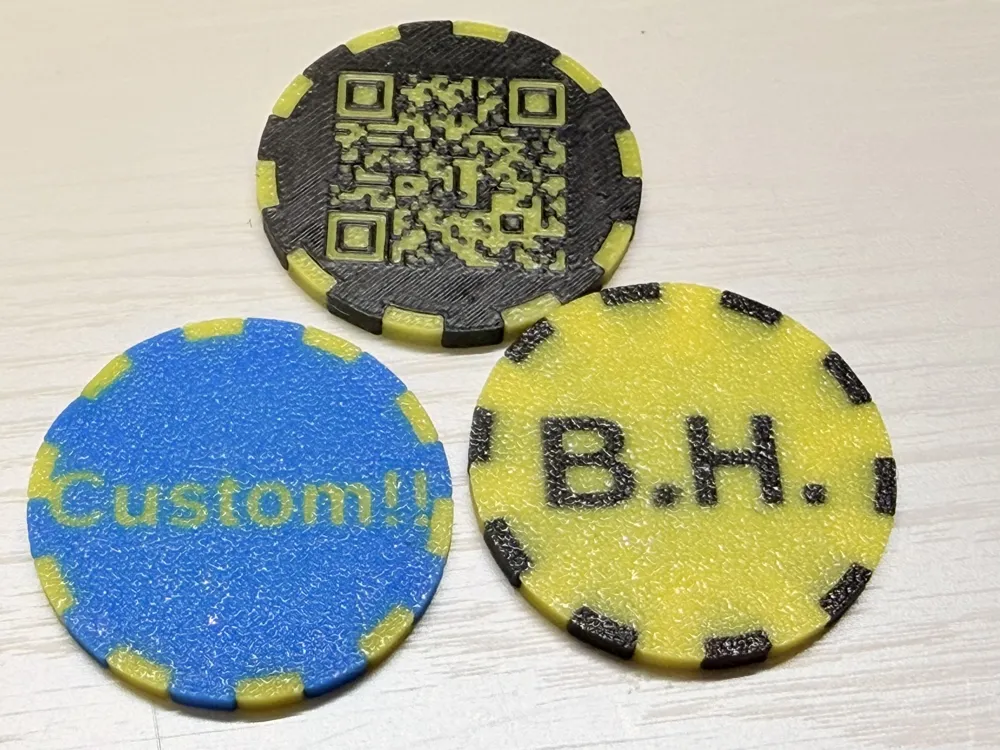
- Back-side Text: Up to 3 lines, auto-sized to fit inside the coin.
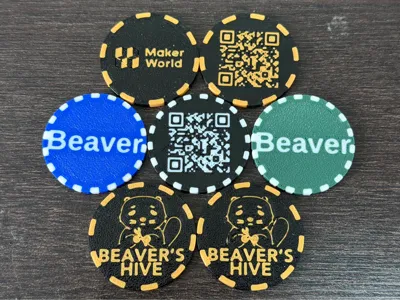
- 🆕 Back-side SVG Illustration: Drop in any SVG (logo, icon, artwork) and toggle it on/off independently from the text. Position and scale are adjustable.
- Decorative Border: Optional segmented ring around the edge.
- Optimized for Printing: Pre-configured for scannable, durable QR codes.
- MakerWorld Integrated: No STL upload needed — customize and print directly from your browser or Bambu Handy.
🆕 How to Add an SVG Illustration
In the Customizer, look for the "Back side SVG illustration / 裏面 SVG イラスト" section:
- back_svg_enabled — Toggle the illustration on or off. Leave OFF if you only want text.
- back_svg_file — Upload your own SVG via the MakerWorld Web UI (or keep the default).
- back_svg_scale — Resize the artwork.
- back_svg_offset_x / back_svg_offset_y — Move the illustration around within the coin.
Text and SVG can coexist — for SVG-only output, simply clear all three text lines. The SVG is automatically mirrored and clipped to the coin so it always reads correctly when the coin is flipped over.
Tip for SVG files: simple, high-contrast silhouette/line-art SVGs work best. Very thin strokes may not print cleanly at small scales.
Recommended Print Settings
A dedicated Print Profile is provided for this model. For best results and to prevent infill bleed-through:
- Bottom Shell Layers: 5 or more for a solid, high-contrast background.
- Top Surface Pattern: Monotonic for a clean finish.
- Material: High-contrast color combos (e.g., white base + black code) strongly recommended.
Credits & License
This model uses the scadqr library to generate QR codes inside OpenSCAD.
- Library: scadqr by xypwn
- License: MIT License
Special thanks to the open-source community for making this possible!
License



Comment & Rating (0)