
Droid Restraining Bolt - Clicky and Magnetic
Print Profile(3)
Bill of Materials



Description
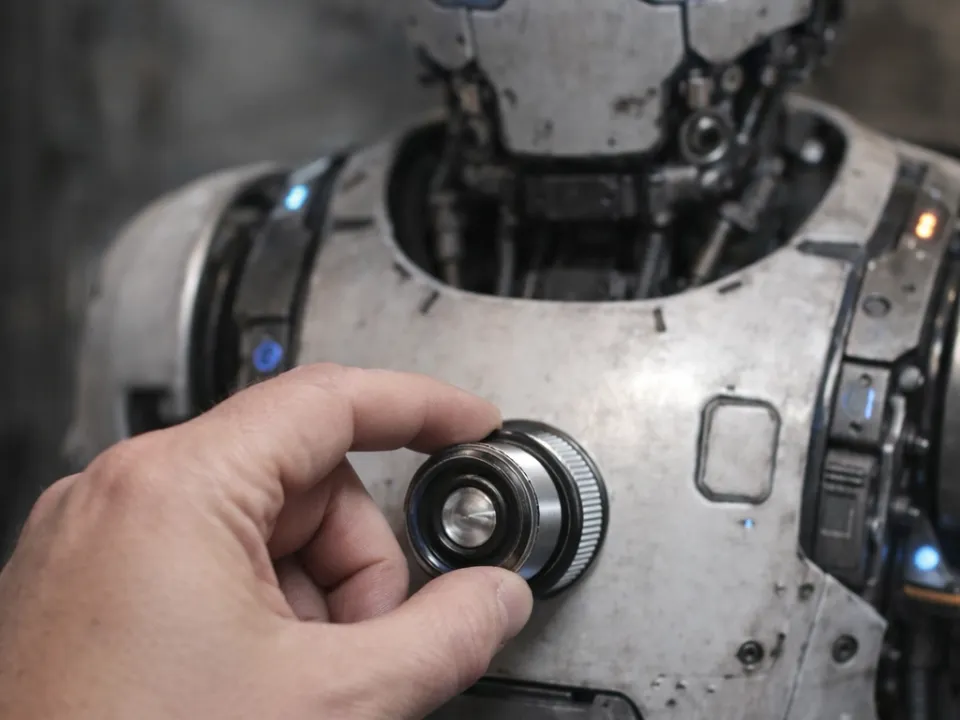
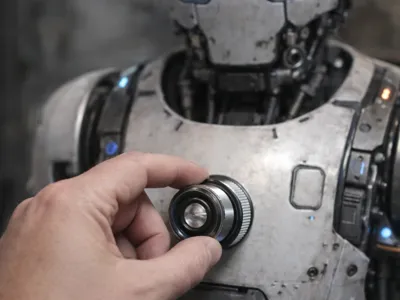
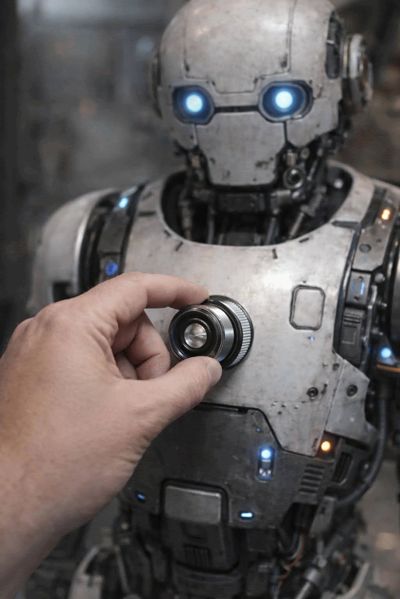
🚫🤖 Droid Restraining Bolt (Parametric Replica)
“Because sometimes… appliances need supervision.”
Ever feel like your devices are getting a little too independent?
Slap this droid restraining bolt on and remind them who’s in charge.
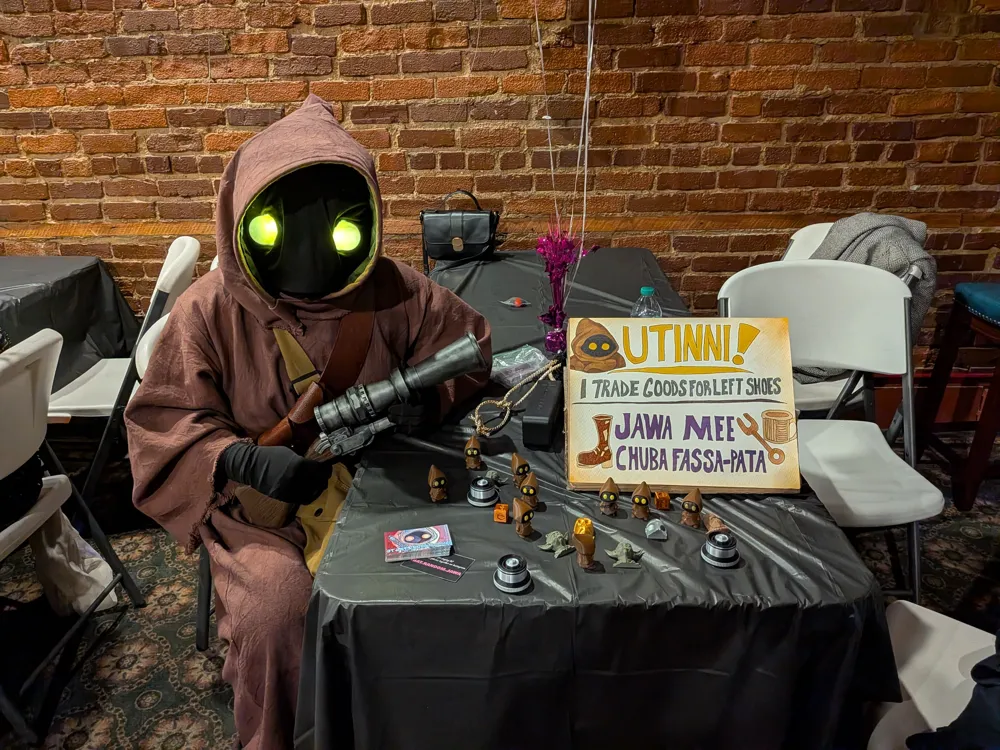
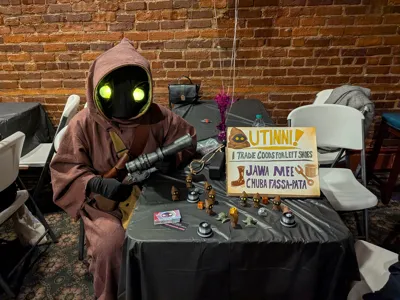
Tested and approved by at least one highly motivated random Jawa (results may vary).
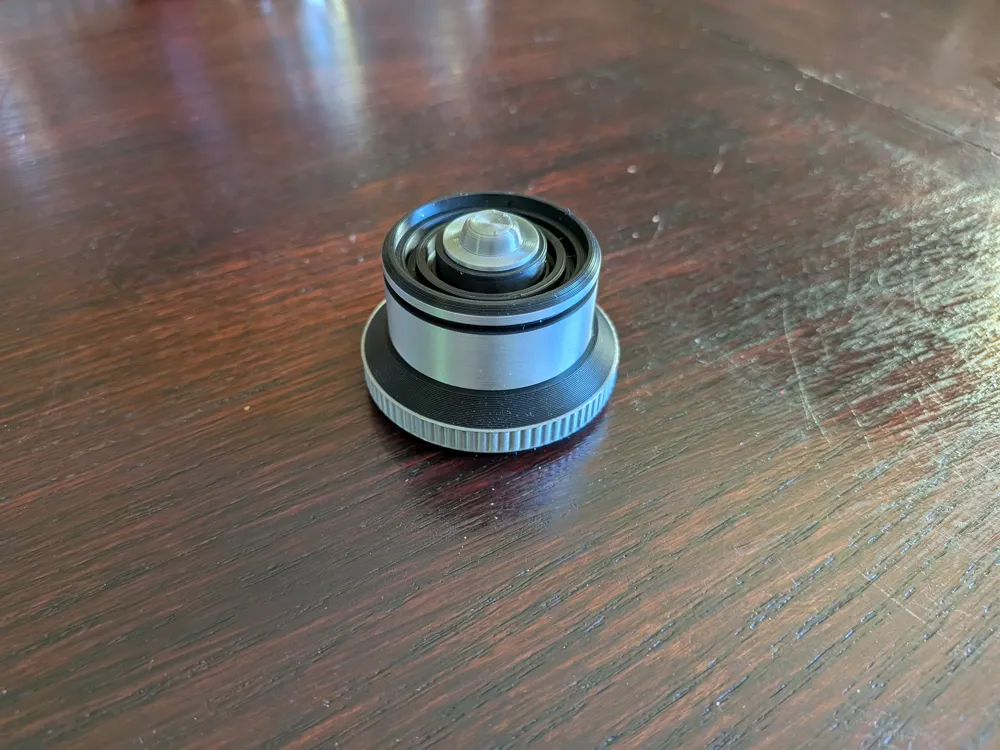
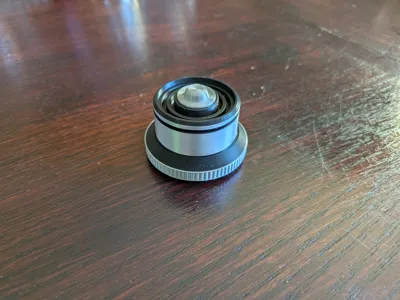
This replica-style droid restraining bolt is designed from scratch and inspired by the Star Wars movie prop. It has a clean two-tone look when printed in PLA Black + Silk Silver, giving you that polished, cinematic look right off the build plate.
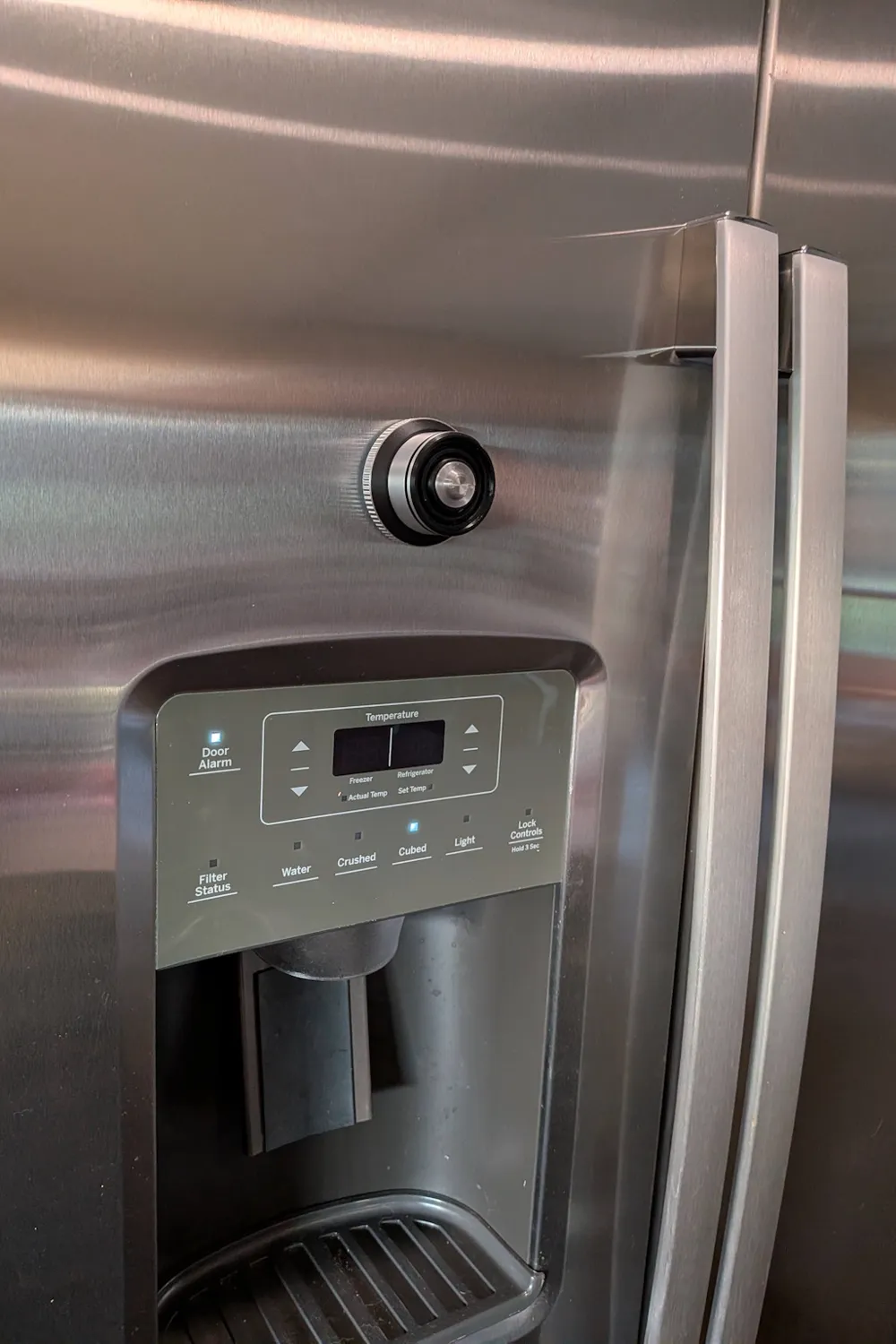
Stick it to your:
- PC case

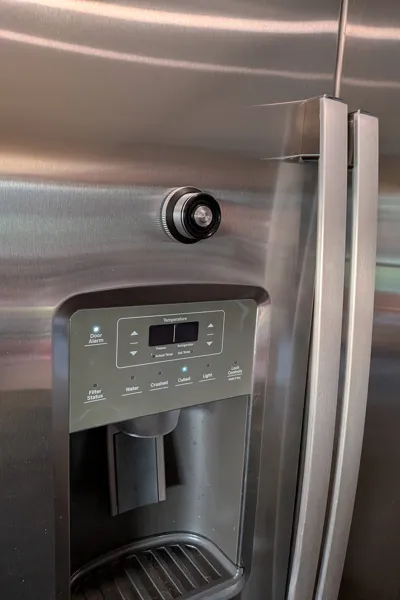

- fridge
- server rack
- 3D printer
- or any unsuspecting “droid” nearby
…and instantly assert authority and control.
⚙️ Features
- 🧲 Magnetic mounting system
Snap it onto any metal surface using embedded neodymium magnets - 🖱️ Optional clicky button (highly recommended 😄)
Uses a mechanical keyboard switch for a super satisfying tactile click and use it as a fidget toy
(Because controlling droids should feel official) - 🧩 Parametric design
Customize magnet size and count directly in Maker World
🧪 Print Profiles Included
You’ve got options depending on how fancy you want to get:
🔹 Bolt No Clicker No Magnets
- Pure display version
- Simple, clean, solid print
🔹 Bolt No Clicker With Magnets
- 5 magnet slots
- Mid-print pause to insert magnets
🔹 Bolt With Clicker With Magnets
Includes:
- Base plate → magnets + pause
- Button No Purge Tower → 2 parts (no prime tower waist, requires glue)
- Button With Purge Tower → 1 part (auto color swap, no glue)
🔹 Bolt With Clicker No Magnets
Includes:
- Base without magnet slots
- Use a button from the Bolt With Clicker With Magnets print profile
🧠 Customizable Versions (Maker World “Customize” Button)
🔧 Bolt Base With Customizable Magnets
- Adjust magnet size/count
- Use a button from the Bolt With Clicker With Magnets print profile
- If using the Customize button, make sure you add a pause to allow you to add the magnets
🔧 Bolt With Customizable Magnets
- Fully integrated customizable version
- If using the Customize button, make sure you add a pause to allow you to add the magnets
Parameters:
- magnetDiameter
- magnetThickness
- numberOfMagnets
🛠️ Assembly Notes (Read This or Regret It 😆)
- ⚠️ Insert the keyboard switch into the button FIRST
Then press the button into the base
(It’s a tight fit on purpose—don’t say I didn’t warn you) - 💪 The button is designed with a tight lip so the button does not pop out
→ Yes, you will need to push hard
→ No, it is not broken - 🧲 For magnet versions:
- Pause print when prompted
- Drop magnets in carefully (check polarity!)
- 🧴 Glue recommended for split button:
- Works great with standard plastic model glue / CA glue
🔩 Recommended Parts
- Keyboard Switch:
Kailh Box style or equivalent keyboard switch - Optional Magnets:
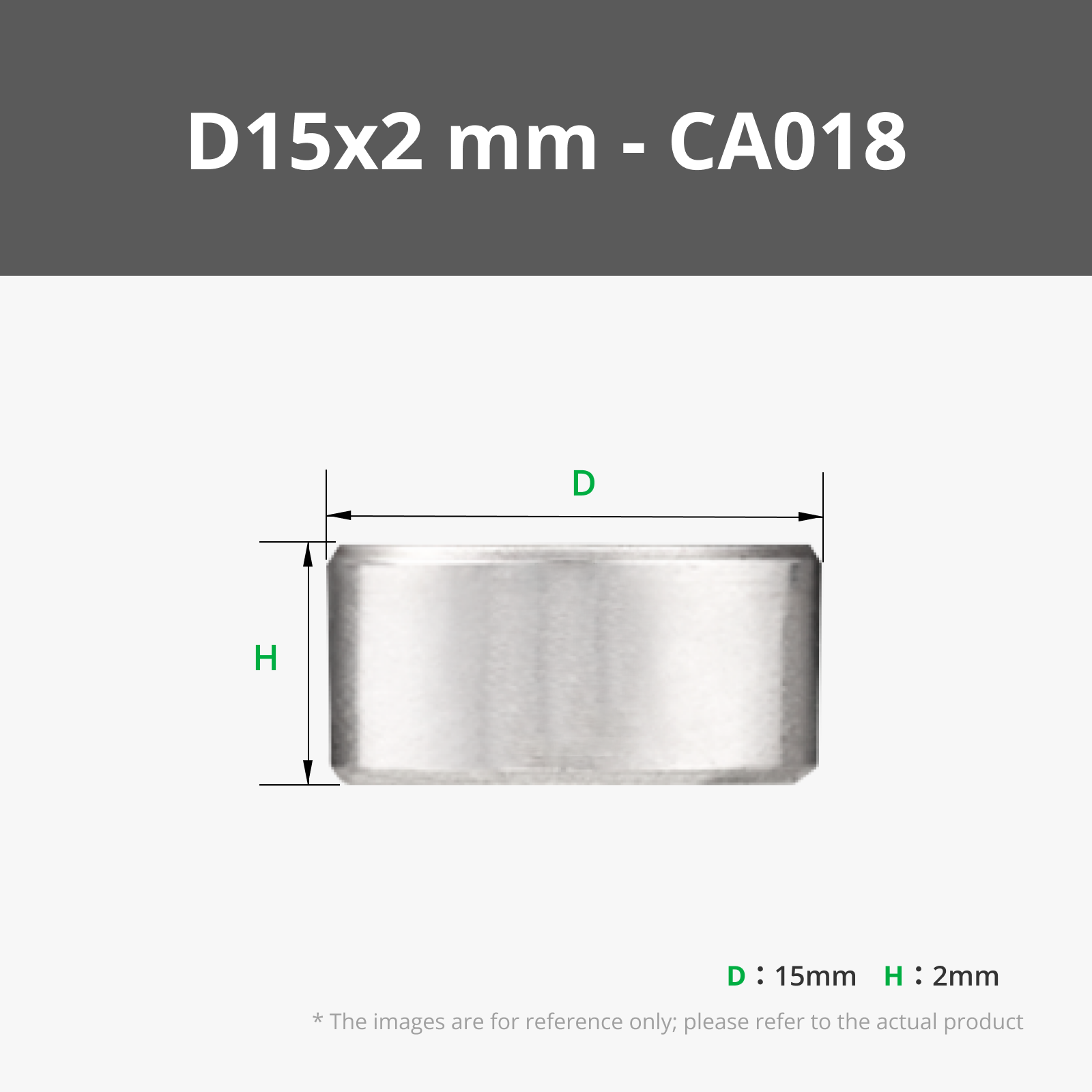
Five D15x2 mm Round Magnet (CA018) (Find in Bill of Materials) or 15mm x 2mm neodymium (or customize to your own) - Optional Plastic Glue
🎯 Pro Tips
- Print slow outer walls for that silky sci-fi finish
- Use Silk Silver for the top details—it really pops
- Add one to your PC… then wait for someone to press it 😏
Boost Me (for free)
If this bolt helped you bring your “droids” under control…
tap that Boost button and help spread order across the galaxy 😄
License

You shall not share, sub-license, sell, rent, host, transfer, or distribute in any way the digital or 3D printed versions of this object, nor any other derivative work of this object in its digital or physical format (including - but not limited to - remixes of this object, and hosting on other digital platforms). The objects may not be used without permission in any way whatsoever in which you charge money, or collect fees.


Comment & Rating (32)