
X2D First Layer test & Bed Cleaner Full bed P1S
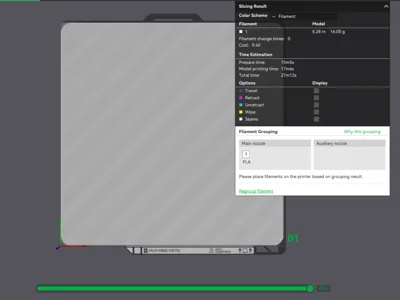
Print Profile(2)
Description
First Layer Troubleshooting Guide
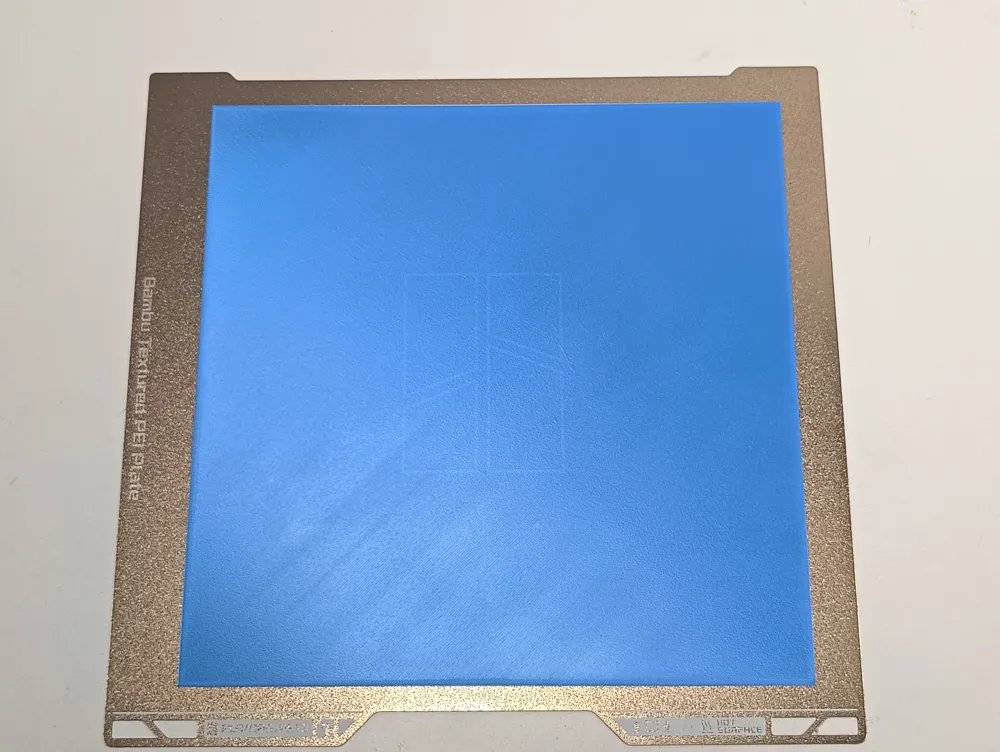
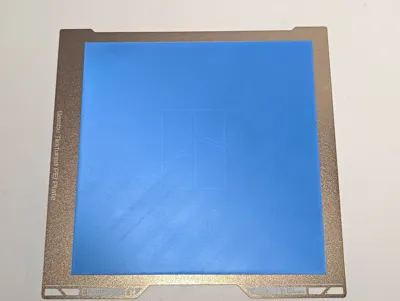
Acceptable First-Layer Examples
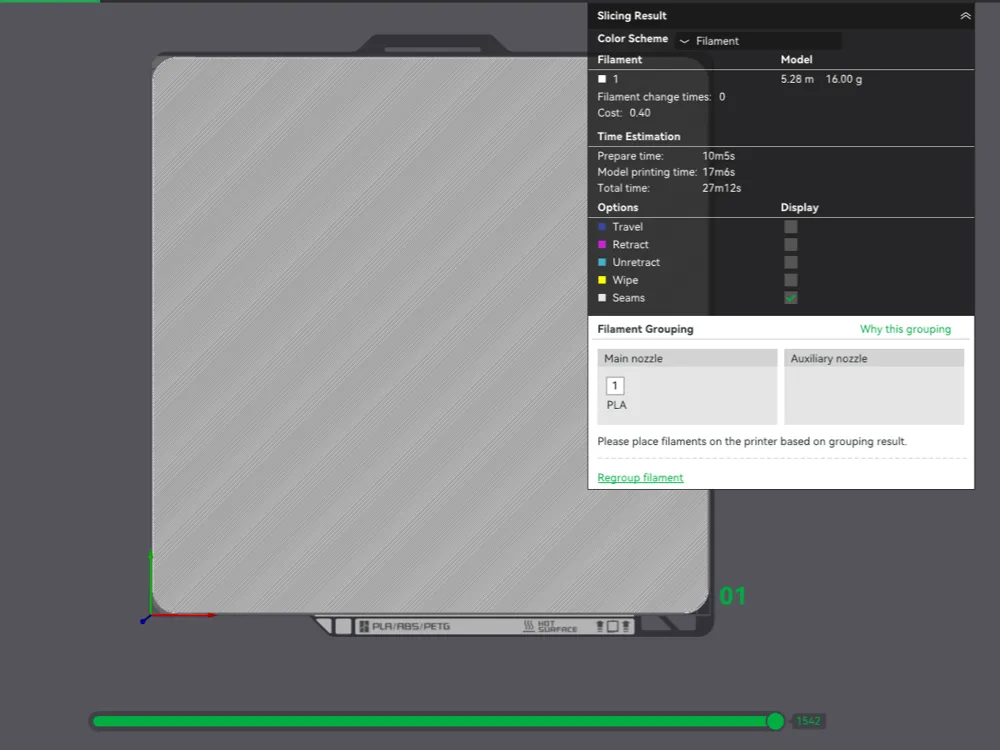
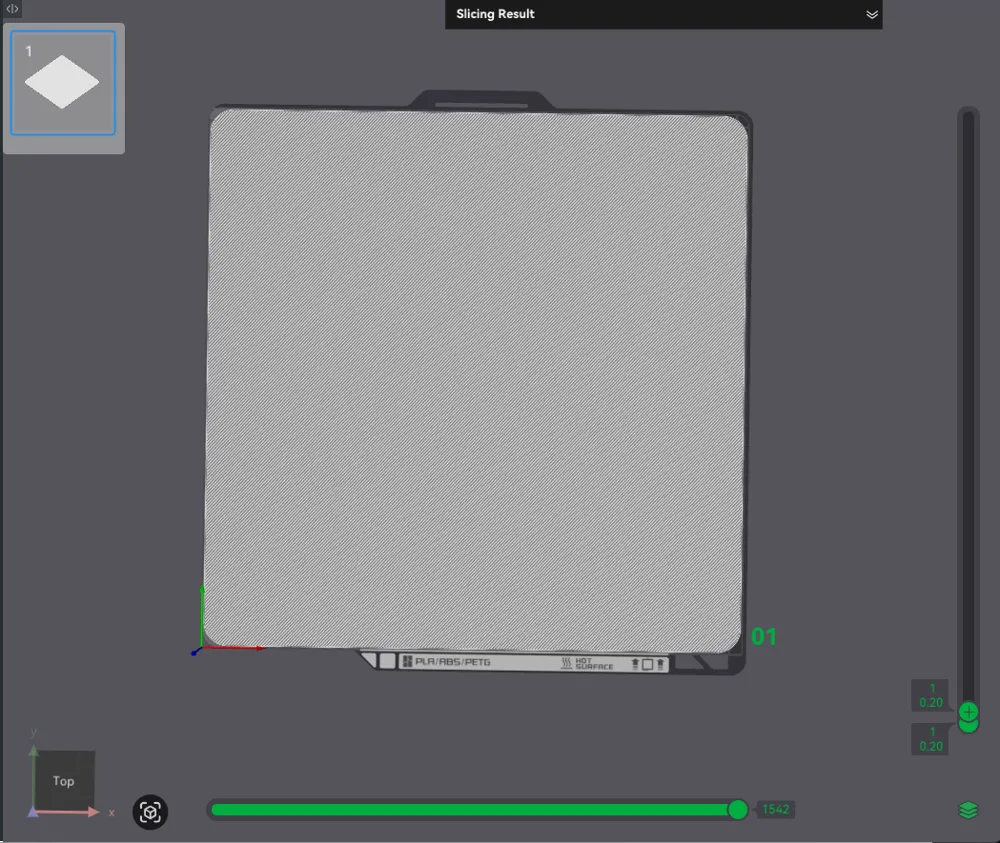
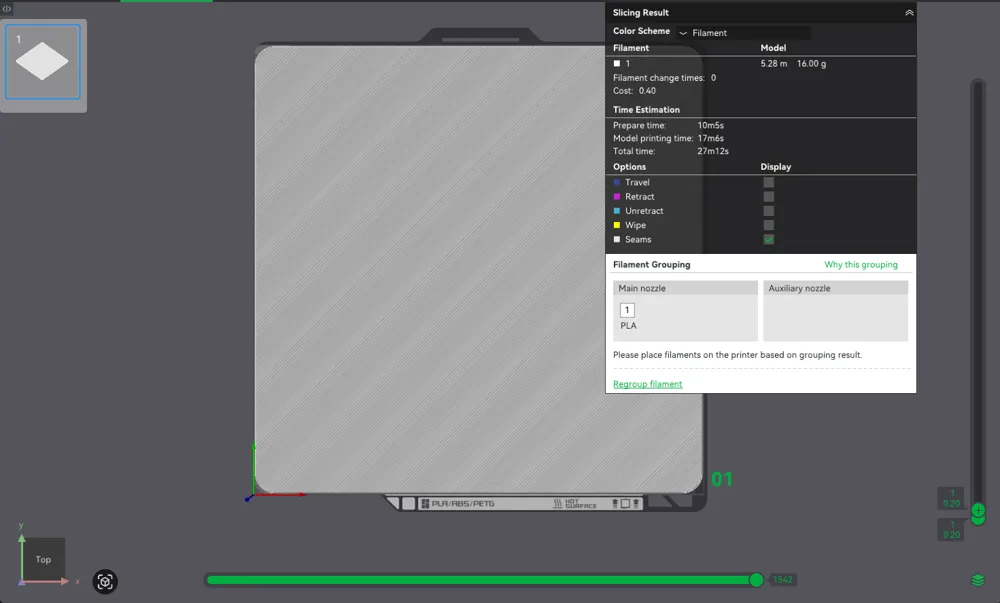
High quality first layer:
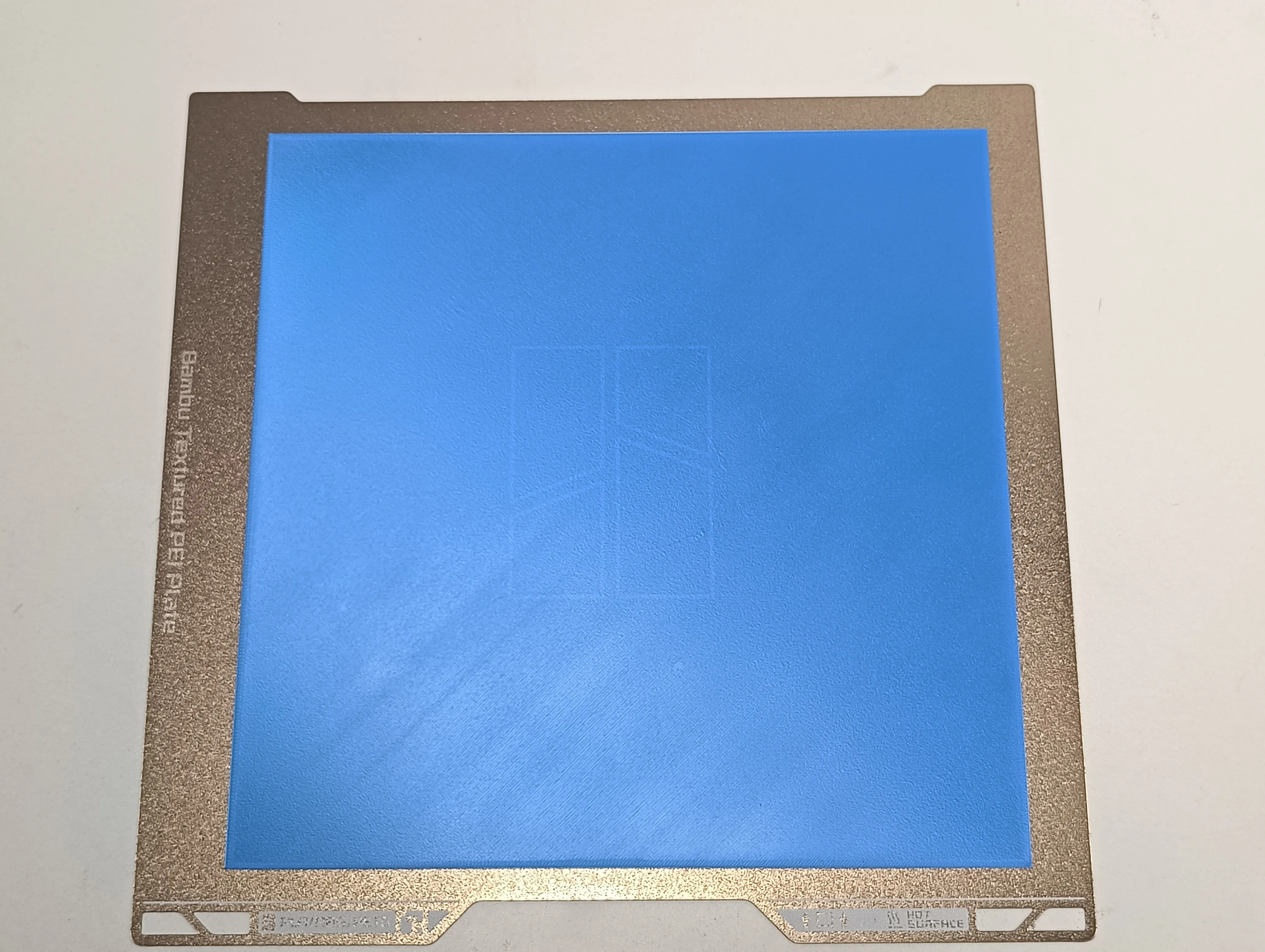
How to Achieve a High-Quality First Layer
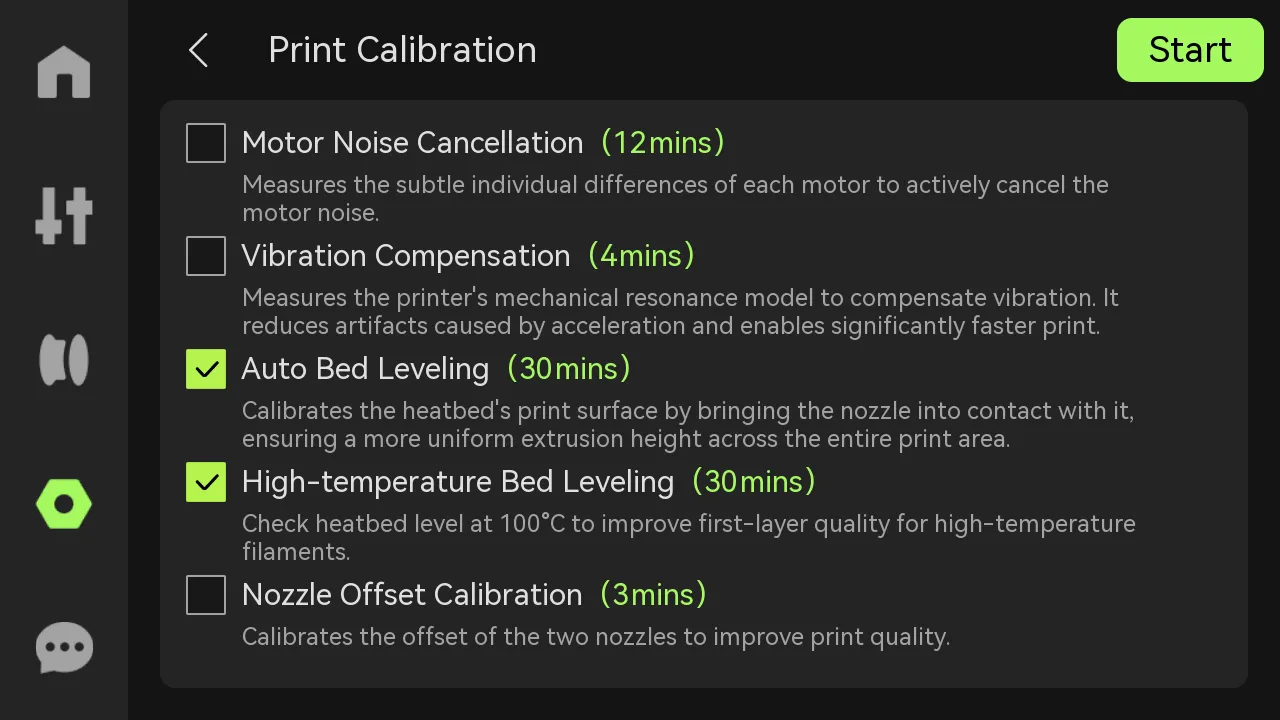
Calibration & Leveling
- Regardless of the first layer printing quality issues, we recommend starting with a calibration. Run the Auto Bed Leveling and High-temperature Bed Leveling in Setting > Calibration > Print Calibration. If the printer has been moved, stored for a long time, or if the heatbed has been disassembled or replaced, you must run the leveling again during calibration.
This guide brings together common first layer issues and practical fixes based on real-world experience, along with general recommendations from Bambu Lab resources.
Start Here First (Quick Fix Checklist)
Before diving into specific problems, always try these:
- Run full calibration
- Enable Auto Bed Leveling
- Clean the nozzle tip before calibration
- Preheat the bed for 10–15 minutes before starting
👉 These steps alone solve a large percentage of first layer problems.
Poor Adhesion (Most Common Issue)
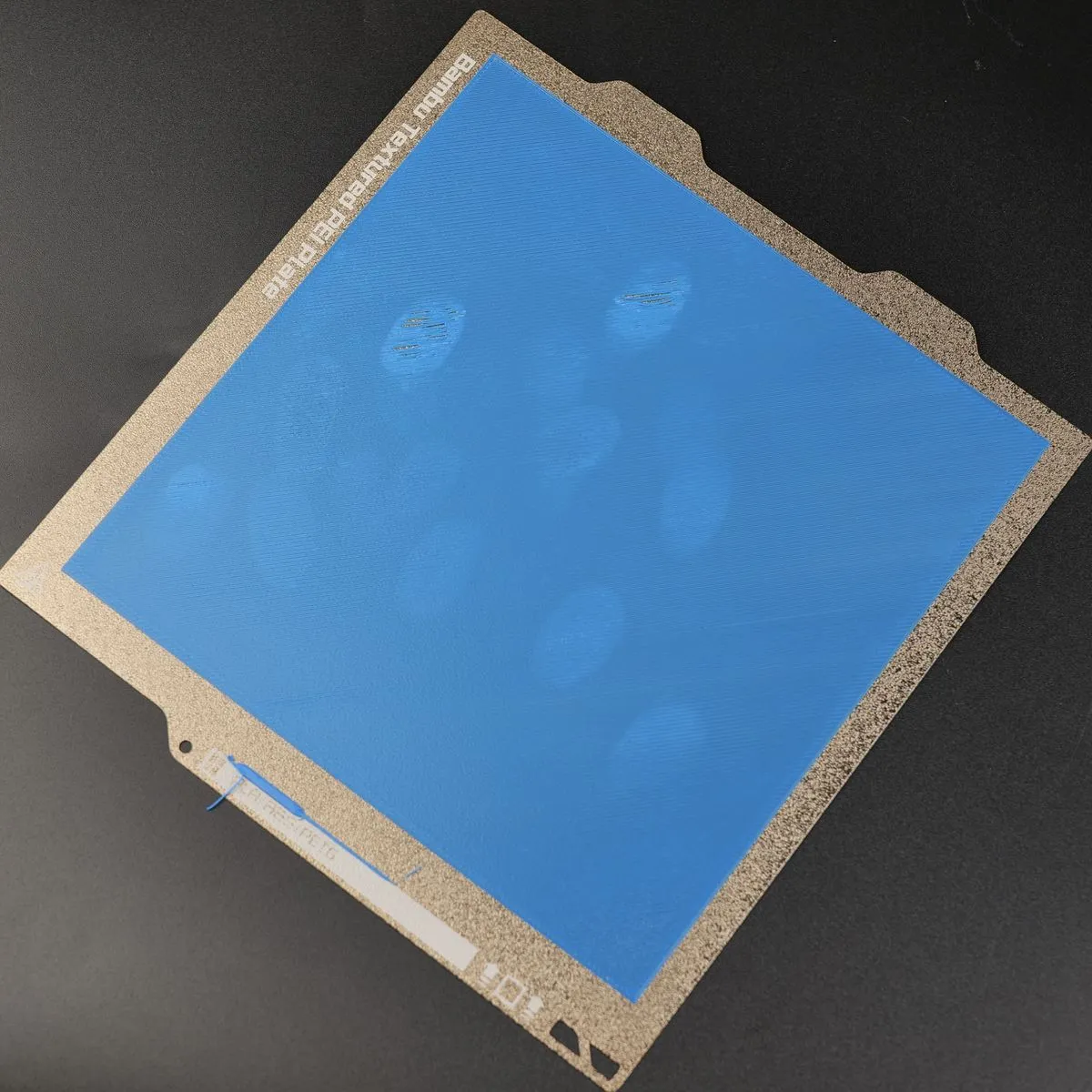
What It Looks Like
- Corners lifting or warping
- Lines not sticking to the bed
- Model shifting mid-print
Why It Happens & Fixes
Dirty build plate
- Oil from fingers is the #1 cause
- Wash with dish soap and warm water
- Avoid touching the surface after cleaning
Wrong plate settings
- Incorrect temperature = bad adhesion
- Double-check plate type in Bambu Studio
Nozzle Too Far (First Layer Too High)
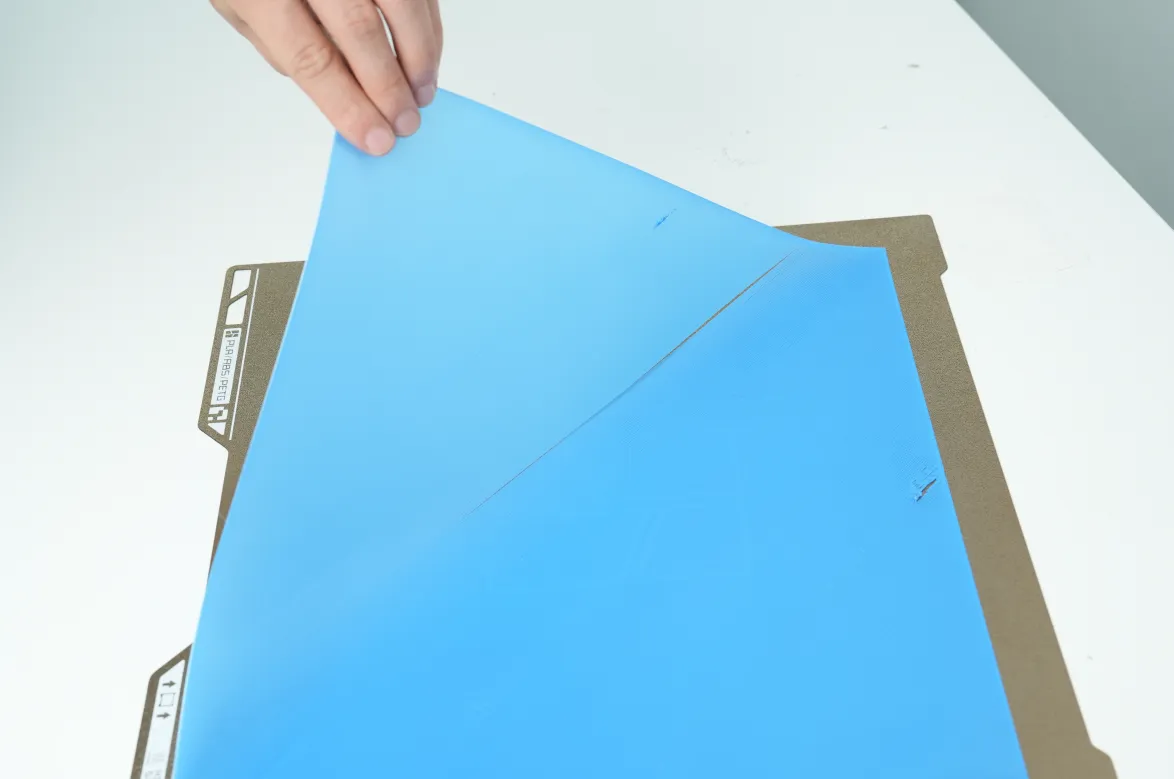
What It Looks Like
- Gaps between lines
- Weak bonding
- Lines peel off easily
Why It Matters
- Poor base = failed print later
- Can lead to spaghetti or nozzle blobs
Common Causes & Fixes
Dirty nozzle affecting calibration
- Clean nozzle before leveling
- Inspect nozzle wiper (steel/silicone)
- Replace if worn or bent
Inconsistent leveling (localized gaps)
- Temporary: increase first layer flow slightly
- Proper fix: rerun calibration
Nozzle Too Close (First Layer Too Low)
What It Looks Like
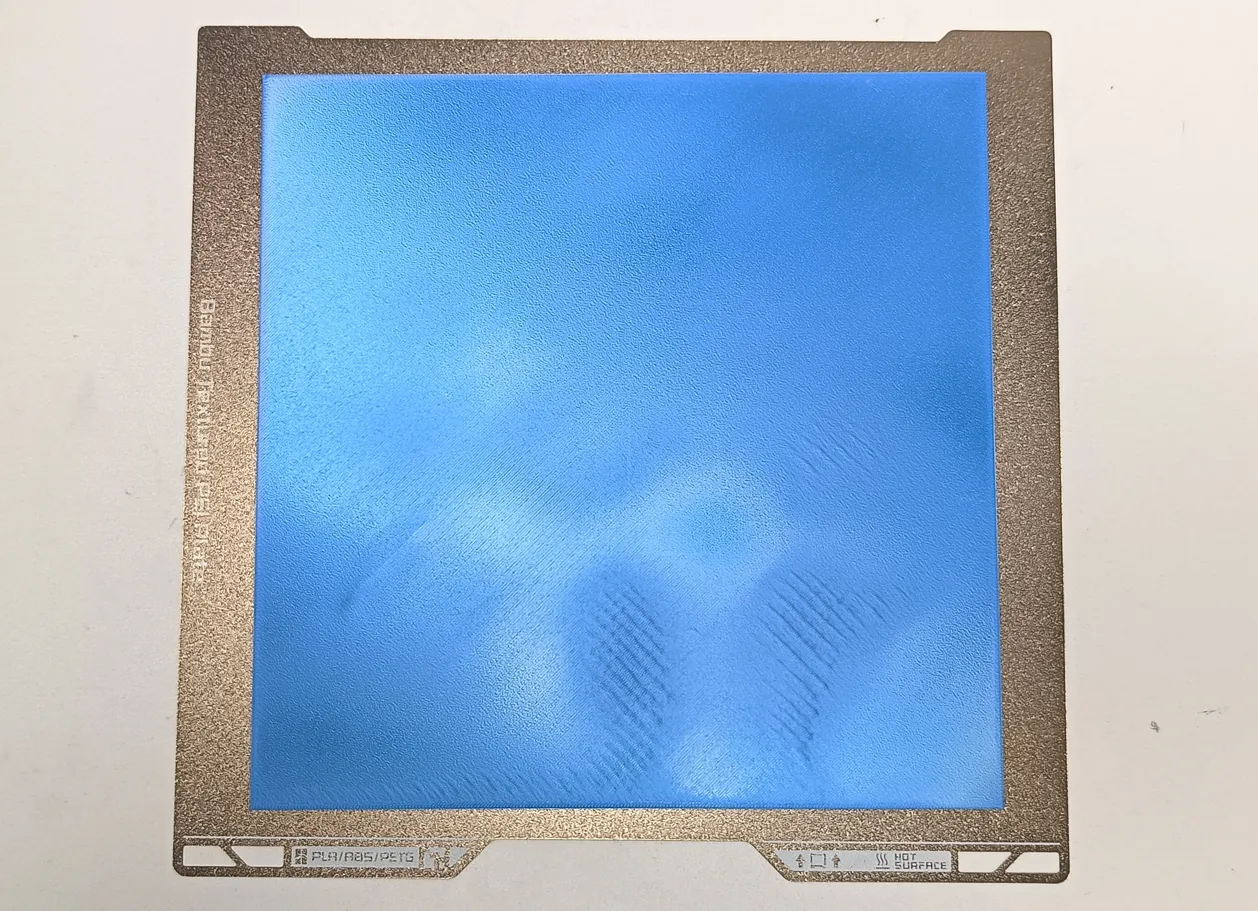
- Rough, wavy texture
- Raised ridges between lines
- Scraping sound during print
Why It Matters
- Can damage nozzle or build plate
- Makes parts hard to remove
- May cause clogs over time
Common Causes & Fixes
Loose hotend / nozzle assembly
- Tighten mounting screws
- Check nozzle clip is secure
Uneven areas on the bed
- Re-run leveling
- Adjust model placement if needed
Center vs edge inconsistency
- Typical bed leveling issue
- Adjust bed screws (if applicable)
When Things Still Don’t Work
If calibration keeps failing:
- Check for worn components (nozzle, wiper, bed surface)
- Recalibrate after moving the printer
- Inspect for mechanical play
Extra Tip (Often Overlooked)
Letting the bed sit at printing temperature for a few minutes before starting:
- Stabilizes expansion
- Improves leveling accuracy
- Helps adhesion consistency
Final Note
First layer issues usually come down to 3 things only:
- Cleanliness
- Calibration
- Mechanical stability
Once those are controlled, everything else becomes predictable, especially for detailed prints like Hueforges where first layer accuracy is critical.
License

You shall not share, sub-license, sell, rent, host, transfer, or distribute in any way the digital or 3D printed versions of this object, nor any other derivative work of this object in its digital or physical format (including - but not limited to - remixes of this object, and hosting on other digital platforms). The objects may not be used without permission in any way whatsoever in which you charge money, or collect fees.


Comment & Rating (2)