Search models, users, collections, and posts

Compact Can Opener

Print Profile(1)

All
A1
X1
H2C
P2S
H2D Pro
P1S
A1 mini
X1 Carbon
P1P
H2D
H2S
X2D
X1E
A2L

0.2mm layer, 2 walls, 15% infill
Designer
1.6 h
1 plate
4.9(38)

Open in Bambu Studio
Boost
709
2074
51
22
1 k
656
Released 

Description

Content has been automatically translated.
Show original

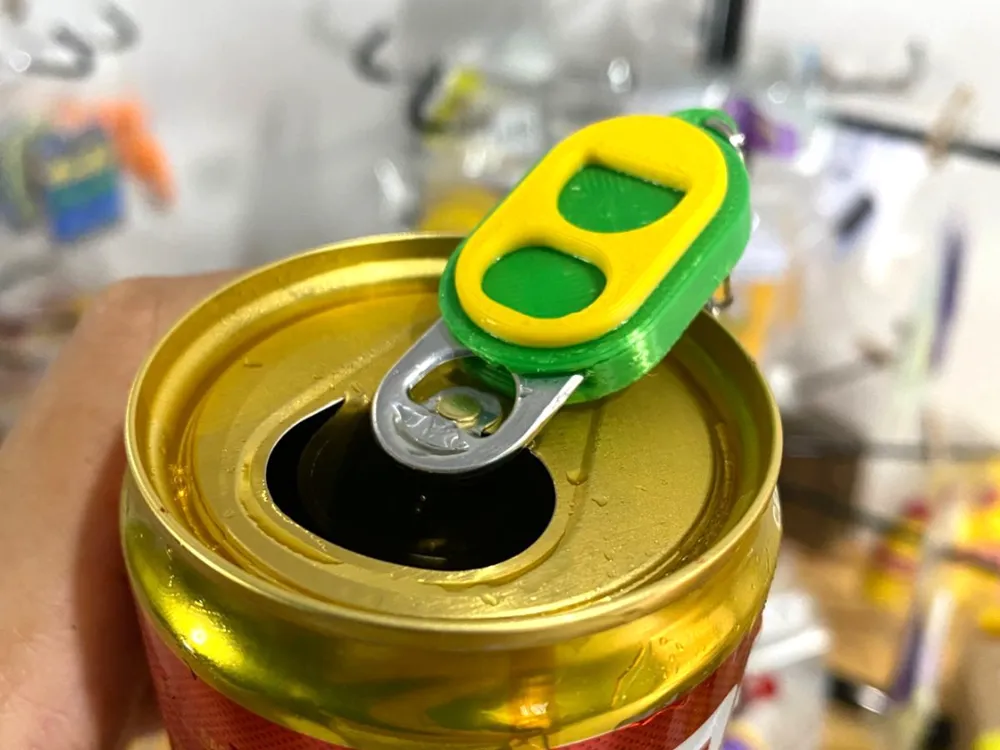
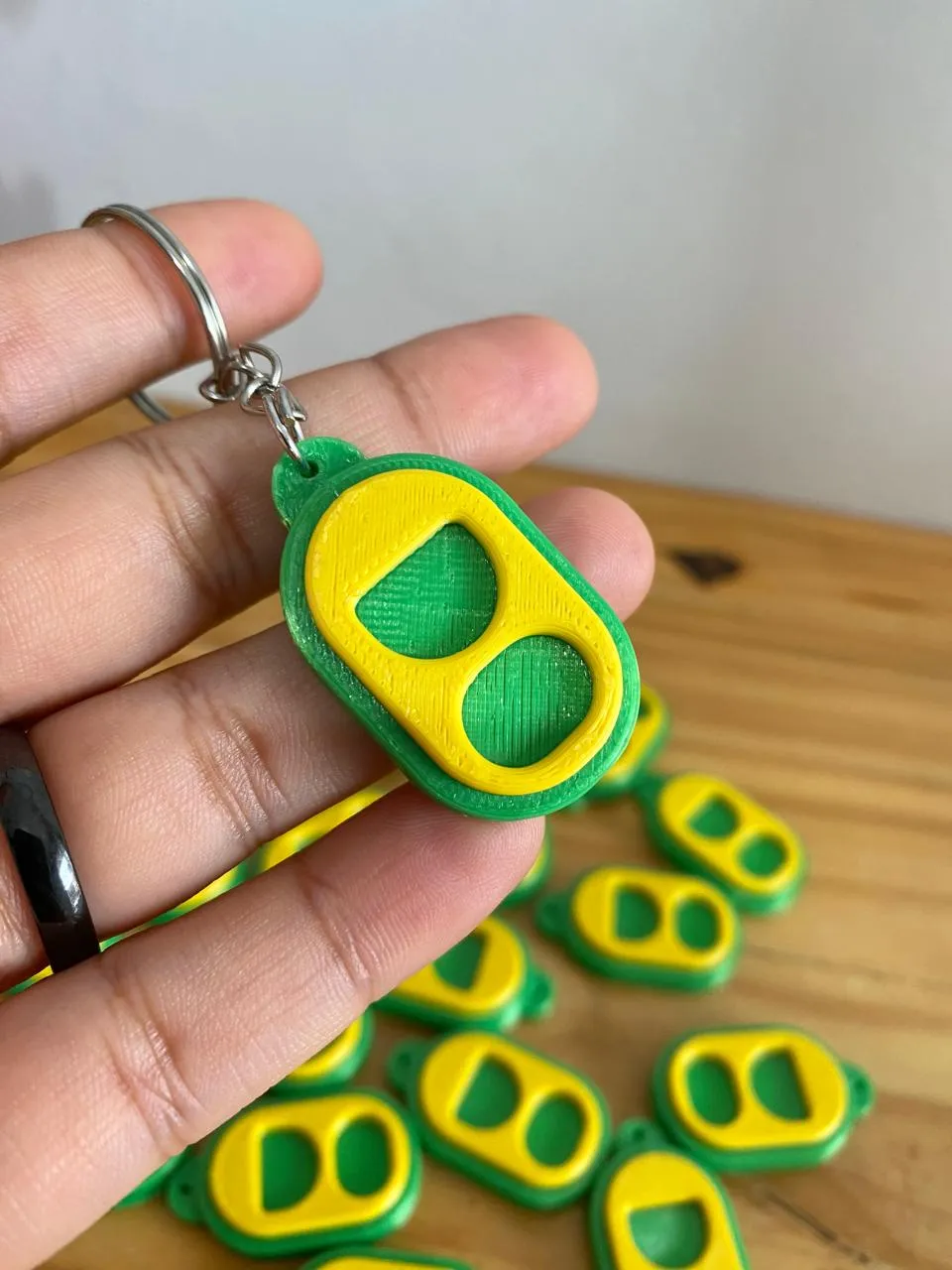
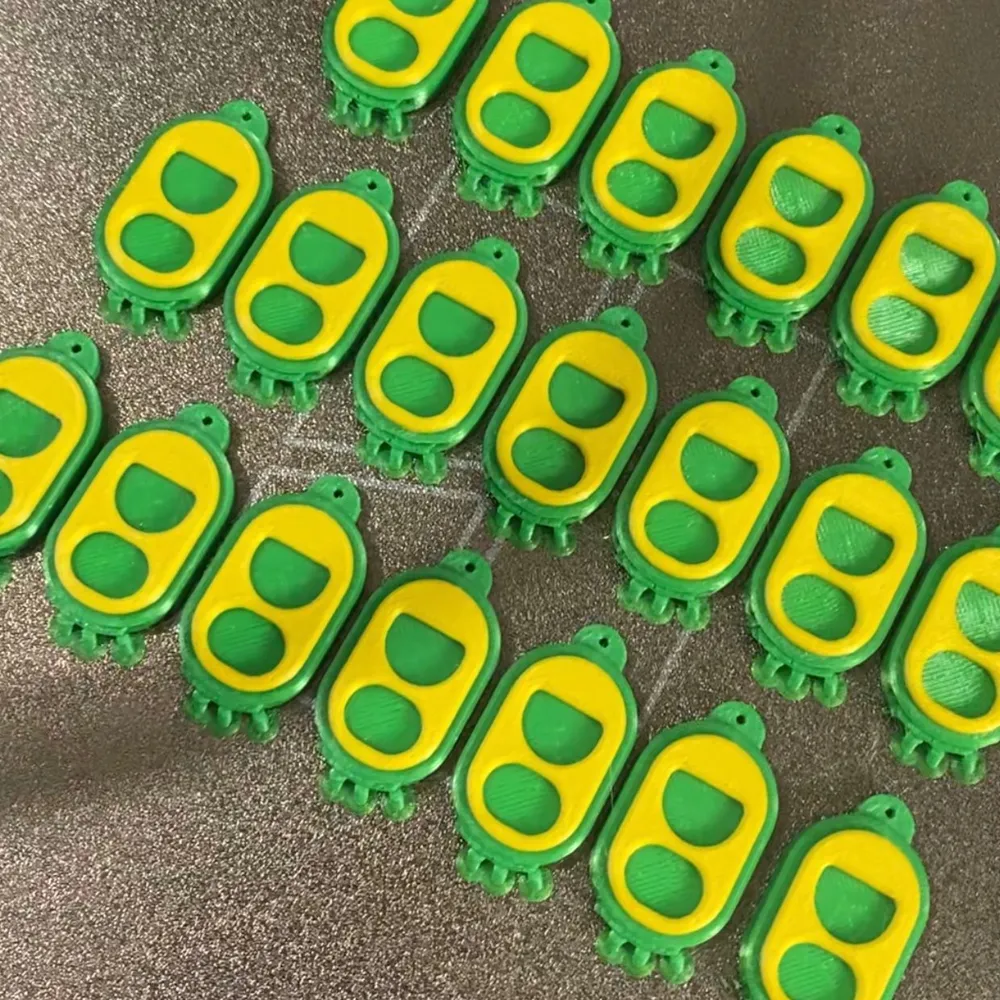
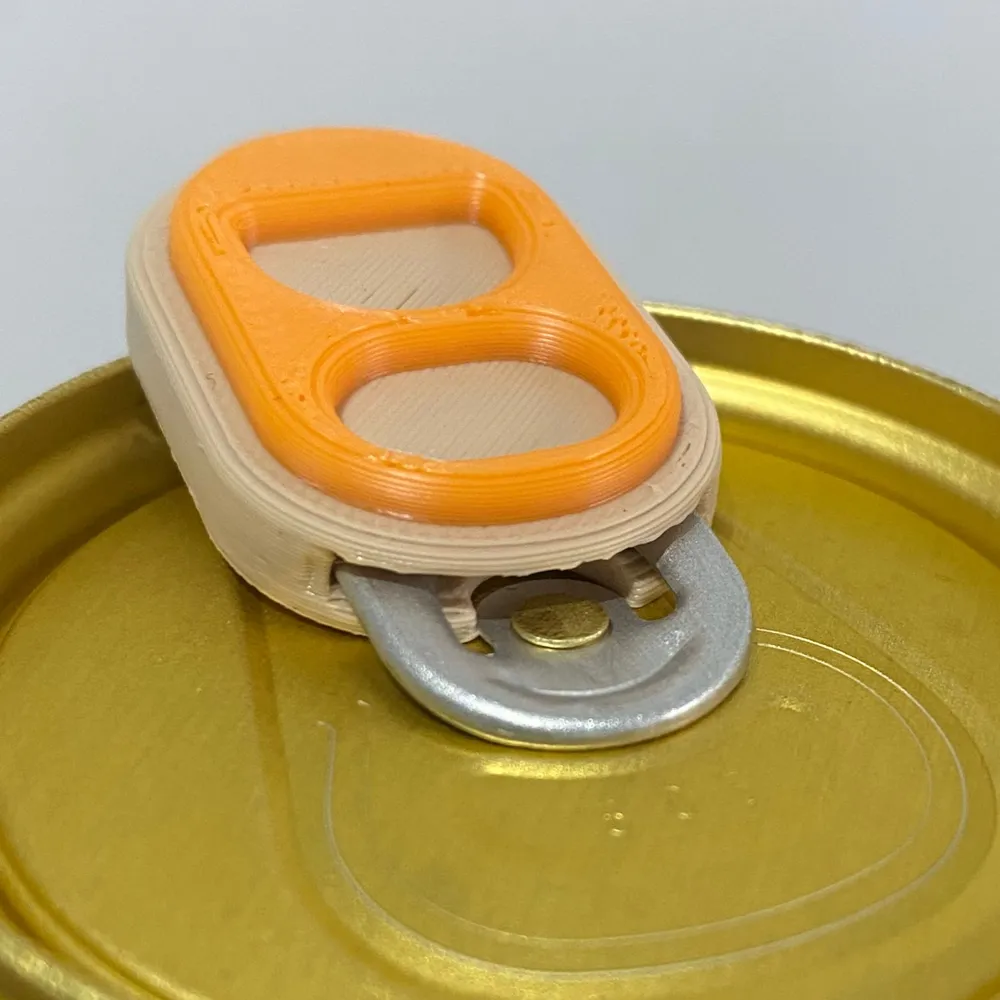
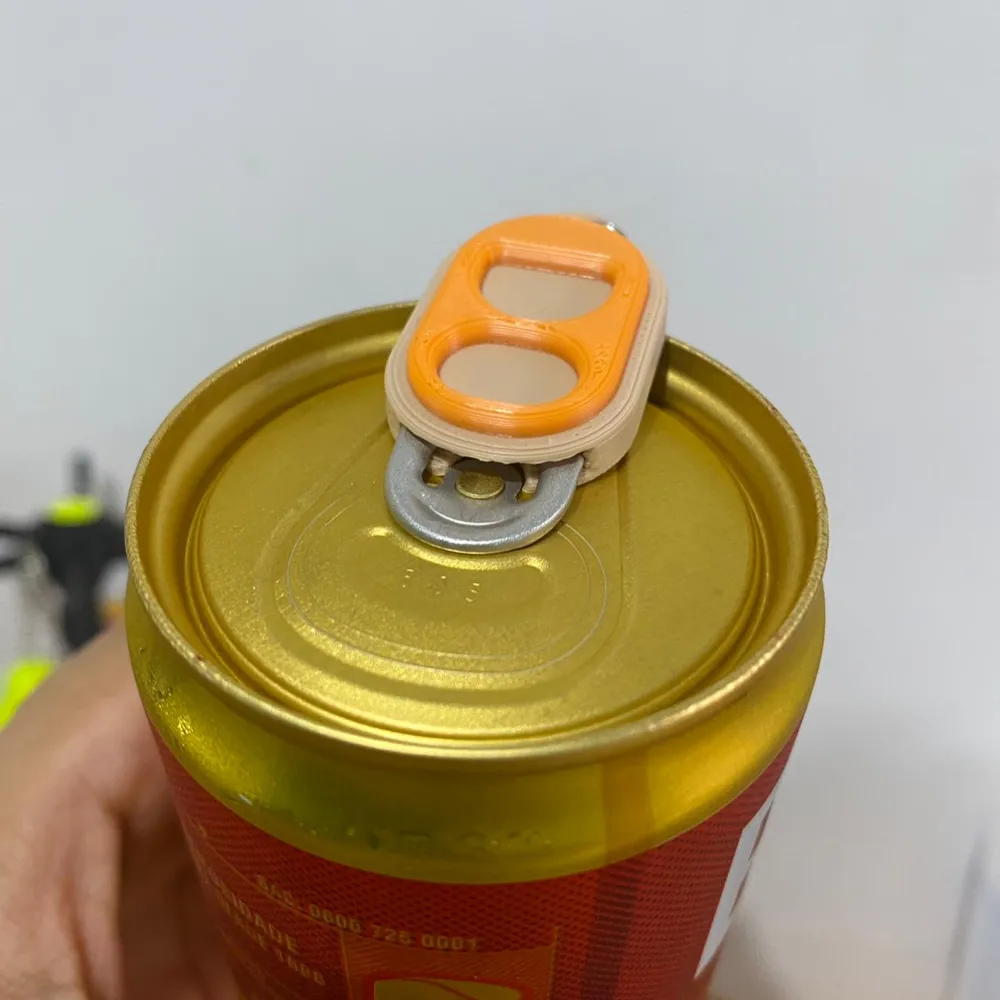
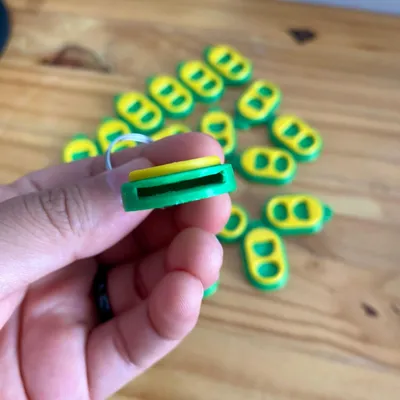
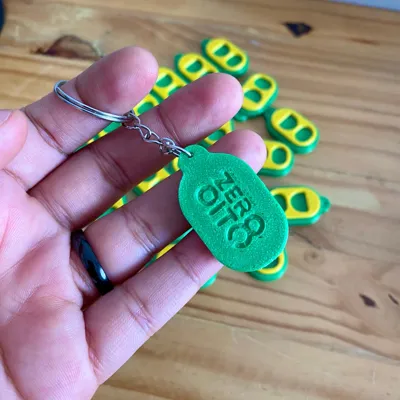
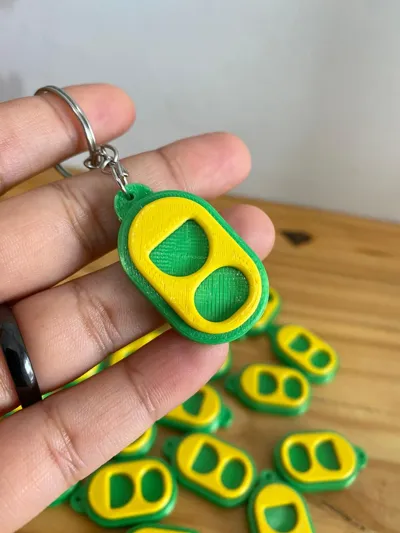
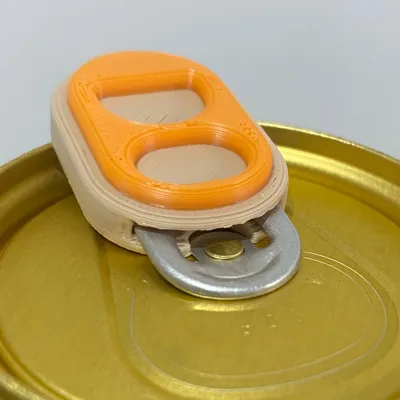
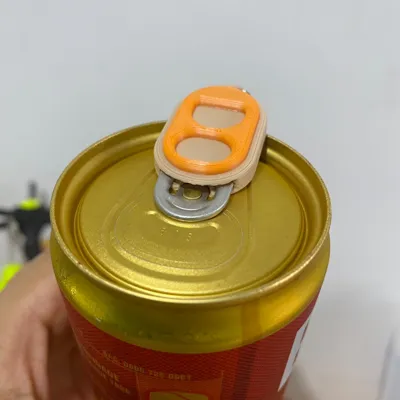
Compact keychain can opener, inspired by traditional aluminum can tabs.
Designed to facilitate opening cans without hurting your fingers, offering everyday convenience.

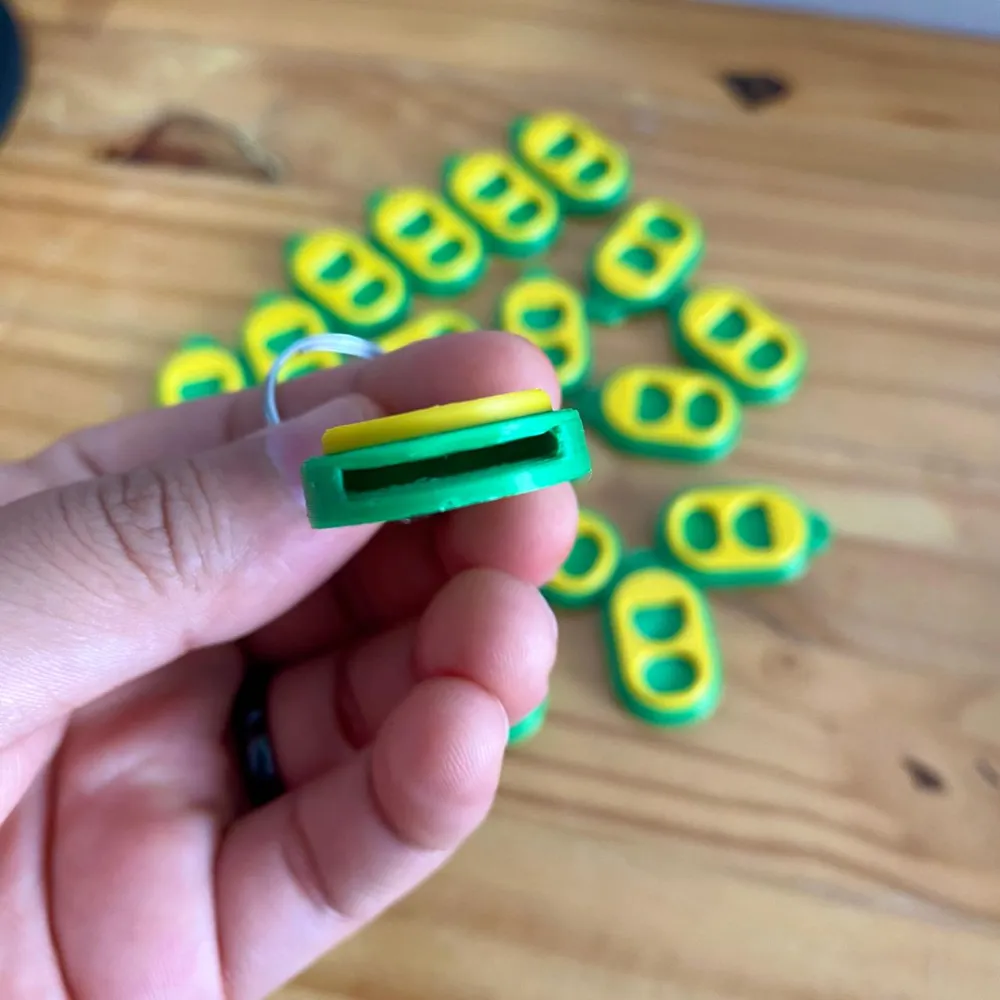
The model features an ergonomic, lightweight, and resistant design, and can be easily carried on a keychain. Ideal for personal use, gifts, or resale.

The file was developed with clean and efficient 3D printing in mind, featuring a simple fit and the possibility of multi-color printing.

⚙️ Features

  • Compact and functional design
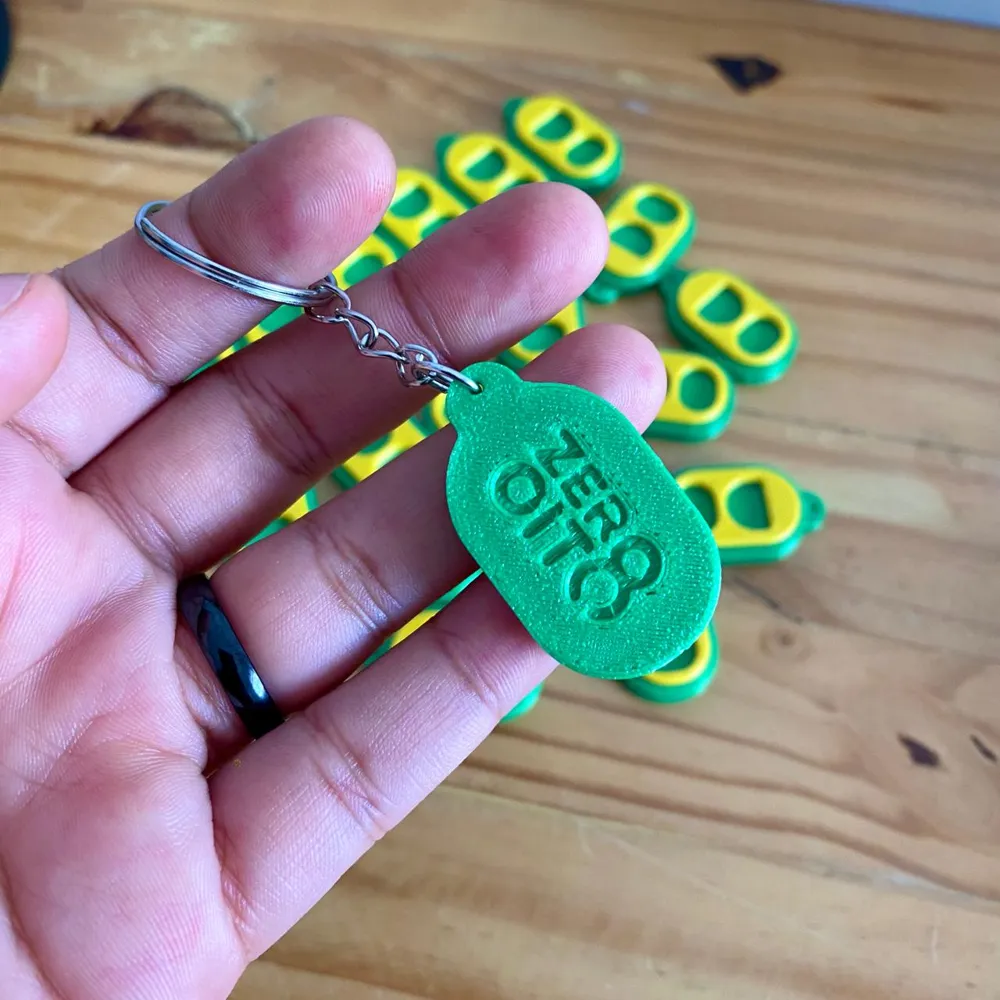
  • Keychain format
  • Easy to use and carry
  • Perfect fit for opening cans
  • Ideal for two-color printing
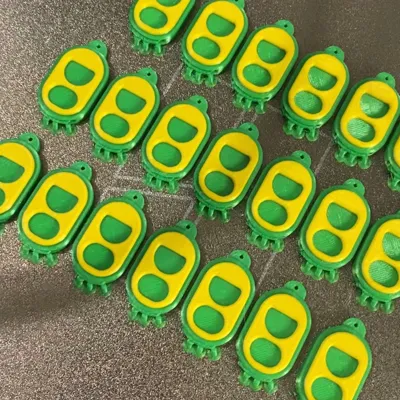
  • Great for scaled production (sales or gifts)

🖨️ Printing Recommendations

  • Material: PLA
  • Layer height: 0.2 mm
  • Infill: 15% to 20%
  • Requires minimal support

Comment & Rating (51)

(0/1000)

Print Profile
0.2mm layer, 2 walls, 15% infill
Super Design, matches my taste. also printed great, flawlessly. I did this with PETG. :)
The profile uploader has replied
Show original
profile
1
Reply
Thanks for sharing! 😉
Show original
0
Reply
Print Profile
0.2mm layer, 2 walls, 15% infill
love these came out really well
(Edited)
profile
1
Reply
Print Profile
0.2mm layer, 2 walls, 15% infill
Perfect, thank you very much
Show original
profile
1
Reply
Print Profile
0.2mm layer, 2 walls, 15% infill
Perfect!
Show original
0
Reply
Print Profile
0.2mm layer, 2 walls, 15% infill
These are the best I have printed.
0
Reply
Print Profile
0.2mm layer, 2 walls, 15% infill
0
Reply
Hi, it's still the one from the previous model, without the cavity you updated
The designer has replied
Show original
0
Reply
I've updated it again Please try downloading it again 😉
Show original
0
Reply
Replying to @user_437828843 :
there still is without without the cavity
Show original
0
Reply
what do they do
designer
1
Reply
open the soda can without ruining your nails!💅
Show original
designer
2
Reply
so, I’ve printed these one time before, and it printed two colors, but now it’s saying one plate, 1 color..dif it get changed? I’m somewhat new-isotope 3D printing, sorry if it’s a silly question, but I don’t know why it’s not gibing two color option., also it shows 10 openers in the 3D viewer, it didn’t show that many last time I printed them
(Edited)
The designer has replied
0
Reply
The color you can put inside the slicer itself, you can use the paint can to paint. And regarding the quantity, just delete the 9 and leave only one, if you want more, just use the "clone" option to make more copies
Show original
0
Reply
for me it only shows one color
The designer has replied
Show original
0
Reply
But the color can be set in the slicer itself... I put this yellow line in the paint bucket option of Bambu Studio
Show original
0
Reply