
Print Profile(1)
Bill of Materials

Description
Boost Me (for free)
If you liked the model and print it, please leave a like and a boost! It helps a lot! Regards.
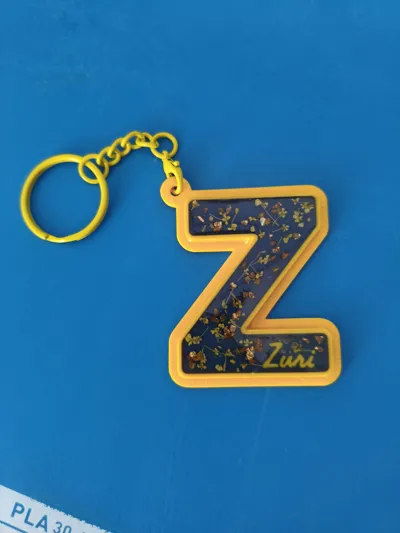
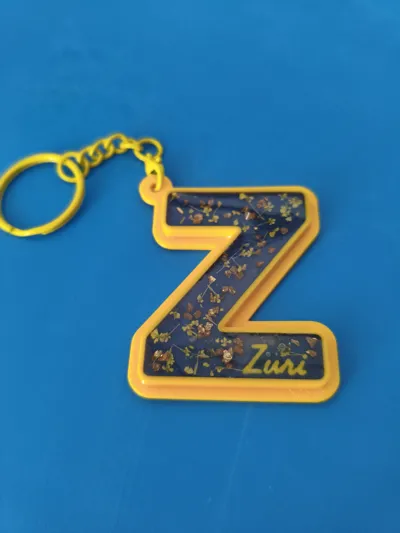
🎨 Create your own resin designs without the need for molds
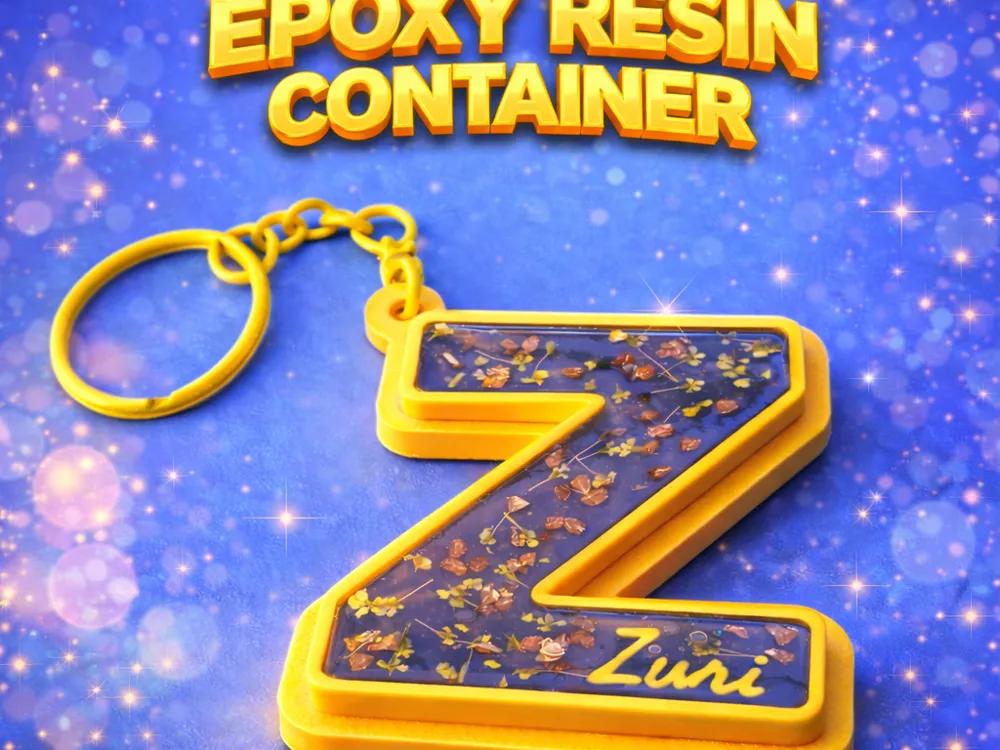
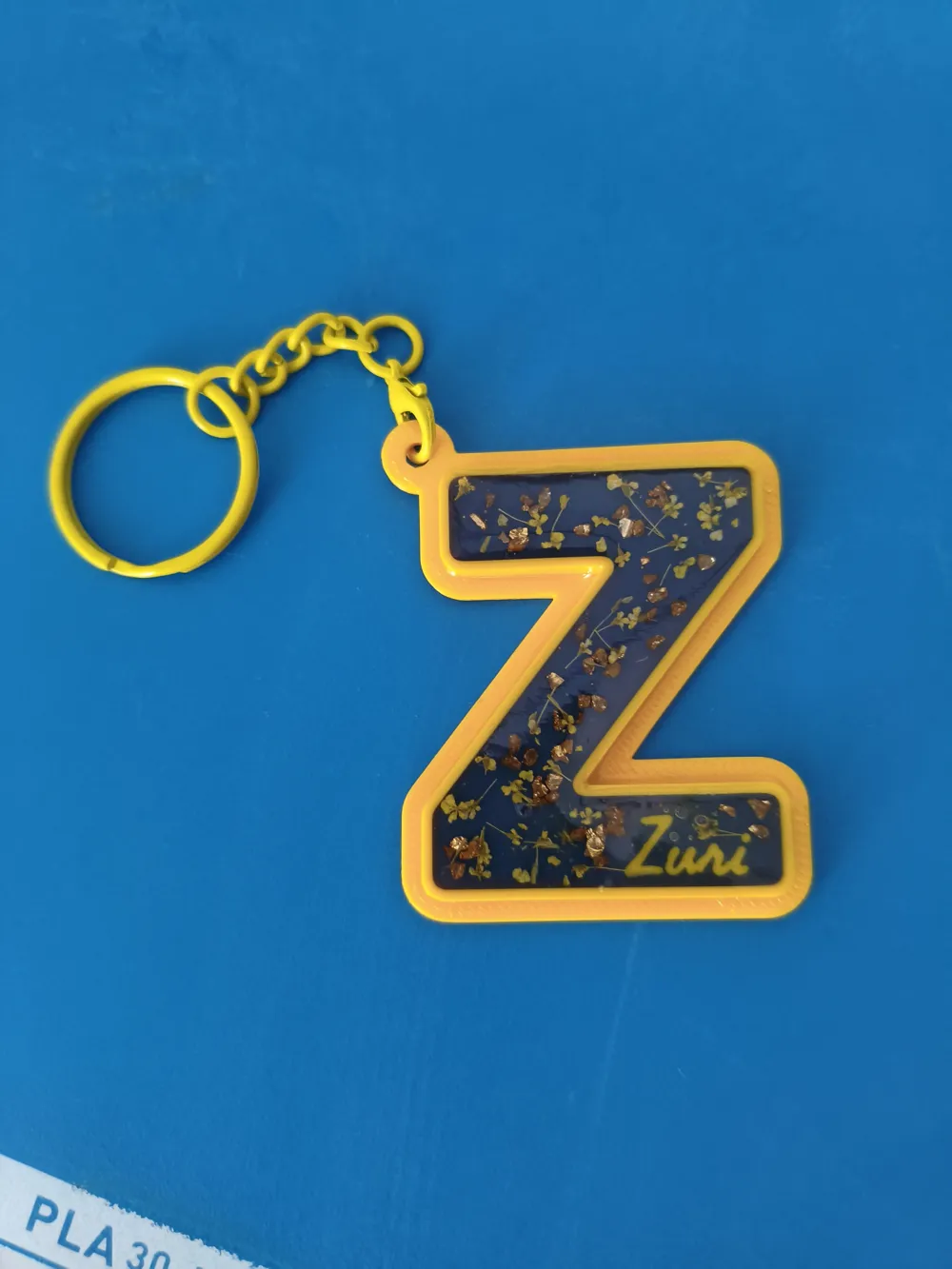
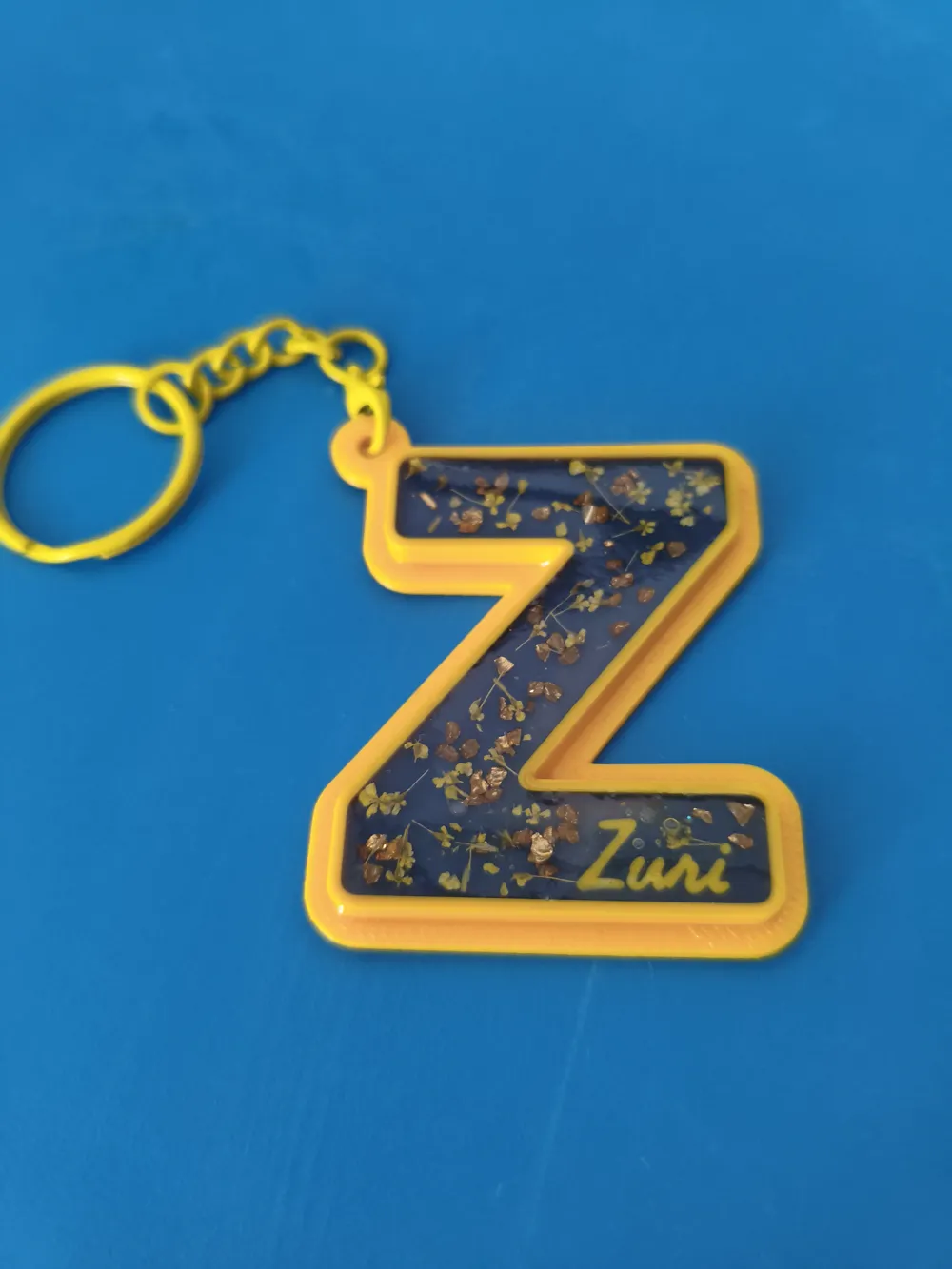
Have you ever wanted to make personalized resin letters but don't have the exact mold? This model is the solution! Specifically designed to act as a 3D Printed container, allowing you to pour resin directly into the letters.
✨ Main features:
- Fully Customizable: Use the "MakerWorld Customizer" to change text, font, and size in seconds.
- Double Layer Text: 1. Main Text: Automatically generates walls to contain the resin (ideal for transparent, glitter, or alcohol ink effects). 2. Secondary Text: Add a solid name, date, or detail that you can freely position (even in 3D).
- Easy Printing: Optimized for printing without supports. You only need a color change if you want to highlight the background walls.
- Versatile Anchor: Choose between an external ring or an integrated hole to turn it into a keychain or hang it.
🛠️ Usage instructions:
- Customize: Type your text and choose your favorite font.
- Print: No supports required. Recommended to use a layer height of 0.2mm or less for greater detail.
- Fill: Once printed, pour your resin mixture (epoxy or UV) into the walls of the main text.
- Cure: Let it dry and you'll have a professional piece with an incredible finish.
Configuration Guide (Tips):
- Thicken font: If the letter is too thin, increase the "thicken" value for better resin flow.
- Z Position: The second text can be raised to "float" above the resin or sunken into the base.
Don't forget to upload your photo in the comments, I'd love to see how it turned out! regards.
License

You shall not share, sub-license, sell, rent, host, transfer, or distribute in any way the digital or 3D printed versions of this object, nor any other derivative work of this object in its digital or physical format (including - but not limited to - remixes of this object, and hosting on other digital platforms). The objects may not be used without permission in any way whatsoever in which you charge money, or collect fees.


Comment & Rating (0)