Search models, users, collections, and posts

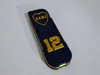
Boca Jr Phone Holder Keychain

IP Report

Print Profile(2)

All
A1
H2D
X2D
H2D Pro
P2S
P1P
X1 Carbon
P1S
A1 mini
H2S
H2C
X1E
X1
A2L

0.2mm layer, 2 walls, 7% infill
Designer
1 h
1 plate
4.9(49)

Single color printing, optimizing some parameters
52 min
1 plate
4.0(1)

Open in Bambu Studio
Boost
613
1202
145
30
1.9 k
1.3 k
Released 

Bill of Materials

Maker's Supply Kits and Parts
Select all
25mm Silver Keychain (10pcs) - MA001

Description

Content has been automatically translated.
Show original

Boost Me (for free)

If you like my designs, I would greatly appreciate it if you give me a boost

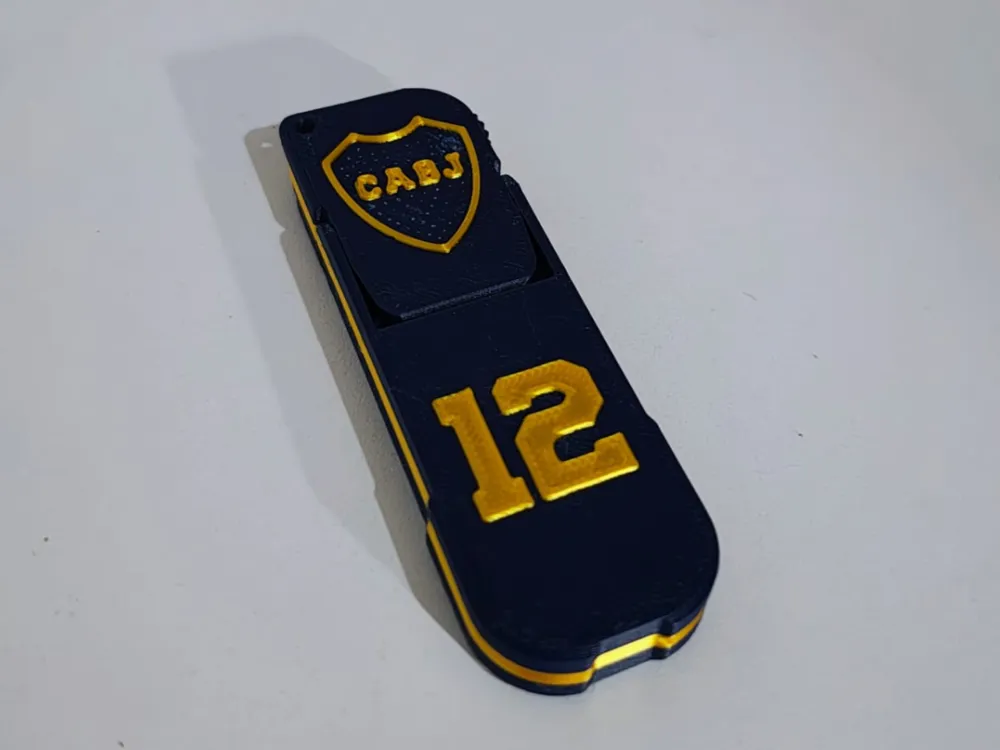
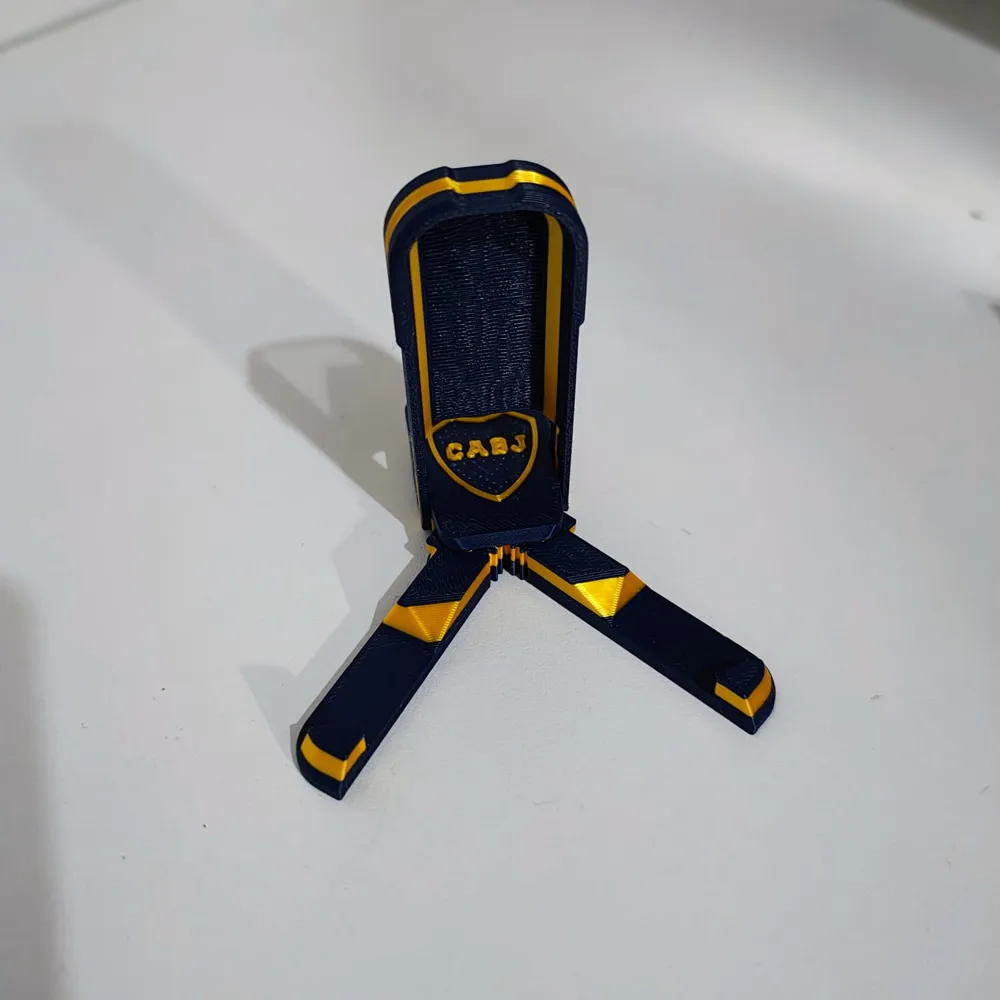
Keychain Phone Holder – Boca Juniors Design


Practical, compact, and with all the passion of your favorite team


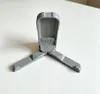
This 2-in-1 3D printed keychain also functions as a foldable phone holder, ideal for watching videos, making video calls, or holding your phone on any surface


The design is inspired by the colors and identity of Boca Juniors.

Its foldable system allows you to carry it comfortably in your pocket or with your keys, and unfold it in seconds when you need it


Features:


2-in-1 Design: keychain + phone holder

Foldable and portable structure

3D printing with embossed details

Compatible with most smartphones


IMPORTANT!!!

Video tutorial on how to separate the keychains!


I would greatly appreciate it if you share a photo of the print so we can see how it looks


Boost Me (for free)

Your boost helps me a lot and motivates me to keep publishing things

Comment & Rating (145)

(0/1000)

Boosted
Excellent design! I just printed it and it turned out great. I'm asking you, does the top wheel have to spin or is it just aesthetic? I look forward to more club designs and especially the one from Argentina! I've been printing several of your designs, including the Can Holders. I'm giving you a boost! And thank you very much for your designs!
The designer has replied
Show original
1
Reply
Hello, thank you very much! The little wheel spins, you have to press it to unblock it, it comes out stuck when you print it, depending on your settings it's more or less difficult to unstick it Otherwise, help yourself with a utility knife, go slowly to unstick the spring of the wheel
Show original
1
Reply
Boosted
Replying to @Rosario3D :
Ahh ok! I'll get home and try it. Thanks!
Show original
0
Reply
Replying to @Rosario3D :
Hello how do you do the colors? Is it printed in white and then painted
Show original
0
Reply
great design, but I would like to know how it is possible to make the inside have a pro color like I have seen in the other photos, as well as the yellow stripe on the outside, I recently got my a1 and would like it to be visible in the design you uploaded
The designer has replied
Show original
0
Reply
Hello, did you paint that one? The model comes already painted, if you printed it as you downloaded it, it would come out like mine If you painted and engraved it, download it again and print it as you download it
Show original
0
Reply
Replying to @Rosario3D :
You know that it was showing me like 5 colors and it wasn't letting me, I was checking it and it's already fixed, sorry I'm new to this. I congratulate you on your work
Show original
designer
1
Reply
hello good my mouth one broke I opened it slowly the two legs came out of the wheel's hole
The designer has replied
Show original
0
Reply
In the photo it looks like it came out really stuck. Did you use my print profile? You have to modify the tolerance Increase the elephant foot to 0.175, and slightly increase the XY contour compensation XY. Keep checking in the slicer until the parts are separated and don't touch
Show original
0
Reply
Replying to @Rosario3D :
I made it with creality you can show the config
Show original
0
Reply
Hello, can anyone help me? I'm having a problem where when the model prints, in that part, it seems like the filament swells when it dries and causes that part to stick, and when I try to open the support, it ends up breaking because it's stuck. What can I do?
The designer has replied
Show original
0
Reply
you would have to do a tolerance test and at the same time a flow test, it's most likely that changing the tolerances will solve it
Show original
0
Reply
Hello, as the other user told you, you have to experiment with tolerances, try with contour compensation. If you increase it, it sticks more, if you put it in negative, it separates more Try with -0.1 But you have to try that with each brand, they all vary a bit
Show original
0
Reply
I am having trouble with the little wheel that is breaking when I carefully detach it, it seems to be attached to the outer wheel
Show original
0
Reply
Did you solve it? I'm having the same problem
Show original
0
Reply
a single piece
The designer has replied
Show original
0
Reply
In the description there is a video showing how it detaches This one came out very stuck, you would have to modify the tolerance a bit Each brand and color of filament behaves differently, and in prints like this, the difference is noticeable Try setting the XY contour compensation to -0.1
Show original
0
Reply
it was printed in one piece
The designer has replied
Show original
0
Reply
That part is fine, it's like that
Show original
0
Reply
It looks great, but the one from River is better :)
Show original
designer
1
Reply
I tried several profiles mentioned in the comments, and with all of them I had difficulty detaching the wheel, but with love and a pair of pliers I managed it. Congratulations on the project
Show original
0
Reply

License

This user content is licensed under a Standard Digital File License.

You shall not share, sub-license, sell, rent, host, transfer, or distribute in any way the digital or 3D printed versions of this object, nor any other derivative work of this object in its digital or physical format (including - but not limited to - remixes of this object, and hosting on other digital platforms). The objects may not be used without permission in any way whatsoever in which you charge money, or collect fees.
