
A Cup of Kindness – Mini Tea Party Set
Print Profile(1)
Description
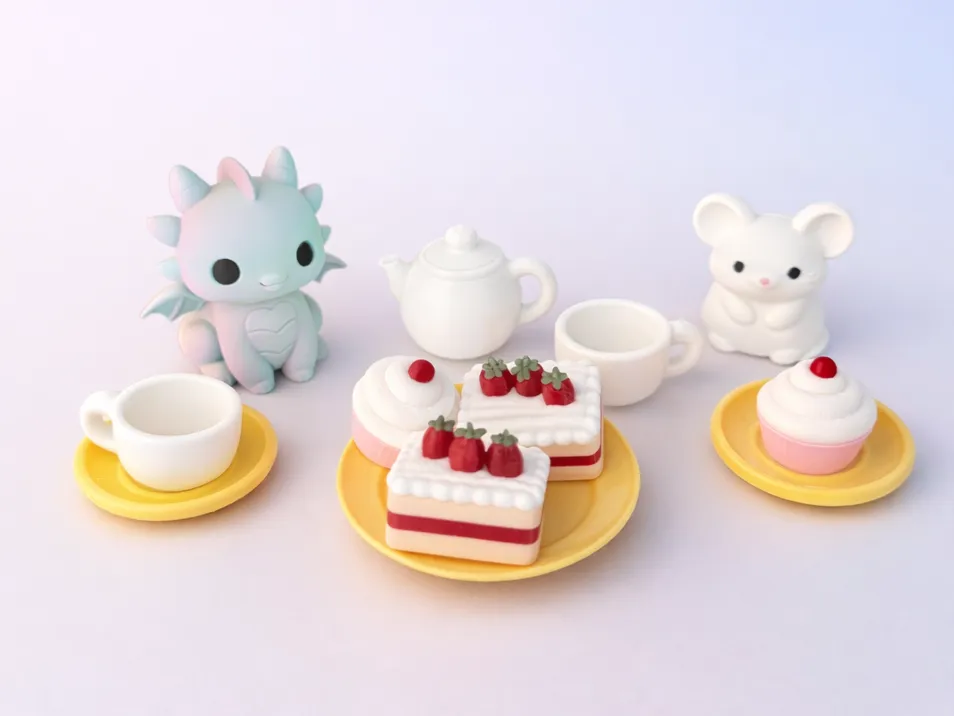
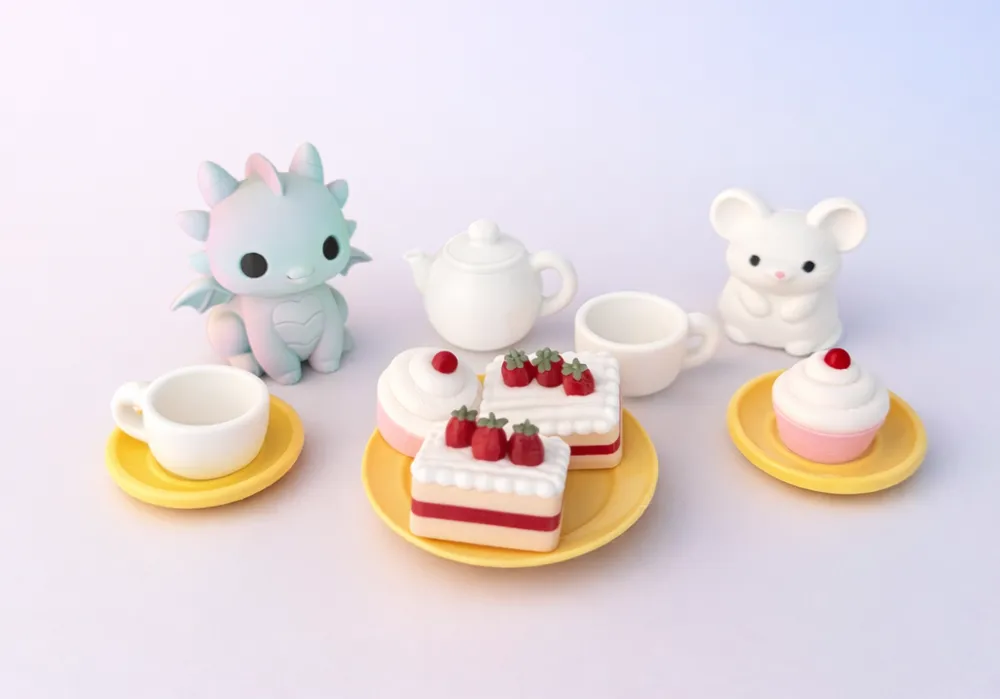
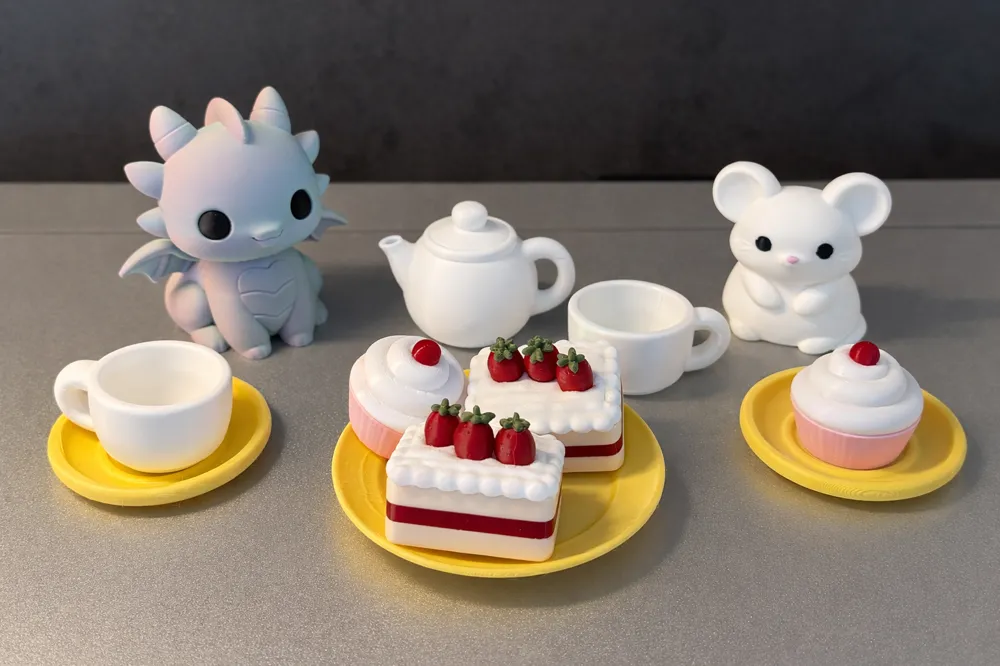
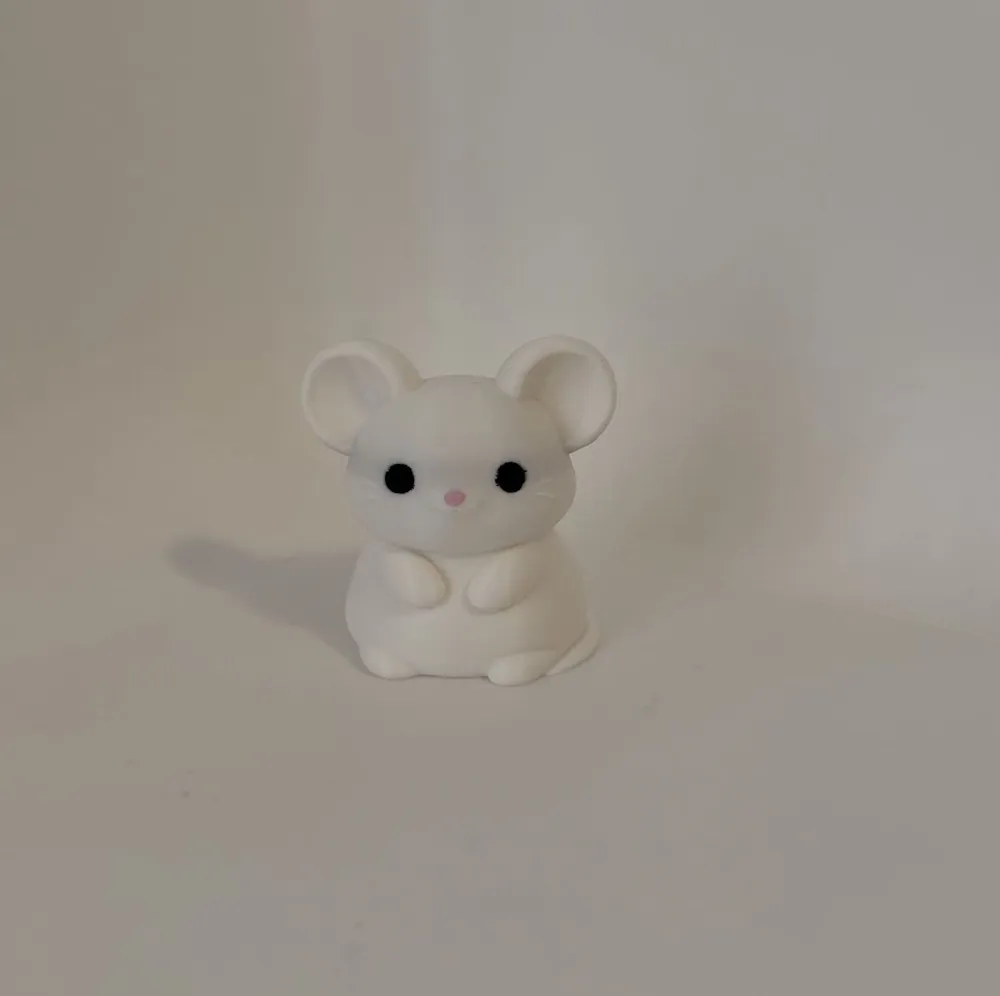
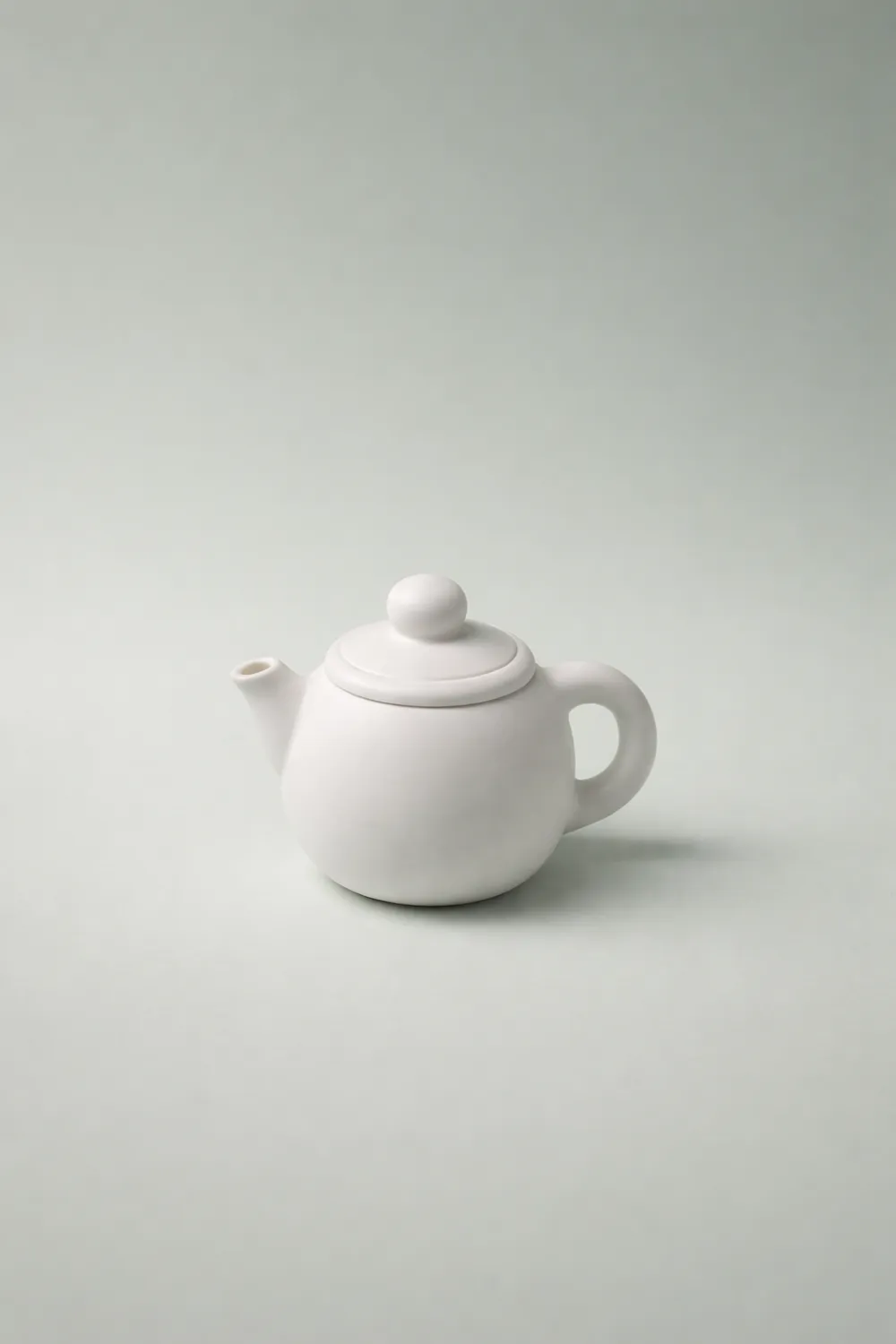
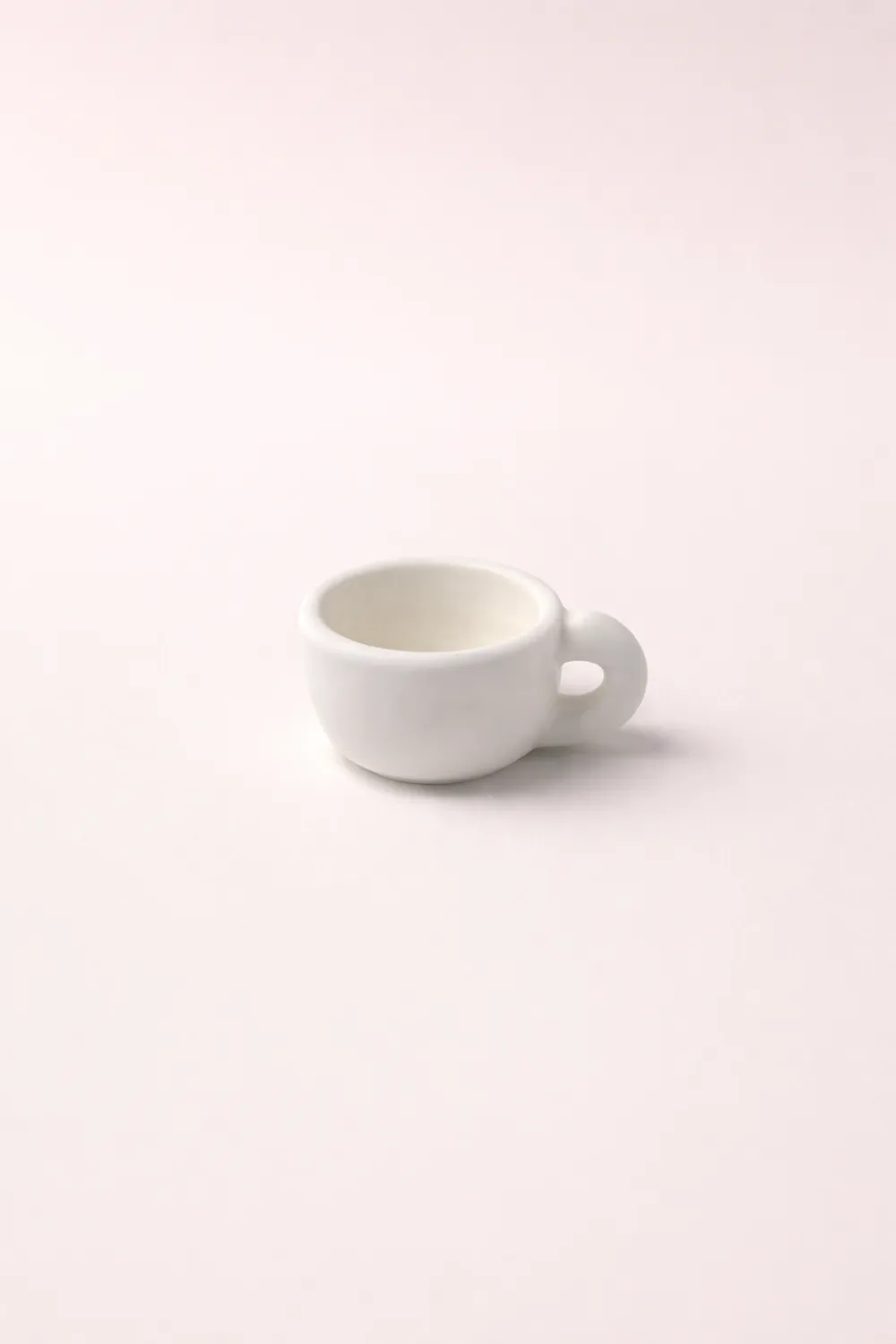
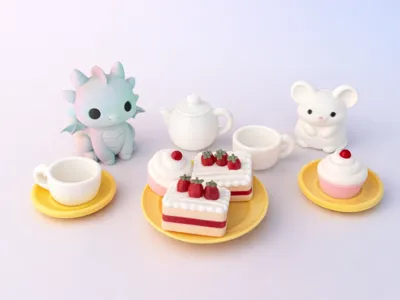
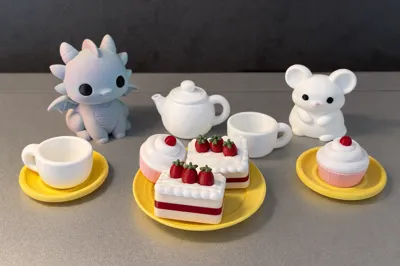
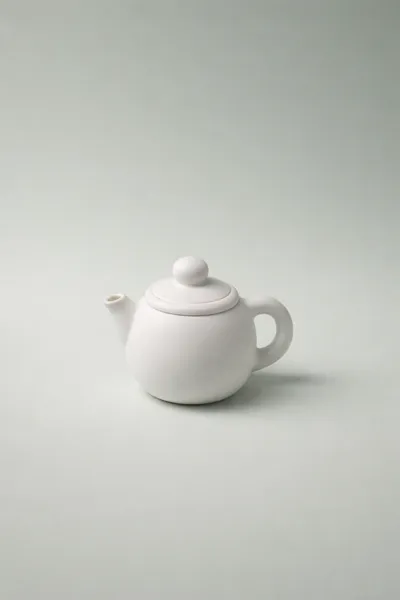
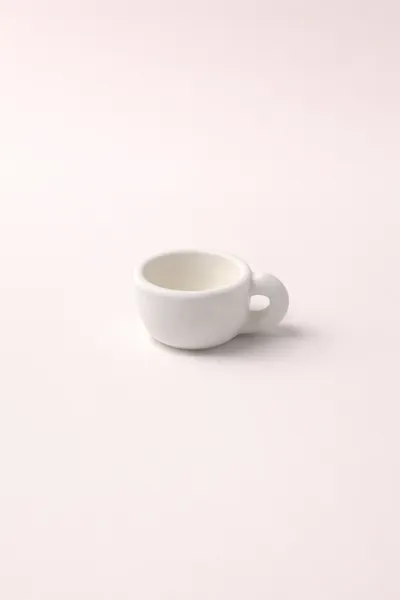
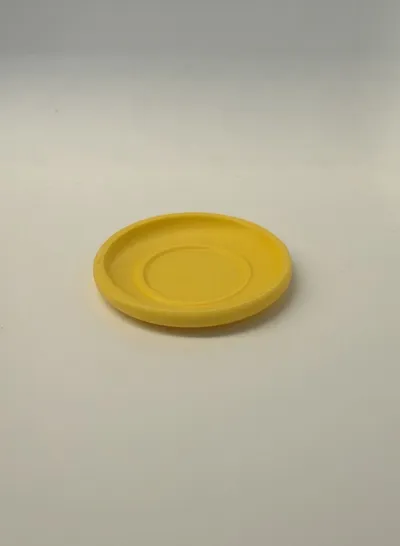
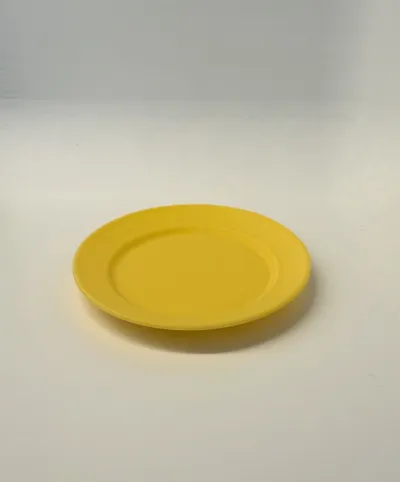
A Cup of Kindness – Mini Tea Party Set
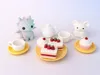
In a quiet little corner of the world, where worries feel smaller and smiles come a little easier, two tiny friends gather for tea. There’s no rush here.
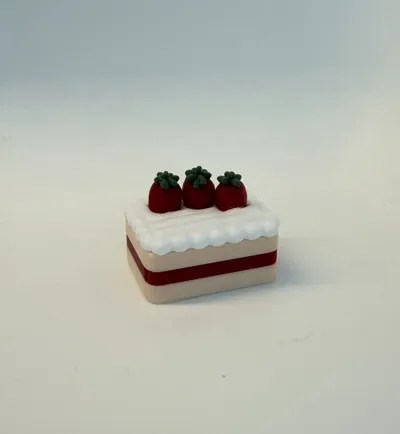
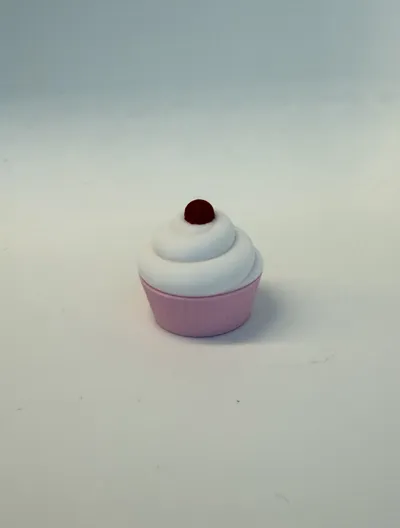
The kettle is always warm, the cakes are always sweet, and there’s always an extra cup waiting—just in case someone new needs a place to sit.
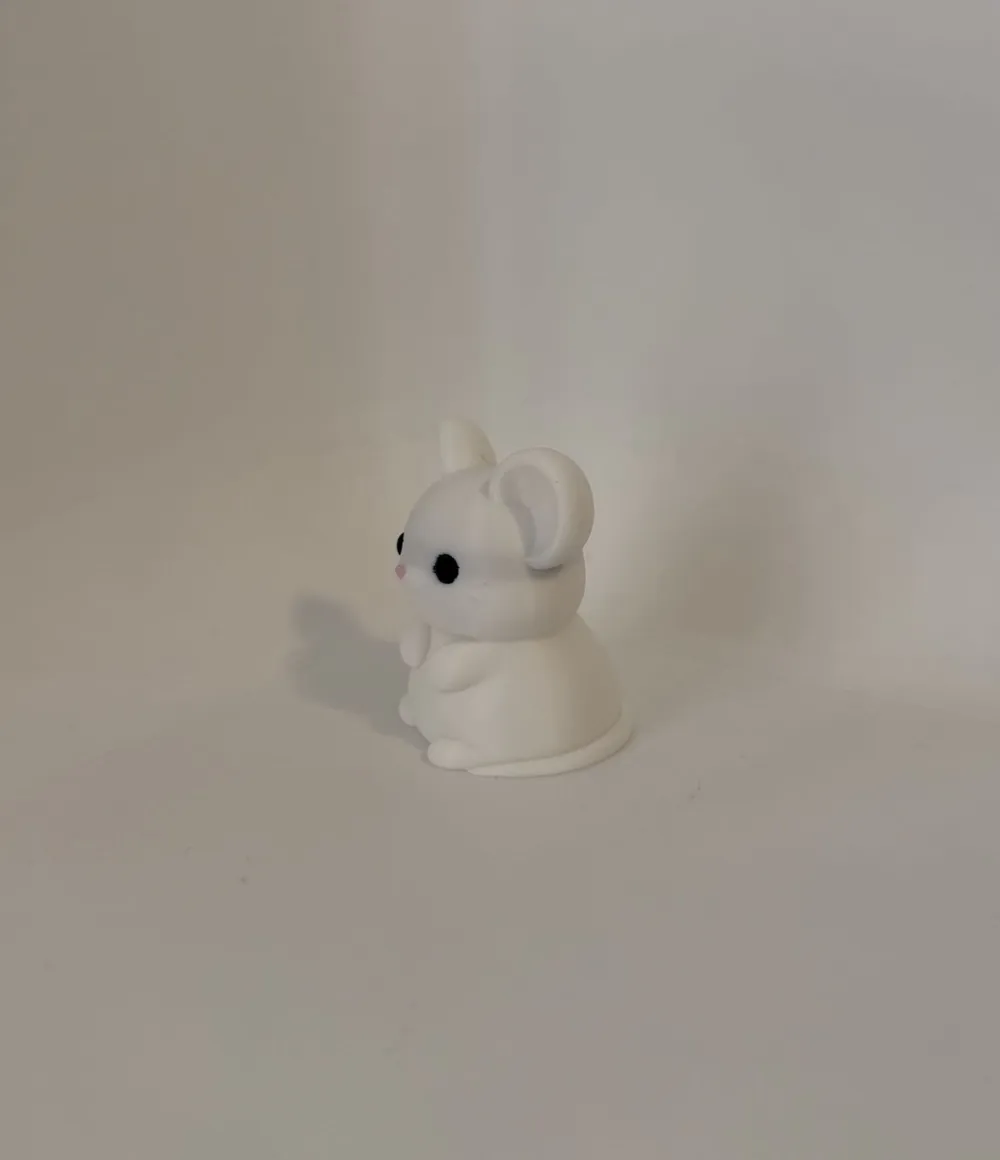
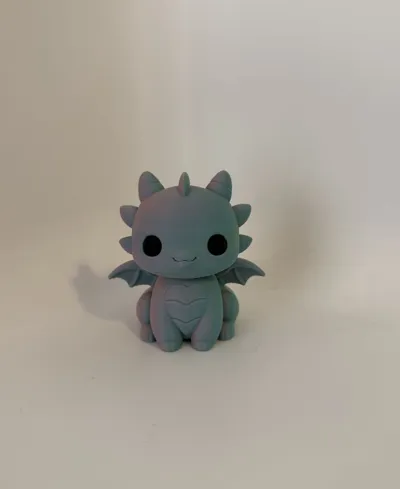
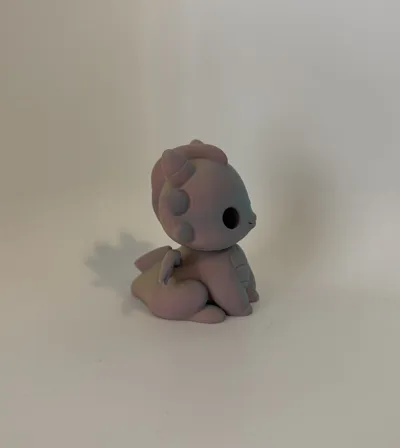
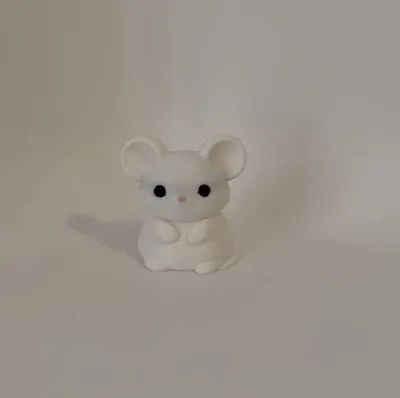
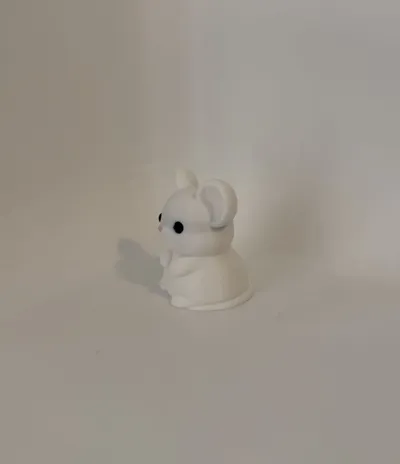
The dragon brings a gentle sense of wonder, the mouse brings warmth and calm, and together they remind us of something simple but powerful; kindness doesn’t have to be big to matter.
💛 Sometimes, it looks like sharing a cup.
💛 Sometimes, it’s just being there.
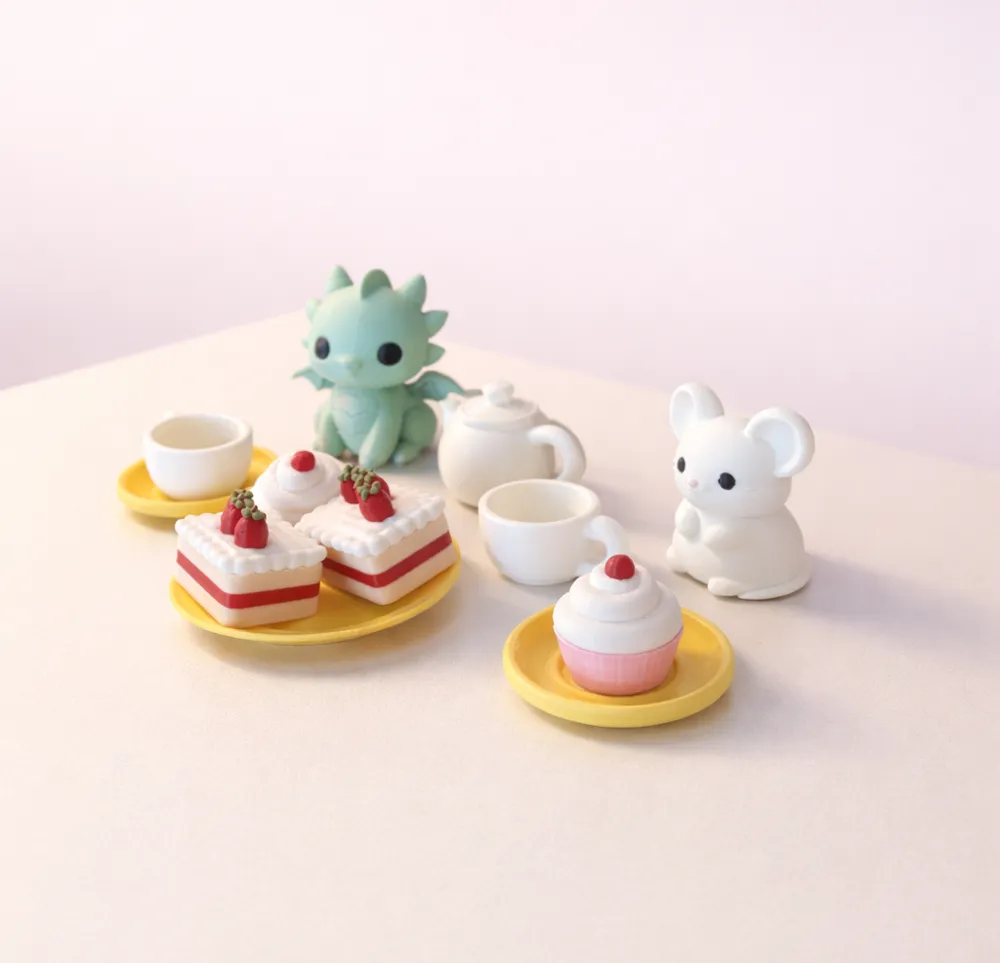
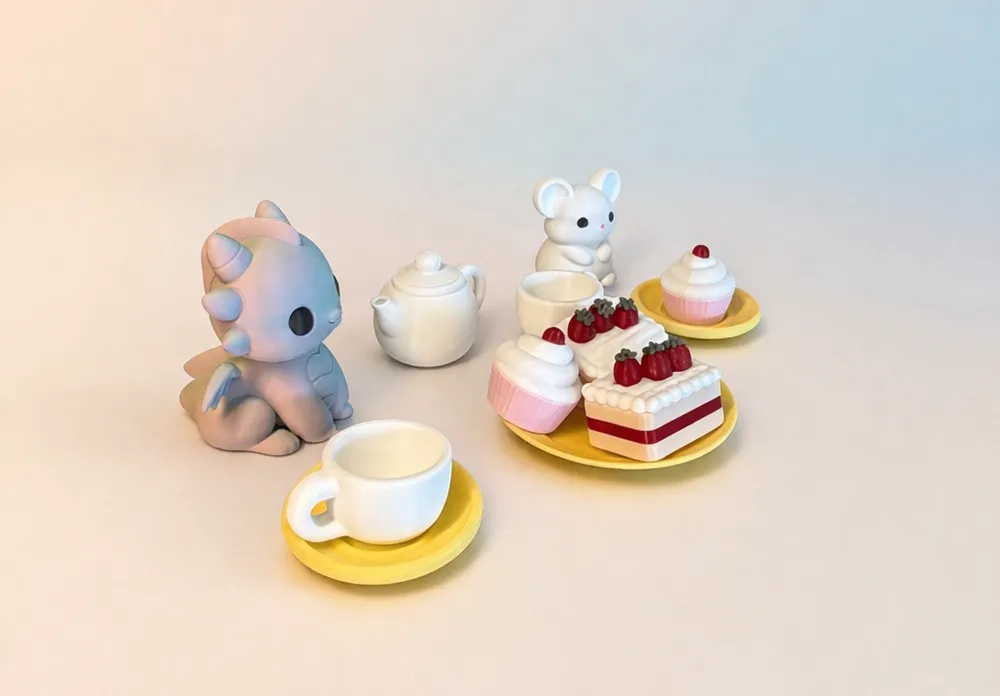
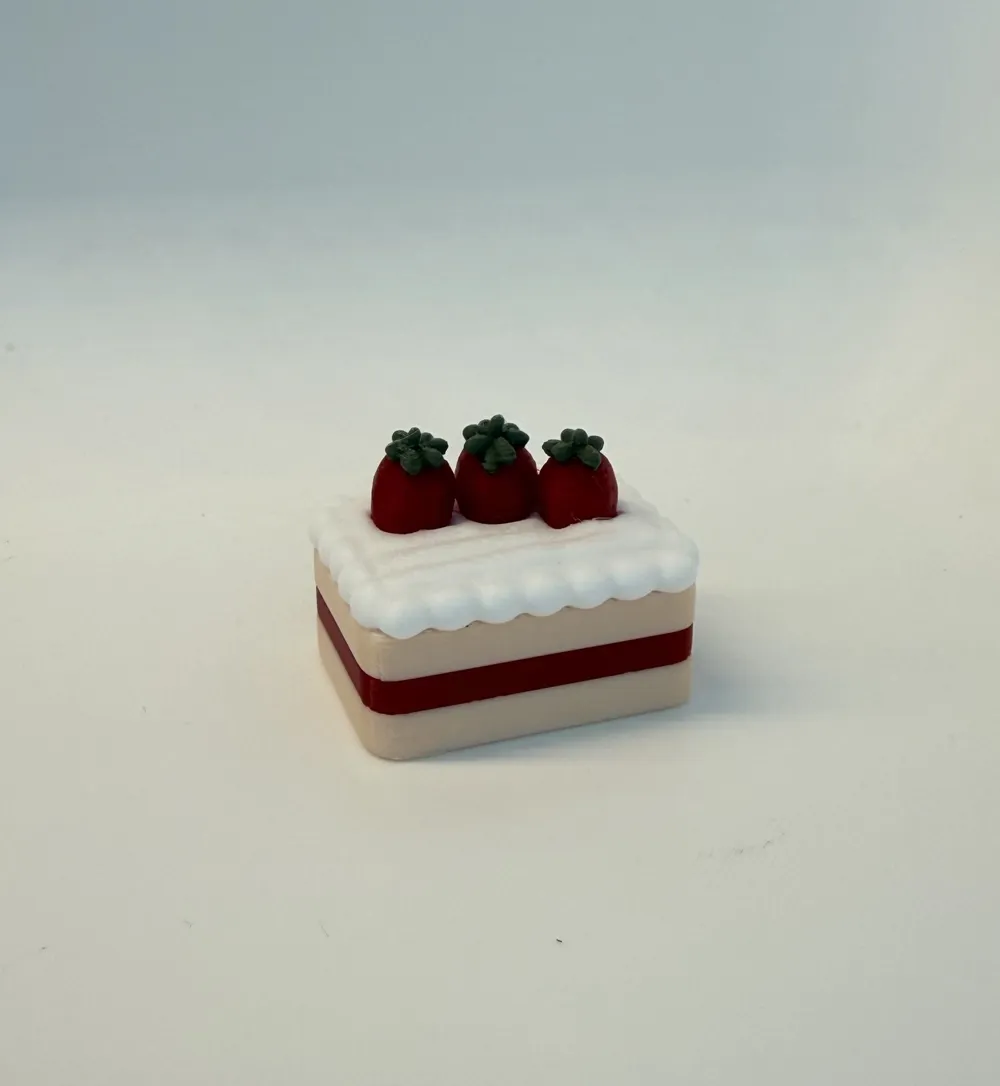
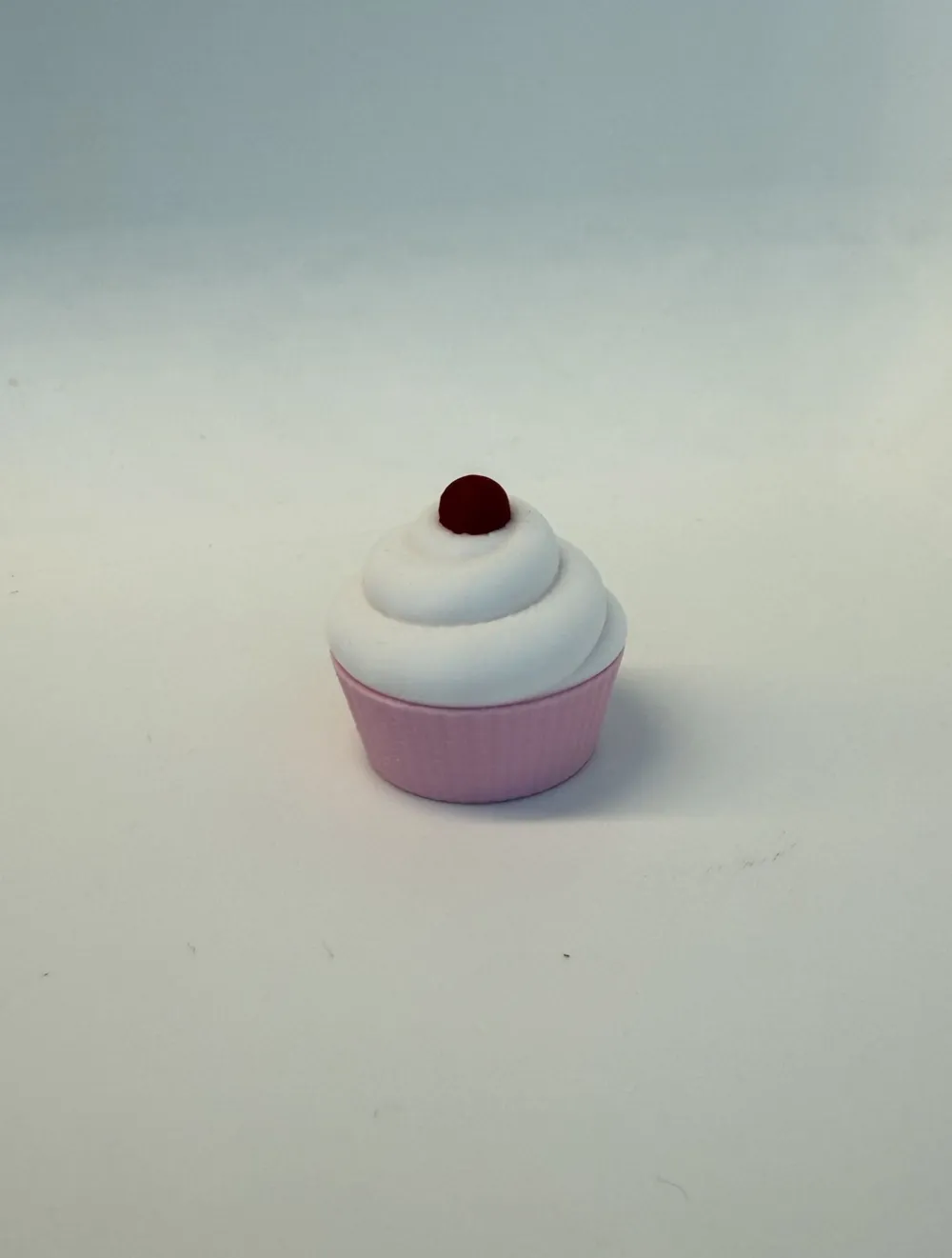
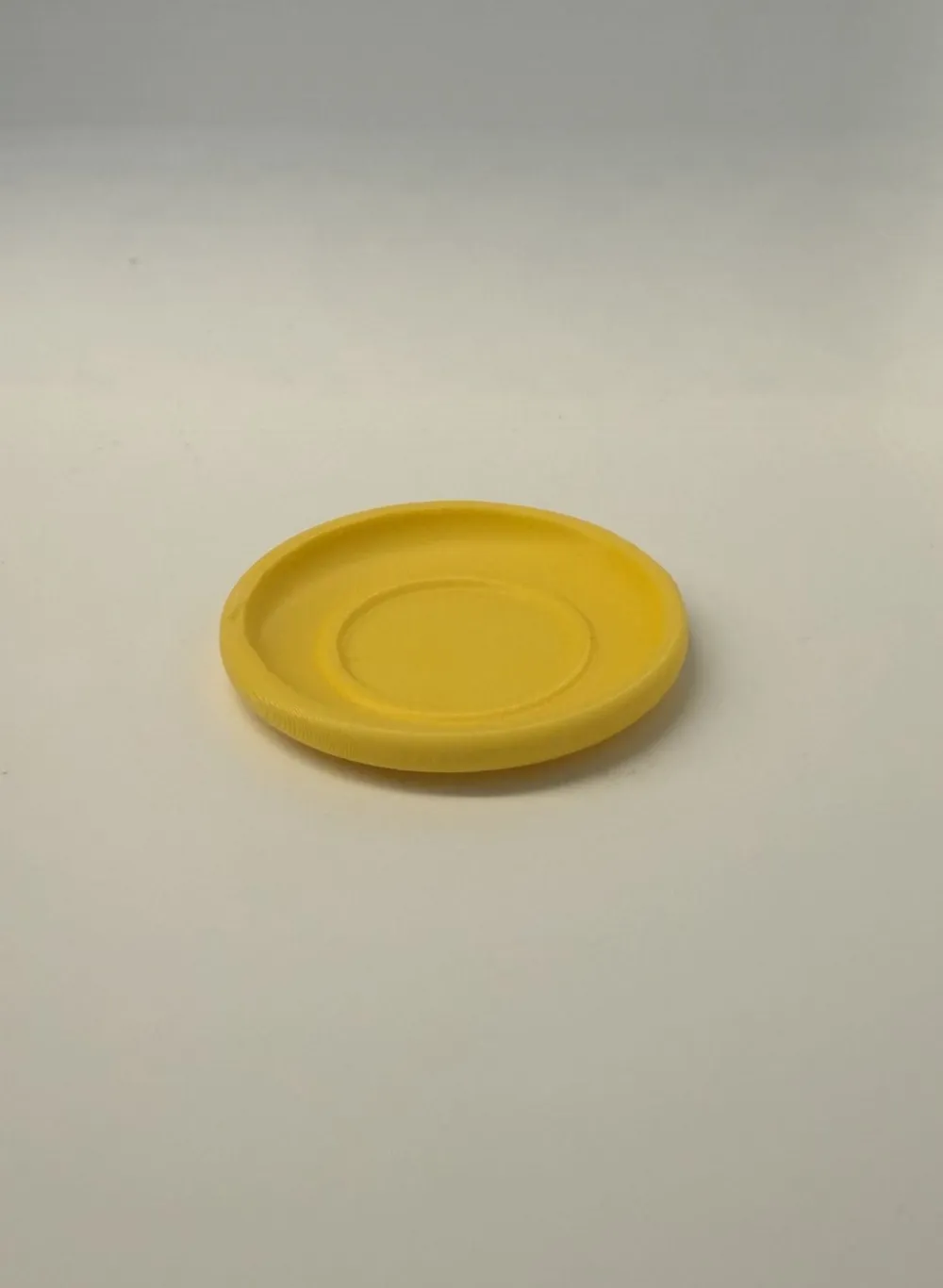
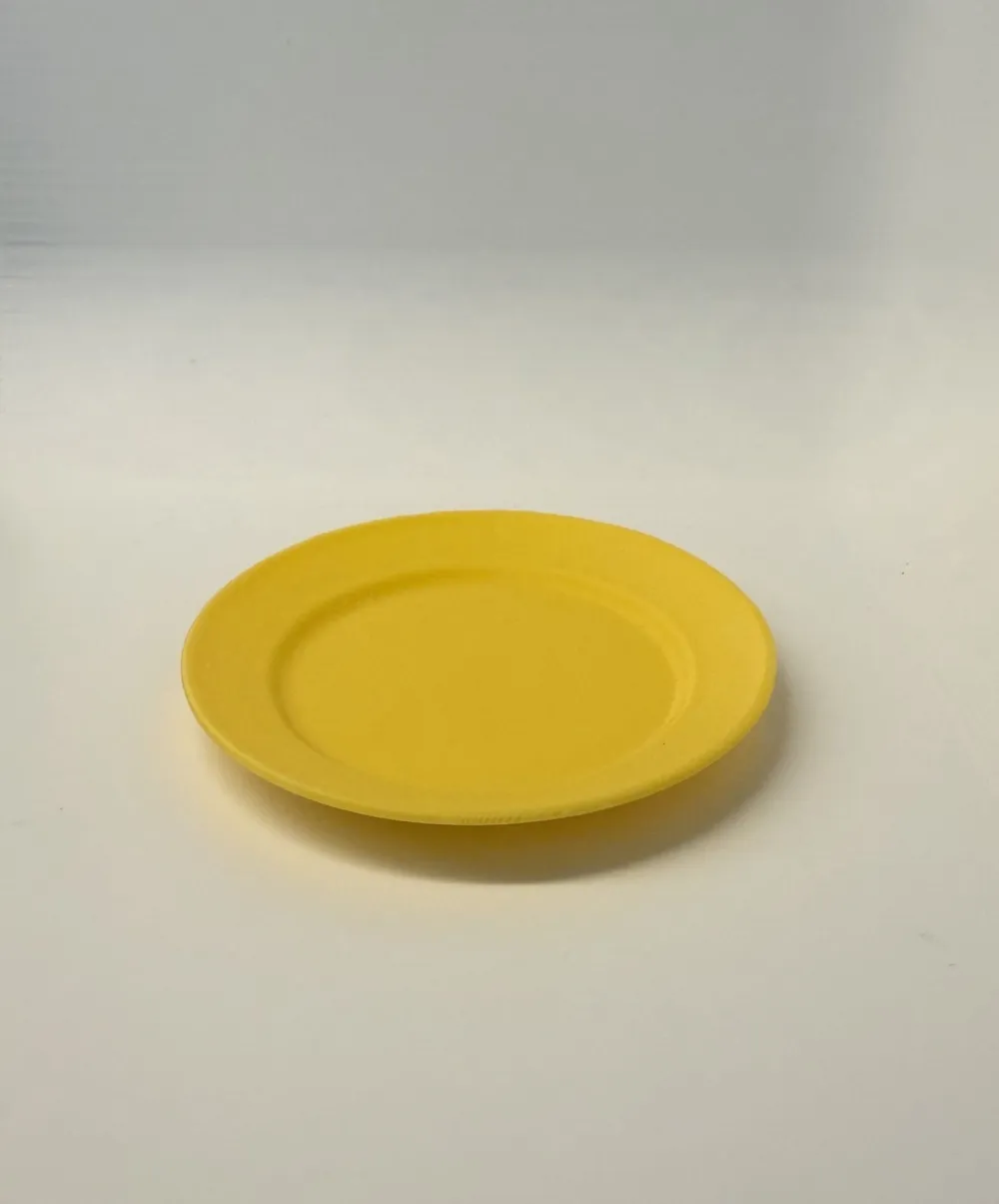
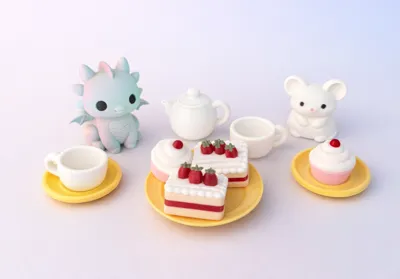
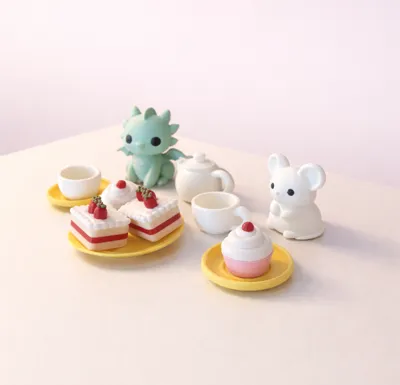
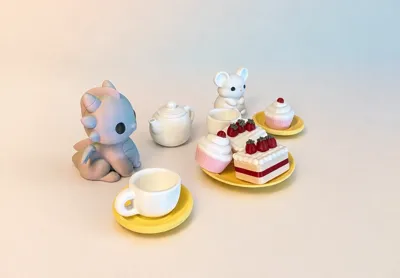
“A Cup of Kindness” is a miniature moment frozen in time—a cozy little tea party filled with soft smiles, sweet treats, and quiet companionship. Designed to be easy and joyful to print, each piece comes together to create a scene that feels both playful and meaningful.
And the best part… you’re invited. ☕
You don’t have to print everything—start with just one cup, one treat, or one little friend, and build your own version of this tiny gathering. Add what you love, leave what you don’t, and make the scene your own.
There’s always space for more friends at the table. If you’d like to invite others, you can find more companions here:
https://makerworld.com/en/models/2591096-flora-the-spring-dragon-figurine#profileId-2858944
Filament used:
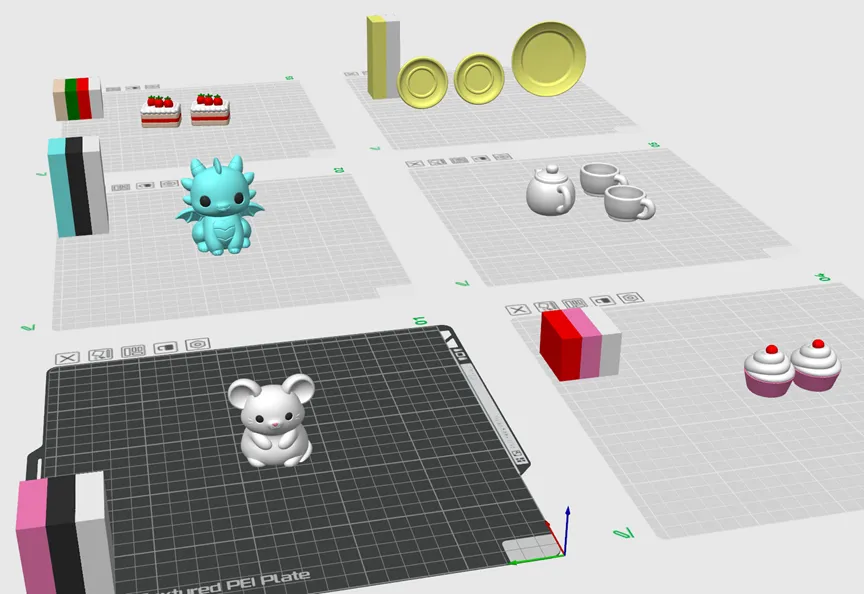
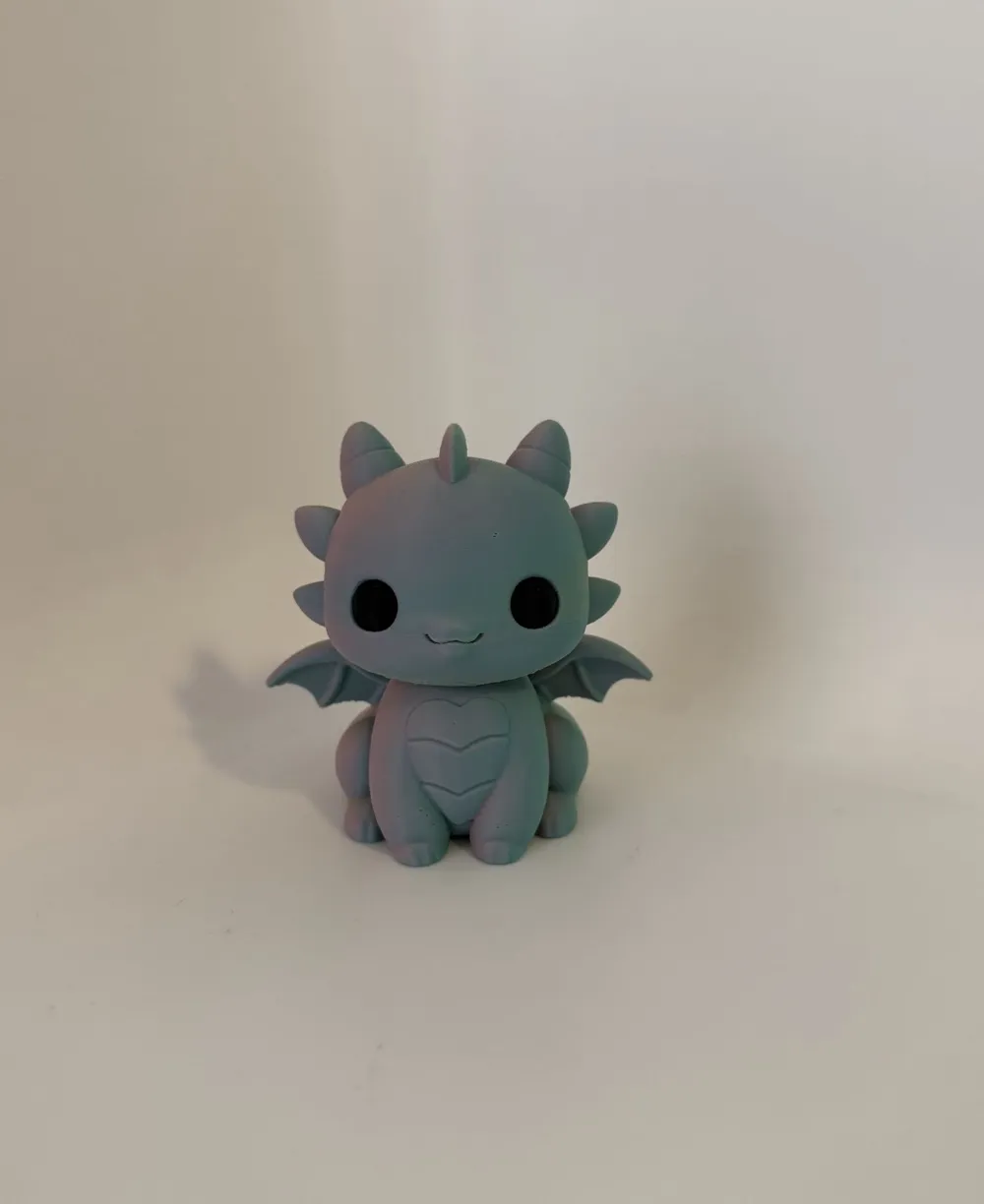
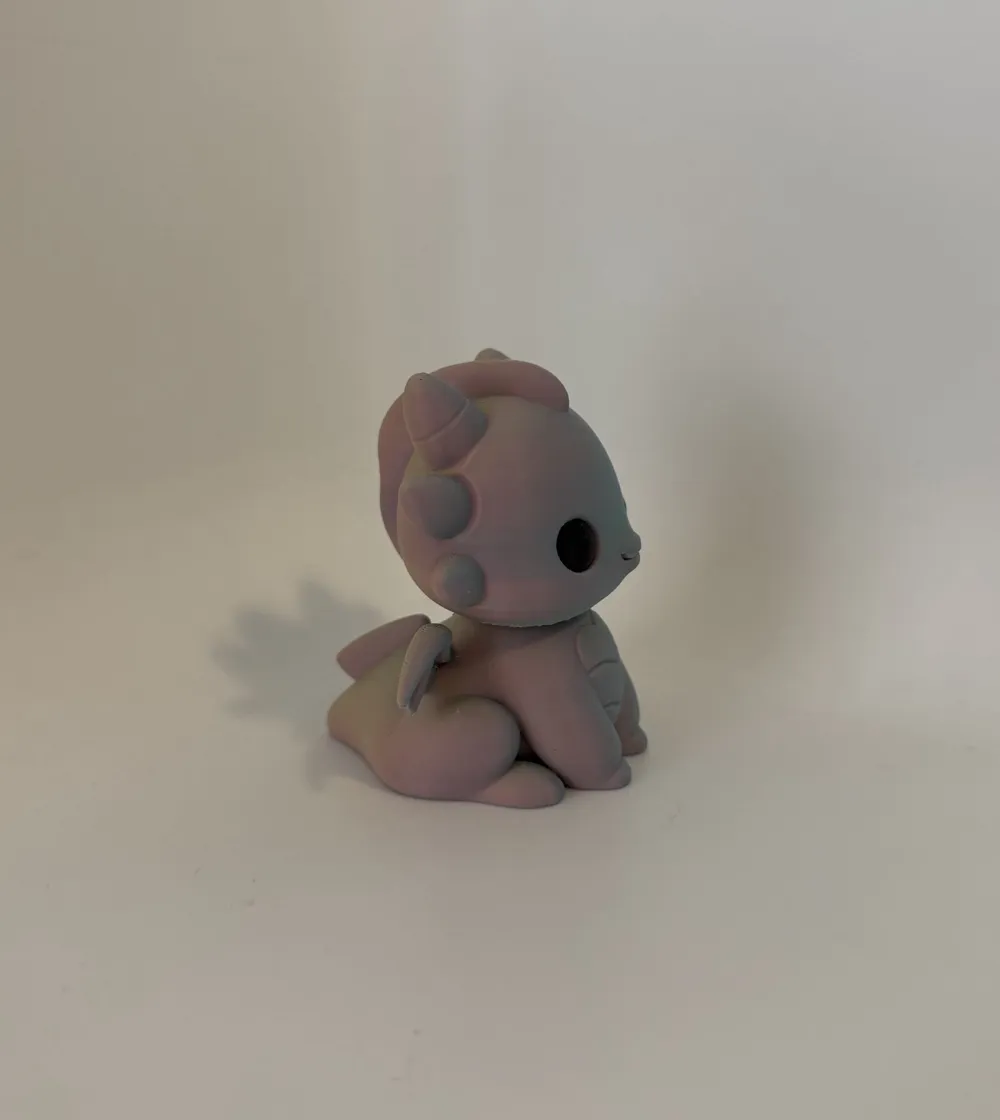
- Colorful Mist (Matte) PLA – Used on the Dragon – Ziro
- Prop-Beige (Used on the cake) – PLA – 3DHoJor
- Fire Engine Red – PLA - 3DHoJor
- White – PLA Elegoo
- Sakura Pink - PLA – Elegoo
- Sunshine Yellow – PLA – Elegoo
- Black – PLA Sunlu
- Green (Matte Black Forest Green) PLA - Eryone
Printing Recommendations:
- Material: Please print using child-safe, look for filaments that are labeled REACH and ROHS (chemical safety) compliant. PLA and PETG are in general safe options.
- Easy to scale up or down so each subject can be adjusted for the intended age and user.
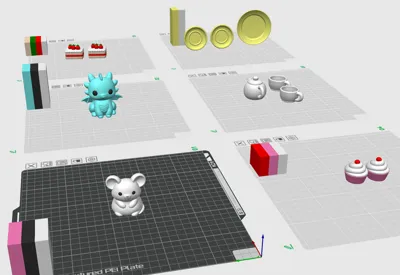
- Printing/ removing the pre-colored setting to one color will reduce the print time.
- Start with a neutral print, then let kids customize it with acrylic pens to make it completely their own.
- Use a clean print plate with some glue (unless you are using a super tack plate)
- Use dried out filament
- Use the pre-set print settings, the dedicated print plates and the positioning of the objects.
Support Removal:
- Let the model cool down before removing the supports.
- Use pliers when removing the supports.
- Start with removing the support around the top, gently twisting to the side, do not pull downwards.
- I have tried to adjust the support settings for minimal impact, but different filament can impact how hard it attaches so some sanding might be needed.
❤️ Thank you @JamesDaRoc and MakerWorld for this opportunity to support the Pieksekisten project! ❤️
If you like this design, please leave a rating, a comment, or a boost.
Boost Me (for free)
If this little tea party made you smile, consider giving it a boost 💛
License

You shall not share, sub-license, sell, rent, host, transfer, or distribute in any way the digital or 3D printed versions of this object, nor any other derivative work of this object in its digital or physical format (including - but not limited to - remixes of this object, and hosting on other digital platforms). The objects may not be used without permission in any way whatsoever in which you charge money, or collect fees.


Comment & Rating (7)